How to clean up a dispatch dashboard in Google Sheets
Clean up a dispatch dashboard in Google Sheets: stop duplicate rows, standardize formatting, show live wait time, and build a simple ETA model.

Bad Search: email@domain.com
    Matches: email@domain.com.au
             email@domain.com.org
             newemail@domain.com

Good Search: "email@domain.com"
    Matches only: email@domain.com
When: Using "Find Row in SmartSheet" action
Do: Add quotes around search value
Example:
    Search term: "{{trigger.email}}"
    Column to search: Email
If: No exact match found
Then:
    - Send to manual review queue
    - Log search attempt
    - Optional: Create new row
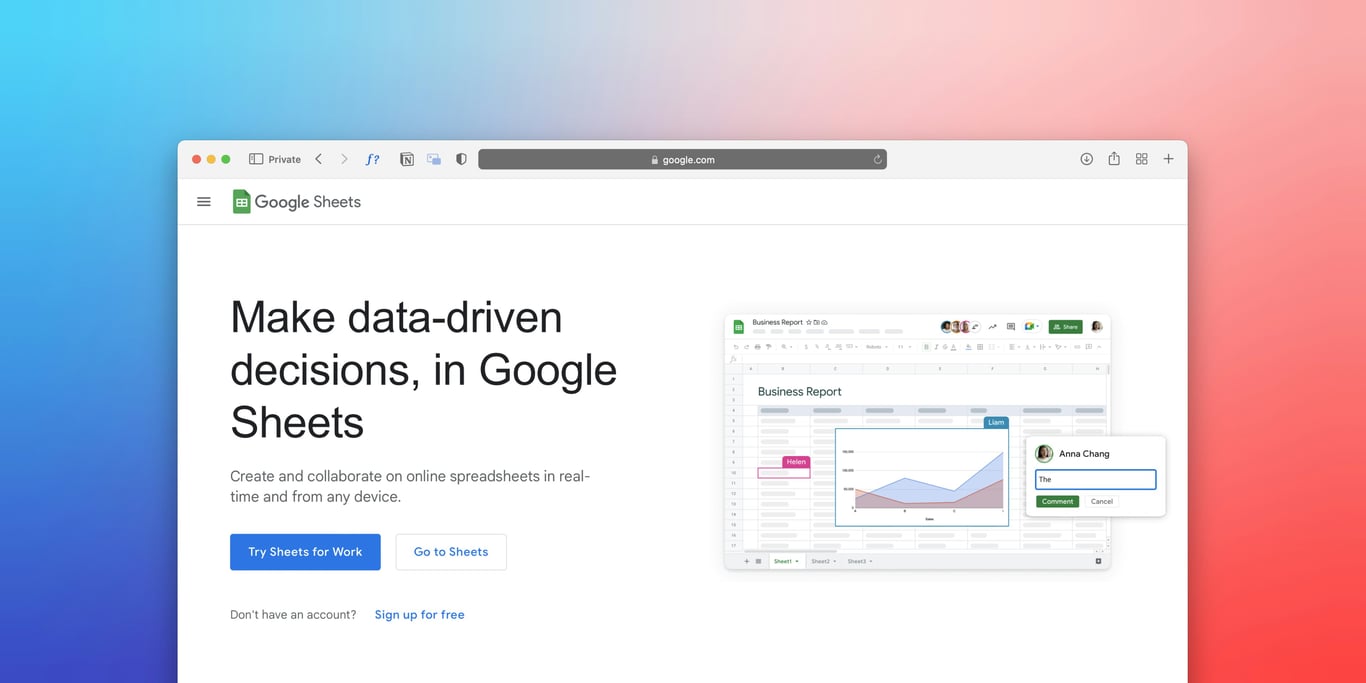
Clean up a dispatch dashboard in Google Sheets: stop duplicate rows, standardize formatting, show live wait time, and build a simple ETA model.

Build an automated crawler that finds broken links and missing images, logs each issue to Notion, and routes fixes to an owner, so you skip the manual audits.
Fix QuickBooks duplicate customer email domain issues with Zapier Formatter and API-based lookup. Reduce duplicate records, failed receipts, and manual cleanup.
