πŸ“„

Posts Display Page

Β 
Blog Content
Blog Content
AI
Β 
Β 
Post Title
Publish
Created time
Date
Client
Slug
Slug (1)
Tags db
logo
Tags
Apps
Hubs
Language
Post Title Length
Internal Tags
Status
Written by
Image link
Link
Content Calendar
Common Workflows
ID
Link to Self
Related Blog (Bullet)
1 Cover Creator - Start
2 Cover Creator - Copy
Cover Creator - Google Slides ID
Distribution DB
Generate LK
Generate NL
Google Slides
Record ID
Test-Cover Creator - Start (1)
tag html
Rollup apps
logo
HasCover?
KW AI GEN
LinkedIn Post Content
Meta Description
Meta Title
TESTING
Unsplash Cover
πŸ”‘ Keyword Goals
Connie's Keyword Target
Full URL
Keyword Goal Source
Last edited time
Long video prompt
Prompt last generated
Prompt status
Prompt theme mode
Short video prompt
Video theme
Publish
Sep 18, 2026 12:10 PM GMT+0
Sep 18, 2026
Egala
English
Case Study
Workflow Automation
Published
1142
https://docs.google.com/presentation/d//edit
European trucking firm: 5,000 monthly leads, automated recruitment pipeline with Zapier β€” 130–160 hours of manual work eliminated. See how Connex built it.
Recruitment pipeline automation: trucking case study
Unsplash Cover
Sep 18, 2026 12:39 PM GMT+0
Publish
Sep 18, 2026 01:15 AM GMT+0
English
Needs Review
1141
https://docs.google.com/presentation/d//edit
See how AI operations agents for small teams can handle development, support, SEO, and task handoffs while founders keep human QA and customer conversations.
AI Operations Agents for Small Teams
Unsplash Cover
AI operations agents for small teams
Sep 23, 2026 10:01 AM GMT+0
Publish
Sep 18, 2026 01:15 AM GMT+0
English
Needs Review
β€£
1140
https://docs.google.com/presentation/d//edit
Learn how to automate a QuickBooks ShipStation invoice integration, trigger orders at the right stage, map SKUs and addresses, and test fulfillment safely.
QuickBooks ShipStation Invoice Integration | Guide
Unsplash Cover
QuickBooks ShipStation invoice integration
Sep 18, 2026 01:20 AM GMT+0
Draft ready
Publish
Sep 18, 2026 01:15 AM GMT+0
English
Needs Review
1139
https://docs.google.com/presentation/d//edit
Too unique for automation? Turn custom workflows into repeatable triggers, clear handoffs, and safer decisions without forcing a rigid process.
Too Unique for Automation: Find the Right Pattern
Unsplash Cover
too unique for automation
Sep 18, 2026 01:20 AM GMT+0
Draft ready
Publish
Sep 17, 2026 01:09 AM GMT+0
Sep 17, 2026
English
Published
1138
https://docs.google.com/presentation/d//edit
Learn how sales hiring for small business growth can unlock revenue capacity, clarify the first sales role, and keep operations and automation on track.
Sales Hiring for Small Business Growth
Unsplash Cover
sales hiring for small business growth
Sep 17, 2026 10:09 PM GMT+0
Publish
Sep 17, 2026 01:09 AM GMT+0
Sep 17, 2026
English
Published
1137
https://docs.google.com/presentation/d//edit
Notion setup session automation gives consultants the right context before upsell calls, reducing repeated questions and improving handoffs to sales.
Notion Setup Session Automation for Upsell Calls
Unsplash Cover
Notion setup session automation
Sep 17, 2026 07:10 PM GMT+0
Publish
Sep 16, 2026 12:10 PM GMT+0
Sep 17, 2026
Charcot-Marie-Tooth Association (CMTA)
English
Case Study
Workflow Automation
Published
1136
https://docs.google.com/presentation/d//edit
A nonprofit stress-tested its GoFundMe Pro, Zapier, and Mailchimp automation before 35,000 contacts. See the 6 fixes the pre-launch audit uncovered.
Stress-Testing a 35,000-Contact Nonprofit Email Automation
Unsplash Cover
Sep 17, 2026 04:08 PM GMT+0
Publish
Sep 16, 2026 01:08 AM GMT+0
English
Needs Review
1135
https://docs.google.com/presentation/d//edit
Quo Zapier integration troubleshooting: fix API failures by checking endpoints, authentication, payloads, and mappings before rebuilding your workflow.
Quo Zapier Integration Troubleshooting Guide
Unsplash Cover
Quo Zapier integration troubleshooting
Sep 16, 2026 01:14 AM GMT+0
Publish
Sep 16, 2026 01:07 AM GMT+0
English
Needs Review
1134
https://docs.google.com/presentation/d//edit
Fix QuickBooks duplicate customer email domain issues with Zapier Formatter and API-based lookup. Reduce duplicate records, failed receipts, and manual cleanup.
QuickBooks Duplicate Customer Email Domain Fix
Unsplash Cover
QuickBooks duplicate customer email domain
Sep 16, 2026 01:13 AM GMT+0
Draft ready
Publish
Sep 16, 2026 01:07 AM GMT+0
English
Needs Review
1133
https://docs.google.com/presentation/d//edit
Compare Replit vs Notion CRM for email, dashboards, templates, meeting notes, and AI workflows, then choose the setup that fits your business.
Replit vs Notion CRM: Which Should You Use?
Unsplash Cover
Replit vs Notion CRM
Sep 16, 2026 01:13 AM GMT+0
Draft ready
Publish
Sep 16, 2026 01:07 AM GMT+0
English
Needs Review
1132
https://docs.google.com/presentation/d//edit
Fix Notion workspace access issues by checking the invited email, correcting domain mismatches, confirming teamspace membership, and removing duplicates safely.
Notion Workspace Access: Fix Invite Issues
Unsplash Cover
Notion workspace access
Sep 16, 2026 01:13 AM GMT+0
Publish
Sep 15, 2026 01:06 AM GMT+0
Sep 17, 2026
English
Published
1131
https://docs.google.com/presentation/d//edit
Learn a safe JobTread Wave integration: auto-create Wave invoices from JobTread in draft mode, handle customer exceptions, and avoid expense-sync pitfalls.
JobTread Wave integration: automate invoices (draft-first)
Unsplash Cover
jobtread wave integration
Sep 17, 2026 01:09 PM GMT+0
Publish
Sep 15, 2026 01:06 AM GMT+0
Sep 16, 2026
English
Published
1130
https://docs.google.com/presentation/d//edit
Podcast production workflow checklist: prep guests, fix audio/lighting, record fast, and hand off cleanly so you publish consistent episodes every time.
Podcast production workflow: consistency checklist
Unsplash Cover
podcast production workflow
Sep 16, 2026 10:09 PM GMT+0
Publish
Sep 14, 2026 12:47 PM GMT+0
Sep 14, 2026
Fargo Travel Agency (Ankur Bhardwaj) β€” Pipedrive org 6210, deal 3489
Case Study
Workflow Automation
1129
https://docs.google.com/presentation/d//edit
How a small pay-per-call call center migrated from Zapier to Pipedream to build real-time call routing intelligence, IP-based fraud detection, and agent performance analytics β€” without hiring a developer.
Unsplash Cover
Sep 14, 2026 12:52 PM GMT+0
Publish
Sep 12, 2026 01:14 AM GMT+0
Sep 16, 2026
English
Published
1127
https://docs.google.com/presentation/d//edit
Set up QuickBooks invoicing with a lightweight project workflow: draft invoices, approval steps, and status syncβ€”without buying a heavy PM suite.
QuickBooks invoicing + project tracking for small teams
Unsplash Cover
quickbooks invoicing project management system integration
Sep 16, 2026 07:09 PM GMT+0
Publish
Sep 12, 2026 01:14 AM GMT+0
English
Needs Review
1128
https://docs.google.com/presentation/d//edit
Notion database for contract manufacturers: a practical checklist for schema, searchable fields, capability tagging, and HubSpot sync before a trade show.
Notion database for contract manufacturers (checklist)
Unsplash Cover
notion database for contract manufacturers
Sep 12, 2026 01:20 AM GMT+0
Publish
Sep 12, 2026 01:14 AM GMT+0
Sep 16, 2026
English
Published
1126
https://docs.google.com/presentation/d//edit
Learn how to automate a ZoomInfo to ACT CRM integration using tags, dedupe checks, and clean field mappingβ€”so new prospects land in ACT without spreadsheets.
ZoomInfo to ACT CRM integration (automated import)
Unsplash Cover
zoominfo to ACT CRM integration
Sep 16, 2026 04:08 PM GMT+0
Publish
Sep 11, 2026 12:08 PM GMT+0
Sep 11, 2026
Share Your Genius
English
Case Study
Workflow Automation
AI
Published
1125
https://docs.google.com/presentation/d//edit
A content agency produced 24 assets per cycle, all routed by hand. See how Connex automated their intake, file routing, and production handoffs.
How a Content Agency Automated Its Production Workflow
Unsplash Cover
Sep 11, 2026 12:37 PM GMT+0
Publish
Sep 11, 2026 01:05 AM GMT+0
English
Needs Review
1124
https://docs.google.com/presentation/d//edit
AI phone system for medical offices: reduce missed calls with automatic texts, AI voicemail summaries, and appointment routingβ€”without adding front-desk headcount.
AI phone system for medical offices (missed-call texts)
Unsplash Cover
AI phone system for medical offices
Sep 11, 2026 01:10 AM GMT+0
Publish
Sep 11, 2026 01:05 AM GMT+0
English
In progress
1123
https://docs.google.com/presentation/d//edit
Build OAuth app connectors for productivity tools plus Google/Outlook calendar sync in a pragmatic V1: scope, signals, data model, and rollout plan.
OAuth app connectors blueprint (V1)
Unsplash Cover
OAuth integrations for productivity apps
Sep 11, 2026 01:10 AM GMT+0
Publish
Sep 10, 2026 01:08 AM GMT+0
Sep 16, 2026
English
Published
1122
https://docs.google.com/presentation/d//edit
Is the automation consultant market shrinking? It dependsβ€”AI changed the work. Here’s how consultants can pivot to packaging + managed automation.
Zapier automation consultant: is the market shrinking?
Unsplash Cover
zapier automation consultant
Sep 16, 2026 01:06 PM GMT+0
Publish
Sep 10, 2026 01:08 AM GMT+0
English
Needs Review
1121
https://docs.google.com/presentation/d//edit
Unify tasks in Notion from Basecamp, Gmail, and Slack with one Tasks database, linked views, and automated intakeβ€”so nothing gets lost.
Unify tasks in Notion from Basecamp, Gmail, Slack
Unsplash Cover
notion unified task management basecamp gmail slack google tasks
Sep 10, 2026 01:14 AM GMT+0
Publish
Sep 10, 2026 01:08 AM GMT+0
English
Needs Review
1120
https://docs.google.com/presentation/d//edit
Clean up a dispatch dashboard in Google Sheets: stop duplicate rows, standardize formatting, show live wait time, and build a simple ETA model.
Dispatch dashboard in Google Sheets (cleanup checklist)
Unsplash Cover
google sheets dispatch dashboard wait time eta
Sep 10, 2026 01:13 AM GMT+0
Publish
Sep 9, 2026 12:08 PM GMT+0
Sep 9, 2026
The Hardy Group
English
Published
1119
https://docs.google.com/presentation/d//edit
Four tools, no single source of truth. See how Connex migrated a consulting firm from Salesforce and Pardot into a single Airtable CRM with Make automation.
Replacing Salesforce with Airtable CRM | Connex
Unsplash Cover
Sep 9, 2026 12:38 PM GMT+0
Publish
Sep 8, 2026 01:02 AM GMT+0
Sep 15, 2026
English
Published
1118
https://docs.google.com/presentation/d//edit
Fix missing Dialpad call transcripts in Google Sheets Zaps: use the /v2/call endpoint, started_after Unix timestamps, and a post-call delay so transcripts are ready.
Fix Dialpad call transcripts to Google Sheets (Zapier)
Unsplash Cover
dialpad zapier call transcript google sheets
Sep 15, 2026 10:11 PM GMT+0
Publish
Sep 7, 2026 12:07 PM GMT+0
Sep 7, 2026
Catch Hospitality Group (Canada)
Case Study
AI
Workflow Automation
1117
https://docs.google.com/presentation/d//edit
Unsplash Cover
Sep 8, 2026 10:02 AM GMT+0
Publish
Sep 5, 2026 01:11 AM GMT+0
Sep 7, 2026
English
Published
1116
https://docs.google.com/presentation/d//edit
Legal clinic scheduling platform requirements for SOC 2 + VPAT compliance: intake, scheduling, reminders, surveys, and multi-org clinic sharing.
Legal clinic scheduling platform requirements
Unsplash Cover
legal clinic scheduling platform
Sep 21, 2026 10:10 AM GMT+0
Publish
Sep 4, 2026 12:10 PM GMT+0
Commonwealth Curb Appeal
Case Study
Workflow Automation
1115
https://docs.google.com/presentation/d//edit
A Virginia landscaping company was losing inbound leads because call transcripts never made it into their CRM. Here's how automation closed the gap β€” and kept closing new ones for 3.5 years.
Unsplash Cover
Sep 4, 2026 12:15 PM GMT+0
Publish
Sep 4, 2026 01:04 AM GMT+0
Sep 4, 2026
English
Published
1114
https://docs.google.com/presentation/d//edit
Build an estate planning automation system in Notion: track clients, document packets, and signing steps with connected databases, rollups, and templates.
Estate planning automation: Notion intake system
Unsplash Cover
estate planning automation
Sep 4, 2026 12:39 PM GMT+0
Publish
Sep 4, 2026 01:04 AM GMT+0
Sep 15, 2026
English
Published
1113
https://docs.google.com/presentation/d//edit
Fix Lex Reception β†’ Locus routing errors in Zapier by verifying Contacts/Leads/Matters in Locus first, reducing branching, and adding better logging and safeguards.
Fix Lex Reception Locus Zapier routing errors
Unsplash Cover
lex reception zapier locus crm integration
Sep 15, 2026 07:10 PM GMT+0
Publish
Sep 3, 2026 05:11 PM GMT+0
Sep 3, 2026
English
Published
1112
https://docs.google.com/presentation/d//edit
Yes
Notion workspace ID, settings, identity, copy, integration
Finding your Notion workspace ID is quick once you know where to lookβ€”just head to Settingsβ€―β†’β€―Identity, scroll down, and copy the 36‑character ID. It’s the key piece for any integration (Zapier, Make, n8n, custom sync) that needs to target your whole workspace, not just a single page or database. Remember, the ID alone isn’t a credential; access still requires proper authorization.

Read the full guide here: https://connex.digital/blog/how-to-find-your-notion-workspace-id

#Notion #Automation #Productivity #NoCode #Integration #ConnexDigital
A 49-second video and written steps for finding your Notion workspace ID. Log in, click your workspace name, open Settings, then Identity, and copy the ID.
How to Find Your Notion Workspace ID | Connex Digital
Unsplash Cover
Sep 3, 2026 05:17 PM GMT+0
Publish
Sep 2, 2026 12:11 PM GMT+0
Sep 2, 2026
OurCalling
English
Published
1111
https://docs.google.com/presentation/d//edit
How a ~60-person homeless services nonprofit replaced broken Klipfolio dashboards with real-time QuickBooks P&L reports in Looker Studio β€” built in 3 sessions.
Klipfolio to Looker Studio: Nonprofit Dashboard Migration
Unsplash Cover
Sep 3, 2026 03:18 PM GMT+0
Publish
Sep 2, 2026 01:16 AM GMT+0
Sep 15, 2026
English
Published
1110
https://docs.google.com/presentation/d//edit
Build one master task database in Notion and use linked views for each team. Get a clean property set, view templates, and rollout tips that scale.
Master task database in Notion (linked views)
Unsplash Cover
notion linked views master database
Sep 15, 2026 04:05 PM GMT+0
Publish
Sep 2, 2026 01:15 AM GMT+0
Not started
1109
https://docs.google.com/presentation/d//edit
Build a Notion meeting notes database that auto-summarizes and extracts next steps with AI autofill, then surface the right meetings anywhere using linked views.
Notion meeting notes database with AI autofill
Unsplash Cover
notion linked views master database
Sep 2, 2026 01:21 AM GMT+0
Publish
Sep 2, 2026 01:15 AM GMT+0
English
Needs Review
1108
https://docs.google.com/presentation/d//edit
Zoho AI agent timeout on huge CRM datasets? Use pagination caps, bulk exports, and pre-indexing to search millions of records without restarting or failing.
Zoho AI agent timeout: handling huge CRM datasets
Unsplash Cover
zoho ai agent timeout large crm dataset
Sep 2, 2026 01:20 AM GMT+0
Publish
Sep 2, 2026 01:15 AM GMT+0
Not started
1107
https://docs.google.com/presentation/d//edit
Fix Spray service scheduled trigger automation with reliable workarounds: diagnose webhooks, capture IDs, and use timer + API polling patterns in Zapier.
Fix Spray service scheduled trigger automation
Unsplash Cover
spray service scheduled trigger automation
Sep 2, 2026 01:20 AM GMT+0
Publish
Sep 2, 2026 01:15 AM GMT+0
English
Needs Review
1106
https://docs.google.com/presentation/d//edit
Zapier Zap cleanup checklist to simplify complex automations safely. Reduce noisy triggers, remove redundant steps, add logging, and prevent throttling.
Zapier Zap cleanup: simplify complex automations
Unsplash Cover
zapier zap cleanup simplify automations
Sep 2, 2026 01:20 AM GMT+0
Publish
Sep 2, 2026 01:14 AM GMT+0
English
Needs Review
1105
https://docs.google.com/presentation/d//edit
BambooHR ADP integration pricing usually includes API access fees plus an integration subscription and setup. See typical ranges and a scoping checklist.
BambooHR ADP integration pricing (setup costs + fees)
Unsplash Cover
bamboohr adp integration pricing
Sep 15, 2026 01:02 PM GMT+0
Publish
Sep 1, 2026 01:13 AM GMT+0
Sep 14, 2026
English
Published
1104
https://docs.google.com/presentation/d//edit
Learn how an AI interview agent can capture process knowledge fast, add the right metadata, and turn documentation into automation-ready workflows.
AI interview agent for process documentation
Unsplash Cover
ai interview agent for process documentation
Sep 14, 2026 10:08 PM GMT+0
Publish
Sep 1, 2026 01:13 AM GMT+0
English
In progress
1103
https://docs.google.com/presentation/d//edit
Learn how to use Claude to design a practical scheduling assistant for a service businessβ€”data model, daily updates, dispatch workflow, and rollout steps.
Claude scheduling assistant for service businesses
Unsplash Cover
claude scheduling assistant for service business
Sep 1, 2026 01:18 AM GMT+0
Publish
Sep 1, 2026 01:13 AM GMT+0
Sep 14, 2026
English
Published
1102
https://docs.google.com/presentation/d//edit
Apollo outreach automation for B2B prospecting helps you enrich leads, find contacts, and run a 3-email sequenceβ€”then sync qualified replies into HubSpot.
Apollo outreach automation for B2B prospecting
Unsplash Cover
apollo outreach automation for b2b prospecting
Sep 14, 2026 07:03 PM GMT+0
Publish
Aug 31, 2026 12:13 PM GMT+0
Aug 31, 2026
FocusGroups.org
English
Case Study
AI
Workflow Automation
Published
1101
https://docs.google.com/presentation/d//edit
Learn how a market research firm automated 90+ weekly confirmation calls with an AI voice agent built on Twilio, 11 Labs, and Zapier. See the exact architecture.
AI Voice Agent for Market Research Confirmation Calls
Unsplash Cover
Sep 3, 2026 02:05 PM GMT+0
Publish
Aug 27, 2026 01:14 AM GMT+0
English
Needs Review
1100
https://docs.google.com/presentation/d//edit
Learn a practical Salesforce to Airtable migration plan for CRM + production tracking: object audit, table mapping, phased rollout, automation logging, dashboards, and permissions.
Salesforce to Airtable migration CRM: step-by-step playbook
Unsplash Cover
salesforce to airtable migration crm
Aug 27, 2026 01:20 AM GMT+0
Publish
Aug 27, 2026 01:14 AM GMT+0
English
Needs Review
1099
https://docs.google.com/presentation/d//edit
Learn the simplest Vista Viewpoint β†’ BambooHR integration: export time cards and pay stubs to SFTP, validate/transform files, then upload to employee records.
Vista Viewpoint BambooHR integration via SFTP
Unsplash Cover
vista viewpoint bamboohr integration
Aug 27, 2026 01:20 AM GMT+0
Publish
Aug 27, 2026 01:14 AM GMT+0
Sep 14, 2026
English
Published
1098
https://docs.google.com/presentation/d//edit
Fix a broken Zapier QuickBooks integration fast: diagnose auth, mapping, and replay issues, prevent duplicates, and safely retry or escalate in 60 minutes.
Zapier QuickBooks integration troubleshooting checklist
Unsplash Cover
zapier quickbooks integration troubleshooting
Sep 14, 2026 04:08 PM GMT+0
Publish
Aug 22, 2026 01:13 AM GMT+0
English
Needs Review
1097
https://docs.google.com/presentation/d//edit
Build a weekly BambooHR PTO balance report email using Zapierβ€”format the report as an HTML table in the Gmail body so HR can scan balances without logging in.
Weekly BambooHR PTO balance report email (Zapier)
Unsplash Cover
bamboohr time off balance report email
Aug 22, 2026 01:18 AM GMT+0
Publish
Aug 21, 2026 01:14 AM GMT+0
Sep 14, 2026
English
Published
1096
https://docs.google.com/presentation/d//edit
Need a pipedrive data cleanup? Use this step-by-step plan to dedupe records, segment companies, apply primary categories, QA results, and estimate cost.
Pipedrive data cleanup: dedupe & categorize at scale
Unsplash Cover
pipedrive data cleanup
Sep 14, 2026 01:05 PM GMT+0
Publish
Aug 21, 2026 01:14 AM GMT+0
1095
https://docs.google.com/presentation/d//edit
Build a repeatable reddit engagement strategy: monitor threads, route to Slack, draft ethical replies, and publish via an approval-based content calendar.
Reddit engagement strategy workflow: monitor to calendar
Unsplash Cover
reddit engagement strategy
Aug 21, 2026 01:19 AM GMT+0
Publish
Aug 21, 2026 01:13 AM GMT+0
English
Needs Review
1094
https://docs.google.com/presentation/d//edit
Build a client reschedule workflow that emails a rebooking link, cancels the original booking, returns credit, and logs an audit trail for service calls.
Client reschedule workflow for service calls
Unsplash Cover
client reschedule workflow
Aug 21, 2026 01:19 AM GMT+0
Publish
Aug 21, 2026 01:13 AM GMT+0
English
Needs Review
1093
https://docs.google.com/presentation/d//edit
Build a Notion code snippets database so your team can store, reuse, and share snippets with live linksβ€”without scattering code across docs.
Notion code snippets database: store & reuse snippets
Unsplash Cover
notion code snippets database
Aug 21, 2026 01:19 AM GMT+0
Publish
Aug 20, 2026 01:14 AM GMT+0
Sep 11, 2026
English
Published
1092
https://docs.google.com/presentation/d//edit
How to move a dental clinic from Trello to a Notion content calendar β€” with the right permissions, database setup, and a clean 2-person pilot rollout.
Trello to Notion content calendar for dental clinics
Unsplash Cover
Trello to Notion for dental clinic content calendar
Sep 11, 2026 10:08 PM GMT+0
Publish
Aug 20, 2026 01:13 AM GMT+0
English
Needs Review
1091
https://docs.google.com/presentation/d//edit
Fix RingCentral call summary 404s in Zapier with a short delay + retry pattern, then write the summary into your CRM reliably.
RingCentral call summary Zapier delay (fix 404s)
Unsplash Cover
RingCentral call summary Zapier delay
Aug 20, 2026 01:18 AM GMT+0
Publish
Aug 19, 2026 01:11 AM GMT+0
English
Needs Review
1090
https://docs.google.com/presentation/d//edit
Sync Clio events to Google Sheets without duplicates using Zapier upserts. Use an event ID in the description to update, cancel, and reschedule reliably.
Clio to Google Sheets sync without duplicates
Unsplash Cover
clio mcp zapier
Sep 11, 2026 07:05 PM GMT+0
Publish
Aug 18, 2026 01:17 AM GMT+0
Sep 11, 2026
English
Published
1089
https://docs.google.com/presentation/d//edit
Build a Notion hub that syncs with Asana without duplicate tasks. Get the right architecture, a cleanup checklist, and integration pitfalls to avoid.
Notion + Asana integration: hub setup that works
Unsplash Cover
Notion + Asana integration
Sep 11, 2026 04:10 PM GMT+0
Publish
Aug 18, 2026 01:16 AM GMT+0
English
Needs Review
1088
https://docs.google.com/presentation/d//edit
Managing Notion teamspaces and permissions gets hard fast in one space. Learn scalable teamspace + group patterns and migration steps that keep links intact.
Scale Notion teamspaces and permissions
Unsplash Cover
managing Notion teamspaces and permissions
Aug 18, 2026 10:09 AM GMT+0
Publish
Aug 13, 2026 01:12 AM GMT+0
Nonprofit (anonymized)
English
In progress
β€£
1087
https://docs.google.com/presentation/d//edit
Build a reliable nonprofit donation workflow from QGiv/Stripe to HubSpot, then into QuickBooks via Zapier, with classes, soft credits, and reconciliation.
HubSpot QuickBooks Zapier donations workflow
Unsplash Cover
HubSpot + QuickBooks + Zapier donations workflow
Aug 15, 2026 10:09 AM GMT+0
Publish
Aug 13, 2026 01:12 AM GMT+0
Sep 11, 2026
English
Published
1086
https://docs.google.com/presentation/d//edit
Build Notion executive dashboards using charts and relations. Create a KPI page, connect Projects-Tasks-Deals, and report without upgrading your plan.
Notion executive dashboards: charts + relations setup
Unsplash Cover
Notion executive dashboards
Sep 11, 2026 01:09 PM GMT+0
Publish
Aug 13, 2026 01:12 AM GMT+0
Sep 10, 2026
English
Published
1085
https://docs.google.com/presentation/d//edit
Fix duplicate QuickBooks invoices from Fulcrum via Zapier: normalize product names, add de-dup checks, and make invoice creation idempotent and retry-safe.
Fulcrum to QuickBooks invoice automation (no duplicates)
Unsplash Cover
Fulcrum to QuickBooks invoice automation
Sep 10, 2026 10:07 PM GMT+0
Publish
Aug 12, 2026 01:09 AM GMT+0
Sep 10, 2026
English
Published
1084
https://docs.google.com/presentation/d//edit
Build Slack-first AI agents with Notion as your knowledge hub. Learn a practical architecture, triggers, permissions, cost controls, and activity logs.
Slack-first AI agents with Notion: a practical framework
Unsplash Cover
slack-first AI agents with Notion
Sep 10, 2026 07:09 PM GMT+0
Publish
Aug 11, 2026 01:04 AM GMT+0
English
Needs Review
β€£
1083
https://docs.google.com/presentation/d//edit
Build a reliable Netlify form to QuickBooks invoice Zapier workflow. Trigger from Netlify form submissions (not email parsing) to prevent duplicate invoices.
Netlify form to QuickBooks invoice Zapier setup
Unsplash Cover
netlify form to quickbooks invoice zapier
Aug 14, 2026 10:03 AM GMT+0
Publish
Aug 7, 2026 01:10 AM GMT+0
Needs Review
1082
https://docs.google.com/presentation/d//edit
Build FDA-friendly Airtable lot traceability with a single β€œmagic button”: deduct inventory by lot, prevent double-withdrawals, and generate QR audit trails.
Airtable lot number traceability for medical devices
Unsplash Cover
Airtable lot number traceability (medical device inventory)
Aug 14, 2026 10:03 AM GMT+0
Publish
Aug 6, 2026 01:16 AM GMT+0
English
Needs Review
1081
https://docs.google.com/presentation/d//edit
Set up an AI answering service that logs calls, captures lead details, and triggers follow-ups in your CRM using Zapier. Includes requirements + a starter build plan.
AI answering service integration with CRM (Zapier guide)
Unsplash Cover
AI answering service integration with CRM (Zapier + voice AI)
Aug 14, 2026 10:03 AM GMT+0
Publish
Aug 5, 2026 01:17 AM GMT+0
Sep 10, 2026
English
Published
1080
https://docs.google.com/presentation/d//edit
Bullet + Notion website setup checklist for domains, logins, Weglot, access control, nav, and Mailchimp newsletter embedsβ€”fix issues fast.
Bullet + Notion website setup checklist
Unsplash Cover
bullet + notion website setup checklist
Sep 10, 2026 04:09 PM GMT+0
Publish
Aug 5, 2026 01:17 AM GMT+0
Sep 10, 2026
English
Published
1079
https://docs.google.com/presentation/d//edit
Automate multi-unit rental application workflows: prevent wrong units, enforce unit selection, validate submissions, and reduce manual review with clean data.
Multi-unit rental application workflows (automation guide)
Unsplash Cover
automating multi-unit rental application workflows
Sep 10, 2026 01:09 PM GMT+0
Publish
Aug 5, 2026 01:17 AM GMT+0
Sep 9, 2026
English
Published
1078
https://docs.google.com/presentation/d//edit
Google Ads offline conversion uploads not showing? Use this checklist to verify customer ID, conversion action, windows, schedules, and where to validate results.
Google Ads offline conversion uploads not showing
Unsplash Cover
google ads offline conversion uploads not showing
Sep 9, 2026 10:07 PM GMT+0
Publish
Aug 5, 2026 01:17 AM GMT+0
Sep 9, 2026
English
Published
1077
https://docs.google.com/presentation/d//edit
No
Learn how to add external users to Notion AI agents, choose guest vs member access, and troubleshoot the most common permission issues.
Add external users to Notion AI agents (permissions)
Unsplash Cover
adding external users to Notion AI agents
Sep 9, 2026 07:06 PM GMT+0
Publish
Aug 1, 2026 01:07 AM GMT+0
English
Needs Review
1076
https://docs.google.com/presentation/d//edit
No
Learn a reliable Zoho Forms to OneDrive automation that lets vendors upload documents in multiple rounds without creating duplicate folders.
Zoho Forms to OneDrive automation (no duplicate folders)
Unsplash Cover
zoho forms vendor document upload automation
Aug 14, 2026 10:03 AM GMT+0
Publish
Jul 31, 2026 01:04 AM GMT+0
Sep 9, 2026
English
Published
1075
https://docs.google.com/presentation/d//edit
No
A Notion pointer page is a single, high-signal index that tells humans and AI agents where your databases, SOPs, and dashboards liveβ€”without bloating context.
Notion pointer page: AI-ready second brain blueprint
Unsplash Cover
Notion pointer page / second brain architecture
Sep 9, 2026 04:09 PM GMT+0
Publish
Jul 31, 2026 01:04 AM GMT+0
English
In progress
1074
https://docs.google.com/presentation/d//edit
Convert ADF XML email leads into HubSpot using Zapier. Add a code step to turn XML into JSON, then map fields to create/update contacts and deals.
ADF to HubSpot in Zapier (XML to JSON)
Unsplash Cover
ADF to HubSpot (Zapier XML β†’ JSON)
Aug 15, 2026 10:09 AM GMT+0
Publish
Jul 30, 2026 01:15 AM GMT+0
1073
https://docs.google.com/presentation/d//edit
Fix missed emails in Zapier caused by Outlook folder rules. Trigger on the right folder, add a backup parser mailbox, and use a safe backfill workflow to reprocess misses.
Stop missed emails in Zapier (Outlook folder rules fix)
Unsplash Cover
zapier email parser lead capture
Aug 15, 2026 10:10 AM GMT+0
Publish
Jul 29, 2026 12:09 PM GMT+0
Jul 29, 2026
Soccer Without Borders
English
Published
1072
https://docs.google.com/presentation/d//edit
How a ~65-person youth soccer nonprofit automated 150+ monthly donations across HubSpot, QGive, and QuickBooks β€” saving 8 hrs/week of manual entry.
How a Nonprofit Automated 150+ Monthly Donations
Unsplash Cover
Aug 15, 2026 10:10 AM GMT+0
Publish
Jul 29, 2026 01:05 AM GMT+0
Not started
β€£
1071
https://docs.google.com/presentation/d//edit
Embed a Notion database view in Google Slides by publishing a filtered view, then adding it to Slides via link, screenshot, or an add-on for live embeds. Step-by-step.
Embed Notion views in Google Slides (auto-updating)
Unsplash Cover
embed notion view in google slides
Aug 15, 2026 10:10 AM GMT+0
🧩
Migrate
Make.com scenarios to n8n: audit + PRD checklist
Publish
Jul 28, 2026 01:07 AM GMT+0
Sep 9, 2026
English
Published
1070
🧩
Migrate
Make.com scenarios to n8n: audit + PRD checklist
https://docs.google.com/presentation/d//edit
Migrate Make.com scenarios to n8n without breaking production. Use this audit + PRD checklist to inventory modules, credentials, errors, and rebuild safely.
Migrate Make.com scenarios to n8n: audit checklist
Unsplash Cover
migrate Make.com scenarios to n8n
Sep 9, 2026 01:09 PM GMT+0
Publish
Jul 28, 2026 01:06 AM GMT+0
Needs Review
1069
https://docs.google.com/presentation/d//edit
Set up one Harvest project per Hive client, assign consultants, and set billable rates so time tracking works and every engagement shows up on timesheets.
Harvest project setup for Hive clients
Unsplash Cover
Harvest project setup for Hive clients
Aug 16, 2026 10:07 AM GMT+0
Publish
Jul 27, 2026 12:08 PM GMT+0
Jul 27, 2026
Occam Labs
Published
1068
https://docs.google.com/presentation/d//edit
A small diagnostics company automated bill-of-materials inventory in Airtable, eliminating manual lot lookups and building a compliant audit trail. Here is how.
Airtable BOM Inventory Automation: A Diagnostics Case Study
Unsplash Cover
Aug 10, 2026 03:05 PM GMT+0
Publish
Jul 25, 2026 01:05 AM GMT+0
Needs Review
1067
https://docs.google.com/presentation/d//edit
Power Automate checklist to ingest quarterly Excel files from OneDrive into SQL Server with validation, upserts, logging, and safe reruns.
Power Automate: OneDrive Excel to SQL Server ingestion
Unsplash Cover
power automate onedrive excel to sql server ingestion
Jul 27, 2026 05:58 PM GMT+0
Publish
Jul 25, 2026 01:05 AM GMT+0
English
Needs Review
1066
https://docs.google.com/presentation/d//edit
Build a scheduling form that creates Google Calendar events, Trello cards, and QuickBooks customers automaticallyβ€”so customer info is captured once, not 3 times.
Google Calendar Trello QuickBooks scheduling form automation
Unsplash Cover
google calendar trello quickbooks scheduling form automation
Jul 27, 2026 05:56 PM GMT+0
Publish
Jul 25, 2026 01:05 AM GMT+0
Sep 8, 2026
English
Published
1065
https://docs.google.com/presentation/d//edit
Replace an Excel pricing sheet with an offline Fillout quoting system that generates PDFs and uploads them to JobNimbusβ€”fast for field techs.
JobNimbus quoting system: replace Excel with Fillout
Unsplash Cover
jobnimbus integrations
Sep 8, 2026 10:09 PM GMT+0
Publish
Jul 24, 2026 01:15 AM GMT+0
English
Needs Review
1063
https://docs.google.com/presentation/d//edit
Fix Smokeball Outlook contact sync deduplication by adding fallback matching (name/phone) when email is missingβ€”so updates apply without creating duplicates.
Smokeball Outlook Contact Dedup & Update Fix
Unsplash Cover
Smokeball Outlook contact sync deduplication
Jul 27, 2026 05:57 PM GMT+0
Publish
Jul 23, 2026 01:13 AM GMT+0
English
Needs Review
1062
https://docs.google.com/presentation/d//edit
Learn what Notion workers are, when to use them, and how to build, secure, deploy, and estimate cost for a worker on Notion’s developer platform.
Notion workers: how to build and deploy them
Unsplash Cover
notion workers
Jul 23, 2026 01:19 AM GMT+0
Publish
Jul 23, 2026 01:13 AM GMT+0
Needs Review
1061
https://docs.google.com/presentation/d//edit
Fix missing Zoom meeting IDs in automation pipelines with a root-cause checklist, logging, backfill steps, and guardrails to prevent silent failures.
Fix missing Zoom meeting IDs in automation pipelines
Unsplash Cover
zoom meeting id missing automations
Jul 27, 2026 05:57 PM GMT+0
Publish
Jul 22, 2026 12:06 PM GMT+0
Jul 22, 2026
Newsport
English
Published
1059
https://docs.google.com/presentation/d//edit
A small media publisher's Google Sheets–HubSpot Zap crashed on every run. A Connex consultant fixed 7 issues in 35 minutes and got it live.
Google Sheets HubSpot Zapier sync: fixing a broken workflow
Unsplash Cover
Jul 27, 2026 05:32 PM GMT+0
Publish
Jul 22, 2026 01:18 AM GMT+0
English
Needs Review
1058
https://docs.google.com/presentation/d//edit
Estate operations platform Notion Microsoft 365 workflow
πŸš€ Excited to share our Phaseβ€―1 blueprint for building an estate operations platform with Notion + Microsoftβ€―365! In this post I break down why Notion should be your system of record for SOPs, work orders, and project tracking, while Microsoftβ€―365 handles documents, email, and reporting. We cover the minimum databases you need, flexible status flows, SOP verification, and a practical checklist to get β€œnothing drops.” Plus, a glimpse at future automation with Power Automate and QuickBooks integration.

Read the full guide here: https://connex.digital/blog/estate-ops-blueprint

#Notion #Microsoft365 #EstateOperations #WorkflowAutomation #SOPs #PowerAutomate #QuickBooks #Productivity #DigitalTransformation
Build an estate operations platform in Notion + Microsoft 365. Use phased workflows for SOPs, work orders, reporting, and (later) QuickBooks and Power Automate.
Notion + Microsoft 365 estate operations platform
Unsplash Cover
Notion estate operations platform (Notion + Microsoft 365)
Jul 27, 2026 05:55 PM GMT+0
Publish
Jul 22, 2026 01:18 AM GMT+0
English
Needs Review
1057
https://docs.google.com/presentation/d//edit
Plan a BambooHR to CSI payroll integration with a one-way sync, scheduled runs + manual push, and effective-dated changes that land in the right pay period.
BambooHR to CSI payroll integration (one-way sync)
Unsplash Cover
BambooHR β†’ CSI payroll integration (one-way sync)
Jul 22, 2026 12:45 PM GMT+0
Publish
Jul 22, 2026 01:17 AM GMT+0
English
Needs Review
1056
https://docs.google.com/presentation/d//edit
Learn how to build an automated crawler that finds broken links and missing images, logs issues, and triggers a simple remediation workflowβ€”without manual audits.
Automated crawler for broken links & missing images
Unsplash Cover
Automated crawler to detect missing images + broken links
Jul 27, 2026 05:59 PM GMT+0
Publish
Jul 21, 2026 01:16 AM GMT+0
Needs Review
1055
https://docs.google.com/presentation/d//edit
Fix missing fields and duplicates when sending Facebook Lead Ads to Jobber via Zapier. Learn mapping, dedupe, and update flows to stop manual data entry.
Facebook Lead Ads to Jobber via Zapier (Fix Duplicates)
Unsplash Cover
facebook lead ads to jobber zapier
Jul 27, 2026 12:20 AM GMT+0
Publish
Jul 21, 2026 01:15 AM GMT+0
Sep 8, 2026
English
Published
1054
https://docs.google.com/presentation/d//edit
How to extract Quo call recordings to Airtable while cutting Zapier AI credit burn β€” using Claude API prompts, structured JSON, and safer field mapping.
Quo call recordings to Airtable: cut Zapier AI credit burn
Unsplash Cover
quo call recordings to airtable
Sep 8, 2026 07:10 PM GMT+0
Publish
Jul 21, 2026 01:15 AM GMT+0
English
Needs Review
1053
https://docs.google.com/presentation/d//edit
Xero Zapier integration for Lesotho e‑invoicing compliance
Excited to share our latest guide on getting Lesotho’s Lukuka e‑invoicing up and running with Xero! πŸš€
If you’re using Xero and need a fast, compliant way to push invoices to Lukuka, the blog walks you through the practical β€œXero β†’ Zapier β†’ Lukuka API” pattern, key questions to ask the API docs, handling multiple client orgs, and a rollout plan that won’t leave you scrambling before the deadline.

Read the full post for step‑by‑step details and start automating compliance today: https://connex.digital/blog/xero-to-lukuka-integration

#eInvoicing #Lesotho #Xero #Zapier #APIIntegration #Automation #Compliance #ConnexInsights
Learn how to automate compliant Lesotho e-invoicing by sending Xero invoices to Lukuka/LACUCA via Zapier + API, including multi-client rollout steps.
Xero to Lukuka integration (Lesotho e-invoicing)
Unsplash Cover
xero to lukuka integration
Jul 27, 2026 05:56 PM GMT+0
Publish
Jul 21, 2026 01:14 AM GMT+0
Sep 8, 2026
English
Published
1052
https://docs.google.com/presentation/d//edit
Sage 200 to Mailchimp automation guide: send course completion webhooks to Zapier, segment Mailchimp follow-ups, and scale from B2C to B2B summaries.
Sage 200 to Mailchimp automation playbook
Unsplash Cover
sage 200 to mailchimp automation
Sep 8, 2026 04:05 PM GMT+0
Publish
Jul 20, 2026 12:10 PM GMT+0
Jul 22, 2026
NASB
English
Published
1051
https://docs.google.com/presentation/d//edit
How a regional mortgage lender automated offline conversion tracking across Google, Bing, and Meta using Zapier and the Velocify API β€” no weekly manual exports.
Closing the Attribution Loop: Velocify + Zapier
Unsplash Cover
Jul 27, 2026 05:33 PM GMT+0
Publish
Jul 18, 2026 01:08 AM GMT+0
Sep 8, 2026
English
Published
1050
https://docs.google.com/presentation/d//edit
Fix Salesforce registration automation failures by normalizing country/state values, using US-only dropdowns, and mapping form fields correctly.
Salesforce registration automation with US state validation
Unsplash Cover
salesforce product registration automation us states dropdown
Sep 8, 2026 01:10 PM GMT+0
Publish
Jul 18, 2026 01:08 AM GMT+0
Sep 7, 2026
English
Published
1049
https://docs.google.com/presentation/d//edit
Learn how to gate task creation with a β€œpromo ready” checkbox in Zapierβ€”avoid premature tasks, handle date changes, and send reminders 2–5 days out.
Promo ready checkbox trigger in Zapier (Airtable/Zaps)
Unsplash Cover
promo ready checkbox zapier trigger
Sep 7, 2026 10:09 PM GMT+0
Publish
Jul 17, 2026 12:15 PM GMT+0
Jul 22, 2026
Slender Morris (internal only)
English
Published
1048
https://docs.google.com/presentation/d//edit
fabric manufacturing, inventory automation, Zapier, label printing, warehouse workflow
Regaining control of our Zapier stack turned a chaotic, pencil‑filled inventory process into a smooth, automated workflowβ€”and saved our client roughly $17β€―k per year. By migrating ownership, fixing label‑printing logic, and adding proactive customer notifications, we eliminated manual label corrections, reduced mis‑picking risk, and freed up valuable time for the team. πŸŽ‰

Read the full story here: https://connex.digital/blog/how-a-small-fabric-manufacturer-stopped-losing-inventory-to-a-pencil

#Automation #Zapier #InventoryManagement #ProcessImprovement #Connex #Manufacturing #DigitalTransformation
A small fabric manufacturer lost inventory to handwritten label corrections. Connex fixed their Zapier stack, migrated ownership, and automated notifications β€” saving ~$17k/yr.
How a Fabric Manufacturer Fixed Inventory With Zapier
Unsplash Cover
Jul 27, 2026 05:43 PM GMT+0
Publish
Jul 17, 2026 01:17 AM GMT+0
Sep 7, 2026
English
Published
1047
https://docs.google.com/presentation/d//edit
Fix broken Zapier email parser lead capture with validation, label normalization, URL fallbacks, and safe replays to stop dropped CRM leads.
Zapier email parser lead capture: fix broken workflows
Unsplash Cover
zapier email parser lead capture
Sep 7, 2026 07:10 PM GMT+0
Publish
Jul 17, 2026 01:17 AM GMT+0
1046
https://docs.google.com/presentation/d//edit
Learn how to build a blog-powered employee directory from a database, sync author profiles, expose only safe fields, and show role-specific content blocks on each page.
Blog employee directory from database (Notion guide)
Unsplash Cover
blog employee directory from database
Jul 27, 2026 05:54 PM GMT+0
Publish
Jul 17, 2026 01:17 AM GMT+0
Not started
1045
https://docs.google.com/presentation/d//edit
Learn a practical playbook to reduce OpenAI API credits in automations: audit every AI call, remove dead steps, add caching, and cut daily spend.
Reduce OpenAI API credits in automation workflows
Unsplash Cover
reduce openai api credits in automations
Jul 27, 2026 05:41 PM GMT+0
Publish
Jul 16, 2026 01:07 AM GMT+0
Sep 7, 2026
English
Published
1044
https://docs.google.com/presentation/d//edit
Power Automate email trigger not firing? Use this checklist to fix shared mailbox folders, permissions, filters, and SharePoint invoice dedup so intake won’t stop.
Power Automate email trigger not firing: checklist
Unsplash Cover
Power Automate email trigger not firing
Sep 7, 2026 04:07 PM GMT+0
Publish
Jul 16, 2026 01:07 AM GMT+0
English
Needs Review
1043
https://docs.google.com/presentation/d//edit
Ringba annotations missing? Follow this step-by-step debug flow across Ringba, Pabbly, and Pipedream to find gaps, fix filters, and prevent repeats.
Ringba annotations missing: debug webhooks end-to-end
Unsplash Cover
Ringba annotations missing (Pabbly + Pipedream)
Jul 23, 2026 01:51 PM GMT+0
Publish
Jul 15, 2026 12:22 PM GMT+0
Jul 22, 2026
My VA Match (myvamatch.com)
English
Published
1042
https://docs.google.com/presentation/d//edit
A bootstrapped VA matching platform stuck at 80% for over a year launched in 11 weeks β€” with Airtable, Zapier, and a scoring algorithm built by Connex.
How a VA Marketplace Finally Launched With Airtable + Zapier
Unsplash Cover
Jul 27, 2026 05:43 PM GMT+0
Publish
Jul 15, 2026 01:12 AM GMT+0
English
Needs Review
1041
https://docs.google.com/presentation/d//edit
Microsoft 365 nonprofit scheduling automation: connect intake, eligibility review, self-scheduling, waitlists, SMS reminders, and RBAC on a Microsoft-first stack.
Microsoft 365 nonprofit scheduling automation (intake + waitlists)
Unsplash Cover
microsoft 365 nonprofit scheduling automation
Jul 27, 2026 05:43 PM GMT+0
Publish
Jul 15, 2026 01:12 AM GMT+0
English
Needs Review
1040
https://docs.google.com/presentation/d//edit
Automate receipts and invoicing workflows for train and airline tickets: batch processing, PDF templates, and fixes for Zapier loop timing delays.
Automated receipts and invoicing workflows (travel tickets)
Unsplash Cover
automated receipts and invoicing workflows
Jul 27, 2026 05:44 PM GMT+0
Publish
Jul 15, 2026 01:12 AM GMT+0
Not started
1039
https://docs.google.com/presentation/d//edit
Build marketing automation workflows in the right order: SEO pipeline first, then social publishing, with a simple workflow map and step-by-step checklists.
Marketing automation workflows: SEO + social checklist
Unsplash Cover
marketing automation workflows
Jul 15, 2026 01:17 AM GMT+0
Publish
Jul 14, 2026 01:13 AM GMT+0
Needs Review
1038
https://docs.google.com/presentation/d//edit
Learn what Zapier’s move toward agentic workflows means for partnersβ€”and how to bridge deterministic automations to agents with reliable, use-case-first delivery.
Zapier agentic workflows: what partners do next
Unsplash Cover
agentic workflows (Zapier pivot, deterministic β†’ agents)
Jul 14, 2026 01:19 AM GMT+0
Publish
Jul 13, 2026 12:10 PM GMT+0
Jul 22, 2026
Omnitrace Investigations
English
Published
1037
https://docs.google.com/presentation/d//edit
A US process-server firm re-entered every job into three systems by hand. Two Zaps fixed it: ServManager to QuickBooks invoices and bills, automatically.
ServManager to QuickBooks: automate job billing with Zapier
Unsplash Cover
Jul 27, 2026 05:32 PM GMT+0
Publish
Jul 11, 2026 01:05 AM GMT+0
English
Needs Review
β€£
1036
https://docs.google.com/presentation/d//edit
Planning an Airtable + Fillout to Supabase + Next.js migration? Learn the practical playbook: schema mapping, ID→UUID pitfalls, multi-select apps, conditional fields, and parallel cutover.
Airtable + Fillout β†’ Supabase + Next.js: migration playbook
Unsplash Cover
Airtable + Fillout to Supabase + Next.js migration
Jul 13, 2026 10:11 AM GMT+0
Publish
Jul 11, 2026 01:05 AM GMT+0
English
Needs Review
β€£
1035
https://docs.google.com/presentation/d//edit
Planning an Airtable + Fillout to Supabase + Next.js migration? Learn the practical playbook: schema mapping, ID→UUID pitfalls, multi-select apps, conditional fields, and parallel cutover.
Airtable + Fillout β†’ Supabase + Next.js: migration playbook
Unsplash Cover
Airtable + Fillout β†’ Supabase + Next.js migration playbook
Jul 13, 2026 10:11 AM GMT+0
Publish
Jul 11, 2026 01:05 AM GMT+0
Sep 7, 2026
English
Published
1034
https://docs.google.com/presentation/d//edit
Uscreen Keap Zapier tags not applying? Use this checklist to confirm the webhook payload, trace contact matching, and fix the Keap tagging step so it sticks.
Uscreen Keap Zapier tags not applying: Fix guide
Unsplash Cover
Uscreen Keap Zapier tags not applying
Sep 7, 2026 01:06 PM GMT+0
Publish
Jul 11, 2026 01:05 AM GMT+0
English
Needs Review
1033
https://docs.google.com/presentation/d//edit
Automate monthly Salesforce exports from S3 + Google Sheets: pull daily files from S3, calculate member status in Sheets, and generate a weekly CSV in Drive.
Automate Salesforce exports from S3 + Google Sheets
Unsplash Cover
Automate monthly data exports to Salesforce (S3 + Sheets)
Jul 27, 2026 05:56 PM GMT+0
Publish
Jul 10, 2026 12:11 PM GMT+0
Jul 22, 2026
The Countertop Factory Midwest
English
Published
1032
https://docs.google.com/presentation/d//edit
How a mid-sized countertop manufacturer replaced their inbound status-inquiry phone queue with an AI voice agent connected to Moraware. Read the case study.
AI Voice Agent Replaces a Phone Queue | Case Study
Unsplash Cover
Jul 27, 2026 05:32 PM GMT+0
Publish
Jul 10, 2026 01:07 AM GMT+0
Sep 4, 2026
English
Published
1031
https://docs.google.com/presentation/d//edit
Zapier filter OR conditions let β€œdoes not” rules slip through. Learn why negatives still passβ€”and 3 fixes: sequential filters, Paths, or a boolean flag.
Zapier filter OR: why negatives still pass (fix)
Unsplash Cover
Zapier filter OR conditions: why negatives still pass
Sep 4, 2026 10:06 PM GMT+0
Publish
Jul 9, 2026 01:18 AM GMT+0
Not started
1030
https://docs.google.com/presentation/d//edit
Build ai invoice automation that waits for job approval, updates vendors, then creates bills safely. Includes guardrails, idempotency, and a testing checklist.
AI invoice automation (Zapier + QuickBooks)
Unsplash Cover
ai invoice automation
Jul 9, 2026 01:25 AM GMT+0
Publish
Jul 9, 2026 01:17 AM GMT+0
Sep 4, 2026
English
Published
1029
https://docs.google.com/presentation/d//edit
Notion database entries β€œmissing”? It’s often a view filter or permission issue. Here’s how to find hidden records, remove filters, and confirm access.
Notion database entries missing? Check filters first
Unsplash Cover
Notion database entries missing
Sep 4, 2026 07:10 PM GMT+0
Publish
Jul 8, 2026 12:09 PM GMT+0
Jul 22, 2026
Westwind Wood Specialties
Published
1028
https://docs.google.com/presentation/d//edit
A Colorado cabinet door manufacturer producing 550–600 doors/day replaced paperwork-based tracking with an automated lot planning and conflict detection system.
Custom Production System for a Colorado Door Maker
Unsplash Cover
Jul 27, 2026 05:34 PM GMT+0
Publish
Jul 6, 2026 12:13 PM GMT+0
Jul 22, 2026
Catch Hospitality Group (internal)
English
Published
1027
https://docs.google.com/presentation/d//edit
A Canadian restaurant group with 9 locations automated Google review responses, website chatbots, and social media inboxes using Zapier and AI. Here's how.
How a Restaurant Group Automated Guest Engagement
Unsplash Cover
Jul 27, 2026 05:33 PM GMT+0
Publish
Jul 3, 2026 12:13 PM GMT+0
Jul 22, 2026
The Company Connect
English
Published
1026
https://docs.google.com/presentation/d//edit
A small credit repair firm automated client notifications across Credit Repair Cloud, Zapier, Chargebee, Shopify, and Calendly. See the workflow.
Credit Repair Automation With Zapier β€” No Developer Needed
Unsplash Cover
Jul 27, 2026 05:34 PM GMT+0
Publish
Jul 1, 2026 12:11 PM GMT+0
Jul 22, 2026
Respond Crisis Translation
Published
1025
https://docs.google.com/presentation/d//edit
See how a language access nonprofit replaced spreadsheets with an Airtable portal and automated invoicing β€” recovering 150+ staff hours per year.
How a Language Access Nonprofit Automated Operations
Unsplash Cover
Jul 27, 2026 05:31 PM GMT+0
Publish
Jul 1, 2026 01:18 AM GMT+0
Needs Review
1024
https://docs.google.com/presentation/d//edit
Plan a Confluence to Notion migration without breaking permissions or governance. Use this enterprise checklist for discovery, pilots, rollout, and cleanup.
Confluence to Notion migration checklist for enterprises
Unsplash Cover
confluence to notion migration
Jul 8, 2026 10:03 AM GMT+0
Publish
Jul 1, 2026 01:18 AM GMT+0
English
Needs Review
1023
https://docs.google.com/presentation/d//edit
Notion page permissions are page-level, not block-level. Learn how spaces, sub-pages, locked pages, and forms work so you can share content safely.
Notion page permissions: spaces, pages, forms
Unsplash Cover
notion page permissions
Jul 8, 2026 10:03 AM GMT+0
Publish
Jul 1, 2026 01:18 AM GMT+0
Needs Review
1022
https://docs.google.com/presentation/d//edit
Learn a clean Notion time tracking setup: one Tasks database, a Projects database, and linked views. Track work sessions across every project without duplicating task lists.
Notion time tracking: unified tasks + projects setup
Unsplash Cover
notion time tracking
Jul 8, 2026 10:03 AM GMT+0
Publish
Jun 30, 2026 11:54 AM GMT+0
Jul 22, 2026
Luke Homen Law, PLLC
English
Published
1021
https://docs.google.com/presentation/d//edit
Three Zapier workflows at a bankruptcy law firm stopped firing when Pipedrive updated its API. See how Connex identified and fixed the issue in one session.
Zapier + Pipedrive: When Automation Breaks Silently
Unsplash Cover
Jul 27, 2026 05:42 PM GMT+0
Publish
Jun 29, 2026 10:36 PM GMT+0
Jun 30, 2026
Fargo Travel Agency
English
Published
1020
https://docs.google.com/presentation/d//edit
A travel call center cut manual call review from 8 hrs to under 1 hr/day using AI + Zoho CRM automation. Here's how the system was built and the results.
AI Call Review Automation: Cut 8 Hrs/Day with Zoho CRM
Unsplash Cover
Jul 27, 2026 05:33 PM GMT+0
Publish
Jun 29, 2026 10:32 PM GMT+0
Jun 30, 2026
Willie Mae Rock Camp
Published
1019
https://docs.google.com/presentation/d//edit
NYC youth music program, Airtable database, nonprofit data transformation
Excited to share how a small NYC nonprofit serving 600 students transformed chaos into clarity by replacing five disconnected Google Sheets with a single Airtable database. In just 4 months we built a unified system for enrollment, attendance, alumni tracking, and parent‑facing intake formsβ€”saving staff 6‑8 hours per week and unlocking longitudinal insights for grant reporting. πŸŽ‰

Read the full case study to see the results and how Connex can help your organization scale: https://connex.digital/blog/how-a-nyc-nonprofit-replaced-5-fragmented-spreadsheets

#NonprofitTech #Airtable #DataAutomation #GrantReporting #EdTech #Connex #ImpactScaling
NYC nonprofit replaced 5 spreadsheets with one Airtable database. Connex built enrollment, attendance, and alumni tracking in a 4-month engagement.
Nonprofit Student Database Build: Airtable Case Study
Unsplash Cover
Jul 27, 2026 05:33 PM GMT+0
Publish
Jun 27, 2026 01:14 AM GMT+0
Not started
1018
https://docs.google.com/presentation/d//edit
Build one unsubscribe page that removes a subscriber from Brevo and TinyEmail (plus any extra lists) using merge-tag links + a Zapier workflow, without missed opt-outs.
Unified Unsubscribe Page for Brevo + TinyEmail (How-To)
Unsplash Cover
unified unsubscribe across multiple ESPs
Jul 27, 2026 05:44 PM GMT+0
Publish
Jun 26, 2026 01:14 AM GMT+0
Sep 4, 2026
English
Published
1017
https://docs.google.com/presentation/d//edit
Notion offboarding checklist: protect private pages, claim shared docs, and avoid data loss. Learn what to do on Business vs Enterprise before deleting a user.
Notion offboarding: prevent loss of private pages
Unsplash Cover
Notion offboarding private pages
Sep 7, 2026 03:40 PM GMT+0
Publish
Jun 25, 2026 12:34 PM GMT+0
Sep 4, 2026
English
Published
1016
https://docs.google.com/presentation/d//edit
Build reliable recurring reminders for long-term assignments in Power Automate when connector recurrence is limited. 3 proven patterns.
Power Automate Recurring Reminders for Assignments
Unsplash Cover
Power Automate recurring reminders for long-term assignments
Sep 4, 2026 01:09 PM GMT+0
Publish
Jun 25, 2026 12:34 PM GMT+0
Sep 3, 2026
English
Published
1015
https://docs.google.com/presentation/d//edit
Stop cross-project updates in Hive by scoping each Hive Automate recipe to a project list or ID set. Use per-project recipes for clearer QA and faster runs.
Split Hive Automate recipes by project scope
Unsplash Cover
Hive Automate split recipes per project
Sep 7, 2026 03:38 PM GMT+0
Needs review
Publish
Jun 25, 2026 12:34 PM GMT+0
1014
https://docs.google.com/presentation/d//edit
Learn how to send Meta (Facebook) instant form leads into Airtable in real time, support multi-language form variants, and keep Airtable views sorted.
Automate Meta lead forms into Airtable (step-by-step)
Unsplash Cover
facebook lead form to airtable automation
Aug 16, 2026 10:07 AM GMT+0
Publish
Jun 25, 2026 12:33 PM GMT+0
Sep 3, 2026
English
Published
1013
https://docs.google.com/presentation/d//edit
Learn how to auto-create Google Drive folders from Airtable, store stable folder IDs on each client record, and handle edge cases like β€œTBD” naming reliably.
Airtable to Google Drive folder automation (with IDs)
Unsplash Cover
google drive folder automation from airtable
Sep 7, 2026 03:38 PM GMT+0
Publish
Jun 25, 2026 12:32 PM GMT+0
Sep 3, 2026
English
Published
1012
https://docs.google.com/presentation/d//edit
Learn how to handle Pabbly API rate limits without dropped webhooks β€” buffer queues, idempotency keys, backoff + jitter retries, batching, and DLQs.
Pabbly API rate limits: buffering + backoff patterns
Unsplash Cover
Pabbly API rate limits
Sep 7, 2026 03:38 PM GMT+0
Publish
Jun 18, 2026 01:12 AM GMT+0
Sep 3, 2026
English
Published
1011
https://docs.google.com/presentation/d//edit
How to automate meeting transcript filing to Google Drive β€” identify clients from calendar metadata, map folder IDs, and handle orphaned transcripts.
Auto-file meeting transcripts into Google Drive folders
Unsplash Cover
automate meeting transcript filing to Google Drive
Sep 3, 2026 02:06 PM GMT+0
Publish
Jun 17, 2026 01:16 AM GMT+0
Sep 2, 2026
English
Published
1010
https://docs.google.com/presentation/d//edit
Notion Enterprise AI chat freezing? Fix it with desktop app stability, fixed-model chats, smaller document chunks, and clear escalation steps to support.
Fix Notion Enterprise AI chat freezing (settings + workflow)
Unsplash Cover
notion enterprise freezing performance
Sep 2, 2026 10:10 PM GMT+0
Publish
Jun 15, 2026 01:09 AM GMT+0
Sep 2, 2026
English
Published
1009
https://docs.google.com/presentation/d//edit
Use Google Docs, Airtable, or Dropbox as a live knowledge base for Instagram and Facebook DM automation so menus and FAQs stay up to date automatically.
External KB for social DMs (Google Docs + Airtable)
Unsplash Cover
Embed Google Docs in Notion knowledge base
Sep 3, 2026 02:06 PM GMT+0
Publish
Jun 12, 2026 09:36 PM GMT+0
Sep 2, 2026
English
Published
1008
https://docs.google.com/presentation/d//edit
Build a lightweight Notion action tracking system for founders: Inbox β†’ This Week β†’ Done workflow, optional Projects link, and weekly review checklist.
Notion action tracking system for founders (lightweight)
Unsplash Cover
Notion action tracking system for founders (lightweight)
Sep 3, 2026 02:06 PM GMT+0
Publish
Jun 12, 2026 09:35 PM GMT+0
Sep 2, 2026
English
Published
1007
https://docs.google.com/presentation/d//edit
HubSpot rejecting a bad campaign year from your donation form name? Here’s how to avoid multiple 4-digit numbers, parse the right year, and prevent failures.
Fix donation form year parsing errors in HubSpot
Unsplash Cover
bloomerang hubspot donation form year extraction
Sep 2, 2026 01:08 PM GMT+0
Publish
Jun 12, 2026 09:35 PM GMT+0
Sep 1, 2026
English
Published
1006
https://docs.google.com/presentation/d//edit
Automate Foundation payroll into BambooHR when there’s no API. Learn a PDF-first workflow to split pay stubs, validate with CSVs, and upload to BambooHR Files.
Foundation payroll to BambooHR integration (PDF-first)
Unsplash Cover
foundation payroll to bamboohr integration
Sep 3, 2026 02:06 PM GMT+0
Publish
Jun 12, 2026 09:35 PM GMT+0
Sep 1, 2026
English
Published
1005
https://docs.google.com/presentation/d//edit
Set up Claude Cowork with the Chrome extension, sign into Zapier and Shopify, choose the right model tier, and run supervised browser tasks reliably.
Claude Cowork setup: Chrome extension automation
Unsplash Cover
claude cowork chrome extension automation
Sep 3, 2026 02:06 PM GMT+0
Publish
Jun 12, 2026 09:35 PM GMT+0
Sep 1, 2026
English
Published
1004
https://docs.google.com/presentation/d//edit
Stop internal links from pointing to notion.site URLs. Audit and fix links, use canonical redirects, and prevent broken links with templates.
Canonical URLs for Bullet & Super Notion Sites
Unsplash Cover
bullet notion site canonical urls
Sep 7, 2026 03:42 PM GMT+0
Publish
Jun 12, 2026 09:35 PM GMT+0
Sep 1, 2026
English
Published
1003
https://docs.google.com/presentation/d//edit
Learn a safe, low-frequency workflow to monitor VFS Global visa appointment availability and get AI alerts, without risky constant refreshing.
VFS Global visa appointment monitoring (AI alerts)
Unsplash Cover
VFS Global visa appointment monitoring
Sep 1, 2026 01:11 PM GMT+0
Publish
Jun 12, 2026 09:33 PM GMT+0
Aug 31, 2026
English
Published
1002
https://docs.google.com/presentation/d//edit
Build a Notion system to track teen group therapy attendance and session notes with relational databases, rollups, and simple Make automations for parent emails.
Notion database for group therapy notes
Unsplash Cover
Notion database for group therapy notes
Aug 31, 2026 10:07 PM GMT+0
Publish
Jun 12, 2026 09:33 PM GMT+0
Aug 31, 2026
English
Published
1001
https://docs.google.com/presentation/d//edit
Stop duplicate leads when ReferPro creates jobs in JobNimbus and someone creates the same lead in HubSpot. Use Zapier lookup-before-create with a 30-day cache.
Stop duplicate leads in HubSpot and JobNimbus
Unsplash Cover
jobnimbus integrations
Sep 3, 2026 02:06 PM GMT+0
Publish
Jun 12, 2026 09:33 PM GMT+0
Not started
1000
https://docs.google.com/presentation/d//edit
Stop β€œghost” Zap failures. Learn an AI-first repair playbook to audit legacy Zaps, fix broken connections, and ship safer auto-suggestions with human approval.
Agentic Zap builder: prevent silent failures
Unsplash Cover
agentic Zap builder
Jul 27, 2026 05:43 PM GMT+0
Publish
Jun 12, 2026 09:32 PM GMT+0
Not started
999
https://docs.google.com/presentation/d//edit
Decide when to keep Zapier/Make and when to build a custom MCP server (e.g., Pipedrive) to cut costs, reduce failures, and improve control.
Custom MCP servers vs Zapier: cut automation costs
Unsplash Cover
MCP server for Pipedrive
Jul 27, 2026 05:45 PM GMT+0
Publish
Jun 3, 2026 01:08 AM GMT+0
Aug 31, 2026
English
Published
998
https://docs.google.com/presentation/d//edit
Embed Google Docs in Notion so docs stay live, then build a knowledge base with one database + linked views. Includes permissions and sharing tips.
Embed Google Docs in Notion knowledge base
Unsplash Cover
Embed Google Docs in Notion knowledge base
Aug 31, 2026 04:10 PM GMT+0
Publish
Jun 3, 2026 01:08 AM GMT+0
Aug 31, 2026
English
Published
997
https://docs.google.com/presentation/d//edit
Need a nonprofit CRM with shared email visibility? See why Notion falls short without workaroundsβ€”and why Pipedrive is the simpler fit for small teams.
Pipedrive CRM for nonprofits (and why Notion isn’t)
Unsplash Cover
Pipedrive CRM for nonprofits
Sep 1, 2026 10:10 AM GMT+0
Publish
Jun 3, 2026 12:06 AM GMT+0
English
Needs Review
996
https://docs.google.com/presentation/d//edit
Buying a dry cleaning business? Use this due diligence checklist for environmental risk, SBA constraints, SDE vs NOI, equipment capex, staffing, and leases.
Buy a Dry Cleaning Business: Due Diligence Checklist
Unsplash Cover
buy a dry cleaning business
Aug 31, 2026 10:13 AM GMT+0
Publish
Jun 2, 2026 12:29 PM GMT+0
Aug 30, 2026
English
Published
995
https://docs.google.com/presentation/d//edit
Arabic RTL invoice, Zapier, Zoho Books, shareable link, social icons
Excited to share our latest guide on building a shareable Arabic RTL invoice link with Zoho Books and Zapier! πŸš€
We walk through why Zapier Interfaces is often the fastest choice, how to pull invoice data, detect social URLs, calculate due‑date counters, and render a clean right‑to‑left layout that works on any deviceβ€”even with 60+ line items.

If you need a quick, secure way to let customers view invoices in Arabic without a PDF, this step‑by‑step tutorial has you covered.

Read the full post here: https://connex.digital/blog/arabic-rtl-invoice-portal

#Automation #Zapier #ZohoBooks #RTL #InvoiceManagement #NoCode #ConnexDigital
Build a shareable Arabic RTL invoice link from Zoho Books via Zapier. Add social icons, paid status, and due/overdue day counts with a platform decision tree.
Arabic RTL invoice portal with Zapier Interfaces
Unsplash Cover
Zapier Interfaces Arabic RTL invoice portal
Sep 7, 2026 03:41 PM GMT+0
Publish
Jun 1, 2026 06:34 PM GMT+0
Aug 30, 2026
English
Published
994
https://docs.google.com/presentation/d//edit
Boost feather flag sales by pairing niche landing pages (open house, restaurant promos, now leasing) with stock designs, negative keywords, and ad scheduling.
Feather flags: stock design landing pages that sell
Unsplash Cover
feather flags
Aug 30, 2026 07:06 PM GMT+0
Publish
May 30, 2026 01:10 AM GMT+0
Aug 30, 2026
English
Published
993
https://docs.google.com/presentation/d//edit
Lending lead automation with JotForm, Plaid, and Zapier.
Excited to share our newest guide on automating a lending lead‑to‑funder matching workflow using JotForm, Plaid, and Zapier! πŸš€
We walk through building a structured intake form, creating a funder criteria table, and stitching everything together so leads are qualified, bank data is collected, and submissions are trackedβ€”all in one lightweight dashboard.
If you’re a lender or MCA broker looking to cut manual work and speed up underwriting, this step‑by‑step playbook is for you.

Read the full blog post here: https://connex.digital/blog/automate-lending-lead-matching

#LendingAutomation #FinTech #JotForm #Plaid #Zapier #WorkflowAutomation #LeadManagement #ConnexDigital
Learn how lending lead matching automation works using JotForm, Plaid, and Zapierβ€”from intake form to funder match to Plaid request and submission tracking.
Lending lead matching automation: JotForm + Plaid + Zapier
Unsplash Cover
lending lead matching automation
Aug 30, 2026 06:58 PM GMT+0
Publish
May 29, 2026 01:14 AM GMT+0
Aug 30, 2026
English
Published
992
https://docs.google.com/presentation/d//edit
Automate comment replies in Notion by routing every message into one inbox, triaging by intent, and sending templated replies. Get the step-by-step workflow.
Automate Notion comment replies & inbox triage workflow
Unsplash Cover
Automate comment replies in Notion (and inbox)
Aug 30, 2026 06:49 PM GMT+0
Publish
May 28, 2026 08:11 PM GMT+0
Aug 30, 2026
English
Published
991
https://docs.google.com/presentation/d//edit
If your construction payroll runs in FOUNDATION, here's how to automate pay stub generation and upload into BambooHRβ€”no manual sorting required.
Foundation payroll to BambooHR pay stubs automation
Unsplash Cover
foundation payroll to bamboohr pay stubs automation
Aug 30, 2026 06:35 PM GMT+0
Publish
May 28, 2026 01:07 AM GMT+0
Aug 30, 2026
English
Published
990
https://docs.google.com/presentation/d//edit
Stop broken Zapier MCP workflows before they happen. Learn connection governance: naming conventions, registries, and cleanup rules for multi-org setups.
Zapier MCP Connection Management Guide
Unsplash Cover
Zapier MCP connection management
Aug 30, 2026 06:30 PM GMT+0
Publish
May 27, 2026 06:56 PM GMT+0
Aug 30, 2026
English
Published
989
https://docs.google.com/presentation/d//edit
Build a Zapier client portal for strata managers and homeowners with Interfaces + Tables. Use scope-based RBAC, PIN onboarding, and weekly/monthly reporting.
Zapier Client Portal: Secure Access for Strata & Owners
Unsplash Cover
Zapier client portal
Sep 3, 2026 02:06 PM GMT+0
Publish
May 27, 2026 05:06 PM GMT+0
Aug 30, 2026
English
Published
988
https://docs.google.com/presentation/d//edit
Use Notion AI Meeting Notes during property showings to capture transcripts, spot key issues, and send follow-ups before you leave the driveway.
Notion AI Meeting Notes for Real Estate Agents
Unsplash Cover
notion ai meeting notes for real estate agents
Sep 3, 2026 02:06 PM GMT+0
Publish
May 27, 2026 01:08 AM GMT+0
Aug 30, 2026
English
Published
987
https://docs.google.com/presentation/d//edit
Mailchimp API rate limits work on concurrent connections, not requests per minute. See the batching, backoff, and idempotency patterns that prevent 429s at scale.
Mailchimp API rate limits: batching + backoff guide
Unsplash Cover
MailChimp API rate limits
Aug 30, 2026 06:03 PM GMT+0
Publish
May 27, 2026 12:05 AM GMT+0
Jul 30, 2026
English
Published
986
https://docs.google.com/presentation/d//edit
Learn how to build a break-fix AI ops agent that monitors Zapier + Airtable failures, diagnoses root causes, and proposes safe fixes with human approval gates.
AI Operations Break-Fix Agent for Zapier + Airtable
Unsplash Cover
AI operations
Jul 31, 2026 01:42 PM GMT+0
Publish
May 26, 2026 05:42 PM GMT+0
Jul 30, 2026
English
Published
985
https://docs.google.com/presentation/d//edit
Learn how to fix Google Ads device targeting for upload-based businesses. Adjust mobile vs desktop bids, split campaigns, and build landing pages that convert.
Google Ads Desktop-Only Targeting for File Upload Offers
Unsplash Cover
google ads desktop-only targeting for file upload businesses
Aug 16, 2026 10:08 AM GMT+0
Needs prompts
Publish
May 26, 2026 03:24 PM GMT+0
Jul 30, 2026
English
Published
984
https://docs.google.com/presentation/d//edit
Zapier’s DocuSign trigger returns envelope metadata, not W‑9 field values. Why it happens, how to confirm it, and three fixes to get your data into HubSpot.
DocuSignβ†’HubSpot via Zapier: Missing W‑9 Field Values
Unsplash Cover
DocuSign Zapier missing field values (fillable PDF)
Aug 13, 2026 10:10 AM GMT+0
Publish
May 26, 2026 12:47 PM GMT+0
Jul 30, 2026
English
Published
983
https://docs.google.com/presentation/d//edit
Exact Online Trello integration without sync loops: define field ownership, map IDs, prevent duplicates, and handle conflicts using Zapier or Make.
Exact Online Trello integration: stop sync loops fast
Unsplash Cover
Exact Online Trello integration
Jul 30, 2026 01:06 PM GMT+0
Publish
May 22, 2026 01:19 AM GMT+0
Jul 29, 2026
English
Published
982
https://docs.google.com/presentation/d//edit
End-to-end blueprint for content production workflow automation: phases, triggers, naming conventions, and tool handoffs from intake to publishing and reporting
CXO Content Production Workflow Automation Blueprint
Unsplash Cover
content production workflow automation
Jul 31, 2026 01:43 PM GMT+0
Publish
May 20, 2026 12:06 AM GMT+0
Jul 29, 2026
English
Published
981
https://docs.google.com/presentation/d//edit
Hiring "AI-savvy ops" to unblock growth? This guide defines AI operations and shows when to hire ops, an AI ops specialist, or an agencyβ€”plus what to delegate first.
AI Operations Hiring Guide: Ops vs AI Ops vs Agency
Unsplash Cover
AI operations
Jul 31, 2026 01:43 PM GMT+0
Publish
May 19, 2026 04:34 PM GMT+0
Jul 29, 2026
English
Published
980
https://docs.google.com/presentation/d//edit
Repeatable Riverside podcast recording workflow: episode portal, outline prep, Producer Mode, and clean handoff so editing starts immediately.
Riverside podcast recording workflow: episode checklist
Unsplash Cover
Riverside podcast recording workflow
Sep 15, 2026 01:12 AM GMT+0
Publish
May 19, 2026 01:10 AM GMT+0
Jul 29, 2026
English
Published
979
https://docs.google.com/presentation/d//edit
Sync BlueWatch bookings, inventory, and CRM data into Notion using Zapier webhooks or Make. Step-by-step integration guide for surf schools and tour operators.
BlueWatch to Notion: Sync Bookings with Zapier
Unsplash Cover
BlueWatch booking system Notion Zapier integration
Jul 31, 2026 01:44 PM GMT+0
Publish
May 18, 2026 04:54 PM GMT+0
Jul 28, 2026
English
Published
978
https://docs.google.com/presentation/d//edit
GiveButter, Salesforce Nonprofit Cloud, Zapier integration, donation sync, recurring gifts
Excited to share our latest guide on syncing GiveButter donations to Salesforce Nonprofit Cloud via Zapier! πŸš€ In this post I break down the simplest, modular Zap setup, essential field mappings, and proven matching rules to keep donor data clean and avoid duplicates. Whether you’re handling one‑time gifts or recurring commitments, the step‑by‑step walkthrough will get you up and running quicklyβ€”and includes a handy QA checklist to catch the common pitfalls.

Read the full blog post here: https://connex.digital/blog/givebutter-salesforce-zapier

#NonprofitTech #GiveButter #Salesforce #Zapier #DataIntegration #DonorManagement #RecurringGifts #ConnexDigital
Learn how to sync GiveButter donations to Salesforce Nonprofit Cloud via Zapier. Covers field mapping, donor matching rules, and recurring gift troubleshooting.
GiveButter Salesforce integration via Zapier (Guide)
Unsplash Cover
GiveButter Salesforce integration
Aug 13, 2026 10:10 AM GMT+0
Publish
May 18, 2026 04:03 PM GMT+0
Jul 28, 2026
English
Published
977
https://docs.google.com/presentation/d//edit
How one association piloted Actionstep automation services for law firmsβ€”5 templates, group training, and optional 1:1 supportβ€”to roll out to 125 member firms.
Actionstep Automation Services for Law Firms: 125-Firm Pilot
Unsplash Cover
Actionstep automation services for law firms
Jul 28, 2026 07:06 PM GMT+0
Publish
May 18, 2026 01:39 PM GMT+0
Jul 28, 2026
English
Published
976
https://docs.google.com/presentation/d//edit
UUID request ID webhook relay concurrency fix
Excited to share our latest fix for RelayHook’s concurrent‑call nightmare! 🎯 By generating a unique UUID for each inbound request and threading it through every hop, we eliminate response mix‑ups and keep each tab’s data safe. The solution adds correlation IDs, proper routing, and cleanup logicβ€”making our webhook relay rock‑solid even under heavy load.

Read the full walkthrough and testing checklist here: https://connex.digital/blog/relayhook-vs-zapier-webhooks-whats-broken-and-how-to-fix-it

#Webhooks #Concurrency #UUID #DeveloperTools #Connex #RelayHook #BugFixes
Fix RelayHook concurrent calls: generate a UUID request ID per webhook call, store it in request context, and route responses by ID to prevent mixups.
Relay Hook concurrent calls UUID fix: use UUID request IDs
Unsplash Cover
Relay Hook concurrent calls UUID fix
Aug 13, 2026 10:10 AM GMT+0
Publish
May 16, 2026 01:06 AM GMT+0
Jul 28, 2026
English
Published
975
https://docs.google.com/presentation/d//edit
Twilio A2P rejection checklist, SMS compliance, opt‑in, alternatives.
πŸš€ Struggling with Twilio A2P (10DLC) rejections? I’ve put together a quick checklist that covers everything from solid opt‑in proof to compliance keywords and sample messagesβ€”plus fallback options if you keep hitting walls. Save time, tighten your submission, and get those campaigns approved faster. Read the full guide here: https://connex.digital/blog/fixing-twilio-a2p-rejection-for-opt-in-sms-campaigns

#Twilio #A2P #SMSCompliance #10DLC #MarketingAutomation #Connex #Zapier #CustomerEngagement
Getting rejected from Twilio A2P (10DLC)? This checklist covers opt-in proof, compliance language, sample message fixes, and fallback SMS options.
Twilio A2P Rejection Fix: Checklist + SMS Alternatives
Unsplash Cover
Twilio A2P rejection
Aug 13, 2026 10:10 AM GMT+0
Publish
May 16, 2026 01:05 AM GMT+0
Jul 27, 2026
English
Published
974
https://docs.google.com/presentation/d//edit
Learn a practical Claude + Make workflow to automatically classify, name, and route real estate documents into the right Google Drive folders.
AI Document Organization for Real Estate (Claude + Make)
Unsplash Cover
AI document organization for real estate
Aug 16, 2026 10:07 AM GMT+0
Publish
May 16, 2026 01:05 AM GMT+0
Jul 27, 2026
English
Published
973
https://docs.google.com/presentation/d//edit
Set up a Metricool approval workflow for your restaurant group β€” roles, brand access, and a 4-week rollout plan that keeps content moving. Get the setup guide.
Metricool Approval Workflow for Restaurants
Unsplash Cover
metricool
Aug 8, 2026 03:31 PM GMT+0
Publish
May 15, 2026 01:16 AM GMT+0
Jul 27, 2026
English
Published
972
https://docs.google.com/presentation/d//edit
Fix GoHighLevel calendar buffer time and stop duplicate appointments by treating each booking as a bundle with a shared appointment_id for idempotent syncing.
GoHighLevel calendar buffer time: stop duplicate bookings
Unsplash Cover
gohighlevel calendar buffer time
Aug 13, 2026 10:10 AM GMT+0
Publish
May 14, 2026 04:05 PM GMT+0
Jul 27, 2026
English
Published
971
https://docs.google.com/presentation/d//edit
Property management automation works best with a database-first lead tracker and Make automations for intake, stage updates, dedupe, and daily reporting. Get the blueprint.
Property management automation: lead tracker + reporting
Unsplash Cover
property management automation
Jul 27, 2026 05:53 PM GMT+0
Needs prompts
Publish
May 14, 2026 01:11 AM GMT+0
English
Needs Review
970
https://docs.google.com/presentation/d//edit
Unsplash Cover
Mailchimp automation QA checklist
Aug 16, 2026 10:09 AM GMT+0
Publish
May 14, 2026 01:11 AM GMT+0
Sep 18, 2026
Published
969
https://docs.google.com/presentation/d//edit
Learn how to build a reliable AllMoxi ↔ Sibelink API integration for catalog and order syncβ€”with pagination, error handling, and retry logic built in.
AllMoxi API Integration: Sync Catalog & Orders with Sibelink
Unsplash Cover
AllMoxi API integration
Sep 18, 2026 04:09 PM GMT+0
Publish
May 13, 2026 03:39 PM GMT+0
Jul 24, 2026
English
Published
968
https://docs.google.com/presentation/d//edit
Build a best-in-class automation tools stack with 5 focused layers: deliverability, CRM, enrichment, orchestration, and AIβ€”plus a real-world example.
Best-in-Class Automation Tools Stack (AI Framework)
Unsplash Cover
best-in-class automation tools stack
Jul 27, 2026 05:32 PM GMT+0
Publish
May 13, 2026 01:37 PM GMT+0
Jul 24, 2026
English
Published
967
https://docs.google.com/presentation/d//edit
Compare Fathom vs Notion meeting recorder to choose the right workflow. Review capture methods, accuracy, sharing, and a consent checklist to decide fast.
Fathom vs Notion meeting recorder: workflow guide
Unsplash Cover
notion meeting recorder
Jul 27, 2026 05:54 PM GMT+0
Publish
May 13, 2026 01:07 AM GMT+0
Jul 23, 2026
English
Published
965
https://docs.google.com/presentation/d//edit
A workspace readiness sprint helps Notion consultants score and reach the right workspaces in 1–2 weeks. Get the signals, outreach templates, and incentive model.
Workspace readiness sprint: signals, incentives, outreach
Unsplash Cover
workspace readiness sprint
Jul 27, 2026 05:57 PM GMT+0
Publish
May 12, 2026 03:13 PM GMT+0
Jul 23, 2026
English
Published
964
https://docs.google.com/presentation/d//edit
Planning a BambooHR ADP integration? Get real pricing ranges, implementation timelines, and a scoping checklist to help you scope it right.
BambooHR ADP Integration: Pricing, Timeline & Scoping
Unsplash Cover
bamboohr adp integration pricing
Jul 27, 2026 05:32 PM GMT+0
Publish
May 12, 2026 01:37 PM GMT+0
Jul 23, 2026
English
Published
963
https://docs.google.com/presentation/d//edit
Learn how the Hermes AI memory layer cuts token costs for inbox triage agents by persisting routing rules across sessions, not re-sending them every run.
Hermes AI memory layer: cut inbox triage agent costs
Unsplash Cover
Hermes AI memory layer
Jul 27, 2026 05:32 PM GMT+0
Publish
May 12, 2026 01:05 PM GMT+0
Jul 22, 2026
English
Published
962
https://docs.google.com/presentation/d//edit
A practical Airtable to Supabase sync plan for new rows, updates, and backfill, using stable record IDs, unique constraints, and UPSERT to prevent duplicates.
Airtable to Supabase sync migration plan (no duplicates)
Unsplash Cover
airtable to supabase sync
Jul 27, 2026 05:54 PM GMT+0
Publish
May 11, 2026 08:39 PM GMT+0
Jul 22, 2026
English
Published
961
https://docs.google.com/presentation/d//edit
Google Ads campaign stuck on Max Conversions? Learn why the bid strategy gets locked and the exact steps to regain control without tanking performance.
Fix Google Ads bid strategy stuck on Max Conversions
Unsplash Cover
google ads bid strategy stuck on max conversions
Jul 27, 2026 05:30 PM GMT+0
Publish
May 11, 2026 04:57 PM GMT+0
Jul 22, 2026
English
Published
960
https://docs.google.com/presentation/d//edit
Real estate outbound calling automation with Zapier: the full pipeline from CSV to skip trace to AI caller, with step-by-step setup and a practical checklist.
Real estate outbound calling automation with Zapier
Unsplash Cover
real estate outbound calling automation
Jul 27, 2026 05:52 PM GMT+0
Publish
May 9, 2026 01:09 AM GMT+0
Jul 22, 2026
English
Published
959
https://docs.google.com/presentation/d//edit
SMS review request automation for Shopify stores: send a post-purchase rating link via text, then route only happy customers to your Google review page.
SMS review request automation for Shopify (rating gate)
Unsplash Cover
SMS review request automation
Jul 27, 2026 05:36 PM GMT+0
Publish
May 8, 2026 07:45 PM GMT+0
Jul 22, 2026
English
Published
958
https://docs.google.com/presentation/d//edit
Learn how consulting agencies can transition to agentic workflows without breaking deliveryβ€”what to automate, where to add AI agents, and a 5-stage rollout plan.
Agentic Workflows Consulting: Transition Plan for Agencies
Unsplash Cover
agentic workflows consulting
Jul 27, 2026 05:55 PM GMT+0
Publish
May 8, 2026 01:22 AM GMT+0
Jul 21, 2026
English
Published
957
https://docs.google.com/presentation/d//edit
Learn how member vs guest access affects your Notion enterprise rollout. Use our seat-count decision tree before you request a quote from Notion Sales.
Notion Pricing for Enterprises: Members vs Guests
Unsplash Cover
Notion pricing
Jul 27, 2026 05:57 PM GMT+0
Publish
May 7, 2026 05:47 PM GMT+0
Jul 21, 2026
English
Published
956
https://docs.google.com/presentation/d//edit
Custom code solutions for automation agencies: a playbook to productize offers, run scoped delivery (QA + release), and scale beyond fragile Zaps.
Custom code solutions for automation agencies: playbook
Unsplash Cover
custom code solutions for automation agencies
Jul 27, 2026 05:33 PM GMT+0
Publish
May 7, 2026 01:06 AM GMT+0
Jul 23, 2026
Published
955
https://docs.google.com/presentation/d//edit
Zapier Lead Pass, partner portal, lead handling, sales assist, speed‑to‑lead.
πŸš€ Excited to share our latest blog on the Zapier Lead Pass evolution!

We’ve moved from scattered Slack channels to a centralized partner portal (V2 β†’ V3), which means more streamlined lead handling but also a few new frictions for customers. The key to keeping leads flowing?

βœ… Optimize your partner profile – make it a conversion‑ready landing page.
βœ… Implement a speed‑to‑lead SLA (think 15β€―min response).
βœ… Treat lead acceptance as a pipeline step, not just an inbox message.

If you’re feeling a dip in volume, focus on profile positioning and rapid response – you’ll see the impact fast.

Read the full post for a detailed playbook: https://connex.digital/blog/zapier-lead-pass-changes

#Zapier #PartnerPortal #LeadManagement #SpeedToLead #B2B #SaaS #GrowthHacking
Zapier Lead Pass is shifting from Slack channels to a partner portal. Here's what changed in V2 and V3, why volume drops happen, and how to keep leads flowing.
Zapier Lead Pass Changes: Partner Portal Guide
Unsplash Cover
Zapier lead pass program changes (partner portal)
Jul 27, 2026 05:57 PM GMT+0
Publish
May 7, 2026 01:06 AM GMT+0
Jul 21, 2026
English
Published
954
https://docs.google.com/presentation/d//edit
Notion + Sunsama task management setup lets you build a clean task database in Notion and drag-drop time blocks in Sunsama. See the exact structure that works.
Notion + Sunsama task setup for calendar scheduling
Unsplash Cover
Notion + Sunsama task management setup (calendar drag-and-drop)
Jul 27, 2026 05:43 PM GMT+0
Publish
May 6, 2026 06:35 PM GMT+0
Jul 20, 2026
English
Published
953
https://docs.google.com/presentation/d//edit
How to set up Zapier client access for solution partners: Pro vs Team/Enterprise, email constraints, and connection ownership after the June security update.
Zapier Client Access for Solution Partners
Unsplash Cover
Zapier solution partner client access
Jul 27, 2026 05:54 PM GMT+0
Publish
May 6, 2026 01:52 PM GMT+0
Jul 20, 2026
English
Published
952
https://docs.google.com/presentation/d//edit
Fix negative Airtable inventory with a baseline stock take and cutoff date method. See the exact table structure, formulas, and depletion logic.
Airtable inventory baseline: cutoff date method
Unsplash Cover
airtable inventory baseline stock take cutoff date
Jul 27, 2026 05:54 PM GMT+0
Publish
May 5, 2026 01:19 AM GMT+0
Jul 20, 2026
English
Published
951
https://docs.google.com/presentation/d//edit
SharePoint agreement tracking breaks with extensions. Use a Placements list + Agreements list (one per version) plus Power Automate to log sent/signed dates.
SharePoint agreement tracking for contract extensions
Unsplash Cover
sharepoint agreement tracking
Jul 27, 2026 05:36 PM GMT+0
Publish
May 4, 2026 07:08 PM GMT+0
Jul 20, 2026
English
Published
950
https://docs.google.com/presentation/d//edit
Google Merchant Center missing variant prices block your Shopping ads. Learn how to diagnose the issue in GMC, fix it in Shopify, and get your feed approved.
Fix Missing Variant Prices in Google Merchant Center
Unsplash Cover
google merchant center missing variant prices
Jul 27, 2026 05:35 PM GMT+0
Publish
May 4, 2026 04:29 PM GMT+0
Jul 20, 2026
English
Published
949
https://docs.google.com/presentation/d//edit
A 4–6 month LinkedIn outbound playbook for consultants. Covers ICP, market testing, curated messaging, and weekly execution. Get the pattern.
LinkedIn outbound for consultants: 4–6 month playbook
Unsplash Cover
LinkedIn outbound lead generation for consultants
Jul 27, 2026 05:36 PM GMT+0
Publish
May 4, 2026 03:38 PM GMT+0
Jul 17, 2026
English
Published
948
https://docs.google.com/presentation/d//edit
OpenTable integration for multi-location restaurants β€” connect guest data to email, CRM, and reviews to automate welcomes, birthdays, and lapsed-guest reactivation.
OpenTable integration for multi-location restaurants
Unsplash Cover
OpenTable integration for multi-location restaurants
Jul 27, 2026 05:34 PM GMT+0
Publish
May 4, 2026 01:41 PM GMT+0
Jul 17, 2026
English
Published
947
https://docs.google.com/presentation/d//edit
Learn what AI coworkers are and how to build role-based agents in Notion with least-privilege permissions, cost guardrails, explicit triggers, and review.
AI coworkers in Notion: a practical role-based playbook
Unsplash Cover
AI coworkers
Jul 27, 2026 05:32 PM GMT+0
Publish
May 2, 2026 01:14 AM GMT+0
Jul 17, 2026
English
Published
946
https://docs.google.com/presentation/d//edit
Learn what a Bullhorn MCP server is, how it connects Claude/ChatGPT to Bullhorn safely, and which read-only tools, auth, logging, and guardrails to ship first.
Bullhorn MCP Server: Secure AI Access to Bullhorn Data
Unsplash Cover
Bullhorn MCP server
Jul 27, 2026 05:34 PM GMT+0
Publish
May 2, 2026 01:13 AM GMT+0
Jul 17, 2026
English
Published
945
https://docs.google.com/presentation/d//edit
Notion coaching portal dashboard with member progress metrics
πŸš€ Just published a ready‑to‑copy Notion coaching portal blueprint! 🎯 With this setup you can give members a learning hub, monthly check‑in workbook, personal progress view, and a coach dashboardβ€”all in one workspace. Whether you’re using paid seats, guest‑only access, or a hybrid model, the guide walks you through the four core databases (Members, Lessons, Monthly Check‑ins, Metrics) and essential automations to keep everyone on track.

πŸ’‘ Want to see the full blueprint and start building your own portal today? Read the blog post here: https://connex.digital/blog/notion-coaching-portal

#Notion #Coaching #Productivity #Dashboard #Automation #SaaS #Entrepreneurship
Build a Notion coaching portal that tracks member progress, monthly check-ins, and metrics. Includes a ready-to-copy database blueprint for coaches.
Notion Coaching Portal: Track Member Progress
Unsplash Cover
Notion coaching portal
Jul 27, 2026 05:44 PM GMT+0
Publish
Apr 30, 2026 06:14 PM GMT+0
Jul 17, 2026
English
Published
944
https://docs.google.com/presentation/d//edit
Notion intranet, nonprofit onboarding, tool hub, policies, knowledge base
Excited to share our latest guide on building a Notion intranet for nonprofits! πŸš€
A single, permission‑controlled hub where staff can instantly find policies, tools, onboarding checklists, and more. Start small with a 3‑seat Plus plan, design clear navigation, set up a comprehensive Tool Hub, and scale permissions as you grow.
If you’re looking to streamline onboarding, reduce link‑sprawl, and give your team one reliable β€œhome base,” this step‑by‑step playbook has you covered.

Read the full article here: https://connex.digital/blog/notion-intranet-nonprofits

#Notion #NonprofitTech #Onboarding #ToolHub #Productivity #TeamCollaboration #ConnexDigital
Build a Notion intranet for nonprofits: one place for policies, onboarding checklists, and tool links. See the 7-step implementation guide here.
Notion intranet for nonprofits: onboarding guide
Unsplash Cover
notion intranet
Jul 27, 2026 05:32 PM GMT+0
Publish
Apr 30, 2026 04:36 PM GMT+0
Jul 16, 2026
English
Published
943
https://docs.google.com/presentation/d//edit
Billing webhook not firing on plan changes? Confirm delivery, trace the failure mode, reconcile charges, and communicate to customers clearly. Get the checklist.
Billing webhook not firing on plan changes
Unsplash Cover
billing webhook not firing on plan changes
Jul 23, 2026 01:59 PM GMT+0
Publish
Apr 30, 2026 04:03 PM GMT+0
Jul 16, 2026
English
Published
942
https://docs.google.com/presentation/d//edit
Compare BambooHR Marketplace vs referral partnerships for integration providers. Covers OAuth requirements, security review, listing fees, and a hybrid model.
BambooHR Marketplace Partner Playbook (vs Referral)
Unsplash Cover
bamboohr marketplace integration partner
Jul 27, 2026 05:32 PM GMT+0
Publish
Apr 30, 2026 01:07 PM GMT+0
Jul 16, 2026
English
Published
941
https://docs.google.com/presentation/d//edit
Supabase vs BigQuery for large datasets: Supabase wins for day-to-day ops (auth, RLS, CRUD). BigQuery wins for analytics at scale. See how agencies choose.
Supabase vs BigQuery for Large Datasets (Agency Guide)
Unsplash Cover
supabase vs bigquery for large datasets
Jul 27, 2026 05:30 PM GMT+0
Publish
Apr 30, 2026 01:15 AM GMT+0
Jul 16, 2026
English
Published
940
https://docs.google.com/presentation/d//edit
Learn to build two Notion AI agents: a meeting task extractor and a daily email digest. Covers triggers, permissions, guardrails, and a 4-week rollout.
Notion AI Agents: Task Extraction + Email Digests
Unsplash Cover
Notion AI agents for meeting task extraction and daily email digests
Jul 27, 2026 05:55 PM GMT+0
Publish
Apr 29, 2026 04:49 PM GMT+0
Jul 15, 2026
English
Published
939
https://docs.google.com/presentation/d//edit
Learn how to automate Google review responses with AI while keeping humans in the loop. Covers Zapier, Make, and 3 trigger options. Get the workflow.
Automate Google review responses with AI (human approval)
Unsplash Cover
AI-generated Google review responses (human-in-the-loop)
Jul 27, 2026 05:31 PM GMT+0
Publish
Apr 29, 2026 01:37 PM GMT+0
Jul 15, 2026
English
Published
938
https://docs.google.com/presentation/d//edit
AI agents breaking in production? This fix failed AI playbook covers the 6-step rescue audit: stabilize, diagnose, instrument, remediate, and govern.
Fix Failed AI: audit & rescue playbook for agents
Unsplash Cover
fix failed AI
Jul 27, 2026 05:30 PM GMT+0
Publish
Apr 29, 2026 12:22 PM GMT+0
Jul 15, 2026
English
Published
937
https://docs.google.com/presentation/d//edit
Planning a Clipfolio to Looker Studio migration? Use this nonprofit playbook to inventory clips, rebuild data sources, validate metrics, and deploy to TVs.
Clipfolio to Looker Studio Migration (Nonprofit Guide)
Unsplash Cover
Clipfolio to Looker Studio dashboard migration
Jul 27, 2026 05:31 PM GMT+0
Publish
Apr 28, 2026 05:21 PM GMT+0
English
Needs Review
936
https://docs.google.com/presentation/d//edit
Learn how the Import2 CSV import partner program works, who it’s for, and the onboarding + scoping checklist consultants use to deliver AI-assisted CRM CSV imports.
Import2 CSV Import Partner Program Guide (Checklist Included)
Unsplash Cover
Import2 CSV import partner program
Jul 15, 2026 01:05 PM GMT+0
Publish
Apr 28, 2026 02:02 PM GMT+0
Jul 15, 2026
English
Published
935
https://docs.google.com/presentation/d//edit
Gmail email threading breaks when RFC headers are missing. Set Message-ID, In-Reply-To, References, and threadId β€” then add quoted context. See the checklist.
Email stream threading + quote context (Gmail) β€” fix replies
Unsplash Cover
email threading + quote context
Jul 27, 2026 05:30 PM GMT+0
Publish
Apr 28, 2026 01:13 AM GMT+0
Jul 14, 2026
English
Published
934
https://docs.google.com/presentation/d//edit
RingCentral call queue concurrency limits: find the cap (queue settings, transfer behavior, SIP trunk) and fix it with this step-by-step load-test checklist.
RingCentral Call Queue Concurrency Limits: Fix + Checklist
Unsplash Cover
RingCentral call queue concurrency limits
Jul 27, 2026 05:35 PM GMT+0
Publish
Apr 24, 2026 01:19 AM GMT+0
Jul 14, 2026
English
Published
933
https://docs.google.com/presentation/d//edit
No Squarespace access? Forward form emails to a Make mailhook, parse fields, dedupe by email, then upsert contacts and log activities in JobNimbus.
Squarespace form submissions to Make mailhook + JobNimbus
Unsplash Cover
squarespace form submissions to notion make automation
Jul 14, 2026 07:09 PM GMT+0
Publish
Apr 23, 2026 01:19 AM GMT+0
English
Needs Review
932
https://docs.google.com/presentation/d//edit
Unsplash Cover
Make AI agents challenge
Jul 27, 2026 05:42 PM GMT+0
Publish
Apr 23, 2026 01:18 AM GMT+0
Jul 14, 2026
English
Published
931
https://docs.google.com/presentation/d//edit
Build AI appointment confirmation calls that reach leads 24 hours before their visit, capture outcomes, and sync Airtable and Calendly with Zapier.
Automate AI appointment confirmation phone calls
Unsplash Cover
AI appointment confirmation phone calls
Jul 27, 2026 05:58 PM GMT+0
Publish
Apr 22, 2026 06:49 PM GMT+0
Jul 13, 2026
English
Published
930
https://docs.google.com/presentation/d//edit
Build an InvestNext GoHighLevel integration in Zapier: catch webhooks (or email fallback) to create/update contacts, dedupe by email, and link fund opportunities.
Automate InvestNext Signups to GoHighLevel (Zapier)
Unsplash Cover
investnext gohighlevel integration
Jul 27, 2026 05:42 PM GMT+0
Publish
Apr 22, 2026 01:19 AM GMT+0
Jul 13, 2026
English
Published
929
https://docs.google.com/presentation/d//edit
How to register a Twilio A2P 10DLC campaign, avoid common rejections, and get SMS working in Zapier. Includes templates and a pre-submit checklist.
Twilio A2P Campaign Registration: Step-by-Step
Unsplash Cover
Twilio A2P campaign registration
Aug 16, 2026 10:07 AM GMT+0
πŸ€–
Make AI agents in
Make.com: structured prompting, tools, and multi-agent workflows
Publish
Apr 21, 2026 03:11 PM GMT+0
Jul 13, 2026
English
Published
928
πŸ€–
Make AI agents in
Make.com: structured prompting, tools, and multi-agent workflows
https://docs.google.com/presentation/d//edit
AI agents, structured prompting, multi-agent workflows, automation
πŸš€ Exciting news! We just released a comprehensive guide on how to create AI agents in Make.com. These structured, tool-using assistants can revolutionize your workflows, enabling the AI to take actionable steps across various applications like Salesforce and Google Docs without manual coding.

Learn how to design effective prompts, implement guardrails, and scale into multi-agent workflows for enhanced efficiency.

Want to optimize your AI implementation? Check out the full article here: Make AI agents in Make.com

#AI #Automation #Make #Workflows #Productivity #Connex
Make AI agents let your automation workflows decide which tools to useβ€”no hard-coded branching. Learn structured prompting, guardrails, and multi-agent patterns.
Make AI agents in Make.com: Build, prompt, and scale
Unsplash Cover
Make AI agents
Jul 27, 2026 05:30 PM GMT+0
Publish
Apr 21, 2026 02:21 PM GMT+0
Jul 13, 2026
English
Published
927
https://docs.google.com/presentation/d//edit
Notion CRM, wedding fairs, event management, contacts, tasks
πŸš€ Exciting news for those in the event industry! If you're organizing wedding fairs or expos, managing contacts and tasks can often feel like a juggling act. Our latest blog post dives into how a Notion CRM can streamline your workflow by combining contacts, activities, tasks, and events into one cohesive system.

Say goodbye to scattered information and hello to efficiency! With features like auto-generated task lists and a centralized database, you'll have more time to focus on what truly mattersβ€”creating memorable events.

Curious to learn more? Check out the full article here: Notion CRM for wedding fairs: contacts, events, tasks & follow-ups (template workflow)

#EventPlanning #Notion #CRM #WeddingFairs #Productivity #Connex
Learn how to build a Notion CRM for wedding fairs and event businesses β€” 4 linked databases, auto-generated task checklists, and follow-up tracking.
Notion CRM for Event Businesses: 4-Database Template
Unsplash Cover
notion crm for event businesses
Jul 27, 2026 05:31 PM GMT+0
Publish
Apr 21, 2026 01:10 AM GMT+0
Jul 13, 2026
English
Published
926
https://docs.google.com/presentation/d//edit
AI file organization, Google Drive automation, document management
πŸš€ Excited to share our latest blog post on how to automate naming and filing documents in Google Drive using AI! This workflow not only streamlines your document management but also ensures accuracy and accountability with a robust audit trail.

Discover how you can leverage a transaction ledger, extract identifiers from emails, and ensure safe operations with human review. It's time to enhance your productivity and organization!

Check out the full article here: AI workflow for auto-naming and filing Drive documents

#AI #FileOrganization #GoogleDrive #Automation #Productivity #Connex
Learn how to build an AI file organization workflow for Google Drive: ledger-based matching, confidence scoring, and an audit trail.
Auto-Name and File Google Drive Docs with AI
Unsplash Cover
AI file organization and naming in Google Drive
Jul 27, 2026 05:33 PM GMT+0
Publish
Apr 21, 2026 01:10 AM GMT+0
Jul 10, 2026
English
Published
925
https://docs.google.com/presentation/d//edit
Notion API, external metrics, data integration, automation
πŸš€ Excited to share our latest guide on how to seamlessly send external metrics into Notion databases using APIs and tools like Zapier and Make!

In this post, we cover everything from setting up your Notion integration to ensuring reliable data pipelines. Whether you're pulling data from analytics tools or managing internal metrics, this comprehensive guide has you covered.

Don't miss out on streamlining your data management process! Check it out here: How to Send External Metrics to Notion Databases

#NotionAPI #DataIntegration #Metrics #Zapier #Make #TechTips #Connex
Learn how to push external KPIs into a Notion database using the Notion API, Zapier, or Make. Covers schema design, idempotency, and rate-limit handling.
How to Send Data to a Notion Database (API, Zapier, Make)
Unsplash Cover
Notion API send data to a database
Jul 27, 2026 05:53 PM GMT+0
Publish
Apr 20, 2026 07:27 PM GMT+0
Jul 10, 2026
English
Published
924
https://docs.google.com/presentation/d//edit
FileLogix API, CSV exports, automation, integration, deal data
πŸš€ Excited to share our latest blog post on automating FileLogix CSV exports with the FileLogix API! If you're tired of manual CSV workflows that break down as your data volume grows, this guide will walk you through a streamlined REST integration. Learn how to pull incremental deal lists, fetch deal data efficiently, and even add a "sync now" button for those urgent updates.

No more exporting and uploadingβ€”make your workflow seamless!

πŸ‘‰ Read more here

#FileLogix #APIIntegration #Automation #DataManagement #ConnexDigital
Automate FileLogix data sync via REST API. Use the Deal List and Deal Data endpoints to pull incremental changes and map fields to your destination system.
FileLogix API Integration: Automate CSV Exports & Sync
Unsplash Cover
filelogix api integration
Jul 27, 2026 05:30 PM GMT+0
Publish
Apr 20, 2026 06:57 PM GMT+0
Jul 10, 2026
English
Published
923
https://docs.google.com/presentation/d//edit
executive mastermind group, AI leaders, hot-seat format, peer group, decision-making
πŸš€ Excited to share insights from my latest blog on building an executive mastermind group for AI leaders!

In just 60 minutes, the hot-seat format allows leaders to tackle real challenges, pressure-test decisions, and ensure accountability. This approach transforms discussions into actionable commitments, making your group truly impactful.

Curious about how to structure your sessions, choose the right members, and keep conversations strategic? Check out the full guide here: Executive Mastermind Hot-seat Model for AI Leaders

#Leadership #AI #MastermindGroup #ExecutiveCoaching #PeerGroup #DecisionMaking
Executive mastermind group for AI leaders: hot-seat format, member screening, and facilitation so every session ends with a concrete decision.
Executive Mastermind Group Hot-Seat Model for AI Leaders
Unsplash Cover
executive mastermind group
Jul 10, 2026 04:06 PM GMT+0
Publish
Apr 20, 2026 01:54 PM GMT+0
Jul 10, 2026
English
Published
922
https://docs.google.com/presentation/d//edit
SaaS subscriptions, custom-built stacks, AI-assisted tools
πŸš€ Exciting times ahead in the world of SaaS! As subscription sprawl becomes a common challenge, businesses are shifting towards custom-built, AI-assisted stacks that offer tailored solutions without the clutter. This new approach allows teams to build internal tools quickly and efficiently, focusing on what truly differentiates their workflows.

In my latest blog post, I explore why SaaS isn't dying but rather evolving. We’ll look at how AI coding tools like Claude Code are accelerating this transformation and what it means for automation agencies.

Curious about how to streamline your SaaS stack? Check out the full article here: The Future of SaaS Subscriptions vs Custom-Built Stacks (Claude Code)

#SaaS #CustomSoftware #AI #Automation #DigitalTransformation
SaaS subscription sprawl is pushing teams toward custom-built, AI-assisted stacks. See the build vs. buy framework and when Claude Code changes the economics.
SaaS vs Custom-Built Stacks: When to Build
Unsplash Cover
future of SaaS subscriptions vs custom-built stacks (Claude Code)
Aug 16, 2026 10:08 AM GMT+0
Publish
Apr 20, 2026 01:14 AM GMT+0
Jul 10, 2026
English
Published
921
https://docs.google.com/presentation/d//edit
QuickBooks SKU search issues, invoicing setup
πŸš€ Struggling to find products in QuickBooks by SKU? You're not alone! Many face this issue, which can disrupt invoicing and automations.

In our latest blog post, we explore how to ensure your Product/Service setup is correct, covering key areas like SKU tracking, item eligibility for invoicing, and common troubleshooting steps.

Don't let missing items slow you downβ€”read on to unlock seamless invoicing!

πŸ‘‰ QuickBooks product not searchable by SKU? How to fix item setup so invoicing works

#QuickBooks #Invoicing #Automation #BusinessTips #Connex
QuickBooks product not searchable by SKU? Fix it by enabling SKU tracking, confirming the SKU field is right, and validating the item is active and invoice-eligible.
QuickBooks product not searchable by SKU: Fix it fast
Unsplash Cover
quickbooks product not searchable by SKU
Aug 16, 2026 10:09 AM GMT+0
Publish
Apr 19, 2026 01:21 AM GMT+0
English
In progress
920
https://docs.google.com/presentation/d//edit
Salesforce contractor certification automation, PandaDoc, Zapier
πŸš€ Excited to share our latest blog post on automating contractor certification in Salesforce using PandaDoc and Zapier! If you're looking to streamline your certification process without sacrificing review quality, this guide breaks down a practical workflow from data capture to document generation.

Key highlights:
- Capture contractor data seamlessly.
- Implement a human approval gate.
- Automatically generate and send certification documents.

Transform your contractor certification process today! Read more here: Automate contractor certification in Salesforce (with PandaDoc + Zapier)

#Salesforce #Automation #PandaDoc #Zapier #ContractorCertification #Connex
Unsplash Cover
Salesforce contractor certification automation
Jul 27, 2026 05:54 PM GMT+0
Publish
Apr 18, 2026 01:15 AM GMT+0
Jul 9, 2026
English
Published
919
https://docs.google.com/presentation/d//edit
JobPro Sage integration, webhooks, data sync, middleware
πŸš€ Excited to share our latest blog post on integrating JobPro with Sage using webhooks!

If JobPro lacks a public API, don't worry! Our blueprint outlines how to build a reliable sync with a middleware layer, ensuring seamless data flow between systems. Key steps include defining event models, setting up webhook endpoints, and implementing idempotency to avoid duplicates.

This integration is a game changer for improving efficiency and data accuracy! 🌟

πŸ‘‰ Read more here: JobPro ↔ Sage integration: a webhook-based sync blueprint (no public API)

#JobPro #Sage #Integration #Webhooks #Middleware #DataSync #Connex
JobPro Sage integration without a public API is doable. Use outbound webhooks and a middleware layer to sync customers, jobs, invoices, and job costs reliably.
JobPro Sage integration: webhook sync blueprint
Unsplash Cover
JobPro Sage integration (webhooks + syncing)
Jul 27, 2026 05:35 PM GMT+0
Publish
Apr 18, 2026 01:15 AM GMT+0
Jul 9, 2026
English
Published
918
https://docs.google.com/presentation/d//edit
Notion Outlook integration, project management, calendar sync
πŸš€ Excited to share our latest blog post on the Notion + Outlook integration roadmap! πŸ—ΊοΈ

Stabilizing project management is crucial, and this roadmap guides you through creating a seamless connection between Notion and Outlook. From standardizing your project system to implementing selective sync, we cover it all.

This integration not only reduces duplicate work but also enhances visibility and efficiency. Whether you're juggling tasks, calendars, or email workflows, our step-by-step approach will ensure your team stays on track!

πŸ‘‰ Read more here: Notion + Outlook Integration Roadmap

#ProjectManagement #Notion #Outlook #Integration #Productivity #Connex
Stable Notion + Outlook integration roadmap for tasks, calendar, and capacity: standardize Notion, mirror Outlook events, then sync milestones selectively.
Notion + Outlook Integration Roadmap for Tasks & Capacity
Unsplash Cover
Notion + Outlook integration roadmap (tasks, email, capacity)
Jul 27, 2026 05:32 PM GMT+0
Publish
Apr 18, 2026 01:15 AM GMT+0
Jul 9, 2026
English
Published
917
https://docs.google.com/presentation/d//edit
partner program, metrics, leadership, activation, growth
πŸš€ Excited to share our latest blog post: "Building a Partner Program From Zero (Cursor-Style): Foundations, Metrics, and Leadership Touchpoints"!

In this playbook, we break down the essential steps to launch a successful partner program, from defining your partner motion to setting measurable metrics that matter. Whether you're starting from scratch or looking to scale, our insights will help you activate partnerships effectively and drive growth.

Don’t miss out on the key strategies for establishing leadership touchpoints that keep your program on track!

πŸ‘‰ Read more here: Cursor Partner Program Playbook

#Partnerships #Growth #BusinessStrategy #SaaS #PartnerProgram
Launch a partner program from zero with a Cursor-style playbook: define your partner motion, ship a simple portal, set activation milestones, and track core metrics.
Cursor Partner Program Playbook: Foundations, Metrics & Ops
Unsplash Cover
Cursor partner program playbook (foundations + metrics)
Jul 23, 2026 02:00 PM GMT+0
Publish
Apr 17, 2026 06:31 PM GMT+0
Jul 9, 2026
English
Published
916
https://docs.google.com/presentation/d//edit
CRM automation, Pipedrive enrichment, Full Enrich, Zapier, Make, n8n, contact data
Excited to share our latest guide on automating Fullβ€―Enrich β†’ Pipedrive contact enrichment with Zapier, Make, or n8n! πŸš€
If you’re looking to keep your CRM data clean without manual copy‑paste, this step‑by‑step workflow shows you how to:

* Trigger enrichment on new or updated persons
* Send email/domain to Fullβ€―Enrich and map enriched fields back (job title, company, location, LinkedIn, etc.)
* Add safeguards so you never overwrite good data

Whether you need a quick Zapier build, a conditional Make scenario, or a fully‑custom n8n flow, the guide has you covered. Check it out for field‑mapping tips, best‑practice guardrails, and troubleshooting advice.

Read the full article here: https://connex.digital/blog/full-enrich-to-pipedrive-contact-enrichment

#CRM #Automation #Pipedrive #Zapier #Make #n8n #DataEnrichment #ConnexDigital
Learn how to automate Full Enrich to Pipedrive contact enrichment using Zapier, Make, or n8n. Get the field map, safeguards, and step-by-step workflow.
Full Enrich to Pipedrive: Contact Enrichment Guide
Unsplash Cover
full enrich pipedrive contact enrichment
Jul 27, 2026 05:31 PM GMT+0
Publish
Apr 17, 2026 06:06 PM GMT+0
English
Needs Review
915
https://docs.google.com/presentation/d//edit
Notion, ClickUp, consulting operations, automation
πŸš€ Notion vs ClickUp for Consulting Ops Automation: Which is Right for You? πŸ€”

In the fast-paced world of consulting, choosing the right tool for project management can make all the difference. Our latest blog post dives deep into the battle of Notion vs ClickUpβ€”two powerful platforms that serve distinct needs for consulting teams.

If you're looking for an all-in-one knowledge hub that enhances collaboration and connects client context, SOPs, and meeting notes, Notion is often the better choice. However, if your focus is strictly on task execution and project management with less setup time, ClickUp might be your go-to!

Discover the key features, comparisons, and migration strategies to help you make the best decision for your consulting operations.

πŸ‘‰ Read more: Notion vs ClickUp for Consulting Ops Automation

#Consulting #ProjectManagement #Notion #ClickUp #Automation #SOPs #ConsultingOps
Unsplash Cover
Notion vs ClickUp for consulting operations
Jul 27, 2026 05:40 PM GMT+0
Publish
Apr 16, 2026 08:39 PM GMT+0
Jul 8, 2026
English
Published
914
https://docs.google.com/presentation/d//edit
website lead drop, contact form, diagnostics, checklist, user experience
🚨 Are you experiencing a drop in website leads? Before jumping to conclusions about decreased demand, check for contact form friction!

Our latest checklist outlines essential steps to diagnose the issue effectively, from confirming traffic stability to validating your GA4 event tracking. A common pitfall is the mismatch between preferred contact methods and actual follow-up processes, which can quietly crush conversions.

Don't let simple friction derail your lead generation efforts. Discover how to ensure your contact forms are working for you!

Read more about it here: How to Diagnose a Website Lead Drop Caused by Contact Form Friction (Checklist)

#LeadGeneration #ContactForms #DigitalMarketing #GA4 #CRM #ConversionOptimization
Diagnose a website lead drop caused by contact form friction with this checklist β€” traffic, GA4 event tracking, CRM routing, and end-to-end test submissions.
Website Lead Drop from Contact Form Friction: Checklist
Unsplash Cover
website lead drop due to contact form friction
Jul 27, 2026 05:35 PM GMT+0
Draft ready
Publish
Apr 16, 2026 06:44 PM GMT+0
Jul 8, 2026
English
Published
913
https://docs.google.com/presentation/d//edit
Notion legal dashboard, agreements, contract workflow, small teams
πŸš€ Excited to share our latest blog post on creating an effective Notion legal dashboard designed specifically for small teams!

This guide outlines how to streamline your agreements and contract workflows using a single Agreements database, complete with a signature tracker, hot tasks feature, and key metrics. Perfect for legal teams looking to enhance efficiency without the complexity of separate project tools!

If you're ready to simplify your legal operations, check it out!

πŸ‘‰ Read more here

#Notion #LegalTech #Productivity #SmallBusiness #LegalDashboard
Build a Notion legal dashboard with a single Agreements database, signature tracker, hot tasks view, and 30/90-day metrics for small legal teams.
Notion Legal Dashboard: Agreements + Contract Workflow
Unsplash Cover
notion legal dashboard
Jul 27, 2026 05:32 PM GMT+0
Draft ready
Publish
Apr 16, 2026 01:59 PM GMT+0
Jul 8, 2026
English
Published
912
https://docs.google.com/presentation/d//edit
AI Google review automation, human approval workflow, customer engagement
πŸš€ Excited to share our latest blog post on automating Google review responses with AI! πŸŽ‰

In this article, we explore how to leverage AI to draft replies while ensuring a human-in-the-loop approval process. This approach not only speeds up response times but also maintains your brand voice and addresses sensitive topics effectively.

Learn how to build a workflow in Make that detects new reviews, generates natural replies, and routes them through an approval step before publishing. This system helps enhance customer engagement while managing your online reputation.

Check it out and streamline your Google review management today!

πŸ‘‰ Read more here

#GoogleReviews #AI #Automation #LocalSEO #CustomerEngagement #Connex
Build a Make workflow that detects new Google Business Profile reviews, drafts AI replies, and routes them through human approval before posting.
Automate Google Reviews with AI (Approval Step)
Unsplash Cover
AI-generated Google review responses (human-in-the-loop)
Jul 27, 2026 05:34 PM GMT+0
Draft ready
Publish
Apr 16, 2026 01:14 AM GMT+0
Jul 8, 2026
English
Published
911
https://docs.google.com/presentation/d//edit
AI receptionist for medical appointment scheduling
πŸš€ Excited to share our latest blog post on implementing an AI receptionist for appointment scheduling in medical practices!

If your practice is overwhelmed with scheduling calls, an AI receptionist can streamline the process, triage requests, and reduce hold times, ensuring a smoother workflow. This tool can be especially effective when integrated with systems like Office Ally and UMA.

Check out the article for insights on how to evaluate your current setup, the benefits of AI in reducing missed calls, and a practical rollout plan!

πŸ‘‰ Read more here

#HealthTech #AIAssistant #MedicalPractice #AppointmentScheduling #DigitalTransformation
Learn how medical practices can use an AI receptionist to handle scheduling calls, reduce hold times, and triage requests with Office Ally + UMA.
AI Receptionist for Medical Appointment Scheduling
Unsplash Cover
ai receptionist appointment scheduling for medical practices
Jul 27, 2026 05:57 PM GMT+0
Draft ready
Publish
Apr 16, 2026 01:14 AM GMT+0
Jul 8, 2026
English
Published
910
https://docs.google.com/presentation/d//edit
OpenAI Responses API, cost reduction, workflow optimization
πŸš€ Exciting news! We've just published a guide on how to cut costs with the OpenAI Responses API. If you're still using the Assistants API, now's the time to consider migrating. This shift not only simplifies orchestration but also helps you control your token spend effectively.

In this blog post, you'll find:
- A practical migration path
- A workflow triage checklist
- Tips for reducing operational costs

Don't let unnecessary expenses weigh you down! Check it out to streamline your workflows and save money. πŸ’‘

πŸ‘‰ Read more here

#OpenAI #ResponsesAPI #CostSavings #Automation #Connex
Cut OpenAI costs with the Responses API β€” learn a step-by-step migration path from Assistants API and a workflow triage checklist for Pipedream and Zapier.
OpenAI Responses API: migration + cost triage guide
Unsplash Cover
openai responses api
Jul 27, 2026 05:29 PM GMT+0
Draft ready
Publish
Apr 16, 2026 01:14 AM GMT+0
Jul 7, 2026
English
Published
909
https://docs.google.com/presentation/d//edit
Zapier, Procore, Slack notifications, dynamic alerts, project automation
πŸš€ Excited to share our latest blog post on creating dynamic Slack notifications for any Procore project using Zapier!

Say goodbye to the hassle of manually selecting projects every time you set up alerts. Our guide walks you through building a custom Zapier trigger that integrates seamlessly with Procore, ensuring you never miss an important update again.

Check it out to learn how to streamline your project notifications efficiently!

πŸ‘‰ Read more here

#Zapier #Procore #SlackNotifications #Automation #Productivity #Connex
Zapier's Procore triggers lock you to one project. Here's how to build a custom Zapier trigger against the Procore API so Slack alerts work across all projects.
Zapier Procore Trigger: Dynamic Slack Alerts for Any Project
Unsplash Cover
zapier procore dynamic project notifications
Jul 27, 2026 05:53 PM GMT+0
Publish
Apr 15, 2026 12:22 PM GMT+0
Jul 7, 2026
English
Published
908
https://docs.google.com/presentation/d//edit
AI medical receptionist, appointment scheduling, healthcare technology
πŸš€ Excited to share our latest blog post on how AI can revolutionize appointment scheduling for medical practices! πŸ“žβœ¨

Are missed calls and long hold times affecting your patient experience? An AI medical receptionist can answer every call, capture appointment requests, and streamline scheduling without replacing your human staff.

Learn about the practical rollout plan, the essential metrics to track, and how to implement AI technology effectively in your practice.

Check it out and discover how to reduce missed calls and improve patient access: AI Medical Receptionist for Appointment Scheduling

#AIMedicalReceptionist #HealthcareInnovation #PatientExperience #AppointmentScheduling #AIinHealthcare
Practical rollout plan for an AI medical receptionist for appointment scheduling to cut missed calls, shorten hold times, and reduce inbox overload at your practice.
AI Medical Receptionist for Appointment Scheduling: Setup
Unsplash Cover
AI medical receptionist for appointment scheduling
Jul 27, 2026 05:33 PM GMT+0
Needs review
Publish
Apr 15, 2026 01:16 AM GMT+0
Jul 7, 2026
English
Published
907
https://docs.google.com/presentation/d//edit
Gmail attachments, AI processing, privacy-first setup
πŸš€ Exciting news for those looking to streamline their AI processing workflows!

Our latest blog post dives into a privacy-first method for forwarding Gmail attachments to Make, perfect for confidential AI document processing. Learn how to set up Gmail filters, use mailhooks, and efficiently classify your attachmentsβ€”all while maintaining the utmost privacy.

Discover the benefits of mailhook forwarding over traditional polling methods and how to implement this workflow seamlessly.

πŸ‘‰ Read more: How to Forward Gmail Attachments to Make for AI Processing (Privacy-First Setup)

#PrivacyFirst #Gmail #AIProcessing #Make #Automation #Workflow #Connex
How to forward Gmail attachments into Make for AI document processing. Covers mailhook setup, Gmail filters, confidential mode, and polling tradeoffs.
Forward Gmail Attachments to Make for AI Processing
Unsplash Cover
gmail forwarding attachments to Make (confidential AI processing)
Jul 27, 2026 05:35 PM GMT+0
Draft ready
Publish
Apr 15, 2026 12:57 AM GMT+0
Jul 7, 2026
English
Published
906
https://docs.google.com/presentation/d//edit
accounts receivable automation, Zapier, multi-tenant authentication, workflow efficiency
πŸš€ Excited to share our latest blog post: "When Zapier breaks for A/R collections at scale: a safer blueprint."

If you're looking to automate accounts receivable collections, it's crucial to understand the limitations of no-code solutions like Zapier, especially as you scale. High volume, security concerns, and the need for robust audit trails can complicate matters.

In this post, we explore how to effectively use Zapier for lightweight tasks while transitioning core workflows to a code-first approach for better reliability and control.

Dive in to learn about practical architectures, scaling strategies, and when to still leverage no-code tools.

πŸ”— Read more here

#AccountsReceivable #Automation #Zapier #NoCode #Fintech #BusinessGrowth
Accounts receivable collections automation can start in Zapier, but scale needs audit trails, retries, and multi-tenant auth. Use Zapier for edges and code for core.
A/R Collections Automation: Why Zapier Breaks at Scale
Unsplash Cover
accounts receivable collections automation
Jul 27, 2026 05:34 PM GMT+0
Draft ready
Publish
Apr 14, 2026 05:06 PM GMT+0
Jul 6, 2026
English
Published
905
https://docs.google.com/presentation/d//edit
Eventbrite, Bloomerang, Zapier integration, nonprofit, automation
πŸš€ Excited to share our latest blog post on how to seamlessly integrate Eventbrite with Bloomerang using Zapier! This step-by-step guide will help nonprofits automate their registration process, ensuring no duplicates and minimizing manual data entry.

Learn how to set up zaps for new registrations, updates, and even cancellationsβ€”all while keeping your data clean and organized.

Check it out for valuable insights and best practices!

πŸ‘‰ Read more here

#NonprofitTech #Eventbrite #Bloomerang #Zapier #Automation #DataManagement #Nonprofit
Learn how to set up an Eventbrite to Bloomerang Zapier integration to sync new registrations, updates, and cancellations, without duplicates or manual data entry.
Eventbrite to Bloomerang Zapier Sync: Step-by-Step
Unsplash Cover
Eventbrite to Bloomerang Zapier integration
Aug 16, 2026 10:08 AM GMT+0
Draft ready
Publish
Apr 14, 2026 04:02 PM GMT+0
Jul 6, 2026
English
Published
904
https://docs.google.com/presentation/d//edit
YouTube content marketing, consulting leads, podcasting, content repurposing
πŸš€ Ready to elevate your consulting game? Check out my latest blog post on how to leverage YouTube content marketing as a powerful engine for generating leads! πŸŽ₯✨

By treating your content as a repeatable workflow, you can transform one Q&A session into multiple assets that consistently point to a clear call-to-action. This approach not only saves time but also builds trust with potential clients.

Discover the simple steps to create a sustainable content engine that drives qualified conversations and helps you stand out in the consulting space!

πŸ‘‰ Read more here

#YouTubeMarketing #ContentMarketing #Consulting #LeadGeneration #BusinessGrowth
YouTube content marketing for consulting leads works best as an engine: record one Q&A, repurpose into videos, clips, a blog post, and LinkedIn posts.
YouTube Content Marketing for Consulting Leads Engine
Unsplash Cover
YouTube content marketing for consulting leads
Sep 15, 2026 01:12 AM GMT+0
Draft ready
Publish
Apr 14, 2026 03:13 PM GMT+0
Jul 6, 2026
English
Published
903
https://docs.google.com/presentation/d//edit
quote-to-cash automation, Salesforce, Jira, NetSuite, integration
πŸš€ Excited to share our latest insights on optimizing the quote-to-cash process with automation across Salesforce, Jira, and NetSuite!

In this blog post, we dive into how you can streamline workflows, eliminate manual ticket creation in Jira, and ensure seamless data flow between systems. By defining clear event triggers and utilizing a more resilient architecture, your teams can focus on what truly mattersβ€”delivering value to your customers.

Check it out to learn about common pitfalls to avoid and how to standardize your processes for better efficiency!

Read more here: https://connex.digital/book/website

#QuoteToCash #Automation #Salesforce #Jira #NetSuite #BusinessEfficiency #WorkflowOptimization
Quote-to-cash process automation across Salesforce, Jira, and NetSuite. Use event triggers and minimal data contracts to eliminate manual Jira ticket creation.
Quote-to-cash process automation for Salesforce teams
Unsplash Cover
quote-to-cash process automation
Jul 27, 2026 05:35 PM GMT+0
Draft ready
Publish
Apr 14, 2026 02:33 PM GMT+0
Jul 6, 2026
English
Published
902
https://docs.google.com/presentation/d//edit
Nonprofit automation, AI redaction, case intake, reporting
πŸš€ Excited to share our latest blog post on automating nonprofit case intake and reporting with privacy-safe AI redaction!

In a world where administrative load can overwhelm nonprofits, we provide a practical checklist to streamline your processes. Learn how to efficiently handle case intake, automate reporting, and ensure PII is redacted before sharing summaries with funders.

Ready to improve your workflow? Check it out! Read more here

#Nonprofit #Automation #DataPrivacy #AI #LLM #CaseManagement #Fundraising #Connex
Use this nonprofit checklist to automate case intake and reporting with privacy-safe AI. Learn how to redact PII before summaries for funders.
LLM Data Redaction for Client Reports: Nonprofit Checklist
Unsplash Cover
LLM data redaction for client reports
Jul 27, 2026 05:31 PM GMT+0
Draft ready
🧩
Make.com subscription validation before Guesty API calls (pattern)
Publish
Apr 14, 2026 02:05 PM GMT+0
Jul 6, 2026
English
Published
901
🧩
Make.com subscription validation before Guesty API calls (pattern)
https://docs.google.com/presentation/d//edit
subscription validation, Guesty API, Make.com integration
πŸš€ Excited to share our latest blog post on implementing a subscription validation pattern for the Guesty API!

If you're developing paid connectors on Make.com, this guide outlines a clean approach to ensure only active users can access your services. By validating subscriptions before making API calls, you can enhance user experience and prevent unnecessary errors.

Don't let inactive subscriptions disrupt your workflowβ€”check out our tips for graceful failure handling and usage tracking.

Read more here: Make.com subscription validation before Guesty API calls

#Make #APIs #SubscriptionManagement #Guesty #Connex
Make.com subscription validation pattern: gate paid connectors before Guesty API calls. Validate first, track usage, and handle inactive subscribers cleanly.
Make.com subscription validation pattern for Guesty API
Unsplash Cover
make.com app subscription validation pattern
Jul 27, 2026 05:30 PM GMT+0
Draft ready
βœ…
Checklist: migrate
Make.com scenarios for monday.com API (legacy β†’ v2)
Publish
Apr 14, 2026 01:43 PM GMT+0
Jul 3, 2026
English
Published
900
βœ…
Checklist: migrate
Make.com scenarios for monday.com API (legacy β†’ v2)
https://docs.google.com/presentation/d//edit
Make.com API migration checklist
πŸš€ Exciting news for all monday.com users! As we approach the May 1, 2026 deadline for migrating to the v2 API, it’s crucial to ensure your scenarios are updated to avoid disruptions. Our latest blog post provides a detailed checklist to safely migrate your Make.com scenarios from the legacy to the new version.

From a quick safety checklist to a rollout plan, we cover everything you need to know to make this transition smooth and efficient. Don’t wait until it’s too late!

πŸ‘‰ Read more here: Checklist: migrate Make.com scenarios for monday.com API (legacy β†’ v2)

#MakeAPI #mondaydotcom #APImigration #Connex #Automation #TechUpdates
Your monday.com Make API migration checklist: inventory affected scenarios, run a pilot, bulk-update with find/replace, and roll back if anything breaks.
Migrate Make.com to monday.com API v2: Checklist
Unsplash Cover
monday.com Make API migration
Jul 27, 2026 05:35 PM GMT+0
Draft ready
Publish
Apr 14, 2026 12:35 PM GMT+0
Jul 3, 2026
English
Published
899
https://docs.google.com/presentation/d//edit
Skyvia integration platform, no-code data integration, cloud automation
πŸš€ Exciting news for agencies looking to streamline data management! Our latest blog post explores the Skyvia Integration Platform, a no-code solution that simplifies ETL/ELT processes, automation, backup, and moreβ€”all under one roof!

With over 200 connectors, Skyvia helps you move and sync data effortlessly, making it a perfect fit for client projects focused on quick implementation and maintainability. Plus, discover how agencies can leverage the partner program for financial incentives and co-marketing opportunities!

Don't miss out on this valuable resource to enhance your agency's offerings! Read more here: Skyvia Integration Platform: What It Does, Pricing, and Partner Angles for Agencies

#DataIntegration #NoCode #Skyvia #Agencies #ETL #Automation #DataManagement
Skyvia integration platform is a no-code suite for ETL/ELT, automation, backup, and 200+ connectors. Learn pricing and agency partner program.
Skyvia Integration Platform: Features, Pricing & Partners
Unsplash Cover
skyvia integration platform
Jul 27, 2026 05:36 PM GMT+0
Publish
Apr 13, 2026 05:55 PM GMT+0
Jul 3, 2026
English
Published
898
https://docs.google.com/presentation/d//edit
Outlook email automation, CRM order entry, AI integration
πŸš€ Excited to share our latest guide on automating Outlook email orders into your CRM using AI! If your dispatch team is overwhelmed with manual order entries, this step-by-step approach can save time and reduce errors.

Leverage AI for field extraction, create draft orders, and keep a human review in the loop for accuracy. This method not only enhances efficiency but also scales your operations effectively.

Read more about how to streamline your order entry process here: Automate Outlook email orders into your CRM with AI (step-by-step)

#Automation #AI #CRM #Outlook #Efficiency #BusinessProcess #Connex
Automate Outlook email orders into your CRM with AI field extraction, Make.com, and human review. Cut manual order entry, reduce errors, and scale faster.
Outlook Email to CRM Order Entry Automation (AI Guide)
Unsplash Cover
outlook email to crm order entry automation
Jul 27, 2026 05:35 PM GMT+0
Draft ready
Publish
Apr 13, 2026 03:12 PM GMT+0
Jul 3, 2026
English
Published
897
https://docs.google.com/presentation/d//edit
AI agent governance, access control, spend limits, audit logs.
πŸš€ Building AI agents is exciting, but without solid governance they can become a liability. In our latest post I break down the three must‑have controls in Make Enterpriseβ€”credential requests, team credit caps, and audit logsβ€”that keep agents secure, cost‑controlled, and fully auditable.β€―

If you’re planning to roll out AI agents at scale, start the conversation with guardrails, not just demos. Read the full article to see how these controls protect your data, budget, and compliance: https://connex.digital/blog/make-ai-agents-governance

#AI #Governance #Automation #EnterpriseTech #Make #Security #Compliance #AIagents

---Paul Kortman, Founder, Connex
Learn how Make Enterprise governance controlsβ€”audit logs, team credit caps, and credential requestsβ€”keep AI agents safe, visible, and predictable.
Make AI Agents Governance: Audit Logs & Access Control
Unsplash Cover
Make AI agents
Jul 27, 2026 05:30 PM GMT+0
Draft ready
Publish
Apr 13, 2026 02:57 PM GMT+0
Jul 3, 2026
English
Published
896
https://docs.google.com/presentation/d//edit
Zapier integration, automation solutions, enterprise workflows
πŸš€ Excited to share our latest blog post on the Zapier Solution Partner Program! If you're navigating the complexities of automating workflows with enterprise tools, knowing when to build a private app versus leveraging a public integration is crucial.

This guide breaks down the decision-making process and outlines what to ask vendors to ensure a smooth integration. Whether you're facing admin constraints or need a reliable support plan, we've got you covered!

πŸ‘‰ Read more here: Zapier Solution Partners: When to Build a Private App (and What to Ask For)

#Zapier #Automation #BusinessIntegration #SolutionPartner #Connex
Learn zapier solution partner program (benefits + requirements), and how to decide between a public Zapier integration, a private app, or a partner-built connector.
Zapier Solution Partner Program: When to Build a Private App
Unsplash Cover
zapier solution partner program (benefits + requirements)
Jul 27, 2026 05:57 PM GMT+0
Draft ready
Publish
Apr 13, 2026 02:17 PM GMT+0
Jul 2, 2026
English
Published
895
https://docs.google.com/presentation/d//edit
Product categorization automation, Zapier, Wix, e-commerce, efficiency
πŸš€ Excited to share our latest blog post on automating product categorization at scale using Zapier and Wix! If you're managing a Wix store with thousands of SKUs, manual categorization can be overwhelming. Our guide breaks down how to effectively define your taxonomy, create a mapping table, and implement automation to streamline your workflow.

Discover how to leverage rules and AI for efficient categorization while maintaining quality control.

πŸ‘‰ Read more here: Automating product categorization at scale with Zapier (Wix guide)

#ProductAutomation #Ecommerce #Wix #Zapier #Connex #ProductCategorization
Learn how to automate product categorization at scale in your Wix store using Zapier and a mapping table. Covers taxonomy, rules, AI classification, and QA.
Automate Product Categorization at Scale with Zapier
Unsplash Cover
product categorization automation (Zapier + Wix)
Jul 27, 2026 05:31 PM GMT+0
Needs review
Publish
Apr 13, 2026 01:55 PM GMT+0
Jul 2, 2026
English
Published
894
https://docs.google.com/presentation/d//edit
Notion onboarding, small agency, task management, client wiki
πŸš€ Excited to share our latest blog post on how small marketing agencies can effectively onboard their first ops hire using Notion! Whether you're looking for an essential setup or a comprehensive build, this guide provides practical steps that can be implemented in just 5–10 hours.

Learn how to create a seamless workflow that includes task management, client wikis, and call notesβ€”all while avoiding common pitfalls.

Ready to transform your onboarding process? Check it out! πŸ‘‰ Notion onboarding system for a small agency team (essential vs comprehensive)

#Notion #AgencyOnboarding #Marketing #Productivity #SmallBusiness
How a small agency sets up Notion for its first ops hire: essential tasks, client wiki, and call notes in 5-10 hours, plus a comprehensive expansion plan.
Notion Agency Onboarding: Essential vs Comprehensive
Unsplash Cover
notion agency
Aug 16, 2026 10:09 AM GMT+0
Draft ready
Publish
Apr 10, 2026 01:18 AM GMT+0
Jul 2, 2026
English
Published
892
https://docs.google.com/presentation/d//edit
customer service phone bot, status normalization, scheduling updates
πŸš€ Excited to share insights from our latest blog post on normalizing status labels for customer service phone bots!

In a world where clarity is key, ensuring your bot communicates effectively can drastically enhance customer experience. By mapping internal terms like "scheduling request" to simpler phrases like "scheduled," we can reduce confusion and improve interactions.

Check out the blog for a practical approach to implementation and common pitfalls to avoid!

πŸ‘‰ Read more here: Normalize Status Labels Before Your Customer Service Phone Bot Speaks

#CustomerService #AI #VoiceBots #Tech #CustomerExperience #Connex
How to normalize upstream status labels so your customer service phone bot gives clear, consistent scheduling updates instead of confusing internal labels.
Customer Service Phone Bot Status Normalization
Unsplash Cover
customer service phone bot for scheduling updates
Jul 27, 2026 05:31 PM GMT+0
Draft ready
Publish
Apr 10, 2026 01:18 AM GMT+0
Jul 2, 2026
English
Published
891
https://docs.google.com/presentation/d//edit
SMS job scheduling, field service, appointment confirmation
Excited to share our latest blog post on SMS Job Scheduling for Field Service! πŸ“²βœ¨ Discover how batching jobs by distance, generating time slots, and confirming via text can streamline your operations and enhance customer satisfaction. This efficient approach not only reduces phone calls but also makes scheduling a breeze for your team.

Ready to implement SMS-based scheduling? Check out the full article here: Read More

#FieldService #SMSScheduling #CustomerExperience #Connex #Efficiency
SMS-based job scheduling for field service lets dispatch batch jobs by proximity, send time-window texts, and auto-confirm. Get the workflow checklist.
SMS-Based Job Scheduling for Field Service
Unsplash Cover
sms-based job scheduling for field service
Aug 16, 2026 10:07 AM GMT+0
Draft ready
Publish
Apr 10, 2026 01:18 AM GMT+0
Jul 1, 2026
English
Published
893
https://docs.google.com/presentation/d//edit
Notion operations hub, schools, playbooks, student trackers, communication logs
πŸš€ Excited to share our latest blog post on building a Notion Operations Hub for Schools! 🏫

In today's fast-paced education environment, it's essential to streamline operations for better communication and efficiency. Our guide covers how to replace scattered documents with a cohesive system that includes playbooks, student trackers, and parent communication logs.

Learn how to create a centralized workspace that boosts collaboration and keeps everyone on the same page. Whether you're starting from scratch or looking to improve your current setup, this post has practical tips to get you going!

Check it out and let's transform school operations together!

πŸ‘‰ Read more here

#Notion #Education #SchoolOperations #Productivity #EdTech
Build a Notion operations hub for schools with playbooks, student trackers, parent communication logs, and follow-up tasksβ€”so nothing falls through.
Notion Operations Hub for Schools: Playbooks + Trackers
Unsplash Cover
notion operations hub for schools
Jul 27, 2026 05:56 PM GMT+0
Publish
Apr 9, 2026 01:13 AM GMT+0
Jul 1, 2026
English
Published
890
https://docs.google.com/presentation/d//edit
Zapier duplicate prevention, automation, ID matching, data normalization
πŸš€ Are you tired of dealing with duplicate records in your Zapier automations? Our latest blog post dives into practical strategies to prevent duplicates effectively!

Learn how to:
- Standardize your text inputs
- Prioritize stable IDs over names
- Implement a fallback search strategy

Say goodbye to the headaches caused by data duplication and streamline your workflows effortlessly!

πŸ‘‰ Read more here: Prevent duplicate records in Zapier: trim whitespace + fallback searches

#Zapier #Automation #DataManagement #Connex #Productivity
Stop duplicate records in Zapier by normalizing strings, searching by stable IDs first, adding fallback searches by name, and monitoring before reducing delays.
Prevent duplicate records in Zapier automations
Unsplash Cover
Prevent duplicate records in Zapier automations
Jul 27, 2026 05:34 PM GMT+0
Publish
Apr 9, 2026 01:12 AM GMT+0
Jul 1, 2026
English
Published
889
https://docs.google.com/presentation/d//edit
Notion email campaign management, multi-client setup, email templates
πŸš€ Excited to share our latest blog post on managing multi-client email campaigns using Notion! πŸ“§ If you’re tired of juggling documents and struggling with version control, this guide offers a clean, relational setup: Clients β†’ Campaigns β†’ Emails.

Learn how to streamline your email process, maintain clarity, and enhance collaboration. Plus, discover tips for effective review workflows and client interaction.

Curious? Dive into the details here: Notion Email Campaign Management

#Notion #EmailMarketing #ClientManagement #DigitalMarketing #Productivity
Notion email campaign management: build a Clients β†’ Campaigns β†’ Emails database with rollups and a lightweight review workflow for multi-client teams.
Notion Email Campaign Management: Multi-Client Setup
Unsplash Cover
Notion email campaign management
Jul 27, 2026 05:57 PM GMT+0
Needs review
Publish
Apr 8, 2026 01:05 AM GMT+0
Jul 1, 2026
English
Published
888
https://docs.google.com/presentation/d//edit
Pipedream cost reduction, workflow migration, Pabbly Connect, automation
πŸš€ Cutting Pipedream costs? The fastest lever isn’t tweaking codeβ€”it’s moving your highest‑volume, low‑complexity workflows to a flat‑fee tool like Pabbly Connect. In this step‑by‑step playbook, I break down how to identify the top cost drivers, rebuild them in Pabbly, test for reliability, and safely cut overβ€”all while keeping the essential Pipedream workflows that need its unique capabilities.

πŸ”‘ Key takeaways:
1️⃣ Spot the high‑run, low‑complexity workflows that eat up credits.
2️⃣ Do a quick ROI math to see the savings potential.
3️⃣ Migrate one safe workflow at a time, test under real load, and keep a rollback plan.
4️⃣ Repeat the process for the next biggest cost driver.

Ready to slash your automation spend without sacrificing performance? Read the full guide here: https://connex.digital/blog/cut-pipedream-costs-migrate-workflows-to-pabbly

#Automation #CostReduction #Pipedream #Pabbly #WorkflowMigration #SaaS #Productivity #ConnexDigital

β€” Paul Kortman, Founder, Connex
Step-by-step playbook for pipedream cost reduction: move high-volume workflows to Pabbly Connect while keeping Pipedream for what it does best.
Cut Pipedream Costs: Migrate Workflows to Pabbly
Unsplash Cover
pipedream cost reduction
Jul 27, 2026 05:34 PM GMT+0
Publish
Apr 8, 2026 01:05 AM GMT+0
Jul 1, 2026
English
Published
887
https://docs.google.com/presentation/d//edit
Notion AI task extraction, meeting transcripts, automation
πŸš€ Excited to share my latest insights on how to streamline task extraction from Notion AI meeting transcripts! If you're looking to automate your workflow and eliminate duplicate tasks, check out my new blog post on creating a custom agent that can help you efficiently manage your meeting notes.

Learn how to set up your Meetings and Tasks databases, define actionable tasks, and implement a de-duplication strategy. This guide is a game changer for enhancing productivity and maintaining organization.

πŸ‘‰ Read more here: How to extract tasks from Notion AI meeting transcripts with agents (without duplicates)

#NotionAI #TaskManagement #Automation #Productivity #Connex
Notion AI agents extract tasks from meeting transcripts without duplicates. Set up your databases, trigger, and upsert logic with this step-by-step guide.
Notion AI agents: extract tasks from meeting transcripts
Unsplash Cover
notion ai agents task extraction from meeting transcripts
Jul 27, 2026 05:55 PM GMT+0
Publish
Apr 7, 2026 01:14 AM GMT+0
Jun 30, 2026
English
Published
886
https://docs.google.com/presentation/d//edit
ActiveCampaign automation, tagging, troubleshooting, Make, Airtable
🚨 Struggling with broken ActiveCampaign tagging automations? You're not alone! In our latest blog post, we break down the most common issues causing tags not to apply and provide a troubleshooting checklist to get you back on track.

From checking your Make scenario status to verifying Airtable permissions, we've got you covered. Don't let connection errors disrupt your workflowβ€”take control with these actionable steps!

πŸ”— Read more: Diagnose broken ActiveCampaign tagging automations in Make

#ActiveCampaign #Automation #Make #Airtable #Troubleshooting #DigitalMarketing #WorkflowOptimization
ActiveCampaign tags not applying in your Make + Airtable pipeline? Get the troubleshooting checklist β€” connection errors, permissions, and error handlers explained.
Fix ActiveCampaign Tagging in Make: Troubleshooting Guide
Unsplash Cover
activecampaign automation airtable make permissions connection errors
Jul 27, 2026 05:30 PM GMT+0
Publish
Apr 7, 2026 01:14 AM GMT+0
Jun 30, 2026
English
Published
885
https://docs.google.com/presentation/d//edit
GCLID recovery, lead attribution, automation, Velocify, Encompass
πŸš€ Struggling with lead attribution between Velocify and Encompass? You're not alone! Our latest blog post dives into recovering the all-important GCLID to ensure you can tie closed revenue back to your ads effectively.

Learn how to build an "attribution bridge" that preserves GCLIDs and triggers milestone conversions seamlessly. Say goodbye to guessing games and hello to optimized budgets and accurate revenue reporting!

πŸ”— Read the full playbook here: Recover GCLID for Velocifyβ†’Encompass lead attribution

#LeadAttribution #GCLID #Velocify #Encompass #Automation #CRM #GoogleAds
Lost paid-search attribution in your Velocify–Encompass handoff? This playbook shows how to recover GCLID and fire offline conversions with Zapier or Make.
Recover GCLID for Velocify–Encompass Lead Attribution
Unsplash Cover
gclid lead attribution velocify encompass
Jul 27, 2026 05:35 PM GMT+0
Publish
Apr 7, 2026 01:13 AM GMT+0
English
In progress
884
https://docs.google.com/presentation/d//edit
purchase order, unit of measure, vendor pricing, BOM math
πŸš€ Exciting news for procurement professionals! If you’ve ever struggled with purchase order item entries due to unit of measure confusion or vendor pricing issues, our latest blog post has the solution.

We dive into how to streamline your purchase order process by treating vendor pricing as the single source of truth, ensuring visibility of unit measures, and calculating accurate costs for your BOM.

Say goodbye to workflow headaches and hello to smooth, efficient purchasing!

πŸ‘‰ Read more here: Fix purchase order item entry with unit-of-measure pricing (vendor pricing + BOM math)

#Procurement #SupplyChain #VendorManagement #BOM #Efficiency #Connex
Unsplash Cover
purchase order item entry unit of measure vendor pricing
Jul 21, 2026 01:50 PM GMT+0
Publish
Apr 3, 2026 06:06 PM GMT+0
Jun 30, 2026
English
Published
883
https://docs.google.com/presentation/d//edit
school attendance automation, Notion, Sawyer, workflow, tracking
πŸš€ Excited to share our latest blog post on automating school attendance tracking using Sawyer + Notion! As schools scale into multi-site programs, effective attendance management is crucial. This guide outlines a practical crawl-walk-run approach to streamline workflows, ensuring compliance and accurate reporting.

From centralizing rosters in Notion to automating attendance tracking, we cover it all. If you’re facing challenges with attendance automation, this post is a must-read!

πŸ‘‰ Read more here

#SchoolAttendance #Automation #EdTech #Notion #Sawyer #Connex #Efficiency
Automate school attendance tracking with Sawyer + Notion. A crawl-walk-run rollout that works even without an attendance API. Get the full plan.
School Attendance Automation with Sawyer + Notion
Unsplash Cover
school attendance automation
Jul 27, 2026 05:54 PM GMT+0
Publish
Apr 3, 2026 03:04 PM GMT+0
Jun 30, 2026
English
Published
882
https://docs.google.com/presentation/d//edit
AI Agents, Webinar, Automation, Marketing, Make Platform
πŸš€ Exciting news for all Make partners! Our latest blog post unveils a powerful strategy to leverage AI Agents for your webinars, turning them into a pipeline powerhouse. Discover how to showcase 2–3 AI Agent use cases and build one live during your session, driving consult calls for a month!

Get ready to elevate your client conversations with automation that can decide, and make your webinars a game-changer for your business.

πŸ”— Read more about our actionable webinar playbook here: Make AI Agents Webinar Playbook

#MakeAI #WebinarStrategy #Automation #CoMarketing #Connex
Make AI agents can be your fastest path to partner pipeline. Get a ready-to-run webinar format, live build script, and MDF-backed promotion plan.
Make AI Agents Webinar Playbook for Partners
Unsplash Cover
Make AI agents
Jul 27, 2026 05:53 PM GMT+0
Publish
Apr 2, 2026 03:01 PM GMT+0
Jun 30, 2026
English
Published
881
https://docs.google.com/presentation/d//edit
UTM tracking, multi-platform reporting, Looker Studio, conversion optimization
πŸš€ Are you struggling with multi-platform conversion reporting in Looker Studio? You're not alone! Many marketers face challenges when their data only reflects Google Ads, missing crucial insights from other platforms like Meta, Bing, and LinkedIn.

Our latest blog post provides a comprehensive 3-phase checklist to help you standardize UTMs and unify your reporting across all channels. From validating Google Ads conversion tracking to building a clean data model, we’ve got you covered!

πŸ‘‰ Read the full article here: UTM Tracking: Fix Multi-Platform Conversion Reporting in Looker Studio (Checklist)

#Marketing #Analytics #DataDriven #LookerStudio #UTMTracking #ConversionOptimization
Fix cross-channel conversion tracking in Looker Studio. Use this 3-phase UTM checklist to standardize events across Google Ads, Meta, Bing, and LinkedIn.
UTM Tracking: Multi-Platform Conversion Reporting
Unsplash Cover
UTM tracking + multi-platform conversion reporting
Jun 30, 2026 01:16 PM GMT+0
Draft ready
Publish
Apr 2, 2026 01:40 PM GMT+0
Jun 29, 2026
English
Published
880
https://docs.google.com/presentation/d//edit
Brex integrations, vendor risk, operational resilience, workflow documentation
🚨 Attention Brex users! 🚨

As Brex considers bringing integrations in-house, it's crucial to prepare for potential changes that could impact your workflows. This shift can lead to less flexibility, increased vendor risk, and unexpected disruptions. But don't panic! Instead, focus on operational resilience by documenting your workflows, adding observability, and designing fallback paths.

In our latest blog post, we explore why platforms internalize integrations and provide a practical checklist to mitigate risks. Discover how to stay ahead and keep your operations running smoothly even amidst these changes.

πŸ‘‰ Read more here: Brex Moving Integrations In‑House: What Customers Should Do Next

#Brex #Integrations #VendorRisk #OperationalResilience #WorkflowAutomation
Brex moving integrations in-house could disrupt your workflows. Here’s the practical checklist to audit dependencies, build fallbacks, and stay operational.
Brex Moving Integrations In-House: Customer Guide
Unsplash Cover
Brex moving integrations in-house
Jul 27, 2026 05:33 PM GMT+0
Draft ready
Publish
Apr 1, 2026 01:41 PM GMT+0
English
Needs Review
879
https://docs.google.com/presentation/d//edit
Agentic workflows, AI in service teams, automation, efficiency
πŸš€ Exciting times ahead for service teams! As AI agents become integral teammates, it's crucial to adapt workflows to harness their full potential. Our latest playbook outlines how to build agentic workflows that enhance service delivery by allowing AI to plan, act, and adapt in real-time while keeping humans in the loop.

By focusing on creating a solid knowledge base, standardizing inputs, and implementing clear governance, teams can leverage AI for triage, updates, and much moreβ€”freeing up time for critical human tasks.

Ready to transform your service approach? Read more about it here: Preparing Service Teams for Agentic Workflows (Playbook)

#AI #ServiceExcellence #AgenticWorkflows #Connex #Innovation
Unsplash Cover
agentic workflows for service teams
Jul 27, 2026 05:56 PM GMT+0
Publish
Apr 1, 2026 01:02 AM GMT+0
Jun 29, 2026
English
Published
878
https://docs.google.com/presentation/d//edit
HIPAA compliant intake portal, retreat centers, data privacy
Excited to share our latest insights on creating a HIPAA-compliant intake portal for retreat centers! πŸš€ This blog post dives into the architecture needed to keep sensitive health information separate from hospitality data, ensuring compliance and security without compromising user experience. Learn how to implement a two-system approach that safeguards PHI while enhancing operational efficiency.

Read more about it here: HIPAA-compliant intake portal architecture for retreat centers

#HIPAA #DataPrivacy #RetreatCenters #HealthTech #Connex
HIPAA compliant intake portal for retreat centers requires two-system architecture. Learn to separate PHI from hospitality data and avoid compliance failures.
HIPAA compliant intake portal for retreat centers
Unsplash Cover
HIPAA compliant intake portal for retreat centers
Aug 16, 2026 10:09 AM GMT+0
Draft ready
Publish
Apr 1, 2026 12:06 AM GMT+0
Jun 29, 2026
English
Published
877
https://docs.google.com/presentation/d//edit
AI boot camp, team workflows, automation, AI native, productivity, training
Excited to share our new AI Training Boot Camp for Teams – a 2‑day, hands‑on workshop that turns your team into AI‑native creators. We dive straight into real workflows, building deterministic automations first and then safely adding AI agents for triage, drafting, and content creation. By the end, you’ll have a playbook, prioritized ROI workflows, and a clear operating model to keep AI adoption sustainable. πŸš€

πŸ”Ή What you’ll get:
- Shared β€œAI native” playbook
- Prioritized high‑ROI automation list
- Intake & triage system for email & chat
- Meeting‑notes‑to‑content pipeline
- Governance, QA, and handoff rules

Whether remote or in‑person, no code required – just real tools, real processes, and real results.

Read more and book your spot: https://connex.digital/blog/ai-training-boot-camp

#AI #BootCamp #TeamTraining #Automation #Workflow #AIWorkflow #NoCode #Productivity #Connex

β€” Paul Kortman, Founder, Connex
A 2-day hands-on AI training boot camp for operations, sales, and marketing teams. Build real AI workflows, not just AI knowledge. Run remote or in-person.
AI Training Boot Camp for Teams | Connex
Unsplash Cover
AI training boot camp for teams
Jul 27, 2026 05:33 PM GMT+0
Draft ready
Publish
Mar 31, 2026 01:42 PM GMT+0
Mar 31, 2026
English
Not started
876
https://docs.google.com/presentation/d//edit
Notion integration, permissions, security, least privilege, workspace access
πŸš€ Excited to share our latest blog post on safely granting Notion integration permissions!

Are you tired of the common pitfalls of making someone an admin just to set up an integration? Our latest guide dives into the least privilege approach, ensuring you only give the necessary access without compromising security.

Learn about:
- Why integrations can seem like an β€œall or nothing” deal
- Common mistakes and safer alternatives
- A practical checklist to streamline your setup

Let’s empower your team to use Notion more effectively without unnecessary risks!

πŸ‘‰ Read more here: Connex Digital Blog

#Notion #Integration #Productivity #Security #ConnexDigital
Notion integration permissions can be secure without admin access. Use this least-privilege checklist to scope tokens, capabilities, and page connections.
Notion Integration Permissions: Safe Setup (Least Privilege)
Unsplash Cover
notion integration
Jun 10, 2026 10:56 AM GMT+0
INVIDEO AI PROMPT (LONG-FORM | YouTube | 16:9)

Project: Connex Digital β€” YouTube explainer based on published blog post
Source article URL: https://connex.digital/blog/how-to-grant-notion-integration-permissions-safely-without-making-someone-an-admin/ (include in description and show briefly on-screen)
Video theme: Newsroom explainer
Audience: Notion power users, operations teams, and builders setting up API automations.
Goal: Teach a practical, least-privilege approach to Notion integration permissions, plus common mistakes and safer alternatives.

Length + format:
- 16:9, 6–9 minutes

Presenter:
- Avatar talking head: Vera (co-founder and CTO)
- Cut between avatar A-roll and visual explainers.

Tone + voiceover:
- Warm US neutral, conversational expert
- Calm, authoritative, practical

Music:
- Upbeat, trendy, subtle under voice (lower volume during dense sections)

Visual style:
- Newsroom-style lower-thirds, quick β€œheadline” transitions, and clean SaaS motion graphics overlays.
- Use b-roll of teams, laptops, secure access, dashboards.
- Use simple iconography for β€œread”, β€œwrite”, β€œadmin”, β€œpages”, β€œdatabases”, β€œtoken”, β€œscope”.
- On-screen text for section headers and key takeaways.
- Keep β€œConnex Digital” branding in lower corner and include logo watermark subtly.

Video outline (match article headings):
1) Hook (0:00–0:25)
- Cold open with a problem statement.
- On-screen headline: β€œStop granting admin for integrations.”
- Tease the checklist: capabilities, owner setup, scoped access, and safer architectures.

2) Intro (0:25–1:00)
- Who this is for.
- What β€œleast privilege” means in plain language.
- Mention the full guide link on-screen briefly.

3) The problem: integrations can look β€œall or nothing” (1:00–2:00)
- Explain why people get stuck.
- Clarify the risky workaround: promoting someone to admin/owner.

4) Quick definitions (2:00–3:00)
- Workspace roles vs page permissions.
- What an internal integration is.
- Visual: split-screen table (Roles vs Page permissions vs Integrations).

5) The safe approach: least privilege checklist (3:00–6:30)
Break into short chapters with on-screen checklist graphics:
- Step 1: Decide what the integration needs to do
- Read vs write vs comments vs users vs webhooks
- Visual: capability checklist
- Step 2: Have a workspace owner create the integration
- Explain why owners often need to do it
- Visual: β€œOwner-only” badge + token icon
- Step 3: Limit capabilities at creation time
- Start read-only, then expand intentionally
- Visual: permission slider narrowing
- Step 4: Scope access to specific pages and databases
- β€œIntegration Access” page/teamspace model
- Visual: folder tree showing only allowed pages
- Step 5: Use page-level access for record-level visibility
- Explain when people are solving the wrong problem
- Visual: rows hidden/visible per person

6) Common mistakes (6:30–8:15)
- Mistake 1: Temporary admin
- Safer alternative: owner creates + token stored securely
- Mistake 2: Broad permissions to β€œget it working”
- Safer alternative: start narrow, validate, expand
- Mistake 3: Filtered views for security
- Safer alternative: page-level access rules

7) When to consider a different architecture (8:15–9:15)
- Forms for submit-only workflows
- Separate intake database + relation to private master
- Visual: simple architecture diagrams

8) Recap + CTA (final 30–45 seconds)
- Recap the 5-step checklist in one animated summary.
- CTA on-screen: β€œNeed help securing Notion? connex.digital/book/video”
- VO: β€œIf you want help designing a secure Notion permissions model, book a call.”
- Show CTA URL clearly: http://connex.digital/book/video

On-screen text callouts to include (sprinkle throughout):
- β€œLeast privilege”
- β€œRoles β‰  page permissions”
- β€œScope integrations to only what they touch”
- β€œFiltered views aren’t security”

Assumptions:
- The public URL uses Connex Digital’s /blog/ path with a slug based on the article title.
- If Notion UI screenshots are not available, use stylized UI mockups and icons instead.
Mar 31, 2026
Draft ready
INVIDEO AI PROMPT (SHORT-FORM | TikTok + IG Reels | 9:16)

Project: Connex Digital β€” Blog-to-video repurpose
Source article URL: https://connex.digital/blog/how-to-grant-notion-integration-permissions-safely-without-making-someone-an-admin/ (show this URL on-screen once)
Primary keyword: notion integration
Goal: Explain the β€œleast privilege” way to grant Notion integration access without making someone a workspace admin.

Format + length:
- Vertical 9:16
- 25–32 seconds
- Fast cuts, energetic pacing
- Burned-in captions (always on)

Tone + voice:
- Warm US confident
- Clear, helpful, no fear-mongering
- Voiceover: conversational expert

Music:
- Upbeat, modern, light tech vibe (not aggressive)

Visual direction:
- Mix of quick b-roll (laptops, teams collaborating, dashboards), simple motion graphics, and minimal UI-style callouts.
- Use high-contrast on-screen text (white on dark, or dark on light) with subtle tech accent lines.
- Include β€œConnex Digital” as small brand text in lower corner throughout.
- Add Connex Digital logo subtly in-frame (bottom-right watermark style).

Structure (exact beats):
1) Hook (first 2 seconds):
- On-screen text: β€œDon’t make someone a Notion admin for an integration.”
- VO: β€œIf you’re creating a Notion integration, do not promote someone to admin just to get a token.”

2) Point 1 (capabilities):
- On-screen text: β€œAsk: What does it need to do?”
- VO: β€œFirst, list what the integration needs: read, write, comments, users, webhooks. Nothing extra.”

3) Point 2 (owner creates):
- On-screen text: β€œOwner creates the integration.”
- VO: β€œIn many workspaces, only owners can create internal integrations and retrieve the token. Let the owner do it.”

4) Point 3 (scope access):
- On-screen text: β€œScope access to specific pages.”
- VO: β€œThen connect the integration only to the pages and databases it should touch. Create a dedicated β€˜Integration Access’ area.”

5) Point 4 (avoid fake security):
- On-screen text: β€œFiltered views β‰  security.”
- VO: β€œAnd do not rely on filtered views for security. Use page-level access rules when the goal is row visibility.”

6) CTA (final 4–6 seconds):
- On-screen text: β€œNeed help securing Notion? connex.digital/book/short”
- VO: β€œWant help designing a secure Notion permissions model? Book a quick call.”
- Show CTA URL clearly: http://connex.digital/book/short

Captions:
- Burn in captions matching the VO.
- Highlight keywords: β€œleast privilege”, β€œscope access”, β€œpage-level access”.

Assumptions:
- The public URL path is based on Connex Digital’s blog slug structure.
- The presenter is voiceover-only for short-form (no avatar required).
Newsroom explainer
Publish
Mar 31, 2026 01:12 AM GMT+0
Mar 31, 2026
English
Not started
874
https://docs.google.com/presentation/d//edit
Clio, Claude, Zapier, law firm integration, automation
πŸš€ Exciting news for mid-size law firms looking to enhance their operations! Our latest blog post dives into how to connect Claude to Clio using Zapier MCP. This step-by-step guide not only explains what Zapier MCP is, but also clarifies the important pricing structureβ€”did you know that each tool call uses two tasks?

Starting with a read-only access phase, we outline a practical rollout plan to ensure a smooth transition into using AI effectively.

Want to learn more? Check out the full article here: Read More

#AI #LegalTech #Zapier #Clio #ConnexDigital #LawFirms #Automation
Clio MCP Zapier guide: connect Claude to Clio via Zapier MCP, understand 2-tasks-per-call pricing, and follow a safe rollout plan for law firms.
Clio MCP Zapier: Connect Claude to Clio (Setup + Pricing)
Unsplash Cover
clio mcp zapier
Aug 16, 2026 10:08 AM GMT+0
INVIDEO AI PROMPT (Long-form, YouTube, 16:9)

Goal
Create a 6–10 minute YouTube video that walks through what Zapier MCP is, how to connect Claude to Clio using Zapier MCP, and how β€œ2 Zapier tasks per MCP tool call” affects real-world pricing and rollout strategy for mid-size law firms.

Source blog post (must reference)
https://connex.digital/blog/connecting-clio-to-claude-via-zapier-mcp-step-by-step

Primary audience
Mid-size law firm partners, legal ops, and admin teams exploring AI, with a focus on secure access, cost control, and a safe rollout path.

Video specs
- Format: 16:9
- Duration: 6–10 minutes
- Tone: conversational expert, warm US confident
- Music: upbeat, trendy, low volume under voiceover
- Visuals: avatar talking head + b-roll + simple motion graphics, plus occasional β€œUI-style” overlays (generic, no sensitive real data)
- On-screen text: section headings and key takeaways

Presenter
Use an avatar talking head. This episode should feature Paul (founder). In future episodes, rotate to Vera (co-founder and CTO).

Branding
- Mention β€œConnex Digital” in the intro and outro.
- Keep a subtle Connex Digital logo watermark in a corner.

Narrative structure (match the article headings)

1) Hook (0:00–0:30)
- Visual: Paul avatar, modern studio background, light motion graphics
- On-screen text: β€œClaude + Clio via Zapier MCP”
- Voiceover: β€œIf you want Claude to read from Clio without building a custom integration, Zapier MCP is one of the fastest paths. But you need to understand the task costs and permissions before you roll it out.”

2) Intro (0:30–1:15)
- On-screen text: β€œWhat you’ll learn”
- Bullet overlays:
- What Zapier MCP is
- Setup overview for Clio
- Tool call pricing: 2 tasks per call
- Safe rollout plan for law firms
- Mention the blog post link on screen.

3) Section: What Zapier MCP is (in plain English) (1:15–2:45)
- Visuals: animated diagram showing β€œClaude β†’ MCP server β†’ Zapier β†’ Clio”
- Key points to cover:
- MCP as a hosted tool server / gateway
- Zapier handles auth and tool execution behind the scenes
- Examples of Clio-related requests (matters, contacts, billing summaries)
- On-screen text takeaway: β€œMCP = AI tool gateway”

4) Section: How task pricing works (and why it matters) (2:45–4:15)
- Visuals: counter animation that increments tasks
- Key message (be explicit): β€œ1 MCP tool call = 2 Zapier tasks (request + response).”
- Provide two concrete examples:
- β€œList open matters for Client X” β†’ 1 tool call β†’ 2 tasks
- β€œPull latest bill for Matter 123 and summarize it” β†’ 1 tool call β†’ 2 tasks
- Explain the real cost driver: usage patterns, lots of small calls vs batching.
- On-screen text takeaway: β€œCosts come from frequency”

5) Section: A practical rollout plan for mid-size law firms (4:15–7:30)
Break into three subsections with clear on-screen headings.

5a) Phase 1: Read-only pilot
- Steps:
- Create a dedicated Clio service account (example name: β€œZapier AI”)
- Connect that account to Zapier
- Create a Zapier MCP server exposing only the needed tools
- Add the MCP configuration URL in Claude
- On-screen text takeaway: β€œStart read-only”

5b) Phase 2: Permissions model (single server vs per-user)
- Explain both models:
- Single service-account MCP server: fastest, good for pilots, but attribution and access are centralized
- Per-user MCP servers: aligns actions with individual permissions, better for matter-level access control
- Add a short β€œchoose this if…” decision slide.

5c) Phase 3: Optimize repetitive workflows
- Deterministic workflows: build standard Zaps
- High-volume/cost-sensitive: consider going direct to the Clio API for bulk syncs/exports
- On-screen text takeaway: β€œStandardize + reduce tool calls”

6) Section: Common pitfalls (7:30–9:00)
Use quick β€œMyth vs reality” callouts on screen:
- Myth: β€œMCP will cache results” β†’ Reality: assume live calls, repeated requests cost tasks
- Myth: β€œWe can pull all of Clio via chat” β†’ Reality: bulk exports can get task-heavy
- Myth: β€œUse an admin login” β†’ Reality: attribution gets messy, use a service account

7) Recap + CTA (9:00–end)
- Recap bullets on screen:
- Zapier MCP = fast path to connect Claude to Clio
- 1 tool call = 2 Zapier tasks
- Start read-only, then scale permissions and workflows
- CTA voiceover: β€œIf you want help configuring Zapier MCP for Clio and validating a safe rollout plan, book a call with Connex Digital.”
- On-screen CTA link: β€œconnex.digital/book/video”

Include this clickable CTA link in the output:
http://connex.digital/book/video

Assumptions
- We are not showing real client data from Clio on screen.
- This is an implementation overview, not legal advice or vendor endorsement.
- The viewer is using Claude as the AI assistant, but the concepts apply to similar assistants.
Mar 31, 2026
Draft ready
INVIDEO AI PROMPT (Short-form, TikTok/IG Reels, 9:16)

Goal
Create a 20–35 second vertical video that explains, in plain English, how law firms can connect Claude to Clio using Zapier MCP, and what the β€œ2 Zapier tasks per tool call” pricing means in practice.

Source blog post (must reference)
https://connex.digital/blog/connecting-clio-to-claude-via-zapier-mcp-step-by-step

Audience
Operations-minded partners, admins, and legal ops teams at small to mid-size law firms who want AI help without building a custom integration.

Video specs
- Format: Vertical 9:16
- Duration: 20–35 seconds
- Pacing: fast cuts, punchy beats
- Captions: burned-in captions for every spoken line
- On-screen text: high-contrast, short phrases, 4–7 words max per line
- Branding: show β€œConnex Digital” in on-screen text at least once. Include a subtle Connex Digital logo watermark in a corner throughout.

Creative direction
- Tone: warm US confident, energetic, clear
- Music: upbeat, trendy, light tech vibe (not corporate)
- Visual style: quick b-roll of lawyers in an office, simple motion graphics, and brief app UI-style overlays (generic, not exact screenshots).

Structure
1) Hook (first 2 seconds)
- On-screen text: β€œClaude + Clio… without custom code?”
- Voiceover: β€œWant Claude to read Clio data without building a custom integration?”

2) 3–5 quick points (fast cuts)
Point 1
- On-screen text: β€œUse Zapier MCP”
- Voiceover: β€œZapier MCP is a hosted tool server that lets Claude call actions in Zapier-connected apps like Clio.”

Point 2
- On-screen text: β€œCost = tasks”
- Voiceover: β€œHere’s the key pricing detail.”

Point 3
- On-screen text: β€œ1 tool call = 2 tasks”
- Voiceover: β€œIn Zapier MCP, one tool call uses two Zapier tasks: one request and one response.”

Point 4
- On-screen text: β€œStart read-only”
- Voiceover: β€œFor law firms, start read-only first, then expand to writes once permissions and costs are dialed in.”

Point 5
- On-screen text: β€œBatch requests”
- Voiceover: β€œAnd batch questions to reduce chatty, high-frequency tool calls.”

3) CTA (final 3–5 seconds)
- On-screen text: β€œNeed help setting it up?”
- Voiceover: β€œWant help setting this up safely? Book a quick call with Connex Digital.”
- On-screen text: β€œconnex.digital/book/short”

Include this clickable CTA link in the output:
http://connex.digital/book/short

Assumptions
- We are not showing real Clio data or client information on screen.
- The viewer is choosing between a service-account MCP server vs per-user access, and is starting with a pilot.
Newsroom explainer
Publish
Mar 28, 2026 01:18 AM GMT+0
Mar 31, 2026
English
Not started
872
https://docs.google.com/presentation/d//edit
InvestNext, HubSpot, webhooks, integration, automation, CRM, data sync
πŸš€ Excited to share our latest blog post on syncing InvestNext webhooks with HubSpot using Zapier or Make!

If you're looking to streamline your workflow and ensure clean, reliable data in HubSpot, this implementation playbook is a must-read. Learn about event mapping, idempotency, and how to set up effective workflows that prevent duplicates and enhance your CRM's reliability.

Don't leave follow-ups and reporting money on the table!

πŸ‘‰ Read the full post here: InvestNext webhooks to HubSpot: implementation playbook

#InvestNext #HubSpot #CRM #Automation #Zapier #Make #ConnexDigital #DataIntegration
Sync InvestNext webhooks into HubSpot via Zapier or Make: event mapping, object modeling, idempotency, retries, and monitoring to prevent duplicate records.
InvestNext webhooks to HubSpot via Zapier: a playbook
Unsplash Cover
Jul 27, 2026 05:35 PM GMT+0
INVIDEO AI PROMPT (LONG-FORM, YouTube)

Goal
Create a 6–10 minute YouTube video that follows the structure of the blog post β€œInvestNext webhooks to HubSpot: implementation playbook”. Teach a practical implementation approach (events β†’ mapping β†’ idempotency β†’ workflows β†’ reliability), and end with a Connex Digital CTA.

Source article URL (must reference verbally and in description/on-screen)
https://www.notion.so/42ec952097674aef830f8d56b18815aa

Format
- Aspect ratio: 16:9
- Duration: 6–10 minutes
- Video theme: Upbeat creator tutorial
- Voiceover: conversational expert voice, warm US neutral or warm US confident tone
- Presenter: avatar talking head; use Paul (founder) for this episode
- Music: upbeat, trendy, low volume under VO
- Visuals: mix of presenter + b-roll + simple motion graphics + pseudo-UI diagrams (webhook payloads, event routing, HubSpot objects, idempotency keys, retry flow)
- On-screen text: section headings and key takeaways
- Branding: subtle Connex Digital logo watermark; mention Connex Digital as the implementation partner

Open (0:00–0:30) Hook
- Presenter on screen.
- VO: β€œIf you’re trying to sync InvestNext activity into HubSpot, the fastest reliable path is to treat InvestNext webhooks as your event source, then map each event into HubSpot objects with Zapier, Make, or custom middleware.”
- On-screen: β€œInvestNext webhooks β†’ HubSpot (clean + reliable)”

Intro (0:30–1:00) What you will learn
- On-screen bullets:
- Event mapping
- HubSpot data model decisions
- Idempotency to prevent duplicates
- Workflow patterns
- Reliability guardrails (retries, logging)
- VO: β€œThis is an implementation playbook. I’ll walk you through the architecture, the modeling decisions, and the reliability safeguards that keep your CRM clean.”

Section 1 (1:00–2:00) High-level architecture
- On-screen diagram: Source (InvestNext) β†’ Router (Zapier/Make/middleware) β†’ Destination (HubSpot)
- Cover:
- What a webhook event is
- Why an automation layer is the router
- Why HubSpot is the system of record

Section 2 (2:00–3:10) Zapier vs Make vs custom middleware
- Use a 3-column comparison graphic.
- Zapier:
- Fast time-to-value
- Linear workflows, simpler payloads
- β€œAt least once” delivery β†’ design idempotency
- Make:
- Better transformations and branching
- More observability and error handling
- Custom middleware:
- Strict reliability controls, signature verification, custom responses, advanced queuing
- On-screen takeaway: β€œPick tooling based on complexity + reliability needs.”

Section 3 (3:10–4:00) Step 1: Pick InvestNext events that matter
- On-screen: β€œStart small: 3–6 events”
- Examples to include:
- Investor created / updated
- E-signature started / completed
- Capital committed / funded
- VO emphasis: β€œDo not start by syncing everything.”

Section 4 (4:00–5:10) Step 2: Map events to HubSpot objects (data model)
- Show a mapping slide:
- Investor β†’ Contact
- Sponsor/Firm β†’ Company
- Opportunity/Raise context β†’ Deal
- Explain key decisions:
- Deal granularity (per raise vs per investor commitment)
- Lifecycle stage updates from events
- On-screen: β€œMake modeling decisions explicit.”

Section 5 (5:10–6:30) Step 3: Idempotency (prevent duplicates)
- Explain: β€œWebhooks can be delivered more than once.”
- Show β€œFind or create” flow:
- Find Contact by email
- Create if missing
- Update on every event
- Show β€œstore source IDs” pattern (InvestNext IDs saved on HubSpot records).
- On-screen checklist:
- Deterministic unique keys
- Find-or-create
- Store source IDs

Section 6 (6:30–8:10) Step 4: Workflow patterns (A/B/C)
- Workflow A: Investor created β†’ create/update Contact
- Workflow B: Doc signing started/completed β†’ timeline event/note + tasks
- Workflow C: Capital committed/funded β†’ create/update Deal + set stage + associate records
- Visual: each workflow as a 4-step card.

Section 7 (8:10–9:15) Step 5: Reliability guardrails
- Retry strategy:
- Retry on 429/5xx/timeouts
- Exponential backoff
- Cap retries
- Dead-letter + replay:
- Log event type, event ID, payload snapshot, status, HubSpot IDs
- β€œNeeds review” bucket + manual replay
- On-screen: β€œReliability = monitoring + replay.”

Recap (9:15–9:45)
- On-screen summary:
- Choose the right events
- Map to HubSpot objects
- Build idempotency
- Implement workflows
- Add retries + logging

CTA (last 15–25 seconds)
- Presenter on screen.
- VO: β€œIf you want Connex Digital to implement InvestNext β†’ HubSpot syncing with Zapier or Make and the reliability guardrails done right, book a quick call.”
- On-screen CTA URL: http://connex.digital/book/video

Description + pinned comment (include)
- β€œFull playbook: https://www.notion.so/42ec952097674aef830f8d56b18815aa”
- β€œBook a call: http://connex.digital/book/video”

Assumptions
- The viewer is familiar with HubSpot and basic automation concepts, and wants a practical, production-ready implementation approach more than a deep API tutorial.
Mar 31, 2026
Needs review
INVIDEO AI PROMPT (SHORT-FORM, TikTok/IG Reels)

Goal
Create a 20–35s vertical 9:16 video summarizing the blog post β€œInvestNext webhooks to HubSpot: implementation playbook” and pitching Connex Digital as the implementation partner.

Source article URL (must reference in VO + on-screen text)
https://www.notion.so/42ec952097674aef830f8d56b18815aa

Audience
Operators and RevOps/marketing teams who need to sync InvestNext investor activity into HubSpot without duplicates or messy data.

Style + tone
- Video format: Vertical 9:16
- Tone: warm US confident, energetic, clear
- Pace: fast cuts, punchy sentences
- Captions: burned-in captions for all VO
- Branding: include β€œConnex Digital” in on-screen text at least twice, and place Connex Digital logo subtly in-frame throughout
- Music: upbeat, modern, light electronic (not distracting)
- Visuals: quick b-roll + simple UI-style motion graphics (webhook icon, data flowing arrows, HubSpot CRM cards, Zapier/Make logos as context)

Structure (20–35s)
1) Hook (first 2 seconds)
- On-screen text: β€œInvestNext β†’ HubSpot sync (without duplicates)?”
- VO: β€œIf your InvestNext activity isn’t landing cleanly in HubSpot, you’re leaving follow-up and reporting money on the table.”

2) 3–5 quick points (fast cuts)
- Point 1 (problem): β€œWebhooks can fire more than once.”
- On-screen: β€œWebhooks = β€˜at least once’ delivery”
- Visual: duplicate contact cards stacking
- Point 2 (solution): β€œTreat InvestNext webhooks as the event source.”
- On-screen: β€œInvestNext webhooks = event source”
- Visual: webhook icon β†’ event stream
- Point 3 (mapping): β€œMap events into the right HubSpot objects: Contacts, Companies, Deals.”
- On-screen: β€œMap β†’ Contacts β€’ Companies β€’ Deals”
- Visual: three CRM cards
- Point 4 (reliability): β€œBuild idempotency: find-or-create + store source IDs.”
- On-screen: β€œIdempotency = no duplicates”
- Visual: checklist + β€œFind or create” animation
- Point 5 (tooling): β€œUse Zapier for speed, Make for control, or custom middleware for strict reliability.”
- On-screen: β€œZapier vs Make vs Custom”
- Visual: split-screen icons

3) CTA (last 4–6 seconds)
- On-screen text: β€œWant Connex Digital to build it end-to-end?”
- VO: β€œGrab the full implementation playbook, then book a quick call with Connex Digital to map the right architecture for your data model.”
- On-screen CTA URL: http://connex.digital/book/short

On-screen text guidelines
- High-contrast, 3–6 words per line
- Emphasize keywords: β€œwebhooks”, β€œHubSpot”, β€œidempotency”, β€œno duplicates”

Assumptions
- The viewer is already using InvestNext and HubSpot, and wants a reliable sync that avoids duplicate records and supports follow-up.
Publish
Mar 28, 2026 01:18 AM GMT+0
English
Needs Review
871
https://docs.google.com/presentation/d//edit
BetterWorld, Zapier, registrations, donations, automation
πŸš€ Exciting news for organizations using BetterWorld and Zapier! Our latest blog post dives into how to effectively route registrations and donations, ensuring your workflows run smoothly.

Learn about the best triggers, troubleshooting tips, and practical workarounds to distinguish between transactions. Don't let integration issues slow you downβ€”maximize your automation!

Read more here: BetterWorld + Zapier: How to Route Registrations vs Donations Reliably

#Automation #Zapier #BetterWorld #Nonprofits #TechForGood
Troubleshoot BetterWorld’s Zapier triggers, force test data, and use filters or branching to reliably route registration transactions vs donations.
BetterWorld Zapier Integration: Route Registrations vs Donations Reliably
Unsplash Cover
Aug 16, 2026 10:08 AM GMT+0
Publish
Mar 27, 2026 01:07 AM GMT+0
Jun 26, 2026
English
Published
870
https://docs.google.com/presentation/d//edit
Notion team spaces, dashboards, best practices, small team
πŸš€ Excited to share our latest blog post on best practices for setting up Notion team spaces and dashboards, specifically tailored for small teams!

In this guide, we cover everything from creating open and closed teamspaces to establishing a centralized Home dashboard. Learn how to effectively use pages vs. databases and keep your team's workflow organized with linked database views.

Whether you're just starting out or looking to optimize your existing setup, this post has valuable insights for everyone!

πŸ‘‰ Read more here: Notion team spaces and dashboards: best practices for a 6-person team

#Notion #TeamManagement #Productivity #SmallBusiness #Connex
Notion team spaces can feel confusing at first β€” open, closed, or private? Get the recommended architecture and dashboard setup for a 6-person team.
Notion team spaces: best practices for small teams
Unsplash Cover
Jul 27, 2026 05:55 PM GMT+0
Needs review
Publish
Mar 27, 2026 01:07 AM GMT+0
Jun 25, 2026
English
Published
869
https://docs.google.com/presentation/d//edit
Hive project automation, status updates, project management
πŸš€ Exciting news for project managers! Our latest blog post details how to automate project status updates in Hive, saving you time and reducing errors. By intelligently scanning project phase dates, you can ensure your leadership reports are always accurate. Say goodbye to manual updates and hello to efficiency!

Learn how to implement this reliable automation pattern and discover the benefits of keeping your projects on track, even with long timelines.

πŸ‘‰ Read more here: Auto-update Hive project status from phase dates

#ProjectManagement #Automation #Hive #Efficiency #ConnexDigital
Stop updating Hive project statuses by hand. This guide shows you how to automate status updates by phase date ranges β€” with guardrails and sandbox testing.
Auto-Update Hive Project Status from Phase Dates
Unsplash Cover
Jul 27, 2026 05:34 PM GMT+0
Needs review
Publish
Mar 26, 2026 11:31 PM GMT+0
Jun 25, 2026
English
Published
868
https://docs.google.com/presentation/d//edit
WordPress forms, Pipedrive integration, webhooks, email parsing
πŸš€ Excited to share our latest guide on automating your WordPress forms to Pipedrive! Discover the benefits of using webhooks over email parsing for seamless lead routing. Whether you're managing inquiries, newsletter sign-ups, or brochure requests, this approach saves time and reduces errors.

Check out our step-by-step blueprint on how to set it all up effectively!

πŸ‘‰ Read more here: WordPress Forms to Pipedrive: Webhooks vs Email Parsing

#WordPress #Pipedrive #Automation #Webhooks #EmailParsing #Connex
Compare webhooks vs email parsing to route WordPress form leads into Pipedrive. See a 4-form routing blueprint, setup steps, and Zapier task cost math.
WordPress Forms to Pipedrive: Webhooks vs Email
Unsplash Cover
Jun 25, 2026 07:14 PM GMT+0
Draft ready
Publish
Mar 26, 2026 05:03 PM GMT+0
English
Needs Review
867
https://docs.google.com/presentation/d//edit
Legacy CRM migration, API integration, checklist, software tools
πŸš€ Excited to share our latest blog post on migrating legacy CRM integrations to a new vendor API! If you're facing the challenges of adapting to a new API, this practical checklist covers everything from inventorying existing calls to deciding between direct integration and middleware solutions like Zapier.

Don't let a forced migration become a nightmare! Check out our guide to ensure a smooth transition and maintain your critical business processes.

πŸ‘‰ Read more here

#CRMintegration #APImigration #LegacySystems #Zapier #Connex #TechTransition
A practical checklist for migrating a legacy CRM integration to a vendor’s new API, including inventorying existing calls, mapping endpoints, testing, and deciding between direct integration vs Zapier/iPaaS.
Migrating Legacy CRM Integrations to a New Vendor API (Checklist)
Unsplash Cover
Jul 27, 2026 05:54 PM GMT+0
Draft ready
Publish
Mar 26, 2026 04:24 PM GMT+0
Mar 31, 2026
English
866
https://docs.google.com/presentation/d//edit
Discovery calls, sales framework, Issue Importance Impact, business outcomes
πŸš€ Are your discovery calls turning into feature demos too quickly? It's time to slow down and focus on what really matters!

I recently shared a framework called Issue β†’ Importance β†’ Impact (III) that helps you ask sharper questions, quantify business impacts, and ultimately sell outcomes instead of just features. This simple yet effective approach transforms your calls into valuable conversations that drive real business results.

Check out the full article to learn how to enhance your discovery calls and create more meaningful connections with clients: Read more here.

#Sales #DiscoveryCalls #Consulting #B2B #BusinessImpact
Use the Issue-Importance-Impact framework for discovery calls to ask sharper questions, avoid early demos, and connect recommendations to measurable business impact.
Issue-Importance-Impact Framework for Better Discovery Calls
Unsplash Cover
Aug 16, 2026 10:09 AM GMT+0
INVIDEO AI PROMPT (LONG-FORM β€” YouTube, 16:9)

Goal
Create a 6–10 minute YouTube video that teaches the Issue β†’ Importance β†’ Impact (III) framework for running better discovery calls. The video should help viewers avoid jumping into feature demos, ask better questions, quantify business impact, and narrate demos in the buyer’s words.

Source article (must reference)
https://connex.digital/book/website

Target audience
Consultants, agency owners, B2B sales reps, solution engineers, and anyone who leads discovery calls for workflow/automation projects.

Video specs
- Format: 16:9
- Duration: 6–10 minutes
- Voiceover: Conversational expert in warm US confident tone
- Presenter: Avatar talking head. Use Paul (founder) for this video.
- Music: Upbeat, trendy, subtle under VO
- Visual style: Clean SaaS motion graphics + b-roll of meetings, notes, workflow diagrams
- On-screen text: Section headings, key questions, and β€œkey takeaway” callouts

Overall tone
Practical, calm confidence. Teach like a consultant who has run hundreds of discovery calls.

Structure (match article headings)

1) Hook (0:00–0:30)
- Visual: Paul avatar + quick montage of awkward discovery calls turning into demos
- On-screen text: β€œDiscovery call β†’ demo too fast?”
- VO: β€œIf your discovery calls turn into feature demos too early, you’re not alone. Here’s a simple framework to slow down, ask better questions, and connect your recommendations to real business outcomes.”

2) Intro + what you’ll learn (0:30–1:10)
- Visual: Title card + simple 3-step graphic
- On-screen text: β€œIssue β†’ Importance β†’ Impact”
- VO: β€œIn this video, I’ll walk you through Issue, Importance, and Impact, plus the exact questions to ask and a demo narration template you can copy.”
- Mention Connex Digital briefly on-screen.

3) What is the Issue-Importance-Impact framework? (1:10–2:10)
- Visual: Animated 3-step ladder or flow
- On-screen text:
- β€œIssue: what’s broken?”
- β€œImportance: why now?”
- β€œImpact: what’s it costing?”
- VO: Explain that it prevents β€œsolutioning” too fast and keeps the call focused on value.

4) Step 1: Issue (what is broken?) (2:10–3:40)
- Visual: Workflow diagram with a highlighted failure point (handoff, approval, missing info, rework)
- On-screen text: β€œStep 1: Get specific”
- VO: Teach the goal: identify workflow, failure point, what β€œbroken” looks like.
- On-screen β€œQuestions to ask” callout (show each as it’s spoken):
- β€œWalk me through the last time this happened.”
- β€œWhere does it break? What is the failure point today?”
- β€œWho feels the most pain when this breaks?”
- β€œWhen does this problem show up most often?”
- Add β€œWhat to listen for” overlay: concrete examples, exact failure moment, who gets blocked.

5) Step 2: Importance (why does it matter?) (3:40–5:10)
- Visual: Deadline calendar, leadership email, scaling team b-roll
- On-screen text: β€œStep 2: Find urgency”
- VO: Explain importance reveals urgency and business driver.
- On-screen β€œQuestions to ask” callout:
- β€œWhy is this important to solve right now?”
- β€œWhat can’t you do today because this is broken?”
- β€œWhat happens if this stays the same for the next 90 days?”
- β€œWhat other priorities does this compete with internally?”
- On-screen β€œSignals” list: deadline, leadership pressure, scaling moment, process changes.

6) Step 3: Impact (what is at stake?) (5:10–7:10)
- Visual: Cost meter, calculator, simple charts, time-to-money conversion
- On-screen text: β€œStep 3: Quantify outcomes”
- VO: Teach impact as cost, risk, and definition of success.
- On-screen β€œQuestions to ask” callout:
- β€œHow much money does this cost you?”
- β€œHow many hours per week does this create?”
- β€œWhat errors or risks happen because of this?”
- β€œWhat would β€˜fixed’ look like?”
- β€œIf we solved this, what changes in the business?”
- Include a short β€œQuick impact math” segment with animated formula cards:
- β€œHours wasted per week Γ— hourly cost Γ— people affected”
- β€œDelays per cycle Γ— cycles per month Γ— cost of delay”
- β€œError rate Γ— cost per error”

7) How to stop feature-selling (and start selling outcomes) (7:10–8:30)
- Visual: β€œListen, then tell” graphic
- On-screen text: β€œRule: Listen, then tell”
- VO: Walk through the 3-step rule:
1. Ask until you can summarize Issue/Importance/Impact.
2. Then demo.
3. Narrate the demo in the buyer’s words.
- On-screen β€œDemo narration template” (animate line-by-line):
- β€œYou said the issue is [X].”
- β€œIt’s important because [Y].”
- β€œThe impact today is [Z].”
- β€œSo I’m going to show you [workflow] because it reduces [Z] by [mechanism].”

8) Recap script + common mistakes (8:30–9:30)
- Visual: Checklist + red/green β€œmistake vs fix” cards
- VO: Share the recap script in a clean on-screen box, then rapid-fire the common mistakes and fixes:
- Mistake: Jumping to demo after first symptom β†’ Fix: Finish all three I’s.
- Mistake: Generic questions β†’ Fix: Ask for last real example + exact failure point.
- Mistake: Features over outcomes β†’ Fix: Translate every feature to impact.

9) CTA (final 20–30 seconds)
- Visual: Connex Digital end card + subtle logo watermark
- On-screen text: β€œBook a video consult: connex.digital/book/video”
- VO: β€œIf you want help running stronger discovery calls and turning what you learn into a real build plan, book a video consult at connex.digital slash book slash video.”
- Also display the source URL: https://connex.digital/book/website

Assumptions
- The post’s public URL is https://connex.digital/book/website.
- Using Paul as the presenter is acceptable for this video.
- Connex Digital logo is available for watermarking.
Mar 31, 2026
Needs review
Theme
INVIDEO AI PROMPT (SHORT-FORM β€” TikTok/IG Reels, 9:16)

Goal
Create a 20–35 second vertical video that teaches the Issue β†’ Importance β†’ Impact (III) framework to improve discovery calls, prevent premature feature demos, and help consultants sell outcomes, not features.

Source article (must reference)
https://connex.digital/book/website

Audience
Consultants, agency owners, sales reps, and solution engineers who run discovery calls.

Video specs
- Format: Vertical 9:16
- Duration: 20–35 seconds
- Pacing: Fast cuts, punchy jump cuts every 1–2 seconds
- Captions: Burned-in captions (high-contrast, large, centered safe area)
- On-screen branding: Include β€œConnex Digital” in on-screen text at least once, and show a subtle Connex Digital logo watermark in a corner throughout

Style + tone
- Video theme: Mini masterclass (energetic, crisp, confident)
- Voiceover: Warm US confident, conversational expert
- Music: Upbeat, trendy, low under VO

Structure (timed outline)
1) Hook (first 2 seconds)
- Visual: Presenter on camera (or dynamic kinetic text), quick zoom-in
- On-screen text: β€œStop demo’ing too early.”
- VO: β€œIf your discovery calls turn into demos too fast, use this 3-step framework.”

2) The framework (3 quick points)
- Point 1: Issue (what’s broken?)
- Visual: Simple motion graphic of a workflow breaking (handoff, approval, missing info)
- On-screen text: β€œ1) Issue: What’s broken?”
- VO: β€œFirst: the Issue. What’s broken in the workflow, exactly?”
- Point 2: Importance (why now?)
- Visual: Calendar / deadline / leadership pressure b-roll
- On-screen text: β€œ2) Importance: Why now?”
- VO: β€œSecond: Importance. Why does it matter, and why does it matter now?”
- Point 3: Impact (cost of staying broken)
- Visual: Quick math overlay (hours Γ— cost Γ— people) + rising cost meter
- On-screen text: β€œ3) Impact: What’s it costing?”
- VO: β€œThird: Impact. What does β€˜staying broken’ cost in time, money, or risk?”

3) Quick payoff line
- Visual: Split screen β€œFeatures” crossed out β†’ β€œOutcomes” highlighted
- On-screen text: β€œSell outcomes, not features.”
- VO: β€œNow you can summarize the problem and demo only what maps to the impact.”

4) CTA (final 3–5 seconds)
- Visual: Clean end card with Connex Digital branding
- On-screen text: β€œBook a short call: connex.digital/book/short”
- VO: β€œWant help applying this to your sales process? Book a short call at connex.digital slash book slash short.”

On-screen text rules
- Keep text to 3–6 words per beat
- Use bold keywords: Issue, Importance, Impact
- Ensure readable contrast (white text with dark stroke, or dark text on bright block)

Suggested b-roll / visuals (mix)
- Discovery call laptop / Zoom screens (generic)
- People taking notes
- Simple animated workflow diagram
- Clock / calendar urgency
- Cost meter / calculator

Assumptions
- The public URL for this post is https://connex.digital/book/website (from the post’s link field).
- Connex Digital logo is available to InVideo for a subtle watermark.
Mini masterclass
Publish
Mar 25, 2026 07:42 PM GMT+0
Jun 25, 2026
English
Published
865
https://docs.google.com/presentation/d//edit
Twilio real estate automation, lead nurturing, SMS marketing
πŸš€ Excited to share our latest playbook on Automated Real Estate Lead Nurturing with Twilio + CRM! Discover how to build an efficient SMS follow-up system that captures leads, maintains context, and escalates hot opportunities without spamming.

Key takeaways:
- Set up a state-aware sequence for nurturing leads.
- Schedule strategic follow-ups and ensure messages align with lead status.
- Leverage AI to keep conversations contextual.

Perfect for real estate teams looking to streamline their processes! 🌟

Read more about it here: Automated Real Estate Lead Nurturing

#RealEstate #LeadNurturing #Automation #Twilio #CRM #Connex
Build a Twilio lead nurturing automation for real estate: capture leads, gate follow-ups by status, store conversation history, and escalate hot leads fast.
Twilio Lead Nurturing for Real Estate (SMS Playbook)
Unsplash Cover
Jul 27, 2026 05:30 PM GMT+0
Draft ready
Publish
Mar 25, 2026 05:01 PM GMT+0
Jun 24, 2026
English
Published
864
https://docs.google.com/presentation/d//edit
Mighty Communities, Bloomerang, Zapier integration, donor records
πŸš€ Exciting news for nonprofits! πŸŽ‰

We just released a guide on how to seamlessly integrate Mighty Communities with Bloomerang using a one-way sync in Zapier! This integration helps you keep your donor records clean by automatically syncing new contacts and transactions without the hassle of manual exports.

In just a few easy steps, you can ensure that your organization maintains accurate donor information while saving time and reducing errors.

Ready to streamline your processes? Read more about this integration and how it can benefit your organization here: Mighty Communities to Bloomerang integration

#Nonprofits #Integration #Zapier #MightyCommunities #Bloomerang #Automation #Fundraising
Set up a Mighty Communities to Bloomerang sync in Zapier. Sync members and payments, avoid duplicate constituents, and keep donor records clean.
Mighty Communities to Bloomerang integration (Zapier)
Unsplash Cover
Aug 16, 2026 10:08 AM GMT+0
Draft ready
Publish
Mar 25, 2026 01:35 PM GMT+0
Jun 24, 2026
English
Published
863
https://docs.google.com/presentation/d//edit
Notion chart bug, weekly averages, workaround, data visualization
🚨 Struggling with incorrect weekly averages in your Notion charts? You're not alone! Many users face this frustrating bug when grouping by week.

But don't worryβ€”I share a simple workaround in my latest blog post that involves using a formula property that always returns true. This allows you to keep your chart visually grouped by week while avoiding those pesky aggregation issues.

Check out the full article for step-by-step instructions and tips to ensure your reports stay accurate: Read More

#Notion #DataVisualization #Reporting #Productivity #Connex
Notion chart week grouping bug workaround: if weekly averages look wrong, group by a formula that always returns true to keep a weekly view and correct math.
Notion chart week grouping bug: weekly average fix
Unsplash Cover
Aug 16, 2026 10:08 AM GMT+0
Publish
Mar 25, 2026 01:03 AM GMT+0
Jun 24, 2026
English
Published
861
https://docs.google.com/presentation/d//edit
Workflow integration, HubSpot, PandaDoc, QuickBooks, automation
πŸš€ Excited to share our latest blog post on integrating HubSpot, PandaDoc, QuickBooks, Stripe, and QuickBase without getting tangled in sync loops!

Discover how to create a seamless workflow by mapping out your processes step-by-step, ensuring each system only updates what it owns. This approach prevents common pitfalls like duplicate invoices and stale data.

Ready to streamline your integrations? Read more here: Workflow-first integrations: HubSpot β†’ PandaDoc β†’ QuickBooks/Stripe β†’ QuickBase (without sync loops)

#Integration #Automation #WorkflowOptimization #HubSpot #PandaDoc #QuickBooks #QuickBase #Connex
Learn a workflow-first integration plan for HubSpot, PandaDoc, QuickBooks, and QuickBase. Avoid sync loops with one-way triggers and clear field ownership.
PandaDoc HubSpot QuickBooks QuickBase Workflow (No Loops)
Unsplash Cover
Jul 27, 2026 05:34 PM GMT+0
Draft ready
Publish
Mar 25, 2026 01:03 AM GMT+0
Jun 24, 2026
English
Published
862
https://docs.google.com/presentation/d//edit
Airtable, student accommodations, testing, linked tables
πŸš€ Excited to share our latest blog post on how schools can transform their Airtable usage! πŸ“š Say goodbye to cluttered spreadsheets and hello to a scalable system with linked tables for student accommodations and testing.

This guide walks you through setting up a clean, efficient Airtable structure that helps track students, tests, accommodations, and concernsβ€”all in one place! Learn how to create automatic lists, manage out-of-cycle concerns, and capture teacher feedback effortlessly.

Check it out: Airtable for Schools: Linked Tables for Student Accommodations and Testing

#Airtable #Education #StudentAccommodations #EdTech #DataManagement #ConnexDigital
Learn a practical Airtable base design using linked tables to track student accommodations, tests, concerns, and out-of-cycle needs in one scalable system.
Airtable for Schools: Linked Tables for Accommodations
Unsplash Cover
Jul 27, 2026 05:54 PM GMT+0
Draft ready
Publish
Mar 25, 2026 01:03 AM GMT+0
Jun 23, 2026
English
Published
860
https://docs.google.com/presentation/d//edit
Zapier automation, real-time app, task optimization, batching, debouncing
πŸš€ Tired of seeing Zapier task counts skyrocket in real‑time apps? I’ve been thereβ€”noisy updates, endless loops, and duplicate writes can drain your task budget fast. In my latest blog, I break down practical patterns to slash task usage without sacrificing speed:

βœ… Debounce noisy events
βœ… Batch multiple triggers
βœ… Add early filters & state comparison
βœ… Consolidate logic into a single Code step
βœ… Use caching & smart loops

Implement these tweaks and watch your Zapier bill shrink while keeping your automations razor‑sharp. Read the full guide here: https://connex.digital/blog/zapier-task-usage-reduction

#Zapier #Automation #RealTimeApps #Productivity #NoCode #TechTips
Reduce Zapier task usage in real-time apps with batching, debouncing, filters, caching, and code steps. Practical patterns to cut tasks without losing speed.
Zapier task usage reduction: cut tasks in real-time apps
Unsplash Cover
Aug 16, 2026 10:09 AM GMT+0
Draft ready
Publish
Mar 25, 2026 01:03 AM GMT+0
Jun 23, 2026
Client (anonymized)
English
Published
859
https://docs.google.com/presentation/d//edit
TripWorks waiver automation, notifications, dashboard, manual checks
πŸš€ Excited to share our latest blog post on how to automate the waiver process with TripWorks and Polaris! Say goodbye to manual checks and hello to seamless notifications that keep everything organized.

Discover how to create a simple dashboard that tracks waiver completion and reservation status, ensuring a smoother check-in experience for your team and customers.

Don’t let generic waiver links slow you down! Learn more about implementing effective solutions in our latest article.

πŸ‘‰ Read the full blog post here

#Automation #TripWorks #Polaris #WaiverManagement #CustomerExperience #Connex
TripWorks Polaris waiver automation reduces manual checks when TripWorks emails a generic waiver link. Use notifications, email parsing, and a dashboard.
TripWorks Polaris waiver automation: stop manual checks
Unsplash Cover
Jul 27, 2026 05:32 PM GMT+0
Draft ready
Publish
Mar 25, 2026 12:04 AM GMT+0
Jun 23, 2026
English
Published
858
https://docs.google.com/presentation/d//edit
AI recruiting platform, MVP launch, hiring technology, applicant screening
πŸš€ Excited to share insights from our latest blog post on launching an AI recruiting platform!

In "Tough Gigs: Launch Lessons for an AI Recruiting Platform (Without Losing Focus)," we dive into the importance of starting with a narrow focus and validating your concept before scaling. πŸ“ˆ

Key takeaways:
- Avoid the temptation to build an entire marketplace at once.
- Create a strong MVP that delivers real hiring signals.
- Keep your cash-flow engine protected while innovating.

If you're looking to streamline your hiring process and leverage AI effectively, this post is a must-read!

Check it out here: Tough Gigs: Launch Lessons for an AI Recruiting Platform

#AI #Recruiting #Startups #MVP #Hiring #Innovation
Learn how to launch an AI recruiting platform MVP: pick a narrow wedge, collect real hiring signal, validate paying employers, and avoid scope creep.
AI Recruiting Platform MVP: Tough Gigs Launch Lessons
Unsplash Cover
Jun 23, 2026 04:08 PM GMT+0
Draft ready
Founder story
Publish
Mar 24, 2026 08:16 PM GMT+0
Jun 23, 2026
English
Published
857
https://docs.google.com/presentation/d//edit
checkout bottlenecks, webhooks, unique links, reservation system, waiver system
πŸš€ Are manual check-in bottlenecks slowing down your operations? Discover how to streamline your checkout process with webhooks and unique waiver links!

In our latest blog, we discuss the importance of integrating your reservation and waiver systems to eliminate delays and improve customer experience. By implementing two key event notificationsβ€”reservation created and waiver completedβ€”you can enhance efficiency and reduce chaos at check-in.

πŸ”— Read more about fixing checkout bottlenecks here: Fix checkout bottlenecks with webhooks and unique links

#Webhooks #CustomerExperience #ReservationSystems #Efficiency #Connex
Fix checkout bottlenecks in TripWorks + Polaris Empower with webhooks for reservation-created and waiver-completed events, plus unique waiver links.
Polaris Empower Webhooks: Fix Checkout Bottlenecks
Unsplash Cover
Jul 27, 2026 05:53 PM GMT+0
Draft ready
Publish
Mar 24, 2026 05:05 PM GMT+0
Jun 22, 2026
English
Published
856
https://docs.google.com/presentation/d//edit
HubSpot contract-to-cash workflow automation
πŸš€ Excited to share our latest blog post on designing a HubSpot-first contract-to-cash workflow!

If you’re juggling multiple platforms like PandaDoc, QuickBooks, and Stripe, it’s crucial to streamline your processes. This article outlines how to establish a clear source of truth, avoid risky two-way syncs, and ensure smooth sequencing from contract to payment.

Don’t let integration issues slow you down. Learn how to effectively manage your sales and operational workflows to boost efficiency and reduce errors.

πŸ‘‰ Read more here: HubSpot-first contract-to-cash workflow

#HubSpot #PandaDoc #QuickBooks #Stripe #Workflow #Automation #SalesEfficiency
HubSpot PandaDoc QuickBooks Stripe workflow map for contract-to-cash: choose sources of truth, sequence contract β†’ invoice β†’ payment, avoid two-way sync loops.
HubSpot-first contract-to-cash workflow (PandaDoc + QB)
Unsplash Cover
Aug 16, 2026 10:07 AM GMT+0
Draft ready
Publish
Mar 24, 2026 11:26 AM GMT+0
Jun 22, 2026
English
Published
855
https://docs.google.com/presentation/d//edit
Airtable linked tables, student tracking, school management
πŸš€ Excited to share our latest blog post on optimizing student tracking using Airtable! If you're managing hundreds of students, transitioning from a massive table to linked tables can significantly simplify your processes.

Learn how a 950-student schema can help you organize exams, concerns, and accommodations more effectively. Say goodbye to the chaos of endless columns and hello to a streamlined, student-centric approach!

πŸ‘‰ Read more here: From spreadsheet to linked tables in Airtable for schools

#Airtable #StudentTracking #EdTech #SchoolOperations #DataManagement
Move from a single Airtable table to linked tables for student tracking. Proven schema for schools managing 950+ students, exams, concerns, and accommodations.
Airtable linked tables for schools: 950-student schema
Unsplash Cover
Aug 16, 2026 10:08 AM GMT+0
Draft ready
Publish
Mar 24, 2026 01:18 AM GMT+0
Jun 22, 2026
English
Published
854
https://docs.google.com/presentation/d//edit
HIPAA compliance, Clio workflows, Azure AI Foundry
πŸš€ Exciting news for legal professionals! Our latest blog post dives into HIPAA-compliant Clio workflows using Azure AI Foundry. Learn how to automate your Clio billing processes while maintaining strict compliance and data security. Discover the importance of a split architecture, best practices for handling PHI, and practical automation examples that can boost your efficiency.

Don't let compliance concerns hold you back from leveraging the power of automation in your practice!

Read more here: HIPAA-compliant Clio workflows with Azure AI Foundry

#LegalTech #HIPAA #Automation #AzureAI #Clio #DataSecurity #Connex
Automate Clio billing with a HIPAA-aligned data flow. Use Azure AI Foundry for AI processing, keep PHI out of Zapier, and log decisions for audit readiness.
HIPAA-Compliant Clio Workflows Using Azure AI Foundry
Unsplash Cover
Aug 16, 2026 10:08 AM GMT+0
Draft ready
🧩
Sync
Monday.com CRM contacts to Mailchimp via Zapier (batch)
Publish
Mar 23, 2026 07:34 PM GMT+0
Jun 22, 2026
English
Published
853
🧩
Sync
Monday.com CRM contacts to Mailchimp via Zapier (batch)
https://docs.google.com/presentation/d//edit
Mailchimp sync, Zapier, monday.com, batch workflow
πŸš€ Exciting news for all Monday.com and Mailchimp users! Our latest blog post dives into how to efficiently sync your CRM contacts to Mailchimp using Zapier in a batch process. This method not only saves you from unnecessary tasks but also keeps your audience clean and segmented effectively.

Discover how batch syncing can help maintain accurate data without overwhelming your Zapier tasks. If you often have multiple updates on the same contact, this approach is definitely for you!

πŸ‘‰ Read more about the benefits of batch syncing and get step-by-step instructions here: Sync Monday.com CRM contacts to Mailchimp via Zapier (batch)

#MondayDotCom #Mailchimp #Zapier #BatchSyncing #CRM #MarketingAutomation
Need a monday.com to Mailchimp sync without extra Zapier tasks? Use a Needs Sync flag, run a daily batch Zap, update subscribers, then reset the flag.
Monday.com to Mailchimp Sync in Zapier: Batch Setup Guide
Unsplash Cover
Aug 16, 2026 10:07 AM GMT+0
Needs review
Publish
Mar 23, 2026 04:02 PM GMT+0
English
Needs Review
851
https://docs.google.com/presentation/d//edit
Epic API invoice automation, PDF attachments, accounting workflow
πŸš€ Excited to share our latest blog post on automating vendor invoice intake in Epic with API attachments!

Are you tired of the manual process of downloading, renaming, and attaching invoices? Our new approach can streamline this workflow, saving your accounting team valuable time and reducing errors.

We break down the entire process from monitoring your AP inbox to creating activities in Epicβ€”all while ensuring accuracy and efficiency.

Ready to transform your invoice processing? Check out the full article for a step-by-step guide and best practices!

πŸ‘‰ Read more here

#EpicAPI #InvoiceAutomation #AccountsPayable #Efficiency #Connex
Epic API invoice processing automation can monitor an AP inbox, fetch PDF or deep-link invoices, attach them to the right Epic vendor record, and create accounting activities automatically.
Epic API Invoice Automation: Attach PDFs + Create Activities
Unsplash Cover
Jul 23, 2026 01:57 PM GMT+0
Needs review
Publish
Mar 23, 2026 02:27 PM GMT+0
Jun 19, 2026
English
Published
850
https://docs.google.com/presentation/d//edit
Staffing agency invoicing, automation, QuickBooks, Excel, payroll
πŸš€ Excited to share our latest blog post on automating staffing agency invoicing! Say goodbye to the weekly scramble of manual entries and hello to streamlined efficiency. Our guide walks you through transforming payroll exports into client-ready invoices using QuickBooks and Excel, minimizing errors and speeding up billing.

Whether you're a staffing agency looking to optimize your invoicing process or just curious about automation, this is a must-read!

πŸ‘‰ Read more here

#StaffingAgency #Automation #QuickBooks #Excel #Efficiency #Payroll
Automate staffing agency invoicing from payroll exports into client-ready Excel workbooks and matching QuickBooks Online invoices. Fewer errors, faster billing.
Staffing Agency Invoice Automation: QuickBooks + Excel
Unsplash Cover
Jul 27, 2026 05:32 PM GMT+0
Draft ready
Publish
Mar 22, 2026 12:23 PM GMT+0
Mar 22, 2026
English
849
https://docs.google.com/presentation/d//edit
Zapier, webhooks, RelayHook, HTTP response, automation
πŸš€ If you've ever faced challenges with Zapier webhooks, you're not alone! Many users struggle with issues like control over HTTP responses, challenge-response verification, and redirects.

In our latest blog post, we dive into why Zapier isn't a programmable webhook server and introduce RelayHook as the perfect solution to enhance your workflows. With RelayHook, you can handle verification, shape your responses, and manage redirects seamlessly.

πŸ‘‰ Read more about how to optimize your webhook strategy here: RelayHook vs Zapier Webhooks: what’s broken and how to fix it

#Zapier #Webhooks #Automation #RelayHook #ConnexDigital #NoCode #SaaS
Need a Zapier webhook redirect but cannot control headers, body, or 302s? Learn why Webhooks by Zapier fails verification and how RelayHook fixes it.
Zapier Webhook Redirect: Why It Breaks and How to Fix It
Unsplash Cover
Apr 1, 2026 10:16 AM GMT+0
INVIDEO AI PROMPT (LONG-FORM, YouTube 16:9)
Video Title
Zapier Webhook Redirects & Verification: What’s Broken (and the Fix with RelayHook)

Source blog post (must reference in video)
https://connex.digital/blog/relayhook-vs-zapier-webhooks-whats-broken-and-how-to-fix-it

Video goal
Explain, in plain English, why Webhooks by Zapier is not a programmable webhook server (especially for challenge-response verification, custom headers/body, redirects, and strict response timing), and show the recommended architecture: RelayHook as a "webhook edge" in front of Zapier.

Length + format
- 16:9
- 7–9 minutes
- Hook β†’ quick intro β†’ sections aligned to the article’s main headings β†’ recap β†’ CTA

Presenter
- Avatar talking head
- Use Paul (founder) for this episode
- On-camera segments alternate with b-roll, diagrams, and on-screen key points

Tone + voice
- Conversational expert
- Warm US confident
- Clear, calm, helpful

Music
- Upbeat, trendy background music at low volume

Visual style
- Newsroom explainer vibe
- Clean SaaS motion graphics: simple request/response diagrams, checklists, β€œproblem / fix” split screens
- Occasional b-roll: laptops, dev/ops scenes, webhook logs, network diagrams
- On-screen text: section headers and key takeaways

Outline + script beats
1) Hook (0:00–0:30)
- Presenter: "If you’re trying to do a Zapier webhook redirect, or pass challenge-response verification, you’ll hit a wall. Here’s why, and how to fix it without rebuilding your whole automation stack."
- On-screen: "Zapier Webhooks: great trigger, not a webhook server"

2) Quick context (0:30–1:10)
- Explain: "Webhooks are fire-and-forget, but many providers require a very specific HTTP response."
- On-screen: "Providers may require: headers, body, 302 redirects, fast ack"

3) Section: The problem β€” providers require a specific HTTP response (1:10–2:00)
- Define challenge-response, required headers, redirects, timing constraints
- Visual: animation of Provider β†’ Endpoint β†’ (expected response) loop

4) Section: What’s broken with native Zapier Webhooks (2:00–5:20)
Break into clear subsections with on-screen headers:
A) You cannot control the HTTP response (headers + body)
- Key line: "Zapier Catch Hook is async; it’s not designed to wait and craft a custom response."
- Visual: async queue animation; response returns before downstream steps

B) Challenge-response verification mismatch
- Explain: provider sends verification request expecting immediate body echo
- Visual: "challenge" token in β†’ must echo token out

C) Timeouts and long-running flows
- Explain why slow workflows conflict with strict webhook expectations
- Visual: timeline showing provider timeout vs automation processing

D) Redirect flows are awkward
- Explain human-facing redirect needs and why Zapier alone is not the redirector
- Visual: 302 response card with Location header

5) Section: The fix β€” RelayHook as a webhook edge (5:20–7:20)
- Presenter: "Put RelayHook in front of Zapier. RelayHook handles verification and response shaping, then forwards events into Zapier (or Make, or code)."
- Visual: Provider β†’ RelayHook (verify + respond) β†’ Zapier (business logic)
- Callouts:
- Custom response bodies/headers
- Challenge-response
- HMAC verification
- Redirects (302)
- Quick acknowledge + async processing

6) Real-world scenarios (7:20–8:20)
- Payment provider signature verification (HMAC)
- Platforms needing verification handshakes
- Dynamic thank-you page or booking redirect workflows
- Visual: 3-card montage with icons

7) Recap + CTA (8:20–9:00)
- Recap bullets on-screen:
- "Zapier is great for automation logic"
- "RelayHook is the edge for responses + verification"
- CTA (must say and show): "If you’re hitting webhook verification issues or need redirect control, book a call."
- CTA link: http://connex.digital/book/video

Assumptions
- The core positioning is: RelayHook provides response control (status, headers, body), verification handling (challenge-response, HMAC), and redirect support in front of Zapier.
- Using an avatar presenter is acceptable for Connex Digital’s channel style.
Mar 22, 2026
Needs review
INVIDEO AI PROMPT (SHORT-FORM, 9:16)
Project: Connex Digital β€” "Zapier webhook redirect" problem + RelayHook fix
Source blog post (must reference in video): https://connex.digital/blog/relayhook-vs-zapier-webhooks-whats-broken-and-how-to-fix-it

Goal
Create a fast, high-clarity vertical video that explains why Webhooks by Zapier breaks for challenge-response, custom headers/body, redirects (302), and strict verification, and what to use instead (RelayHook as the edge layer).

Audience
Operations, RevOps, marketing ops, and no-code builders using Zapier who are trying to use a production webhook endpoint.

Format + length
- Vertical 9:16
- 25–30 seconds
- Fast cuts, 3–5 quick points, then CTA
- Burned-in captions throughout

Tone + voice
- Warm US confident
- Energetic, clear, not salesy

Music
- Upbeat, trendy tech/creator bed at low volume under voiceover

Branding
- On-screen text includes "Connex Digital"
- Add Connex Digital logo subtly in a corner throughout

Visual direction
Mix:
- Quick motion-graphic callouts ("No custom response", "Verification fails", "Need 302 redirect")
- Light UI-style b-roll (generic webhook request/response visuals, simple diagrams)
- No need for real Zapier UI unless available; keep it conceptual and clean

Script + scene beats (include on-screen text and captions)
1) Hook (0–2s)
- VO: "Need a Zapier webhook redirect or challenge response? Zapier can’t do it reliably."
- On-screen: "Zapier webhooks break for redirects + verification" (Connex Digital)

2) Point 1 (2–8s)
- VO: "Webhooks by Zapier is async, so you can’t control the exact HTTP body and headers some providers require."
- On-screen: "No control over response body + headers"

3) Point 2 (8–14s)
- VO: "That’s why challenge-response verification often fails."
- On-screen: "Challenge-response fails"

4) Point 3 (14–20s)
- VO: "And if you need a clean 302 redirect for humans? That’s awkward or impossible in Zapier alone."
- On-screen: "Redirects (302) are messy"

5) The fix (20–26s)
- VO: "Use RelayHook as your webhook edge. It verifies, shapes the response, then forwards the event into Zapier."
- On-screen: "Fix: RelayHook β†’ Zapier"

6) CTA (26–30s)
- VO: "Want help building a reliable webhook pattern?"
- On-screen: "Book a short call" + URL
- CTA link (must show and say): http://connex.digital/book/short

Assumptions
- RelayHook is positioned as the edge layer for verification, response shaping, and redirect handling in front of Zapier.
Newsroom explainer
Publish
Mar 21, 2026 01:15 AM GMT+0
Mar 22, 2026
English
Not started
845
https://docs.google.com/presentation/d//edit
NetSuite PDF template customization, work order fixes, inventory management
πŸš€ Exciting news for NetSuite users! If you've been struggling with messy Work Order PDFsβ€”like wrong fields, extra pages, or hidden bin locationsβ€”we have the solution for you! Our latest blog post walks you through practical fixes using Advanced PDF/HTML templates.

Learn how to:
- Correct field mappings
- Tighten up your item tables to reduce page count
- Add Due Dates for better visibility
- Implement fallback logic for bin locations

Don't let template issues slow you down! Check out the full article for a step-by-step guide: NetSuite Work Order PDF Fixes

#NetSuite #PDFTemplates #Operations #ConnexDigital #BusinessEfficiency
Fix NetSuite work order PDFs in Advanced PDF/HTML: correct field mappings, cut extra blank pages, add due dates, and show bin locations for every item type.
NetSuite Work Order PDF Fixes (Advanced PDF/HTML Templates)
Unsplash Cover
Jun 10, 2026 10:56 AM GMT+0
INVIDEO AI PROMPT (LONG-FORM, 16:9)

Project: Create a 6–10 minute YouTube video that walks through practical fixes for NetSuite Work Order PDFs using Advanced PDF/HTML templates (FreeMarker + HTML/CSS). Use this blog post as the primary source and include the URL on-screen early:
https://connex.digital/blog/netsuite-work-order-pdfs-fix-fields-bins-and-due-dates-advanced-pdfhtml

Audience: NetSuite admins, operations managers, and implementers who print Work Orders and need clean, reliable PDFs.

Outcome for the viewer:
- Understand why PDFs show wrong fields, create extra pages, and hide bin locations.
- Have a step-by-step checklist they can follow safely in their account.

Style + tone:
- β€œNewsroom explainer” vibe: crisp, confident, plain-English teaching.
- Voiceover: warm US confident, conversational expert.
- Music: upbeat, trendy, low under VO.

Presenter:
- Avatar talking head: Vera (co-founder and CTO).

Visual approach:
- Mix of: presenter talking head, simple motion graphics, screen recordings (NetSuite template editor), and clean callout overlays.
- On-screen text for headings and key takeaways.
- Keep code snippets readable and short.

Structure (match article headings and flow):

1) Hook (0:00–0:25)
- Cold open with quick montage: 6-page work order, wrong field circled, empty bin column.
- VO: β€œIf your NetSuite Work Order PDFs are bloated, wrong, or missing bins, you can usually fix it inside the Advanced PDF/HTML template without a full rebuild.”
- On-screen: β€œFix Work Order PDFs: fields, pages, due dates, bins”

2) Intro + what we’ll cover (0:25–1:10)
- Presenter on camera.
- Mention the blog post URL on-screen.
- Outline the four fixes:
- Wrong field mapping
- Extra pages from table layout
- Adding Due Date visibility
- Bin location fallback logic (inventory vs non-inventory)

3) Safety first: duplicate the template (1:10–2:00)
- Screen recording: Customization β†’ Forms β†’ Advanced PDF/HTML Templates.
- Show β€œSave As” and name convention (e.g., β€œWO Template β€” v2026-03-22”).
- Recommended testing: sandbox, print a known β€œbad” order.
- On-screen checklist:
- Save As copy
- Test in sandbox
- Change one thing at a time

4) Step 1: Fix wrong field mapping (2:00–4:00)
- Explain the common causes:
- Wrong object (transaction vs line)
- Wrong level (header vs line loop)
- Printing text vs internal value
- Screen recording:
- Use the Field picker to insert the field token again.
- Show comparing old token vs inserted token.
- Add a short explainer graphic: β€œHeader fields vs line fields.”
- Key takeaway on-screen: β€œRe-insert with Field picker. Confirm header vs line loop.”

5) Step 2: Reduce page count by tightening the item table (4:00–6:00)
- Explain why it happens:
- Wide columns cause wrapping
- Large padding/line-height
- Long descriptions create multi-line cells
- Show 4 practical edits with visuals:
- Shrink non-essential columns (rush, qty)
- Prevent wrapping (use nowrap where appropriate)
- Reduce padding / line-height
- Make headers compact
- Insert a quick before/after split screen of the PDF page count.
- Key takeaway on-screen: β€œLayout fixes beat β€˜mystery’ template issues.”

6) Step 3: Add Due Date at bottom (6:00–7:15)
- Explain why: shop floor visibility, clipboards, racks.
- Screen recording: add a small footer block.
- On-screen: β€œFooter: Due Date + Work Order # (+ optional location/priority).”
- Note: if formatting dates is tricky, print raw field first, then format.

7) Step 4: Show bin location with fallback logic (7:15–8:45)
- Explain the reality:
- Inventory items may have a native bin value.
- Non-inventory items may rely on a custom column field.
- Show a simple if/else fallback snippet on-screen (readable, minimal):
- If native bin has content β†’ print it
- Else if custom bin has content β†’ print it
- Else β†’ β€œβ€”β€
- Emphasize: field IDs vary, use Field picker to insert your custom field token.

8) Troubleshooting checklist (8:45–9:30)
- On-screen checklist:
- Confirm data exists on source record
- Confirm header vs line reference
- Check conditional logic hiding output
- Test multiple work orders (inventory-heavy, non-inventory-heavy)
- Reprint the same β€˜bad’ example after each change

9) Recap + CTA (9:30–10:00)
- Recap 4 fixes in 1 sentence each.
- VO: β€œIf you want help cleaning up templates fast without breaking rendering, we can implement it and train your team so it stays maintainable.”
- On-screen CTA: http://connex.digital/book/video

Assumptions:
- Viewer has access to NetSuite Advanced PDF/HTML templates.
- Exact bin/field references vary by account, so examples are shown conceptually and via Field picker rather than hard-coded IDs.
Mar 21, 2026
Needs review
INVIDEO AI PROMPT (SHORT-FORM, 9:16)

Project: Create a 20–35s vertical Reel/TikTok that teaches a quick fix for messy NetSuite Work Order PDFs using Advanced PDF/HTML templates (FreeMarker + HTML/CSS). Use this blog post as the source of truth:
https://connex.digital/blog/netsuite-work-order-pdfs-fix-fields-bins-and-due-dates-advanced-pdfhtml

Audience: Operations teams, NetSuite admins, and implementers who print Work Orders and are frustrated by extra pages, wrong fields, and missing bin locations.

Goal: Make the viewer feel β€œOh, this is fixable” and give 3–5 fast, practical fixes.

Format + pacing:
- Vertical 9:16
- Duration: 25–30 seconds
- Hook in first 2 seconds
- Fast cuts every 1–2 seconds
- Burned-in captions (word-for-word)
- High-contrast on-screen text (big, readable)

Tone + voice:
- Warm US confident, energetic and clear
- Voiceover: confident expert explainer, conversational

Music:
- Upbeat trendy tech beat, low under VO

Branding:
- Add β€œConnex Digital” on-screen in the first 2 seconds and again near the CTA.
- Include Connex Digital logo subtly in a corner throughout.

Storyboard (include on-screen text + visuals for each beat):
1) 0:00–0:02 HOOK
- On-screen text: β€œNetSuite Work Order PDF a mess?”
- Visual: Quick montage of a multi-page printout, wrong field highlighted, bin blank.
- VO: β€œIf your NetSuite work order PDFs are spilling onto extra pages or missing bins, this is fixable.”

2) 0:02–0:08 Fix #1: Wrong field mapping
- On-screen text: β€œFix #1: Re-insert the field token”
- Visual: Advanced PDF/HTML editor. Cursor selects Field picker. Replace a bad token.
- VO: β€œFirst, re-insert the field from the template Field picker. Most β€˜wrong value’ issues are just the wrong object or the wrong level.”

3) 0:08–0:14 Fix #2: Stop extra pages
- On-screen text: β€œFix #2: Tighten the item table”
- Visual: Table column widths being adjusted, padding/line-height reduced, β€œnowrap” shown.
- VO: β€œNext, reduce page count by tightening the item table: shrink columns, prevent wrapping, and reduce padding and line-height.”

4) 0:14–0:20 Fix #3: Show Due Date
- On-screen text: β€œFix #3: Add Due Date footer”
- Visual: Footer section added with Due Date + WO #.
- VO: β€œAdd a simple footer so the due date is always visible on the printout.”

5) 0:20–0:26 Fix #4: Bin location fallback
- On-screen text: β€œFix #4: Bin fallback logic”
- Visual: Simple FreeMarker if/else snippet (native bin else custom field).
- VO: β€œAnd for bin locations, use fallback logic: print the native bin when it exists, otherwise your custom bin field.”

6) 0:26–0:30 CTA
- On-screen text: β€œWant help fixing your templates fast?”
- Visual: Connex Digital branding + URL
- VO: β€œIf you want help cleaning this up without breaking templates, book a quick call.”
- On-screen CTA: http://connex.digital/book/short

Editing notes:
- Add quick β€˜ding’ SFX on each β€œFix #” title.
- Keep code text large and minimal. Do not show tiny unreadable code.

Assumptions:
- Viewer is using NetSuite Advanced PDF/HTML templates for Work Orders.
- Exact field IDs vary by account, so show the Field picker approach rather than specific internal IDs.
Newsroom explainer
Publish
Mar 21, 2026 01:14 AM GMT+0
Mar 22, 2026
English
Not started
846
https://docs.google.com/presentation/d//edit
Google Distance Matrix API, Zapier setup, automation workflow
πŸš€ Exciting news for Zapier users! If you're looking to integrate the Google Distance Matrix API into your workflows, I've just published a comprehensive setup guide. Learn how to create a dedicated Google Cloud project, enable billing, and generate an API keyβ€”all while avoiding common pitfalls like API restrictions and billing issues.

This guide is perfect for ops teams, agencies, and small business owners who rely on automated distance and travel time calculations.

πŸ”— Read more here: Google Distance Matrix API in Zapier: Setup Guide + Key Restrictions

#Zapier #GoogleDistanceMatrix #Automation #ConnexDigital #APIs
Set up Google Distance Matrix API in Zapier: create a Google Cloud project, enable billing, generate an API key, and apply safe restrictions so your Zap runs.
Google Distance Matrix API in Zapier: Setup Guide + Key Safety
Unsplash Cover
Jul 27, 2026 05:54 PM GMT+0
INVIDEO AI PROMPT (Long-form / YouTube)

Goal
Create a 6–10 minute YouTube video (16:9) that walks viewers through a reliable, beginner-friendly setup of Google Distance Matrix API for Zapier, including the most common failure points (wrong project selected, API not enabled, billing missing, overly strict key restrictions).

Use this source article for structure and accuracy:
https://connex.digital/blog/google-distance-matrix-api-in-zapier-setup-guide-key-restrictions

Audience
Zapier users, ops teams, agencies, and small business owners who need automated distance and travel time calculations.

Video theme
Newsroom explainer with clean motion graphics and occasional screen recordings.

Presenter
Use an avatar talking head presenter. Presenter: Paul (founder). Conversational expert voice in warm US neutral or warm US confident tone.

Music
Upbeat, modern background track, subtle under VO.

Visual approach
- Mix: presenter talking head, screen recordings (Google Cloud Console), b-roll of β€œautomation workflows”, and simple motion graphics.
- Use on-screen headings that match the article’s sections.
- Add quick β€œGotcha” lower-thirds whenever the article flags common issues.

Include Connex Digital branding
- Subtle Connex Digital logo watermark throughout.
- Mention β€œConnex Digital” verbally once in intro or outro.

Required CTA
At the end, direct viewers to: http://connex.digital/book/video

Outline (match article headings)
1) Hook (0:00–0:20)
- Cold open: β€œIf your Zapier call to Google Distance Matrix keeps failing, it’s usually billing or API key restrictions.”
- Promise: β€œIn this video, we’ll set it up the safe way and avoid the common gotchas.”

2) Intro (0:20–0:45)
- Who this is for
- What we’re building: β€œA Google Cloud project with Distance Matrix enabled + a restricted API key you can use in Zapier.”

3) Section: What you are building (0:45–1:15)
- Explain what Distance Matrix does: travel distance + travel time between origins and destinations.
- Quick note on elements: origins Γ— destinations (cost and quota awareness).

4) Section: Checklist β€” Setup for Zapier (1:15–6:30)
A) Create a dedicated Google Cloud project
- Screen recording: create project, naming example β€œZapier-Distance-Matrix”.
- Gotcha callout: project names cannot include certain special characters.
B) Enable billing for the project
- Screen recording: billing page, linking project.
- Add budget alerts
- Show creating a budget and setting thresholds (50%, 90%, 100%).
- Explain why this matters for avoiding surprise spend.
C) Enable the Distance Matrix API
- Screen recording: APIs & Services β†’ Library β†’ search β€œDistance Matrix API” β†’ Enable.
- Gotcha callout: confirm correct project is selected before enabling.
D) Create an API key
- Screen recording: Google Maps Platform β†’ Credentials β†’ Create credentials β†’ API key.
E) Restrict the API key (do not skip)
- Explain difference:
- API restrictions: limit the key to Distance Matrix API (and only add others you truly need, like Geocoding).
- Application restrictions: explain when to use server-side usage, and why you should never expose a key in client-side code.
- Gotcha callout: if restrictions are too aggressive, Zapier calls can fail with β€œAPI project is not authorized”.

5) Section: Add the key to Zapier (6:30–8:15)
- Show 2 common patterns (high level, not overly technical):
1) Webhooks by Zapier
- Explain passing key=YOUR_API_KEY as query parameter.
- Explain keeping keys in Zapier step inputs, not hardcoding in multiple places.
2) Code by Zapier
- Explain storing key as an input field and referencing it in code.

6) Section: Common errors + quick fixes (8:15–9:30)
- β€œThis API key is invalid”
- Confirm key copied correctly
- Confirm billing is enabled on the same project
- β€œThis API project is not authorized to use this API”
- Confirm API enabled under APIs & Services β†’ Library
- Confirm key API restrictions include Distance Matrix API
- Wait a few minutes after changing restrictions
- Billing concerns
- Use budgets and monitor usage
- Reduce calls by batching origins/destinations when appropriate

7) Recap + CTA (final 20–30 seconds)
- Quick recap checklist on-screen
- VO: β€œIf you want help implementing this safely inside your Zap, Connex Digital can build the workflow end-to-end.”
- On-screen CTA and VO: http://connex.digital/book/video

Assumptions
- Viewer is using Distance Matrix API via Zapier Webhooks or a Code step, not a native Zapier app.
- The primary use case is driving distance and travel time between two addresses.
- The setup walkthrough is based on the Distance Matrix API (Legacy) flow currently visible in Google Cloud Console.
Mar 21, 2026
Draft ready
INVIDEO AI PROMPT (Short-form / TikTok + IG Reels)

Goal
Create a 20–35s vertical (9:16) video that teaches viewers how to set up Google Distance Matrix API for Zapier without breaking their Zap due to billing or key restriction mistakes.

Use this source article for accuracy and structure:
https://connex.digital/blog/google-distance-matrix-api-in-zapier-setup-guide-key-restrictions

Target audience
Zapier users and non-engineering ops or marketing folks who need distance and travel time between addresses inside automation.

Style + pacing
Fast cuts, energetic and clear. Warm US confident voiceover. Burned-in captions throughout. High-contrast, readable on-screen text (big font, minimal words).

Branding
Include β€œConnex Digital” in on-screen text at least once. Add Connex Digital logo subtly in-frame (corner watermark) for the whole video.

Music
Upbeat, trendy creator-tutorial background music at low volume under VO.

Structure (20–35 seconds)
1) Hook (first 2 seconds)
- On-screen text: β€œZapier + Google Distance Matrix API failing?”
- VO: β€œIf your Distance Matrix call keeps failing in Zapier, it’s usually one of three setup mistakes.”

2) Quick points (3–5 fast steps)
- Point 1: β€œUse a dedicated Google Cloud project”
VO: β€œStart with a new Google Cloud project so you don’t mix billing and permissions.”
- Point 2: β€œEnable billing + set a budget alert”
VO: β€œDistance Matrix requires billing. Add budget alerts to avoid surprise spend.”
- Point 3: β€œEnable the Distance Matrix API”
VO: β€œMake sure the right project is selected, then enable Distance Matrix in APIs & Services.”
- Point 4: β€œCreate an API key”
VO: β€œGenerate a key in Maps Platform Credentials.”
- Point 5: β€œRestrict the key, but don’t over-restrict”
VO: β€œRestrict it to Distance Matrix API, but if it’s too strict you’ll see β€˜not authorized’ errors.”

3) Zapier usage callout (quick)
- On-screen text: β€œZapier tip: Webhooks or Code step”
- VO: β€œIn Zapier, use Webhooks or a Code step and pass key=YOUR_API_KEY safely.”

4) CTA (last 3–5 seconds)
- On-screen text: β€œNeed help building the Zap? Connex Digital”
- VO: β€œWant help building it end-to-end? Book a quick call.”
- Show URL clearly: http://connex.digital/book/short

Captions
Generate captions that match the VO verbatim, with emphasized keywords like β€œbilling”, β€œenable API”, and β€œrestrict key”.

Assumptions
- Viewers are calling the API via Webhooks by Zapier or a Code step.
- The goal is driving distance and travel time between two addresses.
Upbeat creator tutorial
Publish
Mar 21, 2026 01:14 AM GMT+0
Mar 22, 2026
English
844
https://docs.google.com/presentation/d//edit
Bullhorn API, Zapier integration, token refresh issues
πŸš€ Struggling with Bullhorn API tokens in Zapier? You're not alone! Our latest blog post dives into common issues like invalid tokens and how to troubleshoot them effectively.

πŸ”‘ Key takeaways:
- Understand the Bullhorn token chain and why issues may arise.
- Learn about refresh token behavior and the importance of the correct restUrl.
- Follow our diagnostic checklist to quickly get back on track.

Don't let token troubles slow you down! Read more here: Bullhorn API tokens in Zapier: why refresh fails early

#Bullhorn #Zapier #APIIntegration #ConnexDigital #RevOps
Bullhorn API token refresh issues in Zapier usually mean the wrong restUrl, a stale refresh_token, or mismatched BhRestToken sessions. Use this checklist to fix it.
Bullhorn token refresh issues in Zapier: fix checklist
Unsplash Cover
Jul 27, 2026 05:34 PM GMT+0
Create a 16:9 YouTube video (6–10 minutes) based on this blog post:

Title: Bullhorn API tokens in Zapier: why refresh fails early
URL: https://connex.digital/blog/bullhorn-api-tokens-in-zapier-why-refresh-fails-early

Target viewer:
- Zapier power users, RevOps, and developers integrating Bullhorn’s API.

Video theme: Newsroom explainer (clear, structured, β€œhere’s what’s actually happening”).

Presenter:
- Use an avatar talking head.
- Presenter name: Paul (founder).
- Voice: conversational expert, warm US confident.

Music:
- Upbeat, trendy, subtle under VO.

Core promise:
- β€œIf Bullhorn works for a moment then fails with invalid token, here’s the real cause and the fastest checklist to fix it.”

Required branding:
- Use Connex Digital logo subtly in the corner during most of the video.
- Mention β€œConnex Digital” verbally in intro and recap.

Visual style:
- Mix of avatar A-roll, b-roll of Zapier editor, API logs, and simple motion graphics.
- Use on-screen headings and key takeaways.

Outline (match the article sections and keep the same terminology):

1) Hook (0:00–0:20)
- Start with the common symptom: β€œOAuth succeeds… then β€˜invalid token’.”
- Tease the key insight: Bullhorn has a two-layer flow and most issues live in the BhRestToken/restUrl layer.

2) Intro (0:20–0:45)
- Who this is for.
- What we will cover.
- Mention the post URL on-screen.

3) The Bullhorn token chain (0:45–2:30)
- Explain visually: OAuth access token β†’ /login β†’ BhRestToken + account-specific restUrl β†’ REST calls.
- Clarify why Zapier can look β€˜fine’ and still fail.
- On-screen graphic: flow diagram with arrows.

4) What expires_in=600 usually means (2:30–3:15)
- Explain: 600 seconds = 10 minutes.
- Call out the common misconception (milliseconds).
- Quick check: what β€˜expired immediately’ typically indicates.

5) Issue #1: Wrong restUrl (3:15–5:00)
- Emphasize: restUrl is account-specific, must be taken from /login.
- Show a short example of the correct pattern: read restUrl, then base all endpoints on it.
- Visual: highlight restUrl in a sample JSON response.

6) Issue #2: Refresh token rotation + invalidation (5:00–7:00)
- Explain that refresh tokens often rotate.
- Spell out the Zapier-specific gotcha: refresh succeeds but new refresh token is not persisted.
- Mention common invalidation reasons: shared credentials across apps, wrong URLs, user/session changes, network issues.

7) Issue #3: β€œRefreshing immediately” is a symptom (7:00–8:00)
- Explain the chain reaction: first REST call 401 β†’ connector refreshes right away β†’ looks like token expired instantly.
- Give the practical debugging mindset: find the first mismatch.

8) Diagnostic checklist (8:00–9:20)
- Present the checklist as 6 steps:
1. Confirm correct apps + base URLs.
2. Inspect OAuth response fields.
3. Confirm /login returns BhRestToken + restUrl.
4. Test a simple REST call using that restUrl.
5. Refresh test and store NEW refresh token.
6. Rule out account-specific issues (and what to send support).
- Show each step with big on-screen text.

9) Recap + CTA (9:20–end)
- Recap the 3 main causes.
- Invite viewers to book help.
- CTA URL on-screen: http://connex.digital/book/video

On-screen text (examples):
- β€œBullhorn has 2 layers”
- β€œOAuth β‰  REST session”
- β€œrestUrl is account-specific”
- β€œexpires_in=600 = 10 min”
- β€œRefresh tokens rotate. Store the NEW one.”
- β€œConnex Digital: Fix Checklist”

Assumptions:
- The public post URL above is correct.
- The viewer has access to logs that show the first REST 401 and the refresh attempt.
Mar 22, 2026
Draft ready
Create a 9:16 vertical video for TikTok/IG Reels (20–35s) based on this blog post:

Title: Bullhorn API tokens in Zapier: why refresh fails early
URL: https://connex.digital/blog/bullhorn-api-tokens-in-zapier-why-refresh-fails-early

Audience: Zapier builders, ops teams, and developers troubleshooting Bullhorn + Zapier auth.

Goal: Explain why Bullhorn token refresh fails β€œearly” and give a fast diagnostic checklist. Make it feel practical and calming, not blamey.

Branding:
- Include β€œConnex Digital” in on-screen text at least twice.
- Include Connex Digital logo subtly in-frame throughout.
- High-contrast on-screen text and burned-in captions.

Tone + voice:
- Warm US confident, energetic and clear.
- VO should sound like a helpful expert who has seen this bug a lot.

Music:
- Upbeat, modern creator tutorial background beat, low volume under VO.

Pacing + editing:
- Fast cuts.
- Pattern interrupts every 2–3 seconds (quick zooms, b-roll swaps, text callouts).

Structure:
1) Hook (first 2 seconds): call out the pain (β€œInvalid token after it worked 1 minute?”)
2) 3–5 quick points (very short):
- Bullhorn has 2 layers: OAuth token + BhRestToken/restUrl session.
- Most failures are wrong account-specific restUrl from /login.
- expires_in=600 is usually seconds (10 minutes), not ms.
- Refresh tokens often rotate. If you do not store the new refresh token, the next refresh fails.
- If first REST call gets 401, Zapier refreshes immediately. That is a symptom.
3) CTA (last 4–6 seconds): invite to book a short call.

On-screen text suggestions (keep concise):
- β€œBullhorn + Zapier β€˜Invalid token’?”
- β€œIt’s usually NOT Zapier.”
- β€œCheck your restUrl (from /login)”
- β€œexpires_in=600 = 10 min”
- β€œStore the NEW refresh_token”
- β€œConnex Digital Fix Checklist”

Visual suggestions:
- B-roll of Zapier editor, API logs, terminal snippets.
- Simple motion graphics showing: OAuth β†’ /login β†’ BhRestToken + restUrl β†’ REST call.

End card:
- Big CTA button + URL: http://connex.digital/book/short
- Add small text: β€œConnex Digital”

Assumptions:
- The public post URL above is correct.
- Viewer is using Zapier’s OAuth flow or a custom Zapier integration that stores tokens.
Publish
Mar 20, 2026 09:07 PM GMT+0
Mar 23, 2026
Published
843
https://docs.google.com/presentation/d//edit
Gmail Zapier automation, GoHighLevel lead capture, email-to-CRM workflow
πŸš€ Tired of manually copying Gmail leads into your CRM? I’ve just published a step‑by‑step guide on automating that process with Zapier, turning every lead email into a GoHighLevel contact in minutesβ€”plus fixes for the three biggest hiccups (overwrites, Listβ€―ID errors, and Zapier plan limits).

Read the full walkthrough πŸ‘‰ https://connex.digital/blog/how-to-automate-gmail-lead-capture-into-gohighlevel-with-zapier

#Automation #Zapier #GoHighLevel #LeadGeneration #SmallBiz #Productivity #ConnexDigital
Learn how to automate Gmail lead capture into GoHighLevel with Zapier. Step-by-step setup plus fixes for overwrites, list ID errors, and plan limits.
Gmail to GoHighLevel Zapier Guide: Automate Lead Capture
Unsplash Cover
Jul 27, 2026 05:43 PM GMT+0
LONG-FORM (YouTube) β€” invideo AI prompt

Create a 16:9 YouTube video (6 to 10 minutes) for Connex Digital based on this blog post:
https://connex.digital/blog/how-to-automate-gmail-lead-capture-into-gohighlevel-with-zapier

Target viewer
- Business owners, agencies, and small teams getting inbound leads via Gmail who want those leads to automatically become GoHighLevel contacts.

Video theme
- Newsroom explainer.

Presenter + voice
- Use an avatar talking head presenter.
- Presenter: Paul (founder). If Paul has already been used recently in the series, use Vera (co-founder and CTO) instead.
- Voiceover: conversational expert voice in warm US neutral or warm US confident tone.

Music + visuals
- Music: upbeat, trendy, subtle under voice.
- Visuals: combine presenter A-roll with b-roll of Gmail inbox, Zapier editor, and GoHighLevel contact records.
- Use simple motion graphics (arrows, checkmarks, β€œStep 1/2/3” lower thirds).
- On-screen text should show headings and key takeaways.

Outline (match article headings)

1) Hook (0:00 to 0:20)
- Presenter: β€œIf your leads land in Gmail, you should not be copying and pasting them into your CRM.”
- On-screen: β€œGmail β†’ Zapier β†’ GoHighLevel (automatic)”

2) Intro (0:20 to 0:50)
- What you’ll build: a Zapier workflow that triggers on the right emails, parses the lead details, and creates or updates a GoHighLevel contact.
- Mention the three common issues we will solve: overwrite confusion, list ID errors, and Zapier plan limits.

3) What You’ll Build (0:50 to 1:30)
- Show a simple 3-box diagram:
- Gmail trigger
- Formatter parsing
- LeadConnector create/update contact
- On-screen: β€œ3-step Zap (trigger + 2 actions)”

4) Before You Start: Requirements (1:30 to 3:00)
- Zapier plan: explain why multi-step Zaps require a paid plan and how tasks roughly count.
- GoHighLevel setup: confirm the right sub-account (location) and API access.
- Gmail setup: confirm filter or search string (label or from address).

5) Step-by-Step: Build the Zap (3:00 to 6:30)
Section A: Step 1 β€” Gmail Trigger: New Email Matching Search
- Walkthrough: choose Gmail, select β€œNew Email Matching Search”, and show example search strings.
- On-screen takeaway: β€œUse a Gmail search query that matches ONLY leads.”

Section B: Step 2 β€” Formatter: Parse the Email Body
- Walkthrough: Formatter by Zapier β†’ Text β†’ Extract Pattern.
- Explain best practice: test with a real sample email, then build patterns around the exact structure.
- On-screen takeaway: β€œExtract: name, email, phone, message.”

Section C: Step 3 β€” LeadConnector (GoHighLevel): Create/Update Contact
- Walkthrough: LeadConnector action, map fields.
- Explain deduplication: GoHighLevel uses email address as the key for create/update.
- On-screen takeaway: β€œSame email = update (not a bug).”

6) Common Issues and Fixes (6:30 to 8:40)
- Issue 1: Contacts overwritten
- Explain the real cause (testing with the same email) and options (Create Contact vs Create/Update Contact).
- Issue 2: List ID error
- Troubleshooting checklist on-screen:
- Confirm correct location/sub-account
- Remove List ID mapping if optional
- Reconnect stale LeadConnector connection
- Confirm API/Zapier access is enabled
- Show β€œadd fields one at a time” debugging approach.
- Issue 3: Works in testing then turns off
- Explain free plan/trial limitations and how to re-enable after upgrading.

7) Recap + CTA (8:40 to 10:00)
- Recap: β€œTrigger the right emails, parse the text, create/update the contact, then troubleshoot the big three issues.”
- CTA on-screen: β€œBook a discovery call: connex.digital/book/video”
- Spoken CTA: β€œIf you want us to build this with you or troubleshoot a breaking Zap, book a call and we’ll map your workflow live.”
- Link CTA: http://connex.digital/book/video

Production notes for invideo
- Use chapter cards for each main section.
- Keep on-screen text short and high contrast.
- Add burned-in captions.
- Use consistent Connex Digital colors and logo watermark.

Assumptions
- Viewer has an existing GoHighLevel location (sub-account) and is connecting through the LeadConnector app in Zapier.
- Lead emails have a consistent structure that can be parsed with Formatter (Extract Pattern).
Mar 23, 2026
Draft ready
SHORT-FORM (TikTok / IG Reels) β€” invideo AI prompt

Create a vertical 9:16 video (20 to 35 seconds) for Connex Digital based on this blog post:
https://connex.digital/blog/how-to-automate-gmail-lead-capture-into-gohighlevel-with-zapier

Goal
- Teach business owners and small teams how to automatically turn Gmail lead inquiry emails into GoHighLevel contacts using Zapier.
- Emphasize the 3 common problems and fixes: contacts being overwritten, list ID errors, and Zapier plan requirements.

Style and tone
- Video theme: Upbeat creator tutorial.
- Warm US neutral voiceover, energetic and clear.
- Music: upbeat, trendy, light electronic.
- Pacing: fast cuts with punchy visuals.

Branding
- On-screen text should include β€œConnex Digital” at least once.
- Include Connex Digital logo subtly in-frame throughout.
- Burned-in captions for all spoken lines.

Structure
1) Hook (first 2 seconds)
- On-screen text (big, high contrast): β€œStop typing leads into your CRM.”
- VO: β€œIf your leads hit Gmail first, you can auto-add them to GoHighLevel in minutes.”

2) 3 to 5 quick points (rapid-fire)
- Point 1 (Trigger): Gmail β†’ β€œNew Email Matching Search”
- On-screen text: β€œ1) Gmail trigger: New Email Matching Search”
- Visual: quick screen recording of Zapier trigger selection.
- Point 2 (Parse): Formatter by Zapier β†’ Extract Pattern
- On-screen text: β€œ2) Formatter: extract name, email, phone”
- Visual: highlight email body and extraction fields.
- Point 3 (Create/Update): LeadConnector (GoHighLevel) β†’ Create/Update Contact
- On-screen text: β€œ3) LeadConnector: Create/Update Contact”
- Visual: map fields into GoHighLevel contact.
- Point 4 (Fix overwrite confusion)
- On-screen text: β€œOverwrite? Same email = updates (by design)”
- VO: β€œIf you test twice with the same email, it updates the same contact. That is normal.”
- Point 5 (Fix list ID + plan)
- On-screen text: β€œList ID error? Check location + mapping”
- On-screen text: β€œMulti-step Zaps need paid plan”

3) CTA (last 3 to 5 seconds)
- On-screen text: β€œWant us to build it with you?”
- VO: β€œBook a quick call and we’ll map your Gmail-to-GoHighLevel lead flow.”
- On-screen text (high contrast): β€œconnex.digital/book/short”
- Link CTA: http://connex.digital/book/short

Editing notes
- Use big, readable text overlays (5 to 8 words max).
- Use quick zooms, cursor highlights, and animated callouts for each step.

Assumptions
- Audience is using GoHighLevel via the LeadConnector app in Zapier and has a Gmail label or search query that identifies lead emails.
Publish
Mar 20, 2026 09:07 PM GMT+0
Jun 26, 2026
Published
842
https://docs.google.com/presentation/d//edit
Salesforce NPSP migration, Data Loader, AffinityQuest
πŸš€ Excited to share our latest blog post on migrating donor records from AffinityQuest to Salesforce NPSP using Data Loader! This detailed guide covers essential steps like object mapping, date formatting, and opportunity stage transformations to ensure a smooth transition for nonprofits.

If you're looking to streamline your data migration process and avoid common pitfalls, this is a must-read!

Check it out here: How to Migrate AffinityQuest Records to Salesforce NPSP with Data Loader

#Salesforce #NPSP #DataMigration #Nonprofits #AffinityQuest #ConnexDigital
AffinityQuest to Salesforce NPSP migration guide using Data Loader. Learn field mapping, ISO 8601 dates, and stage picklist transforms for nonprofits.
Salesforce NPSP Data Migration with Data Loader Guide
Unsplash Cover
Jul 27, 2026 05:30 PM GMT+0
Publish
Mar 20, 2026 08:22 PM GMT+0
Mar 20, 2026
English
Published
840
https://docs.google.com/presentation/d//edit
HIPAA compliance, healthcare automation, Keragon, EHR integration
πŸš€ Exciting news for healthcare teams! Our latest review dives into Keragon, a HIPAA-compliant automation platform built specifically for the healthcare industry. If you're tired of navigating compliance risks with general-purpose tools like Zapier, Keragon offers a purpose-built solution that ensures your workflows remain secure and efficient.

Key highlights:
- 300+ EHR integrations including Epic and Athenahealth
- No-code workflow builder designed for clinical teams
- Pay per run model, making complex workflows cost-effective

Is it the right fit for your practice? Learn more about its features, pricing, and how it compares to other tools in our full review.

πŸ‘‰ Read the full article here: Keragon Review: Is This HIPAA-Compliant Automation Platform Worth It?

#Healthcare #HIPAA #Automation #EHR #HealthcareTech #ConnexDigital
An honest look at Keragonβ€”the HIPAA-compliant automation platform for healthcare workflows. Features, pricing, limitations, and how it compares to Zapier.
Keragon Review: HIPAA Automation Platform for Healthcare
Unsplash Cover
Jul 27, 2026 05:36 PM GMT+0
Create a 7–9 minute YouTube video (16:9) in a Newsroom explainer style.

Topic: Keragon Review β€” Is This HIPAA-Compliant Automation Platform Worth It for Healthcare Teams?
Reference article: https://connex.digital/blog/keragon-review-is-this-hipaa-compliant-automation-platform-worth-it

Presenter: Paul (founder) β€” avatar talking head, on-screen throughout key sections.

Structure:
- Hook (0:00–0:30): Open with the compliance risk β€” "If you're running healthcare workflows through Zapier or Make without a proper HIPAA setup, you may be one audit away from a serious violation." Cut to Keragon as the purpose-built solution.
- Intro (0:30–1:00): Brief overview of what Keragon is and why it was built specifically for healthcare. On-screen text: "Keragon: HIPAA Automation Built for Healthcare"
- Section 1 β€” What Is Keragon? (1:00–2:30): Explain the platform, its healthcare-first origin, and what sets it apart from Zapier and Make. B-roll of EHR screens and healthcare operations. Key on-screen text: "BAA Included on Every Plan"
- Section 2 β€” Key Features (2:30–4:30): Walk through HIPAA compliance out of the box, 300+ EHR integrations (Epic, Athenahealth, eClinicalWorks), no-code workflow builder, and the HIPAA-safe audit trail. Motion graphics for each feature. Key on-screen text: "300+ EHR Integrations"
- Section 3 β€” Pricing (4:30–5:30): Cover the pricing model β€” highlight that billing is per run, not per step, so complex multi-step workflows don't cost more. Simple motion graphic showing tier overview. Note custom enterprise pricing for health systems.
- Section 4 β€” Keragon vs. Zapier for Healthcare (5:30–7:00): Side-by-side comparison with on-screen graphic. When Keragon wins (dedicated automation engineers not available, regulated environments, EHR-specific needs). When Zapier is still the right fit (multi-department workflows beyond the clinical side).
- Section 5 β€” Limitations (7:00–7:45): Honest coverage β€” low run limits at entry tier (200 runs/month), smaller integration library than Zapier's 8,000+, no free tier, less community documentation.
- Recap & CTA (7:45–end): Summarize who Keragon is best for β€” small to mid-size medical practices, healthcare SaaS companies, health systems needing EHR automation. End with: "Want help evaluating the right automation stack for your healthcare team? Book a free discovery call at connex.digital/book/video"

Voiceover: Paul's avatar in warm US confident tone β€” conversational expert delivery, not scripted-sounding.
Music: Upbeat, trendy background music β€” lower during voiceover, slight lift on section transitions.
Visuals: Mix of Paul talking head, healthcare b-roll, and clean simple motion graphics. Section headings displayed as on-screen text at each transition. Key takeaways appear as text overlays.
Branding: Connex Digital name and logo present throughout.
Mar 20, 2026
Draft ready
Create a 25-second vertical video (9:16) for TikTok and Instagram Reels in a Newsroom explainer style.

Topic: Keragon β€” the HIPAA-compliant automation platform built for healthcare. Reference the blog post at https://connex.digital/blog/keragon-review-is-this-hipaa-compliant-automation-platform-worth-it

Hook (first 2 seconds): Bold on-screen text β€” "Healthcare automation that's actually HIPAA-compliant πŸ₯"

Key points (fast cuts, 4 points):
1. Keragon is built from the ground up for healthcare β€” every plan includes a BAA, no enterprise upsell
2. 300+ EHR integrations including Epic, Athenahealth, and eClinicalWorks
3. No-code workflow builder designed for clinical operations teams, not developers
4. You pay per run, not per step β€” complex workflows don't cost more

CTA: On-screen text overlay β€” "Book a free call β†’ connex.digital/book/short"

Visuals: News-style lower thirds and chyrons, clean white and blue color palette, fast cuts between healthcare-themed b-roll (medical office, tablet, EHR screens). Include burned-in captions throughout.

Branding: Include "Connex Digital" in on-screen text. Place Connex Digital logo subtly in the lower corner of the frame.

Music: Clean, moderate-tempo news-style background track β€” professional and crisp.

Voiceover: Warm US confident tone, fast-paced and energetic delivery.
Publish
Mar 20, 2026 05:59 PM GMT+0
Mar 20, 2026
English
Published
839
https://docs.google.com/presentation/d//edit
Shopify call center integration, Zapier, real-time data
πŸš€ Excited to share our latest blog post on connecting Shopify to your call center using Zapier for real-time caller lookup!

In today's fast-paced e-commerce world, your support reps shouldn’t be wasting time searching for customer information while callers wait on hold. By integrating Shopify with your call center, reps can instantly access caller details and order history, enhancing the customer experience and boosting efficiency.

This guide walks you through the essential steps to set up this integration, whether you run a single store or multiple storefronts.

πŸ‘‰ Read the full article here: How to Connect Shopify to Your Call Center with Zapier

#Ecommerce #CustomerService #Shopify #Zapier #CallCenter #Automation #ConnexDigital
Connect Shopify to a call center with Zapier for ecommerce teams. Reps get real-time order data and caller ID on every inbound call β€” no manual lookup needed.
Connect Shopify to a Call Center with Zapier | Ecommerce
Unsplash Cover
Jul 27, 2026 05:54 PM GMT+0
Create a 7–9 minute YouTube video (16:9) in a Newsroom explainer style.

Topic: How to connect Shopify to a call center using Zapier for real-time caller lookup β€” a practical setup guide for e-commerce support teams.
Blog post URL: https://connex.digital/blog/how-to-connect-shopify-to-your-call-center-with-zapier-real-time-caller-lookup

Presenter: Paul (founder of Connex Digital) as an avatar talking head. Conversational, expert tone β€” like he's walking a colleague through the setup.

Structure:
1. Hook (0:00–0:30) β€” Open with the problem: support reps manually searching Shopify while a customer waits on hold. Quick screen b-roll showing a messy manual lookup. Paul asks: "What if your rep already had everything they needed the moment the phone rang?"
2. Intro (0:30–1:00) β€” Introduce the solution: Shopify + Zapier + call center platform (e.g., Quo). Mention this guide covers single-store and multi-store setups. Flash the blog post URL on screen.
3. Section: Why Connect Shopify to Your Call Center? (1:00–2:00) β€” Cover the three benefits: instant caller ID, order context at a glance, and multi-store support. Simple motion graphics for each point.
4. Section: What You'll Need (2:00–2:30) β€” Quick checklist on screen: Shopify store, call center platform with custom fields, Zapier paid plan.
5. Section: Step-by-Step Setup (2:30–5:30) β€” Walk through the three steps with screen recording b-roll or motion graphics: creating the Zap trigger, mapping fields in the action step (name, phone, last order number, order URL, store identifier), and testing.
6. Section: Backfilling Historical Customers (5:30–6:30) β€” Address the common question. Keep it practical: for most teams, no backfill needed. Explain why.
7. Section: Tips for Multi-Store Setups (6:30–7:30) β€” Three bullet tips with on-screen text callouts.
8. Recap (7:30–8:00) β€” Quick summary of what was covered.
9. CTA (8:00–end) β€” Paul wraps up: "If you want this built right the first time, book a free discovery call at connex.digital/book/video." Show URL on screen with a simple animated CTA card.

Voiceover: Paul avatar, warm US neutral tone, conversational expert voice. Sounds like a real practitioner, not a presenter.
Visuals: Mix of Paul talking-head segments and b-roll (Shopify dashboard, Zapier workflow screen, call center interface). Use simple motion graphics for section headings and key takeaways.
On-screen text: Display section headings as each segment begins. Highlight key terms (e.g., "Customer Created trigger," "dynamic order URL") as callout text.
Music: Upbeat, trendy background track β€” fades low under voiceover, rises slightly during transitions.
Branding: Connex Digital logo in corner throughout. End card with logo and CTA URL.
Mar 20, 2026
Draft ready
Create a 25-second vertical video (9:16) in a Newsroom explainer style for TikTok and Instagram Reels.

Topic: How to connect Shopify to a call center using Zapier for real-time caller lookup.
Blog post URL: https://connex.digital/blog/how-to-connect-shopify-to-your-call-center-with-zapier-real-time-caller-lookup

Hook (first 2 seconds): Open with a bold on-screen text line β€” "Your support reps are flying blind on every call." β€” delivered with urgency over a quick cut of a frustrated rep at a desk.

Key points (fast cuts, 3–4 beats):
1. When a customer calls, reps waste time searching Shopify manually.
2. Connect Shopify + Zapier + your call center β€” reps see name, order history, and order link the moment the call comes in.
3. Works across multiple Shopify stores β€” one unified contact list.
4. Takes minutes to set up. No code required.

CTA: End with on-screen text β€” "Book a free call β†’ connex.digital/book/short" β€” and a voiceover line: "Get it set up right the first time."

On-screen text: Concise, high-contrast white text on dark overlays. Include "Connex Digital" as a lower-third text label throughout. Include the Connex Digital logo subtly in the bottom corner.
Captions: Burned-in captions throughout.
Pacing: Fast cuts β€” no shot longer than 4 seconds.
Voiceover: Warm US neutral tone, energetic and clear. Sounds like a knowledgeable colleague, not a salesperson.
Music: Upbeat, modern background track β€” low enough not to compete with voiceover.
Publish
Mar 19, 2026 11:19 PM GMT+0
Jun 19, 2026
(anonymized)
English
Published
837
https://docs.google.com/presentation/d//edit
Encircle Dash integration, automation, restoration job data
πŸš€ Exciting news for restoration professionals! Our latest blog post explores the seamless Encircle + Dash integration to automate your restoration job data, eliminating the hassle of double entry.

By syncing job creation from Dash to Encircle and field documentation back to Dash, you can streamline your workflow with minimal effort. Discover how to enhance efficiency, accuracy, and collaboration between your office and field teams.

Learn more about the benefits, implementation options, and ROI of this integration!

πŸ‘‰ Read the full article here: Encircle + Dash integration

#Restoration #Automation #Encircle #Dash #WorkflowOptimization #Connex
Learn how to sync Encircle and Dash to eliminate double entry on restoration jobsβ€”automating job creation, documentation sync, and field-to-office data flow.
Encircle Dash Integration: Automate Restoration Job Data
Unsplash Cover
Jul 27, 2026 05:29 PM GMT+0
Publish
Mar 19, 2026 11:46 AM GMT+0
Mar 23, 2026
English
Not started
834
https://docs.google.com/presentation/d//edit
Notion Google Calendar integration, sync tasks, deadlines, events
πŸš€ Exciting news for Notion power users! If you're looking to enhance your productivity by integrating Notion with Google Calendar, we've got you covered.

In our latest blog post, we explore:
1️⃣ Viewing Google Calendar events in Notion
2️⃣ Showing Notion task deadlines directly in your calendar
3️⃣ How to sync tasks from Notion to Google Calendar using automation tools like Make or Zapier.

This simple integration can streamline your workflow, ensuring you never miss a deadline or meeting again. Want to dive deeper? Check out the full guide here: Notion Google Calendar integration: sync tasks, deadlines, and events.

#Notion #GoogleCalendar #Productivity #Automation #ConnexDigital #TaskManagement #Startups
Connect Notion to Google Calendar: link Notion Calendar, surface database deadlines, and automate calendar events from Notion tasks with Make or Zapier.
Notion Google Calendar integration: sync tasks and deadlines
Unsplash Cover
Jul 27, 2026 05:32 PM GMT+0
INVIDEO AI PROMPT (Long-form, YouTube, 16:9)

Goal
Create a 6–10 minute YouTube video that explains what β€œNotion + Google Calendar integration” can mean, then walks through:
1) Connecting Google Calendar to Notion Calendar (read-only)
2) Showing Notion task deadlines in Notion Calendar (database view)
3) When you need true Notion β†’ Google Calendar event syncing, and the recommended automation patterns

Source article (use as outline)
- Primary reference: https://connex.digital/blog/notion-google-calendar-integration-sync-tasks-deadlines-and-events

Audience
- Startup founders, operators, and Notion power users.

Format + theme
- 16:9
- Presenter: avatar talking head (Paul, founder) for this video.
- Voiceover: conversational expert, warm US neutral.
- Music: upbeat, trendy, low under voice.
- Visuals: mix of screen recordings (Notion Calendar + Notion DB), b-roll of focused work, simple motion graphics (icons for Notion, Google Calendar, Make, Zapier).

Branding
- On-screen text should include β€œConnex Digital” in intro lower-third and in the final CTA slide.
- Use Connex Digital logo watermark subtly.

Required CTA
- End CTA link: http://connex.digital/book/video
- Also mention the blog post link early for viewers who want the written guide.

Structure (match article headings)

Hook (0:00–0:20)
- Cold open with the problem: β€œYou want Notion deadlines next to meetings, or you want Notion tasks to become Google Calendar events.”
- Quick promise: β€œIn 8 minutes, you’ll know exactly which setup you need and how to implement it.”

Intro (0:20–0:50)
- Presenter on camera.
- On-screen: video title β€œNotion Google Calendar integration: sync tasks, deadlines, and events”.
- Mention the full guide: https://connex.digital/blog/notion-google-calendar-integration-sync-tasks-deadlines-and-events

Section 1: What β€˜Notion + Google Calendar integration’ can mean (0:50–2:10)
- Present the 3 definitions with a simple graphic:
- 1) View Google Calendar events inside Notion Calendar
- 2) Show Notion database deadlines inside Notion Calendar
- 3) Sync Notion tasks into Google Calendar as real events
- Call out the common confusion: people ask for β€œsync” but mean different things.

Section 2: Connect Google Calendar to Notion Calendar (read-only) (2:10–3:15)
- Screen recording steps:
- Install/open Notion Calendar
- Add Google account
- Choose calendars
- Set colors
- On-screen takeaway: β€œThis is read-only. Great for viewing meetings.”

Section 3: Show Notion task deadlines in Notion Calendar (3:15–5:10)
- Step-by-step walkthrough:
1) Standardize the task database
- One clear Date/Due Date property
- Use datetime if you need times
2) Create a β€œCalendar-worthy” database view
- Filter: has deadline
- Filter: not completed
- Optional: owned by you
3) Add the Notion database view in Notion Calendar
- Choose Notion Database
- Select database
- Choose the date property
- On-screen takeaway: β€œDeadlines now appear next to meetings.”

Section 4: True Notion β†’ Google Calendar syncing (when you need events) (5:10–7:40)
- Explain clearly: Notion Calendar does not natively push database items into Google Calendar.
- Introduce the β€œautomation layer” concept with logos/icons:
- Make
- Zapier
- Dedicated sync tool
- Recommended automation patterns (use simple animated flow diagrams):
- Create event when a task gets a deadline
- Update event when the deadline changes
- Delete or mark event done when the task is completed
- Common pitfalls:
- Duplicates: store Google Event ID in Notion
- Time zones: choose a standard
- Updates not reflecting: ensure update step triggers on edits and you have stable keys

Section 5: When you should NOT sync tasks into Google Calendar (7:40–8:40)
- Explain the β€œcrowded calendar” problem.
- Suggest only syncing:
- High-impact deadlines
- Tasks longer than 60 minutes
- Client deliverables

Recap + CTA (8:40–end)
- Recap the 3 options in 1 sentence each.
- Strong CTA:
- β€œIf you want a clean Notion task tracker that works with Notion Calendar, plus automations that sync the right deadlines into Google Calendar, Connex can help.”
- On-screen CTA link: http://connex.digital/book/video

Assumptions
- The correct public URL for the post is: https://connex.digital/blog/notion-google-calendar-integration-sync-tasks-deadlines-and-events
- Viewer is using Notion Calendar (Cron) and has a tasks database with a Date/Due Date property.
Mar 23, 2026
Draft ready
INVIDEO AI PROMPT (Short-form, TikTok/IG Reels, 9:16)

Goal
Create a 20–35s vertical video that explains the 3 meanings of β€œNotion + Google Calendar integration” and gives viewers a simple first step (connect Google Calendar in Notion Calendar), plus a clear note that true task-to-event syncing needs an automation layer.

Source article
- Use this blog post as the single source of truth: https://connex.digital/blog/notion-google-calendar-integration-sync-tasks-deadlines-and-events

Audience
- Founders and operators using Notion who want deadlines next to meetings, or want real syncing from Notion tasks to Google Calendar.

Style + tone
- Video theme: Newsroom explainer
- Tone: warm US confident, energetic and clear.
- Music: upbeat, trendy, light electronic.
- Voiceover: conversational expert.

Branding
- Include on-screen text with β€œConnex Digital” at least 2 times.
- Add Connex Digital logo subtly in a corner throughout.

Pacing + format
- Vertical 9:16
- Fast cuts and quick b-roll.
- Burned-in captions for all VO.
- High-contrast, readable on-screen text (short phrases only).

Structure (timecoded guidance)
0–2s (Hook)
- On-screen text: β€œNotion + Google Calendar… but which one?”
- VO: β€œThere are three totally different β€˜Notion + Google Calendar’ setups. Here’s the quick breakdown.”

2–22s (3–5 quick points)
1) Read-only calendar view (Notion Calendar)
- On-screen: β€œ1) View Google Calendar events in Notion Calendar”
- Visual: Notion Calendar UI + Google Calendar icons.

2) See Notion deadlines on your calendar
- On-screen: β€œ2) Show Notion task due dates inside Notion Calendar”
- Visual: Notion database card with β€œDue date” appearing on a calendar.
- Mention: β€œAdd a Notion database view to Notion Calendar.”

3) True syncing (tasks β†’ Google Calendar events)
- On-screen: β€œ3) Sync Notion tasks β†’ Google Calendar events”
- Visual: arrow from Notion task to Google Calendar event.
- VO: β€œThis usually needs automation, like Make or Zapier, because Notion Calendar does not natively push database items into Google Calendar.”

22–30s (Quick setup tip)
- On-screen: β€œQuick start: Connect Google Calendar in Notion Calendar”
- VO: β€œIf you just want deadlines next to meetings, connect Google Calendar inside Notion Calendar, then add your task database using the Date or Due Date property.”

30–35s (CTA)
- On-screen: β€œNeed this built cleanly? Connex Digital”
- VO: β€œWant a reliable Notion setup plus smart syncing? Book a quick call.”
- CTA link on-screen: http://connex.digital/book/short

Include in the video description
- Link to the full guide: https://connex.digital/blog/notion-google-calendar-integration-sync-tasks-deadlines-and-events

Assumptions
- The public URL is correct as shown above.
- Viewer is using Notion Calendar (Cron) and has a task database with a Date or Due Date property.
Newsroom explainer
Publish
Mar 18, 2026 08:16 PM GMT+0
Mar 23, 2026
English
Not started
833
https://docs.google.com/presentation/d//edit
Notion Agents, Zapier Agents, automation, productivity, business tools
πŸš€ Excited to share our latest guide on the differences between Notion Agents and Zapier Agents!

If your workflows are primarily within Notion, leveraging Notion Agents can streamline your internal processes, making them more efficient and intuitive. On the other hand, when your tasks span multiple external applications, Zapier Agents are your go-to solution for seamless cross-app execution.

Combining both can lead to a powerful automation system that enhances productivity without getting bogged down by complexity.

Curious to learn more? Check out the full article here: Notion Agents vs Zapier Agents: When to Use Each (2026 Guide)

#Notion #Zapier #Automation #Productivity #ConnexDigital #BusinessGrowth
Notion Agents vs Zapier Agents compared: strengths, tradeoffs, and use cases, plus when to pick each and how to combine both reliably in real workflows.
Notion Agents vs Zapier Agents: When to Use Each in 2026
Unsplash Cover
Jun 8, 2026 08:18 PM GMT+0
Format: YouTube (16:9), 6–10 minutes

Topic: Notion Agents vs Zapier Agents: When to Use Each (2026 Guide)

Source article URL (use for accuracy): https://connex.digital/blog/notion-agents-vs-zapier-agents-when-to-use-each-2026-guide

Goal: Help business teams choose the right approach, avoid common mistakes, and understand the β€œNotion as OS + Zapier as execution” pattern.

Presenter: Avatar talking head. Use Paul (founder) for this episode.

Voiceover: Conversational expert voice in warm US neutral or warm US confident tone.

Music: Upbeat, trendy, subtle under VO.

Visuals:
- Mix of presenter + b-roll + simple motion graphics.
- Use clean diagrams and on-screen headings that match sections.
- Show simplified β€œarchitecture” diagrams (Notion brain + Zapier hands).

Storyboard / Sections (match article headings):

1) Hook (0:00–0:20)
- Presenter on screen.
- Big title text: β€œNotion Agents vs Zapier Agents (2026)”
- Hook line: β€œIf you pick the wrong agent for the job, your automations get fragile fast. Here’s the simple rule that works.”

2) Quick intro (0:20–0:45)
- What you will cover:
- What β€œagents” means
- When Notion Agents win
- When Zapier Agents win
- When to skip agents and use deterministic automations
- How to combine both

3) What people mean by β€˜agents’ (0:45–1:30)
- On-screen bullets:
- Reads context
- Decides next steps
- Uses tools
- Quick contrast: β€œClassic automation” vs β€œAgentic”

4) Core difference (1:30–2:10)
- On-screen one-liner:
- β€œNotion Agents = strongest where data lives in Notion.”
- β€œZapier Agents = strongest where actions happen across many tools.”
- Motion graphic: Notion database/doc icons vs multi-app stack.

5) When Notion Agents are the better choice (2:10–3:30)
- Examples (use b-roll + simple Notion UI mockups):
- Summarizing meeting notes into action items
- Drafting internal briefs, blog drafts, follow-up emails for review
- Updating properties, creating pages, maintaining audit trail
- Key takeaway overlay: β€œNotion = UI + database + review layer.”

6) When Zapier Agents are the better choice (3:30–4:45)
- Examples (use b-roll of common SaaS tools, icons):
- Email, calendar, CRM updates
- Ticketing tool actions
- Multi-app workflows (A β†’ B β†’ C)
- Key takeaway overlay: β€œZapier = broad action coverage across tools.”

7) Classic automations (β€˜Zaps’) still matter (4:45–5:35)
- On-screen: β€œUse deterministic when possible”
- Explain: strict triggers, predictable steps, maximum reliability.

8) The spectrum: deterministic β†’ AI-powered β†’ agentic (5:35–6:20)
- Animated slider / spectrum graphic.
- Clarify when each makes sense.

9) How to combine Notion + Zapier Agents (recommended architecture) (6:20–8:10)
- Show a simple 4-part diagram:
1. Notion = source of truth
2. Zapier = cross-app execution
3. Notion Agent = brain + review layer
4. Zapier Agent or webhooks = hands
- Give 1 concrete example:
- Notion Agent writes a β€œnext actions” plan into a Notion database.
- Zapier executes: send email, update CRM, schedule meeting.

10) Common pitfalls (8:10–9:10)
- On-screen checklist:
- Don’t build one mega-agent
- Add guardrails: Processed / Do-not-process
- Start with human-in-the-loop review

11) Recap + CTA (9:10–end)
- Recap on screen:
- β€œIn Notion? Notion Agent.”
- β€œAcross apps? Zapier Agent.”
- β€œRepeatable? Deterministic automation.”
- β€œBest systems combine both.”
- CTA spoken + on-screen:
- β€œIf you want help designing an automation system that is fast, reliable, and maintainable, book a call with Connex Digital.”
- Link: http://connex.digital/book/video

Branding:
- Use Connex Digital logo watermark subtly.
- Use Connex Digital colors for headings and lower-thirds.

Assumptions:
- Viewers are business teams deciding between agent platforms, not developers.
- Notion and Zapier are used as representative examples for β€œin-Notion” vs β€œcross-app” automation.
Mar 23, 2026
Draft ready
Format: TikTok / IG Reels (9:16 vertical), 20–35 seconds, fast cuts, burned-in captions

Topic: Notion Agents vs Zapier Agents β€” when to use each (2026 guide)

Source article URL (use for accuracy): https://connex.digital/blog/notion-agents-vs-zapier-agents-when-to-use-each-2026-guide

Goal: Give busy ops and marketing leaders a clear rule of thumb: Notion Agents for work that lives in Notion, Zapier Agents for cross-app execution, and the best systems combine both.

Video structure (tight pacing):
1) Hook (0–2s): β€œNotion Agents vs Zapier Agents: which one actually saves you time?”
2) Point 1 (2–8s): β€œPick Notion Agents when your team’s knowledge and workflows live in Notion.”
3) Point 2 (8–14s): β€œPick Zapier Agents when actions must happen across lots of external apps.”
4) Point 3 (14–22s): β€œBest practice: Notion is the operating system, Zapier is cross-app execution.”
5) Point 4 (22–28s): β€œIf it’s strict and repeatable, use a deterministic automation. Use agents when inputs are messy.”
6) CTA (last 3–5s): β€œWant help designing the right setup? Connex Digital can help.”

Visual direction:
- Style: Upbeat creator tutorial vibe.
- Use quick b-roll: people collaborating, dashboards, app icons, workflow arrows.
- Add simple motion graphics to illustrate:
- β€œNotion = OS / brain / review”
- β€œZapier = hands / cross-app actions”
- β€œDeterministic β†’ AI-powered β†’ Agentic” spectrum
- Show a short on-screen checklist overlay: β€œIn Notion?” β€œAcross apps?” β€œNeeds judgment?”

On-screen text (high contrast, short):
- β€œNotion Agents vs Zapier Agents”
- β€œIn Notion? β†’ Notion Agent”
- β€œAcross apps? β†’ Zapier Agent”
- β€œBest: Notion + Zapier”
- β€œDeterministic when possible”
- β€œBook a call”

Branding:
- Include Connex Digital in on-screen text early.
- Add Connex Digital logo subtly in-frame throughout.

Voiceover: Warm US neutral or warm US confident. Energetic, clear, friendly.

Music: Upbeat, modern, trendy, low under VO.

Captions: Burned-in captions, synced to VO.

CTA link (on-screen + spoken): http://connex.digital/book/short

Assumptions:
- Audience is choosing between agent platforms for real-world business automation.
- Use cases are tech-stack neutral (Notion internal OS, Zapier cross-app execution) as described in the article.
Upbeat creator tutorial
Publish
Mar 18, 2026 11:39 AM GMT+0
Mar 22, 2026
English
Not started
832
https://docs.google.com/presentation/d//edit
Notion dashboard optimization, master database, linked views
πŸš€ Is your Notion dashboard feeling sluggish? The solution isn’t to split your database! Instead, keep a single master database as your source of truth and create filtered linked views for each team member.

In our latest blog post, I share a scalable architecture to optimize your Notion experience, helping you manage thousands of records seamlessly. Learn how to reduce complexity, improve load times, and enhance team collaboration without sacrificing performance.

Read more here: Notion linked database views at scale: the clean fix for slow dashboards

#Notion #Productivity #WorkflowAutomation #DigitalTransformation #ConnexDigital
Slow Notion dashboards come from loading too many heavy views. Keep one master database and add filtered linked database views per role to speed pages up.
Fix slow Notion dashboards with linked database views
Unsplash Cover
Jun 8, 2026 08:18 PM GMT+0
INVIDEO AI PROMPT (LONG-FORM, YouTube, 16:9)
Blog post URL: https://connex.digital/blog/notion-linked-database-views-at-scale-the-clean-fix-for-slow-dashboards
Brand: Connex Digital

Goal
Create a 6–10 minute YouTube video that teaches a scalable Notion architecture to fix slow dashboards: keep one master database, then create role-based dashboards using filtered linked database views. Cover common causes of slowness, what not to do, and a practical checklist.

Audience
Ops leads, Notion admins, founders, project managers, and teams running Notion at scale.

Video theme + style
Newsroom explainer (clean, confident). Warm US confident tone.
Music: upbeat, trendy (low under voice).
Presenter: avatar talking head.
Use Paul (founder) as presenter for this episode.
B-roll: Notion UI-style animations, simple motion graphics, icons, checklists.
On-screen text: section headings + key takeaways.
Captions: optional but preferred.

Deliverables
- Strong hook that addresses the pain: β€œNotion is slow”
- Clear architecture diagram (master DB β†’ linked views on dashboards)
- Practical step-by-step workflow
- β€˜What not to do’ warnings
- Optimization checklist
- CTA to Connex Digital

STRUCTURE + SCRIPT OUTLINE

0:00–0:20 Hook
Presenter (Paul):
β€œIf your Notion dashboard is getting slow, the fix is usually not splitting your database into a bunch of smaller databases. The cleaner fix is keeping one master database and using linked views the right way.”
On-screen text: β€œFix slow Notion dashboards (without splitting your DB)”

0:20–0:45 Intro
β€œHi, I’m Paul from Connex Digital. In this video, I’ll show you a simple architecture that keeps Notion fast and keeps your team on one source of truth.”
On-screen: β€œMaster DB + role-based linked views”

0:45–2:15 Section 1 β€” Why Notion dashboards get slow
Cover these with quick visuals and examples:
- Large databases (thousands of rows)
- Too many views on a single page
- Too many visible properties (wide tables)
- Duplicated dashboards creating multiple sources of truth
Visual: speedometer / loading spinner, then callouts for each cause.
Key takeaway on-screen: β€œSlowness is usually views + complexity, not the database itself.”

2:15–5:30 Section 2 β€” The scalable architecture (master DB + one linked view per person)
Break into steps with an on-screen diagram.

Step 1: Keep one master database
- β€œEvery record lives here.”
- β€œThis is your source of truth.”
Visual: one central database node.

Step 2: Create a dashboard page per person or role
- β€œEach dashboard is a page.”
- β€œInside it, add a linked database view of the master.”
Visual: multiple dashboard pages connected to the master.

Step 3: Filter it to what that person owns
- Example filter: Owner = Cynthia (or Role = Sales Ops)
- Use tight filters.
Visual: filters being applied.

Step 4: Hide what they don’t need
- Hide unused properties.
- Prefer narrow tables.
- Consider List view for lighter load.
Visual: columns toggled off.

Step 5: Why this works
- Everyone edits the same underlying records
- Rollups and relationships stay consistent
- Each dashboard only loads a slice of the data
On-screen: β€œOne source of truth. Faster load. Cleaner operations.”

5:30–7:10 Section 3 β€” What not to do
Presenter warning tone:
- β€œDon’t create separate databases per team member if the data needs to stay synced.”
- β€œDon’t try to link to a linked view. A linked view is still the same database.”
Visual: red X over β€œTeam DB 1 / Team DB 2 / Team DB 3” and a checkmark over β€œMaster DB + Views”.

7:10–8:45 Section 4 β€” Practical optimization checklist
Show a checklist on-screen as the presenter reads through:
- Reduce the number of views on heavy pages
- Use filters instead of dozens of redundant views
- Hide unused properties
- Prefer narrow tables
- Move heavy views into toggle headings so they’re not always expanded
Visual: animated checklist with each item checking off.

8:45–9:30 Recap
β€œSo the clean fix is: one master database, one dashboard per role, one linked view per dashboard, filtered tightly, with only the properties you actually need visible.”
On-screen: β€œMaster DB β†’ Linked views β†’ Fast dashboards”

9:30–10:00 CTA
β€œIf your team is hitting a performance ceiling in Notion and you want a clean architecture that stays fast, book a call with Connex Digital.”
On-screen CTA URL: http://connex.digital/book/video
Also show the blog post URL again.

PRODUCTION NOTES
- Include the blog post URL in the description card and as lower-third once early in the video.
- Use clean, modern motion graphics.
- Keep Notion UI visuals generic and illustrative rather than exact if needed.

Assumptions
We are explaining principles, not doing a full live screen recording of a specific Notion workspace.
The viewer wants a scalable approach that avoids creating multiple databases.
Mar 21, 2026
Draft ready
INVIDEO AI PROMPT (SHORT-FORM, TikTok/IG Reels, 9:16)
Blog post URL: https://connex.digital/blog/notion-linked-database-views-at-scale-the-clean-fix-for-slow-dashboards
Brand: Connex Digital

Goal
Create a 20–35 second vertical video that explains the clean fix for slow Notion dashboards: keep one master database as the source of truth, and build filtered linked database views per person or role.

Audience
Notion power users, ops teams, founders, and anyone whose Notion dashboards are getting slow at scale.

Style + tone
Upbeat creator tutorial. Warm US neutral or warm US confident. Energetic, clear, friendly.
Music: upbeat, modern, light electronic.
Voiceover: conversational expert (no jargon, plain English).
Pacing: fast cuts.
Captions: burned-in captions, accurate.

Branding requirements
On-screen text must include β€œConnex Digital” at least once.
Include a subtle Connex Digital logo in-frame throughout (small corner bug).
High-contrast, readable text. Large font.

Structure (20–35s)
0–2s Hook
On-screen text: β€œNotion dashboard slow? Don’t split the database.”
VO: β€œIf your Notion dashboard is slow, the fix is usually not splitting your database.”

2–25s 4 quick points (1 idea per beat)
1) Point 1: β€œKeep ONE master DB”
VO: β€œKeep one master database as your source of truth.”
Visual: quick screen-style animation of one central database.

2) Point 2: β€œCreate linked views per role”
VO: β€œThen build linked database views on each person’s dashboard.”
Visual: multiple dashboards pointing to the same master DB.

3) Point 3: β€œFilter hard, show less”
VO: β€œUse tight filters and hide extra properties so each view loads only what they need.”
Visual: filters toggling on, columns hiding.

4) Point 4: β€œAvoid multiple sources of truth”
VO: β€œThis keeps everyone synced and speeds up page load.”
Visual: β€˜duplicate databases’ gets an X, β€˜one master DB’ gets a check.

25–35s CTA
On-screen text: β€œNeed a fast Notion architecture? Connex Digital”
VO: β€œWant a fast Notion setup that scales? Book a quick call with Connex Digital.”
On-screen CTA URL: http://connex.digital/book/short

End card
Show Connex Digital name + simple tagline: β€œBuild workflows that scale.”

Assumptions
The viewer understands what a β€˜linked database view’ is, but needs a simple explanation and visuals.
Publish
Mar 18, 2026 11:39 AM GMT+0
Jun 12, 2026
English
Published
831
https://docs.google.com/presentation/d//edit
Notion eCommerce dashboard, product management, supplier tracking
πŸš€ Excited to share our latest blog post on building an efficient Notion eCommerce dashboard!

If you’re looking to streamline your eCommerce operations, this guide covers how to create a connected system with a Products database linked to Suppliers, alongside essential rollups for landed costs and margins.

Avoid common pitfalls like data duplication by using linked views, and ensure your dashboard stays clean and functional!

Ready to enhance your eCommerce strategy? Check it out! πŸ‘‰ Read more here

#Notion #eCommerce #Dashboard #ProductManagement #SupplierManagement
Build a scalable Notion eCommerce dashboard: connect Products and Suppliers, add rollups for landed cost and margin, and avoid data duplication.
Notion eCommerce Dashboard: Products, Suppliers, Costing
Unsplash Cover
Jul 27, 2026 05:57 PM GMT+0
Publish
Mar 18, 2026 03:52 AM GMT+0
Jun 11, 2026
English
Published
830
https://docs.google.com/presentation/d//edit
website cloning, Cursor, Cloudflare, workflow, automation
πŸš€ Excited to share our latest blog post on how to clone a website using Cursor and Cloudflare! This repeatable workflow is perfect for internal testing, migration prep, or content analysis.

Learn how to scrape a site’s structure and content, store it efficiently, and publish it using GitHubβ€”all while respecting IP rights and avoiding common pitfalls. Whether you're planning a site migration or building an internal knowledge base, this guide has you covered!

Read more here: How to Clone a Website Using Cursor + Cloudflare

#WebDevelopment #Cursor #Cloudflare #WebsiteCloning #TechTips #Automation
Clone a website with Cursor + Cloudflare in a repeatable workflow: scrape, store, and deploy via GitHub for migration, testing, or content analysis.
Clone a Website with Cursor + Cloudflare (Workflow)
Unsplash Cover
Jun 11, 2026 10:17 PM GMT+0
Publish
Mar 17, 2026 08:17 PM GMT+0
Jun 11, 2026
English
Published
829
https://docs.google.com/presentation/d//edit
Zapier automation, real estate team, tasks, login, workflow
Zapier’s Team plan is a game‑changer for real‑estate teams – it gives every agent their own login while letting you centrally manage billing, tasks, and automations. Starting at 2,000 tasks/month, it scales with your lead flow, and you can easily track usage to avoid surprises. Curious how to pick the right tier and boost productivity? Read the full article here: https://connex.digital/blog/zapier-team-plan-pricing-real-estate-teams #Zapier #RealEstateAutomation #TeamProductivity #TaskManagement #Automation #Connex

(Note: β€œLinkedIn Post Content” property filled.)
Learn how Zapier's Team plan works for real estate teams β€” task limits, per-user logins, pricing tiers, and how to estimate monthly usage before you buy.
Zapier Team Plan Pricing for Real Estate Teams
Unsplash Cover
Aug 16, 2026 10:07 AM GMT+0
Publish
Mar 17, 2026 03:47 AM GMT+0
Mar 23, 2026
English
Not started
826
https://docs.google.com/presentation/d//edit
Zapier integration, Filevine, Ventoro, workflow, automation
πŸš€ Excited to share our latest blog post on integrating Filevine with Ventoro using Zapier!

In this guide, we break down the essential components for building a reliable integration: defining triggers, establishing a stable API, and mapping data fields. Whether you're looking to create a private integration or a public app, understanding these elements is crucial for success.

Ready to streamline your workflows? Check out the full article for practical insights and tips!

πŸ‘‰ Read more here

#Zapier #Integration #Filevine #Ventoro #Automation #TechTips #ConnexDigital
Connect Filevine to Ventoro with Zapier: which triggers and actions to use, how to handle auth and field mapping, plus a launch checklist to ship reliably.
Filevine to Ventoro via Zapier: Integration Guide
Unsplash Cover
Jun 9, 2026 12:03 PM GMT+0
INVIDEO AI PROMPT (LONG-FORM, 16:9)

Goal
Create a 6–10 minute YouTube video that walks through how a Filevine β†’ Ventoro workflow works via Zapier, and what a Zapier integration expert would define and build to make the integration reliable. Use the article’s headings as the video structure and keep it practical.

Source article (use as the single source of truth)
https://connex.digital/blog/filevine-to-ventoro-via-zapier-how-the-integration-works-and-what-to-build

Audience
Operators and builders who are scoping an integration project (private Zaps or a public Zapier app) involving Filevine and Ventoro.

Presenter
Avatar talking head. Use Paul (founder) for this episode.
Tone: conversational expert, warm US neutral or warm US confident.

Visual style
Newsroom explainer vibe with clean motion graphics.
Mix of:
- talking head presenter
- simple motion graphics for concepts (trigger β†’ mapping β†’ auth β†’ testing)
- light b-roll (teams working, dashboards, integrations)
- minimal UI mockups (avoid claiming exact Filevine/Ventoro screens unless shown in the blog post)
On-screen text: section headers and key takeaways.
Music: upbeat, trendy, low volume under VO.

Length
Target 7–8 minutes.

CTA
End CTA link (say and show): http://connex.digital/book/video

Video structure (match article headings)

0) Cold open hook (0:00–0:20)
- Show: animated integration pipeline: Filevine β†’ Zapier β†’ Ventoro.
- On-screen text: β€œFilevine β†’ Ventoro via Zapier: what to build”
- VO (Paul): tease the 3 core pieces: trigger, stable API, simple data contract.

1) Intro (0:20–0:50)
- On-screen text: β€œIn this video”
- VO: Explain who this is for, and that we’re following the Connex Digital guide.
- On-screen text (small): β€œSource: connex.digital (link in description)”

2) Section: What you are building (plain English) (0:50–2:10)
- On-screen header: β€œWhat you are building (plain English)”
- Explain private integration vs public Zapier integration.
- Visual: two cards:
- β€œPrivate integration (one account)”
- β€œPublic Zapier integration (for customers)”
- Key takeaway lower-third: β€œPublic = safer defaults + support for edge cases.”

3) Section: Define the trigger first (2:10–3:30)
- On-screen header: β€œDefine the trigger first”
- Explain what a trigger is and give examples from the article.
- Visual: timeline animation with events:
- β€œLoan request submitted”
- β€œStatus changed to Ready”
- β€œButton clicked / webhook”
- Call out Filevine-style patterns:
- custom field changes
- project/matter created or updated
- event created in timeline
- Key takeaway lower-third: β€œChoose a trigger that is unambiguous and stable.”

4) Section: Define the data contract (the exact fields) (3:30–5:05)
- On-screen header: β€œDefine the data contract”
- Visual: checklist of the fields from the article:
- first name
- last name
- email
- phone
- matter/project ID
- request amount
- attorney name/email (optional)
- Explain why mapping breaks when a field is missing or not exposed.
- Suggest a fallback pattern: additional API call step or alternate trigger strategy (as described in the article).
- Key takeaway lower-third: β€œWrite the field list before you build.”

5) Section: Authentication and access (what slows projects down) (5:05–6:30)
- On-screen header: β€œAuthentication and access”
- Explain OAuth vs API key, sandbox availability, rate limits, and permissions.
- Visual: lock icon, API key card, and rate limit gauge.
- Key takeaway lower-third: β€œAuth is usually the critical path.”

6) Section: Public app vs private Zaps (what to expect) (6:30–7:35)
- On-screen header: β€œPublic app vs private Zaps”
- Explain review, schema/auth flows, edge cases, and beta period.
- Visual: roadmap steps:
1) Build core triggers/actions
2) Test on sandbox or real account
3) Beta with a few customers
4) Apply for public listing
- Key takeaway lower-third: β€œShip private first, then graduate to public.”

7) Section: Implementation checklist (copy/paste) (7:35–8:35)
- On-screen header: β€œImplementation checklist”
- Present the checklist items from the article as big, readable bullets.
- Add quick VO guidance for each.

8) Recap + CTA (8:35–9:10)
- On-screen header: β€œRecap”
- Recap the 3 core pieces: trigger, API stability, data contract.
- CTA card:
- On-screen text: β€œBook a video consult”
- On-screen text: β€œconnex.digital/book/video”
- VO: β€œIf you want help scoping and building this integration end-to-end, book a call at connex dot digital slash book slash video.”

Assumptions
- The viewer wants a build-scoping guide, not an implementation-specific tutorial for a single Filevine/Ventoro account.
- We should use generic UI visuals unless exact screens are shown in the article.
Mar 23, 2026
Draft ready
INVIDEO AI PROMPT (SHORT-FORM, 9:16)

Goal
Create a 20–35 second vertical video that explains, in plain English, how a Zapier integration between Filevine and Ventoro works, and what an experienced Zapier integration expert would define/build to make it reliable.

Source article (use as the single source of truth)
https://connex.digital/blog/filevine-to-ventoro-via-zapier-how-the-integration-works-and-what-to-build

Audience
Operations leaders, legal ops / law firm ops, and product or integration owners who need Filevine β†’ Ventoro workflows built in Zapier.

Style + pacing
Fast cuts, energetic, warm US neutral or warm US confident voice.
Upbeat creator tutorial vibe.
Burned-in captions throughout.
High-contrast on-screen text that is readable on mobile.
Include Connex Digital name in on-screen text, and place Connex Digital logo subtly in-frame (corner watermark).
Music: upbeat, modern, light electronic.

Length
25–30 seconds.

Structure
1) Hook (first 2 seconds)
2) 3–5 quick points (what to define/build)
3) CTA (end)

Script + shot plan (include on-screen text exactly as written)

0:00–0:02 (Hook)
Visual: fast montage of Filevine UI, Zapier lightning icon, and a clean β€œpipeline” animation.
On-screen text: β€œFilevine β†’ Ventoro via Zapier: what to build”
VO: β€œIf you want Filevine to talk to Ventoro through Zapier, you need more than a quick Zap.”

0:02–0:07 (Point 1: trigger)
Visual: simple animation highlighting a β€œNew Event” style trigger, then a status change.
On-screen text: β€œ1) Start with a clear trigger”
VO: β€œFirst, define the trigger. What exact moment starts the workflow?”

0:07–0:13 (Point 2: data contract)
Visual: checklist overlay of fields sliding in.
On-screen text: β€œ2) Define the data contract”
VO: β€œSecond, lock the fields you must send. Names, email, phone, matter or project ID, and whatever Ventoro needs.”

0:13–0:19 (Point 3: auth + access)
Visual: OAuth lock icon, API key card, rate limit meter.
On-screen text: β€œ3) Plan for auth + permissions”
VO: β€œThird, plan for authentication, permissions, and rate limits. This is what usually slows projects down.”

0:19–0:24 (Point 4: public vs private)
Visual: split screen: β€œPrivate Zap” vs β€œPublic App”, with a review stamp.
On-screen text: β€œPrivate Zap vs Public App”
VO: β€œAnd if you want a public Zapier app, expect review time and real-user edge cases.”

0:24–0:30 (CTA)
Visual: Connex Digital logo + clean CTA card.
On-screen text: β€œNeed help scoping it?”
On-screen text: β€œconnex.digital/book/short”
VO: β€œWant help scoping and building it end-to-end? Book a call at connex dot digital slash book slash short.”

Captions
Auto-generate from VO and burn in.

Assumptions
- Ventoro is the destination platform receiving data from Filevine-triggered workflows.
- Viewers want a practical build checklist, not legal-specific advice.
Upbeat creator tutorial
Publish
Mar 16, 2026 05:27 PM GMT+0
Jun 11, 2026
English
Published
825
https://docs.google.com/presentation/d//edit
Real estate automation, workflow optimization, Make.com, Google Drive
πŸš€ Exciting news for real estate professionals! Our latest guide dives into how to automate your workflows in Lofty using Make.com. Streamline your processes with reliable triggers, AI-assisted document handling, and much more. Say goodbye to manual tasks and hello to efficiency!

Learn how to set up automated folder structures, request and file documents seamlessly, and classify contracts with human oversight. Perfect for teams aiming for consistent operations!

πŸ‘‰ Read the full article here: How to Automate Real Estate Workflows in Lofty with Make.com

#RealEstate #Automation #Lofty #MakeCom #Efficiency #AI #WorkflowOptimization
Learn how a Make.com consultant automates Lofty real estate workflows: deal folders, document intake, and AI-assisted contract review using Make and Drive.
Make.com Consultant Guide: Automate Lofty Workflows Fast
Unsplash Cover
Jul 27, 2026 05:31 PM GMT+0
Publish
Mar 16, 2026 02:00 PM GMT+0
Jun 10, 2026
English
Published
824
https://docs.google.com/presentation/d//edit
Zapier Tables, lead management, recruiter automation, attribution tracking
πŸš€ Excited to share our latest blog post on automating lead management using Zapier Tables! If you're still juggling leads across spreadsheets and inboxes, it's time to streamline your process.

Learn how to capture, assign, and track leads effortlessly, ensuring no recruiter is overloaded while keeping your data organized. From source tracking to instant notifications, we cover everything you need to set up a robust lead management system without the complexity of a full ATS.

Dive into the details and discover how to transform your recruiting process today!

πŸ‘‰ Read more here

#LeadManagement #RecruitingAutomation #Zapier #HRTech #Connex
Learn how to use Zapier Tables to centralize recruiting leads, track attribution, and auto-assign each new lead to the right recruiter.
Zapier Tables Lead Management Automation for Recruiting
Unsplash Cover
Jul 27, 2026 05:36 PM GMT+0
Publish
Mar 16, 2026 11:47 AM GMT+0
Jun 10, 2026
English
Published
823
https://docs.google.com/presentation/d//edit
Notion, project management, task organization, team collaboration, governance
πŸš€ Is your Notion workspace feeling cluttered? It’s time to implement effective governance! πŸ—‚οΈ

Our latest blog post outlines a simple yet powerful project and task management system that keeps everything organized. With just one Projects database and one Tasks database, along with lightweight governance rules, you can prevent chaos and ensure your team stays on track.

Discover how to:
- Create a reliable structure for projects and tasks
- Utilize private sandboxes for experimentation without disrupting the team
- Maintain a clean workspace with monthly cleanups

Ready to simplify your Notion setup? Check it out here: Notion Governance for Teams: A Simple Project + Task System That Stays Clean

#Notion #ProjectManagement #TaskManagement #TeamCollaboration #Productivity #Connex
Notion governance keeps team work organized with clear rules for projects and tasks. One Projects database, one Tasks database, and simple cleanup habits.
Notion Governance for Teams: Clean Projects + Tasks
Unsplash Cover
Jul 27, 2026 05:56 PM GMT+0
Publish
Mar 16, 2026 11:47 AM GMT+0
Jun 10, 2026
English
Published
822
https://docs.google.com/presentation/d//edit
Notion workspace migration, data duplication, organization tips
πŸš€ Moving your Notion pages between workspaces can be tricky, but it doesn't have to be! In my latest blog post, I outline a safe checklist for duplicating content without losing any important data.

Key takeaways include:
- Always verify what transferred correctly before cleaning up the old workspace.
- Be patient with large databases during duplication.
- Use team spaces wisely to keep your projects organized.

If you're looking to streamline your Notion setup and avoid common pitfalls, check out the full article here: How to Move Notion Pages Between Workspaces (Without Losing Data).

#Notion #Productivity #WorkspaceManagement #Connex #TechTips
Learn how to move Notion pages to another workspace without losing data. Includes safe duplication steps, verification checks, and common pitfalls to avoid.
Move Notion Pages to Another Database (or Workspace) Safely
Unsplash Cover
Jul 27, 2026 05:57 PM GMT+0
Publish
Mar 15, 2026 08:17 PM GMT+0
Jun 10, 2026
English
Published
821
https://docs.google.com/presentation/d//edit
Workiz automation, workflow, multiple conditions, triggers
πŸš€ Exciting news for those looking to streamline their processes! Our latest blog post dives into Workiz workflow automation and how you can add multiple conditions to optimize your triggers.

Understanding whether conditions are evaluated as AND, OR, or a mix can make your automation build straightforward. We cover common conditions, validation tips, and even a checklist for implementation.

Ready to enhance your automation strategy? Check it out here: Read more

#Workiz #WorkflowAutomation #Automation #BusinessEfficiency #Connex
Workiz workflow automation with stacked conditions requires knowing how AND/OR logic works in the trigger builder. Get the validation checklist and build steps.
Workiz workflow automation: multiple conditions setup
Unsplash Cover
Jul 27, 2026 05:35 PM GMT+0
Publish
Mar 13, 2026 11:36 AM GMT+0
Jun 9, 2026
English
Published
820
https://docs.google.com/presentation/d//edit
Notion progress tracking, project management, dashboards, automation
πŸš€ Excited to share our latest blog post on tracking progress in Notion! Learn how to effectively use progress bars, rollups, and charts to visualize your team's goals and tasks in a dynamic dashboard. This step-by-step tutorial will guide you through creating a Tasks database, linking it with a People or Projects database, and rolling up completion rates.

🌟 Whether you're managing projects or tracking company metrics, this guide has you covered!

Read more here: Notion progress tracking

#Notion #Productivity #Automation #TaskManagement #Dashboard #Connex
Learn how to track task progress in Notion using relations, rollups, and progress bars β€” then build a simple company dashboard with charts and rings.
Notion Automation Tutorial: Progress Bars, Rollups & Charts
Unsplash Cover
Jun 9, 2026 07:07 PM GMT+0
Publish
Mar 13, 2026 11:36 AM GMT+0
Jun 9, 2026
English
Published
819
https://docs.google.com/presentation/d//edit
Notion dev team task automation, databases, knowledge base
Excited to share our latest blog on how Notion can become the go‑to task manager for dev teams! πŸš€
We walk through building three simple databasesβ€”Tasks, Incidents, and a lightweight Knowledge Baseβ€”plus automations that keep work moving and blockers visible. Whether you’re looking to replace Jira for a smaller team or just need a clean, collaborative space for tickets and runbooks, this guide shows you how to set it up in just a few evenings.

Check out the full post for step‑by‑step instructions, automation tips, and when to bring in third‑party tools: https://connex.digital/blog/notion-task-management-dev-teams

#Notion #DevOps #TaskManagement #Automation #Runbooks #Productivity #TeamCollaboration
See practical Notion automation examples for dev teams: a Tasks database, an Incidents tracker, and lightweight runbooks, plus alerts for blocked work.
Notion Automation Examples for Dev Teams: Tasks + Runbooks
Unsplash Cover
Jul 27, 2026 05:33 PM GMT+0
Publish
Mar 12, 2026 08:16 PM GMT+0
Jun 9, 2026
English
Published
818
https://docs.google.com/presentation/d//edit
Jobber scheduling automation, Zapier integration, distance-based grouping
πŸš€ Excited to share our latest blog post on automating Jobber scheduling with Zapier! If you're handling a surge of field service jobs, this guide shows you how to efficiently group unscheduled jobs by distance, confirm with customers via SMS, and streamline scheduling through the Jobber API.

Perfect for businesses looking to enhance their operational efficiency! Check it out and start automating today: How to Automate Jobber Scheduling with Zapier

#Automation #Jobber #Zapier #FieldService #Efficiency #BusinessGrowth
Learn how to automate Jobber scheduling with Zapier: batch unscheduled jobs, group by distance, text customers to confirm, and update jobs via the Jobber API.
Automate Jobber Scheduling with Zapier (Distance Grouping)
Unsplash Cover
Jul 27, 2026 05:31 PM GMT+0
Publish
Mar 12, 2026 04:21 PM GMT+0
Jun 8, 2026
English
Published
816
https://docs.google.com/presentation/d//edit
Notion PDF export, proposals, formatting tips, client-ready documents
πŸš€ Are you looking to export your Notion proposals to PDF without the clutter of database properties? Check out our latest blog post on effective strategies to create client-ready documents!

We cover practical tips on hiding properties, creating a clean print view, and ensuring your formatting shines. If you want to deliver professional proposals that impress, this read is for you!

πŸ‘‰ How to export Notion proposals to PDF (without properties)

#Notion #PDFExport #ClientReady #Productivity #DigitalWorkspace #Connex
Learn how to export a Notion proposal to a clean, client-ready PDFβ€”including how to hide properties, reduce layout issues, and improve formatting.
Notion PDF export: hide properties + formatting tips
Unsplash Cover
Jul 27, 2026 05:42 PM GMT+0
πŸ”Œ
Motivosity API to
Monday.com: debugging 403 errors and pending approvals
Publish
Mar 12, 2026 04:21 PM GMT+0
Jun 8, 2026
English
Published
817
πŸ”Œ
Motivosity API to
Monday.com: debugging 403 errors and pending approvals
https://docs.google.com/presentation/d//edit
Motivosity API, Monday.com, 403 errors, troubleshooting, workflow design
πŸš€ Excited to share our latest blog post on troubleshooting 403 errors in the Motivosity API integration with Monday.com!

If you've ever faced issues with user-submitted data and pending approvals, this article provides practical steps to navigate common pitfalls and design effective workflows. From understanding token types to creating a robust architecture for capturing submissions, we’ve got you covered!

Don't let integration challenges slow you down. Check out the full post for insights and strategies: Read more here

#APIIntegration #MondayDotCom #Motivosity #Troubleshooting #WorkflowAutomation #Connex
Learn how to troubleshoot Motivosity API 403 errors and design a workflow that sends suggestion data to Monday.com before approval using Zapier.
Motivosity API to Monday.com: fix 403 errors + workflow
Unsplash Cover
Jul 27, 2026 05:30 PM GMT+0
Publish
Mar 12, 2026 11:45 AM GMT+0
Jun 8, 2026
English
Published
815
https://docs.google.com/presentation/d//edit
Notion, Asana, Slack, task management, productivity, dashboard
Struggling to keep track of tasks across multiple client tools like Asana and Slack? Our latest blog post offers a practical solution! 🌟 Learn how to consolidate your tasks into one Notion to-do list, providing you with a streamlined workflow from a single dashboard. This system is perfect for consultants and agencies juggling various projects.

πŸ‘‰ Check it out to transform your productivity: How to consolidate Asana and Slack tasks into one Notion to-do list

#Notion #TaskManagement #Productivity #Asana #Slack #Consulting #Agencies
Learn a simple system to pull tasks and messages from client tools like Asana and Slack into one Notion to-do list, so you can work from a single dashboard.
Consolidate Asana + Slack Tasks Into One Notion To-Do List
Unsplash Cover
Jun 8, 2026 01:07 PM GMT+0
Publish
Mar 11, 2026 08:09 PM GMT+0
Jun 5, 2026
English
Published
814
https://docs.google.com/presentation/d//edit
Zapier Outlook connection errors, Microsoft admin consent, troubleshooting guide
🚨 Attention Zapier users! If you've been facing issues with your Outlook connections due to Microsoft's legacy deprecation, you're not alone. Our latest blog post breaks down the steps to reconnect Zapier to Outlook, handle admin consent requests, and restore your broken Zaps effectively.

Don't let these connection errors slow you downβ€”get back to automating with ease!

πŸ‘‰ Read more here

#Zapier #Outlook #Automation #Productivity #Connex
Microsoft deprecated legacy Outlook connections in Zapier. Learn how to reconnect, handle admin consent in Microsoft Entra, and restore broken Zaps.
Fix Zapier Outlook legacy connection errors (step-by-step)
Unsplash Cover
Jul 27, 2026 05:57 PM GMT+0
Publish
Mar 11, 2026 08:09 PM GMT+0
Jun 5, 2026
English
Published
813
https://docs.google.com/presentation/d//edit
Notion client portal, secure access, multi-tenant, filtered views
πŸš€ Excited to share our latest blog post on building a secure Notion client portal! If you're looking to give each client personalized access to their data without duplicating databases, this guide is for you.

Learn how to create a multi-tenant setup that keeps your master database clean while ensuring clients can only see what's relevant to them.

Check out the full article for step-by-step instructions and best practices: How to Build a Secure Notion Client Portal (Multi-Tenant) Without Duplicate Databases

#Notion #ClientPortal #SaaS #MultiTenant #Productivity #Connex
Learn how to build a secure Notion client portal using linked databases and filtered views. Give each client access to their own data β€” no duplicate databases.
Notion client portal: build secure multi-tenant access
Unsplash Cover
Jun 5, 2026 10:05 PM GMT+0
Publish
Mar 11, 2026 04:19 PM GMT+0
Jun 4, 2026
English
Published
811
https://docs.google.com/presentation/d//edit
Notion Slack notifications, workarounds, automation, database alerts
🚨 Attention Notion users! 🚨

Have you noticed changes in your Notion-to-Slack notifications? You're not alone! Many teams are experiencing a shift where richer notifications have been streamlined to focus on specific database events.

In our latest blog post, we explore what has changed, what still works, and provide 5 practical workarounds to ensure you don't miss important updates. From utilizing Notion Automations to leveraging tools like Zapier, we’ve got you covered!

Don't let notification issues disrupt your workflow. Check out the full article for insights and solutions: Notion Slack notifications: what changed and 5 workarounds

#Notion #Slack #Productivity #Workflows #Automation #Connex
Notion Slack notifications changed for many teams. Learn what likely changed, what is still supported, and 5 practical workarounds using automations.
Notion Slack notifications: what changed + 5 fixes
Unsplash Cover
Jul 27, 2026 05:33 PM GMT+0
Publish
Mar 10, 2026 04:17 PM GMT+0
Jun 3, 2026
English
Published
807
https://docs.google.com/presentation/d//edit
PracticePanther Notion integration, automation, sync clients, invoices
πŸš€ Excited to share our latest guide on automating the sync between PracticePanther and Notion using Zapier! This step-by-step process helps you streamline client management, invoicing, and payments, all while keeping your data organized and accessible.

With a one-way sync approach, you maintain data integrity in PracticePanther while leveraging Notion for insightful dashboards and reports. Perfect for firms looking to enhance their operational efficiency!

πŸ”— Read the full guide here: PracticePanther to Notion automation: sync clients, matters, invoices, and payments (Zapier guide)

#Automation #PracticePanther #Notion #Zapier #Efficiency #ClientManagement #LegalTech
Learn a simple, one-way Zapier setup to sync PracticePanther clients, matters, invoices, and payments into Notion, with rollups that track AR without manual work.
PracticePanther to Notion Integration (Zapier Sync Guide)
Unsplash Cover
Jul 27, 2026 05:55 PM GMT+0
Draft ready
Theme
Publish
Mar 10, 2026 11:46 AM GMT+0
Jun 3, 2026
English
Published
805
https://docs.google.com/presentation/d//edit
OneDrive file hub, Notion integration, file directory
πŸš€ Excited to share our latest blog post on building a OneDrive File Hub in Notion! If your team relies on OneDrive for document storage but uses Notion for project management, this setup will streamline your workflow.

No more downloading files every time! Instead, create a File Directory database in Notion that links directly to your OneDrive URLs, making it easy to access and manage your documents.

Check out the full article to learn how to create this seamless integration for your team!

πŸ”— Read more here

#Notion #OneDrive #FileManagement #Productivity #Connex
Learn how to build an OneDrive file hub in Notion using a linked database β€” no file downloads, just direct OneDrive access from inside your Notion workspace.
OneDrive File Hub in Notion: A Simple Setup Guide
Unsplash Cover
Jul 27, 2026 05:33 PM GMT+0
Publish
Mar 10, 2026 11:46 AM GMT+0
Jun 3, 2026
English
Published
806
https://docs.google.com/presentation/d//edit
Notion vendor portal, audit log, data privacy
πŸš€ Excited to share our latest blog post on creating a secure Notion vendor portal!

In this guide, we tackle two common challenges: how to hide sensitive fields from vendors and how to maintain a detailed audit log of changes. By splitting records into role-specific databases and implementing an event log, you can protect sensitive information while still tracking vital changes for reporting.

Curious about how to enhance your Notion setup? Read more here: Notion Vendor Portals: How to Hide Sensitive Fields and Track Changes (Audit Log Pattern)

#Notion #VendorPortal #DataSecurity #AuditLog #Productivity
Build a Notion vendor portal without exposing private properties. Learn a safe database split pattern plus an audit log event database to track every status change.
Notion Vendor Portal: Hide Fields + Track Changes
Unsplash Cover
Jul 27, 2026 05:33 PM GMT+0
πŸ“
Zapier +
Hunter.io lead enrichment automation (form + loops)

Publish
Mar 10, 2026 11:36 AM GMT+0
English
In progress
804
πŸ“
Zapier +
Hunter.io lead enrichment automation (form + loops)
https://docs.google.com/presentation/d//edit
Zapier, Hunter.io, lead enrichment, automation, Salesforce integration
πŸš€ Excited to share our latest blog post on automating lead enrichment using Zapier and Hunter.io! If you're spending hours researching companies and contacts, this guide will show you how to streamline that process into a simple form submission and automated flow.

Learn how to efficiently collect company names, enrich contacts, and synchronize approved leads to Salesforceβ€”all while saving time and reducing errors.

πŸ‘‰ Read more here: Zapier + Hunter.io lead enrichment automation

#Automation #LeadEnrichment #Zapier #HunterIO #Salesforce #Connex
A practical two-Zap design to collect company names, enrich contacts via Hunter.io, write clean rows to a spreadsheet, and optionally sync approved leads to Salesforce.
Zapier + Hunter.io Lead Enrichment Automation (Form + Loops)
Unsplash Cover
Jul 27, 2026 05:58 PM GMT+0
Publish
Mar 9, 2026 08:04 PM GMT+0
Jun 3, 2026
English
Published
803
https://docs.google.com/presentation/d//edit
Action Network Salesforce integration, nonprofit data sync
πŸš€ Excited to share our latest guide: "Action Network β†’ Salesforce Integration: A Practical Sync Playbook for Nonprofits"!

If your nonprofit is using Action Network for donations and Salesforce for management, figuring out what data to sync can be tricky. This playbook helps you determine your source of truth, map essential fields, and avoid costly sync pitfalls.

Whether you choose Action Network's native sync or use Zapier for more flexibility, we've got you covered with practical insights.

Check it out and streamline your nonprofit's data management!

πŸ‘‰ Read the full blog post here

#Nonprofits #DataIntegration #Salesforce #ActionNetwork #Zapier #DigitalTransformation
Action Network Salesforce integration guide for nonprofits: choose a source of truth, map essential fields, and sync donors without brittle two-way loops.
Action Network Salesforce Integration: Sync Playbook
Unsplash Cover
Jul 27, 2026 05:32 PM GMT+0
Publish
Mar 9, 2026 11:46 AM GMT+0
Mar 9, 2026
English
Not started
800
https://docs.google.com/presentation/d//edit
Notion client portal, page-level access, secure database
πŸš€ Are you building a Notion client portal? It's crucial to set it up securely! Sharing a portal page rather than your master database ensures that clients only see their assigned records.

Understanding page-level access is keyβ€”it allows you to filter visibility based on user properties. This prevents the common pitfall of clients clicking back and seeing everything they shouldn't.

πŸ”‘ Here’s a quick recap:
1. Keep your master database internal.
2. Use a Person property for access control.
3. Create specific permission rules.
4. Share only the client portal page.

Want to dive deeper? Read the full guide here: Notion Page-Level Access: How to Lock Down Client Portals Without Exposing Your Database

#Notion #ClientPortal #DataSecurity #ConnexDigital #Productivity
Learn how Notion page-level access and database permission rules let you share a secure client portal so guests only see their own records via linked views.
Notion Page-Level Access: Secure Client Portals | Guide
Unsplash Cover
Jul 27, 2026 05:33 PM GMT+0
You are creating a YouTube video (16:9) for Connex Digital based on this published blog post.

Primary source article (include on-screen once early)
- https://connex.digital/blog/notion-page-level-access-how-to-lock-down-client-portals-without-exposing-your-database

Video goal
- Teach a safe, repeatable pattern for building a Notion client portal using page-level access (database permission rules) so each guest only sees records assigned to them.
- Prevent the common β€œclient can click back and see everything” failure mode.
- Drive viewers to book a call.

Length + format
- Duration: 6 to 10 minutes.
- 16:9.
- Structure: hook, intro, sections aligned to article headings, recap checklist, CTA.

Presenter + voice
- Use an avatar talking head.
- Presenter: Paul (founder).
- Voiceover tone: warm US confident, conversational expert.

Music + style
- Music: upbeat, trendy, low volume under VO.
- Visuals: a mix of talking-head, Notion screen recordings, b-roll of β€œclient portal / security / folders / locks”, and simple motion graphics.
- On-screen text: section headings and key takeaways. Use Connex Digital branding and keep a subtle Connex Digital logo watermark.

Outline (match these sections to the article)

1) Hook (0:00 to 0:20)
- Show a Notion client portal mockup.
- On-screen text: β€œNotion client portal mistake: sharing the database.”
- VO: Tease the fix: portal page + linked views + page-level access rules.

2) Intro (0:20 to 0:50)
- Who Connex Digital is and what viewers will learn.
- On-screen: blog URL + a quick β€œsave this checklist” tease.

3) What β€œpage-level access” means in Notion (0:50 to 2:10)
- Explain in plain English: database rule that limits visible pages based on a Person property containing the current user.
- Visual: simple animation: database β†’ filter per user.
- Key takeaway on-screen: β€œRule = Person contains current user”.

4) The key misconception to avoid (2:10 to 2:50)
- β€œSharing a database view is not the same as sharing one page.”
- Demonstrate β€œclick back” risk if a guest has broad access.
- Visual: screen capture showing navigation back path (blur any sensitive info).

5) The safest client portal setup (2:50 to 6:40)
5.1) Keep a single master database
- Explain why the master database stays internal.
- Visual: master database labeled β€œInternal only”.

5.2) Add a Person property used for access
- Give examples: Client user, Portal user, Allowed viewers.
- Visual: database column setup.
- Key takeaway on-screen: β€œAccess property = Person”.

5.3) Create a permission rule on the database
- Walk through the rule conceptually.
- Call out decision point: Can view vs Can edit.
- Visual: permission rule UI + example records assigned to different people.

5.4) Share a portal page, not the database
- Build a sample portal page layout:
- Welcome section
- Requests / Deliverables linked view
- Files / Upload area
- Next steps
- Embed linked database views filtered by the rule.
- Visual: screen recording placing linked database views inside the portal page.

6) Common portal problems (6:40 to 8:20)
- β€œMy client can click back and see everything”
- Fix: remove broad access to parent pages or master DB; rely on portal page + rules.
- β€œMy client cannot upload files”
- Fix: ensure correct permission level and the file block is on an editable page/location.

7) Practical checklist before sending a portal link (8:20 to 9:20)
- Guest, not member.
- Only access to shared portal page.
- Permission rule tested.
- Test file upload + comments from the guest account.
- Visual: checklist motion graphic.

8) Optional: automation layer (9:20 to 9:45)
- Mention you can add notifications via Notion automation, Make, or Zapier.
- Visual: simple icons for Notion, Make, Zapier.

9) CTA (9:45 to 10:00)
- VO: β€œIf you want a secure client portal built the right way, book a call.”
- On-screen text: β€œBook a call: connex.digital/book/video”

Links to include
- Primary CTA: https://connex.digital/book/video
- Mentioned tools (quick lower thirds when referenced):
- https://connex.digital/apps/notion
- https://connex.digital/apps/make
- https://connex.digital/apps/zapier

Assumptions
- Use a clean demo workspace for screen recordings.
- If exact permission screens differ by plan/UI updates, show the concept and label it clearly.
Mar 9, 2026 04:46 PMGMT+00:00
Draft ready
You are creating a short-form vertical video (9:16) for TikTok + IG Reels for Connex Digital.

Goal
- Teach what β€œNotion page-level access” means and how it locks down a client portal so guests only see their own records.
- Drive viewers to book a call.

Source article
- Use this blog post as the single source of truth: https://connex.digital/blog/notion-page-level-access-how-to-lock-down-client-portals-without-exposing-your-database

Video requirements
- Duration: 20 to 35 seconds.
- Structure: hook in first 2 seconds, then 3 to 5 quick points, then CTA.
- Pacing: fast cuts, quick b-roll, screen captures, simple motion graphics.
- Captions: burned-in captions for every spoken line.
- On-screen text: high-contrast, short phrases, large readable type.
- Branding: include β€œConnex Digital” in on-screen text and keep a subtle Connex Digital logo in-frame.

Tone + voice
- Warm US confident, energetic and clear.
- Voiceover: conversational expert.
- Music: upbeat, trendy, low under VO.

Storyboard (quick cut list)
1) Hook (0 to 2s)
- On-screen text: β€œBuilding a Notion client portal?”
- On-screen text (beat 2): β€œDon’t share your master database.”

2) Point 1 (2 to 8s): Portal page first
- VO: β€œShare a portal page per client, not your master database.”
- Visual: Notion page called β€œClient Portal” with a few sections.
- On-screen text: β€œShare a portal page per client”

3) Point 2 (8 to 14s): Linked database views
- VO: β€œInside that portal, embed linked database views so clients only see what you allow.”
- Visual: Linked database view embedded in a page.
- On-screen text: β€œUse linked database views”

4) Point 3 (14 to 22s): Database rule (page-level access)
- VO: β€œThen add a database permission rule: only show records where the Person property contains the current user.”
- Visual: Permission rule UI + a database with a Person column.
- On-screen text: β€œRule: Person contains current user”

5) Point 4 (22 to 28s): Avoid the big mistake
- VO: β€œBig mistake: sharing a database view is not the same as sharing one page. Clients can click back if they have broad access.”
- Visual: Cursor clicking β€œBack” to a database (with a red X overlay).
- On-screen text: β€œAvoid β€˜click back’ exposure”

6) CTA (28 to 35s)
- VO: β€œWant this set up securely? Book a call with Connex Digital.”
- On-screen text: β€œBook a call: connex.digital/book/short”
- End frame: Connex Digital logo + URL.

Include these links
- Primary CTA: https://connex.digital/book/short
- Related mention (quick pop-up lower third, 2 seconds): https://connex.digital/blog/how-to-share-notion-databases-with-guests-without-paying-for-member-seats

Assumptions
- Use generic Notion UI screen captures if the exact permission-rule screen is not available.
- Show the concept clearly rather than matching every pixel of the Notion UI.
Publish
Mar 6, 2026 05:17 PM GMT+0
Mar 9, 2026
English
Not started
797
https://docs.google.com/presentation/d//edit
AI agent builder, automation tools, MindStudio, Zapier, workflow
πŸš€ Excited to share our latest blog post: "MindStudio vs Zapier: When to Use an AI Agent Builder (and When Not To)"! πŸ› οΈ

In today's fast-paced digital landscape, choosing the right tools is crucial. This article breaks down when to leverage MindStudio's AI agent builder versus established automation platforms like Zapier and Make. Discover how a hybrid approach can optimize your workflows for maximum efficiency.

Whether you're focused on content transformation or need robust automation, we've got insights that can help you decide the best path forward.

πŸ‘‰ Read more here: MindStudio vs Zapier Blog Post

#MindStudio #Zapier #Automation #AI #Productivity #ConnexDigital
Compare MindStudio’s AI agent builder to Zapier and Make. Learn when to use agents vs deterministic automation, and how to combine them in a practical hybrid workflow.
MindStudio AI Agent Builder vs Zapier & Make (2026 Guide)
Unsplash Cover
Jul 27, 2026 05:30 PM GMT+0
INVIDEO AI PROMPT (LONG-FORM β€” YouTube)

Project: Connex Digital β€” β€œMindStudio vs Zapier: When to Use an AI Agent Builder (and When Not To)”
Source article URL: https://connex.digital/blog/mindstudio-vs-zapier-when-to-use-an-ai-agent-builder-and-when-not-to
Format: 16:9 (YouTube)
Length: 6–8 minutes
Theme: Newsroom explainer with clean SaaS motion graphics + light b-roll. Confident and practical.
Presenter: Avatar talking head β€” rotate to Vera (co-founder and CTO) for this episode.
Voiceover: Conversational expert voice in warm US confident tone.
Music: Upbeat, trendy, modern tech bed under VO (lower during dense sections).
Visuals: Mix of presenter, b-roll of teams working, workflow diagrams, simple icon animations, and on-screen text for key takeaways.
Branding: Connex Digital logo subtle in corner on most scenes. Use Connex Digital lower-third for presenter intro.
On-screen text: Section headings, checklists, and β€œWhen to choose X” cards.

Objective
Explain the difference between AI agent builders (MindStudio) and deterministic automation tools (Zapier/Make), give clear decision rules, and show a practical hybrid workflow pattern.

STRUCTURE + SCRIPT OUTLINE

1) Hook (0:00–0:20)
Presenter on camera.
VO: β€œIf you are deciding between an AI agent builder like MindStudio and automation tools like Zapier or Make, the right answer depends on what the work actually is: thinking, or moving data.”
On-screen: β€œAI Agents vs Automations” + β€œMindStudio vs Zapier vs Make”.

2) Quick setup / what you will learn (0:20–0:50)
VO: β€œIn this video, we will define what MindStudio is, when it is the right choice, when Zapier or Make is better, and a hybrid pattern that combines them.”
On-screen checklist: β€œDefine” β†’ β€œChoose” β†’ β€œHybrid pattern”.

3) What is MindStudio? (0:50–1:40)
VO: β€œMindStudio is a no-code agent builder. You build workflows out of blocks for actions, routing, and output, and it is great when the work is thinking and transforming content.”
Visual: Animated workflow diagram with labeled blocks: Start β†’ Actions β†’ Routing β†’ Output.
On-screen takeaway: β€œBest for AI-heavy, content-transforming workflows”.

4) When MindStudio is the right choice (1:40–3:40)
Section card: β€œWhen MindStudio wins”.
4.1 Flexible branching logic
VO: β€œIf your workflow needs flexible branching based on natural language, agents are a better fit than strict field-equals conditions.”
Visual: Two paths triggered by natural language intent.
4.2 Model choice and cost control per step
VO: β€œYou can use cheaper models for simple steps and stronger models for the heavy reasoning.”
Visual: Price ladder + model labels on steps.
4.3 Browser-extension style extraction
VO: β€œIf the data is visible in a web app but there is no usable API, extension-based extraction can unlock the workflow.”
Visual: Browser window β†’ highlight β†’ extracted text β†’ workflow.
4.4 Web app feel (inputs + outputs)
VO: β€œSome agents feel like mini apps: they ask questions, gather context, and produce formatted outputs.”
Visual: Simple form inputs β†’ generated report.
On-screen recap card: β€œMindStudio = flexible logic + AI work + interactive outputs”.

5) When Zapier or Make is the better choice (3:40–5:20)
Section card: β€œWhen Zapier / Make wins”.
5.1 Broad app ecosystem
VO: β€œIf you need the broadest connector coverage across SaaS tools, Zapier and Make are usually faster to ship.”
Visual: Connector icon wall.
5.2 Deterministic, auditable automation
VO: β€œFor critical processes, deterministic steps with clean logs, retries, and error handling can be easier to maintain.”
Visual: Run history, retries, alert icons.
5.3 Keep AI as one step in a larger automation
VO: β€œOften the best pattern is orchestration in Zapier or Make, plus a single AI step for extraction, classification, enrichment, or drafting.”
Visual: Pipeline with one highlighted β€œAI” box.

6) The practical hybrid pattern: MindStudio + Zapier (5:20–6:40)
Section card: β€œHybrid pattern (recommended)”.
VO: β€œHere is a simple, reliable hybrid: Zapier triggers on a business event. It sends the payload to MindStudio for research or drafting. MindStudio returns structured output. Zapier writes it back to Notion, Airtable, HubSpot, Slack, wherever you run operations.”
Visual: 4-step animation:
1) Trigger event
2) Send to MindStudio
3) Return JSON/text
4) Write back to tools
On-screen: β€œDeterministic orchestration + AI transformation”.

7) Quick comparison checklist (6:40–7:20)
On-screen checklist with VO:
- β€œChoose MindStudio when the main work is content generation, flexible logic, and interactive output.”
- β€œChoose Zapier when you want the fastest setup with lots of connectors.”
- β€œChoose Make when you need advanced routing and data handling at scale.”

8) Recap + CTA (7:20–8:00)
Presenter on camera.
VO: β€œIf you want help choosing the right stack and building it cleanly, book a discovery call with Connex Digital.”
On-screen: β€œhttps://connex.digital/book/video”
CTA link: https://connex.digital/book/video
Also show source article URL briefly on screen.

Assumptions
- No on-page screenshots were provided, so use generic workflow visuals, icons, and motion graphics rather than tool-specific UI recordings.
- Use Vera as presenter for this episode to rotate presenter variety.
Mar 9, 2026
Draft ready
INVIDEO AI PROMPT (SHORT-FORM β€” TikTok/IG Reels)

Project: Connex Digital β€” MindStudio vs Zapier vs Make
Source article URL: https://connex.digital/blog/mindstudio-vs-zapier-when-to-use-an-ai-agent-builder-and-when-not-to
Format: Vertical 9:16
Length: 25–30 seconds
Style / theme: Upbeat creator tutorial. Fast cuts. Clean SaaS b-roll. Light motion graphics. High energy.
Voiceover: Warm US confident, friendly expert.
Music: Upbeat, trendy, modern tech vibe at low-to-medium volume under VO.
Branding: Include β€œConnex Digital” in on-screen text early and again at CTA. Add Connex Digital logo subtly in a corner throughout.
Captions: Burned-in captions, bold, high contrast, readable.

Goal: Help viewers decide when to use an AI agent builder (MindStudio) versus deterministic automation tools (Zapier/Make), and introduce the hybrid pattern.

SHOT LIST + SCRIPT (fast pacing)
1) Hook (0–2s)
On-screen text: β€œAI agents vs automations: which should you use?”
VO: β€œBuilding automation? Here’s when an AI agent builder beats Zapier.”
Visual: Quick montage of app UI, workflow nodes, β€œAI” overlays.

2) Point 1 (2–8s) β€” Use MindStudio when the work is AI-heavy
On-screen text: β€œUse MindStudio when it’s AI-heavy”
VO: β€œPick MindStudio when the work is thinking and transforming content.”
Visual: Workflow blocks, text-to-insights, summarization animation.

3) Point 2 (8–14s) β€” Branching logic + model choice
On-screen text: β€œFlexible branching + pick models per step”
VO: β€œIt shines with flexible branching, and choosing different models per step for cost control.”
Visual: Split paths, price tags on models, quick UI zooms.

4) Point 3 (14–20s) β€” Use Zapier/Make for deterministic + connectors
On-screen text: β€œUse Zapier/Make for connectors + reliability”
VO: β€œZapier and Make win when you need lots of app connections and deterministic, auditable steps.”
Visual: Connector icons, checklist, retry/log screens.

5) Point 4 (20–25s) β€” The hybrid pattern
On-screen text: β€œBest of both: Hybrid”
VO: β€œBest move? Zapier triggers the event, MindStudio does the AI work, then results write back to your tools.”
Visual: Simple 3-step animation: Trigger β†’ AI Agent β†’ Notion/Slack/CRM.

6) CTA (25–30s)
On-screen text: β€œWant help choosing the right stack?”
VO: β€œWant help picking the right stack and building it cleanly? Book a quick call.”
On-screen text (final): β€œconnex.digital/book/short”
CTA link: https://connex.digital/book/short

Assumptions
- No specific brand color palette was provided, so use a clean black/white base with a single accent color (blue) for headings.
- Use generic b-roll and simple motion graphics rather than exact UI recordings unless the source article includes screenshots.
Newsroom explainer
Publish
Mar 6, 2026 05:17 PM GMT+0
Mar 9, 2026
English
Not started
798
https://docs.google.com/presentation/d//edit
Pipedrive API migration checklist, automation, technology transition
πŸš€ Exciting news for all Pipedrive users! As we approach the migration from API v1 to v2, it’s crucial to have a solid plan in place to avoid disruptions to your automations.

Our latest blog post provides a practical checklist to guide you through the migration process. From inventorying your current scenarios to validating outcomes, we've got you covered. Don’t wait until the last minuteβ€”ensure your systems are ready before the July 31, 2026 deadline!

πŸ‘‰ Read the full article here: Pipedrive API V1 to V2 Migration in Make.com: A Practical Checklist

#Pipedrive #APIMigration #ConnexDigital #Automation #MakeDotCom #DigitalTransformation
Migrate Pipedrive scenarios from API v1 to v2 in Make.com without breaking automations. Use this step-by-step checklist to test modules, fields, and edge cases.
Pipedrive V1 to V2 Migration in Make.com (Checklist)
Unsplash Cover
Jul 27, 2026 05:34 PM GMT+0
INVIDEO AI PROMPT (LONG-FORM / YouTube)

Project: Connex Digital β€” Pipedrive API v1 to v2 migration in Make.com (Practical Checklist)
Source article URL (must be referenced verbally + in description): https://connex.digital/blog/pipedrive-api-v1-to-v2-migration-in-makecom-a-practical-checklist

Video goal:
Create a 6–8 minute video that explains why the Pipedrive API v1 β†’ v2 migration matters for Make.com scenarios, walks through a practical checklist, and gives viewers confidence to execute a safe cutover.

Format + specs:
- 16:9 YouTube
- Duration: 6–8 minutes
- Style / theme: Newsroom explainer (clean studio + motion graphics)
- Voiceover: conversational expert voice, warm US confident
- Presenter: avatar talking head (rotate preference; use Vera, co-founder + CTO for this one)
- Music: upbeat, trendy, subtle under VO (never distracting)
- Visuals: b-roll of Make.com scenario editor, Pipedrive UI, error logs, and simple motion graphics (checklists, warnings, timelines)
- On-screen text: section headers + key takeaways; highlight dates and β€œcommon breaking points”
- Branding: Connex Digital logo in lower corner; occasional lower-thirds with β€œConnex Digital”

Outline (match article headings and flow):

0) Hook (0:00–0:25)
- Presenter on camera.
- Script beat: β€œIf your Make.com automations still use Pipedrive API v1 modules, you need a plan. Here’s a practical migration checklist so you don’t break production.”
- On-screen: β€œPipedrive API v1 β†’ v2 in Make.com: checklist”

1) Intro + what you’ll learn (0:25–0:55)
- Explain this is a practical checklist.
- Mention the full article is linked.
- On-screen: URL + quick bullets: Inventory β†’ Test plan β†’ Migrate β†’ Validate β†’ Cutover

2) Why this migration matters (0:55–1:45)
- Explain risk: modules/endpoints changing, silent failures, missing data.
- Mention timing: Make’s Jan 2026 update; expected v1 functionality until July 31, 2026 (as stated in the post).
- On-screen: β€œPlan before July 31, 2026” (big)

3) Migration checklist (main section)

3.1) Inventory what you have (1:45–2:35)
- Steps:
- List every scenario using Pipedrive modules.
- Flag Activities, webhooks, custom fields.
- Prioritize high-impact scenarios.
- Visuals: checklist animation + Make scenario list.
- On-screen takeaway: β€œKnow what exists before you change anything.”

3.2) Create a test plan (2:35–3:25)
- Recommend 3–10 representative scenarios.
- Show examples: simple deal flow, activity creation, webhook-triggered, multi-module.
- Visuals: labeled β€œtest set” cards.

3.3) Migrate scenario by scenario (3:25–4:20)
- Duplicate scenario first.
- Swap v1 modules β†’ v2 equivalents.
- Use HTTP calls if needed.
- Keep a migration notes log (module swaps + field mapping).
- Visuals: side-by-side β€œBefore (v1)” vs β€œAfter (v2)”.

3.4) Watch for common breaking points (4:20–5:35)
A) Activities quirks
- Due date and due time handling.
- Confirm fields map as expected.
B) Custom fields and select fields
- Confirm field keys.
- Validate option IDs.
- Watch for silent drops.
C) Pagination differences
- Confirm you are not missing records on large lists.
- Visuals: warning icons + β€œsilent failure” animation.

3.5) Validate end-to-end outcomes (5:35–6:20)
- Verify in Pipedrive.
- Verify downstream writes (Notion, Airtable, Slack, email, etc.).
- Verify error handling.
- Visuals: β€œdata pipeline” diagram.

3.6) Cutover safely (6:20–7:05)
- Pause old scenario.
- Enable migrated scenario.
- Monitor logs for 24–72 hours.
- Visuals: cutover timeline.

4) When to use an automated migration tool (7:05–7:35)
- Explain: many scenarios + complex blueprints may benefit.
- Mention: one option discussed is Innovaty (innovaty.co) but emphasize testing is still required.

5) Recap + CTA (7:35–end)
- Recap 5 bullets quickly.
- CTA:
- β€œRead the full checklist here: https://connex.digital/blog/pipedrive-api-v1-to-v2-migration-in-makecom-a-practical-checklist”
- β€œBook a discovery call: https://connex.digital/book/video”
- On-screen final frame: Connex Digital logo + CTA link.

YouTube description (include):
- Full guide: https://connex.digital/blog/pipedrive-api-v1-to-v2-migration-in-makecom-a-practical-checklist
- Book a discovery call: https://connex.digital/book/video

Assumptions:
- Viewer already has working Make.com scenarios connected to Pipedrive.
- The July 31, 2026 timing is treated as a planning deadline based on the blog post; viewers should verify the latest platform notices.
Mar 9, 2026
Draft ready
INVIDEO AI PROMPT (SHORT-FORM / TikTok + IG Reels)

Project: Connex Digital β€” Pipedrive API v1 to v2 migration in Make.com
Source article URL (must reference in script + visuals): https://connex.digital/blog/pipedrive-api-v1-to-v2-migration-in-makecom-a-practical-checklist

Goal: Get Make.com builders who use Pipedrive to understand: v1 is sunsetting, the safest migration path is a checklist approach, and Connex Digital can help.

Format + specs:
- Vertical 9:16
- Duration: 25–30 seconds
- Fast pacing, quick cuts, burned-in captions
- Tone: warm US confident, energetic and clear
- Music: upbeat modern tech beat (low-to-mid energy under voice)
- Voiceover: friendly expert creator voice, warm US confident
- Branding: include β€œConnex Digital” in on-screen text at least twice; show Connex Digital logo subtly in a bottom corner throughout

Structure:
1) Hook (first 2 seconds)
- On-screen text (big, high contrast): β€œPipedrive + Make.com? API v1 is going away.”
- VO: β€œIf your Make.com scenarios still use Pipedrive API v1 modules, you’ve got a deadline.”

2) 4 quick points (3–5 total)
Point A β€” Why it matters
- On-screen text: β€œAvoid broken automations”
- VO: β€œWhen endpoints change, scenarios can fail or silently miss data.”

Point B β€” Deadline
- On-screen text: β€œPlan before July 31, 2026”
- VO: β€œMake’s January 2026 update points to July 31, 2026 as the cutoff for v1-based setups.”

Point C β€” Checklist approach
- On-screen text: β€œUse a migration checklist”
- VO: β€œInventory scenarios, migrate in a test workspace, and validate edge cases.”

Point D β€” Common breaking points
- On-screen text: β€œActivities β€’ custom fields β€’ pagination”
- VO: β€œWatch Activities date and time, custom field option IDs, and pagination differences.”

3) CTA (final 4–6 seconds)
- On-screen text: β€œNeed help migrating fast? Connex Digital.”
- VO: β€œWant a practical step-by-step checklist and help cutting over safely? Read the full guide, then book a quick call.”
- On-screen text (small): β€œRead: connex.digital (link in bio)”
- On-screen text (big, final frame): β€œBook: https://connex.digital/book/short”

Visual direction:
- Use screen-record style b-roll of Make.com scenario builder, Pipedrive UI, and simple motion graphics (deadline calendar, checklist ticks).
- Use quick kinetic typography for the 4 points.
- Ensure captions match VO exactly.

Include at end of video description (not on screen):
- β€œFull checklist: https://connex.digital/blog/pipedrive-api-v1-to-v2-migration-in-makecom-a-practical-checklist”

Assumptions:
- Audience is already using Make.com with Pipedrive modules (not beginners).
- The cutoff date referenced in the article is accurate for planning purposes; encourage viewers to confirm in their Make/Pipedrive updates.
Publish
Mar 5, 2026 08:58 PM GMT+0
Mar 6, 2026
English
Not started
795
https://docs.google.com/presentation/d//edit
Customer migration, QuickBooks Online, Moveware, API, duplicates
πŸš€ Excited to share our latest blog post on migrating customers from QuickBooks Online to Moveware without duplicates!

If you're looking to streamline your data migration process, this post covers a practical, step-by-step approach that ensures clean customer data. From exporting your customer list to implementing a robust API-driven import strategy, we’ve got you covered.

Don’t let duplicates slow you downβ€”make Moveware your source of truth!

πŸ‘‰ Read more here: How to Migrate Customers from QuickBooks Online to Moveware (Without Duplicates)

#DataMigration #QuickBooks #Moveware #ConnexDigital #CustomerExperience
Step-by-step checklist for migrating customers from QuickBooks Online to Moveware via API without duplicates, including field mapping, match keys, test imports, and QA checks.
QuickBooks to Moveware Customer Migration (No Duplicates)
Unsplash Cover
Jul 27, 2026 05:31 PM GMT+0
INVIDEO AI PROMPT (Long-form, YouTube, 16:9)

Project: Connex Digital
Source article URL: https://connex.digital/blog/how-to-migrate-customers-from-quickbooks-online-to-moveware-without-duplicates

Goal
Create a 6 to 10 minute YouTube video that walks through a practical, repeatable process for migrating customers from QuickBooks Online to Moveware without creating duplicates. The video should mirror the article structure, explain the β€œcustomer-only first” approach, and show how to build an API-driven β€œsearch-first” import flow plus QA checks.

Audience
Operations and systems owners who are moving a team from QuickBooks Online to Moveware and need clean customer data to make Moveware the source of truth.

Video style + theme
Upbeat creator tutorial (screen-recording + simple motion graphics).

Presenter / avatar
Use an avatar talking head presenter.
- Presenter choice: Paul (founder)
- Tone: warm US confident or warm US neutral, conversational expert

Music
Upbeat, trendy music under the voiceover. Keep it subtle during dense sections.

Visual approach
- Mix of:
- Talking head (intro, transitions, recap)
- Screen recordings (CSV export example, mapping table example)
- Simple motion graphics (search-first logic flow, QA checklist)
- B-roll (teams working, dashboards, data cleaning)
- On-screen text for section headers and key takeaways.
- Include subtle Connex Digital logo bug throughout.

Structure (match the article)
1) Hook (0:00 to 0:30)
- Open with the pain: duplicate customers after a migration.
- Promise a safe approach that keeps Moveware clean.
- Show the article URL on screen briefly.

2) Intro (0:30 to 1:15)
- Explain what we are covering:
- Customer-only first (phase 1)
- Match keys for de-duping
- API-driven search-first import
- QA checks

3) The quick plan (1:15 to 2:15)
- Summarize the 4-step checklist:
1. Export customers from QuickBooks to CSV
2. Choose match key
3. Import with search-first logic
4. QA checks
- On-screen graphic: the 4-step plan.

4) Why β€œcustomer-only first” is the right phase 1 (2:15 to 3:15)
- Explain the value:
- Faster win
- Moveware becomes the customer directory
- Team stops bouncing between systems
- Clarify phase 2 is quotes and invoices.

5) Step-by-step walkthrough (3:15 to 8:30)
A) Export customers from QuickBooks Online
- Show an example customer list export to CSV.
- Explain what to spot-check:
- Missing emails
- Inconsistent phone formats
- Duplicate or near-duplicate names

B) Map the fields (keep it simple)
- Show a simple mapping table on screen.
- Recommended baseline fields:
- Display name or company name
- Primary contact name
- Email
- Phone
- Billing address
- Notes (optional)

C) Choose the duplicate prevention strategy (match key)
- Explain tradeoffs:
- Best: email
- Good: normalized phone (mention E.164)
- Fallback: name + billing ZIP
- Tip: test import 20 to 50 rows before full run.

D) Import via Moveware API with β€œsearch-first” logic
- Show a simple flow diagram:
- For each CSV row:
- Search Moveware by match key
- If found: skip and log
- If not found: create customer
- Call out logging and idempotency.

E) QA checks (do not skip)
- Show a checklist graphic.
- Walk through:
- Count check (expected vs created vs skipped)
- Duplicate audit (sample 20 customers)
- Field audit (verify address and phone integrity)

6) Common problems (8:30 to 9:30)
- Inconsistent phone formats β†’ normalize to E.164
- Shared or generic emails β†’ switch to phone or composite key
- Hidden duplicates in QuickBooks β†’ clean before import

7) FAQ + recap (9:30 to 10:15)
- β€œCan Zapier handle this?” β†’ sometimes, but purpose-built import is often safer.
- β€œWhat about quotes and invoices?” β†’ phase 2, confirm API support first.
- Recap the four-step plan.

8) CTA (last 15 to 20s)
- On-screen text: β€œNeed help implementing this migration?”
- CTA link on screen and in narration: https://connex.digital/book/video
- Mention Connex Digital.

Assumptions
- Moveware exposes API endpoints to search and create customers.
- The viewer is comfortable running a one-time import script or using an integration partner to implement the workflow.
Mar 6, 2026
Needs review
INVIDEO AI PROMPT (Short-form, TikTok/IG Reels, 9:16)

Project: Connex Digital
Source article URL: https://connex.digital/blog/how-to-migrate-customers-from-quickbooks-online-to-moveware-without-duplicates

Goal
Create a 20 to 35 second vertical video that teaches a simple, safe β€œcustomer-only first” migration from QuickBooks Online to Moveware, with a strong emphasis on preventing duplicates using a search-first import strategy.

Audience
Ops managers and team leads at moving and storage companies, or anyone responsible for customer data quality during a system migration.

Format + pacing
- Vertical 9:16
- 20 to 35 seconds
- Hook in the first 2 seconds
- 3 to 5 quick points
- Fast cuts, punchy edits
- Burned-in captions throughout
- On-screen text is high contrast and readable

Creative direction (default theme)
Newsroom explainer style.

Voiceover + tone
- Warm US confident or warm US neutral
- Energetic, clear, helpful

Music
Upbeat, trendy background track at low volume under voiceover.

Branding
- Include β€œConnex Digital” in on-screen text at least once.
- Include a subtle Connex Digital logo bug in-frame (bottom corner) throughout.

Storyboard (scenes)
1) Hook (0 to 2s)
- Visual: Split-screen β€œQuickBooks” on left, β€œMoveware” on right, with a red warning stamp β€œDUPLICATES?”
- On-screen text: β€œMigrating customers? Avoid duplicates.”
- VO: β€œMigrating customers from QuickBooks to Moveware? Here’s how to avoid duplicates.”

2) Step 1: Export (2 to 7s)
- Visual: QuickBooks customer list β†’ CSV file icon
- On-screen text: β€œ1) Export customers to CSV”
- VO: β€œFirst, export your QuickBooks Online customers to a CSV.”

3) Step 2: Pick your match key (7 to 14s)
- Visual: Email icon, phone icon, then β€œname + zip” card
- On-screen text: β€œ2) Choose your match key”
- Subtext bullets: β€œBest: Email” / β€œGood: Phone (normalized)” / β€œFallback: Name + ZIP”
- VO: β€œPick one match key to de-dupe. Email is best, phone is good if you normalize it, and a name plus ZIP is a last resort.”

4) Step 3: Search-first import (14 to 24s)
- Visual: Simple flow animation: β€œRow in CSV” β†’ β€œSearch in Moveware” β†’ β€œFound? Skip” or β€œNot found? Create”
- On-screen text: β€œ3) Import with SEARCH-FIRST logic”
- VO: β€œWhen you import, search Moveware first. If the customer exists, skip. If not, create.”

5) Step 4: QA checks (24 to 30s)
- Visual: Checklist animation
- On-screen text: β€œ4) QA checks (don’t skip)”
- Subtext bullets: β€œCounts” / β€œDuplicate audit” / β€œField audit”
- VO: β€œThen QA it. Check counts, sample for duplicates, and confirm addresses and phones stayed intact.”

6) CTA (last 3 to 5s)
- Visual: Clean Connex Digital end card
- On-screen text: β€œNeed help with the migration?”
- On-screen CTA: β€œBook a call: https://connex.digital/book/short”
- VO: β€œWant help implementing it? Book a quick call with Connex Digital.”

Assumptions
- Moveware supports customer search by a field like email or phone, and customer create endpoints.
- The viewer can export customers from QuickBooks Online to CSV.
Publish
Feb 27, 2026 05:15 PM GMT+0
Mar 6, 2026
English
Published
793
https://docs.google.com/presentation/d//edit
HubSpot automation, ChatGPT, personalized emails, sales efficiency
πŸš€ Excited to share our latest blog post on automating personalized follow-up emails in HubSpot using ChatGPT and Make.com!

In today's fast-paced sales environment, slow or generic responses can cost you deals. Our three-part automation helps you:
1. Trigger follow-ups when a new lead enters your CRM
2. Use AI to generate personalized emails
3. Send them instantly through HubSpot

Say goodbye to manual email writing and hello to faster response times and better engagement!

Ready to streamline your lead follow-up process? Check out the full guide here: Read More

#SalesAutomation #HubSpot #AI #ChatGPT #ConnexDigital #LeadFollowUp
Step-by-step guide to automating personalized HubSpot lead follow-up emails using ChatGPT for message generation and Make.com to connect the workflow.
Automate HubSpot Lead Follow-up Emails with ChatGPT and Make
Unsplash Cover
Jul 27, 2026 05:31 PM GMT+0
INVIDEO AI PROMPT (LONG-FORM, YOUTUBE, 16:9, 6–10 MIN)

Goal
Create a YouTube video that teaches viewers how to automate personalized HubSpot follow-up emails using ChatGPT and Make.com, aligned with the blog post, and drives discovery-call bookings for Connex Digital.

Source article
- Title: How to Automate HubSpot Lead Follow-up Emails with ChatGPT and Make.com
- URL: https://connex.digital/blog/how-to-automate-hubspot-lead-follow-up-emails-with-chatgpt-and-makecom

Target audience
Sales ops, marketing ops, and revenue teams using HubSpot who want faster response times and better reply rates.

Video theme
Upbeat creator tutorial.

Presenter + voice
- Use an avatar talking head presenter: Paul (founder).
- Voiceover: conversational expert voice, warm US confident.

Music
Upbeat, trendy, low-volume under voice.

Visual approach
- Mix of: talking head + b-roll + simple motion graphics
- Show: HubSpot trigger concept, Make.com scenario overview, OpenAI prompt structure, and HubSpot send/track outcomes
- On-screen text: section headings + key takeaways + short checklists

CTA (use exactly)
https://connex.digital/book/video

Outline (match article headings)

0) Cold open hook (0:00–0:20)
- Problem statement: β€œSlow or generic follow-up emails kill deals.”
- Promise: β€œIn this video, you’ll see a simple 3-part automation: HubSpot trigger β†’ ChatGPT generates the email β†’ HubSpot sends it.”

1) Intro (0:20–0:50)
- Brief intro to Connex Digital and what the viewer will learn.
- On-screen text: β€œHubSpot + ChatGPT + Make.com = automated personalized follow-up.”

2) Why Automated Follow-Up Emails Matter (0:50–2:00)
- Explain speed-to-lead and why generic templates underperform.
- Visual: split-screen of β€œgeneric email” vs β€œpersonalized email based on lead context.”
- Key takeaway text: β€œSpeed + relevance = more replies.”

3) What You’ll Build (2:00–2:45)
- Walk through the 3-part automation at a high level.
- Motion graphic: simple flow diagram.
- On-screen checklist:
- Trigger: new contact / deal stage
- Generate: ChatGPT email copy
- Send: HubSpot email API

4) Prerequisites (2:45–3:20)
- HubSpot (Starter+ for API access), OpenAI API key, Make.com account.
- Note: β€œFree tier can work for low volume.”

5) Step 1: Set Up the HubSpot Trigger in Make (3:20–4:40)
- Show: creating a new Make scenario.
- Explain choosing β€œWatch Contacts” or β€œWatch Deals.”
- Explain mapping fields to pass to ChatGPT (name, company, industry, lead source, notes).
- Quick pro tip callout: define the exact stage that should trigger follow-up.

6) Step 2: Build the ChatGPT Prompt (4:40–6:20)
- Explain why prompt quality matters.
- Show a prompt template structure:
- role (helpful sales assistant)
- constraints (3–4 sentences)
- inputs (lead details)
- tone guidance (warm, specific, not pushy)
- avoid filler (β€œI hope this email finds you well”)
- Mention recommended model from the article: gpt-4o.

7) Step 3: Send the Email via HubSpot (6:20–7:40)
- Explain sending the generated output through HubSpot.
- Mention subject line options (template or second AI call).
- Emphasize compliance and authenticated sending domain.

8) Tips for Better Results (7:40–9:00)
Section A: Write Better Prompts
- Add tone guidance, length constraints, β€œdo not do,” and company context.

Section B: Use Conditional Logic
- Add a Router module in Make to branch by industry or lead source.

Section C: Track Email Performance Back in HubSpot
- Tag campaigns and compare open/reply rates over time.

9) Common Issues and Fixes (9:00–9:40)
- Too long responses β†’ token limit + tighter constraints.
- HubSpot rate limits β†’ add delay module.
- Spam risk β†’ DKIM + SPF + proper sending setup.

10) Recap + CTA (final 20–40 seconds)
- Recap the 3-part automation.
- Encourage viewers to grab the link to the full article.
- CTA on-screen + spoken: β€œBook a call: https://connex.digital/book/video”

On-screen branding
- Use Connex Digital logo watermark.
- Use Connex Digital color accents in lower-thirds and section headers.

Assumptions
- Viewer can access HubSpot API features needed to send transactional or automated emails.
- The Make.com HubSpot modules used are available in the viewer’s plan.
Mar 6, 2026
Draft ready
INVIDEO AI PROMPT (SHORT-FORM, 9:16, 20–35s)

Goal
Create a vertical TikTok / IG Reels video that summarizes the blog post and drives bookings for Connex Digital.

Source article
- Title: How to Automate HubSpot Lead Follow-up Emails with ChatGPT and Make.com
- URL: https://connex.digital/blog/how-to-automate-hubspot-lead-follow-up-emails-with-chatgpt-and-makecom

Audience
Sales and revenue teams using HubSpot who want faster, more personal follow-up.

Tone + voice
Warm US confident, energetic and clear. Fast pacing.

Style + visuals
- Vertical 9:16
- Fast cuts every 1–2 seconds
- Clean SaaS b-roll (CRM dashboards, email sending, automation flows)
- Simple motion graphics for β€œHubSpot + ChatGPT + Make.com”
- Burned-in captions throughout
- On-screen text must be high-contrast and readable on mobile
- Include β€œConnex Digital” in on-screen text at least twice
- Include Connex Digital logo subtly in-frame (corner watermark)

Music
Upbeat, trendy, light electronic.

Structure (20–35 seconds)
1) Hook (first 2 seconds)
- On-screen text: β€œStop losing deals to slow follow-up.”
- VO: β€œSlow follow-up kills deals. Here’s how to automate personalized emails in HubSpot using AI.”

2) 3–5 quick points
Point 1 (setup)
- On-screen text: β€œ1) Trigger in HubSpot”
- VO: β€œTrigger when a new contact is created or a deal hits your β€˜New Lead’ stage.”

Point 2 (AI personalization)
- On-screen text: β€œ2) ChatGPT writes the email”
- VO: β€œSend lead details to ChatGPT so it writes a short, specific follow-up.”

Point 3 (automation glue)
- On-screen text: β€œ3) Make.com connects it all”
- VO: β€œUse Make.com to pass data between HubSpot and OpenAI in seconds.”

Point 4 (send + track)
- On-screen text: β€œ4) Send + track results”
- VO: β€œSend via HubSpot and tag the campaign so you can compare reply rates.”

3) CTA (final 4–6 seconds)
- On-screen text: β€œWant this built for you? Connex Digital.”
- VO: β€œIf you want this set up with routing, error handling, and CRM hygiene, book a quick call.”
- On-screen text: β€œBook: https://connex.digital/book/short”

Captioning
Burn-in captions that match the voiceover. Keep lines short (4–8 words).

Assumptions
- Viewer already has HubSpot, an OpenAI API key, and a Make.com account.
Publish
Feb 27, 2026 05:15 PM GMT+0
Mar 9, 2026
English
Published
792
https://docs.google.com/presentation/d//edit
Construction project management, Notion, financial tracking, team coordination
πŸ”¨ Excited to share our latest blog post on how construction companies can leverage Notion for effective project management and financial tracking!

In today's fast-paced construction environment, having a single connected workspace is crucial. Notion helps streamline everything from project tracking to budget management, eliminating the chaos of spreadsheets and fragmented communication.

Discover how one company transformed their workflow from hours of manual reporting to just a quick 10-minute review.

Ready to improve your project management system? Read more here: How Construction Companies Use Notion for Project Management and Financial Tracking

#Construction #ProjectManagement #Notion #FinancialTracking #ConnexDigital
Learn how construction companies use Notion to manage projects, track budgets, coordinate field teams, and streamline financial reporting β€” all in one place.
Notion for Construction Project Management | Complete Guide
Unsplash Cover
Jul 27, 2026 05:55 PM GMT+0
INVIDEO AI PROMPT (LONG-FORM β€’ YouTube β€’ 16:9 β€’ 6–10 minutes)

Create a YouTube video that turns the following blog post into a clear, practical explainer for construction owners and ops leaders:
https://connex.digital/apps/notion

Working title:
β€œHow Construction Companies Use Notion for Project Management and Financial Tracking”

Primary goal:
- Explain how Notion can replace scattered spreadsheets, texts, and email chains with a connected workspace for projects, budgets, vendors, and field logs.
- Make it feel realistic for small-to-mid sized construction companies.
- End with a clear invitation to book a call with Connex Digital.

Video format + length:
- 16:9
- 7–9 minutes
- Structure should follow the article headings.

Theme / style direction:
- Newsroom explainer (clean, credible, simple motion graphics + b-roll)
- Mix of: Notion UI mockups, construction b-roll (jobsite, crews, office), and simple animated overlays (timelines, budget bars, checklists).

Presenter + voice:
- Use an avatar talking head.
- Presenter: Paul (founder).
- Voiceover style: conversational expert in warm US confident tone.

Music:
- Upbeat, trendy, low volume under narration.

Branding:
- Use Connex Digital lower-third at intro.
- Subtle Connex Digital logo watermark (bottom corner) throughout.
- On-screen text for section titles and key takeaways.

OPEN (0:00–0:20) Hook
- B-roll: messy spreadsheets, texting screenshots, jobsite coordination, stressed PM
- VO: β€œConstruction projects don’t fail because people don’t work hard. They fail because information is scattered.”
- On-screen text: β€œOne source of truth for every job”

INTRO (0:20–0:45) What you will learn
- Talking head + simple graphic list
- VO: β€œIn this video, you’ll see how construction teams use Notion to track projects, budgets, subcontractors, daily logs, and action items β€” all connected.”
- On-screen: β€œProjects β€’ Budgets β€’ Subs β€’ Daily Logs β€’ Actions”

SECTION 1 (0:45–2:00) Why construction teams need better project management
Match blog heading: β€œWhy Construction Companies Need Better Project Management”
- Show common pain points as quick vignettes:
- Outdated spreadsheet versions
- Change order lost in email
- Field team not seeing latest schedule
- Key takeaway on-screen: β€œScattered tools = mistakes + overruns”

SECTION 2 (2:00–4:45) What Notion solves for construction teams
Match blog heading: β€œWhat Notion Solves for Construction Teams”
Break into mini-subsections with clear title cards:

2A) Project Tracking Database
- Show a Notion database named β€œProjects” with properties:
- Phase (pre-construction, active, punch list, closed)
- Project manager
- Key dates
- Contract value
- Billed to date
- Show views:
- Board by phase
- Filter to active projects
- Sort by completion date
- On-screen takeaway: β€œSee all jobs at a glance”

2B) Budget and financial tracking
- Show related database β€œBudget Line Items” linked to a project page
- Examples to visualize:
- Labor, materials, subs, contingency
- Change orders connected to the job
- Simple rollups: committed costs vs budget
- On-screen takeaway: β€œFinancials stay tied to the job”

2C) Subcontractor and vendor coordination
- Show a β€œSubcontractors” database:
- Contact info
- Scope
- Payment status
- Insurance expiration
- Add reminder callout animation: β€œInsurance expires in 14 days”
- On-screen takeaway: β€œNothing slips through”

2D) Daily logs and site documentation
- Show a daily log template entry:
- Weather
- Crew count
- Work completed
- Issues / delays
- B-roll: superintendent on site, clipboard, photos
- On-screen takeaway: β€œA searchable record for every day”

2E) Meeting notes and action items
- Show meeting notes turning into a task list with assignees + due dates
- On-screen takeaway: β€œNotes become accountable work”

SECTION 3 (4:45–6:20) Case example: from hours to 10 minutes
Match blog heading: β€œHow One Construction Company Transformed Their Workflow”
- Story beats:
- 8–12 active projects
- Excel + Drive + group texts
- 2–3 hours every Friday to compile status
- After Notion: Projects DB + Budget tracker + Subs DB + weekly digest dashboard
- Result: 10-minute weekly review
- Visual: before/after split screen + timer animation

SECTION 4 (6:20–7:40) Getting started: 3 databases to build first
Match blog heading: β€œGetting Started: Key Databases to Build First”
- Title card: β€œStart simple”
- Build list with visuals:
1) Projects
2) Contacts
3) Tasks
- Add on-screen note: β€œConnect with relations”

SECTION 5 (7:40–8:40) Common pitfalls to avoid
Match blog heading: β€œCommon Pitfalls to Avoid”
- 3 quick callouts with icons:
- Over-building on day one
- No buy-in from field staff
- Duplicating data instead of relating it

RECAP + CTA (8:40–end)
- Recap: 3 bullets on-screen
- One source of truth
- Connected projects + budgets + people
- Faster reporting and fewer surprises
- VO CTA: β€œIf you want a Notion workspace built around how your construction team actually runs, Connex Digital can help. Book a free discovery call.”
- On-screen CTA link: https://connex.digital/book/video

Assumptions:
- We use generic Notion UI examples rather than client-specific data.
- The presenter avatar is available for β€œPaul (founder)”.
Mar 9, 2026
Draft ready
INVIDEO AI PROMPT (SHORT-FORM β€’ TikTok/IG Reels β€’ 9:16 β€’ 20–35s)

Project: Create a fast, high-energy vertical video that shows how construction companies use Notion to manage projects and finances.

Use this blog post as the source and keep terminology consistent:
https://connex.digital/apps/notion

Goal:
- Speak to owners and operations leaders at construction companies who are overwhelmed by spreadsheets, texts, and scattered job info.
- Position Connex Digital as the team that helps build a connected Notion workspace for construction.

Duration + format:
- 25–30 seconds
- Vertical 9:16
- Fast cuts, punchy pacing, 1 scene every 1–2 seconds
- Burned-in captions for every spoken line

Tone + voice:
- Warm US confident, energetic, clear
- Voiceover: confident creator-style tutorial
- Music: upbeat, modern, light β€œbuilder” energy (not heavy rock)

Branding:
- On-screen text should include β€œConnex Digital” at least once.
- Add Connex Digital logo subtly in-frame (bottom corner) throughout.

On-screen text rules:
- High contrast, big type, 3–6 words per line max
- Always match what is being said

Structure:
1) Hook (first 2 seconds)
- Visual: chaotic montage of spreadsheet + texts + sticky notes + jobsite shots
- On-screen text: β€œConstruction chaos?”
- VO: β€œIf your projects live in spreadsheets and text threads, this is why budgets blow up.”

2) 3–5 quick points (show Notion UI + construction b-roll)
Point A: Project Tracking Database
- Visual: Notion database with columns like phase, PM, key dates
- On-screen text: β€œTrack every job in one place”
- VO: β€œIn Notion, each project is a database page with phase, owner, and key dates.”

Point B: Budget + Change Orders
- Visual: simple budget table linked to project page
- On-screen text: β€œBudget + change orders linked”
- VO: β€œKeep line items, invoices, and change orders tied to the right job.”

Point C: Subs + Vendors
- Visual: contacts table, insurance expiration reminder callout
- On-screen text: β€œNever miss insurance renewals”
- VO: β€œTrack subs, scope, and insurance renewals so nothing slips.”

Point D: Daily Logs
- Visual: quick form-like daily log entry
- On-screen text: β€œDaily logs that stay searchable”
- VO: β€œField teams can log daily reports so you have a record when disputes happen.”

3) Proof moment (1–2 seconds)
- Visual: timer graphic + dashboard view
- On-screen text: β€œFriday report: 10 minutes”
- VO: β€œOne team cut their Friday status report from hours to a 10-minute dashboard check.”

4) CTA (final 3–5 seconds)
- Visual: Connex Digital logo + clean CTA card
- On-screen text: β€œBuild your Notion construction system” + β€œFree discovery call”
- VO: β€œWant this set up for your team? Book a free discovery call with Connex Digital.”
- CTA link on-screen: https://connex.digital/book/short

Assumptions:
- Audience is US-based construction owners and operations leaders.
- We can show generic Notion UI examples (no client data).
Publish
Feb 27, 2026 04:54 AM GMT+0
Feb 27, 2026
English
Not started
791
https://docs.google.com/presentation/d//edit
Zapier, Stripe, subscription automation, payment processing, trigger issue
🚨 Attention all Zapier and Stripe users! 🚨

Are you using the "New Subscription" trigger to grant access after a purchase? You might be giving away access before the payment is confirmed! In our latest blog post, we dive into this common pitfall and provide a straightforward fix: switch to the "New Charge" trigger with a status filter to ensure payments have been successfully captured before unlocking access.

Don't risk losing revenue or frustrating your customers. Check out our article for detailed steps and tips to refine your automation workflows!

πŸ”— Read more here

#Zapier #Stripe #Automation #BusinessGrowth #ConnexDigital
Zapier's Stripe 'New Subscription' trigger fires before payment is confirmed. Fix it by switching to the 'New Charge' trigger β€” plus the filter gotcha to avoid.
Fix Zapier Stripe New Subscription Trigger Firing Too Early
Unsplash Cover
Jul 27, 2026 05:57 PM GMT+0
INVIDEO AI PROMPT (LONG-FORM, YOUTUBE 16:9)

Project: Connex Digital YouTube video explaining a critical Zapier + Stripe subscription automation pitfall and the correct fix.

Primary topic:
- Zapier’s Stripe β€œNew Subscription” trigger can fire before the first payment succeeds.
- Recommended fix: use β€œNew Charge” (Status succeeded), plus filtering tips and handling subscription context via invoice.

Source article URL (include in description and reference on-screen once): https://connex.digital/blog/fix-zapier-stripe-new-subscription-trigger-timing-problem

Duration: 7 to 9 minutes.
Format: 16:9.

Video theme: Newsroom explainer.
Presenter:
- Avatar talking head.
- Use β€œVera (co-founder and CTO)” as the presenter for this episode.

Tone:
- Warm US neutral, confident expert.
- Clear, practical, no hype.

Music:
- Upbeat, modern, subtle (keep under voiceover).

Visual approach:
- Mix of presenter talking head, simple motion graphics, and screen-record style walkthroughs of a Zapier Zap and Stripe objects.
- Use clean lower-thirds for key terms: β€œNew Subscription”, β€œNew Charge”, β€œStatus: succeeded”, β€œInvoice β†’ Subscription”.
- On-screen text for section headings and key takeaways.

Required CTA:
- End with: http://connex.digital/book/video

Outline (match the article headings):

0) Cold open hook (0:00 to 0:20)
- Show a quick story: β€œSomeone buys, your Zap unlocks access… but the card fails.”
- On-screen headline: β€œThe Zapier + Stripe subscription timing bug”.

1) Intro (0:20 to 1:00)
- Presenter introduces the problem and why it matters.
- State the promise: β€œBy the end, you’ll know the correct trigger and filters so access only unlocks after payment.”

2) The Problem: β€œNew Subscription” fires before payment clears (1:00 to 2:30)
- Explain what Stripe does: creates a subscription object before the first charge is confirmed.
- Explain what Zapier does: triggers on the subscription creation event.
- Visual: timeline graphic showing β€œSubscription created” happening before β€œPayment succeeded”.
- Call out common downstream actions that become risky: welcome email, account creation, course unlock.

3) The Fix: Switch to β€œNew Charge” (2:30 to 4:30)
- Walk through the Zap update steps:
- Open Zap.
- Change trigger to Stripe β€œNew Charge”.
- Filter for successful charges.
- Remap fields.
- Test with a real payment.
- Visual: show a sample Zap flow diagram.

4) The Filter gotcha: Avoid exact-match on status (4:30 to 5:30)
- Explain why brittle exact-match filters can silently fail.
- Recommendation:
- Use β€œStatus contains succeeded” or β€œStatus starts with succeeded”.
- Show an example filter step with the recommended operator.

5) Handling subscription context in charge data (5:30 to 6:45)
- Explain what you lose with β€œNew Charge”: subscription ID not always top-level.
- Show two ways to recover context:
- Use charge.invoice to look up invoice and subscription.
- Use customer ID to query active subscriptions.
- Visual: simple diagram: Charge β†’ Invoice β†’ Subscription.

6) Using the Description field for dynamic routing (6:45 to 7:30)
- Explain using Description contains β€œPro” or β€œStarter” to branch onboarding.
- Visual: branching paths graphic.

7) Initial payment vs renewal charges (7:30 to 8:20)
- Clarify that New Charge will also fire on renewals.
- Recommendation:
- Add logic to ensure onboarding only runs on first payment.
- Mention invoice attempt_count concept and filtering renewals out.
- Also mention a separate β€œPayment Failed” Zap for ongoing failures.

8) Recap + CTA (8:20 to end)
- Recap 3 takeaways:
1) New Subscription is too early for access.
2) New Charge + succeeded filter is safer.
3) Handle renewals and subscription context deliberately.
- CTA (on-screen + voiceover): β€œIf you want an expert to review your Zapier + Stripe workflow, book a call: http://connex.digital/book/video”.

On-screen branding requirements:
- Include β€œConnex Digital” lower-third during intro.
- Include subtle Connex Digital logo watermark throughout.

Assumptions:
- Viewer is using Zapier to automate access or onboarding from Stripe subscriptions.
- The article URL is public and should be included in the YouTube description.
Feb 27, 2026
Draft ready
INVIDEO AI PROMPT (SHORT-FORM, 9:16)

Project: Connex Digital short vertical video for TikTok + Instagram Reels.

Goal: Warn creators and ops teams about a common Zapier + Stripe mistake: using the β€œNew Subscription” trigger to grant access before payment clears. Explain the fix: use β€œNew Charge” with Status = succeeded, plus a quick safety tip on resilient filtering.

Source article URL (include as clickable text in video description): https://connex.digital/blog/fix-zapier-stripe-new-subscription-trigger-timing-problem

Duration: 25 to 30 seconds.
Format: Vertical 9:16.

Style and tone:
- Warm US confident, energetic, clear.
- Fast cuts, punchy pacing.
- Light upbeat electronic music under voiceover.
- Clean SaaS motion graphics + quick screen-record style moments of Zapier and Stripe UI (use generic UI callouts, no sensitive data).
- Burned-in captions for every spoken line.
- High-contrast on-screen text.
- Subtle Connex Digital logo in a corner throughout.
- Mention β€œConnex Digital” on-screen at least once.

Structure:
1) Hook (first 2 seconds)
- Visual: Red warning banner + Zapier + Stripe icons.
- On-screen text: β€œSTOP using β€˜New Subscription’ for access!”
- Voiceover: β€œIf your Zap grants access on Stripe subscriptions, you might be giving it away for free.”

2) 3 to 5 quick points (the core lesson)
Point A (Problem)
- Visual: Stripe subscription object appears, then a β€œPayment pending” stamp.
- On-screen text: β€œNew Subscription fires BEFORE payment clears”
- Voiceover: β€œZapier’s β€˜New Subscription’ trigger fires when the subscription is created, not when the first payment succeeds.”

Point B (Impact)
- Visual: Door unlock animation, then a failed payment icon.
- On-screen text: β€œAccess granted… even if card fails”
- Voiceover: β€œSo your onboarding email, course access, or account creation can run even if the charge fails.”

Point C (Fix)
- Visual: Zapier trigger step swapping to β€œNew Charge”.
- On-screen text: β€œFix: Use Stripe β†’ New Charge”
- Voiceover: β€œSwitch your trigger to β€˜New Charge’ so it only runs after a successful charge.”

Point D (Filter gotcha)
- Visual: Filter step highlights.
- On-screen text: β€œFilter: Status contains β€˜succeeded’”
- Voiceover: β€œAnd filter smart: use β€˜contains succeeded’ instead of an exact match.”

Point E (Renewals note)
- Visual: Calendar page flip β€œMonth 2”, β€œMonth 3”.
- On-screen text: β€œDon’t re-run welcome on renewals”
- Voiceover: β€œBonus: add a step so welcome flows only run on the first charge, not renewals.”

3) CTA (final 3 to 5 seconds)
- Visual: Connex Digital branding card.
- On-screen text: β€œNeed a quick review? Connex Digital”
- Voiceover: β€œWant this set up the right way? Book a quick call.”
- On-screen text CTA URL: http://connex.digital/book/short

Captions:
- Provide burned-in captions, sentence case, 3 to 7 words per line.

Assumptions:
- The viewer is using Zapier with Stripe subscriptions and is granting access on purchase.
- The CTA URL should be shown exactly as provided.
Newsroom explainer
Publish
Feb 27, 2026 04:54 AM GMT+0
Feb 27, 2026
English
Not started
790
https://docs.google.com/presentation/d//edit
Notion custom agent, daily briefing, automation, team productivity
πŸš€ Exciting news for all Notion users! 🌟

Ever felt overwhelmed by daily briefings, meetings, and due tasks? Imagine if your team could start each day with a personalized briefingβ€”automatically!

In my latest blog post, I walk you through how to build a Notion custom agent that pulls upcoming meetings, tasks, and context from previous discussions. This β€œDaily Ops Briefing Agent” can save your team precious time and keep everyone aligned.

Curious about how it works? Check it out here: Read the full article

#Notion #Automation #Productivity #TeamManagement #AI #ConnexDigital
Learn how to build a Notion custom agent that delivers personalized daily briefings to your team β€” pulling calendar events, tasks, and meeting context automatically.
Build a Notion Custom Agent for Daily Team Briefings
Unsplash Cover
Jul 27, 2026 05:59 PM GMT+0
INVIDEO AI PROMPT (Long-form, YouTube, 16:9)

Video title:
β€œHow to Build a Notion Custom Agent for Daily Team Briefings (Meetings + Tasks + Context)”

Source article (must reference):
https://connex.digital/blog/how-to-build-a-notion-custom-agent-for-daily-team-briefings

Goal:
Teach viewers how to design a β€œDaily Ops Briefing Agent” in Notion that runs every morning, pulls meetings and due tasks, adds meeting context, and posts a structured briefing. Drive viewers to book a call.

CTA link (spoken + description + end screen):
http://connex.digital/book/video

Video specs:
- Format: 16:9
- Duration: 7–9 minutes
- Theme: Newsroom explainer (clean studio + simple motion graphics)
- Presenter: Avatar talking head β€” Paul (founder)
- Voiceover tone: warm US neutral, conversational expert
- Music: upbeat, modern, low volume under VO
- Visual style:
- Mix of talking-head, b-roll of teams working, simple icons (calendar, checklist, chat bubble), and clean Notion-style UI mockups.
- Use animated lower-thirds for key terms.
- Display key takeaways as on-screen bullets.

Structure and script outline (match article headings):

0:00–0:30 Hook (show the pain)
- Visual: quick montage: people checking calendars, hunting tasks, skimming meeting notes.
- On-screen text: β€œDaily briefing, automatically.”
- VO: β€œIf your team starts every day by checking meetings, due tasks, and yesterday’s notes… you can automate that. Today I’ll show you how to build a Notion custom agent that generates a daily briefing every morning.”

0:30–1:10 Intro + what you’ll build
- Visual: presenter on screen + simple graphic of β€œTrigger β†’ Query DBs β†’ Compile β†’ Post.”
- On-screen text: β€œTrigger β†’ Query β†’ Compile β†’ Post”
- VO: β€œWe’ll cover what a Notion custom agent is, what a daily briefing agent should include, and a practical step-by-step build you can copy.”

1:10–2:05 Section 1 β€” What is a Notion Custom Agent?
- Visual: Notion workspace overview animation.
- On-screen text: β€œCustom agents = AI teammates inside Notion”
- VO points:
- Agents can run on schedules.
- They can read and write to databases.
- They can search meeting notes and tasks.
- They can post summaries as pages, comments, or notifications.

2:05–3:40 Section 2 β€” The Daily Briefing Agent use case (what it outputs)
- Visual: β€œDaily Briefing” page template appears.
- On-screen text: β€œWhat’s in the briefing?”
- Include these bullets visually and in VO:
- Today’s scheduled calls
- Open tasks due today
- Pre-call context from the last related meeting
- Outstanding action items
- VO: Explain that the output is a single structured briefing posted where the team will see it.

3:40–6:10 Section 3 β€” How to build it (Step-by-step)
Step 1 β€” Create the agent
- Visual: settings screen mockup β€œAI Agents β†’ New Agent.”
- On-screen text: β€œStep 1: Create the agent”
- VO: Name suggestion: β€œDaily Ops Briefing Agent.”

Step 2 β€” Write the instructions (prompt)
- Visual: prompt editor with highlighted requirements.
- On-screen text: β€œStep 2: Write clear instructions”
- VO: Include what to specify:
- Which databases to query (Meeting Notes, Tasks, Calendar)
- Time window (today / next 24 hours)
- Output format
- Where to post results

Step 3 β€” Connect your databases
- Visual: integrations/permissions panel.
- On-screen text: β€œStep 3: Connect DBs (tight permissions)”
- VO: Emphasize read access to sources and write access only to the output.

Step 4 β€” Set the recurrence trigger
- Visual: recurrence settings β€œDaily 7:30 AM Eastern.”
- On-screen text: β€œStep 4: Schedule it (7:30 AM ET)”
- VO: Explain choosing a time 15–30 minutes before standup.

Step 5 β€” Test and iterate
- Visual: checklist β€œRun manually β†’ verify meetings β†’ verify tasks β†’ improve output.”
- On-screen text: β€œStep 5: Test and refine”
- VO: Encourage quick feedback loop.

6:10–7:05 Section 4 β€” Advanced: Pre-call prep briefings
- Visual: timeline β€œMeeting starts in 30 min” + brief appears.
- On-screen text: β€œAdvanced: Pre-call prep”
- VO: Explain pulling attendee, past notes, open action items, and posting as a comment or notification.

7:05–8:10 Section 5 β€” Other agent patterns worth building
- Visual: 3-card carousel with icons.
- On-screen text: β€œMore patterns”
- Cards:
1) Meeting Notes β†’ Task Creator
2) Client Briefing Agent
3) Weekly Digest Agent
- VO: Each follows β€œtrigger β†’ query β†’ compile β†’ write.”

8:10–8:50 Section 6 β€” Managing AI credits (practical tips)
- Visual: meter/usage icon.
- On-screen text: β€œKeep AI usage lean”
- VO bullets:
- Filter to recent records (7–30 days)
- Prefer summaries over full transcripts
- Cap output length (300–500 words)

8:50–9:10 Recap + CTA
- Visual: branded end card + URL.
- On-screen text: β€œBuild yours with Connex Digital”
- VO: β€œIf you want help designing the instructions, choosing the right databases, or getting the workflow reliable, book a call at connex.digital slash book slash video.”

Production notes:
- Add on-screen chapter headings that match the sections.
- Use quick b-roll cutaways every 10–15 seconds to keep pacing.
- Include the blog URL on screen once early and again in the description.

Assumptions:
- Use Notion-style UI mockups rather than exact screen recordings unless provided.
- Use generic calendar/task icons if the viewer’s task database is unknown.
Feb 27, 2026
Draft ready
INVIDEO AI PROMPT (Short-form, TikTok/IG Reels, 9:16)

Project: Connex Digital β€” β€œHow to Build a Notion Custom Agent for Daily Team Briefings”
Blog URL to reference in video: https://connex.digital/blog/how-to-build-a-notion-custom-agent-for-daily-team-briefings
Primary goal: Get ops and team leads excited about a β€œdaily briefing agent” and click to book a short call.
CTA link (show on-screen + say in VO): http://connex.digital/book/short

Audience:
- Operations leaders and team managers who use Notion
- People curious about AI agents but unsure what to build first

Video specs:
- Format: Vertical 9:16
- Length: 25–30 seconds
- Style: Upbeat creator tutorial
- Pacing: fast cuts, punchy edits
- Captions: burned-in captions for all VO
- Music: upbeat, trendy, low volume under VO
- Brand: Include β€œConnex Digital” in on-screen text. Add Connex Digital logo subtly in a corner for most shots.
- Voiceover: warm US confident, energetic, clear

Storyboard (time-coded, include on-screen text and visuals):
0:00–0:02 Hook
- Visual: quick montage of messy tabs, calendar, task list, meeting notes.
- On-screen text (big): β€œStart your day with a briefing… automatically.”
- VO: β€œImagine Notion greeting your team every morning with a personalized briefing.”

0:02–0:08 Point 1 β€” What it does
- Visual: clean Notion dashboard animation, cards sliding in.
- On-screen text: β€œToday’s calls + due tasks”
- VO: β€œA Notion custom agent can pull today’s meetings and the tasks due right now.”

0:08–0:14 Point 2 β€” Adds context
- Visual: meeting notes page, highlight β€œsummary” and β€œaction items.”
- On-screen text: β€œPre-call context from last meeting”
- VO: β€œThen it adds context from recent meeting notes, so you show up prepared.”

0:14–0:20 Point 3 β€” Simple setup
- Visual: 3-step checklist graphic.
- On-screen text:
- β€œ1) Create agent”
- β€œ2) Connect DBs”
- β€œ3) Schedule 7:30 AM”
- VO: β€œSet it up in three steps: create the agent, connect your databases, and schedule it to run each morning.”

0:20–0:26 Bonus β€” Next level
- Visual: timer β€œ30 min before meeting” + notification bubble.
- On-screen text: β€œNext: pre-call prep briefs”
- VO: β€œNext level: generate a pre-call prep brief 30 minutes before each meeting.”

0:26–0:30 CTA
- Visual: branded end card with Connex Digital.
- On-screen text: β€œWant help building yours? connex.digital/book/short”
- VO: β€œWant help building yours? Book a quick call at connex.digital slash book slash short.”

On-screen text styling:
- High contrast. Short phrases only. Use large type, safe margins for Reels UI.

Assumptions:
- No product screenshots are required beyond generic Notion-style UI visuals and motion graphics.
Upbeat creator tutorial
Publish
Feb 25, 2026 06:06 PM GMT+0
Mar 3, 2026
English
Published
789
https://docs.google.com/presentation/d//edit
QuickBooks API, duplicate time entries, pagination fix, automation
🚨 Have you ever faced duplicate time entries in your QuickBooks API integration? We recently tackled a daunting challenge where we fixed over 5,000 duplicate time entries for a client.

The culprit? A single-digit error in the STARTPOSITION parameter during offset-based pagination. Instead of incrementing by the page size (1,000), it was mistakenly set to increment by 1. This led to massive duplication and inflated hour totals.

In our latest blog post, we dive into:
- The root cause of the duplication issue
- The step-by-step solution we implemented
- Key takeaways to ensure accurate QuickBooks integrations

If you're looking to streamline your QuickBooks automation and avoid these pitfalls, check out the full article here: Read More

#QuickBooks #APIIntegration #ConnexDigital #Automation #TimeManagement
A misconfigured pagination parameter caused 5,000+ duplicate time entries in a QuickBooks automation. Here's how we diagnosed and fixed the STARTPOSITION bug.
Fix QuickBooks API Duplicate Time Entries | Connex Digital
Unsplash Cover
Jul 27, 2026 05:33 PM GMT+0
FORMAT: YouTube 16:9, 6–10 minutes.

GOAL: Turn this Connex Digital case study into a clear YouTube explainer that teaches offset-based pagination in the QuickBooks Online TimeActivity API, shows the real duplication failure mode, and gives a practical fix + verification steps.

SOURCE / CONTEXT:
- Post title: How We Fixed 5,000+ Duplicate Time Entries in a QuickBooks API Integration
- Blog URL: https://connex.digital/blog/duplicate-time-entries
- Company: Connex Digital

THEME:
- Video theme: Newsroom explainer.
- Tone: conversational expert voice, warm US confident.
- Music: upbeat, trendy, low under VO.

PRESENTER:
- Avatar talking head: Vera (co-founder and CTO).

VISUAL DIRECTION:
- Mix of talking head + b-roll: dashboards, QuickBooks-style UI b-roll (generic), code snippets, animated pagination diagrams, and spreadsheet row animations.
- Use simple motion graphics to illustrate overlap (1–1000 then 2–1001) vs correct offsets (1–1000 then 1001–2000).
- On-screen text: section headers and key takeaways.
- Branding: subtle Connex Digital logo bug in a corner, consistent brand colors.

STRUCTURE (match the article headings):

1) Hook (0:00–0:30)
- Cold open with the pain: β€œWe imported time entries and suddenly total hours were impossibly high.”
- Visual: chart spikes + duplicated rows.
- On-screen text: β€œQuickBooks API duplicates? Check STARTPOSITION.”

2) Intro (0:30–1:10)
- Who we are: Connex Digital builds no-code and API automations.
- What you’ll learn: why this bug happens, how to spot it, how to fix it safely.

3) Background (1:10–2:10)
- Explain the client goal: sync approved billable time entries from QuickBooks Online into a project management tool.
- Mention the 1,000-record API limit and the need for pagination.
- Visual: β€œMAXRESULTS 1000” graphic.

4) The Challenge (2:10–3:10)
- Show symptoms: inflated totals, same 8-hour entry appearing 3 times.
- Visual: side-by-side β€œsource vs imported” table.

5) Root Cause Investigation (3:10–5:00)
- Teach offset-based pagination:
- STARTPOSITION = record offset
- MAXRESULTS = page size
- Show the wrong implementation:
- SELECT FROM TimeActivity STARTPOSITION 1 MAXRESULTS 1000
- SELECT
FROM TimeActivity STARTPOSITION 2 MAXRESULTS 1000
- Explain overlap: page 2 returns records 2–1001, duplicating almost everything.
- Visual: animated overlap timeline and a β€œnear-total duplication” callout.

6) The Solution (5:00–8:30)
- Step 1: Clear corrupted data (why deduping was not practical).
- Step 2: Fix the pagination loop:
- Iteration 1: STARTPOSITION = 1 β†’ 1–1000
- Iteration 2: STARTPOSITION = 1001 β†’ 1001–2000
- Iteration 3: STARTPOSITION = 2001 β†’ 2001–3000
- Step 3: Staged verification:
- Run first 20 iterations (up to 20,000 records), pause, validate totals.
- Step 4: Add project name filters:
- Only process project names containing β€œarchitecture” or β€œdesign” per naming convention.
- Visual: checklist animation with each step turning green.

7) Results (8:30–9:20)
- Mention outcomes:
- duplicates eliminated
- first 20 iterations verified
- clean reimport of 5,509 records
- Visual: before/after counts.

8) Key Takeaway + CTA (9:20–10:00)
- Takeaway: β€œAlways increment STARTPOSITION by MAXRESULTS in offset-based pagination.”
- CTA on-screen + VO: β€œIf you want QuickBooks automations that are accurate from day one, book a call: http://connex.digital/book/video”.

ON-SCREEN TEXT (must include):
- β€œSTARTPOSITION is an OFFSET, not a page number”
- β€œNext STARTPOSITION = previous STARTPOSITION + MAXRESULTS”

Assumptions:
- We will show generic UI and diagrams rather than actual client screenshots.
- Audience is ops, finance, and automation builders working with QuickBooks Online integrations.
Mar 3, 2026
Draft ready
FORMAT: Vertical 9:16, 20–35s, fast cuts, burned-in captions.

GOAL: Explain a real QuickBooks Online API pagination mistake that creates duplicate time entries, and the exact fix.

SOURCE / CONTEXT:
- Blog post title: How We Fixed 5,000+ Duplicate Time Entries in a QuickBooks API Integration
- URL: https://connex.digital/blog/duplicate-time-entries

STYLE:
- Tone: warm US confident, energetic, clear.
- Music: upbeat, modern tech.
- Visuals: quick motion graphics of API calls, offset numbers sliding, duplicated rows, then a clean β€œfixed” import.
- Branding: On-screen text includes β€œConnex Digital” and a subtle Connex Digital logo in-frame throughout.

SCRIPT + SHOT LIST (20–35s):
1) HOOK (0–2s)
- On-screen text: β€œGetting duplicate time entries from QuickBooks?”
- Visual: spreadsheet rows multiply rapidly.
- VO: β€œIf your QuickBooks import is exploding with duplicates, it might be one number.”

2) POINT 1 (2–8s)
- On-screen text: β€œQuickBooks returns max 1,000 records per call”
- Visual: API request card: MAXRESULTS = 1000.
- VO: β€œQuickBooks caps time entries at a thousand per request, so you paginate.”

3) POINT 2 (8–16s)
- On-screen text: β€œSTARTPOSITION is an OFFSET, not a page number”
- Visual: STARTPOSITION highlighted, then β€œPage 2” label gets a red X.
- VO: β€œBut STARTPOSITION is a record offset, not β€˜page two’.”

4) POINT 3 (16–24s)
- On-screen text: β€œWrong: +1 β†’ duplicates”
- Visual: 1–1000, then 2–1001, then 3–1002 overlap animation.
- VO: β€œIf you increment by one, every page overlaps and duplicates almost everything.”

5) POINT 4 (24–30s)
- On-screen text: β€œRight: +1000”
- Visual: 1–1000, 1001–2000, 2001–3000 clean sequence.
- VO: β€œFix it by adding your page size. With 1,000 results, go 1, then 1001, then 2001.”

6) CTA (30–35s)
- On-screen text: β€œWant clean QuickBooks automations? Connex Digital”
- On-screen text (small): β€œBook: connex.digital/book/short”
- VO: β€œWant help getting it right the first time? Book a quick call at connex.digital slash book slash short.”

CAPTIONS:
- Burned-in captions for every VO line.

Assumptions:
- This video is for business owners and ops teams who use QuickBooks Online and an automation platform to import time entries.
Publish
Feb 25, 2026 04:31 PM GMT+0
Feb 27, 2026
English
Published
786
https://docs.google.com/presentation/d//edit
WordPress automation, Zapier, categories, Airtable, troubleshooting
πŸš€ Ever faced the frustrating issue where WordPress posts look broken until you hit "Save Draft"? You're not alone! This common bug stems from a mismatch in how taxonomy data is formatted between Airtable and WordPress when automating via Zapier.

In our latest blog post, we dive into:
- Why this happens
- Three practical fixes to streamline your automation
- A testing plan to ensure everything runs smoothly

Don't let these little hiccups slow down your workflow! Check out the full article for solutions that can save you time and hassle.

πŸ‘‰ Read more here

#WordPress #Zapier #Automation #ConnexDigital #Productivity #Airtable
Posts arriving broken in WordPress from Airtable via Zapier? The culprit is usually custom taxonomy formatting. Here's why it happens and three ways to fix it.
Fix WordPress Category Errors in Zapier Airtable Workflows
Unsplash Cover
Jul 27, 2026 05:53 PM GMT+0
INVIDEO AI PROMPT (LONG-FORM, YouTube 16:9)

Project: Connex Digital
Source blog post URL: https://connex.digital/blog/why-wordpress-categories-break-in-zapier-automations-and-how-to-fix-it
Video type: YouTube explainer (6–10 minutes)
Theme: Newsroom explainer
Presenter: Avatar talking head of Vera (co-founder and CTO) for this episode.
Tone: Warm US neutral, conversational expert. Confident and practical.
Music: Upbeat, trendy, subtle under voice.
Visuals: Mix of presenter + b-roll of laptop/workflow automations + simple motion graphics + short screen-record style sequences (Zapier steps, Airtable fields, WordPress editor/preview).
Branding: Keep Connex Digital logo subtly in the corner. Use Connex Digital blue accents in motion graphics.
On-screen text: Section headers and key takeaways.

Main objective:
Explain why WordPress posts created via Zapier can look broken or have missing categories until a manual save, and walk through 3 fixes with a clear testing plan.

Outline and script guidance (match article headings):

1) Hook (0:00–0:30)
- Cold open with the β€œweird bug” story:
- β€œYour Zap runs. The post shows up. But the preview looks broken and categories are missing. Then you click Save Draft… and it magically fixes itself.”
- On-screen text: β€œThe WordPress β€˜Save Draft’ Fix”
- Visual: quick reenactment: broken preview β†’ click Save Draft β†’ preview correct.

2) Intro (0:30–1:10)
- Presenter explains what viewers will learn:
- The symptom.
- Why it happens (taxonomy serialization).
- Three practical fixes.
- A testing checklist.
- On-screen text: β€œAirtable β†’ Zapier β†’ WordPress: category formatting”

3) Section: The Symptom (1:10–2:10)
- Explain what β€œalmost works” looks like.
- Show a realistic automation flow and the failure mode:
- Post exists, but preview layout breaks.
- Categories/taxonomies missing.
- Manual save fixes it.
- Visual: WordPress editor, categories sidebar, preview pane.
- On-screen takeaway: β€œContent is fine. Taxonomy data is the issue.”

4) Section: Why It Happens (2:10–3:40)
- Explain in plain English:
- WordPress REST API expects taxonomy values in a specific format.
- Airtable often stores categories as multi-select or arrays.
- Zapier may pass serialized arrays that WordPress does not resolve immediately.
- Add a simple graphic:
- β€œArray / multi-select” vs β€œComma-separated string” vs β€œTerm IDs”.
- Callout for common causes:
- Staging vs production differences.
- Plugin changes.
- On-screen text: β€œMismatch: what you send β‰  what WP expects”

5) Section: Three Ways to Fix It (3:40–7:40)

Option 1 (primary recommendation): Format categories in Zapier (3:40–5:20)
- Step-by-step visuals:
- In Zapier, add β€œFormatter by Zapier”.
- Choose β€œText β†’ Join”.
- Separator: comma.
- Example output: β€œCategory A, Category B, Category C”.
- Explain why this is reliable and keeps logic inside Zapier.
- On-screen checklist:
- β€œFormatter step added”
- β€œOutput looks like: Cat A, Cat B”

Option 2: Confirm production API serialization (5:20–6:50)
- Explain the staging vs production gotcha.
- Give the exact questions to ask the WordPress developer:
- β€œDo we need comma string, JSON array, or term IDs?”
- β€œWas the plugin update deployed to prod?”
- Visual: staging vs production cards with different expected formats.
- On-screen takeaway: β€œMatch the format your endpoint expects.”

Option 3: Ship v1 without categories (6:50–7:40)
- Explain the pragmatic release approach:
- Get the automation live.
- Add a manual category review step temporarily.
- Fix in parallel.
- Visual: workflow with a small β€œmanual review” step inserted.

6) Section: Testing Your Fix (7:40–8:50)
- Show a clean test plan:
1. Create a fresh Airtable record.
2. Confirm the post appears in the right place.
3. Confirm categories and custom terms assigned.
4. Confirm preview renders without manual saving.
- Visual: 4 checkmarks, plus short clips of each verification.
- On-screen text: β€œTest with a new record (don’t reuse old runs).”

7) Recap (8:50–9:30)
- Summarize:
- Symptom: broken preview until save.
- Root cause: taxonomy data format mismatch.
- Best fix: Zapier Formatter join with commas.
- If staging works but prod fails: endpoint/plugin differences.

8) CTA (9:30–end)
- Presenter: β€œIf your Zapier + WordPress automation is stuck on a stubborn edge case, Connex Digital can help.”
- On-screen CTA URL: http://connex.digital/book/video

Assumptions:
- The WordPress site is creating or updating posts via Zapier through a REST API-backed integration.
- The categories and custom taxonomy terms are coming from Airtable multi-select or linked fields.
- The viewer can edit the Zap and run tests with new records.
Feb 27, 2026
Draft ready
INVIDEO AI PROMPT (SHORT-FORM, 9:16)

Project: Connex Digital
Source blog post URL: https://connex.digital/blog/why-wordpress-categories-break-in-zapier-automations-and-how-to-fix-it
Goal: Create a fast, clear vertical video that explains the weird WordPress automation bug where posts look broken until you click β€œSave Draft”, and give 3 fixes.
Length: 20–35 seconds. Format: 9:16. Fast cuts.

Style and tone:
- Warm US confident, energetic, helpful.
- Music: upbeat, modern tech groove, low volume under voice.
- Branding: include β€œConnex Digital” as small on-screen label in the corner throughout, and place Connex Digital logo subtly in-frame.
- Burned-in captions: yes.
- Visual style: mix of quick screen-record style visuals (Zapier + WordPress editor + Airtable multi-select) plus simple motion graphics (arrows, highlights, checkmarks).

Structure:
1) Hook (first 2 seconds)
- On-screen text (big): β€œWordPress post looks broken… until you hit Save Draft?”
- Visual: WordPress post preview looks misformatted, then a quick cut to clicking β€œSave Draft”, preview snaps into place.

2) What’s happening (2–3 seconds)
- On-screen text: β€œTaxonomy data format mismatch.”
- Visual: simple graphic: Airtable multi-select β†’ Zapier β†’ WordPress REST API.

3) 3 quick fixes (3–5 points total; keep each under ~3 seconds)
- Fix 1:
- On-screen text: β€œZapier Formatter: Join with commas”
- Visual: Zapier step β€œFormatter by Zapier β†’ Text β†’ Join” showing output: β€œCategory A, Category B”.
- Fix 2:
- On-screen text: β€œProduction may expect a different format”
- Visual: split-screen: staging vs production. Callouts: β€œcomma string?” β€œJSON array?” β€œterm IDs?”.
- Fix 3:
- On-screen text: β€œShip v1 without categories, fix next”
- Visual: checklist: β€œTitle βœ… Body βœ… Metadata βœ… Categories (manual for now)”.

4) Quick test checklist (2–3 seconds)
- On-screen text: β€œTest: new Airtable record β†’ categories show β†’ preview OK”
- Visual: 3 checkmarks appearing.

5) CTA (last 3–5 seconds)
- On-screen text: β€œNeed help fixing stubborn Zapier + WordPress issues?”
- Voiceover: Invite viewers to book a short call.
- On-screen CTA URL: http://connex.digital/book/short

Assumptions:
- The audience is automating posts from Airtable to WordPress via Zapier and has access to edit the Zap.
- WordPress is being updated via the REST API or a Zapier WordPress integration action.
Publish
Feb 25, 2026 04:31 PM GMT+0
Jun 19, 2026
English
Published
785
https://docs.google.com/presentation/d//edit
Airtable, WordPress, Zapier, automation, deployment
πŸš€ Excited to share our latest blog post on deploying your Airtable-to-WordPress Zapier integration to production! Transitioning from staging to a live environment can be tricky, but our step-by-step guide covers everything you need to knowβ€”from reconnecting your WordPress account to verifying IP allowlisting.

Don’t let common pitfalls slow down your automation journey!

Read more here: How to Deploy Your Airtable-to-WordPress Zapier Integration to Production

#Airtable #WordPress #Zapier #Automation #DigitalTransformation
How to switch your Airtable-to-WordPress Zapier integration from staging to production β€” connecting accounts, updating endpoints, and testing.
Deploy Airtable to WordPress via Zapier: Production Guide
Unsplash Cover
Jul 27, 2026 05:56 PM GMT+0
Publish
Feb 25, 2026 04:10 PM GMT+0
Feb 25, 2026
Published
784
https://docs.google.com/presentation/d//edit
Notion agents, sales automation, transcript processing, efficiency, productivity
πŸš€ Exciting News for Sales Teams! πŸš€

Are your sales call transcripts collecting dust in Notion? It's time to turn them into actionable insights! Our latest blog post dives into how to set up a "3-agent system" in Notion that automatically generates a content brief, a follow-up email draft, and an internal sales briefing every time a new transcript is created.

By leveraging specialized Notion Custom Agents, you can save hours of post-call admin work and enhance your team's productivity. This setup not only streamlines your processes but also ensures that nothing falls through the cracks!

Interested in automating your sales workflow? Check out the full article for a step-by-step guide!

πŸ”— Read more here

#SalesAutomation #Notion #Productivity #ConnexDigital #SalesOptimization
One sales call, three automated outputs β€” content brief, follow-up email, and sales briefing β€” all triggered automatically in Notion. Here's how to build the system.
How Notion Agents Automate Every Sales Call Automatically
Unsplash Cover
Jul 27, 2026 05:32 PM GMT+0
Create a 16:9 YouTube video (6 to 10 minutes) based on this article: https://connex.digital/blog/how-to-set-up-multiple-notion-agents-to-process-every-sales-call-automatically

Goal
Teach viewers how to set up a β€œ3-agent system” in Notion so every time a new sales call transcript page is created, three automations run in parallel:
1) Content Brief Agent
2) Follow-Up Email Agent
3) Sales Briefing Agent

Style and theme
Newsroom explainer style with clean SaaS motion graphics overlays.
- Voiceover: conversational expert voice in warm US neutral tone.
- Presenter: avatar talking head. Use Vera (co-founder and CTO) for this episode.
- Music: upbeat, trendy, subtle under VO.

Branding
- Subtle Connex Digital logo bottom-right most of the time.
- Consistent lower-third style for key terms: β€œTrigger”, β€œData Source”, β€œCustom Agent”, β€œOutput”.

Video structure (with approximate timestamps)

0:00 to 0:25 Hook
- Visual: A messy Notion β€œTranscripts” database + β€œTo-dos” piling up.
- VO: β€œIf your sales calls are in Notion but nothing happens after the call, you are doing extra work forever.”
- On-screen headline: β€œTurn transcripts into briefs + emails + sales briefings automatically.”

0:25 to 0:55 Quick promise
- VO: β€œIn this video, we will build a simple 3-agent setup. One trigger, three outputs, and everything stays reviewable.”
- On-screen: β€œ1 trigger β†’ 3 outputs (parallel)”.

0:55 to 1:30 What you need (prereqs)
Show a checklist graphic that matches the article:
- Transcripts database with properties like Call Type, Summary, Next Steps, Contact Name
- Blog Content database with Status
- Deals or CRM database
- A place to store email drafts
- Notion plan that supports Custom Agents

1:30 to 2:20 Why multiple agents beat one big agent
Explain briefly:
- Focused prompts produce cleaner outputs
- Parallel runs reduce waiting
- One failure does not break everything
- Easier review and iteration
Include a simple visual of one big β€œmega agent” vs three specialized agents.

2:20 to 4:10 Build the 3 agents (step-by-step)
For each agent, show:
- What it reads from the transcript
- What it outputs
- What the Notion permissions should be (read Transcripts, edit destination)
- The exact output format expectations

Agent 1: Content Brief Agent
- Output: a new draft in Blog Content
- Must include: 1 to 3 topic angles, strong quotes, direct-answer opening paragraph

Agent 2: Follow-Up Email Agent
- Output: email draft saved to a review queue
- Must include: specific commitments and next steps
- Constraint: under 150 words

Agent 3: Sales Briefing Agent
- Output: internal briefing page in CRM or Deals database
- Sections: Background, Challenge, Proposed Solution, Next Steps
- Also: flag commitments that require follow-up

4:10 to 5:10 Trigger configuration
- Explain: all three agents use the same trigger: β€œPage created in Transcripts data source.”
- Visual: Trigger icon β†’ split into three agents.
- Mention that agents run independently.

5:10 to 6:10 Optional routing and guardrails
Cover:
- Add a condition at the top of each agent’s instructions: if Call Type is not Sales, do nothing and leave a comment.
- Add a β€œTEMP Processed” property so reruns do not duplicate work.

6:10 to 7:10 Time and cost expectations
Include the article’s guidance:
- Setup time: 4 to 6 hours for someone familiar with Notion Custom Agents
- Ongoing maintenance: minimal
- Typical pilot build cost: $1,000 to $1,500

7:10 to 8:15 Demo montage (b-roll + UI captures)
Show a β€œnew transcript created” moment, then quickly show:
- Blog Content draft created
- Email draft created
- Deal briefing updated
Overlay: β€œReview. Edit. Send.”

8:15 to 9:10 Recap
On-screen bullets:
- One trigger
- Three specialized agents
- Parallel outputs
- Reviewable drafts

9:10 to 10:00 CTA
- VO: β€œIf you want Connex Digital to build this exact system in your workspace, book a call.”
- On-screen: β€œBook a build consult: http://connex.digital/book/video”

Production notes
- Use clear chapter titles on screen for each section.
- Use frequent b-roll: sales calls, Notion UI, simple icons for β€œbrief”, β€œemail”, β€œbriefing”.
- Keep the pace brisk. No long static shots.

Assumptions
- Viewer has a Notion workspace with databases set up for transcripts, blog content, and deals.
- The transcript pages contain a reliable Summary and Next Steps property for the email agent.
- The team will review outputs for the first few weeks before relying on them end-to-end.
Feb 25, 2026
Draft ready
Create a vertical 9:16 short-form video (20 to 35 seconds) based on this article: https://connex.digital/blog/how-to-set-up-multiple-notion-agents-to-process-every-sales-call-automatically

Goal
Explain that every sales call transcript in Notion can automatically produce 3 outputs using multiple specialized Notion Custom Agents: a content brief, a follow-up email draft, and an internal sales briefing.

Audience
Sales leaders, RevOps, and small agencies using Notion who want to automate post-call admin.

Style
Upbeat creator tutorial. Fast cuts. Warm US confident voiceover. Energetic, clear, and helpful.

Branding
- Include on-screen text that says β€œConnex Digital” in the first 3 seconds.
- Keep a subtle Connex Digital logo in-frame (bottom-right) throughout.
- Burned-in captions for everything.

Structure and script
1) Hook (0 to 2s)
- On-screen text: β€œYour sales call transcripts are doing nothing.”
- VO: β€œIf your sales calls are sitting in a transcript database, you are leaving hours on the table.”

2) Quick setup premise (2 to 6s)
- On-screen text: β€œFix it with 3 Notion Custom Agents”
- VO: β€œUse Notion Custom Agents to turn every new transcript into three ready-to-review outputs.”

3) Point 1 (6 to 12s)
- On-screen text: β€œAgent 1: Content brief”
- VO: β€œAgent one reads the transcript and creates a content brief with topic angles and quotes.”
- Visuals: Notion database view labeled β€œTranscripts” β†’ arrow β†’ β€œBlog Content (Draft)”.

4) Point 2 (12 to 18s)
- On-screen text: β€œAgent 2: Follow-up email”
- VO: β€œAgent two drafts a personalized follow-up email using the summary and next steps.”
- Visuals: Email draft template overlay. Highlight β€œunder 150 words”.

5) Point 3 (18 to 26s)
- On-screen text: β€œAgent 3: Internal sales briefing”
- VO: β€œAgent three generates an internal briefing: background, challenge, proposed solution, next steps.”
- Visuals: Simple 4-section briefing card.

6) How it triggers (26 to 30s)
- On-screen text: β€œSame trigger. 3 agents. Parallel.”
- VO: β€œAll three run on the same trigger: a new transcript page is created.”
- Visuals: One trigger icon splitting into three agent icons.

7) CTA (30 to 35s)
- On-screen text: β€œWant us to build it? connex.digital”
- VO: β€œWant this built for your team? Book a short call at http://connex.digital/book/short.”

Music
Upbeat, modern, trendy beat at low volume under VO.

On-screen text guidelines
High contrast. 3 to 6 words per line max. Use big readable type.

Assumptions
- The transcript lives in a Notion database called β€œTranscripts”.
- The three outputs are saved to a Blog Content database, an Email Drafts page or queue, and a Deals or CRM database.
Publish
Feb 25, 2026 04:10 PM GMT+0
Feb 25, 2026
Published
782
https://docs.google.com/presentation/d//edit
AI orchestration, automation, workflow optimization, business efficiency, task delegation
πŸš€ Excited to share our latest blog post: "What Is AI Orchestration? A Plain-English Guide for Business Owners"!

In today’s fast-paced digital landscape, automating processes is no longer just a luxuryβ€”it's essential for efficiency. AI orchestration allows one AI to manage and coordinate multiple AIs, transforming scattered automation into a cohesive system that saves time and reduces errors.

This guide breaks down the concept simply, provides practical examples, and outlines how to get started with minimal viable products (MVPs).

Curious to see how orchestration can streamline your workflows? Check it out here: Read more

#AIAutomation #BusinessEfficiency #DigitalTransformation #ConnexDigital
AI orchestration means having one AI agent direct other AI agents β€” automating complex workflows without hiring more staff. Here's what it means for your business.
What Is AI Orchestration? Plain-English Business Guide
Unsplash Cover
Jul 27, 2026 05:33 PM GMT+0
INVIDEO AI PROMPT (Long-form, YouTube 16:9)

Project: Connex Digital YouTube video (6–10 minutes)
Source article: https://connex.digital/blog/what-is-ai-orchestration-a-plain-english-guide-for-business-owners
Primary CTA: http://connex.digital/book/video
Secondary mention (short-form CTA exists, but use video CTA here): http://connex.digital/book/video
Goal: Teach business owners what AI orchestration is, show a practical example, and help them decide whether to pilot it.

Video theme: Upbeat creator tutorial (clean studio + light motion graphics)
Presenter:
- Avatar talking head: Paul (founder)
- Warm US confident, conversational expert tone

Music:
- Upbeat, trendy, subtle background bed

Visuals:
- Alternate between presenter camera, b-roll of teams working, simple motion graphics, and clean β€œworkflow diagram” animations.
- Use on-screen headings and key takeaways.
- Use simple iconography: agents, documents, email, CRM, checklist, clock.

Structure + outline (match the article headings):

1) Hook (0:00–0:30)
- Cold open with a relatable pain point.
- On-screen: β€œOne automation is nice. A system is leverage.”
- VO (Paul): β€œIf your automations feel like a pile of single-step zaps, AI orchestration is how you turn that pile into a system.”

2) Intro + what you will learn (0:30–1:00)
- On-screen bullets:
- β€œWhat AI orchestration means”
- β€œA real example (sales call β†’ follow-up β†’ CRM)”
- β€œHow to start with an MVP”
- β€œSecurity basics”

3) Section: What does AI orchestration actually mean? (1:00–2:30)
- Explain plainly: one AI coordinating other AIs.
- Analogy: project manager who delegates and checks outputs.
- Visual: animated org chart where β€œOrchestrator Agent” routes tasks to β€œEmail Agent”, β€œContent Agent”, β€œCRM Agent”.
- On-screen takeaway: β€œOrchestration = delegation + sequencing + quality checks.”

4) Section: Why business owners should care (2:30–4:00)
- Cover the compressed benefits from the article:
- Time between trigger and output (hours β†’ seconds)
- No manual handoffs
- Less decision fatigue
- Hiring overhead reduction (replace coordinator work)
- Visual: split-screen β€œBefore: copy-paste + tabs” vs β€œAfter: automated handoffs”.
- On-screen: β€œSpeed”, β€œConsistency”, β€œFewer mistakes”.

5) Section: A real example: the 3-agent sales stack (4:00–6:30)
- Build the story step-by-step with a simple workflow timeline.
- Step 1: Transcript Agent
- Input: call transcript
- Output: client name, pain points, commitments, next steps
- Step 2: Follow-up Agent
- Output: draft follow-up email for review
- Step 3: Content Agent
- Output: topic angles + draft content brief
- Mention that it can all fire from one trigger (new transcript in Notion).
- Visual: β€œOne trigger β†’ multiple outputs” animation.

6) Section: The MVP principle: start small (6:30–7:45)
- Give a clear checklist:
1. Pick one trigger.
2. Build one output.
3. Test it with real data.
4. Add the next agent once reliable.
- On-screen: β€œStart small. Prove it. Then scale.”

7) Section: What about security? (7:45–8:45)
- Reassure:
- Agents act within explicitly configured permissions
- Scope to specific databases
- Destructive actions require deliberate setup
- Backups help
- Visual: lock icon + β€œPermissions” + β€œScoped access”.

8) Section: What tools are used for orchestration? (8:45–9:30)
- Mention common stack from the article:
- Notion as hub
- Make for multi-step flows
- Zapier for simple automations
- LLMs as the reasoning layer
- Visual: tool tiles sliding into a β€œstack”.

9) Recap + CTA (9:30–10:00)
- Recap on-screen:
- β€œOrchestration = agents that hand off work”
- β€œStart with an MVP”
- β€œAdd guardrails with permissions”
- CTA (spoken + on-screen):
- β€œWant an orchestration pilot for your workflows? Book a call: http://connex.digital/book/video”

On-screen text style:
- Use clear section headers that mirror the article headings.
- Use short takeaways and simple diagrams.

Assumptions:
- Viewer is familiar with basic automations (Zapier/Make) but has not built multi-agent workflows.
- The video is educational first, sales CTA last.
Feb 25, 2026
Draft ready
INVIDEO AI PROMPT (Short-form, 9:16)

Project: Connex Digital short-form video for TikTok / IG Reels
Source article: https://connex.digital/blog/what-is-ai-orchestration-a-plain-english-guide-for-business-owners
Goal: Explain β€œAI orchestration” in plain English for business owners and drive bookings.

Format + length:
- Vertical 9:16
- 25–32 seconds
- Fast cuts every 1–2 seconds
- Burned-in captions (large, high-contrast)

Video theme: Newsroom explainer
Tone + voice:
- Warm US confident
- Energetic, clear, not hypey
- Voiceover: one confident narrator

Branding:
- On-screen text includes β€œConnex Digital” at least once
- Subtle Connex Digital logo bug in a corner throughout

Music:
- Upbeat, modern, light β€œtech news” bed
- Keep volume under VO

Visual approach:
- Mix of: simple motion graphics, icons (agents, arrows, checklist), b-roll of small business owner at laptop, dashboard screens, β€œworkflow” diagrams.
- Use quick punch-zooms and kinetic typography for emphasis.

Script structure (exact beats):
1) Hook (0–2s)
- On-screen text: β€œStill copy-pasting between tools?”
- VO: β€œIf your automations stop at one step, you are leaving time on the table.”

2) Define (2–8s)
- On-screen text: β€œAI orchestration = 1 AI coordinating other AIs”
- VO: β€œAI orchestration is when one AI agent coordinates the work of other AI agents.”

3) Micro example (8–18s)
- On-screen text (rapid sequence):
- β€œCall ends β†’ transcript”
- β€œAgent 1 extracts next steps”
- β€œAgent 2 drafts follow-up email”
- β€œAgent 3 creates content brief”
- β€œAgent 4 updates CRM”
- VO: β€œA call ends. One agent reads the transcript, then triggers other agents to send a follow-up, draft a brief, and update your CRMβ€”automatically.”

4) Why it matters (18–25s)
- On-screen text: β€œHours β†’ seconds”
- On-screen text: β€œNo manual handoffs”
- On-screen text: β€œLess decision fatigue”
- VO: β€œThat means faster turnaround, fewer handoffs, and less decision fatigue.”

5) MVP tip (25–29s)
- On-screen text: β€œStart small: 1 trigger β†’ 1 output”
- VO: β€œStart small: one trigger and one reliable output, then scale the stack.”

6) CTA (29–32s)
- On-screen text: β€œWant this for your business?”
- On-screen text: β€œBook a quick call: connex.digital/book/short”
- VO: β€œWant an agent stack for your workflows? Book a quick call at connex.digital slash book slash short.”

End card:
- Connex Digital logo + URL: connex.digital/book/short

Assumptions:
- The viewer is a business owner or operations lead who already uses a few tools but wants better automation.
Newsroom explainer
Publish
Feb 25, 2026 04:10 PM GMT+0
Jun 26, 2026
Published
783
https://docs.google.com/presentation/d//edit
AI, content agencies, workflow, writing assistance, efficiency
πŸš€ Exciting times for content agencies! As AI technology evolves, it’s not about replacing our talented writers but enhancing their capabilities.

By automating the grunt work, we’re freeing writers to focus on what truly matters: crafting compelling narratives that reflect our clients' unique voices and perspectives.

In our latest blog post, we explore how agencies are leveraging AI to streamline workflows, improve efficiency, and ultimately deliver higher-quality content.

Curious about how your agency can implement AI as a junior assistant rather than a co-author? Check it out!

πŸ‘‰ Read more here

#ContentMarketing #AI #AgencyLife #DigitalTransformation #ContentCreation
AI isn't replacing writers at content agencies β€” it's compressing grunt work so humans do more of what matters. Here's how forward-thinking agencies make it work.
How Content Agencies Use AI Without Replacing Writers
Unsplash Cover
Jul 27, 2026 05:35 PM GMT+0
Publish
Feb 25, 2026 03:08 PM GMT+0
Jun 18, 2026
English
Published
781
https://docs.google.com/presentation/d//edit
HubSpot automation, lead classification, AI integration, workflow optimization
πŸš€ Struggling with lead classification in HubSpot without a designated lead type field? You're not alone! Many teams face the challenge of managing unstructured leads and prompts.

Here's a game-changing solution: automate lead classification using AI and form names! By leveraging tools like Zapier, you can categorize leads automatically and streamline your workflows.

Discover how to set this up effectively in our latest blog post: How to Automate HubSpot Lead Classification Without a Lead Type Field

#HubSpot #LeadAutomation #AIAssistance #Sales #Marketing #WorkflowOptimization
No lead type field in HubSpot? Learn how to use AI and form names to automatically classify leads, categorize contacts, and route them into the right workflows.
Automate HubSpot Lead Classification Without Lead Types
Unsplash Cover
Jul 27, 2026 05:34 PM GMT+0
Publish
Feb 25, 2026 03:08 PM GMT+0
Feb 27, 2026
English
Published
780
https://docs.google.com/presentation/d//edit
Notion custom agents, cost management, credit audit, optimization
🚨 Attention Notion users! 🚨

As we approach May 4, 2026, Notion custom agents will shift to a paid credit model at $10 per 1,000 credits. This means costs can add up quickly if you're not managing usage effectively.

In our latest blog post, we break down:
- The new credits model and what drives costs
- How to audit your agents to reduce credit burn
- Strategies to prepare before the paid era begins

Don't let unexpected bills catch you off guard!

πŸ‘‰ Read more about how to optimize your Notion usage here: Notion Custom Agent Credits: How to Cut Costs Before the Paid Era Begins

#Notion #SaaS #CostManagement #Productivity #ConnexDigital
Notion custom agents switch to paid credits May 4, 2026. Learn how to audit your usage, narrow triggers, and optimize agent workflows before the meter starts.
Notion Custom Agent Credits: Cut Costs Before May 2026
Unsplash Cover
Jul 27, 2026 05:58 PM GMT+0
INVIDEO AI PROMPT (LONG-FORM, YOUTUBE 16:9)
Project: Connex Digital
Source blog post URL: https://www.notion.so/7b02ffce39244d2d91ba28fda9ca6fb5

Goal
Create a 6–10 minute YouTube video that clearly explains:
- What Notion’s custom agent credits model is (starting May 4, 2026)
- Why costs can spike (what drives credit consumption)
- A practical audit checklist to estimate and reduce monthly credit burn
- What to do before the paid era begins
End with a clear CTA to book a video consult.

Audience
Teams using Notion for operations and knowledge management, already experimenting with custom agents and triggers, but not yet managing usage as a budget line item.

Theme
Newsroom explainer (clear, structured, evidence-based). Use clean SaaS motion graphics and simple charts.

Presenter
Avatar talking head: Vera (co-founder and CTO). If Vera is unavailable, use Paul.

Tone
Conversational expert voice. Warm US neutral or warm US confident. Helpful and practical.

Video specs
- Aspect: 16:9
- Length: 6–10 minutes
- Burned-in captions optional (preferred). Use on-screen headings and key takeaways.
- Music: upbeat, trendy, low under VO.

Structure (match the article)
1) Hook (0:00–0:20)
- β€œNotion custom agents go paid on May 4, 2026. Here’s how to avoid a surprise bill.”
- Quick teaser: β€œTriggers, tool calls, and database reads add up.”

2) Intro (0:20–1:00)
- Who Connex Digital is.
- What viewers will learn.
- Mention source article and show URL on screen.

3) Section 1: What the credits model costs (1:00–2:15)
- Explain: $10 per 1,000 credits.
- Clarify what causes credit usage (task complexity).
- Mention that unused credits reset monthly (no rollover) and why that matters for budgeting.
- Visuals: simple unit pricing graphic + β€œmonthly reset” animation.

4) Section 2: Where credits get consumed fastest (2:15–4:30)
Cover these as separate mini-stories with examples:
- Broad triggers (runs on every page update)
- Long instruction sets + many tool calls
- Retroactive batch runs (backfills / cleanup)
- No early-exit conditions
Visuals:
- Trigger scope diagram (wide net vs narrow)
- β€œTool call counter” animation
- Timeline showing batch run spike
- β€œEarly exit” gate check (status / processed checkbox)

5) Section 3: How to reduce your burn rate (4:30–7:45)
Walk through a practical audit checklist:
- Step A: Open the credits dashboard and list top agents by usage
- Step B: For each high-usage agent, tighten triggers
- Step C: Add gates and early exits
- Step D: Disable temporary/batch agents after the job is done
- Step E: Consider swapping simple transforms to Zapier or Make workflows
Visuals:
- Checklist animation
- Before/after chart: β€œruns per week” and β€œestimated monthly credits”
- Simple decision tree: β€œNeeds judgment?” β†’ agent. β€œPure transform?” β†’ automation.

6) Section 4: What to do during the free window (7:45–9:00)
- Run heavy backfills and optimizations now
- Stress-test agents before narrowing scope
- Capture baseline usage for budgeting

7) Recap + CTA (final 30–45 seconds)
- Recap 3–5 takeaways
- CTA: β€œIf you want help auditing your agents and reducing usage before May 4, book a call.”
- Show CTA link: http://connex.digital/book/video

On-screen text cues (use as lower thirds / chapter cards)
- β€œMay 4, 2026: credits start”
- β€œ$10 / 1,000 credits”
- β€œBig cost drivers: triggers, tool calls, reads”
- β€œControls: scope, gates, disable batch agents”

B-roll and graphics
- Notion-style UI mockups (dashboard, settings, agent list)
- Simple charts and counters
- Minimal, clean motion graphics in Connex colors

Assumptions
- Exact credit rules may evolve. Keep disclaimers light: β€œCheck your dashboard for your real baseline.”
- If the article URL cannot be accessed, build the narrative from the outlined points and keep numbers consistent with the article.
Feb 27, 2026
Draft ready
INVIDEO AI PROMPT (SHORT-FORM, 9:16)
Project: Connex Digital
Source blog post URL: https://www.notion.so/7b02ffce39244d2d91ba28fda9ca6fb5

Goal
Create a 20–35 second vertical video that explains the upcoming Notion custom agent paid credits model (starts May 4, 2026) and gives quick, practical steps to reduce credit spend. Drive viewers to book a short call.

Audience
Ops leaders, Notion power users, and teams experimenting with Notion custom agents who do not yet have a clear budget for agent runs.

Style and tone
Fast-paced, high-clarity, energetic but not hype. Warm US neutral voice. Newsroom explainer vibe.

Format requirements
- 9:16 vertical
- 20–35 seconds
- Hook in the first 2 seconds
- 3–5 punchy points
- Burned-in captions (large, high-contrast)
- Quick cuts every 1–2 seconds
- Use simple icons and kinetic text. Add subtle Connex Digital logo on screen.

On-screen text (keep short)
- β€œNotion Agents go paid May 4, 2026”
- β€œ$10 per 1,000 credits”
- β€œ150k credits = $1,500”
- β€œCut spend fast: scope + exits + disable batch agents”
- β€œAudit your dashboard weekly”
- β€œBook a quick consult”

Suggested VO script (approx)
1) Hook (0–2s): β€œHeads up: Notion custom agents switch to paid credits on May 4.”
2) Point 1 (2–8s): β€œPricing is $10 per 1,000 credits, and heavy teams can burn real money fast.”
3) Point 2 (8–16s): β€œFirst: audit your credits dashboard and find which agents are consuming the most.”
4) Point 3 (16–24s): β€œNext: narrow triggers to published-only, add early-exit checks, and turn off any batch backfill agents once they finish.”
5) Point 4 (24–29s): β€œDo your heavy cleanup now while it’s still free.”
6) CTA (29–35s): β€œWant help reducing your agent costs? Book a short call at connex.digital/book/short.”

Visual direction
- Use a clean UI-style background with Notion-like icons (robot, dashboard, lightning bolt, checkbox).
- Show a simple cost counter animation climbing to β€œ$1,500”.
- Use quick checklist animations for the cost-control steps.

Music
Upbeat modern tech beat, low volume under VO.

CTA link (end card + captions)
http://connex.digital/book/short

Assumptions
- The blog post is published at the URL above and targets Notion custom agent users preparing for the May 2026 pricing change.
- If you can’t access the exact article page, use the key facts provided in this prompt and keep the message general.
Newsroom explainer
Publish
Feb 25, 2026 03:08 PM GMT+0
Jun 18, 2026
English
Published
778
https://docs.google.com/presentation/d//edit
Zoom automation, transcript processing, Notion integration, action items
πŸš€ Excited to share our latest blog post on automating Zoom transcript processing!

If you're tired of losing valuable insights from your Zoom calls, this is for you. Our new automation pipeline utilizes AI to extract action items, client commitments, decisions made, and content ideas directly into Notion, streamlining your workflow and boosting productivity.

Consulting firms are seeing incredible ROI with this setup. Imagine never missing a commitment or forgetting an action item again!

πŸ”— Read the full article here: How to Automate Zoom Transcript Processing with Make to Extract Action Items into Notion

#Automation #AI #Notion #Zoom #Productivity #Consulting
Learn how to build a Make automation that processes Zoom transcripts with AI to extract action items, decisions, and content ideas directly into Notion.
Automate Zoom Transcript Processing with Make & Notion
Unsplash Cover
Jul 27, 2026 05:29 PM GMT+0
Publish
Feb 25, 2026 01:41 PM GMT+0
Jun 2, 2026
English
Published
777
https://docs.google.com/presentation/d//edit
CRM automation, custom solutions, Zapier integrations
πŸš€ Excited to share insights from our latest blog post: "Custom CRM vs. Off-the-Shelf: What a Zapier Automation Consultant Actually Recommends"!

For most growing businesses, opting for an off-the-shelf CRM combined with targeted Zapier automations is usually the way to go. With proven platforms like Pipedrive available for around $20/user/month, the benefits far outweigh the costs of building a custom solution from scratch.

This article breaks down the costs, advantages, and when it truly makes sense to consider a custom build. Learn how to leverage existing tools to streamline your processes and fill gaps with smart automations.

πŸ‘‰ Read more here: [Link to the blog post]

#CRM #Zapier #Automation #BusinessGrowth #MarketingTech
A Zapier automation consultant breaks down when to build a custom CRM vs. buy off-the-shelf, and how to fill every gap with smart automations.
Custom CRM vs Off-the-Shelf: A Zapier Consultant's Take
Unsplash Cover
Jul 27, 2026 05:35 PM GMT+0
Publish
Feb 25, 2026 01:09 PM GMT+0
Mar 3, 2026
English
Not started
776
https://docs.google.com/presentation/d//edit
Multi-channel leads, CRM consolidation, Zapier integration
πŸš€ Are you struggling with fragmented lead inquiries from multiple channels? πŸ€”

In our latest blog post, we explore how to streamline your lead management process using Zapier. By consolidating inquiries from email, WhatsApp, website forms, and marketplaces like IndiaMART and Thomasnet into one CRM, you can drastically cut response times from hours to mere minutes. πŸ•’βœ¨

Learn about the simple three-layer architecture that can help you normalize leads, route them efficiently, and even send instant acknowledgments. Don't let missed notifications cost you valuable business opportunities!

πŸ‘‰ Read more here: How to Consolidate Multi-Channel Leads Into One CRM Using Zapier

#LeadManagement #Zapier #CRM #B2B #Automation #ConnexDigital
Use Zapier as a CRM connector to route B2B leads from email, WhatsApp, web forms, and IndiaMART into one pipelineβ€”cutting response time from hours to seconds.
Zapier CRM Connector: Consolidate Multi-Channel B2B Leads Fast
Unsplash Cover
Jul 27, 2026 05:34 PM GMT+0
Create a YouTube video (16:9) 6–10 minutes based on this Connex Digital blog post:
https://connex.digital/blog/how-to-consolidate-multi-channel-leads-into-one-crm-using-zapier

Theme: Newsroom explainer with clean motion graphics and b-roll overlays. Keep it practical and specific.

Presenter: avatar talking head of Vera (co-founder and CTO). Use warm US neutral or warm US confident tone, conversational expert.

Music: low-volume upbeat, trendy background track.

Visual style:
- Mix presenter + b-roll (email inbox, website form, WhatsApp chat, marketplace RFQ alerts) + simple motion graphics.
- Use on-screen headings and key takeaways.
- Burned-in captions for accessibility.

Goal of the video:
Explain why multi-channel inquiries slow response time, and show the simple 3-layer Zapier pattern to consolidate leads into one CRM and send fast acknowledgments.

Video structure and outline:

1) Cold open hook (0:00–0:20)
- Presenter: β€œIf leads are coming from email, website forms, WhatsApp, and marketplaces, your biggest enemy is not volume. It is fragmentation.”
- Visual: fast montage of notifications and missed messages.

2) Intro + credibility (0:20–0:50)
- β€œI’m Vera from Connex Digital. We build Zapier-powered lead routing systems that cut response time from hours to minutes.”
- On-screen: β€œConnex Digital | Multi-channel lead routing”

3) Why speed wins on marketplaces (0:50–1:40)
- Explain: marketplaces broadcast the same request to multiple vendors.
- Key line on-screen: β€œFast reply = higher win rate”
- Visual: animated race between vendors.

4) The core problem: fragmentation (1:40–2:40)
- Show the 4–6 channel reality: inboxes, WhatsApp, portals.
- Emphasize: each channel adds monitoring overhead.
- On-screen: β€œMore channels = more missed alerts”

5) The four inquiry channels (2:40–5:30)
Section A: Email inquiries
- Zapier triggers: Email by Zapier, Gmail, Outlook.
- Visual: email β†’ parsing β†’ CRM record.

Section B: Website contact forms
- Typeform, Gravity Forms, WPForms, webhooks.
- Visual: form fields mapping into CRM fields.

Section C: WhatsApp Business inquiries
- Explain: common in LATAM, South Asia, SEA, Middle East.
- Visual: WhatsApp message β†’ CRM log β†’ optional auto acknowledgment.
- Quick note: guardrails (no pricing, no promises).

Section D: Marketplace leads (RFQs)
- Examples: IndiaMART, Thomasnet, Bark.com, plus others.
- Explain capture methods: webhooks, email parsing, APIs.
- Visual: β€œMarketplace alert β†’ Zapier β†’ CRM in seconds.”

6) Build the consolidated lead pipeline (5:30–8:30)
Present as a simple 3-layer architecture graphic:
- Layer 1: Ingestion (one Zap per channel)
- Normalize fields: name, phone, email, inquiry text, source.
- Layer 2: CRM routing (one CRM)
- Create or update lead, tag source, assign owner.
- Layer 3: Auto-response
- Immediate acknowledgment + internal alert.

Include a practical checklist slide:
- β€œDecide your CRM” (HubSpot, Pipedrive, Zoho)
- β€œCreate a Lead Source field”
- β€œDefine routing rules” (territory, product line, round robin)
- β€œWrite a safe acknowledgment template”

7) Response-time ROI: hours β†’ minutes (8:30–9:20)
- On-screen stat-style text: β€œManual monitoring: 2–6 hours”
- β€œAutomation acknowledgment: under 60 seconds”

8) Recap + CTA (9:20–end)
- Recap 3 layers.
- CTA on-screen and spoken:
- β€œIf you want help building this pipeline, book a video call with Connex Digital.”
- Show URL: http://connex.digital/book/video

Production notes:
- Keep sentences short.
- Use clear transitions between sections.
- Add on-screen labels for each channel and each pipeline layer.

Assumptions:
- The viewer uses a CRM that has a Zapier connector.
- Marketplace leads can be accessed via email notifications, webhook, or API depending on the platform.
Mar 3, 2026
Draft ready
Create a vertical 9:16 short (20–35s) promoting this Connex Digital blog post: https://connex.digital/blog/how-to-consolidate-multi-channel-leads-into-one-crm-using-zapier

Video style: fast-paced newsroom explainer with modern motion graphics, quick b-roll of email inboxes, form submissions, WhatsApp chat bubbles, and RFQ marketplace notifications. Clean, high-contrast on-screen text. Burned-in captions.

Voiceover: warm US confident, energetic, clear. Background music: upbeat, trendy tech beat (no distracting lyrics).

Branding: include β€œConnex Digital” as on-screen text early. Include the Connex Digital logo subtly in a corner throughout.

Structure:
1) Hook (first 2 seconds): β€œYour leads are landing everywhere… and the fastest reply wins.”
2) Problem (3–5s): Show split-screen of Email + Web Form + WhatsApp + Marketplace portal notifications. On-screen text: β€œMiss one notification = lead goes cold.”
3) Key points (3–5 quick points, 12–18s total):
- β€œThe real issue: fragmentation.”
- β€œZapier captures every inquiry instantly.”
- β€œNormalize fields: name, phone, email, message, source.”
- β€œRoute into ONE CRM: HubSpot, Pipedrive, Zoho.”
- β€œSend instant acknowledgment in under 60 seconds.”
4) Mini example (3–5s): On-screen text: β€œIndiaMART / Thomasnet / Bark.com β†’ Zapier β†’ CRM (seconds)” with an animated pipeline arrow.
5) CTA (last 4–6s): On-screen text: β€œStop losing leads. Book a quick call.”
- Show URL: http://connex.digital/book/short

On-screen text guidance:
- Keep each line under 7 words.
- Use large font, bold, high contrast.

Assumptions:
- Viewer is a B2B manufacturer or distributor with multi-channel inbound inquiries.
Newsroom explainer
Publish
Feb 25, 2026 10:45 AM GMT+0
Jun 18, 2026
English
Published
775
https://docs.google.com/presentation/d//edit
Notion workflow automation, small teams, CRM, task tracking
πŸš€ Small teams, it's time to simplify your workflow! Instead of juggling multiple tools, learn how to harness the power of Notion for your CRM, task tracking, and knowledge baseβ€”all in one place!

In our latest blog post, we dive into how small teams can effectively set up Notion for optimized collaboration, from task management to building a lightweight CRM. Discover the flexibility of Notion and how it can grow with your team while saving costs on software subscriptions.

Ready to streamline your operations? Check out the full article here: Notion Workflow Automation for Small Teams

#Notion #WorkflowAutomation #SmallTeams #Productivity #CRM #TaskManagement
Learn how small teams use Notion for workflow automationβ€”building a custom CRM, task tracker, and knowledge base in one workspace without extra software.
Notion Workflow Automation: The Small Team Setup Guide
Unsplash Cover
Jul 27, 2026 05:54 PM GMT+0
Publish
Feb 25, 2026 10:45 AM GMT+0
Mar 3, 2026
English
Published
774
https://docs.google.com/presentation/d//edit
Notion, Google Sheets, integration, automation, workflow, sync
πŸš€ Excited to share our latest blog post on syncing Google Sheets with Notion! πŸ“Šβœ¨

Notion doesn't offer a native two-way sync with Google Sheets, but there are practical methods to bridge the gap. In this article, we explore three effective ways to connect these powerful tools, ranked by simplicity. Whether you prefer using Zapier for quick setups, Make for more complex automation, or Sync to Sheets for reporting, we've got you covered!

Read more to find the best approach for your workflow: How to Sync Google Sheets with Notion

#Notion #GoogleSheets #Automation #Productivity #ConnexDigital #SaaS
Need a Zapier Sheets and Notion integration? Notion does not sync to Google Sheets natively. Use Zapier, Make, or Sync to Sheets to move data reliably.
Zapier Sheets and Notion Integration: 4 Ways to Sync
Unsplash Cover
Jul 27, 2026 05:32 PM GMT+0
PROJECT: Create a long-form YouTube video (16:9) based on Connex Digital’s blog post.

SOURCE ARTICLE
- Title: How to Sync Google Sheets with Notion (3 Methods, Ranked by Simplicity)
- URL: https://www.notion.so/f804f47e74ce43c7b7f5a3dc7e30294d

VIDEO GOAL
Teach viewers why Notion does not natively sync with Google Sheets, then walk through the best current options (Zapier, Make, Sync to Sheets) and when each one is the right choice. Make the viewer feel confident choosing an approach.

FORMAT REQUIREMENTS
- Aspect ratio: 16:9
- Duration: 6–10 minutes
- Style: clean SaaS motion graphics + screen recordings + light b-roll
- On-screen text: section headers, quick callouts, and key takeaways
- Music: upbeat, trendy, subtle under voice

PRESENTER + VOICE
- Use an avatar talking head.
- Presenter: Paul (founder) for this video.
- Voice: warm US neutral, conversational expert.

STRUCTURE (match article headings)

1) Hook (0:00–0:20)
- Visual: split-screen of Notion database and Google Sheet; user copy-pasting
- VO: β€œIf you are trying to keep Google Sheets and Notion in sync, you are not alone. The bad news is there is no native two-way sync. The good news is there are a few methods that work really well, and I will help you pick the right one.”
- On-screen text: β€œSheets + Notion: 3 ways that actually work”

2) Quick intro + what you will learn (0:20–0:45)
- Presenter on camera
- VO: β€œIn this video, we will cover why this is hard, three practical ways to connect them, and the tradeoffs so you can choose the best approach.”
- On-screen: agenda bullets

3) Why Notion does not sync natively with Google Sheets (0:45–2:00)
- Visuals: simple animation explaining β€œNotion databases = properties + relations” vs β€œSheets = grid + formulas”
- VO points:
- Notion is a block-based database model.
- Sheets is a spreadsheet grid.
- Notion API can read and write, but live sync needs middleware.
- On-screen takeaway: β€œDifferent data models β†’ middleware needed”

4) Method 1: Zapier (Most Popular) (2:00–4:00)
- Visual: screen recording mockup of creating a Zap
- Walkthrough beats:
- Trigger: Google Sheets β€œNew or Updated Row”
- Action: Notion β€œCreate Database Item” or β€œUpdate Database Item”
- Mapping columns to properties
- Testing
- Emphasize:
- Great for fast setup
- One-way per Zap
- Two-way sync needs two Zaps + dedupe key
- On-screen β€œPro tip” callout: β€œUse a unique ID column to prevent duplicates”

5) Method 2: Make (Formerly Integromat) (4:00–6:00)
- Visual: flowchart-style Make scenario with filters/routers
- Walkthrough beats:
- Watch rows
- Create/update in Notion
- Add filters (only sync certain rows)
- Schedule frequency
- Emphasize:
- More control and logic
- Often better at scale
- On-screen β€œBest for” callout: β€œBranching logic, multi-step flows”

6) Method 3: β€œSync to Sheets” (Lido) integration (6:00–7:15)
- Visual: simple demo of Notion β†’ Sheets export + refresh settings
- Explain:
- Purpose-built to export Notion database data into Sheets
- Refresh options (manual, hourly, daily depending on plan)
- Usually one-way (Notion β†’ Sheets)
- On-screen: β€œGreat for reporting in Sheets”

7) When to skip syncing and just use Notion (7:15–8:30)
- Visual: Notion database views (table, board, calendar) + Notion Forms
- Explain:
- Sometimes replacing the spreadsheet is cheaper than maintaining sync
- Notion Forms can replace form-to-spreadsheet pipelines
- On-screen: β€œBest sync is no sync”

8) Recap: which method should you choose? (8:30–9:20)
- Visual: simple comparison table animation
- VO summary:
- Zapier: simplest, popular, quick setup
- Make: more complex logic, more control
- Sync to Sheets: best for Notion β†’ Sheets reporting
- Replace Sheets: best when consolidating workflows

9) CTA (last 30–45 seconds)
- Presenter on camera + branded end card
- VO: β€œIf you want help setting this up cleanly, with the right deduping and a workflow your team will actually use, book a call with Connex Digital.”
- On-screen CTA: β€œBook: http://connex.digital/book/video”
- Also show: β€œRead the full guide: https://www.notion.so/f804f47e74ce43c7b7f5a3dc7e30294d”

DESCRIPTION TEXT (generate this for YouTube)
- β€œRead the full guide here: https://www.notion.so/f804f47e74ce43c7b7f5a3dc7e30294d”
- β€œBook a call: http://connex.digital/book/video”
- β€œShort-form consult: http://connex.digital/book/short”

Assumptions
- The article URL above is the canonical public post.
- Viewer wants practical options, not custom code.
- Paul is the preferred presenter for this video.
Mar 3, 2026
Draft ready
PROJECT: Create a short-form vertical video (9:16) for TikTok + IG Reels for Connex Digital.

SOURCE ARTICLE
- Title: How to Sync Google Sheets with Notion (3 Methods, Ranked by Simplicity)
- URL: https://www.notion.so/f804f47e74ce43c7b7f5a3dc7e30294d
- Audience: small business owners, ops leads, marketers, and anyone trying to connect tools without custom engineering

VIDEO GOAL
Explain (fast) that Notion does not have a native 2-way Google Sheets integration, then give 3 practical ways to connect them. End with a clear CTA.

FORMAT REQUIREMENTS
- Aspect ratio: 9:16 vertical
- Duration: 25–35 seconds
- Pacing: fast cuts, high energy
- Burned-in captions: ON
- On-screen text: short, high-contrast, big enough for mobile
- Branding: include β€œConnex Digital” in on-screen text at least once, and show Connex Digital logo subtly in a corner throughout

TONE + VOICE
- Voiceover: warm US confident, clear and energetic
- Music: upbeat, modern, light tech vibe (not overpowering)

SCRIPT + SCENE PLAN (use quick cuts)
1) HOOK (0–2s)
- Visual: frustrated person toggling between Notion and Google Sheets, copy-pasting
- On-screen text: β€œTrying to sync Sheets + Notion?”
- VO: β€œIf you tried syncing Google Sheets with Notion, you hit the wall fast.”

2) PROBLEM (2–6s)
- Visual: Notion logo + Google Sheets logo with a β€œno plug” icon between them
- On-screen text: β€œNo native 2-way sync”
- VO: β€œNotion still does not have a native two-way Google Sheets integration.”

3) METHOD #1 (6–14s)
- Visual: Zapier interface + simple arrows Sheets β†’ Notion
- On-screen text: β€œ1) Zapier (most popular)”
- VO: β€œOption one: Zapier. Super simple. Usually one direction per Zap.”

4) METHOD #2 (14–22s)
- Visual: Make.com scenario builder with branching
- On-screen text: β€œ2) Make (more control)”
- VO: β€œOption two: Make. Better for filters, branching logic, and bigger workflows.”

5) METHOD #3 (22–28s)
- Visual: spreadsheet view auto-updating from a Notion database
- On-screen text: β€œ3) Sync to Sheets (Notion β†’ Sheets)”
- VO: β€œOption three: Sync to Sheets. Great for exporting Notion databases into Sheets for reporting.”

6) CTA (28–35s)
- Visual: clean Connex Digital branding card
- On-screen text: β€œNeed it set up right? connex.digital”
- VO: β€œWant this set up without duplicates or messy data? Book a quick call with Connex Digital.”
- On-screen CTA button text: β€œBook: connex.digital/book/short”

END CARD
- Show Connex Digital logo
- Small footer text: β€œRead the full guide: https://www.notion.so/f804f47e74ce43c7b7f5a3dc7e30294d”

Assumptions
- The article is publicly accessible at the URL above.
- Viewer understands basic terms like Zapier and Make; visuals will quickly reinforce meaning.
Publish
Feb 25, 2026 09:32 AM GMT+0
Jun 2, 2026
English
Published
773
https://docs.google.com/presentation/d//edit
Notion page-level access, team collaboration, task privacy, database permissions, workflow security
Excited to share our latest blog post on Notion Page‑Level Access! πŸŽ‰
In this article I break down how you can keep a single master database while ensuring each team member only sees the records they’re assigned to. We cover the difference between filtered views and true page‑level permissions, step‑by‑step setup, best practices for privacy across departments, and how to combine it with the β€œMe” filter for an extra layer of personalization.

If you’re looking to protect sensitive tasks, avoid data silos, and give managers full visibility without exposing everything to every user, this guide is for you.

Read the full post here: https://connex.digital/blog/notion-page-level-access

#Notion #Productivity #TeamCollaboration #Privacy #DatabasePermissions #BusinessTools #ConnexDigital
Learn how Notion page-level access controls which database records each user can seeβ€”perfect for teams that need private task visibility without multiple databases.
Notion Page-Level Access: Control Who Sees What
Unsplash Cover
Aug 8, 2026 03:31 PM GMT+0
Publish
Feb 25, 2026 09:32 AM GMT+0
Jun 2, 2026
English
Published
771
https://docs.google.com/presentation/d//edit
Notion organization, multi-department collaboration, master databases
πŸš€ Excited to share our latest blog post on structuring Notion for multi-department companies! When managing teams across technical, legal, accounting, and more, a unified approach using master databases and linked views can transform your workflow. This setup not only enhances collaboration but also keeps tasks visible and knowledge interconnected.

Learn the best practices from our certified Notion experts and how to avoid common pitfalls in the first 90 days. Let's build a scalable workspace together!

Read more here: How to Structure Notion for a Multi-Department Company

#Notion #Productivity #Teamwork #KnowledgeManagement #ConnexDigital
Learn how to organize Notion for companies with multiple teams using master databases, linked views, and team spaces. Best practices from certified Notion experts.
How to Structure Notion for a Multi-Department Company
Unsplash Cover
Jul 27, 2026 05:55 PM GMT+0
Publish
Feb 25, 2026 09:32 AM GMT+0
Mar 3, 2026
English
Not started
772
https://docs.google.com/presentation/d//edit
Notion homepage, personalized dashboard, team collaboration, task management
πŸš€ Excited to share our latest blog post on building a personalized company homepage in Notion!

In today's fast-paced work environment, having a clear entry point for your team can significantly enhance productivity. Our guide shows you how to create a homepage that adapts to each employee, providing them with their own tasks, announcements, and resourcesβ€”all in one place.

This approach is perfect for non-technical teams, ensuring everyone knows where to start their day without confusion.

πŸ‘‰ Read more about how to leverage Notion's "Me" filter to streamline your team's workflow: How to Build a Personalized Company Homepage in Notion

#Notion #Productivity #Teamwork #ConnexDigital #WorkplaceInnovation
Learn how to build a Notion company homepage that shows each employee their own tasks using the Me filter. Step-by-step setup for a unified, role-aware dashboard.
Notion Company Homepage: Build a Personalized Team Dashboard
Unsplash Cover
Jul 27, 2026 05:59 PM GMT+0
Create a YouTube video (16:9) based on this article:
https://connex.digital/blog/how-to-build-a-personalized-company-homepage-in-notion

Brand: Connex Digital
Primary goal: Teach viewers how to build a personalized company homepage in Notion that adapts per employee.
Secondary goal: Drive bookings.
CTA link: http://connex.digital/book/video

Length:
- 6 to 10 minutes

Video theme:
- Newsroom explainer (clean studio look + motion graphics + tasteful Notion UI b-roll)

Presenter + voice:
- Use an avatar talking head.
- Presenter: Paul (founder).
- Voiceover style: conversational expert, warm US neutral or warm US confident.

Music:
- Upbeat, trendy, low volume under dialogue.

Visual style:
- Mix of presenter, simple motion graphics, and Notion UI walkthrough shots.
- On-screen text for headings and key takeaways.
- Keep visuals non-sensitive and generic.
- Include subtle Connex Digital logo bug.

Title options (pick one and use it in the video):
- β€œBuild a Personalized Company Homepage in Notion (So Everyone Sees Their Own Tasks)”
- β€œThe Notion β€˜Me’ Filter: The Secret to a Role-Aware Company Dashboard”

Description (include in output):
- 1 to 2 sentence summary
- Link to the article
- CTA link
- 3 to 6 relevant hashtags

Script + section outline (match the article’s headings):

1) Hook (0:00 to 0:30)
- Problem framing: Notion is powerful, but without a clear entry point, non-technical teams get lost.
- Promise: One homepage that adapts per person.
- Visual: quick montage of β€œconfusing workspace” β†’ β€œclean homepage”.

2) Intro (0:30 to 1:10)
- Who this is for (teams, non-technical departments).
- What we will build today.

3) Why a Company Homepage Matters (1:10 to 2:10)
- Key points:
- One place to start the day.
- Tasks, announcements, links.
- Reduces questions and training.
- Visual: animated checklist of benefits.

4) The Key Feature: the β€œMe” Filter (2:10 to 3:40)
- Explain the concept in plain English:
- Linked database view.
- Filter Assignee by β€œMe”.
- Automatically shows the viewer’s tasks.
- Include a clear example:
- Accountant sees accounting tasks.
- Developer sees dev tasks.
- Visual: screen zoom on Filter β†’ Assignee β†’ Me with a big highlight circle.

5) How to Build the Homepage (3:40 to 7:40)
Break into steps with on-screen headings and quick recap after each:

Step 1: Create the homepage page (3:40 to 4:20)
- Name suggestions: β€œCompany Home”, β€œStart Here”, β€œπŸ  Start Here”.
- Place it in the company-wide team space.

Step 2: Add a linked view of the master task database (4:20 to 5:20)
- Use /linked.
- Choose a table or list.
- Set full width.

Step 3: Apply the β€œMe” filter (5:20 to 6:15)
- Filter on Assignee.
- Select β€œMe”, not a specific person.
- Explain why this stays personalized for every viewer.

Step 4: Add company-wide content (6:15 to 7:10)
- Quick links.
- Announcements.
- People directory link.
- Key resources.

Step 5: Design for non-technical users (7:10 to 7:40)
- Simple layout.
- Clear headings.
- Callouts.
- Icons.

6) What the Homepage Cannot Do (and what to do instead) (7:40 to 8:40)
- Clarify: Notion cannot force a default landing page for all users.
- Workarounds:
- Pin to sidebar.
- Clear name.
- Bake into onboarding.

7) A Note on People Directories (8:40 to 9:25)
- You cannot auto-embed an always-updating workspace member list.
- Alternative: create a lightweight People database with person properties.

8) Recap + CTA (9:25 to 10:00)
- Recap the big idea: one homepage + linked tasks + β€œMe” filter.
- CTA:
- β€œIf you want help designing your workspace and homepage, book a call.”
- Show on-screen: β€œConnex Digital | http://connex.digital/book/video”

On-screen text (must include):
- β€œOne homepage. Personalized for everyone.”
- β€œFilter: Assignee β†’ Me”
- β€œPin it to the sidebar”

B-roll checklist (include as a list in output):
- Notion homepage page mockup
- Linked database view being added
- Filter dropdown selecting β€œMe”
- Quick links section
- Announcement callout
- Simple people directory database example

Assumptions:
- We are creating a generic example task database with an Assignee person property.
- We are not showing any client-specific content.
Mar 3, 2026
Draft ready
Create a short-form vertical video (9:16) for TikTok + Instagram Reels based on this article:
https://connex.digital/blog/how-to-build-a-personalized-company-homepage-in-notion

Brand: Connex Digital
Goal: Drive clicks to a consult booking link.
CTA link: http://connex.digital/book/short

Target viewer:
- Small to mid-sized teams adopting Notion
- Non-technical departments (accounting, legal, admin, ops)

Length:
- 20 to 35 seconds

Style + tone:
- Fast cuts, energetic, clear
- Warm US neutral or warm US confident voiceover
- Upbeat, modern background music at low-to-medium volume under VO

Video direction:
- Use a mix of simple motion graphics, Notion UI b-roll (generic, non-sensitive), and quick icon-based visuals.
- Burned-in captions for every spoken line.
- High-contrast on-screen text.
- Include β€œConnex Digital” in on-screen text at least once.
- Include a subtle Connex Digital logo bug in the corner throughout.

Structure (must follow):
1) Hook (first 2 seconds)
2) 3 to 5 rapid-fire points
3) Quick recap
4) CTA

On-screen text + VO script (write both):
- Hook (0 to 2s)
- On-screen text: β€œYour Notion workspace needs a β€˜Start Here’ page.”
- VO: β€œIf your team is confused in Notion, you need one simple company homepage.”
- Point 1 (2 to 7s)
- On-screen text: β€œBuild it once.”
- VO: β€œCreate one page everyone lands on.”
- Point 2 (7 to 13s)
- On-screen text: β€œMake it personal with β€˜Me’.”
- VO: β€œAdd a linked tasks view and filter Assignee by β€˜Me’ so each person only sees their tasks.”
- Point 3 (13 to 20s)
- On-screen text: β€œLess training. Less chaos.”
- VO: β€œPerfect for non-technical teams. People stop asking where to click.”
- Point 4 (20 to 27s)
- On-screen text: β€œAdd: links + announcements”
- VO: β€œThen layer in quick links, announcements, and key resources.”
- Recap (27 to 31s)
- On-screen text: β€œOne homepage. Everyone’s tasks.”
- VO: β€œOne page, one β€˜Me’ filter, and your workspace feels effortless.”
- CTA (31 to 35s)
- On-screen text: β€œWant help setting it up? Connex Digital”
- VO: β€œWant us to build it with you? Book a quick call at connex.digital slash book slash short.”
- End card: β€œConnex Digital | http://connex.digital/book/short”

Editing notes:
- Keep text large and readable on mobile.
- Add quick sound effects for transitions.
- Show a simple animated β€œFilter: Assignee β†’ Me” moment.

Assumptions:
- We are not showing any real client data. Use generic Notion visuals and abstract UI mockups.
Newsroom explainer
Publish
Feb 24, 2026 09:40 PM GMT+0
Jun 2, 2026
English
Published
770
https://docs.google.com/presentation/d//edit
Zapier email automation, membership onboarding, user journey
πŸš€ Excited to share our latest blog post on building an effective email automation sequence for membership site onboarding using Zapier!

Many membership site owners still rely on manual onboarding emails, but with a well-structured automation sequence, you can effortlessly guide new members from signup to active subscriber status. Our post covers a four-stage onboarding process that includes tailored messages for each stage, from reminders to subscription activation.

Don't miss out on optimizing your onboarding process and improving member engagement!

Read more here: How to Build a Zapier Email Automation Sequence for Membership Site Onboarding

#MembershipOnboarding #EmailAutomation #Zapier #Connex #SaaS #CustomerEngagement
Learn how to build a Zapier email automation sequence for membership onboarding, with timing delays, conditional filters, and status-based triggers for each stage.
Zapier Email Automation for Membership Onboarding
Unsplash Cover
Jul 27, 2026 05:57 PM GMT+0
Publish
Feb 24, 2026 09:40 PM GMT+0
Mar 3, 2026
English
Not started
769
https://docs.google.com/presentation/d//edit
Zapier, OAuth connection, automation fix, task replay, monitoring
🚨 Is your Zapier automation suddenly freezing mid-run? You're not alone! One of the most common culprits is an expired API connection. In our latest blog post, we dive into why these connections expire, which apps are most prone to it, and how you can quickly reconnect and replay held tasks in just two simple steps.

Don't let expired connections disrupt your workflow! Learn how to proactively monitor your automations and reduce dependency on brittle connections for smoother operations.

Read more here: Why Zapier App Connections Expire (And How to Fix Them)

#Zapier #Automation #WorkflowManagement #ConnexDigital #Productivity
Learn why a Zapier connector can expire (OAuth token rules), which apps break most often, and how to reconnect fast and replay held tasks so automations keep running.
Zapier Connector Expired? Why It Happens + 2-Min Fix
Unsplash Cover
Jul 27, 2026 05:57 PM GMT+0
INVIDEO AI PROMPT (LONG-FORM, YOUTUBE 16:9)

Goal
Create a 6–10 minute YouTube video that explains why Zapier app connections expire, how to spot it quickly, how to reconnect, how to replay held tasks, and how to set up proactive monitoring.

Source article
Base the outline and wording on this blog post and include the URL in the video description and in an early on-screen lower-third:
https://connex.digital/apps/zapier

Target audience
Teams running Zapier for client delivery, onboarding, payment processing, and internal ops who need a reliable β€œfix it fast” playbook.

Video theme + production style
- Format: 16:9.
- Voiceover: conversational expert voice, warm US neutral.
- Presenter: avatar talking head (rotate preference: Paul (founder) for this video).
- Music: upbeat, trendy, low volume under VO.
- Visuals: Zapier UI b-roll (Connections tab, Zap History), simple motion graphics, callouts, and checklist animations.
- Branding: subtle Connex Digital logo watermark in a corner. Use Connex Digital colors for lower-thirds and headings.

Required structure (match article headings)
1) Hook (0:00–0:20)
- Cold open with a realistic scenario: β€œA critical Zap stopped mid-run… and nothing is moving.”
- Promise: β€œIn under 10 minutes you’ll know exactly what broke, how to fix it, and how to catch it sooner next time.”

2) Intro (0:20–0:50)
- Who we are: Connex Digital helps teams build and maintain workflow automation.
- Mention what viewers will learn: expiration cause, detection, 2-step reconnect, replay held tasks, proactive monitoring, and longer-term prevention.

3) Section: Why Zapier connections expire (0:50–2:30)
- Explain OAuth tokens in plain English.
- Clarify: many apps renew automatically, but some enforce hard expirations.
- Mention examples (as in article): Airtable, Google Workspace apps, Microsoft 365 apps.
- On-screen: simple diagram β€œZapier ↔ OAuth Token ↔ App” with an β€œexpires” timer.

4) Section: How to know a connection has expired (2:30–4:00)
- Explain email notification.
- Walkthrough: Zapier dashboard β†’ Apps β†’ Connections tab.
- Show what β€œexpired” looks like.
- Mention impact assessment: seeing how many Zaps use the connection.
- Add the β€œpro tip” callout: quick pre-flight check before launches.

5) Section: How to reconnect in two steps (4:00–5:30)
- Step 1: Open the expired connection.
- Step 2: Click β€œComplete this step” or β€œReconnect”.
- Explain: usually just a couple clicks if already logged in.
- Visual: zoomed UI highlights with big callouts (avoid tiny text).

6) Section: Replaying held tasks after reconnecting (5:30–7:00)
- Explain what β€œheld tasks” are and why Zapier holds them.
- Walkthrough: Zap History β†’ find held tasks β†’ Replay.
- Clarify: tasks continue from where held (avoid duplication).
- On-screen: β€œReconnect β†’ Replay β†’ Back to normal” checklist.

7) Section: Proactive monitoring (7:00–8:30)
- Explain why email-only is reactive.
- Suggest: create a Zap that alerts Slack the moment a connection goes offline.
- Use a short story example: β€œexpired Airtable connection at 9pm β†’ missed follow-ups by morning.”

8) Section: Longer-term fix (8:30–9:30)
- Reduce brittle dependencies.
- Consolidate data storage where possible.
- Use Zapier strategically rather than as glue for every tool.

9) Recap + CTA (final 30–45s)
- Rapid recap bullets:
- Expired OAuth token breaks connection
- Check Connections tab
- Reconnect in 2 steps
- Replay held tasks
- Add proactive alerts
- CTA: β€œIf you want us to audit your automation stack for single points of failure, book a call.”
- On-screen CTA URL: http://connex.digital/book/video

Deliverables
- Generate a full voiceover script and scene-by-scene storyboard.
- Provide matching on-screen headings for each section.
- Include YouTube description with the article URL and CTA.

Assumptions
- The public blog post URL to reference is https://connex.digital/apps/zapier (as linked in the draft).
Mar 3, 2026
Draft ready
INVIDEO AI PROMPT (SHORT-FORM, 9:16)

Goal
Create a 20–35 second vertical video for TikTok / IG Reels that explains why Zapier automations suddenly stop mid-run (expired app connection) and how to fix it fast.

Source article + key messaging
- Blog post title: Why Zapier App Connections Expire (And How to Fix Them)
- Use this article as the script source and keep terminology consistent: https://connex.digital/apps/zapier
- Core takeaway: one expired OAuth connection can break a Zap, Zapier will β€œhold tasks”, and the fix is reconnect + replay held tasks.

Audience
Operators, marketers, admins, and small teams who rely on Zapier for critical automations.

Video style
- Format: 9:16, fast cuts, high-contrast on-screen text.
- Tone: warm US confident, energetic and clear.
- Captions: burned-in captions for everything.
- Branding: include β€œConnex Digital” in on-screen text near the end. Add the Connex Digital logo subtly in a corner throughout.
- Music: upbeat, modern, light β€œtech tutorial” vibe.

Structure + script beats (20–35s)
1) Hook (0–2s)
- On-screen text (big): β€œZapier stopped mid-run?”
- VO: β€œIf your Zapier automation randomly froze, it’s probably not a bug.”

2) Point 1 (2–8s): The real culprit
- On-screen text: β€œExpired app connection”
- VO: β€œOne expired app connection can break the whole workflow.”

3) Point 2 (8–14s): Why it happens
- On-screen text: β€œOAuth tokens expire”
- VO: β€œZapier uses OAuth tokens. Some apps force reauthorization, so Zapier can’t renew the token automatically.”

4) Point 3 (14–22s): The symptom
- On-screen text: β€œTasks get HELD”
- VO: β€œWhen it happens, Zapier holds tasks in Zap History instead of processing them.”

5) Quick fix (22–30s): 2 steps
- On-screen text: β€œFix in 2 minutes”
- VO: β€œGo to Zapier β†’ Apps β†’ Connections, reconnect the expired app, then go to Zap History and hit Replay.”

6) CTA (last 3–5s)
- On-screen text: β€œNeed help fast? Connex Digital”
- VO: β€œIf you want a fast automation audit, book a quick call at connex.digital.”
- Show CTA URL on screen: http://connex.digital/book/short

Visual direction (what to generate)
- Use a mix of: quick Zapier UI b-roll (Connections tab, Zap History, Replay button), simple motion graphics (broken link icon β†’ fixed link), and bold kinetic text.
- Avoid tiny UI text. Zoom in on the relevant areas.

Assumptions
- The public blog post URL to reference on-screen is https://connex.digital/apps/zapier (as linked in the draft).
Newsroom explainer
Publish
Feb 24, 2026 09:38 PM GMT+0
Jun 17, 2026
English
Published
767
https://docs.google.com/presentation/d//edit
AI email automation, Zoho CRM, Make workflow, sales automation, email triage.
Excited to share my latest blog post on automating AI email reply handling in Zohoβ€―CRM with Make! πŸš€

In this article, I walk through a simple, step‑by‑step workflow that automatically classifies inbound replies, drafts intelligent responses, updates CRM statuses, and flags only the high‑value leads for human review. The result? Your sales team spends far less time triaging emails and focuses on the conversations that actually convert.

Give it a read to see how you can set up the four‑status system (Replied, AI Responded, Needs Review, Declined), craft effective AI prompts, and start with draft replies before moving to full automation.

πŸ”— Read the full post here: https://connex.digital/blog/automate-ai-email-reply-handling

#AI #Automation #ZohoCRM #Make #SalesEfficiency #OutboundSales #LeadManagement #Productivity #ConnexDigital
Learn how to build a Make scenario that reads Zoho CRM email replies, uses AI to classify intent, and auto-responds to warm leads β€” without manual triage.
Automate Outbound Email Replies with AI in Zoho CRM
Unsplash Cover
Jul 27, 2026 05:30 PM GMT+0
Publish
Feb 24, 2026 09:38 PM GMT+0
Jun 18, 2026
English
Published
768
https://docs.google.com/presentation/d//edit
AI automation, Zoho Desk, support tickets, efficiency, customer service
πŸš€ Excited to share our latest blog post on automating Zoho Desk support tickets with AI!

Managing a high volume of customer queries can be overwhelming for small support teams. Our new integration with Make enables you to automate ticket analysis and generate AI-drafted responses, reducing agent workload significantly. This means faster replies and less burnout for your team!

Discover how this automation works, what your knowledge base needs, and why starting with draft mode is key to a successful rollout.

Ready to transform your support process? Read more here: How to Automate Zoho Desk Support Tickets with AI and Make

#ZohoDesk #AI #CustomerSupport #Automation #Connex
Learn how to use Make to automatically analyze incoming Zoho Desk tickets, generate AI-drafted responses from your knowledge base, and reduce agent workload.
Automate Zoho Desk Support Tickets with AI and Make
Unsplash Cover
Jul 27, 2026 05:32 PM GMT+0
Publish
Feb 24, 2026 08:38 PM GMT+0
Jun 17, 2026
English
Published
766
https://docs.google.com/presentation/d//edit
AI automation, business growth, small teams, outbound sales, customer support
πŸš€ Excited to share insights from our latest blog post on how small teams can leverage AI tools for business growth! Discover how automating outbound sales and customer support can help your team operate more efficientlyβ€”think three people functioning like ten!

From streamlining cold outreach to enhancing customer support workflows, implementing AI can genuinely transform your business operations. Don't try to automate everything at once; focus on the right tasks to maximize your ROI.

Ready to build your AI-powered business system? Check out the full article here: AI Tools for Business Growth: How Small Teams Automate Outbound and Support

#AI #BusinessGrowth #Automation #SmallBusiness #CustomerSupport #OutboundSales #Connex
Discover how small teams use AI tools for business growth β€” automating outbound email and customer support workflows to grow pipeline without adding headcount.
AI Tools for Business Growth: Outbound + Support Automation
Unsplash Cover
Jul 27, 2026 05:33 PM GMT+0
Publish
Feb 24, 2026 08:38 PM GMT+0
Jun 17, 2026
English
Published
765
https://docs.google.com/presentation/d//edit
Multi-inbox email system, outbound marketing, CRM integration
πŸš€ Excited to share our latest blog post on building a Multi-Inbox Outbound Email System with Instantly.ai!

Learn how to scale your cold email outreach while protecting your domain reputation. Discover the framework for effective segmentation, the importance of warming up your inboxes, and how to integrate with your CRM for seamless follow-up.

Don't let your warm replies slip through the cracksβ€”this guide will help you optimize your outbound engine for maximum impact!

Read more here: How to Build a Multi-Inbox Outbound Email System with Instantly.ai

#EmailMarketing #OutboundSales #CRM #Automation #LeadGeneration #InstantlyAI
Learn how to build a scalable multi-inbox outbound email system using Instantly.ai β€” with campaign structure, inbox rotation, and CRM sync via Make or Zapier.
Build a Multi-Inbox Cold Email System with Instantly.ai
Unsplash Cover
Jul 27, 2026 05:33 PM GMT+0
Publish
Feb 24, 2026 07:16 PM GMT+0
Jun 17, 2026
English
Published
764
https://docs.google.com/presentation/d//edit
Zapier, data backfill, workflow automation, missing data
πŸš€ Excited to share insights on our latest blog post: "How to Replay Zapier History After Updating a Zap (and Backfill Missing Data)."

When you update your Zap, old records can miss crucial new data. This article walks you through the necessary steps to replay old Zap history runs, ensuring your data is complete. Don't let missing information hold you backβ€”learn how to effectively backfill and improve your workflows!

πŸ‘‰ Read more here: How to Replay Zapier History

#Zapier #DataManagement #WorkflowAutomation #Connex #TechTips
When you update a Zap, old records miss new data. Learn how to replay Zapier history to backfill β€” including the critical quirk most people miss.
Replay Zapier History After Updating a Zap: Fix Missing Data
Unsplash Cover
Jul 27, 2026 05:39 PM GMT+0
Publish
Feb 24, 2026 06:03 PM GMT+0
Jun 1, 2026
English
Published
763
https://docs.google.com/presentation/d//edit
NMLS license automation, compliance tracking, Octoparse, Zapier, Airtable
πŸš€ Excited to share our latest blog post on automating NMLS license checklist date tracking using Octoparse, Zapier, and Airtable!

Are you tired of manually keeping up with changing compliance dates? Discover how to streamline your workflow and keep your team informed with real-time updates. This automation not only saves time but ensures accuracy in your compliance efforts.

πŸ“… Read more about building a seamless system that keeps your licenses up-to-date: How to Automate NMLS License Checklist Date Tracking with Octoparse, Zapier, and Airtable

#Automation #Compliance #NMLS #Octoparse #Zapier #Airtable #Connex
Learn how to automate NMLS state license checklist date tracking using Octoparse, Zapier, and Airtable. See the exact workflow and Airtable setup.
Automate NMLS License Tracking: Octoparse, Zapier, Airtable
Unsplash Cover
Jul 27, 2026 05:42 PM GMT+0
Publish
Feb 24, 2026 04:37 PM GMT+0
Feb 24, 2026
English
Published
762
https://docs.google.com/presentation/d//edit
Hive Automate, template fields, automation, workflow efficiency
πŸš€ Excited to share our latest guide on using Hive Automate to streamline your workflow! Learn how to auto-populate template fields from parent action cards, eliminating the tedious manual data entry and saving your team valuable time.

This step-by-step recipe not only enhances efficiency but also ensures that crucial details like job titles and budget numbers are filled in automatically, allowing you to focus on what truly matters.

Ready to transform your team's workflow? Check out the full article here: How to Auto-Populate Hive Template Fields from Parent Action Cards

#HiveAutomate #Productivity #WorkflowAutomation #Connex #Efficiency #DigitalTransformation
Learn how to use Hive Automate to automatically populate custom fields in action templates from parent and sub-action cards, eliminating manual data entry.
Auto-Populate Hive Template Fields | Hive Automate Guide
Unsplash Cover
Jul 27, 2026 05:29 PM GMT+0
Publish
Feb 24, 2026 02:55 PM GMT+0
Jun 16, 2026
English
Published
759
https://docs.google.com/presentation/d//edit
Airtable record limit, data migration, automation management
🚨 Hitting the Airtable 50,000 record limit? Don't panic! 🚨

In our latest blog post, we discuss practical solutions to navigate this challengeβ€”whether it's deleting unnecessary records, separating active from historical data, or migrating to a more scalable platform like Notion.

Learn how to keep your workflows running smoothly and optimize your data management. πŸ“Šβœ¨

Read more here: What to Do When You Hit the Airtable 50,000 Record Limit

#Airtable #DataManagement #Notion #Automation #Productivity #Connex
Hit the Airtable 50,000 record limit? Learn short-term fixes, archiving strategies, and how to migrate your data and automations to Notion permanently.
Airtable 50,000 Record Limit: What To Do Next | Guide
Unsplash Cover
Jul 27, 2026 05:41 PM GMT+0
Publish
Feb 24, 2026 02:55 PM GMT+0
Jun 16, 2026
English
Published
758
https://docs.google.com/presentation/d//edit
Notion API video upload, chunking, compression, HIPAA compliance, AWS Lambda
πŸš€ Excited to share our latest guide on uploading large video files to Notion via the APIβ€”perfect for teams handling HIPAA‑compliant recordings! πŸŽ₯

We dive into three proven strategies:
1️⃣ Compress videos with AWS Lambda & FFmpeg
2️⃣ Multi‑part (chunked) uploads to stay within Notion’s 1‑hour session window
3️⃣ Direct server‑to‑server transfers (S3 β†’ Notion) or staging via HIPAA‑ready Cloudinary

Combine compression with a direct upload for the fastest, most secure pipeline. πŸ“ˆ

Read the full post for step‑by‑step instructions, code snippets, and compliance tips: https://connex.digital/blog/upload-large-videos-notion-api

#NotionAPI #VideoCompression #HIPAACompliance #Automation #AWSLambda #Cloudinary #DataSecurity #ConnexDigital
Learn how to reliably upload large video files to Notion using multi-part chunking, video compression via AWS Lambda, and HIPAA-compliant pipeline design.
Upload Large Videos to Notion API: Chunking & HIPAA Guide
Unsplash Cover
Jul 27, 2026 05:42 PM GMT+0
Publish
Feb 24, 2026 08:37 AM GMT+0
Jun 16, 2026
English
Published
757
https://docs.google.com/presentation/d//edit
Notion calendar, team scheduling, database integration
πŸš€ Excited to share our latest blog post on how to seamlessly integrate a Notion database into your Notion Calendar for team scheduling! This guide walks you through creating a team availability calendar, enhancing visibility, and automating data entry with the Notion API. Perfect for teams looking to streamline their workflow and reduce manual updates.

Dive in to learn how to set up your calendar view and connect it to Notion Calendar effortlessly!

πŸ‘‰ Read more here

#Notion #TeamScheduling #Productivity #Automation #Connex
Learn how to add a Notion database to Notion Calendar for team scheduling, set up a team availability view, and automate entries with the Notion API.
How to Add a Database to Notion Calendar | Team Scheduling
Unsplash Cover
Jul 27, 2026 05:29 PM GMT+0
Publish
Feb 24, 2026 08:37 AM GMT+0
Feb 24, 2026
English
Published
756
https://docs.google.com/presentation/d//edit
Notion automations, workflow, API integration, productivity tools
πŸš€ Exciting news for Notion users! Our latest blog post dives deep into what you can achieve with Notion automations and when to consider using the Notion API or third-party tools like Make and Zapier.

While Notion automations are fantastic for simple tasks, they do have limitations. If you need dynamic lookups or bulk record creation, understanding when to switch tools can make all the difference in your workflow efficiency.

Check it out to learn how to scale your automation processes effectively!

πŸ‘‰ Read more here!

#Notion #Automation #Productivity #Connex #WorkflowOptimization
Discover what Notion automations can and can't do, where they hit limits, and when to use the Notion API or tools like Make and Zapier for advanced needs.
What Can You Do with Notion Automations? | Full Guide
Unsplash Cover
Jul 27, 2026 05:33 PM GMT+0
Publish
Feb 24, 2026 07:55 AM GMT+0
Jun 1, 2026
English
Published
754
https://docs.google.com/presentation/d//edit
Notion task tracker, marketing team, project management
πŸš€ Exciting news for small marketing teams! Managing daily creative requests can be overwhelming, especially when relying on traditional tools like Excel.

In our latest blog post, we explore how to build a custom task tracker in Notion that allows you to assign tasks, set deadlines, and gain visibility into your team's workloadβ€”all without any coding! 🌟

This streamlined approach not only enhances collaboration but also integrates seamlessly with tools like Slack, ensuring your team stays in the loop.

Ready to transform your workflow? Read more here: How to Build a Task Tracker in Notion for Small Marketing Teams

#Notion #TaskTracker #MarketingTeams #Productivity #Connex
Build a Notion task tracker for your marketing team: assign requests, set deadlines, create filtered views, and connect with Slack. No code needed.
Notion Task Tracker for Small Marketing Teams | Guide
Unsplash Cover
Jul 27, 2026 05:43 PM GMT+0
Publish
Feb 24, 2026 07:55 AM GMT+0
Jun 1, 2026
English
Published
755
https://docs.google.com/presentation/d//edit
Notion, productivity tools, workspace integration, project management
πŸš€ Excited to share our latest blog post: "What Can Notion Replace? Slack, Excel, and Microsoft Teams Compared"!

Notion is revolutionizing the way teams work by replacing traditional tools like Excel and Google Docs for internal tracking and documentation. While it integrates seamlessly with messaging platforms like Slack and Microsoft Teams, it also provides powerful features for project management and knowledge sharing.

Curious about how Notion can fit into your workflow? Check out the full article for insights on the tools Notion can replace and how to start your migration journey: Read More

#Notion #Productivity #Workspace #DigitalTransformation #TeamCollaboration
Wondering what Notion actually replaces? Compare Notion to Slack, Excel, and Teamsβ€”learn what to switch, what to keep, and how to connect the tools you still need.
What Can Notion Replace? Slack, Excel & Teams Compared
Unsplash Cover
Jul 27, 2026 05:56 PM GMT+0
Publish
Feb 23, 2026 11:27 PM GMT+0
Jun 1, 2026
English
Published
753
https://docs.google.com/presentation/d//edit
Airtable payment reminders, Google Calendar sync, color-coded calendar
πŸš€ Excited to share our latest blog post on building a Multi-Date Payment Reminder Calendar in Airtable! Perfect for those managing reservations, hotels, or vendor contracts, this guide helps you consolidate all your important deadlines in one color-coded calendar and sync it seamlessly with Google Calendar.

No more missed payment deadlines or cancellation cutoffs! πŸ’Όβœ¨

Check it out and streamline your operations: Read more here

#Airtable #GoogleCalendar #Productivity #TourOperators #Automation
Build a multi-date Airtable payment reminder calendar for due dates, cancellations, and trip windows, then subscribe via iCal so every deadline appears in Google Calendarβ€”without missed cutoffs.
Airtable Payment Reminder Calendar (Google Calendar Sync)
Unsplash Cover
Jul 27, 2026 05:42 PM GMT+0
Publish
Feb 23, 2026 11:26 PM GMT+0
May 29, 2026
English
Published
752
https://docs.google.com/presentation/d//edit
Airtable flight change automation, traveler management, tour operations
πŸš€ Excited to share our latest blog post on handling flight changes for tour travelers in Airtable! πŸŽ‰

When travelers switch tours, managing their flight data can become a hassle. Our guide provides a step-by-step solution to prevent stale flight records from reappearing and ensures your automations run smoothly without interruption.

Learn how to create a dedicated "Flight Change" view, implement manual overrides, and keep your workflow efficient.

Transform your tour operations with streamlined automations!

Read more: How to Handle Tour Traveler Flight Changes in Airtable

#Airtable #TourOperator #WorkflowAutomation #Travel #ConnexDigital
When tour travelers switch tours, stale flight records can reappear in Airtable. Fix it in 4 steps: trace the automation, add a Flight Change view, resend override, unlink/delete.
Handle Tour Traveler Flight Changes in Airtable | Guide
Unsplash Cover
Jul 27, 2026 05:54 PM GMT+0
Publish
Feb 23, 2026 06:37 PM GMT+0
Jun 15, 2026
English
Published
749
https://docs.google.com/presentation/d//edit
Zapier Slack chatbot, custom app limitations, automation
πŸš€ Excited to share our latest insights on using Zapier's chatbot feature within Slack! While it offers amazing automation capabilities, there are critical limitations when it comes to creating custom app experiences. If you're aiming for your bot to be a visible part of your Slack navigation, you'll need to consider some technical constraints.

In our latest blog, we discuss workarounds, alternative approaches, and when to consider building a custom Slack app for the best user experience. Whether you're in HR looking to automate benefits inquiries or just want to streamline your team's workflows, this post is for you!

πŸ‘‰ Read more here: Zapier Chatbot Slack Custom App Limitations: What You Need to Know

#Slack #Zapier #Chatbot #Automation #Productivity #TechInsights
Zapier's chatbot automates tasks in Slack, but it can't add custom apps to your navigation bar. Here's why β€” and three practical workarounds.
Zapier Chatbot Slack Limitations: What to Know
Unsplash Cover
Jul 27, 2026 05:57 PM GMT+0
Publish
Feb 23, 2026 06:37 PM GMT+0
Jun 16, 2026
English
Published
750
https://docs.google.com/presentation/d//edit
Slack integration, custom app, slash commands, user experience
πŸš€ Exciting insights from our latest blog post: "Slack App vs Slash Command: Which Integration Method is Right for Your Team?"

Choosing the right integration method can significantly impact user adoption and workflow efficiency in your organization. While slash commands are great for technical users and quick actions, custom Slack apps offer a more user-friendly experience that's crucial for broad adoption.

Discover the differences, when to use each method, and how a hybrid approach can maximize engagement across your team!

Read more here: Slack App vs Slash Command

#Slack #Integration #Productivity #Workflow #Connex
Slack app vs slash command: the right choice depends on who uses it and how often. See the key differences in adoption, friction, and build time β€” and when to combine both.
Slack App vs Slash Command: Which to Build
Unsplash Cover
Jun 16, 2026 01:07 PM GMT+0
Publish
Feb 20, 2026 06:14 PM GMT+0
May 29, 2026
English
Published
748
https://docs.google.com/presentation/d//edit
NetSuite Pipedrive integration, CRM automation, sales efficiency
πŸš€ Excited to share our latest blog post on how to seamlessly integrate Pipedrive with NetSuite!

If your sales team is struggling with NetSuite's clunky CRM interface, there’s a better way. By using Pipedrive for sales pipeline management, you can automate the syncing of deal stages, SKUs, and line items back to NetSuite, allowing your team to focus on what they do best: selling!

Learn how to streamline your sales process while taking advantage of NetSuite's strengths in production management. Check out the full article to discover the benefits and get started on your integration journey!

πŸ‘‰ Read more here: How to Integrate Pipedrive with NetSuite

#Pipedrive #NetSuite #CRMIntegration #SalesAutomation #Connex
Learn how a Pipedrive NetSuite integration syncs deal stages, SKUs, and line items to NetSuiteβ€”so sales reps manage pipeline in Pipedrive without double entry.
Pipedrive NetSuite Integration: Sync Deals, SKUs, and Orders
Unsplash Cover
Jul 27, 2026 05:30 PM GMT+0
Publish
Feb 20, 2026 09:32 AM GMT+0
May 29, 2026
English
Published
747
https://docs.google.com/presentation/d//edit
Notion database, task templates, team collaboration, workflow management
πŸš€ Struggling to find the right balance between locking your Notion database and enabling your team to create recurring task templates? You're not alone!

In our latest blog post, we tackle the common dilemma of database locking in Notion. Discover practical solutions for managing team workflows while protecting your carefully designed database structure. From centralized template creation to utilizing page-level permissions, we've outlined strategies to suit teams of all sizes.

Whether you have a small collaborative team or a larger group in a regulated environment, there’s a method that fits your needs.

πŸ‘‰ Read more about best practices for Notion database management: Notion Database Locking: How to Balance Templates and Team Safety

#Notion #DatabaseManagement #TeamCollaboration #Productivity #Connex
Should you lock your Notion database? Learn how database permissions and locking affect recurring task templatesβ€”and the best safe workflow for your team.
Notion Database Locking for Templates | Best Practices
Unsplash Cover
Jul 27, 2026 05:31 PM GMT+0
Publish
Feb 20, 2026 09:32 AM GMT+0
May 29, 2026
English
Published
746
https://docs.google.com/presentation/d//edit
Notion task database, team collaboration, project management, productivity
πŸš€ Excited to share our latest blog post on setting up a shared task database in Notion for your team! Many organizations face challenges with task visibility and collaborationβ€”especially when relying on isolated tools.

In this article, we explore how a master database can enhance teamwork and accountability, streamline workflows, and improve overall efficiency. From creating individual task views to managing cross-functional tasks, we cover best practices that will help you transition from complex tools like Jira to a more user-friendly system.

Ready to simplify your task management? Check it out here: How to Set Up a Shared Task Database in Notion for Your Team

#Notion #TaskManagement #TeamCollaboration #Productivity #Connex
Learn how to set up a shared task database in Notion for teamsβ€”personal views, manager dashboards, permissions, and cross-functional workflows that scale.
Notion Shared Task Database for Teams (Setup Guide)
Unsplash Cover
Jul 27, 2026 05:55 PM GMT+0
Publish
Feb 19, 2026 08:42 PM GMT+0
Mar 5, 2026
English
Not started
745
https://docs.google.com/presentation/d//edit
Notion workspace, team space, organization, permissions, billing
πŸš€ Confused about the difference between a Notion workspace and a team space? You're not alone!

In our latest blog post, we break down the key distinctions to help you set up Notion effectively for your business or team. Learn how to manage billing, permissions, and streamline your organization without unnecessary complexity.

πŸ‘‰ Discover how to organize your Notion workspace and make the most out of team spaces: Read more here

#Notion #Productivity #TeamSpaces #Workspaces #ConnexDigital #BusinessOrganization
Notion workspace vs team space: a workspace handles billing and members, while team spaces organize pages and permissions. Learn when to use each.
Notion Workspace vs Team Space: Key Differences Explained
Unsplash Cover
Jul 27, 2026 05:55 PM GMT+0
INVIDEO AI PROMPT β€” LONG-FORM (YouTube, 16:9)

Project: Connex Digital
Source blog post URL: https://connex.digital/blog/notion-workspace-vs-team-space-understanding-the-key-differences

Goal:
Create a 6 to 10 minute YouTube video that clearly teaches the difference between a Notion workspace and a team space, including practical examples, permission types, and recommended structure for small teams. The viewer should finish feeling confident setting up Notion without creating unnecessary complexity.

Audience:
New to intermediate Notion users who are setting up Notion for a business or team. They may be confused by permissions, billing, and how to organize content.

Theme / style:
Newsroom explainer style with clean motion graphics + Notion UI b-roll.

Presenter:
Avatar talking head presenter: Paul (founder).

Tone + voiceover:
Conversational expert voice in warm US neutral to warm US confident. Clear, calm, and helpful.

Music:
Upbeat, trendy background music at low volume under voiceover.

Branding:
- Show Connex Digital logo in the lower corner throughout (subtle)
- Use Connex Digital colors for lower-thirds and section headers

Format + length:
- 16:9
- 6 to 10 minutes
- Mix of presenter + screen recordings + simple motion graphics

Video structure (match article headings):

1) Hook (0:00 to 0:20)
- Start with the most common confusion.
- On-screen text: β€œWorkspace vs Team Space (Notion)”
- VO: β€œIf you’ve ever asked β€˜Are these the same thing?’ you’re not alone. In the next few minutes you’ll have a simple way to remember the difference.”

2) Quick definition (0:20 to 1:10)
- On-screen: two-column graphic
- β€œWorkspace = Billing”
- β€œTeam Space = Organization + Permissions”
- Reinforce that team spaces live inside a workspace.

3) What is a Notion Workspace? (1:10 to 3:00)
Cover these points with b-roll + labeled callouts:
- Billing happens at the workspace level (plans apply to the whole workspace)
- Members belong to a workspace (paid members count toward billing)
- Workspace-level settings: name, icon, security, integrations
- Being in multiple workspaces (how switching works)
Visuals:
- Screen recording: workspace switcher dropdown
- Motion graphic: β€œTop-level container” diagram

4) What is a Team Space? (3:00 to 5:10)
Cover these points:
- Team spaces are containers inside a workspace
- Why they exist: organizing by department, function, or access
- Permission types (simple explanation + examples):
- Open team space: anyone can see and join
- Closed team space: anyone can see it exists, only invited can access
- Private team space (Business/Enterprise): only invited can even see it exists
Visuals:
- Screen recording: creating a team space, toggling visibility, inviting members
- Simple animation: β€œInside the workspace” nesting

5) What about β€œPrivate”? (5:10 to 6:00)
- Explain Private section is personal to each user inside each workspace
- It is not a workspace or team space
Visuals:
- Sidebar highlight: β€œPrivate” area
- On-screen text: β€œPrivate = personal pages”

6) Common confusion: multiple email addresses (6:00 to 7:20)
- Explain scenario: invited to different workspaces with different emails β†’ separate accounts
- Practical fix: check upper-left workspace/account, switch to the right workspace
Visuals:
- Screen recording: switching accounts/workspaces
- Callout: β€œUse one email when possible” (keep it as a tip, not a rule)

7) Recommended structure for most teams (7:20 to 8:50)
Give a simple playbook:
- Use one workspace for the business (keeps billing simple)
- Create team spaces by function (Everyone, Exec, Departments, Client Projects)
- Keep Private for drafts and personal notes
Visuals:
- Example sidebar mockup with labeled team spaces
- Quick checklist overlay

8) When to create multiple workspaces (8:50 to 9:40)
- Separate businesses/projects
- Contractor with multiple clients
- Different billing plans/features
- Personal vs professional separation
Visuals:
- Decision tree graphic: β€œOne workspace vs multiple”

9) Moving content: workspaces vs team spaces (9:40 to 10:10)
- Between team spaces: easy (Move to / drag and drop)
- Between workspaces: harder (export/import or manual)
Visuals:
- Screen recording: Move to within workspace
- Simple warning callout: β€œPlan before splitting workspaces”

10) Recap + CTA (final 20 to 30 seconds)
- Recap: β€œWorkspace = billing. Team space = organization and permissions.”
- Invite viewers to get help setting up Notion.
- On-screen CTA URL: https://connex.digital/book/video

Call-to-action (voiceover):
β€œIf you want a clean Notion setup that matches how your team actually works, Connex Digital can help. Book a call and we’ll build it together.”

Assumptions:
- The viewer uses Notion on desktop for most admin actions.
- This video should stay high-level and practical, not a deep dive into enterprise security settings.
Mar 5, 2026
Draft ready
INVIDEO AI PROMPT β€” SHORT-FORM (TikTok/IG Reels, 9:16)

Project: Connex Digital
Source blog post URL: https://connex.digital/blog/notion-workspace-vs-team-space-understanding-the-key-differences

Goal:
Create a fast, high-clarity vertical video that answers a common beginner question: β€œWhat’s the difference between a Notion workspace and a team space?” Make the takeaway feel instantly usable.

Audience:
Small business owners, ops managers, and new Notion users who are setting up Notion for a team and feel confused by the terms.

Format + length:
- Vertical 9:16
- 20 to 35 seconds
- Fast cuts, energetic pacing
- Burned-in captions throughout

Tone + voiceover:
- Warm US confident, friendly expert
- Voiceover should be clear and punchy, not overly technical

Music:
- Upbeat, trendy, light electronic or pop

Branding:
- Include β€œConnex Digital” in on-screen text (at least once)
- Add Connex Digital logo subtly in-frame (small corner watermark)

Structure (must follow):
1) Hook (first 2 seconds)
2) 3 to 5 quick points (simple, memorable)
3) CTA

On-screen text rules:
- High contrast
- Short phrases (3 to 7 words)
- Large and readable

Scene plan (suggested):
- Scene 1 (Hook): big text + quick zoom
- On-screen text: β€œNotion Workspace vs Team Space?”
- VO: β€œThese two sound the same, but they’re totally different.”
- Scene 2 (Point 1):
- On-screen text: β€œWorkspace = Billing”
- VO: β€œA workspace is the top-level container where billing and members live.”
- Scene 3 (Point 2):
- On-screen text: β€œTeam Space = Access”
- VO: β€œTeam spaces live inside the workspace and control organization and permissions.”
- Scene 4 (Point 3):
- On-screen text: β€œMore team spaces = $0”
- VO: β€œYou can create tons of team spaces without extra cost.”
- Scene 5 (Point 4):
- On-screen text: β€œPrivate β‰  Team Space”
- VO: β€œYour Private section is personal. It’s not a workspace or a team space.”
- Scene 6 (CTA):
- On-screen text: β€œNeed help setting up Notion?” + β€œConnex Digital”
- VO: β€œWant a clean Notion structure for your team? Book a quick call.”
- On-screen text CTA URL: https://connex.digital/book/short

Visual guidance:
- Use clean Notion-style UI b-roll: workspace switcher, sidebar with Team Spaces, permission settings screens
- Add simple animated labels and arrows pointing to β€œworkspace” vs β€œteam space” areas
- Keep visuals minimal and readable, avoid clutter

Captions:
- Burned-in captions that match the voiceover verbatim
- Highlight keywords like β€œBilling”, β€œPermissions”, β€œTeam spaces” with emphasis styling

Assumptions:
- Viewers are newer to Notion and need a simple mental model, not deep admin details.
Publish
Feb 18, 2026 02:37 PM GMT+0
May 28, 2026
English
Published
744
https://docs.google.com/presentation/d//edit
Check
Private videos, AWS S3, Notion integration, pre-signed URLs
πŸš€ Exciting news! We've just published a comprehensive guide on how to embed private videos in Notion using AWS S3 pre-signed URLs. This approach allows you to maintain the privacy of your video content while seamlessly integrating it into your Notion workspace.

No more worries about permission errors or exposing your entire S3 bucket! Learn how to securely share meeting recordings and training videos without compromising security.

πŸ”— Read the full article here: How to Embed Private Videos in Notion Using AWS S3 Pre-Signed URLs

#Notion #AWS #S3 #VideoEmbedding #DataSecurity #Connex
Learn how to embed private S3 videos in Notion using pre-signed URLs and AWS Lambda. Step-by-step setup, security best practices, and troubleshooting tips.
Embed Private Videos in Notion via S3 Pre-Signed URLs
No
Unsplash Cover
Jul 27, 2026 05:58 PM GMT+0
Publish
Feb 18, 2026 09:58 AM GMT+0
Feb 18, 2026
Published
743
https://docs.google.com/presentation/d//edit
Notion database sharing, guests access, filtered views
πŸš€ Exciting news for those looking to share Notion databases with guests without the costs of member seats!

Our latest blog post explains how to use linked views and page-level access to give guests free access to filtered database records. This method is a game-changer for agencies, freelancers, and anyone working with external collaborators.

Reduce costs while maintaining efficient workflowsβ€”this approach saves hundreds or thousands annually!

Check out the full tutorial here: How to Share Notion Databases with Guests Without Paying for Member Seats

#Notion #Productivity #Freelance #GuestAccess #Workflow #Connex
Learn how to give guests access to specific Notion database records without paying for member seats. Step-by-step tutorial using linked views and page-level access.
Share Notion Databases with Guests (Free) | Tutorial
Unsplash Cover
Jun 12, 2026 01:45 PM GMT+0
Publish
Feb 18, 2026 08:21 AM GMT+0
Feb 24, 2026
Not started
741
https://docs.google.com/presentation/d//edit
Slack automation, data entry, Notion, Salesforce integration
πŸš€ Excited to share our latest blog post on automating data entry from Slack to Notion via Salesforce! Say goodbye to tedious manual copying and hello to efficiency. This step-by-step guide walks you through setting up an automation that captures lead messages from Slack, enriches them with Salesforce fields, and creates Notion database itemsβ€”all automatically!

Why waste hours on repetitive tasks when you can focus on what really matters? Check out the full article to streamline your workflow and save valuable time!

πŸ‘‰ Read more here

#Automation #Salesforce #Notion #Slack #Efficiency #ConnexDigital
Build a Make.com automation that captures Slack lead messages, enriches them with Salesforce fields, and creates a Notion database item automatically. A Salesforce-specific tutorial.
Slack to Notion via Salesforce | Make.com Step-by-Step
Unsplash Cover
Jul 27, 2026 05:30 PM GMT+0
Publish
Feb 18, 2026 08:18 AM GMT+0
Jun 5, 2026
Published
740
https://docs.google.com/presentation/d//edit
Notion database migration, organization, automation, workflow improvement
πŸš€ Excited to share our latest blog post: "Moving from Pages to Databases in Notion: A Practical Guide"!

If you're finding it challenging to manage your team's work with nested pages in Notion, it might be time to transition to a database structure. This guide covers when to use pages vs. databases, real-world examples, and step-by-step methods for migrating your content. Unlock powerful views, automation, and better collaboration with your team!

πŸ‘‰ Read the full article here: Moving from Pages to Databases in Notion

#Notion #Productivity #Database #Automation #Teamwork #Connex
Learn when and how to transition from page-based organization to database-based workflows in Notion for better automation and collaboration.
How to Move Notion Pages to Databases: Complete Guide
Unsplash Cover
Jul 27, 2026 05:57 PM GMT+0
Publish
Feb 18, 2026 08:18 AM GMT+0
Jun 9, 2026
Published
739
https://docs.google.com/presentation/d//edit
Notion automation, third-party tools, workflow integration
πŸš€ Excited to share our latest blog post on optimizing your Notion workflows! Discover when to leverage native Notion automations versus integrating third-party tools like Zapier and Make.

Understanding the trigger location is key: if your workflow starts in Notion, stick with native automations; if it begins elsewhere, third-party tools are your best bet.

Check out our guide for practical examples and a decision framework to help you choose the right automation strategy!

πŸ‘‰ Read more here

#Notion #Automation #Workflow #Productivity #Connex
Learn when to use native Notion database automations versus third-party tools like Zapier and Make for your workflow automation needs.
Third-Party vs Native Notion Automations: Which to Use
Unsplash Cover
Jul 27, 2026 05:34 PM GMT+0
Publish
Feb 18, 2026 08:15 AM GMT+0
Feb 24, 2026
English
Not started
738
https://docs.google.com/presentation/d//edit
Slack automation, Notion, data entry, productivity, AI integration
πŸš€ Exciting news for teams looking to streamline their workflow! Our latest blog post dives into how to automate data entry from Slack to Notion using Notion AI. Say goodbye to the tedious task of manually transferring data and hello to increased productivity and efficiency!

Discover:
- How to set up seamless integrations between Slack and Notion
- The power of Notion AI in extracting and organizing data
- Real-world use cases showing significant time savings

Don't let manual data entry bottleneck your team's success. Check out the full guide here: Automate Slack to Notion Data Entry with Notion AI

#Automation #Notion #Slack #Productivity #DataEntry #AI #Connex
Learn a simple, general approach to turning Slack messages into structured Notion database entries using Notion AI and Notion-native building blocks. No Salesforce required.
Automate Slack to Notion Data Entry with Notion AI | Guide
Unsplash Cover
Jul 27, 2026 05:39 PM GMT+0
Publish
Feb 17, 2026 08:28 PM GMT+0
May 28, 2026
English
Published
737
https://docs.google.com/presentation/d//edit
OpenAI API cost optimization, file handling, automation workflow.
Excited to share my latest guide on keeping OpenAI API costs predictable when automating file‑handling workflows. πŸš€ By restricting uploads to PDFs, choosing the right model (GPT‑4o mini for most docs), and adding simple file‑type and size checks, you can slash per‑file spend from pennies to fractions of a cent. I also cover credit management, Zapier/Make integration tips, and batch processing for high‑volume use cases. Dive in for a step‑by‑step checklist and start saving today!

Read the full post: https://connex.digital/blog/openai-api-cost-optimization-smart-file-handling

#OpenAI #APICostOptimization #Automation #FileHandling #LowCode #Zapier #Make #AI #Productivity
Learn OpenAI API cost optimization for automation workflows with practical file-type restrictions, model selection tips, and credit controls to keep spend predictable.
OpenAI API Cost Optimization for Automation: File Handling Guide
Unsplash Cover
Jul 27, 2026 05:33 PM GMT+0
Publish
Feb 17, 2026 08:25 PM GMT+0
Feb 23, 2026
English
Not started
735
https://docs.google.com/presentation/d//edit
Email automation, ConvertKit, Zapier, cost optimization
πŸš€ Excited to share our latest guide on optimizing email automation costs using ConvertKit and Zapier!

Learn how to cut costs by 60-80% by splitting your workflows: use Zapier for transactional emails and ConvertKit for recurring campaigns. This hybrid approach not only saves money but also improves deliverability!

Discover the difference between transactional and campaign emails, and get practical tactics to prevent duplicate emails.

πŸ‘‰ Read more here: ConvertKit vs Zapier for Email Automation: Cost Optimization Guide

#EmailMarketing #Automation #ConvertKit #Zapier #CostOptimization #MarketingStrategy
Cut email automation costs 60–80% by splitting workflows: Zapier for transactional triggers, ConvertKit for recurring campaigns. Includes examples and a hybrid setup plan.
ConvertKit vs Zapier Email Automation: Cost Optimization Guide
Unsplash Cover
Jul 27, 2026 05:55 PM GMT+0
Publish
Feb 17, 2026 08:25 PM GMT+0
May 28, 2026
English
Published
734
https://docs.google.com/presentation/d//edit
Automated resume screening, OpenAI, Zapier, efficiency, hiring
πŸš€ Excited to share our latest blog post on automating resume screening using OpenAI and Zapier!

Say goodbye to the time-consuming and error-prone manual review process. Our guide walks you through setting up a seamless system that validates resumes, analyzes qualifications, and automates candidate communicationβ€”all while saving you hours each week.

If you're looking to improve your hiring efficiency and quality, this is a must-read!

πŸ‘‰ Read more here: How to Automate Resume Screening with OpenAI and Zapier

#Hiring #Automation #AI #OpenAI #Zapier #Recruitment #Candidates #Efficiency
Learn to automate resume screening with OpenAI and Zapier: validate PDFs, extract skills, score candidates, and trigger follow-up emails to save hours in hiring.
Automate Resume Screening with OpenAI + Zapier (How-To)
Unsplash Cover
Sep 7, 2026 04:15 PM GMT+0
Publish
Feb 17, 2026 06:56 PM GMT+0
Jun 15, 2026
English
Published
732
https://docs.google.com/presentation/d//edit
Candidate tracking, Notion, recruitment system, automation
πŸš€ Excited to share our latest blog post on building a Candidate Tracking System in Notion! As solo recruiters, managing candidates can be overwhelming, but with Notion's flexible database relations and task automation, you can streamline your recruiting pipeline and focus on what really matters.

This guide walks you through creating a custom system that adapts to your unique workflowβ€”no more rigid applicant tracking systems! From automating task creation to tracking candidate progress, this solution grows with your business.

πŸ‘‰ Read more here: How to Build a Candidate Tracking System in Notion for Recruiters

#Recruitment #Notion #CandidateTracking #Automation #HRTech #Recruiters
Learn how to build a candidate tracking system in Notion: database relations, automations, task dependencies, and pipeline views for solo recruiters.
Build a Candidate Tracking System in Notion for Recruiters
Unsplash Cover
Jul 27, 2026 05:56 PM GMT+0
Publish
Feb 17, 2026 06:56 PM GMT+0
Jun 15, 2026
English
Published
733
https://docs.google.com/presentation/d//edit
Notion database relations, recruiting workflows, automation, rollups
πŸš€ Excited to share our latest blog post on mastering Notion database relations! Discover how to build connected recruiting workflows that streamline your processes and enhance collaboration. Learn about two-way relations, rollups, and automation with practical examples tailored for recruiting.

Whether you're a seasoned pro or just starting, this guide will empower you to create a single source of truth for your recruiting data.

Read more here: Notion Database Relations Explained: Build Connected Recruiting Workflows

#Notion #Recruiting #Automation #Workflow #Productivity #Connex
Master Notion database relations to build connected recruiting workflows. Learn two-way relations, rollups, and automation with real recruiting examples.
Notion Database Relations Tutorial for Recruiting Workflows
Unsplash Cover
Jun 15, 2026 07:07 PM GMT+0
Publish
Feb 17, 2026 06:53 PM GMT+0
Feb 20, 2026
English
Not started
729
https://docs.google.com/presentation/d//edit
Notion automation, task creation, database management, workflow efficiency
πŸš€ Excited to share our latest blog post on automating task creation in Notion! Discover how to streamline your workflows by setting up database automations that trigger actions when relationships change. πŸ’‘ From recruiting to project management, automation can save you hours and enhance productivity.

Learn practical examples and step-by-step guidance to make your Notion workspace work for you!

Check it out here: How to Automate Task Creation in Notion

#Notion #Automation #Productivity #Connex #WorkflowOptimization
Learn how to set up Notion database automations that automatically create tasks when relationships change. Real-world examples from consulting sessions.
Automate Task Creation in Notion | Database Tutorial
Unsplash Cover
Jul 27, 2026 05:32 PM GMT+0
Publish
Feb 17, 2026 06:53 PM GMT+0
May 28, 2026
English
Published
730
https://docs.google.com/presentation/d//edit
Notion task dependencies, project timeline, project management
πŸš€ Excited to share our latest blog post on mastering task dependencies and the timeline view in Notion! If you're looking to streamline your project management, this comprehensive guide is a must-read. Learn how to define task relationships, visualize your project schedule, and automate workflows seamlessly.

Don't let dependencies hold you backβ€”discover how to enhance your productivity today!

πŸ‘‰ Read more here

#Notion #ProjectManagement #TaskDependencies #Productivity #Connex
Enable Notion task dependencies and the timeline view, choose a date-shifting mode, and build blocking chains for real projectsβ€”step by step.
Notion Task Dependencies & Timeline View Setup Guide
Unsplash Cover
Jul 27, 2026 05:55 PM GMT+0
Publish
Feb 17, 2026 05:50 PM GMT+0
Jun 12, 2026
English
Published
725
https://docs.google.com/presentation/d//edit
HubSpot integration, automation, text messages, activity feed
πŸš€ Excited to share our latest blog post on how to streamline communication in HubSpot! πŸ“žπŸ’¬

Are you frustrated with calls logging to the company level while texts scatter across individual contact records? This guide shows you how to consolidate all activities into one feed using Make automation.

Learn to route both phone calls and texts so your team can access the full communication history without the hassle.

Check it out here: How to Consolidate HubSpot Calls and Texts in One Activity Feed Using Make

#HubSpot #Automation #Make #CustomerCommunication #DigitalTransformation
Learn how to route phone calls and text messages to the HubSpot company activity feed using Make automation, so all communication appears in one place.
Consolidate HubSpot Calls and Texts in One Feed with Make
Unsplash Cover
Jul 27, 2026 05:34 PM GMT+0
Publish
Feb 17, 2026 05:50 PM GMT+0
Jun 12, 2026
English
Published
727
https://docs.google.com/presentation/d//edit
AI chatbot, CRM integration, conditional responses, customer support
πŸš€ Excited to share our latest blog post on building Conditional AI Chatbot Responses using CRM data!

Not every customer should get the same treatment, and our guide shows how to tailor AI responses based on specific CRM properties. This means your chatbot can better serve VIP clients, enterprise customers, and users of specific products, enhancing customer satisfaction while reducing frustration.

Learn how to implement conditional logic to route inquiries effectively, improve response accuracy, and optimize customer engagement. Check it out and elevate your chatbot experience!

πŸ‘‰ Read more here

#AI #Chatbots #CRM #CustomerExperience #Automation #TechInnovation
Learn how to configure your AI chatbot to only respond to specific customers based on CRM properties like product type, subscription tier, or custom fields.
Conditional AI Chatbot Responses Using CRM Data
Unsplash Cover
Jul 27, 2026 05:33 PM GMT+0
Publish
Feb 17, 2026 05:50 PM GMT+0
Jun 15, 2026
English
Published
726
https://docs.google.com/presentation/d//edit
AI chatbot, delay logic, customer service, automation, response management
πŸš€ Exciting news for AI chatbot developers!

Our latest blog post dives into the critical aspect of managing response timing with intelligent delay logic. Instant replies can lead to confusion and duplicate responses, wasting valuable team efforts.

Discover how to implement a wait-and-check system that allows your team to respond before the AI takes over. This ensures seamless communication and enhances customer satisfaction.

Learn about the step-by-step automation process and explore options for optimizing response strategies based on urgency and complexity.

Read more here: Building Smart AI Chatbot Delay Logic: How to Wait Before Responding

#AI #Chatbots #Automation #CustomerExperience #Connex
Implement intelligent delay and interrupt logic in your AI chatbot so it waits for human responses before replying. Step-by-step Make automation guide.
AI Chatbot Wait Time Logic: Prevent Duplicate Responses
Unsplash Cover
Jul 27, 2026 05:34 PM GMT+0
Publish
Feb 17, 2026 05:09 PM GMT+0
May 27, 2026
English
Published
723
https://docs.google.com/presentation/d//edit
Investor preferences, commercial real estate, Notion, CRM, automation
πŸš€ Excited to share our latest blog post on how to effectively track investor preferences in commercial real estate! 🏒

Navigating the complexities of investor preferences can be daunting, especially when traditional CRMs fall short. We reveal a powerful solution that combines your existing CRM with Notion and AI to automate deal matching and capture nuanced investor insights.

Learn how to build an investor intelligence system that saves you time, enhances decision-making, and evolves with your needs.

Read more here: How to Track Investor Preferences in Commercial Real Estate: A Notion + CRM Solution

#CommercialRealEstate #InvestorRelations #Notion #CRM #PropTech #Automation #AI
Learn how to build a Notion CRM for investor tracking in commercial real estate, capturing preferences and using AI-assisted deal matching with a simple four-table system.
Notion CRM for Investor Tracking: CRE Preferences Guide
Unsplash Cover
Jul 27, 2026 05:32 PM GMT+0
Publish
Feb 17, 2026 04:46 PM GMT+0
Feb 18, 2026
English
Not started
722
https://docs.google.com/presentation/d//edit
automation projects, crawl walk run, process improvement, technology integration
πŸš€ Are you ready to embark on your automation journey? In our latest blog post, we explore the "Crawl, Walk, Run" methodologyβ€”a smart, step-by-step approach to automation projects that prioritizes simplicity and scalability.

Starting with the minimum viable product allows you to validate your ideas quickly, minimize risk, and adapt as you learn. Forget the complex tech stacks and lengthy timelines; it's all about proving value fast!

Learn how to apply this methodology effectively and avoid common pitfalls that can slow you down.

πŸ‘‰ Read more here

#Automation #CrawlWalkRun #Efficiency #BusinessGrowth #Connex
Learn the crawl-walk-run methodology for automation projects. Discover why starting simple beats building the perfect system, with real consulting examples from 400+ implementations.
Crawl Walk Run Automation: Start Simple, Scale Smart
Unsplash Cover
Jul 8, 2026 10:03 AM GMT+0
Publish
Feb 17, 2026 04:43 PM GMT+0
Feb 18, 2026
English
Published
720
https://docs.google.com/presentation/d//edit
DocuSign automation, BambooHR integration, document routing
πŸš€ Excited to share my latest blog post on automating document routing from DocuSign to BambooHR! πŸ“‘βœ¨

In this guide, I walk through how to eliminate manual sorting of employee documents by automatically categorizing and routing them based on email subject lines. This not only saves time but also ensures that documents are always filed correctly. 🌟

Learn about common challenges, best practices for document categorization, and how to set up a seamless workflow that connects your HR systems.

Ready to streamline your document management? Read more here: How to Route DocuSign Documents to the Right Employee Folders Automatically

#HRTech #DocuSign #BambooHR #Automation #Connex #DocumentManagement
Automate DocuSign to BambooHR document routing with smart categorization. Learn how to sort orientation files, W-4s, TB tests, and more to the right folders automatically.
How to Route DocuSign Documents Automatically to BambooHR
Unsplash Cover
Jul 27, 2026 05:31 PM GMT+0
Publish
Feb 17, 2026 03:53 PM GMT+0
Feb 23, 2026
English
Not started
718
https://docs.google.com/presentation/d//edit
Notion custom agents, CRM data matching, AI automation
πŸš€ Excited to share our latest blog post on how to leverage Notion Custom Agents for automatic CRM data matching! πŸ€– This powerful tool allows you to streamline your workflows, eliminate manual filtering, and enhance your decision-making with AI-driven insights.

Learn how to structure your databases, set up smart matching logic, and avoid common pitfalls. Perfect for anyone looking to optimize their CRM processes!

πŸ”— Read more here: How to Use Notion Custom Agents to Match CRM Data Automatically

#Notion #CRM #Automation #AI #Productivity #DataManagement
Learn how Notion custom agents can automatically match CRM opportunities with clients using AI-powered filtering, fuzzy matching, and smart inference on complex criteria.
Notion Custom Agents for CRM Matching | Complete Guide
Unsplash Cover
Jul 27, 2026 05:32 PM GMT+0
Publish
Feb 17, 2026 03:40 PM GMT+0
Feb 23, 2026
English
Not started
716
https://docs.google.com/presentation/d//edit
Close CRM, Notion integration, AI deal matching, productivity tools
πŸš€ Excited to share our latest guide on syncing Close CRM to Notion with AI-powered deal matching!

In today's fast-paced sales environment, leveraging data effectively is crucial. Our step-by-step guide outlines how to integrate these powerful tools, enabling you to create custom dashboards, track nuanced relationships, and enhance collaboration across teams. Notion becomes the intelligence layer, allowing you to harness unstructured data for smarter decision-making.

Don't miss out on transforming your sales process! Read more here: How to Sync Close CRM to Notion (With AI-Powered Deal Matching)

#Sales #CRM #Notion #AI #Productivity #DataIntegration
Step-by-step guide to sync Close CRM to Notion, structure your databases, and add AI-powered deal matching with custom agents. Includes architecture, costs, and pitfalls.
Sync Close CRM to Notion (AI Deal Matching Guide)
Unsplash Cover
Jul 27, 2026 05:32 PM GMT+0
Publish
Feb 17, 2026 02:36 PM GMT+0
May 27, 2026
English
Published
715
https://docs.google.com/presentation/d//edit
Notion AI, meeting notes, consulting workflow, automation
πŸš€ Excited to share our latest blog post on how Notion AI Meeting Notes can revolutionize consulting workflows!

Consultants often juggle complex discussions while trying to capture every detail. With Notion AI, you can automate transcription, note-taking, and follow-ups, streamlining your processes and enhancing client communication. Imagine sending session recaps within minutes rather than hours!

Discover practical implementation insights and tips to improve your consulting efficiency.

Read more here: How Notion AI Meeting Notes Transforms Consulting Workflows

#NotionAI #Consulting #WorkflowAutomation #ClientExperience #Productivity
Notion AI meeting notes for consulting teams provides live transcription, instant summaries, and clear action itemsβ€”so you can send accurate client recaps in minutes.
Notion AI Meeting Notes for Consulting: Complete Guide
Unsplash Cover
Jul 27, 2026 05:40 PM GMT+0
Publish
Feb 17, 2026 02:06 PM GMT+0
Feb 21, 2026
English
Published
713
https://docs.google.com/presentation/d//edit
AI content automation, meeting notes, blog posts, SEO
πŸš€ Exciting news for content creators! Our latest blog post explores how AI agents can automatically convert your meeting notes into polished, publishable blog contentβ€”without any manual effort. Imagine turning valuable discussions into engaging articles while you sleep!

From centralizing meeting data to defining content guidelines, we break down the steps to automate your content creation process. Say goodbye to the bottleneck of manual writing and hello to a consistent publishing cadence.

Curious how it works? Dive into the full article here: How AI Agents Turn Meeting Notes Into Published Content Automatically

#AI #ContentCreation #Automation #DigitalMarketing #Blogging #Productivity
Discover how AI agents automatically create blog posts from meeting transcripts. Learn how to build a content engine that publishes while you sleep.
AI Meeting Notes to Content: Automate Your Publishing
Unsplash Cover
Jul 27, 2026 05:53 PM GMT+0
Publish
Feb 17, 2026 02:06 PM GMT+0
Jun 12, 2026
English
Published
714
https://docs.google.com/presentation/d//edit
Platform consolidation, automation, AI capabilities, business efficiency
πŸš€ Are you drowning in a sea of tools? It's time to consider platform consolidation!

In my latest blog post, I discuss how moving your business data to a single platform not only simplifies operations but also unlocks powerful automation and AI capabilities. Say goodbye to the hidden costs of tool sprawl, and hello to streamlined workflows and better decision-making!

πŸ”‘ Key Benefits:
- Simplified automation
- Enhanced AI functionality
- Faster onboarding
- Cost savings

Ready to transform your operations? Dive into the full article here: Why Platform Consolidation Is the Secret to Better Automation

#Automation #AI #BusinessEfficiency #PlatformConsolidation #Connex
Learn why consolidating business tools into one platform improves automation, reduces costs, and unlocks AI capabilities you can't access with scattered data.
Platform Consolidation: Simplify Automation & Cut Costs
Unsplash Cover
Jul 27, 2026 05:35 PM GMT+0
Publish
Feb 16, 2026 09:07 PM GMT+0
Feb 20, 2026
English
Published
709
https://docs.google.com/presentation/d//edit
workflow automation, copy-paste tasks, export-import, SOPs, time constraints, human error
πŸš€ 5 clear signs it’s time to automate your business πŸš€

If you’re constantly copy‑pasting data, juggling export/import cycles, following step‑by‑step SOPs, missing tasks because of bandwidth, or fixing human errors, you’ve got prime automation opportunities right in front of you. In our latest blog we break down each pattern, show why it hurts productivity, and give a simple framework to start automating today.

πŸ’‘ Spot the pattern β†’ Prioritize the pain β†’ Automate a small win β†’ Scale up.

Ready to stop the repetitive work and unlock hidden capacity? Read the full guide here: https://connex.digital/blog/5-signs-need-workflow-automation

#WorkflowAutomation #BusinessEfficiency #NoCode #Productivity #Automation #SOP #DigitalTransformation #ConnexDigital
Learn how to identify what to automate in your business using our proven 5-point framework. Spot copy-paste work, manual exports, and repetitive tasks costing you time.
5 Signs Your Business Needs Workflow Automation | Guide
Unsplash Cover
Jul 30, 2026 01:57 PM GMT+0
Publish
Feb 16, 2026 08:34 PM GMT+0
May 27, 2026
English
Published
707
https://docs.google.com/presentation/d//edit
Zapier Tables, filtered views, automation, data management, workarounds
πŸš€ Excited to share our latest blog post on Zapier Tables! While this powerful tool simplifies data management, it comes with limitationsβ€”especially when it comes to filtered views.

In our article, we dive into the key constraints, practical workarounds, and best practices for building reliable workflows. If you're facing challenges with complex filtering, record lookups, or view management in your automations, this post is for you!

Check it out for insights that can save you time and enhance your automation processes!

πŸ‘‰ Read more here

#Zapier #Automation #DataManagement #Workflows #Connex
Discover Zapier Tables filtered view limitations and practical workarounds for complex filtering, record lookups, and view management in your automations.
Zapier Tables Filtered Views: Limitations & Workarounds
Unsplash Cover
Jul 27, 2026 05:56 PM GMT+0
Publish
Feb 16, 2026 08:34 PM GMT+0
Mar 22, 2026
English
Not started
706
https://docs.google.com/presentation/d//edit
Zapier errors, troubleshooting, automation, workflow solutions
πŸš€ Are you tired of encountering errors in your Zapier workflows? We’ve put together a comprehensive guide to help you troubleshoot common Zapier errors efficiently!

Understanding error messages, utilizing Zap History, and knowing when to replay runs are just a few of the strategies we cover. Plus, we provide tips on building error-resistant workflows to keep your automations running smoothly.

Don’t let errors slow you downβ€”check out our practical troubleshooting techniques and take control of your Zaps today!

πŸ”— Read the full guide here: Connex Digital - Troubleshoot Common Zapier Errors

#Zapier #Automation #Troubleshooting #ConnexDigital #WorkflowOptimization
Troubleshoot Zapier errors step by step. Learn to decode error messages, use Zap History, replay runs safely, and prevent timeouts, expired data, and rate limits.
Troubleshoot Common Zapier Errors Fast Today | Connex Digital
Unsplash Cover
Jul 27, 2026 06:00 PM GMT+0
INVIDEO AI PROMPT (LONG-FORM, 16:9)
Project: Connex Digital β€” Zapier Errors Troubleshooting (YouTube)
Video goal: Create a practical, confident troubleshooting tutorial that mirrors the blog post structure, helps viewers solve the most common Zapier failures, and drives consultations for more complex cases.
Source article: https://connex.digital/blog/how-to-troubleshoot-common-zapier-errors-a-practical-guide

Format + specs:
- Aspect ratio: 16:9
- Duration: 7–9 minutes
- Structure: hook β†’ intro β†’ sections matching article headings β†’ recap β†’ CTA
- Visual style: simple motion graphics + UI callouts + b-roll of β€œworkflow” concepts
- On-screen text: section titles + key takeaways + short checklists

Presenter:
- Avatar talking head: Paul (founder)

Voiceover:
- Tone: warm US neutral to warm US confident, conversational expert
- Delivery: clear, calm, practical, no fluff

Music:
- Upbeat, trendy background track at low volume

Video outline (match article headings + add clear timestamps on screen):
1) Hook (0:00–0:30)
- Visual: fast montage of β€œZap Failed”, β€œTask timed out”, β€œ429 rate limit”, β€œGoogle Drive upload failed”.
- On-screen text: β€œFix Zapier errors fast (without guessing)”
- VO: β€œIf your Zaps are failing and you’re not sure why, this video will show you exactly how to diagnose errors and fix the most common ones.”
2) Intro + what you’ll learn (0:30–1:10)
- On-screen text checklist:
- Read error messages the right way
- Use Zap History
- Replay runs safely
- Fix API + server errors
- Prevent errors long-term
- Mention the article URL on screen: β€œFull guide: connex.digital/blog/how-to-troubleshoot-common-zapier-errors-a-practical-guide”

SECTION A β€” Understanding Zapier Error Messages (1:10–2:20)
- Visual: show a typical Zapier error email and a Zap run detail view.
- On-screen text: β€œWorkflow name β€’ step β€’ summary β€’ timestamp”
- Explain what each piece tells you and why it matters.

SECTION B β€” Common error: Task timed out (2:20–3:25)
- On-screen text: β€œWhy timeouts happen”
- API rate limiting
- Large uploads/downloads
- Slow servers
- Heavy processing
- Provide a quick decision tree graphic:
- β€œTimeout in action step?” β†’ Try Replay
- β€œTimeout in trigger?” β†’ Different approach

SECTION C β€” How to Use Zap History for Troubleshooting (3:25–5:00)
Step-by-step walkthrough with screen-recording style visuals:
1. Open Zap Runs
2. Filter to Errored
3. Open a run
4. Find failed step
5. Inspect inputs + response
- Include animated cursor + zoom-ins for clarity.

SECTION D β€” Replay the run (and when NOT to) (5:00–6:20)
- On-screen text: β€œReplay safely”
- Best for temporary action errors
- Risk: duplicates if destination step partially succeeded
- Include warning callout:
- β€œCheck destination first (Google Drive, Airtable, CRM, etc.)”

SECTION E β€” When Replay Won’t Work (6:20–7:30)
1) Expired data / URLs
- Examples: expiring PDF links, temporary download URLs, OAuth expiration
2) Google Drive upload failures
- Explain the β€œit might have uploaded anyway” scenario
- Show a simple checklist graphic: β€œVerify file exists β†’ then replay if needed.”

SECTION F β€” Advanced troubleshooting: error types (7:30–8:40)
- On-screen text: β€œCommon HTTP status codes”
- 400 Bad Request: data format
- 401 Unauthorized: reconnect account
- 404 Not Found: record missing
- 429 Rate Limited: add delays / reduce volume
- 500–599: retry later / check status page
- Use motion graphics cards for each code with a one-sentence fix.

SECTION G β€” Build error-resistant workflows (8:40–9:35)
- On-screen text: β€œMake your Zaps more resilient”
1. Add error paths + notifications
2. Add short delays for rate limits
3. Store critical data (backup)
4. Test with real data + edge cases
5. Review logs weekly

Recap + CTA (9:35–end)
- Recap on-screen text:
- Use Zap History first
- Replay timeouts carefully
- Watch for expired data
- Prevent issues with guardrails
- CTA VO: β€œIf you’re stuck on a persistent error or you’re building something complex with webhooks or custom APIs, Connex Digital can help. Book a video consult at connex dot digital slash book slash video.”
- End card:
- β€œConnex Digital”
- CTA URL: http://connex.digital/book/video
- Secondary mention (optional): β€œRead the full guide on connex.digital”

Assumptions:
- The post is aimed at a general Zapier user audience, so the tutorial avoids platform-specific deep technical steps unless needed.
- No strict visual brand kit was provided; use a clean modern SaaS look with subtle Connex Digital branding and consistent on-screen typography.
Mar 22, 2026
Draft ready
INVIDEO AI PROMPT (SHORT-FORM, 9:16)
Project: Connex Digital β€” Zapier Troubleshooting
Video goal: Create a fast, practical Reel/TikTok that shows viewers how to fix common Zapier errors quickly, and positions Connex Digital as the team to call when issues persist.
Source article: https://connex.digital/blog/how-to-troubleshoot-common-zapier-errors-a-practical-guide

Format + specs:
- Aspect ratio: 9:16 vertical
- Duration: 25–30 seconds
- Pacing: fast cuts, punchy transitions, pattern interrupts every 1–2 seconds
- Captions: burned-in captions ON (high contrast)
- On-screen text: concise, readable, bold
- Branding: include β€œConnex Digital” in on-screen text at least once; place Connex Digital logo subtly in-frame (corner watermark)

Voiceover:
- Tone: warm US confident, energetic, clear
- Style: creator-style tutorial (talking to camera + quick screen cutaways)

Music:
- Upbeat, trendy, light background bed (do not overpower VO)

Script + scene plan (include on-screen text for each beat):
1) 0:00–0:02 HOOK
- Visual: quick glitch + Zapier error screenshot style overlay, then creator on camera.
- On-screen text: β€œZapier error again? Fix it fast.”
- VO: β€œZapier error again? Here are the fastest fixes that work.”
2) 0:02–0:08 TIP 1 β€” Read the error like a checklist
- Visual: zoom into a Zapier error email / Zap run details.
- On-screen text: β€œStep name + error summary = your clue”
- VO: β€œOpen the error and note the step name and the summary. That tells you where to look.”
3) 0:08–0:14 TIP 2 β€” Use Zap History
- Visual: screen recording style: Zap Runs β†’ open errored run.
- On-screen text: β€œZap History β†’ open the failed run”
- VO: β€œGo to Zap Runs, open the failed run, and check the exact message and inputs.”
4) 0:14–0:20 TIP 3 β€” Replay (when it’s an action-step error)
- Visual: click β€œReplay” button.
- On-screen text: β€œTimeout? Try Replay”
- VO: β€œIf it timed out in an action step, replay the run. Many timeouts are temporary.”
5) 0:20–0:26 TIP 4 β€” Watch for expiring files & duplicates
- Visual: split screen: β€œexpired link” icon + β€œGoogle Drive duplicate” icon.
- On-screen text: β€œExpired links + duplicates = common traps”
- VO: β€œIf the data expired, replay won’t work. And always check Google Drive before replaying to avoid duplicates.”
6) 0:26–0:30 CTA
- Visual: Connex Digital logo + simple motion graphic.
- On-screen text: β€œNeed help? Book a call” + β€œconnex.digital/book/short”
- VO: β€œNeed help fixing a stubborn Zapier error? Book a quick call with Connex Digital at connex dot digital slash book slash short.”

B-roll / visuals to include:
- Zapier dashboard / Zap Runs UI style shots
- Error code icons: 400, 401, 404, 429, 500
- Clean motion graphics labels: β€œTimeout”, β€œRate limit”, β€œReconnect”, β€œReplay”

End card:
- Text: β€œConnex Digital β€” Zapier Experts”
- CTA URL: http://connex.digital/book/short

Assumptions:
- No specific brand style guide was provided, so use Connex Digital colors in a clean SaaS style (blues/whites) and modern sans-serif typography.
Publish
Feb 16, 2026 08:34 PM GMT+0
Feb 21, 2026
English
Needs Review
704
https://docs.google.com/presentation/d//edit
Automate certificate generation, Zapier, PDF tools, education
πŸš€ Exciting news for educators and certification providers! Our latest blog post dives into how to automate certificate generation using Zapier and PDF tools. Say goodbye to manual processes and hello to instant delivery, compliance tracking, and a streamlined workflow!

Discover how you can:
- Deliver certificates immediately after course completion
- Eliminate manual data entry errors
- Maintain consistent branding and audit trails

Ready to transform your certification process? Check out the full article here: Automate Certificate Generation with Zapier and PDF Tools

#Automation #Zapier #EdTech #Certification #WorkflowOptimization
Automate certificate generation with Zapier and PDF tools. Includes storage, email delivery, compliance tracking, troubleshooting, and real-world workflow lessons.
Automate Certificate Generation With Zapier + PDF Tools
Unsplash Cover
Jul 27, 2026 05:42 PM GMT+0
Publish
Feb 16, 2026 08:34 PM GMT+0
Mar 22, 2026
English
Not started
703
https://docs.google.com/presentation/d//edit
Zapier timeout errors, troubleshooting, automation workflows
🚨 Are you facing frustrating "task timed out" errors in Zapier? You're not alone! πŸ€”

In our latest blog post, we dive deep into Zapier timeout errors, exploring their common causes and offering practical troubleshooting tips to ensure your automations run smoothly. From identifying failed steps to implementing permanent storage solutions, we’ve got you covered!

Whether you're managing lead routing, operations, or finance workflows, understanding how to fix these errors can save you time and headaches.

πŸ‘‰ Read the full article here: How to Fix Zapier Timeout Errors: Complete Troubleshooting Guide

#Zapier #Automation #Workflow #ConnexDigital #Troubleshooting #Productivity
Fix Zapier timeout errors fast: identify the failing step, replay runs, prevent expired data issues, and build resilient automations that don’t time out.
Fix Zapier Timeout Errors: Troubleshooting Guide 2026
Unsplash Cover
Jul 27, 2026 05:56 PM GMT+0
INVIDEO AI PROMPT (LONG-FORM, YouTube, 16:9)

Goal
Create a 6–10 minute YouTube video that explains Zapier timeout errors (β€œTask timed out after X seconds”), why they happen, and a practical troubleshooting + prevention playbook. The video should follow the article structure and position Connex Digital as the expert team for building resilient automation workflows.

Source article
https://connex.digital/blog/how-to-fix-zapier-timeout-errors-complete-troubleshooting-guide

Target audience
Teams relying on Zapier for lead routing, ops, finance, and reporting workflows.

Video theme
Newsroom explainer (clean motion graphics + UI b-roll).

Presenter
Avatar talking head: Paul (founder). Conversational expert voice in warm US confident tone.

Music
Upbeat, trendy background track (subtle under VO; slightly higher in transitions).

Branding
- Use Connex Digital logo as a small corner watermark.
- Use Connex Digital name in intro lower-third and in the final CTA.

On-screen text
Use section headings and key takeaways. Keep it minimal and readable.

Structure (6–10 minutes)

1) Hook (0:00–0:20)
- Cold open: β€œYour Zap works… until it suddenly doesn’t.”
- Show the error message on screen: β€œTask timed out after [X] seconds.”
- Promise: β€œIn the next few minutes, you’ll know exactly how to diagnose it, fix it fast, and prevent it long-term.”

2) Intro (0:20–0:50)
- Presenter on camera.
- Quick credibility: β€œWe build automation systems for teams using Zapier, Make, Notion, and more.”
- Mention the source article and show the URL briefly.

3) What Are Zapier Timeout Errors? (0:50–2:00)
- Explain: a step took longer than Zapier’s allowed execution time.
- Show examples of steps that can time out: file uploads, slow API calls, heavy processing.
- Visuals: simple timeline graphic showing a step exceeding a time limit.

4) Common Causes of Timeout Errors (2:00–3:20)
Cover these as separate mini segments with b-roll + icons:
- Large file operations (Drive uploads/downloads)
- API rate limiting (explain that it can sometimes appear like timeouts)
- External service delays (third-party downtime/slow responses)
- Complex data processing (big datasets, calculations)

5) How to Troubleshoot Timeout Errors (3:20–5:30)
Follow the step-by-step workflow:
- Step 1: Locate the failed run in Zap History
- Step 2: Identify which step timed out (highlight the exact step)
- Step 3: Use β€œReplay Run” and explain what replay does and when it works
Include a clear callout:
- β€œReplay works best when the underlying data is still available.”

6) Advanced Timeout Solutions (5:30–8:30)
Break into four sections (match the article headings):
- Solution 1: Implement permanent storage
- Show a reference architecture: generate file β†’ store to Drive/Dropbox/S3 β†’ continue
- Explain why: temporary links and files can expire
- Solution 2: Build manual regeneration workflows
- Example: a separate Zap with a manual trigger to regenerate a report
- Solution 3: Split complex workflows
- Show splitting a Zap into two Zaps, connected by a storage layer or webhook
- Solution 4: Add strategic delays
- Explain when delays help (throttling, rate limits, downstream systems catching up)

7) When to Contact Support (8:30–9:20)
- Explain signals it’s not just a one-off: persistent failures, account limits, integration bugs
- Provide what to include: Zap ID, run details, screenshots, what you tried

8) Prevention Best Practices (9:20–9:50)
Rapid-fire checklist on screen:
- Monitor Zap History
- Test with real data volumes
- Build redundancy and alerts
- Prefer webhooks when possible

9) Recap + CTA (final 20–30 seconds)
- On-screen: β€œReplay. Store files. Split workflows. Add backups.”
- Presenter: β€œIf you want help making your Zaps error-resistant, book a call with Connex Digital.”
- On-screen CTA URL (exact): http://connex.digital/book/video

B-roll + graphics guidance
- Use UI-style visuals for β€œZap History,” β€œErrored,” and β€œReplay” (generic, not exact screenshots).
- Use motion graphics for the architecture diagrams (storage, splitting, delays).
- Keep pacing steady: a visual change every 5–10 seconds.

Assumptions
- Zapier UI will be represented with generic UI b-roll to avoid needing exact account screenshots.
- The CTA URLs should be shown exactly as text even if the page redirects.
Mar 22, 2026
Draft ready
INVIDEO AI PROMPT (SHORT-FORM, TikTok/IG Reels, 9:16)

Goal
Create a 20–35 second vertical video that explains what Zapier timeout errors are and how to fix them, using quick, actionable tips. Promote Connex Digital as the team that builds resilient automation workflows.

Source article
https://connex.digital/blog/how-to-fix-zapier-timeout-errors-complete-troubleshooting-guide

Audience
Operators, marketers, and founders using Zapier who are frustrated by intermittent failures.

Style + tone
Fast cuts, energetic and clear. Warm US confident voiceover.

Audio
- Music: upbeat, modern tech groove (low volume under VO)
- Voiceover: warm US confident, crisp pacing

Branding
- On-screen text must include β€œConnex Digital” at least once.
- Add Connex Digital logo subtly in a corner throughout (small watermark).

Captions
Burned-in captions, high contrast, word-by-word or short phrases.

Structure (20–35s)
1) Hook (first 2 seconds)
- On-screen text: β€œZapier β€˜Task timed out’ again?”
- VO: β€œIf your Zap says β€˜Task timed out after X seconds,’ here’s the quick fix.”

2) 3–5 quick points (fast pacing)
Point 1: β€œFind the failed step”
- Visual: Zap History screen-style b-roll + red highlight animation.
- On-screen: β€œ1) Zap History β†’ Errored run”

Point 2: β€œReplay the run”
- Visual: cursor taps β€œReplay” button.
- On-screen: β€œ2) Replay (often fixes it)”

Point 3: β€œIf replay fails, it’s usually expired data”
- Visual: file icon fades out / timer graphic.
- On-screen: β€œ3) Watch for expired files/links”

Point 4: β€œMake it resilient”
- Visual: simple flow diagram: Generate file β†’ Save to Drive/S3 β†’ Continue Zap.
- On-screen: β€œ4) Save files to permanent storage”

Point 5 (optional if time): β€œSplit big Zaps”
- Visual: one long pipeline breaks into two smaller pipelines.
- On-screen: β€œ5) Split complex workflows”

3) CTA (last 3–5 seconds)
- On-screen text: β€œNeed error-resistant Zaps? Connex Digital can help.”
- On-screen text (URL): http://connex.digital/book/short
- VO: β€œBook a quick call at Connex Digital and we’ll make your automations reliable.”

Visual guidance
- Use a mix of: Zapier UI-style b-roll, simple motion graphics, bold typography, icons (clock, warning, file, cloud storage).
- Keep text short: 3–6 words per beat.

Assumptions
- Zapier UI visuals will be represented as generic UI b-roll and motion graphics (no need for exact screenshots).
- CTA URL should be shown exactly as text even if the page redirects.
Publish
Feb 16, 2026 08:34 PM GMT+0
May 27, 2026
English
Published
705
https://docs.google.com/presentation/d//edit
Expired PDF URLs, Zapier workflows, document storage solutions
πŸš€ Tired of dealing with expired PDF URLs in your Zapier workflows? You’re not alone! Many businesses face this challenge when relying on temporary links for essential documents.

In our latest blog post, we explore effective strategies to handle expired URLs and ensure seamless document management. From immediate permanent storage solutions to building manual regeneration workflows, we've got you covered!

Don't let expired links disrupt your automations! Learn how to keep your workflows efficient and user-friendly.

πŸ‘‰ Read more here

#Zapier #DocumentManagement #PDF #Automation #Connex #WorkflowOptimization
Fix expired PDF URLs in Zapier and avoid replay failures. Upload generated PDFs to permanent storage (Drive/S3), build regeneration workflows, and keep audit-ready records.
Zapier replay history & expired PDF URLs: permanent storage fix
Unsplash Cover
Aug 8, 2026 03:31 PM GMT+0
Publish
Oct 3, 2025 07:28 PM GMT+0
Oct 3, 2025
702
1eXqAGi0UPjVuWJPhjZN-WiTYFYVh9R83Fj6Hht99ZLc
https://docs.google.com/presentation/d/1eXqAGi0UPjVuWJPhjZN-WiTYFYVh9R83Fj6Hht99ZLc/edit
Yes
Hive, Google Drive, file syncing, automation, tutorial
πŸš€ Excited to share our latest blog post on automating file syncing between Hive and Google Drive!

In this tutorial, we guide you through creating a seamless integration that eliminates the hassle of manual file transfers. With Hive Automate, you can set up real-time synchronization, ensuring your project attachments are always backed up and organized.

Whether you're a small team or an enterprise, this workflow will streamline your file management and enhance productivity. Check it out to learn how to leverage HTTP webhooks, API calls, and conditional logic for effective automation.

πŸ‘‰ Read more here: Automate Hive to Google Drive File Syncing

#Automation #FileSync #Hive #GoogleDrive #Productivity #ConnexDigital
Automatically sync Hive project attachments to Google Drive in real-time. Learn how to eliminate manual file transfers using Hive Automate workflows.
Automate Hive to Google Drive File Syncing | Tutorial
YES
Unsplash Cover
Feb 25, 2026 01:07 AM GMT+0
Publish
Oct 3, 2025 07:17 PM GMT+0
Oct 3, 2025
701
1kOJ7QoS8A420lCGoJ7rdDiCcgYQx4ViRrzvCSCpWpyk
https://docs.google.com/presentation/d/1kOJ7QoS8A420lCGoJ7rdDiCcgYQx4ViRrzvCSCpWpyk/edit
Yes
Automate timesheet reminders, BambooHR, Slack integration
πŸš€ Excited to share our latest blog post on automating timesheet notifications using BambooHR and Slack! Say goodbye to the hassle of chasing incomplete timesheets. Our tutorial guides you through setting up an automation workflow that will save you time and enhance compliance.

Learn how to streamline your process and keep your team on track with targeted reminders. Check it out here: Read more

#Automation #BambooHR #Slack #Timesheets #Productivity #Efficiency #Connex
Stop chasing incomplete timesheets. Learn how to automate timesheet reminders using BambooHR, Slack, and Make.com for better compliance and efficiency.
Automate Timesheet Notifications with BambooHR & Slack
YES
Unsplash Cover
Jul 27, 2026 05:32 PM GMT+0
Publish
Sep 7, 2025 05:10 PM GMT+0
Sep 7, 2025
698
1Zcne3KC1gpc9AcZ6un8kHfaHJq43Ls31akXcoH9Mkjg
https://docs.google.com/presentation/d/1Zcne3KC1gpc9AcZ6un8kHfaHJq43Ls31akXcoH9Mkjg/edit
Yes
Automate Pipedrive ClickUp integration, workflow efficiency
πŸš€ Exciting news! We just published a new blog post on how to automate Pipedrive deals into ClickUp using Make.com! Say goodbye to manual data entry and hello to seamless integration that keeps your sales and project management systems in sync.

In this video tutorial, we walk you through the steps to set up this powerful automation. Whether you're looking to streamline your workflow or enhance productivity, this is a must-read!

πŸ‘‰ Check out the full article here: Stop Copy-Pasting! Automate Pipedrive Deals into ClickUp with Make.com

#Automation #Pipedrive #ClickUp #Make #Productivity #Workflow #Connex
Automate Pipedrive deal creation in ClickUp with Make.com. Eliminate manual data entry and keep your sales and project management systems in sync.
Stop Copy-Pasting Pipedrive Deals into ClickUp Tasks
YES
Unsplash Cover
Jul 27, 2026 05:30 PM GMT+0
Publish
Sep 4, 2025 05:12 PM GMT+0
Sep 4, 2025
697
1IIqiUgrlyOEh9RTz2BeJK1miocSK6Ak4_SH1Ea1NXCE
https://docs.google.com/presentation/d/1IIqiUgrlyOEh9RTz2BeJK1miocSK6Ak4_SH1Ea1NXCE/edit
Check
Automate Pipedrive ClickUp tasks, deal automation
πŸš€ Exciting news! We've just published a comprehensive guide on how to automate Pipedrive deals into ClickUp tasks.

Streamlining your post-sale workflows can save you time and improve efficiency. πŸ’Ό Learn how to set up automation that triggers task creation when a deal is won!

If you're looking to enhance your productivity with seamless integrations, this tutorial is for you.

Check it out here: Automate Pipedrive to ClickUp

#Automation #Pipedrive #ClickUp #Workflow #Productivity #ConnexDigital
Automatically create ClickUp tasks when Pipedrive deals are won. Learn how to streamline post-sale workflows with automated deal-to-task conversion.
Automate Pipedrive to ClickUp Tasks When Deals Close
No
Unsplash Cover
Jul 27, 2026 05:35 PM GMT+0
Publish
Sep 4, 2025 05:08 PM GMT+0
Sep 4, 2025
696
https://docs.google.com/presentation/d//edit
Yes
Slack automation, Monday.com, task management, workflow integration
πŸš€ Excited to share our latest blog post on automating tasks from Slack to Monday.com using Make! If you're tired of manually transferring actionable items, this automation can save you valuable time and effort.

Check out the full tutorial and learn how to streamline your project management processes today!

πŸ‘‰ Read more here

#Automation #Slack #Mondaycom #Make #Productivity #ProjectManagement
Eliminate manual task transfers from Slack to Monday.com. Learn how to set up automated workflows with Make.com for seamless project management.
Automate Slack to Monday.com Tasks with Make
YES
Unsplash Cover
Jul 27, 2026 05:28 PM GMT+0
Publish
Sep 4, 2025 05:05 PM GMT+0
Sep 4, 2025
695
https://docs.google.com/presentation/d//edit
Yes
Slack automation, ClickUp integration, task management, workflow efficiency
πŸš€ Exciting news for all productivity enthusiasts!

Tired of manually transferring tasks from Slack to ClickUp? Our latest blog post reveals how to automate this process using Make.com, saving you valuable time and reducing repetitive data entry.

Learn how to streamline your workflow and enhance your productivity today!

Read more here: Automate tasks from Slack to ClickUp using Make.com

#Automation #Slack #ClickUp #Productivity #Make #ConnexDigital
Stop copying tasks from Slack to ClickUp manually. Learn how to automate task creation with Make.com and eliminate repetitive data entry work.
Automate Slack to ClickUp Tasks with Make.com
YES
Unsplash Cover
Jul 27, 2026 05:36 PM GMT+0
Publish
Sep 4, 2025 04:27 PM GMT+0
Sep 4, 2025
693
https://docs.google.com/presentation/d//edit
Yes
Automate payslip uploads, BambooHR, Make.com integration
πŸš€ Exciting news for HR professionals!

Are you tired of manually uploading payslips to BambooHR? Our latest blog post dives into how you can automate this process using Make.com, saving you valuable time and effort!

Learn how to streamline your employee payslip distribution and free up hours of HR admin time.

πŸ‘‰ Read more here: Automate Payslip Uploads in BambooHR

#HRTech #Automation #BambooHR #MakeDotCom #Efficiency #Connex
Eliminate manual payslip uploads to BambooHR. Learn how to automate employee payslip distribution with Make.com and save hours of HR admin time.
Automate Payslip Uploads in BambooHR with Make.com
YES
Unsplash Cover
Feb 23, 2026 11:15 AM GMT+0
Publish
Aug 29, 2025 12:52 AM GMT+0
Aug 28, 2025
692
https://docs.google.com/presentation/d//edit
Yes
Slack, Asana, automation, productivity, workflow integration
πŸš€ Exciting news! We're thrilled to share our latest blog post on how to automate tasks from Slack to Asana using Make.com. If you're tired of manually transferring tasks between these platforms, this guide is for you!

Learn how to streamline your workflow and save hours of repetitive data entry.

πŸ‘‰ Read more here: Automate Slack to Asana Tasks

#Automation #Productivity #Slack #Asana #Makecom #ConnexDigital
Stop manually transferring tasks from Slack to Asana. Learn how to automate the process with Make.com and save hours of repetitive data entry work.
Automate Slack to Asana Tasks with Make.com
YES
Unsplash Cover
Jul 27, 2026 05:35 PM GMT+0
Publish
Aug 26, 2025 06:06 PM GMT+0
Aug 26, 2025
691
https://docs.google.com/presentation/d//edit
Yes
Shopify automation, product uploads, Claude AI, efficiency
πŸš€ Excited to share our latest blog post on automating Shopify product uploads! If you're tired of the tedious manual process, we've got the solution for you. Learn how to leverage Claude AI and Make to streamline your product uploads and save precious time.

Check out the full tutorial and start automating today!

πŸ”— Read more here

#Shopify #Automation #ClaudeAI #Ecommerce #ConnexDigital
Eliminate manual Shopify product uploads with automation. Learn how to use Make.com and Claude AI to automatically upload products and save time.
Automate Shopify Product Uploads with Make & Claude
YES
Unsplash Cover
Jul 27, 2026 05:32 PM GMT+0
Publish
Aug 21, 2025 05:49 PM GMT+0
Aug 21, 2025
690
https://docs.google.com/presentation/d//edit
Yes
Slack, Airtable, automation, workflow, productivity
πŸš€ Exciting news! We just published a blog post on how to automate tasks from Slack to Airtable using Make.com. Say goodbye to the tedious manual transfer of actionable items and hello to a more efficient workflow!

In this post, you'll discover how to set up automation that saves you time and effortβ€”perfect for busy professionals who want to streamline their processes.

Ready to transform your digital presence? Check out the full tutorial and start automating today!

πŸ‘‰ Read more here: Automate Slack to Airtable Tasks

#Automation #Slack #Airtable #Make #Productivity #ConnexDigital
Stop manually transferring tasks from Slack to Airtable. Learn how to automate the process with Make.com and save hours of repetitive data entry work.
Automate Slack to Airtable Tasks with Make.com
YES
Unsplash Cover
Jul 27, 2026 05:35 PM GMT+0
Publish
Aug 21, 2025 05:35 PM GMT+0
Aug 21, 2025
689
https://docs.google.com/presentation/d//edit
Yes
AI chatbot, Zapier, automation, technology, digital workflow
πŸš€ Exciting news! We've just published a comprehensive guide on how to create an AI-powered chatbot using Zapier! πŸ€–βœ¨

This step-by-step tutorial will help you automate your conversational workflows seamlessly, enhancing your digital presence and efficiency. Whether you're a tech enthusiast or a business owner, this resource is designed for you!

πŸ‘‰ Check it out here: How to Create an AI Zapier Chatbot

Let's transform your automation game together!

#AI #Chatbot #Automation #Zapier #Connex #DigitalTransformation
Learn how to build an AI-powered chatbot using Zapier. Follow this complete tutorial to create automated conversational workflows with Zapier's AI tools.
How to Create an AI Zapier Chatbot | Step-by-Step
YES
Unsplash Cover
Jul 27, 2026 05:42 PM GMT+0
Publish
Aug 13, 2025 07:15 PM GMT+0
Aug 13, 2025
688
https://docs.google.com/presentation/d//edit
Yes
Employee onboarding automation, BambooHR, Slack, tech integration
πŸš€ Excited to share our latest blog post on automating employee onboarding! With tools like BambooHR, Slack, and Gmail, you can ensure new hires feel informed and connected from day one. 🌟

Learn how to streamline your onboarding process and create a seamless experience for your team.

Check out the full tutorial here: Read More

#EmployeeOnboarding #Automation #BambooHR #Slack #ConnexDigital #HRTech #WorkflowAutomation
Create seamless employee onboarding with automated workflows using BambooHR, Make.com, Slack, and Gmail. Keep new hires informed and connected from day one.
Automate Employee Onboarding with BambooHR & Make
YES
Unsplash Cover
Jul 27, 2026 05:31 PM GMT+0
Publish
Aug 7, 2025 06:29 PM GMT+0
Aug 7, 2025
687
https://docs.google.com/presentation/d//edit
Yes
CV automation, BambooHR, Make.com, Claude AI, HR workflow
πŸš€ Exciting news from Connex! If you’re tired of the tedious process of manually entering applicant CVs into BambooHR, we’ve got the perfect solution for you. Our latest blog post reveals how to automate CV uploads using Make and Claude AI, streamlining your HR workflows and saving you valuable time.

Say goodbye to manual data entry and hello to efficiency!

πŸ‘‰ Read more about this game-changing automation here.

#HRAutomation #BambooHR #Make #ClaudeAI #ConnexDigital #Efficiency #SaaS
Eliminate manual data entry from applicant CVs into BambooHR. Learn how to automate CV uploads using Make.com and Claude AI for faster HR workflows.
Automate CV Uploads with Make, Claude & BambooHR
YES
Unsplash Cover
Jul 27, 2026 05:30 PM GMT+0
Publish
Aug 4, 2025 04:26 PM GMT+0
Aug 4, 2025
686
1Z6kzIOiRuPzK2IDCapEKmt-NAMNvfwOf9EQ8MONDifU
https://docs.google.com/presentation/d/1Z6kzIOiRuPzK2IDCapEKmt-NAMNvfwOf9EQ8MONDifU/edit
Yes
Slack automation, BambooHR, employee messages, workflow integration
πŸš€ Exciting news! We've just published a new blog post on how to automate personalized birthday and work anniversary messages in Slack using BambooHR and Make.com. Say goodbye to manual messaging and effortlessly celebrate your team’s milestones!

This automation workflow is a game changer for HR professionals who want to keep their teams engaged without the hassle.

πŸ‘‰ Read more about it here: Automate HR Messages in Slack

#HRAutomation #Slack #BambooHR #Make #EmployeeEngagement #ConnexDigital
Automate personalized birthday and work anniversary messages in Slack using BambooHR and Make.com. Stop manual messaging and celebrate your team effortlessly.
Automate HR Messages in Slack with BambooHR & Make
YES
Unsplash Cover
Jul 27, 2026 05:34 PM GMT+0
Publish
Aug 4, 2025 04:13 PM GMT+0
Aug 4, 2025
685
1ArhddLkGcMxza2p1Ip62-gfwwRJy-jyLO2a1wt3D2qA
https://docs.google.com/presentation/d/1ArhddLkGcMxza2p1Ip62-gfwwRJy-jyLO2a1wt3D2qA/edit
Yes
Notion automation, recurring tasks, productivity, task management
πŸš€ Excited to share our latest blog post on automating recurring tasks in Notion! If you're tired of manually creating tasks, this tutorial will guide you through a simple automation process that saves time and effort.

Start streamlining your workflow today! Check it out here: How to Automate Recurring Tasks in Notion

#Notion #Automation #Productivity #Connex #TaskManagement
Stop manually creating recurring tasks in Notion. Learn how to automate task creation and save time with this simple Notion automation tutorial.
How to Automate Recurring Tasks in Notion | Tutorial
YES
Unsplash Cover
Jul 27, 2026 05:41 PM GMT+0
Publish
Jul 27, 2025 06:21 PM GMT+0
Jul 27, 2025
684
1h61AyxDjKDkMFNRdKpFfgd8ck0eA2kFR-heUpIN4MvA
https://docs.google.com/presentation/d/1h61AyxDjKDkMFNRdKpFfgd8ck0eA2kFR-heUpIN4MvA/edit
Yes
Slack automation, Notion tasks, productivity tools
πŸš€ Exciting news! If you often find yourself juggling tasks between Slack and Notion, we've got a solution for you. Our latest tutorial shows you how to automate the creation of Notion tasks directly from Slack messages using Make.

Say goodbye to manual transfers and hello to efficiency! 🌟

Check out the full tutorial here: Read More

#Automation #Slack #Notion #Productivity #Connex
Learn how to automatically create Notion tasks from Slack messages using Make.com. Save time by eliminating manual transfers with this simple automation.
Automate Slack to Notion Tasks with Make | Tutorial
YES
Unsplash Cover
Jul 27, 2026 05:29 PM GMT+0
Publish
May 29, 2025 04:09 PM GMT+0
Jun 10, 2025
Elizabeth Glaser
682
11CZTFo1BSUEiph-48PwEg4yjsHShOX9ts_eb3L_lJaE
https://docs.google.com/presentation/d/11CZTFo1BSUEiph-48PwEg4yjsHShOX9ts_eb3L_lJaE/edit
No
Airtable, nonprofit, automation, document workflows, efficiency
πŸš€ Excited to share how we helped the Elizabeth Glaser Pediatric AIDS Foundation streamline their document workflows using Airtable!

Faced with status blind spots and email overload, their team transitioned from manual processes to an automated system that connects submissions, tracks deadlines, and integrates with SharePoint effortlessly. Now, team leads can see the status of every document at a glance, making collaboration smoother than ever.

Check out the full blog post to learn how we transformed their workflow into a powerful engine for global collaboration!

πŸ‘‰ Read more here

#Airtable #Nonprofit #WorkflowAutomation #DigitalTransformation #Connex
Elizabeth Glaser Foundation automated research and design approvals in Airtable. Status tracking, deadline reminders, and SharePoint integration included.
Global Nonprofit Automated Document Workflows in Airtable
No
Unsplash Cover
Jul 27, 2026 05:44 PM GMT+0
Publish
May 29, 2025 04:08 PM GMT+0
Jun 4, 2025
Harry Battens
681
14MLNL-q40S4zZRZLPvplNuvtryUww9es-6a2T6s0EPE
https://docs.google.com/presentation/d/14MLNL-q40S4zZRZLPvplNuvtryUww9es-6a2T6s0EPE/edit
Yes
bakery automation, Shopify orders, Airtable workflow, custom cakes
πŸš€ Exciting news from Connex!

We recently helped Harry Batten, a UK bakery, automate their Shopify orders into Airtable, transforming a chaotic order flow into an efficient, automated system. With over 150 custom cake orders monthly, they needed a solution to save time and streamline processes. Our automation now allows them to focus on what they do bestβ€”baking delicious cakes! πŸŽ‚

Want to learn how we made this happen? Check out the full story and discover how automation can be the icing on the cake for your business!

πŸ‘‰ Read more here

#Automation #Ecommerce #Shopify #Airtable #BusinessEfficiency #Connex
Harry Batten bakery automated 150+ monthly Shopify orders into Airtable using PipeDream. Custom cake orders organized by delivery date automatically.
UK Bakery Automated Shopify Orders to Airtable
YES
Unsplash Cover
Jul 27, 2026 05:44 PM GMT+0
Publish
May 29, 2025 04:05 PM GMT+0
Jun 10, 2025
Matusha - Chronify
680
1bm82MbBJFjvNXLMBr5GsBk6_zoiEZCxKAPwx67XXaJI
https://docs.google.com/presentation/d/1bm82MbBJFjvNXLMBr5GsBk6_zoiEZCxKAPwx67XXaJI/edit
Check
LinkedIn attribution, Zapier integration, HubSpot leads
πŸš€ Exciting news for B2B SaaS companies! Chronify just unlocked LinkedIn attribution using Zapier and HubSpot, simplifying the way they track and retarget qualified leads.

Mathusha, Chronify’s Demand Marketing Lead, faced challenges with manual syncing and inconsistent attribution. With a clear strategy and the power of automation, they transformed their lead flow and gained clarity in their marketing efforts.

Curious about how they did it? Dive into our latest blog post to learn more about their journey and how you can streamline your own processes!

πŸ‘‰ Read more here

#B2B #SaaS #MarketingAutomation #LeadTracking #Zapier #HubSpot #LinkedIn #Attribution
B2B SaaS company learned to sync HubSpot qualified leads to LinkedIn Conversion API using Zapier. Attribution and retargeting strategy included.
Chronify Unlocked LinkedIn Attribution with Zapier & HubSpot
No
Unsplash Cover
Jul 27, 2026 05:35 PM GMT+0
Publish
May 29, 2025 04:04 PM GMT+0
Jun 10, 2025
UNCF
679
1UDAk9VsYU6C2gfh65lEKX04GXVqR08nXivU7DCV5rnE
https://docs.google.com/presentation/d/1UDAk9VsYU6C2gfh65lEKX04GXVqR08nXivU7DCV5rnE/edit
Check
UNCF event automation, smart workflows, project management
πŸš€ Excited to share how we helped the UNCF streamline their event request process! By automating their workflows in Hive with smart logic, we turned a convoluted form submission system into efficient project managementβ€”all in just 4 hours!

Now, event requests are handled separately, ensuring clarity and better collaboration among teams. This is a game-changer for marketing operations!

Want to learn more about how we can help you optimize your workflows? Check out the full blog post here: How UNCF Automated Event Requests in Hive with One Smart Form

#Automation #ProjectManagement #Hive #UNCF #Connex #SmartWorkflows
UNCF marketing team automated event project creation in Hive using form detection and smart workflows. Built in 4 hours with full training.
UNCF Automated Event Requests in Hive with Smart Logic
No
Unsplash Cover
Jul 27, 2026 05:44 PM GMT+0
Publish
May 23, 2025 04:32 PM GMT+0
May 23, 2025
Anna Neerup Jorgensen
678
1Ir0_XfGAQnOGbms6nRAoE1kRwXbZXixHgFQhzCAi9Bw
https://docs.google.com/presentation/d/1Ir0_XfGAQnOGbms6nRAoE1kRwXbZXixHgFQhzCAi9Bw/edit
Check
Zapier automation, marketing team, lead flow integration
πŸš€ Exciting news from our global marketing team! We recently explored how to modernize lead flow by integrating LinkedIn, Marketo, and Microsoft Dynamics using Zapier. 🀝

In our latest blog post, we share how disconnected systems were causing delays and manual work. With a hands-on walkthrough, the team gained clarity on how automation can streamline their processes without needing deep technical skills.

Curious about how Zapier can fit into your enterprise stack? Check out the full article for actionable insights!

πŸ”— Read more here

#MarketingAutomation #LeadManagement #Zapier #B2BMarketing #Connex
Global B2B team learned how to connect LinkedIn, Marketo, and Microsoft Dynamics with Zapier. Step-by-step walkthrough for enterprise adoption.
Enterprise Marketing Team Explores Zapier Automation
No
Unsplash Cover
Jul 27, 2026 05:44 PM GMT+0
Publish
May 23, 2025 04:21 PM GMT+0
May 23, 2025
One Pitch
677
https://docs.google.com/presentation/d//edit
Check
Slack community engagement, automated onboarding, trial conversions
πŸš€ Excited to share how we've transformed a professional community's engagement strategy using Slack!

By implementing automated drip campaigns, we boosted trial conversions and member retention without sending a single email. Our approach not only made onboarding seamless but also kept communication personal and timely, enhancing the overall user experience.

Want to learn how we built these campaigns to turn Slack into a growth engine? Check out the full blog post here: Slack Drip Campaigns? Yes, and They Skyrocketed Member Engagement

#Slack #Automation #Growth #CommunityEngagement #HubSpot #Zapier
Professional network automated member onboarding and trial conversions using Slack, Zapier, and HubSpot. Native Slack campaigns that feel personal.
Slack Drip Campaigns Boosted Community Engagement
No
Unsplash Cover
Jul 27, 2026 05:30 PM GMT+0
Publish
May 23, 2025 03:56 PM GMT+0
May 23, 2025
Real Faith
676
1BKX-wkTATiCI94VBhmtaHvYY2d1C75OYZduy9JEELw8
https://docs.google.com/presentation/d/1BKX-wkTATiCI94VBhmtaHvYY2d1C75OYZduy9JEELw8/edit
Check
Automated book delivery, nonprofit, WooCommerce, fulfillment
πŸš€ Excited to share how we helped a faith-based nonprofit automate over 1,000 monthly book deliveries! πŸ“š

Kelly and her team faced the challenge of managing online donations and physical fulfillment manually, leading to stress and inefficiency. By integrating WooCommerce, Givebutter, and Airtable, we transformed their workflow into a seamless automated system. Now, orders are processed without manual data entry, shipping updates are sent automatically, and inventory is tracked in real-time.

This has not only reduced their workload but also allowed them to focus more on their mission. If you're looking to streamline your donation and fulfillment processes, check out our latest blog post for insights!

πŸ‘‰ Read the full story here

#Nonprofit #Automation #WooCommerce #Givebutter #Airtable #DigitalTransformation #BookDelivery #MissionDriven
Faith-based nonprofit automated book fulfillment using WooCommerce, Givebutter, and Airtable. Recurring donations and inventory tracking included.
1,000+ Monthly Book Deliveries Automated for Nonprofit
No
Unsplash Cover
Jul 27, 2026 05:44 PM GMT+0
Publish
May 8, 2025 11:45 PM GMT+0
May 12, 2025
Zakat Fund
674
1ruGEbWScF9eNd2cawsuBOExIoskubjdj4qnY17dPugI
https://docs.google.com/presentation/d/1ruGEbWScF9eNd2cawsuBOExIoskubjdj4qnY17dPugI/edit
Check
Cognito Forms, Charity Tracker, automation, nonprofit, Ramadan, Zakat Fund, data integration
πŸš€ Excited to share how we helped the Zakat Fund automate over 850 applications during Ramadan, saving them 1,200+ hours of manual work! With a custom Zapier workflow, we bridged the gap between Cognito Forms and Charity Tracker, transforming operational challenges into streamlined processes.

Nonprofits shouldn’t be drowning in manual tasksβ€”let’s maximize impact and focus on what truly matters: helping people.

Curious to learn more? Read the full story here: Cognito Forms to Charity Tracker: Zapier Flow Streamlined 850+ Applications

#Nonprofit #Automation #Zapier #CognitoForms #CharityTracker #DataIntegration #ZakatFund #Impact
Zakat Fund saved 1,200+ hours automating Cognito Forms to Charity Tracker with Zapier. Custom workflow for 850 Ramadan applications.
850+ Nonprofit Applications Automated: Cognito to Charity Tracker
No
Unsplash Cover
Jul 27, 2026 05:43 PM GMT+0
Publish
May 8, 2025 11:43 PM GMT+0
May 12, 2025
Matterlab
673
1DeeQBq8hYZvhFyEg_A_mJzOqyF4Xngeu9h_Pau1mQx8
https://docs.google.com/presentation/d/1DeeQBq8hYZvhFyEg_A_mJzOqyF4Xngeu9h_Pau1mQx8/edit
Check
Project automation, HubSpot, Hive, consultancy, workflow integration
πŸš€ Excited to share our latest case study on how Hive has transformed project setup for Matterlab, a social impact consultancy!

They faced challenges in turning closed deals from HubSpot into structured projects in Hive. With a simple yet powerful integration, they now automate project creation, ensuring clarity and speed without manual errors.

This is a prime example of how the right tools can streamline workflows and drive real impact in project management.

Curious to learn more? Read the full article here: How Hive Simplified Project Setup for a Growing Consultancy

#ProjectManagement #Automation #Consultancy #Hive #HubSpot #Efficiency
See how a social impact consultancy automated project creation in Hive from HubSpot deals, including subprojects and templates. Real case study.
HubSpot to Hive Project Automation for Consultancies
No
Unsplash Cover
Jul 27, 2026 05:35 PM GMT+0
Publish
May 8, 2025 11:35 PM GMT+0
May 12, 2025
Kitty of Angels
672
1wm11NWsb1gfC8L3pqDz6KUvR9AadUq7xOUcjAhZmWoo
https://docs.google.com/presentation/d/1wm11NWsb1gfC8L3pqDz6KUvR9AadUq7xOUcjAhZmWoo/edit
Check
cat rescue, automation, Airtable, volunteers, streamlined operations
πŸš€ Excited to share how we helped Kitty of Angels revolutionize their cat rescue operations! By implementing a custom-built portal with Airtable, Softr, and Zapier, they scaled their capacity from managing 177 to over 400 cats in just one year! 🐾

Gone are the days of overwhelming email threads and chaotic communication. With a tailored tech solution, fosters can easily manage vet appointments, adoption applications, and moreβ€”all in one place!

If you're a nonprofit feeling the strain of growth, remember: the right system can give you your time back and enable you to serve more lives effectively.

Read the full story here: How Kitty of Angels Streamlined Cat Rescue Operations with Automation and Airtable

#Nonprofit #CatRescue #Automation #Airtable #Softr #Zapier #Growth #TechForGood
Kitty of Angels scaled from 177 to 400+ cats using a custom Airtable portal with Softr and Zapier. See how automation transformed their operations.
Cat Rescue Automation with Airtable, Softr & Zapier
No
Unsplash Cover
Jul 27, 2026 05:43 PM GMT+0
Publish
May 8, 2025 11:30 PM GMT+0
Jun 10, 2025
David Zwierner
671
1RsvdU7R1SjiXwJdiOrdgWBAH3kAXk9yMii2urk5ny94
https://docs.google.com/presentation/d/1RsvdU7R1SjiXwJdiOrdgWBAH3kAXk9yMii2urk5ny94/edit
Check
Employee onboarding automation, Tally, Zapier, Notion, art gallery
πŸš€ Excited to share our latest blog post on automating employee onboarding for a world-renowned art gallery! With over 300 employees, they faced the challenge of streamlining their processes. By integrating Tally, Zapier, and Notion, we designed a workflow that transformed their onboarding experience.

No more juggling spreadsheets and emails. Now, HR can quickly approve new hires, with tailored emails sent to relevant departments, ensuring everyone is in the loop without the headaches.

This project proves that with the right tools and integrations, any organization can improve efficiency!

Curious about how we did it? Read more here: Automating Employee Onboarding on Growing Teams with Tally, Zapier, and Notion

#EmployeeOnboarding #Automation #HRTech #Notion #Zapier #Tally #WorkplaceEfficiency #Connex
Art gallery automated onboarding for 300+ employees using Tally forms, Zapier webhooks, and Notion database. Department-specific workflows included.
Employee Onboarding Automation with Tally, Zapier & Notion
No
Unsplash Cover
Jul 27, 2026 05:43 PM GMT+0
Publish
May 6, 2025 09:09 PM GMT+0
May 6, 2025
Praetorial Global / Binske
670
1K_YkFiFaEJqL_P93KipKhoTmWMxk2eAuVT7XEN2G1cg
https://docs.google.com/presentation/d/1K_YkFiFaEJqL_P93KipKhoTmWMxk2eAuVT7XEN2G1cg/edit
Check
QuickBooks automation, AI data extraction, invoicing efficiency
πŸš€ Excited to share our latest breakthrough at Connex! We tackled a significant pain point for our client in the cannabis merchandising spaceβ€”manual data entry from QuickBooks email invoices.

Many thought it was impossible, but we developed an AI-powered solution that automatically extracts critical data from invoice emails and creates bills in QuickBooks seamlessly. This innovation not only saved hours of manual work each week but also eliminated data entry errors entirely!

Curious about how we did it and the impact it had? Read more in our blog post: Automating QuickBooks-generated Email Body Invoices into QuickBooks

#Automation #QuickBooks #AI #Efficiency #Connex #InvoiceProcessing
Eliminate manual data entry from QuickBooks-generated email invoices. AI-powered automation extracts data and creates bills automatically in QuickBooks.
Automate QuickBooks Email Invoices into QuickBooks
No
Unsplash Cover
Jul 27, 2026 05:43 PM GMT+0
Publish
Apr 17, 2025 08:04 PM GMT+0
Apr 17, 2025
Colm Beirne
665
1wuMRtoRyCqVaQDnUvxjz31IxD_UsA2eVV5aY0QfNBZ0
https://docs.google.com/presentation/d/1wuMRtoRyCqVaQDnUvxjz31IxD_UsA2eVV5aY0QfNBZ0/edit
Check
LinkedIn conversion tracking, leads, marketing integration, technical distinction
🚨 Attention marketers! 🚨

Have you ever struggled with LinkedIn conversion tracking? You’re not alone! Our latest blog post uncovers a critical distinction between 'Lead' and 'Qualified Lead' categories on LinkedIn that could be the reason for your tracking failures.

We discovered that these categories are separate technical entities, not just labels. Misalignment can lead to frustrating issues, like your forms showing as "unverified."

Learn how to ensure perfect category consistency in your integrations and optimize your LinkedIn lead generation efforts!

πŸ‘‰ Read more here: Beyond Semantics: The Technical Distinction Between LinkedIn's 'Lead' and 'Qualified Lead' Categories

#LinkedIn #LeadGeneration #Marketing #ConversionTracking #HubSpot #Zapier #Connex
Discover why LinkedIn conversion tracking fails: Lead and Qualified Lead categories are separate technical entities, not labels. Fix your integration now.
LinkedIn Lead vs Qualified Lead: Technical Distinction
No
Unsplash Cover
Jul 27, 2026 05:32 PM GMT+0
Publish
Apr 17, 2025 08:04 PM GMT+0
Apr 17, 2025
Colm Beirne
664
https://docs.google.com/presentation/d//edit
Check
LinkedIn conversion tracking, form integration, Zapier, HubSpot
🚨 Attention marketers! 🚨

We recently uncovered a crucial technical distinction that could be breaking your LinkedIn form tracking integrations. Many are using LinkedIn's conversion categories incorrectly, leading to frustrations with data validation.

In our latest blog post, we explain how a simple mismatch between the "Lead" and "Qualified Lead" categories can derail your tracking through platforms like Zapier and HubSpot. Consistency is key!

Don't let these subtle errors waste your time. Learn how to maintain category consistency across your systems for seamless tracking.

Check out the full article for expert insights: Read more here

#LinkedIn #Marketing #LeadGeneration #Zapier #HubSpot #ConversionTracking
Fix LinkedIn form tracking failures caused by conversion category mismatches. Learn the technical distinction breaking your Zapier-HubSpot integration.
LinkedIn Conversion Category Hierarchy Breaks Tracking
No
Unsplash Cover
Jul 27, 2026 05:29 PM GMT+0
Publish
Apr 17, 2025 08:04 PM GMT+0
Apr 17, 2025
Colm Beirne
663
https://docs.google.com/presentation/d//edit
Check
LinkedIn conversion tracking, integration solutions, marketing technology
πŸ”§ Struggling with "unverified" LinkedIn conversions? You're not alone! We recently helped a client turn their status from unverified to active in just 5 minutes.

Here's the quick sequence we used:
1. Set the right conversion event in LinkedIn Campaign Manager.
2. Confirmed the automation path in Zapier and the destination in HubSpot.
3. Designated Zapier as the connection source.
4. Ensured category alignment between the conversion event and form expectations.
5. Added an email validation filter to maintain data integrity.

This experience reinforces how simple solutions can often resolve persistent tech issues. If you're facing similar challenges, check out our latest blog post for a detailed guide!

πŸ‘‰ Read more here

#LinkedIn #Conversions #MarketingTech #Zapier #HubSpot #DigitalMarketing #Connex
Turn LinkedIn conversion status from unverified to active with this simple sequence. Solve persistent LinkedIn-HubSpot-Zapier integration issues fast.
Fix LinkedIn Unverified Conversions in 5 Minutes
No
Unsplash Cover
Jul 27, 2026 05:31 PM GMT+0
Publish
Apr 17, 2025 08:04 PM GMT+0
Apr 17, 2025
Colm Beirne
662
https://docs.google.com/presentation/d//edit
Check
HubSpot static vs active lists, LinkedIn integration, marketing automation
🚨 Attention HubSpot and LinkedIn users! 🚨

Today, we encountered a common pitfall in LinkedIn integrations with HubSpot: the critical difference between static and active lists. While active lists are great for segmentation, they don’t work with LinkedIn conversion tracking.

We had to create a static list specifically for this purpose, ensuring everything runs smoothly! This distinction can save you hours of troubleshooting frustration.

Curious about the details? Check out our latest blog post to learn more about how to optimize your LinkedIn integrations: Static vs. Active Lists: The Overlooked HubSpot Distinction Breaking Your LinkedIn Integrations

#HubSpot #LinkedIn #MarketingAutomation #Zapier #DigitalMarketing #Connex
LinkedIn integrations need HubSpot static lists, not active lists. Learn the distinction that breaks Zapier-LinkedIn conversion tracking setups.
HubSpot Static vs Active Lists for LinkedIn Integration
No
Unsplash Cover
Jul 27, 2026 05:30 PM GMT+0
Publish
Apr 17, 2025 08:04 PM GMT+0
Apr 17, 2025
Colm Beirne
661
https://docs.google.com/presentation/d//edit
Check
Email validation, LinkedIn conversion tracking, automation safeguard
πŸš€ Excited to share our latest blog post on a crucial element for LinkedIn conversion tracking!

We recently implemented an email validation filter between HubSpot and LinkedIn via Zapier to protect against silent automation failures. This simple step ensures that only contacts with valid emails enter your automation flow, preventing potential tracking breakdowns.

If you're managing a complex tech stack, don't let mysterious failures hold you back. Check out the article for a straightforward implementation guide and tips on maintaining robust systems!

πŸ‘‰ Read more here: The Email Validation Filter: Your Insurance Policy Against LinkedIn Conversion Failures

#LinkedIn #HubSpot #Zapier #EmailValidation #MarketingAutomation #LeadGeneration
Prevent silent LinkedIn conversion failures with email validation filters in Zapier. Essential safeguard for HubSpot-LinkedIn integrations.
Email Validation Filter for LinkedIn Conversion Tracking
No
Unsplash Cover
Jul 27, 2026 05:31 PM GMT+0
Publish
Apr 17, 2025 08:04 PM GMT+0
Apr 17, 2025
Colm Beirne
660
https://docs.google.com/presentation/d//edit
Check
LinkedIn integration, HubSpot, Zapier, conversion tracking
🚨 Have you ever faced issues with your LinkedIn-HubSpot integrations? You're not alone! Many overlook a crucial pre-Zapier step that can make or break these connections.

Before diving into Zapier, ensure you:
1. Create the conversion event in LinkedIn Campaign Manager.
2. Select "Conversions API" as your tracking method.
3. Choose "Zapier" as your source platform.

Skipping this step leads to frustrating issues like unverified forms. We recently helped a client rectify their integration by simply correcting this sequence, resulting in instant validation!

Want to learn more about this essential setup? Check out our latest blog post: The Mandatory Pre-Zapier Step That Makes or Breaks LinkedIn-HubSpot Integrations.

#LinkedIn #HubSpot #Zapier #DigitalMarketing #Integration #Connex
LinkedIn-HubSpot integrations fail without this pre-Zapier step. Learn the mandatory sequence for successful conversion tracking setup.
Create LinkedIn Conversion Event Before Building Zapier
No
Unsplash Cover
Jul 27, 2026 05:32 PM GMT+0
Publish
Apr 17, 2025 08:03 PM GMT+0
Apr 17, 2025
Colm Beirne
659
1tJjnTIN0YcAoQ4HEqthKyZdNDLpibTtqlOqHT7lJ0Rc
https://docs.google.com/presentation/d/1tJjnTIN0YcAoQ4HEqthKyZdNDLpibTtqlOqHT7lJ0Rc/edit
Check
LinkedIn form tracking, category mismatch, integration issues
πŸš€ Struggling with LinkedIn form conversions stuck as "unverified"? You're not alone! We recently uncovered a common issue: category mismatches between conversion events and forms.

Understanding the distinction between "Lead" and "Qualified Lead" categories can be the key to unlocking your conversion tracking. A simple alignment can turn that frustrating status into verified success!

Check out our latest blog post for a deep dive into this issue and how to fix it: LinkedIn's Hidden Category Mismatch

#LinkedIn #Marketing #LeadGeneration #Zapier #HubSpot #ConversionTracking #DigitalMarketing
Fix unverified LinkedIn form conversions caused by category mismatches. Simple solution for stuck Zapier-HubSpot integration tracking.
LinkedIn Category Mismatch Keeps Forms Unverified
No
Unsplash Cover
Feb 24, 2026 03:24 PM GMT+0
Publish
Apr 17, 2025 05:28 PM GMT+0
Apr 17, 2025
657
1Ldf2Vb-8NWwIDHG-H3bHicV-4ZSmGC_OZkbU97bnzVU
https://docs.google.com/presentation/d/1Ldf2Vb-8NWwIDHG-H3bHicV-4ZSmGC_OZkbU97bnzVU/edit
Check
Conference networking, lead generation, CRM integration
πŸš€ Just dropped a new playbook on how to turn conference attendance into pipeline goldβ€”even without a booth! πŸŽ‰

If you're a scrappy founder or RevOps lead, this guide is packed with actionable strategies to capture qualified leads, log conversations in real-time, and book calls on the spot. From scraping attendee lists to using voice notes for instant CRM updates, we’ve got you covered.

Don’t miss out on maximizing your next conference experience! Check it out here: Read more

#GTM #Conferences #LeadGeneration #Networking #SalesStrategy
Turn conference attendance into pipeline without a booth. Voice notes, real-time CRM sync, and strategic networking to capture qualified leads.
Conference GTM Playbook: No Booth, Maximum Pipeline
No
Unsplash Cover
Jul 13, 2026 10:11 AM GMT+0
Publish
Apr 15, 2025 01:11 AM GMT+0
Apr 17, 2025
Colm Beirne
653
https://docs.google.com/presentation/d//edit
Check
LinkedIn Ads, CRM integration, Zapier automation, marketing specialists
πŸš€ Excited to share how our team of marketing specialists tackled the challenges of syncing LinkedIn Ads with HubSpot using Zapier!

By addressing key issues like static vs. active lists and category naming mismatches, we transformed our lead generation process. Now, LinkedIn forms sync seamlessly into HubSpot, providing clear conversion events and saving time on troubleshooting.

If your marketing team faces similar technical hurdles, check out our latest case study for insights and solutions!

Read more here: How a Team of Marketing Specialists used Zapier + LinkedIn Ads to fix their CRM

#MarketingAutomation #LeadGeneration #Zapier #LinkedInAds #HubSpot #ConnexDigital
Marketing specialists solved 'unverified' LinkedIn conversions by fixing HubSpot list types and category mismatches. Step-by-step case study.
Fixing LinkedIn Ads & HubSpot Sync Issues with Zapier
No
Unsplash Cover
Jul 27, 2026 05:34 PM GMT+0
Publish
Apr 15, 2025 01:11 AM GMT+0
Apr 17, 2025
Spiideo
652
1Zz4D2X6lT3cyzwquksUXig8tdtiXm0okCPjFMeO8wro
https://docs.google.com/presentation/d/1Zz4D2X6lT3cyzwquksUXig8tdtiXm0okCPjFMeO8wro/edit
Check
Automating sales orders, Google Sheets, Katana ERP, sports tech
πŸš€ Exciting news from Connex! We just helped a sports tech company automate their sales orders from Google Sheets to Katana ERPβ€”without exposing their ops team to the ERP.

No more manual chaos! Our solution leverages Make to streamline complex multi-line orders, ensuring both sales and operations teams work seamlessly together. In just two live sessions, we transformed their workflow and set them up for future success with purchase orders and returns.

Want to learn more about how we can help you streamline your sales operations? Check out our latest blog post!

πŸ‘‰ Read more here

#Automation #SalesOrders #GoogleSheets #ERP #SportsTech #Connex
Sports tech company automated complex multi-line orders from Google Sheets to Katana using Make.com. No ERP access needed for sales team.
Automate Sales Orders from Google Sheets to Katana ERP
No
Unsplash Cover
Jul 27, 2026 05:33 PM GMT+0
Publish
Apr 15, 2025 01:11 AM GMT+0
Apr 17, 2025
Bonobos
651
https://docs.google.com/presentation/d//edit
Check
Nonprofit donation migration, Classy, Bloomerang, Zapier integration
πŸš€ Exciting news! We just helped a nonprofit migrate from Kindful to Bloomerang in just 6 hours, syncing Classy and PayPal donations seamlessly using Zapier. This swift transition ensured zero interruption to donor workflows and resulted in processing 543 donations in the first month alone!

In the nonprofit world, every donation matters, and our goal is to ensure continuity and impact. If you're facing a system transition, we’re here to help you adapt quickly and effectively.

πŸ”— Read the full story here: Migrating from Kindful? We Synced Classy, PayPal & Bloomerang in Just 6 Hours

#Nonprofit #DonationManagement #Zapier #Bloomerang #Classy #DigitalTransformation #Connex
How we helped a nonprofit migrate from Kindful to Bloomerang, syncing Classy and PayPal donations with Zapier. 543 donations processed month one.
Nonprofit Donation Migration: Classy to Bloomerang in 6 Hours
No
Unsplash Cover
Jul 27, 2026 05:41 PM GMT+0
Publish
Apr 14, 2025 04:17 PM GMT+0
Apr 17, 2025
650
1nQ3uU1NxqBz5mZljiwVvJSWy2Ce2pGL4i3unpCXv8dY
https://docs.google.com/presentation/d/1nQ3uU1NxqBz5mZljiwVvJSWy2Ce2pGL4i3unpCXv8dY/edit
Check
LinkedIn Ads, CRM integration, attribution tracking, marketing insights
πŸš€ Excited to share how our team at Connex tackled LinkedIn Ads attribution challenges for a client! Despite running successful campaigns, we faced issues tracking leads in sales data.

By leveraging Zapier and Microsoft Dynamics, we created a system that flags broken records in real-time, helping us restore visibility and accountability. This experience highlights the importance of having the right tools AND a solid strategy in place.

Want to learn how to maximize your LinkedIn advertising ROI? Check out our latest blog post for insights and strategies: How to turn LinkedIn leads into a Measurable Revenue

#LinkedInAds #Attribution #MarketingStrategy #CRM #Zapier #Connex
Learn how a marketing team solved LinkedIn Ads attribution in Microsoft Dynamics using Zapier filters and smart CRM tracking. Real results included.
LinkedIn Lead Attribution Fixed with Zapier & Dynamics
No
Unsplash Cover
Jul 27, 2026 05:41 PM GMT+0
Publish
Apr 14, 2025 04:13 PM GMT+0
Apr 17, 2025
Balamuth Law
649
1R70vfy9zR1EU8VKmHBtu-a5ILLINLcmtphE14d7q784
https://docs.google.com/presentation/d/1R70vfy9zR1EU8VKmHBtu-a5ILLINLcmtphE14d7q784/edit
Check
Estate planning automation, lawyer efficiency, document generation
πŸš€ Exciting changes in estate planning! Our recent case study showcases how one lawyer transformed her practice by automating document generation with Airtable and Make. What once took 30-45 minutes per client is now completed in under 5 minutes! This not only increased efficiency but also freed up valuable time to focus on client service and business growth.

Curious about how automation can revolutionize your workflow? Check out the full article to learn more about this powerful transformation!

πŸ‘‰ Read more here

#EstatePlanning #Automation #LegalTech #Productivity #Connex
See how an estate planning lawyer saved 30-45 minutes per client by automating document generation with Airtable and Make. Real workflow transformation.
Estate Planning Automation with Airtable & Make | Case Study
No
Unsplash Cover
Jul 27, 2026 05:35 PM GMT+0
Publish
Feb 25, 2025 09:15 PM GMT+0
Feb 25, 2025
598
1v7914P5vYes3eKaEMfuUoVnoP92g1VhzGmS61pHzsIA
https://docs.google.com/presentation/d/1v7914P5vYes3eKaEMfuUoVnoP92g1VhzGmS61pHzsIA/edit
Check
LinkedIn ads, revenue tracking, customer journey, marketing attribution
πŸš€ Exciting times ahead for marketers! Tracking the full customer journey from LinkedIn ads to revenue is crucial but often challenging. Our latest blog post dives into the importance of custom identifier fields, multi-stage tracking, and the need for error handling in attribution systems.

Discover how to connect your CRM with LinkedIn for accurate ROI calculations and optimized ad spend. Let’s bridge the attribution gap together!

Read more: Tracking the Full Customer Journey: Connecting LinkedIn Ads to Revenue

#Marketing #Attribution #LinkedInAds #CRM #DigitalMarketing #ROI #Connex
Connect LinkedIn ads to CRM revenue with proper attribution tracking. Learn custom identifier fields and multi-stage conversion tracking setup.
Track LinkedIn Ads to Revenue: Complete Attribution
No
Unsplash Cover
Feb 24, 2026 03:26 PM GMT+0
Publish
Feb 25, 2025 09:12 PM GMT+0
Feb 25, 2025
597
1iLG6xE72oMXAP88ykD5O0sSOQGnr1NiGIcQVj1OKnqY
https://docs.google.com/presentation/d/1iLG6xE72oMXAP88ykD5O0sSOQGnr1NiGIcQVj1OKnqY/edit
Check
Marketing attribution, data integration, ROI measurement, sales alignment
πŸš€ The Attribution Gap: Why Marketers Lose Credit for Their Best Work πŸš€

In today's complex marketing landscape, proving the value of our efforts can feel like an uphill battle. Many marketers are frustrated by systems that fail to track their contributions effectively. From broken workflows to data silos, these challenges prevent us from receiving the recognition we deserve.

The good news? Solutions exist! By leveraging tools like Zapier and fostering alignment between marketing and sales, we can bridge the attribution gap and accurately measure our ROI.

Curious to learn more about this critical issue and how to tackle it? Check out our latest blog post!

πŸ‘‰ Read More Here

#MarketingAttribution #ROI #DigitalMarketing #MarketingStrategy #Connex
No
Unsplash Cover
Feb 24, 2026 03:26 PM GMT+0
Publish
Feb 12, 2025 12:20 AM GMT+0
Feb 11, 2025
582
1hx9OZnh0ZjBbW27G6YpOdF4ak733JYWYXFKUSEorDlM
https://docs.google.com/presentation/d/1hx9OZnh0ZjBbW27G6YpOdF4ak733JYWYXFKUSEorDlM/edit
Check
Birthday celebrations, nonprofit, children, community, automation, joy
πŸš€ Excited to share how Birthday Connections, a small nonprofit in Kansas City, is using Airtable to ensure no child's birthday goes uncelebrated! πŸŽ‰ With a unique points-based shopping experience, they empower families while managing to orchestrate 20-30 birthday celebrations monthly.

However, their growth led to challenges with manual processes, threatening to overwhelm their dedicated team. By embracing automation, they streamlined operationsβ€”from reminders to agencies to real-time inventory managementβ€”freeing up time to focus on what truly matters: celebrating every child's special day.

Discover how technology can amplify the human impact of nonprofits and help them scale their missions. Read the full story here: Building Birthday Magic

#Nonprofit #Automation #Airtable #SocialImpact #BirthdayJoy
No
Unsplash Cover
Jun 30, 2026 12:46 PM GMT+0
Publish
Feb 11, 2025 04:47 PM GMT+0
Feb 11, 2025
580
1F026pRZYPYDz-yYzLJWG9vVGQqwktDNpngNUBcNvWuo
https://docs.google.com/presentation/d/1F026pRZYPYDz-yYzLJWG9vVGQqwktDNpngNUBcNvWuo/edit
Check
Facebook marketing automation, car dealerships, custom solutions
πŸš—βœ¨ Excited to share how we helped a specialized marketing agency automate over 60 Facebook campaigns without breaking the bank!

Traditional chatbot solutions were costing them nearly $4,000/month, but by leveraging Zapier and our expertise at Connex, we built a custom automation system that streamlined their processes and reduced costs significantly.

Now, they can manage appointments, answer queries, and keep track of interactions efficientlyβ€”all while maintaining personalized customer service across their dealership network.

Curious about how we achieved this? Read the full story here: Scaling 60+ Facebook Campaigns Without Scaling Costs

#Automation #Zapier #Marketing #CustomerService #Connex
No
Unsplash Cover
Jun 30, 2026 12:41 PM GMT+0
Publish
Feb 7, 2025 12:51 PM GMT+0
Feb 7, 2025
576
1-Q_bsiVIcxyBV89QJKPS_TTZhvFCDnp9aIwHOpW_Kz8
https://docs.google.com/presentation/d/1-Q_bsiVIcxyBV89QJKPS_TTZhvFCDnp9aIwHOpW_Kz8/edit
Check
LinkedIn attribution, multi-CRM integration, marketing challenges
πŸš€ Unlocking LinkedIn Attribution: The Multi-CRM Challenge πŸš€

In today's B2B landscape, using multiple CRMs like Salesforce and HubSpot alongside LinkedIn's conversion tracking can lead to hidden complexities in attribution. Our latest blog dives into a real-world case where a marketing team faced serious attribution issues due to a one-way sync setup.

Key insights include:
- The importance of source field tracking
- Implementing Zapier filters to ensure data accuracy
- Best practices for monitoring data flow

Don't let your marketing efforts go unmeasured! Discover how to streamline your LinkedIn CAPI attribution process.

πŸ‘‰ Read the full article here

#LinkedInMarketing #Attribution #B2BMarketing #Salesforce #HubSpot #DigitalMarketing #Connex
No
Unsplash Cover
Feb 24, 2026 03:26 PM GMT+0
Publish
Feb 7, 2025 12:40 PM GMT+0
Feb 7, 2025
575
1IbtJfLppmZ2AbgWZs1YdS6RyFL4Af9slgTSb7TQxhGA
https://docs.google.com/presentation/d/1IbtJfLppmZ2AbgWZs1YdS6RyFL4Af9slgTSb7TQxhGA/edit
Check
LinkedIn integration, marketing automation, troubleshooting, Zapier, silent failures
🚨 Is your LinkedIn CAPI integration silently failing? 🚨

Recently, we encountered a B2B SaaS company whose integration appeared to be functioning perfectly but was actually not tracking any conversions. This β€œsilent failure” can severely impact your marketing attribution and ROI.

In our latest blog post, we dive into the symptoms, root causes, and effective solutions to ensure your LinkedIn CAPI integration works seamlessly with Zapier. Regular monitoring is key!

πŸ” Check out the full article here: Why Your LinkedIn CAPI Integration Might Be Silently Failing

#LinkedIn #CAPI #Zapier #MarketingAutomation #Connex
No
Unsplash Cover
Feb 25, 2026 12:55 AM GMT+0
Publish
Feb 4, 2025 09:31 PM GMT+0
Feb 4, 2025
572
1LWsskrCroUHCXTJTC9J9OOFot06TIm7Tv113qLbBatU
https://docs.google.com/presentation/d/1LWsskrCroUHCXTJTC9J9OOFot06TIm7Tv113qLbBatU/edit
Check
LinkedIn filters, Zapier, CRM leads, data quality
πŸš€ Excited to share our latest guide on setting up filters in Zapier for LinkedIn CAPI! 🎯

In this post, I break down the importance of using filters to ensure only qualified leads flow into your LinkedIn conversion tracking. From basic email existence checks to more complex regional lead filtering, this guide covers essential filter types, best practices, and troubleshooting tips to maintain data quality and control costs.

πŸ’‘ Ready to optimize your LinkedIn conversions? Check out the full article here: Setting Up Filters in Zapier for LinkedIn CAPI

#Zapier #LinkedInCAPI #DataQuality #MarketingAutomation #Connex
No
Unsplash Cover
Feb 25, 2026 12:55 AM GMT+0
Publish
Feb 4, 2025 09:22 PM GMT+0
Feb 4, 2025
570
1Dk5BcqhTnT_w6agmVaSf80xBQtMkcdotYgI5ebGSEFc
https://docs.google.com/presentation/d/1Dk5BcqhTnT_w6agmVaSf80xBQtMkcdotYgI5ebGSEFc/edit
Check
Salesforce, LinkedIn, CAPI, Zapier, field mapping challenges
πŸš€ Exciting news for marketers and sales teams! 🌟

Navigating the integration of Salesforce with LinkedIn's Conversions API through Zapier can be challenging, especially when it comes to field mapping. In my latest blog post, I dive deep into the common pitfallsβ€”like hidden fields and multi-level data structuresβ€”and provide actionable solutions to streamline your workflows.

Read about best practices that ensure accurate conversion tracking and enhance your marketing efforts. Don't let field mapping hold you back!

Check it out here: Field Mapping Challenges: Salesforce to LinkedIn CAPI Through Zapier

#Salesforce #LinkedIn #Zapier #MarketingAutomation #DataIntegration #Connex
No
Unsplash Cover
Feb 25, 2026 12:55 AM GMT+0
Publish
Feb 4, 2025 09:12 PM GMT+0
Feb 4, 2025
569
1RF_Ooxu4eW_E_kmlVUBSuMIZ0ZhZsPG_mWIcbc810sw
https://docs.google.com/presentation/d/1RF_Ooxu4eW_E_kmlVUBSuMIZ0ZhZsPG_mWIcbc810sw/edit
Check
Zapier, LinkedIn, API integration, cost management, lead tracking
πŸš€ Excited to share insights from our latest blog post on integrating LinkedIn's Conversions API with Zapier! Understanding how tasks work is crucial for managing costs effectively.

Learn about the different task components, how to calculate your monthly usage, and tips for cost management. Plus, discover that the LinkedIn CAPI action is currently freeβ€”don’t miss out on this opportunity!

Read more to future-proof your integration and streamline your lead tracking: Understanding Zapier Tasks: A Cost Guide for LinkedIn CAPI Integration

#Zapier #LinkedIn #Integrations #LeadTracking #CostManagement #Connex
No
Unsplash Cover
Feb 25, 2026 12:56 AM GMT+0
Publish
Jan 30, 2025 03:29 AM GMT+0
Jan 30, 2025
562
113Ndx6cwXrW_LFgsfOIecTJG8ay38YqXbpI9vjmklco
https://docs.google.com/presentation/d/113Ndx6cwXrW_LFgsfOIecTJG8ay38YqXbpI9vjmklco/edit
Check
LinkedIn ads, conversions, B2B marketing, stakeholder tracking
πŸš€ Navigating the complexities of LinkedIn Ads? You're not alone!

In our latest blog post, we tackle the challenge of managing multiple decision-makers in B2B sales. When one lead brings in additional stakeholders, how do you track conversions without skewing your metrics?

We propose a dual-tracking approach that maintains clean conversion metrics while capturing valuable audience data. This ensures accurate ROI calculations and enhances your targeting for future campaigns.

Curious to learn more? Check out the full article here: Solving the Multiple Stakeholder Problem in LinkedIn Ads

#LinkedInAds #B2BMarketing #Attribution #DigitalMarketing #Connex
No
Unsplash Cover
Feb 25, 2026 12:55 AM GMT+0
Publish
Jan 28, 2025 07:49 PM GMT+0
Jan 28, 2025
556
1xCxf25XB4NhoIN2NDXOrPrCISv-nsiZL3gUlCpzRsBI
https://docs.google.com/presentation/d/1xCxf25XB4NhoIN2NDXOrPrCISv-nsiZL3gUlCpzRsBI/edit
Check
Airbnb automation, Google Calendar integration, property management
πŸš€ Exciting news for property managers! We've developed a smart automation solution that syncs Airbnb schedules with Google Calendar. Say goodbye to manual scheduling and hello to efficiency!

With our new setup, every new booking creates perfectly timed calendar events for check-out, cleaning, and check-in. This means less hassle and more organization, ensuring your cleaning team and new guests have clear schedules.

Curious how this can streamline your operations? Check out the full article here: Smart Automation Idea: Syncing Airbnb Schedules to Google Calendar

#Automation #Airbnb #PropertyManagement #GoogleCalendar #Efficiency
No
Unsplash Cover
Feb 25, 2026 12:56 AM GMT+0
Publish
Jan 24, 2025 04:43 PM GMT+0
Jan 24, 2025
550
1JXTcfIgSdE_rnAtZHByZZyEsoD3_0ng1rcO-NdTFnMI
https://docs.google.com/presentation/d/1JXTcfIgSdE_rnAtZHByZZyEsoD3_0ng1rcO-NdTFnMI/edit
Check
Marketo LinkedIn integration, Conversions API, Zapier setup
πŸš€ Excited to share our latest blog post on connecting Marketo to LinkedIn's Conversions API (CAPI) via Zapier! In today’s landscape, effective tracking is more critical than ever, especially with the decline of third-party cookies. This guide walks you through everything you need for seamless integration, from setting up LinkedIn CAPI to mapping fields for accurate tracking.

Unlock new capabilities and future-proof your marketing operations!

Check it out: Connecting Marketo to LinkedIn CAPI via Zapier: A Complete Guide

#MarketingAutomation #LinkedIn #CAPI #Zapier #Connex #Marketo #DigitalMarketing
No
Unsplash Cover
Feb 25, 2026 12:58 AM GMT+0
Publish
Jan 24, 2025 02:35 PM GMT+0
Jan 24, 2025
549
1iNXd2fYpnCx849P8GRTm0ERGD-4dFSnsX0ulUMJF1Co
https://docs.google.com/presentation/d/1iNXd2fYpnCx849P8GRTm0ERGD-4dFSnsX0ulUMJF1Co/edit
Check
LinkedIn Conversions API, digital marketing, data tracking, privacy compliance
πŸš€ Exciting times for marketing teams! With the recent changes in privacy laws and the decline of third-party cookies, implementing LinkedIn's Conversions API (CAPI) is no longer optionalβ€”it's essential.

CAPI offers a more reliable way to track conversions and maintain data quality through server-to-server communication. This shift not only future-proofs your marketing efforts but also enhances your attribution strategies in a cookie-less world.

Dive into our latest blog post to explore the benefits, challenges, and best practices for making the switch.

πŸ‘‰ Read more here

#Marketing #DigitalMarketing #LinkedIn #ConversionsAPI #DataPrivacy #Attribution #SaaS
No
Unsplash Cover
Feb 24, 2026 11:14 AM GMT+0
Publish
Jan 23, 2025 02:37 PM GMT+0
Jan 23, 2025
543
https://docs.google.com/presentation/d//edit
Yes
photo automation, professional documents, image reports, instant conversion
πŸš€ Exciting news! At Connex, we're all about making your life easier. Our latest blog post dives into how you can automate your photo reports and seamlessly turn pictures into professional documents in no time. πŸ“Έβœ¨ Say goodbye to tedious manual processes and hello to efficiency!

Learn how this innovative solution can transform your workflow and enhance the quality of your reports. Check it out here: Automate Your Photo Reports

#Automation #PhotoReports #Productivity #Connex #Efficiency
YES
Unsplash Cover
Feb 24, 2026 11:14 AM GMT+0
Publish
Jan 23, 2025 01:42 AM GMT+0
Feb 14, 2025
540
15_gUelEefa6v43Idt9Xmp59H1_p26r8KJ81v45DbeF0
https://docs.google.com/presentation/d/15_gUelEefa6v43Idt9Xmp59H1_p26r8KJ81v45DbeF0/edit
Check
LinkedIn Conversions API, conversion tracking, marketing optimization
🚨 Are you noticing lower conversion numbers in your LinkedIn Campaign Manager? You’re not alone!

Our latest blog post dives into common pitfalls with LinkedIn's Conversions API, including the mysterious 90-day time window and throttling issues with Zapier. By following our investigative steps, you can ensure that your tracking is accurate and optimize your campaigns effectively.

Don't let missing conversions hold you back! Check out the blog for actionable insights and best practices to improve your tracking setup.

πŸ‘‰ Read more here

#LinkedInMarketing #ConversionsAPI #DigitalMarketing #Zapier #MarketingAutomation
No
Unsplash Cover
Feb 24, 2026 03:26 PM GMT+0
Publish
Jan 21, 2025 08:34 PM GMT+0
Jan 21, 2025
535
1hm9sReyHNMcN-2Du0xWaH36UVOWyiKukrIrqHNXDt38
https://docs.google.com/presentation/d/1hm9sReyHNMcN-2Du0xWaH36UVOWyiKukrIrqHNXDt38/edit
Check
LinkedIn API, conversion tracking, account-based marketing
🚨 Attention B2B marketers! 🚨 Did you know that your LinkedIn Conversions API integration might be facing hidden challenges? A recent discovery revealed that many companies struggle with tracking sales-qualified prospects due to a mismatch between their CRM structures and modern advertising platforms.

The key takeaway? LinkedIn's Conversions API requires individual contact data for effective tracking, while many CRMs are set up around accounts. To succeed in Account-Based Marketing, it’s crucial to align your CRM with your marketing platforms.

Want to dive deeper into this issue and explore solutions? Check out our latest blog post: Why ABM Might Break Your LinkedIn Conversions API Integration

#AccountBasedMarketing #LinkedIn #CRM #DigitalMarketing #ConversionsAPI #MarketingStrategy
No
Unsplash Cover
Mar 4, 2026 04:25 PM GMT+0
Publish
Jan 21, 2025 08:04 PM GMT+0
Jan 21, 2025
534
https://docs.google.com/presentation/d//edit
Check
Webhook integration, form submission, API redirection, seamless user experience
πŸš€ Exciting news! We’ve just published a blog post on how to streamline form submissions using Make's webhook capabilities. Say goodbye to slow redirects and hello to near-instant routing based on external data!

πŸ”‘ Key benefits include:
- Speed: Reduce delays from 30 seconds to just 2-3 seconds.
- Flexibility: Implement complex logic and multiple API calls effortlessly.
- Reliability: Server-side processing ensures a smooth experience.

A real-world example shows how a credit coaching company transformed their user experience with this approach.

Curious to learn more? Check out the full article here: Redirecting Form Submissions through Make Webhooks and External APIs

#Webhooks #APIs #FormSubmission #Connex #Make #UserExperience #Automation
No
Unsplash Cover
Feb 25, 2026 12:56 AM GMT+0
Publish
Jan 21, 2025 07:10 PM GMT+0
Jan 21, 2025
533
1MhEhX0Ov6ugMCYjhfXHrWiZE57NKiy2CD4fJvXFNlzw
https://docs.google.com/presentation/d/1MhEhX0Ov6ugMCYjhfXHrWiZE57NKiy2CD4fJvXFNlzw/edit
Check
Credit coaching, lead response automation, user experience
πŸš€ Excited to share how our recent collaboration with a UK-based credit coaching company led to a staggering 90% reduction in lead response time!

By revamping their automation process using Make, we transformed a frustrating 30-second delay into a swift 2-3 second experience. This not only reduced lead abandonment but also enabled instant prospect qualification, creating a seamless journey for potential clients.

Check out the full success story to see how automation can revolutionize your lead management process!

πŸ‘‰ Read more here

#Automation #LeadManagement #CreditCoaching #ConnexDigital #BusinessSuccess
No
Unsplash Cover
Jul 27, 2026 05:32 PM GMT+0
Publish
Jan 14, 2025 11:58 AM GMT+0
Jan 17, 2025
522
https://docs.google.com/presentation/d//edit
Yes
Shopify automation, VIP orders, influencer management, ecommerce efficiency
πŸš€ Excited to share our latest blog post on automating VIP and influencer orders in Shopify! Managing these special orders can be a hassle, but with the right tools like Fillout and Zapier, you can streamline the process and save valuable time.

In this guide, we walk you through creating a form-based order system that reduces errors and enhances tracking capabilities. Say goodbye to manual uploads and hello to efficiency!

πŸ”— Read more here: How to Automate VIP and Influencer Orders in Shopify Using Forms

#Ecommerce #Automation #Shopify #VIPOrders #InfluencerMarketing #Connex
YES
Unsplash Cover
Feb 25, 2026 11:14 AM GMT+0
Publish
Jan 10, 2025 05:07 PM GMT+0
Feb 20, 2026
516
13b_qecPokUA3e1jjpl_EIao9vsD4-180-J14gp1J_8c
https://docs.google.com/presentation/d/13b_qecPokUA3e1jjpl_EIao9vsD4-180-J14gp1J_8c/edit
Check
Client communication, client portal, workflow management, modern service
🚫 Are you still relying on email for client communication? It's time to rethink your strategy! In my latest blog post, we explore why modern client expectations are evolving and how a simple client portal can streamline workflows, reduce follow-ups, and create a more professional experience.

A boutique financial advisory firm successfully implemented a client portal, which helped them save 2-4 hours of administrative time per client while enhancing their service delivery. If you want to scale your high-touch service without the overhead, this is a must-read!

πŸ”— Read more here

#ClientCommunication #ClientPortal #WorkflowOptimization #FinancialAdvisory #Connex
Stop using email to manage client workflows. See what modern clients expect and how a boutique advisory firm used a client portal to cut follow-ups and scale.
Beyond Email: Modern Client Communication + Client Portal
No
Unsplash Cover
Jun 30, 2026 12:50 PM GMT+0
Publish
Jan 9, 2025 08:36 PM GMT+0
Jan 9, 2025
513
1YxM4TiShvi0_ITmbz8xRy77eNtL3nG8tKnkYltVdcxI
https://docs.google.com/presentation/d/1YxM4TiShvi0_ITmbz8xRy77eNtL3nG8tKnkYltVdcxI/edit
Check
LinkedIn Conversion API, Zapier integration, marketing solutions
πŸš€ Excited to share our latest blog post on integrating LinkedIn's Conversion API with Zapier! Many marketers face configuration challenges, especially when choosing the right integration options.

Our recommendation? Always opt for the standalone "Zapier" option for a smoother setup. This small tweak can prevent pesky error messages and ensure reliable conversion tracking.

Curious to learn more about the configuration steps and how to test it effectively? Read the full article here: Using the Right LinkedIn Conversion API Integration with Zapier

#LinkedIn #Zapier #Marketing #ConversionTracking #CRM
No
Unsplash Cover
Mar 4, 2026 03:59 PM GMT+0
Publish
Jan 9, 2025 08:02 PM GMT+0
Jan 9, 2025
512
16KWK0i5SwbUIgAAaHJKSpVEaM4yQBxYSsMNRrEKM8Vk
https://docs.google.com/presentation/d/16KWK0i5SwbUIgAAaHJKSpVEaM4yQBxYSsMNRrEKM8Vk/edit
Check
Emma Bloomerang integration, Zapier workflows, nonprofit automation
πŸš€ Exciting news for nonprofit organizations!

We recently tackled a common challenge faced by many: connecting Emma and Bloomerang seamlessly using Zapier. After spending hours manually syncing data, we implemented two simple workflows that now save time and eliminate the risk of errors.

πŸ’‘ Discover how you can automate your email marketing and CRM data management with just a few steps!

Read more about the process and best practices in our latest blog post: How to Connect Emma to Bloomerang Using Zapier

#Nonprofit #EmailMarketing #CRM #Zapier #Automation #Connex
No
Unsplash Cover
Mar 4, 2026 04:26 PM GMT+0
Publish
Jan 8, 2025 08:16 PM GMT+0
Jan 8, 2025
510
1BMll7VBPfUj-Bc97MKhlKynV4mSsasDpqSeNJimrX-g
https://docs.google.com/presentation/d/1BMll7VBPfUj-Bc97MKhlKynV4mSsasDpqSeNJimrX-g/edit
Check
Nonprofit automation, Zapier integration, donation processing, Bloomerang, Classy
πŸš—πŸ’‘ Excited to share how a simple Zapier integration between Classy and Bloomerang saved a nonprofit organization 25 staff hours each month! By automating the transfer of 500 monthly donations, they minimized manual data entry, improved accuracy, and streamlined their operations just in time for Giving Tuesday.

Automation is key for nonprofits to focus on what truly mattersβ€”serving their communities!

Want to learn how you can enhance your workflow? Check out the full story here: Read More

#Nonprofit #Automation #Zapier #Bloomerang #Classy #GivingTuesday #Efficiency #Connex
No
Unsplash Cover
Jun 30, 2026 12:50 PM GMT+0
Publish
Jan 7, 2025 08:31 PM GMT+0
Jan 7, 2025
506
1vw0wZhhDgHvDqOFPzzeAkJdHxwFBtIJ9tecP8463h5w
https://docs.google.com/presentation/d/1vw0wZhhDgHvDqOFPzzeAkJdHxwFBtIJ9tecP8463h5w/edit
Check
Email analytics, university integration, Slate, Hive, performance metrics
πŸš€ Exciting news from Connex! We've just published a blog detailing our partnership with a prominent West Coast university to enhance their email marketing analytics through an integration of Slate and Hive.

By automating the data transfer process, the university's Enrollment Communications department can now access vital campaign performance metrics without needing direct Slate access. This integration not only democratizes data access but also saves time and enables faster decision-making.

Curious about how we did it and the impact it had? Check out the full journey and insights here: Read more

#EmailMarketing #Analytics #HigherEd #DataIntegration #Connex
No
Unsplash Cover
Jun 30, 2026 12:50 PM GMT+0
Publish
Jan 7, 2025 08:21 PM GMT+0
Jan 7, 2025
505
1ZetwD4zhBP3Jl6BzfX_q7GplS1M5oDbkhaiUspeQFE8
https://docs.google.com/presentation/d/1ZetwD4zhBP3Jl6BzfX_q7GplS1M5oDbkhaiUspeQFE8/edit
Yes
Zapier integration, API development, user experience, webhooks, CLI, troubleshooting
πŸš€ Excited to share our latest insights on building better Zapier connectors! In our new blog post, we dive into essential strategies for overcoming common integration challenges, from choosing between CLI and UI approaches to advanced trigger design.

We also discuss the importance of API versioning, webhook management, and collaboration with API teams to enhance user experience.

Whether you're starting a new integration or refining an existing one, these best practices will help you create robust, user-friendly connectors.

πŸ”— Read the full article here: Building Better Zapier Connectors

#Zapier #APIIntegration #TechInsights #Connex #Developers
YES
Unsplash Cover
Jul 27, 2026 05:44 PM GMT+0
Publish
Jan 7, 2025 05:23 PM GMT+0
Jan 7, 2025
503
1KErK5Wpq4q3G_9atC9A7viVzWVm6JIJ_UCbbvw_p-W0
https://docs.google.com/presentation/d/1KErK5Wpq4q3G_9atC9A7viVzWVm6JIJ_UCbbvw_p-W0/edit
Check
Lead capture automation, CRM integration, quick response, Facebook leads
πŸš€ Exciting news from Connex! We recently helped a home remodeling company automate their lead capture process, transforming their response times from over 12 hours to just 2 minutes! This automation not only eliminated manual data entry but also ensured leads were instantly captured and formatted correctly in Lead Perfection CRM.

In today's fast-paced market, being able to respond quickly to potential customers can make all the difference. Ready to streamline your lead management? Check out our latest blog post to learn more about how we can help you capture and respond to leads instantly!

πŸ‘‰ Read more here

#LeadAutomation #CRM #Connex #BusinessGrowth #LeadPerfection #MarketingTech
No
Unsplash Cover
Jun 30, 2026 12:50 PM GMT+0
Publish
Jan 7, 2025 01:40 PM GMT+0
Jan 7, 2025
501
1HUllaY-eUxCkYxlpNPd8cgfZT_2admNQTHUqPYBqOQU
https://docs.google.com/presentation/d/1HUllaY-eUxCkYxlpNPd8cgfZT_2admNQTHUqPYBqOQU/edit
Check
casting agency automation, email tracking, workflow efficiency
πŸš€ Excited to share our latest case study on automating communications for a Los Angeles casting agency! 🎬

Faced with the challenge of managing multiple TV show productions, they needed a more integrated solution than Yet Another Mail Merge (YAMM). By collaborating with our team at Connex, we developed a custom automation system that not only replicated YAMM’s email tracking but also streamlined lead capture and reduced setup time from hours to minutes!

Key results include:
- Enhanced email click/open tracking
- Automatic lead data entry
- Consistent communication windows

This project highlights how custom solutions can significantly improve workflow efficiency and candidate engagement!

Want to transform your communication processes? Check out the full blog post for insights and learn how we can help: Read more here

#Automation #CastingAgency #WorkflowEfficiency #CustomSolutions #ConnexDigital
No
Unsplash Cover
Jun 30, 2026 12:50 PM GMT+0
Publish
Jan 3, 2025 01:59 PM GMT+0
Jan 3, 2025
497
13DFjqpOv508rjHrW1GgmeW0uzf1DRAJUCZ_C4kmmE4M
https://docs.google.com/presentation/d/13DFjqpOv508rjHrW1GgmeW0uzf1DRAJUCZ_C4kmmE4M/edit
Check
Guesty API, review management, automation, vacation rentals
πŸš€ Excited to share our latest blog post on how we helped a property management company streamline their review processes across platforms like Airbnb, Booking.com, and VRBO using a custom app!

Many businesses struggle with the limitations of standard connectors, leaving automation opportunities untapped. By standardizing review data from various sources, we transformed a complex manual process into a seamless, automated workflow.

Curious how we did it? Check out the full article to learn more about the challenges faced and the innovative solution we implemented!

πŸ”— Read the full blog post here

#Guesty #Automation #PropertyManagement #Airbnb #VRBO #BookingDotCom #TechSolutions #Connex
No
Unsplash Cover
Feb 25, 2026 12:56 AM GMT+0
Publish
Jan 3, 2025 01:35 PM GMT+0
Jan 3, 2025
496
14R2-xjRhzruHgoiQAQEO5WXGy7YXpET6aIQDleqFW0g
https://docs.google.com/presentation/d/14R2-xjRhzruHgoiQAQEO5WXGy7YXpET6aIQDleqFW0g/edit
Check
Pre-foreclosure, real estate, automation, AI, outreach
πŸš€ Excited to share our latest blog post on automating pre-foreclosure outreach!

We’ve tackled the challenges faced by solo real estate entrepreneurs who are helping homeowners in distress. From manual CSV downloads to inefficient tracking, the old ways just aren’t cutting it. Our streamlined solution integrates auction.com, skip tracing, and AI-powered chatbots to boost efficiency and improve conversion rates.

Learn how we transformed a time-intensive process into a seamless operation with tools like Pipedrive, Click Send, and OpenAI.

πŸ‘‰ Read more about our innovative approach here: Automating Pre-Foreclosure Outreach

#RealEstate #Foreclosure #Automation #AI #CRM #Connex
No
Unsplash Cover
Mar 4, 2026 03:58 PM GMT+0
Publish
Dec 31, 2025 05:47 PM GMT+0
Dec 31, 2024
Seacrest Wealth Management
494
1xlwbATfSc-0tF6EH4uguNESLMMYKNiXH86RkLOQxevw
https://docs.google.com/presentation/d/1xlwbATfSc-0tF6EH4uguNESLMMYKNiXH86RkLOQxevw/edit
Check
Wealth management automation, client meetings, productivity boost
πŸš€ Exciting news from Seacrest Wealth Management! By automating their sales processes, they achieved an incredible 8x increase in call capacity and saved over 40 hours a month. This transformation not only streamlined their workflow but also enhanced the overall client experience.

Say goodbye to manual calculations and fragmented systems! Discover how automation can revolutionize your operations and drive more client meetings.

Read the full story here: How a Wealth Management Firm Automated Their Way to 8x More Client Meetings

#Automation #WealthManagement #ClientExperience #Efficiency #Connex
No
Unsplash Cover
Jul 27, 2026 05:34 PM GMT+0
Publish
Dec 27, 2024 03:58 PM GMT+0
Dec 27, 2024
491
1IkwmmLr2c3g27bQoxbAwhsKtpDJB0-mLHN6ZiuQCBaw
https://docs.google.com/presentation/d/1IkwmmLr2c3g27bQoxbAwhsKtpDJB0-mLHN6ZiuQCBaw/edit
Check
Sales training, automation, Teachable, cost-effective solutions, enterprise teams
πŸš€ Exciting news for sales leaders! Are you struggling to train a large sales team without breaking the bank? πŸ’°

In my latest blog post, I discuss how Teachable, a simple and affordable platform, can revolutionize your sales training process for just $40/month. Instead of getting bogged down with complex enterprise LMS systems, you can leverage smart automation to create a powerful training system tailored to your team's needs.

From performance management to compliance tracking, discover how you can streamline training and drive results effectively.

πŸ‘‰ Read more here: Teachable for Sales Training: A $40 Solution for Enterprise-Scale Teams

#SalesTraining #Teachable #Automation #SalesEnablement #Connex
No
Unsplash Cover
Jul 27, 2026 05:42 PM GMT+0
Publish
Dec 26, 2024 09:29 PM GMT+0
Dec 26, 2024
Anuj - Impetus Technologies
490
1aFzV11e2VKKyqtQUPSENNQo1pcDNNldyaJONKZxhzhU
https://docs.google.com/presentation/d/1aFzV11e2VKKyqtQUPSENNQo1pcDNNldyaJONKZxhzhU/edit
Check
Lead qualification, Salesforce, LinkedIn integration, marketing automation
πŸš€ Exciting news in lead qualification tracking!

Our latest blog post dives deep into the complexities of moving beyond basic Salesforce-LinkedIn integrations. It's not just about capturing new leads; it's about tracking dynamic qualification statuses in real-time.

Discover best practices for implementing advanced automation that can significantly improve your match rates and data accuracy. As marketing teams strive for better attribution and ROI, understanding the evolving landscape of lead qualification is crucial.

πŸ”— Read more about it here: Advanced Lead Qualification Tracking: Going Beyond Basic Salesforce-LinkedIn Integration

#MarketingAutomation #LeadQualification #Salesforce #LinkedIn #DataDriven #Connex
No
Unsplash Cover
Feb 26, 2026 11:12 AM GMT+0
Publish
Dec 26, 2024 09:20 PM GMT+0
Dec 26, 2024
Lawrence Riches - OCS Group
489
1aCUc9CFQDYST7XApKCxI0tkPAGCPYGMNfyLNp9By9p8
https://docs.google.com/presentation/d/1aCUc9CFQDYST7XApKCxI0tkPAGCPYGMNfyLNp9By9p8/edit
Check
LinkedIn advertising, B2B marketing, lead segmentation, automation
πŸš€ Excited to share our latest blog post on how to refine your B2B lead generation efforts! If you’re struggling to target multiple industries effectively, this article dives into segmenting your CRM data for targeted LinkedIn advertising.

Learn how to leverage automated workflows with Zapier to create precise audience segments based on industry. This approach not only enhances your marketing strategy but also improves ROI measurement and campaign optimization.

πŸ‘‰ Read more here: Industry-Based Lead Segmentation: Advanced LinkedIn Audience Building Through Zapier

#B2B #LeadGeneration #MarketingAutomation #LinkedInAds #Zapier #CRM
No
Unsplash Cover
Feb 26, 2026 11:12 AM GMT+0
Publish
Dec 26, 2024 08:44 PM GMT+0
Dec 26, 2024
Josva - CBS Executive
488
1vMs61o3xO4BwDwxsgomeGVVVaSrOg2H0iQtukLm6NW8
https://docs.google.com/presentation/d/1vMs61o3xO4BwDwxsgomeGVVVaSrOg2H0iQtukLm6NW8/edit
Check
Microsoft Dynamics, Zapier, integration, relationships, filtering, contacts, solution
πŸš€ Excited to share our latest insights on integrating Microsoft Dynamics with platforms like LinkedIn through Zapier!

Navigating complex relationship structures can be a challenge, but we found a practical workaround by using simpler proxy fields for effective filtering. This case highlights the importance of creativity in real-world integrations.

Check out the full blog post for key takeaways and tips to streamline your integration processes!

πŸ‘‰ Read more here

#MicrosoftDynamics #Zapier #Integration #DataManagement #Connex
No
Unsplash Cover
Mar 4, 2026 03:58 PM GMT+0
Publish
Dec 19, 2024 08:52 PM GMT+0
Dec 19, 2024
Par Golf
483
1xM_EuFgEo3i9hiSEdKImeIVo9PwLKNrS9H4hTVacE4Q
https://docs.google.com/presentation/d/1xM_EuFgEo3i9hiSEdKImeIVo9PwLKNrS9H4hTVacE4Q/edit
No
automation, golf simulator, access control, efficiency, integration
πŸš€ Excited to share a recent success story from our blog! Sarah, a lawyer and owner of an automated golf simulator facility, faced challenges automating her access system despite using top-notch software. After working with our team, we implemented a simple one-hour solution that integrated Skedda and Kisi, eliminating manual link sending and greatly improving efficiency.

Sarah's transformation highlights just how powerful the right automation can be! If you're struggling with manual processes, let us help streamline your workflows.

Read the full story here: From Skedda to Kisi: How One Hour of Automation Saved Countless Hours of Manual Work

#Automation #WorkflowOptimization #Connex #Skedda #Kisi #Efficiency
No
Unsplash Cover
Mar 4, 2026 04:37 PM GMT+0
Publish
Dec 19, 2024 12:45 PM GMT+0
Dec 19, 2024
480
1nYHMTfAqqTrBi3_xo21ssNndFJzegvJXYcppqJitli4
https://docs.google.com/presentation/d/1nYHMTfAqqTrBi3_xo21ssNndFJzegvJXYcppqJitli4/edit
Yes
Guesty message routing, property management, automation
πŸš€ Exciting news for property managers! Are you still manually sorting guest messages between hotels and vacation rentals? It’s time to streamline your operations with automation!

In our latest blog post, we explore how a custom Zapier workflow can help you automatically route messages in Guesty based on property type. This means faster responses, reduced stress for your team, and better guest experiences.

Don’t miss out on the benefits of an efficient communication system!

πŸ‘‰ Read more here: How to Automatically Route Guesty Messages When Managing Different Types of Properties

#PropertyManagement #Automation #GuestExperience #SaaS #Zapier #Connex
YES
Unsplash Cover
Feb 26, 2026 11:13 AM GMT+0
Publish
Dec 18, 2024 07:54 PM GMT+0
Dec 19, 2024
479
1G4y43AVWVE-KRa_B2p0_0qJMIfvzuW1IHA9UcpoxXDk
https://docs.google.com/presentation/d/1G4y43AVWVE-KRa_B2p0_0qJMIfvzuW1IHA9UcpoxXDk/edit
Check
LinkedIn automation, lead processing, Zapier integration, CRM efficiency
πŸš€ Exciting news for marketing teams! Many still rely on manual processes for handling LinkedIn leads, but it's time to embrace automation. Our latest blog post discusses how you can transition to real-time lead processing using Zapier, reducing response times and improving data quality.

Learn about the key benefits, best practices for setup, and how to maintain your data standards throughout the transition.

Don't let manual tasks slow you downβ€”let's automate your lead collection process!

πŸ‘‰ Read more here: Real-Time Lead Processing: Why Your LinkedIn Forms Need Automation Now

#LeadGeneration #Automation #Marketing #Zapier #LinkedIn #CRM #Connex
No
Unsplash Cover
Mar 4, 2026 03:58 PM GMT+0
Publish
Dec 18, 2024 07:46 PM GMT+0
Dec 19, 2024
478
1Jnbd0mNeIj4_ezDK6B7io3Xd9uJK7zYPsby4NSwuwGs
https://docs.google.com/presentation/d/1Jnbd0mNeIj4_ezDK6B7io3Xd9uJK7zYPsby4NSwuwGs/edit
Check
LinkedIn Lead Gen Forms, special characters, automation, Zapier solutions
Navigating special characters in LinkedIn Lead Gen Forms can be tricky, especially when integrating with tools like Zapier. Our latest blog post dives into common challenges and offers actionable solutions, including using formatter steps or JavaScript for seamless data handling. If you want to ensure your lead generation process runs smoothly, check it out!

Read more here: Handling Special Characters in LinkedIn Lead Gen Forms with Zapier

#LeadGen #Zapier #DataIntegration #MarketingAutomation #Connex
No
Unsplash Cover
Mar 4, 2026 04:36 PM GMT+0
Publish
Dec 18, 2024 07:38 PM GMT+0
Dec 19, 2024
477
1CHTMT3PcYGb9geh2F_DCX4NrxYATeIqqHrD-PuMHXu8
https://docs.google.com/presentation/d/1CHTMT3PcYGb9geh2F_DCX4NrxYATeIqqHrD-PuMHXu8/edit
Check
LinkedIn conversion tracking, data validation, Zapier integration
πŸš€ Struggling with missing data in your LinkedIn conversion tracking? You're not alone! This common challenge can lead to failed API calls and unnecessary error notifications.

In our latest blog post, we share effective strategies to implement robust data handling in your Zapier-LinkedIn integration. Learn how to validate essential data points like email addresses and contact information to keep your tracking reliable and accurate.

Don’t let incomplete data derail your marketing efforts! Check out the full article for a step-by-step guide and best practices.

πŸ‘‰ Read more here: Handling Missing Data in Zapier-LinkedIn Conversions API Integration

#DataValidation #Zapier #LinkedIn #APIIntegration #MarketingAutomation
No
Unsplash Cover
Jul 27, 2026 05:41 PM GMT+0
Publish
Dec 18, 2024 07:31 PM GMT+0
Dec 19, 2024
476
1H-LfV04dCN4QuEN9qrd446v8sf6MAjSy-GrPUBFBelU
https://docs.google.com/presentation/d/1H-LfV04dCN4QuEN9qrd446v8sf6MAjSy-GrPUBFBelU/edit
Check
multi-region lead tracking, Zapier, LinkedIn API, conversion tracking
πŸš€ Excited to share our latest blog post on handling multi-region lead tracking with Zapier and LinkedIn Conversions API! 🌍

In today's global market, managing distinct campaigns for various regions can be a challenge. Our recent implementation with GR highlighted two effective strategies: using path-based routing for a streamlined approach or creating separate Zaps for more tailored solutions.

Check out our best practices to ensure consistent lead tracking while maintaining regional autonomy!

πŸ‘‰ Read more here: How to Handle Multi-Region Lead Tracking with Zapier and LinkedIn Conversions API

#LeadTracking #LinkedIn #Zapier #DigitalMarketing #Connex
No
Unsplash Cover
Jul 27, 2026 05:40 PM GMT+0
Publish
Dec 18, 2024 07:26 PM GMT+0
Dec 19, 2024
475
1tIcbbaWZ7AeKDtSc0L-7ZcuKTnmUAuJUZNzXqVVwD5o
https://docs.google.com/presentation/d/1tIcbbaWZ7AeKDtSc0L-7ZcuKTnmUAuJUZNzXqVVwD5o/edit
Check
LinkedIn Conversions API, Zapier, marketing integration
πŸš€ Excited to share our latest blog post on the advantages of using Zapier for LinkedIn Conversions API! While LinkedIn offers native integrations, many marketers are finding that Zapier provides a more flexible and cost-effective solution.

πŸ”‘ Key benefits include:
- Free Conversion Steps: No impact on your task limit.
- Granular Control: Precisely map CRM fields to LinkedIn.
- Platform Agnostic: Connect to virtually any CRM or lead generation tool.

For marketers looking to optimize their conversion tracking, this is a game-changer!

πŸ‘‰ Read more about it here: Zapier vs Native Integration: A Better Way to Handle LinkedIn Conversions API

#LinkedIn #Zapier #CRM #MarketingAutomation #ConversionsAPI
No
Unsplash Cover
Jul 27, 2026 05:41 PM GMT+0
Publish
Dec 18, 2024 07:21 PM GMT+0
Dec 19, 2024
474
14-IWcnMCjNjsDXJ673ExIXiVls0J7RJSGc7rr7BNS6I
https://docs.google.com/presentation/d/14-IWcnMCjNjsDXJ673ExIXiVls0J7RJSGc7rr7BNS6I/edit
Check
LinkedIn conversion tracking, CRM integration, offline leads
πŸš€ Excited to share our latest blog post on tracking leads effectively! Most guides focus on form submissions, but what about those high-intent prospects who reach out via phone or email? πŸ“žβœ‰οΈ

Discover how to utilize your CRM's deal creation process as a trigger for LinkedIn conversion tracking. This method ensures you capture valuable offline conversions that often go unnoticed.

Don't let your best leads slip through the cracksβ€”maximize your campaign performance today!

πŸ‘‰ Read more about it here: How to Track Phone & Email Leads in LinkedIn Using Zapier's Conversions API

#B2B #DigitalMarketing #LeadGeneration #LinkedIn #Zapier #CRM
No
Unsplash Cover
Jul 27, 2026 05:41 PM GMT+0
Publish
Dec 17, 2024 07:15 PM GMT+0
Dec 17, 2024
471
1JPyxFR4-YdEc173xvF-L7k2jNFyPIYNl7nP7pUghGAo
https://docs.google.com/presentation/d/1JPyxFR4-YdEc173xvF-L7k2jNFyPIYNl7nP7pUghGAo/edit
No
E-commerce automation, WooCommerce, Square, text messaging
πŸš€ Exciting news! Our latest case study on automating e-commerce workflows reveals how we helped an executive streamline their side hustle using WooCommerce, Square, and Zapier. By eliminating manual data entry and embracing text-first payments, they scaled to 100+ daily orders while keeping their full-time job!

Curious about the challenges and innovative solutions we implemented? Check out the full article to learn more!

πŸ‘‰ Read the full blog post here

#Ecommerce #Automation #WooCommerce #Square #Zapier #SideHustle #BusinessGrowth #Connex
No
Unsplash Cover
Jul 27, 2026 05:40 PM GMT+0
Publish
Dec 17, 2024 01:29 PM GMT+0
Dec 17, 2024
470
1YnTArEza_pzG_GsqYvtdgsDPqLfLQ1KpaeVKldGxoi0
https://docs.google.com/presentation/d/1YnTArEza_pzG_GsqYvtdgsDPqLfLQ1KpaeVKldGxoi0/edit
Check
Mailparser.io, Google Alerts, automation, email parsing, spreadsheet integration
πŸš€ Excited to share a recent blog post on how to simplify automation using Mailparser.io!

Sometimes, the hardest part of automation isn't the technical challenge but realizing you're overcomplicating things. Our client struggled for hours with Zapier to extract article titles and URLs from Google Alert emails. The solution? A straightforward tool selection with Mailparser.io.

In under an hour, we set up a reliable system that automatically extracts data into spreadsheets.

Want to streamline your workflows? Let our experts help you find the simplest solution!

Read more about it here: Using Mailparser.io to Automate Google Alerts

#Automation #Mailparser #GoogleAlerts #Connex #Productivity #Efficiency
No
Unsplash Cover
Jul 27, 2026 05:40 PM GMT+0
Publish
Dec 16, 2024 08:50 PM GMT+0
Dec 16, 2024
468
https://docs.google.com/presentation/d//edit
Yes
legal templates, online business, document automation, Fillout, Stripe
πŸš€ Exciting news for aspiring entrepreneurs! If you're looking to launch your own legal template business, check out our latest guide on how to get started using Fillout. This step-by-step approach will help you set up a streamlined system for selling legal documents online without any coding required.

From preparing your templates to integrating payment processing, we cover everything you need to know to create a professional, automated business. Whether you're in legal, accounting, or real estate, this system can adapt to your needs.

Ready to dive in? Read the full blog post here: How to Start Your Legal Template Business Using Fillout

#LegalTemplates #Entrepreneurship #Fillout #Connex #StartYourBusiness
YES
Unsplash Cover
Feb 26, 2026 11:14 AM GMT+0
Publish
Dec 13, 2024 02:14 PM GMT+0
Dec 13, 2024
464
1F2DKkkUzbQ8SG5Y276QjXtmeI3YesCFGEIyYTwiUNhw
https://docs.google.com/presentation/d/1F2DKkkUzbQ8SG5Y276QjXtmeI3YesCFGEIyYTwiUNhw/edit
Check
Insurance data collection, EZLynx, modern forms, workflow improvement
πŸš€ Excited to share our latest insights on modernizing insurance data collection! Many agencies using EZLynx find its forms lack user-friendliness and flexibility. Our blog explores alternatives that enhance client experiences and streamline workflows. From mobile-friendly multi-step forms to automated follow-ups, there are innovative solutions to improve your processes without losing your EZLynx investment.

Curious about how we can help your agency? Read more here: Beyond EZLynx Forms: Modernizing Insurance Data Collection in 2024

#Insurance #DataCollection #EZLynx #InsurTech #Innovation #Connex
No
Unsplash Cover
Feb 26, 2026 11:14 AM GMT+0
Publish
Dec 13, 2024 01:48 PM GMT+0
Dec 13, 2024
463
1jiYAwpwWzc_YS15zOf-4FchkMTidCux6hIXkvkquLw8
https://docs.google.com/presentation/d/1jiYAwpwWzc_YS15zOf-4FchkMTidCux6hIXkvkquLw8/edit
No
Snow guard automation, time savings, CRM integration, workflow efficiency
πŸš€ Exciting news from Connex! A leading snow guard manufacturer transformed their operations by automating their quote process in Apptivo, saving over 20 hours each month! ⏱️

By eliminating tedious manual data entry and standardizing their workflow, they empowered their sales team to focus on what really matters: building relationships with clients.

Check out how this automation journey can benefit your business too!

πŸ‘‰ Read more here: How a Snow Guard Manufacturer Saved 20+ Hours Monthly by Automating Their Quote Process in Apptivo

#Automation #Efficiency #Sales #CRM #Connex #BusinessGrowth
No
Unsplash Cover
Jun 30, 2026 12:46 PM GMT+0
Publish
Dec 12, 2024 07:25 PM GMT+0
Dec 12, 2024
461
17BhvdJ-tgcSmLBybIq8V9qfMjtY6Upt4WqJ1LQKCX70
https://docs.google.com/presentation/d/17BhvdJ-tgcSmLBybIq8V9qfMjtY6Upt4WqJ1LQKCX70/edit
Check
streamlined quote process, multi-market service company, efficient operations, centralized system
πŸš€ Excited to share how a rapidly growing field service company transformed their quoting process! By moving from scattered Excel sheets to a centralized form-based system, they achieved standardized pricing and faster quote generation, enabling them to scale operations seamlessly across multiple states.

This shift not only streamlined their workflow but also provided a strong foundation for future growth. If your service business is facing similar challenges, this could be the solution you need!

Check out the full article to learn more about their journey: How a Multi-Market Service Company Streamlined Their Excel Quote Process

#FieldService #BusinessGrowth #QuotingProcess #ServiceIndustry #Automation
No
Unsplash Cover
Jul 3, 2026 06:23 PM GMT+0
Publish
Dec 12, 2024 06:39 PM GMT+0
Dec 12, 2024
460
https://docs.google.com/presentation/d//edit
Yes
Automated text notifications, client reminders, appointment management
πŸš€ Exciting news for home services business owners!

We've just published a comprehensive guide on automating text notifications for your Pipedrive appointments using Zapier and OpenPhone. πŸ“…βœ¨ This system ensures your clients receive timely reminders, enhancing communication and reducing no-shows.

Learn how to set up automated reminders for same-day and next-day appointments, complete with time zone management and customizable messages!

Ready to streamline your operations? Check out the full article here: Automating Text Notifications for Pipedrive with Zapier and OpenPhone

#Automation #Pipedrive #OpenPhone #Zapier #HomeServices #ClientCommunication #BusinessEfficiency
YES
Unsplash Cover
Jul 27, 2026 05:32 PM GMT+0
Publish
Dec 11, 2024 06:47 PM GMT+0
Dec 11, 2024
457
1MLUOurfwxloRCFJyfDzwO9OHHGkHzHDNJtxeOmITYOE
https://docs.google.com/presentation/d/1MLUOurfwxloRCFJyfDzwO9OHHGkHzHDNJtxeOmITYOE/edit
No
Automation, human expertise, SaaS, compliance, scaling operations
πŸš€ Excited to share insights from our latest blog post: "When Your Product Looks Automated But Runs on Human Expertise."

Many tech-enabled services face a common challenge: providing a sleek automated customer experience while relying on human expertise behind the scenes. We recently helped a compliance automation company overcome scaling issues by creating a tailored Retool system that streamlined their operations without sacrificing the human element.

If you're experiencing similar growing pains in your service business, you're not alone! Read more about how we empower teams to maintain quality while enhancing efficiency.

πŸ‘‰ Read the full blog post here

#Automation #TechEnabledServices #HumanExpertise #Scaling #Connex
No
Unsplash Cover
Jun 30, 2026 12:55 PM GMT+0
Publish
Dec 11, 2024 01:17 PM GMT+0
Dec 11, 2024
456
19xOGFmXxGNfX69EPwd_2YmU9A6ShWhl_1tY7j2zjrso
https://docs.google.com/presentation/d/19xOGFmXxGNfX69EPwd_2YmU9A6ShWhl_1tY7j2zjrso/edit
Check
WordPress API, Airtable integration, data integrity, fuzzy search, solutions
πŸš€ Excited to share our latest blog post on addressing the challenges of integrating WordPress with Airtable via Zapier!

In this article, we tackle the fuzzy search limitations of the WordPress REST API, especially when dealing with custom post types. Learn how to implement a two-step verification process to ensure accurate record matching and maintain data integrity across platforms.

Don't let search complications hold you backβ€”check out the full post for practical solutions!

Read more here: Addressing WordPress API Search Challenges in Airtable Integration Workflows

#WordPress #Airtable #Zapier #DataIntegration #Connex
No
Unsplash Cover
Jul 27, 2026 05:42 PM GMT+0
Publish
Dec 11, 2024 12:13 PM GMT+0
Dec 11, 2024
454
1_V8UXLVTM8W6ZTsQgcTFh6k3qFjw4_EovDwHdniEPiE
https://docs.google.com/presentation/d/1_V8UXLVTM8W6ZTsQgcTFh6k3qFjw4_EovDwHdniEPiE/edit
Check
AI invoice processing, QuickBooks, email automation, data extraction
πŸš€ Exciting news from Connex! We've tackled a unique invoicing challenge for a national cannabis company using AI by Zapier. Instead of struggling with traditional OCR, our innovative solution extracts invoice data directly from email bodies, turning complexity into seamless automation.

With 100% accuracy on data extraction and zero maintenance needed for new formats, this approach is a game changer for businesses facing similar issues.

Want to learn how we cracked the email invoice problem? Check out the full blog post here: How AI by Zapier Cracked the Email Invoice Problem Without OCR

#AI #Automation #Zapier #QuickBooks #InvoiceProcessing #Innovation
No
Unsplash Cover
Jul 27, 2026 05:43 PM GMT+0
Publish
Dec 11, 2024 11:59 AM GMT+0
Dec 11, 2024
453
13UjYzBJq8h3VgDR5OClX3Lppz3xhz8-wVJgykHSUtUM
https://docs.google.com/presentation/d/13UjYzBJq8h3VgDR5OClX3Lppz3xhz8-wVJgykHSUtUM/edit
Yes
JobNimbus, CRM integration, call logging, video forms, custom reports
πŸš€ Looking to maximize your efficiency with JobNimbus? Check out our latest blog post where we explore three powerful integrations that can elevate your CRM from a basic tool to a business intelligence powerhouse!

1️⃣ Automatically log all call activity with OpenPhone for seamless communication.
2️⃣ Streamline lead collection using Video Forms for accurate estimates.
3️⃣ Build custom sales reports with SQL and Power BI for deep insights.

These strategies not only save time but also enhance customer service and data analysis. Ready to transform your operations?

πŸ‘‰ Read more here: 3 Ways to Make the Most of JobNimbus

#JobNimbus #CRM #BusinessIntelligence #LeadManagement #DataAnalytics #Connex
YES
Unsplash Cover
Jul 13, 2026 10:11 AM GMT+0
Publish
Dec 10, 2024 08:13 PM GMT+0
Dec 10, 2024
452
17nYdAiG1VnzAMYVvB0LSvEIOuu5Dg1K9PBXW19GoXdE
https://docs.google.com/presentation/d/17nYdAiG1VnzAMYVvB0LSvEIOuu5Dg1K9PBXW19GoXdE/edit
Check
Asana, Zapier, automation, triggers, deduplication, workflow efficiency
πŸš€ Excited to share our latest blog post on solving Asana's multiple trigger problem in Zapier! If you've been frustrated by duplicate payloads when updating custom fields, we’ve got a solid solution for you. By leveraging Zapier's Storage, you can ensure that your automation workflows remain efficient and data integrity is maintained.

Check out the full article for detailed steps and implementation tips to streamline your processes!

πŸ‘‰ Read more here

#Asana #Zapier #Automation #WorkflowOptimization #Connex
No
Unsplash Cover
Jul 27, 2026 05:41 PM GMT+0
Publish
Dec 10, 2024 05:59 PM GMT+0
Dec 10, 2024
451
1sGwVaSbrYgzHx0S6f5tWBOhtOHEcGEut0waDr0DEXX8
https://docs.google.com/presentation/d/1sGwVaSbrYgzHx0S6f5tWBOhtOHEcGEut0waDr0DEXX8/edit
Check
HVAC lead management, ServiceTitan integration, Zapier automation
πŸš€ Exciting news for HVAC businesses! We've just published a comprehensive guide on integrating third-party leads with ServiceTitan using Zapier. 🌟 If you're struggling to manage leads coming from various platforms like Google Business, Yelp, and more, this guide is for you!

Learn how to streamline your lead management, enhance team efficiency, and improve reportingβ€”all in one place! Don’t let valuable leads slip through the cracks.

πŸ”— Read the full article here: Integrating Third-Party Leads with ServiceTitan

#HVAC #LeadManagement #Zapier #ServiceTitan #Automation #BusinessGrowth
No
Unsplash Cover
Jul 27, 2026 05:41 PM GMT+0
Publish
Dec 10, 2024 05:53 PM GMT+0
Dec 10, 2024
450
19kPEMsWWeuWYyatdPNdEbefIbwM1CXen2JBnLi2O-pg
https://docs.google.com/presentation/d/19kPEMsWWeuWYyatdPNdEbefIbwM1CXen2JBnLi2O-pg/edit
Salesforce LinkedIn integration, targeted marketing, manufacturing leads
πŸš€ Exciting advancements for manufacturing marketers!

In our latest blog post, we explore how integrating Salesforce with LinkedIn can revolutionize targeted lead generation. Discover how to automate your audience building, save time, and enhance campaign effectivenessβ€”all while ensuring your marketing efforts are laser-focused on the manufacturing industry.

Don't let manual processes hold you back! Read more about this powerful strategy and unlock your marketing potential.

πŸ‘‰ Read the full article here

#Manufacturing #MarketingAutomation #LeadGeneration #Salesforce #LinkedIn #B2BMarketing
Unsplash Cover
Jul 27, 2026 05:36 PM GMT+0
Publish
Dec 10, 2024 05:02 PM GMT+0
Dec 10, 2024
My Adventure Project
449
16Zq5csfILZLBs2uZ6bz6GQlQ2ORlBQuwKVFDMwa6eWw
https://docs.google.com/presentation/d/16Zq5csfILZLBs2uZ6bz6GQlQ2ORlBQuwKVFDMwa6eWw/edit
Airtable, Zapier, travel company, automation, customer experience
πŸŒπŸš€ Exciting times at My Adventure Project! We've seen firsthand how integrating Airtable with Zapier has revolutionized their customer experience.

With 4,000+ annual travelers, they faced the challenge of managing complex bookings across time zones. By leveraging Airtable's robust data capabilities and Zapier's powerful automation, they now automate over 600 WhatsApp messages each month and streamline operations like never before!

This integration not only enhances efficiency but also allows their team to focus on creating exceptional travel experiences.

Curious about how these tools can transform your operations? Check out our latest blog post to learn more about this game-changing integration!

πŸ‘‰ Read more here

#Airtable #Zapier #Automation #TravelTech #CustomerExperience #BusinessOperations
Unsplash Cover
Jul 27, 2026 05:41 PM GMT+0
Publish
Dec 10, 2024 03:11 PM GMT+0
Dec 10, 2024
446
1JOu7AM2-JfmPpOi8QWBbHbUpYiT3oQD2ZbCg2_pWzC0
https://docs.google.com/presentation/d/1JOu7AM2-JfmPpOi8QWBbHbUpYiT3oQD2ZbCg2_pWzC0/edit
Client onboarding, digital transformation, wealth management, automation
πŸš€ Exciting changes are happening at Connex! We recently tackled a major challenge faced by a wealth advisory firm: a frustrating client onboarding process. By implementing a comprehensive Airtable solution, we streamlined their operations, enhancing both client and advisor experiences.

✨ Clients now enjoy a smoother onboarding journey with secure data handling, flexible account setups, and automated welcome processes. Advisors benefit from reduced duplicate entries and more time to focus on building relationships.

This transformation showcases the power of thoughtful automation in financial services. Curious about how we did it? Read more about our journey and future plans here: Beyond Paperwork: How Technology Enhanced a Wealth Firm's Client Experience

#ClientExperience #WealthManagement #Automation #DigitalTransformation #Connex
Unsplash Cover
Feb 26, 2026 11:14 AM GMT+0
Publish
Dec 10, 2024 02:59 PM GMT+0
Dec 10, 2024
442
1JEbD0g2Enhrh7gTSUPZPF0o_qIgKISGAzxdme7_zZY4
https://docs.google.com/presentation/d/1JEbD0g2Enhrh7gTSUPZPF0o_qIgKISGAzxdme7_zZY4/edit
cryptocurrency payments, gaming industry, automation, seamless workflow
πŸš€ Exciting news in the gaming industry!

Our latest blog post dives into how GameAccess tackled the challenge of integrating cryptocurrency payments into their operations. Faced with a growing demand, they transformed their workflow by combining NOWPayments, Zapier, and Zoho Books to automate crypto transactions seamlessly.

The result? A streamlined process that eliminates manual reconciliation, allowing for real-time invoice updates and a modern payment experience for clients.

Curious about how this integration can revolutionize your payment processing? Read more here: Bridging the Crypto Gap

#CryptoPayments #GamingIndustry #Automation #BusinessSolutions #Connex
Unsplash Cover
Jul 3, 2026 06:21 PM GMT+0
Publish
Dec 9, 2024 08:24 PM GMT+0
Dec 9, 2024
440
https://docs.google.com/presentation/d//edit
PandaDoc QuickBooks integration, automation, seamless workflow, invoicing
πŸš€ Excited to share our latest guide on automating the integration between PandaDoc and QuickBooks using Zapier! Say goodbye to manual invoice creation and hello to streamlined workflows. This integration not only saves time but also enhances accuracy and improves cash flow management for your business.

Discover how to set up this automation step-by-step and unlock the benefits of a seamless document and billing process.

πŸ‘‰ Read more here: How to Automate PandaDoc and QuickBooks Integration Using Zapier

#Automation #PandaDoc #QuickBooks #Zapier #BusinessEfficiency #Connex
Unsplash Cover
Jul 27, 2026 05:40 PM GMT+0
Publish
Dec 9, 2024 08:12 PM GMT+0
Dec 9, 2024
439
1Izy1OYbAUZ4qyhqfLrMD-DpxspHL66p6IsvzTHvxj-Y
https://docs.google.com/presentation/d/1Izy1OYbAUZ4qyhqfLrMD-DpxspHL66p6IsvzTHvxj-Y/edit
Mortgage automation, client follow-ups, Airtable integration
πŸš€ Exciting news from Connex! We recently helped a Glasgow-based mortgage broker revolutionize how they track and notify clients about expiring mortgage products. With over 32,000 client records, the old Excel method just wasn’t cutting it anymore.

By moving to Airtable and implementing automated email triggers, we eliminated manual tracking and established consistent client communications. Derek, the firm owner, shared, "Even if they cost $10 or $20,000 over a period, it's still cheaper than having people."

Want to learn how we made this transformation possible? Read more in our latest blog post!

πŸ‘‰ From Excel to Airtable: Streamlining Mortgage Expiry Follow-ups

#MortgageBroker #Automation #Airtable #ClientRetention #DigitalTransformation #Connex
Unsplash Cover
Jul 27, 2026 05:40 PM GMT+0
Publish
Dec 7, 2024 03:20 AM GMT+0
Dec 7, 2024
438
1Ad2u3XzA67FbyAI1IrRo1Tl5trVbsUEumZAJFJf6zGA
https://docs.google.com/presentation/d/1Ad2u3XzA67FbyAI1IrRo1Tl5trVbsUEumZAJFJf6zGA/edit
Lead processing automation, Zapier, Outlook, Agency Zoom
πŸš€ Exciting news! We just released a blog post detailing how we helped an insurance agency eliminate manual lead processing using Zapier. πŸ“ˆ

By automating the tedious task of downloading and uploading leads from email to AgencyZoom, we saved them significant time and improved their workflow. The best part? This solution was implemented in just one hour!

Discover how we tackled the challenges of email attachments and security constraints while streamlining their operations.

Read more about this transformation here: From Outlook to Agency Zoom: How Zapier Eliminated Manual Lead Processing

#Automation #Zapier #LeadProcessing #Productivity #Connex
Unsplash Cover
Jul 27, 2026 05:44 PM GMT+0
Publish
Dec 6, 2024 03:05 PM GMT+0
Dec 6, 2024
437
16jjiNvDJL_F8JLHkAKaa6q6C5X99sT-b8PuKhkBUlzQ
https://docs.google.com/presentation/d/16jjiNvDJL_F8JLHkAKaa6q6C5X99sT-b8PuKhkBUlzQ/edit
eBay sales data integration, Excel, automation, Airtable, Zapier
πŸš€ Are you an eBay seller struggling to manage your sales data in Excel? You're not alone! Our latest blog post breaks down the best methods for integrating eBay with Excel, from manual tracking to automated solutions using tools like Zapier and Airtable.

Learn how to streamline your data management, avoid common pitfalls, and choose the right solution for your business needs. Whether you're a small seller or scaling up, there’s a method for you!

πŸ‘‰ Read the full guide here: How to Integrate eBay with Excel: A Complete Guide for Sellers

#eBay #ExcelIntegration #DataManagement #SaaS #Connex
Unsplash Cover
Jul 27, 2026 05:43 PM GMT+0
Publish
Dec 6, 2024 02:55 PM GMT+0
Dec 6, 2024
436
1JM_O8Tkcj_SJ3CCcLWvqdP9FSsgrNwVRbDn0Q8tF2ew
https://docs.google.com/presentation/d/1JM_O8Tkcj_SJ3CCcLWvqdP9FSsgrNwVRbDn0Q8tF2ew/edit
Wix-Zoom integration, online tutoring, group classes, automation
πŸš€ Excited to share our latest blog post: "From 1:1 to Group Classes: Building a Secure Wix-Zoom Integration"!

Scaling an online tutoring business can be challenging, especially with the right tech setup. In this post, we dive into how Dave transformed his one-on-one math tutoring into engaging group classes, tackling common integration issues with Wix and Zoom.

Learn how to streamline your processes with the right tools, automate workflows, and create a professional learning environment that can reach more students while multiplying your income.

Don’t miss out on these valuable insights!

πŸ‘‰ Read more here: Connex Blog

#Tutoring #OnlineEducation #Wix #Zoom #Automation #EdTech #Connex
Unsplash Cover
Mar 4, 2026 04:27 PM GMT+0
Publish
Dec 5, 2024 08:20 PM GMT+0
Dec 5, 2024
435
1b9OzX8cg5p-mQlT26Y0HJnm1LZkdxsNFH9gocm_e0go
https://docs.google.com/presentation/d/1b9OzX8cg5p-mQlT26Y0HJnm1LZkdxsNFH9gocm_e0go/edit
Grant management, nonprofit data, Airtable, impact tracking
πŸš€ Excited to share our latest blog post: "Unlocking Grant Insights: How Airtable Turned Data into Impact for a Growing Nonprofit"!

In this article, we explore how a Pennsylvania-based environmental nonprofit transformed their grant management processes using Airtable. Faced with the challenge of managing multiple grants and complex reporting requirements, they harnessed Airtable’s powerful features to streamline their operations, improve visibility, and ultimately focus on their program impact.

Key takeaways include:
1. Build systems around funder needs.
2. Leverage relational data instead of duplicating efforts.
3. Create scalable solutions for future growth.

Curious to learn more? Check out the full story here: Read More

#Nonprofit #GrantManagement #Airtable #DataImpact #Connex
Unsplash Cover
Jul 27, 2026 05:43 PM GMT+0
Publish
Dec 5, 2024 05:53 PM GMT+0
Dec 6, 2024
Benjamin Adams
434
1uIREJwUMCVqaG7i614ar5i9avs_g5JRbsvkh2WAIjxM
https://docs.google.com/presentation/d/1uIREJwUMCVqaG7i614ar5i9avs_g5JRbsvkh2WAIjxM/edit
ServiceTitan, Smartsheet, integration, real-time updates, efficiency
πŸš€ Excited to share our latest success story! When a growing field service company reached out to us, they were struggling with manual report pulling from ServiceTitan, wasting hours each week.

We implemented a seamless integration with Smartsheet using Zapier, allowing real-time job status updates. The result? Immediate visibility and fewer missed appointmentsβ€”transforming their operations in just 5 hours!

Want to learn how this integration can improve efficiency for your team? Read more about it here: 5-Hour Fix: How We Upgraded ServiceTitan's Reporting for Better Operations

#ServiceTitan #Smartsheet #Zapier #FieldService #OperationsManagement #Connex
Unsplash Cover
Jul 27, 2026 05:42 PM GMT+0
Publish
Dec 5, 2024 04:42 PM GMT+0
Dec 5, 2024
433
https://docs.google.com/presentation/d//edit
AI email automation, Zapier, ChatGPT, productivity
πŸš€ Excited to share our latest blog post: "How to Build an AI Email Auto-Responder Using Zapier: A Step-by-Step Guide"!

Ever wished for inbox zero while keeping your communication personal? This guide walks you through creating an AI-powered auto-responder that learns from your style and improves over time. From basic setup with Gmail and ChatGPT to advanced filtering and training your AI assistant, we've got you covered!

Whether you're in customer support, sales, or marketing, this system is designed to enhance efficiency and maintain that personal touch.

Check it out to streamline your email management!

πŸ‘‰ Read more here

#EmailAutomation #AI #Zapier #Productivity #Connex
Unsplash Cover
Jul 27, 2026 05:33 PM GMT+0
Publish
Dec 5, 2024 03:02 PM GMT+0
Dec 5, 2024
Juxtapose
431
1K25_e_EgCnteXvLpVU--wMngwKQmDK6ugnrOgTFcrE0
https://docs.google.com/presentation/d/1K25_e_EgCnteXvLpVU--wMngwKQmDK6ugnrOgTFcrE0/edit
Expense management automation, venture studio, QuickBooks, Ramp, New York
πŸš€ Exciting news from our work with JX, a NYC venture studio! They've transformed their expense management process, streamlining operations across multiple entities. By automating workflows with Ramp and QuickBooks, they've eliminated tedious manual invoicing and improved efficiency in just two hours!

Curious about how we achieved this? Check out the full blog post to learn more about the challenges faced and the innovative solutions implemented.

πŸ‘‰ Read more here

#ExpenseManagement #Automation #VentureStudio #Connex #Efficiency
Unsplash Cover
Jul 27, 2026 05:33 PM GMT+0
Publish
Dec 3, 2024 07:40 PM GMT+0
Dec 3, 2024
427
1CljvCIVcLweI1xYdER3a4-5igNQ6a5iYoz0AnORuQgc
https://docs.google.com/presentation/d/1CljvCIVcLweI1xYdER3a4-5igNQ6a5iYoz0AnORuQgc/edit
Construction permits, automation, workflow management, email reminders
🚧 Tired of missing construction permits?

Our latest blog post dives into a simple yet powerful solution that ensures you never overlook another permit again. By automating the process, we help construction companies manage permits effortlessly, turning a complex task into a quick email review.

In just 2 hours, you can streamline your workflow and eliminate delays caused by missed permits.

Check it out and see how you can transform your permit management process!

πŸ”— Read more here

#Construction #PermitManagement #Automation #Connex #BusinessSolutions #Efficiency
Unsplash Cover
Jul 27, 2026 05:31 PM GMT+0
Publish
Dec 2, 2024 09:24 PM GMT+0
Dec 2, 2024
424
https://docs.google.com/presentation/d//edit
Slack reminders, Notion integration, automation, Google Calendar, deadlines
πŸš€ Excited to share our latest blog post on how to automate Slack reminders for due dates in Notion using Zapier!

If you’re tired of keeping track of deadlines manually, this guide will walk you through setting up an efficient system that sends automatic notifications to your Slack channels when items in your Notion database are approaching their due dates. Perfect for contract renewals, project deadlines, and more!

Check it out and streamline your workflow today! πŸ‘‰ Read more here

#Automation #Slack #Notion #Zapier #Productivity #Connex
Unsplash Cover
Jul 27, 2026 05:31 PM GMT+0
Publish
Dec 2, 2024 03:02 PM GMT+0
Dec 2, 2024
422
1Q0DxuXE_ABLvFTlVMRf7xe98zvQ5U3NekYNXu1eV8bo
https://docs.google.com/presentation/d/1Q0DxuXE_ABLvFTlVMRf7xe98zvQ5U3NekYNXu1eV8bo/edit
Zapier integration, error troubleshooting, donation sync
πŸš€ Exciting news for NGOs! We recently helped a Uganda-based NGO tackle the "Error hydrating file" message in their Zapier integration between Harness and Bloomerang. Despite the confusion, we discovered the error was just a red herring!

By keeping their automation simple and verifying transactions, they created a cost-effective sync solution without breaking the bank. πŸ’‘

Key takeaway: Don’t let error messages derail your integration efforts. Sometimes, the simplest solution is the best!

Want to learn more about how to navigate integration challenges? Read the full blog post here: Quick Fix: Solving Zapier's 'Error Hydrating File'

#Zapier #NonprofitTech #Automation #Harness #Bloomerang #NGOs #Connex
Unsplash Cover
Jul 27, 2026 05:35 PM GMT+0
Publish
Nov 29, 2024 02:12 AM GMT+0
Nov 28, 2024
420
https://docs.google.com/presentation/d//edit
Zapier integration, API, automation, custom solutions
πŸš€ Struggling to connect apps that aren't listed on Zapier? You're not alone! Our latest blog post breaks down the steps you can take to integrate those elusive applications seamlessly. From checking for existing APIs to building custom integrations, we've got you covered!

Learn how to unlock your workflow's full potential and automate your processes effectively.

Read more here: How to Connect Apps Not Listed on Zapier: A Complete Guide

#Zapier #APIs #Automation #Connex #WorkflowOptimization #CustomIntegrations
Unsplash Cover
Jul 27, 2026 05:33 PM GMT+0
Publish
Nov 28, 2024 07:53 PM GMT+0
Nov 28, 2024
419
https://docs.google.com/presentation/d//edit
Slack automation, ChatGPT, thread summarizer, productivity, Zapier
πŸš€ Excited to share our latest blog post on building a Slack Thread Summarizer using ChatGPT and Zapier! Tired of scrolling through long threads? This step-by-step guide will show you how to automate summaries with just a simple emoji reaction. Save time and stay informed effortlessly!

Discover how to streamline your communication and enhance team efficiency.

Read more here: Building a Slack Thread Summarizer with ChatGPT and Zapier

#SlackAutomation #ChatGPT #Zapier #Productivity #Connex
Unsplash Cover
Jul 27, 2026 05:33 PM GMT+0
Publish
Nov 28, 2024 12:57 PM GMT+0
Nov 28, 2024
New Zealand Natural Clothing
416
https://docs.google.com/presentation/d//edit
Customer loyalty program integration, retail efficiency, automation
πŸš€ Exciting news! We just published a case study on how New Zealand Natural Clothing streamlined their customer loyalty program using Vend, BigCommerce, and Keap.

By addressing a broken data flow that kept store credit trapped, they’ve saved 10-15 hours a week and improved customer engagement dramatically. Imagine eliminating daily manual updates and keeping your customers informed about their credits automatically!

If you're looking to boost efficiency in your retail operations, this solution is for you. Check out the full blog post to learn more: How an Australian Retailer Streamlined Their Customer Loyalty Program

#CustomerLoyalty #RetailTech #Automation #BigCommerce #Vend #Keap #Efficiency
Unsplash Cover
Jul 27, 2026 05:35 PM GMT+0
Publish
Nov 27, 2024 07:46 PM GMT+0
Nov 27, 2024
415
https://docs.google.com/presentation/d//edit
Senior care staffing automation, small team scaling, healthcare workforce
Excited to share how a senior‑care staffing agency scaled to 200+ workers with just a 9‑person teamβ€”thanks to smart automation! By mapping every hiring step, leveraging tools like Smartsheet, Content Snare, YouCanBookMe, and SignWell, they eliminated endless manual work and kept compliance tight, all without expanding admin staff. πŸš€

If you’re juggling rapid growth and limited resources, this story shows how the right workflow can let a small team achieve big results.

Read the full case study here: https://connex.digital/blog/senior-care-staffing-agency-scaled

#Automation #WorkforceManagement #SeniorCare #Scaling #Efficiency #ConnexDigital
Unsplash Cover
Jul 27, 2026 05:34 PM GMT+0
Publish
Nov 27, 2024 07:33 PM GMT+0
Nov 27, 2024
414
https://docs.google.com/presentation/d//edit
SmartSheet, Zapier, exact matches, automation, integration
πŸš€ Struggling with unwanted partial matches in SmartSheet searches? You're not alone!

In our latest blog post, we tackle the common issue of SmartSheet's API returning partial matches, leading to incorrect updates and wasted time. Learn how to implement exact match searches using Zapier to ensure your automations are accurate and efficient.

πŸ” Key takeaways include:
- Utilizing SmartSheet's exact match syntax
- Handling no-match scenarios effectively
- Avoiding common pitfalls for seamless integration

Don’t miss out on optimizing your automation workflow! Read more here: How to Get Exact Matches in SmartSheet Searches with Zapier

#Zapier #SmartSheet #Automation #Integration #Connex
Unsplash Cover
Jul 27, 2026 05:41 PM GMT+0
Publish
Nov 27, 2024 07:33 PM GMT+0
Nov 27, 2024
413
https://docs.google.com/presentation/d//edit
file format conversion, automation, Zapier, Google Drive
πŸš€ Tired of dealing with file format chaos? Check out our latest blog post on building a reliable file format conversion pipeline using Zapier and Google Drive!

Learn how to automate your file conversions, minimize errors, and streamline your processes. Say goodbye to manual labor and hello to efficiency!

πŸ‘‰ Read more here: Build a Reliable File Format Conversion Pipeline in Zapier

#Automation #FileManagement #Zapier #GoogleDrive #Connex
Unsplash Cover
Jul 27, 2026 05:33 PM GMT+0
Publish
Nov 27, 2024 07:32 PM GMT+0
Nov 27, 2024
412
https://docs.google.com/presentation/d//edit
Base64 documents, PDF conversion, Zapier automation
πŸš€ Struggling with unreadable Base64 encoded documents from your e-signature system? Our latest blog post covers practical solutions to convert those strings into usable PDFs seamlessly.

Whether you're looking for a quick fix with PDF.co, a reliable method using Google Drive, or considering a switch to SignWell for better integration, we've got you covered!

Check out the full article for step-by-step guidance and tips on error handling to streamline your document management.

πŸ‘‰ Read more here

#Zapier #DocuSign #Automation #Connex #DocumentManagement
Unsplash Cover
Jul 27, 2026 05:36 PM GMT+0
Publish
Nov 27, 2024 07:31 PM GMT+0
Nov 27, 2024
411
1YfEskQ9tXPYs7ID2YfLlxnrQjIYEz8xODvwD4Q5-zIA
https://docs.google.com/presentation/d/1YfEskQ9tXPYs7ID2YfLlxnrQjIYEz8xODvwD4Q5-zIA/edit
Applicant tracking, email integration, interview scheduling
πŸš€ Are you struggling to keep track of job candidates using multiple email addresses? You're not alone! Our latest blog post dives into the common challenges faced during the recruitment process and offers practical solutions to streamline your applicant tracking.

Learn how to effectively track candidates who apply with one email, book interviews with another, and sign documents with yet another. With smart booking links and automated tracking setups, you can simplify your processes and ensure you never lose track of a candidate again!

πŸ‘‰ Read more about it here: How to Track Applicants Using Different Email Addresses in Your Systems

#Recruitment #Automation #ApplicantTracking #HRTech #Connex
Unsplash Cover
Mar 22, 2026 02:51 PM GMT+0
Publish
Nov 27, 2024 12:13 AM GMT+0
Nov 26, 2024
410
https://docs.google.com/presentation/d//edit
Slack Zendesk integration, support workflow, automation
πŸš€ Exciting news for support teams! Our latest blog post dives into how to build a custom Slack-Zendesk support system using Zapier. Imagine turning any Slack message into a Zendesk ticket with just one emoji reaction and maintaining seamless communication across both platforms.

This integration not only enhances your workflow but also keeps conversations organized and efficient.

Ready to transform your support system? Check out the full guide here: Read more

#CustomerSupport #Slack #Zendesk #Zapier #Automation #Workflow #Connex
Unsplash Cover
Jul 27, 2026 05:41 PM GMT+0
Publish
Nov 26, 2024 06:44 PM GMT+0
Nov 26, 2024
Designer Services Charleston
409
https://docs.google.com/presentation/d//edit
Smart automation, design storage, inventory management, client portal
πŸš€ Exciting transformation alert! We're thrilled to share how we helped a Charleston-based design storage business automate their operations, turning manual processes into a streamlined, efficient system. With the integration of Airtable, Make, Softr, and QuickBooks, our client can now manage inventory and invoicing in minutes instead of days!

Say goodbye to frustrated clients and hello to enhanced transparency and communication. Designers now have 24/7 access to check their stored items, and the business owner enjoys simplified fee calculations and improved project management.

Curious how automation can revolutionize your business? Read more about this success story here: Warehouse to Web Portal: Transforming a Design Storage Business Through Smart Automation

#Automation #BusinessTransformation #ClientSuccess #DesignStorage #Airtable #QuickBooks #Connex
Unsplash Cover
Jul 27, 2026 05:33 PM GMT+0
Publish
Nov 26, 2024 12:20 PM GMT+0
Nov 26, 2024
408
https://docs.google.com/presentation/d//edit
Amazon Transparency Codes, ShipStation integration, e-commerce automation
πŸš€ Exciting news for Amazon sellers! Are you still managing your Transparency Codes manually? It’s time to streamline your process with automation!

Our latest blog post outlines how you can integrate ShipStation with Google Sheets and Amazon Seller Central to eliminate tedious data entry, reduce errors, and speed up your order processing. One of our clients even cut their order processing time by 75%!

Don’t let manual management hold you back. Check out the full guide to learn how to automate your Amazon Transparency Codes and optimize your e-commerce operations: Automating Amazon Transparency Codes: A ShipStation Integration Guide for Sellers

#AmazonSellers #Ecommerce #Automation #ShipStation #Transparency #Zapier #Connex
Unsplash Cover
Jul 27, 2026 05:30 PM GMT+0
Publish
Nov 22, 2024 11:52 AM GMT+0
Nov 22, 2024
407
https://docs.google.com/presentation/d//edit
Client follow-ups, automation, reminders, email, efficiency
πŸš€ Are you tired of juggling follow-up tasks that eat into your valuable time? Our latest blog post dives into how you can automate your daily client follow-ups with Zapier!

Imagine sending personalized emails or texts to your clients without lifting a finger, allowing you to focus on what truly mattersβ€”growing your business.

From real estate agents to healthcare providers, this automation can transform how you communicate with clients.

Ready to streamline your process? Check out the full article here: How to Schedule Daily Client Follow-ups That Run Automatically (Zapier Tutorial)

#Automation #ClientCommunication #Zapier #BusinessGrowth #Connex
Unsplash Cover
Jul 27, 2026 05:31 PM GMT+0
Publish
Nov 22, 2024 02:23 AM GMT+0
Nov 21, 2024
TruDiagnostics
406
https://docs.google.com/presentation/d//edit
Notion calendar, multi-date system, automation, podcast management
πŸš€ Struggling with managing multiple dates in Notion? You’re not alone! Our recent blog post dives into a clever solution for organizing recording, publishing, and review deadlines all in one calendar view. πŸ“…

By creating separate tables for each type of date and connecting them to a main database, you can keep everything in sync seamlessly. Plus, we share pro tips to ensure you start with the most critical dates for optimal efficiency.

Curious to learn more? Check out the full article here: How to Build a Multi-Date Calendar System in Notion

#Notion #Productivity #Automation #Connex #CalendarSystem
Unsplash Cover
Mar 5, 2026 07:52 PM GMT+0
Publish
Nov 22, 2024 02:22 AM GMT+0
Nov 21, 2024
TruDiagnostics
405
https://docs.google.com/presentation/d//edit
Notion migration, productivity, workspace optimization, formatting preservation
πŸš€ Excited to share our latest blog post: "The 20-Minute Notion Migration That Saved Weeks of Work"!

We faced a challenge migrating a rogue department's Notion workspace without losing formatting or files. But with a specific export option and a well-structured import process, we turned a potential weeks-long headache into a 20-minute success!

Check out the post for a detailed solution, pro tips, and how we streamlined the process.

πŸ”— Read more here

#Notion #Productivity #DigitalTransformation #Connex #WorkspaceMigration
Unsplash Cover
Mar 22, 2026 02:49 PM GMT+0
Publish
Nov 22, 2024 02:21 AM GMT+0
Nov 21, 2024
TruDiagnostics
404
https://docs.google.com/presentation/d//edit
Notion sprint system, task management, QA automation
πŸš€ Struggling with Notion's sprint system? You're not alone! TruDiagnostics nearly abandoned it, but we turned it around by connecting sprints to department tasks and linking them to company OKRs.

Key strategies included:
- Establishing a clear date span for sprints
- Automating QA subtask creation to maintain task context

Don't force Notion to mimic Jira; start simple and let it evolve!

Curious to see how we migrated existing projects without data loss? Check out the full blog post for insights and tips!

πŸ‘‰ Read more here

#Notion #Sprints #ProjectManagement #OKRs #Connex #TruDiagnostics
Unsplash Cover
Mar 22, 2026 02:49 PM GMT+0
Publish
Nov 22, 2024 02:16 AM GMT+0
Nov 21, 2024
TruDiagnostics
403
https://docs.google.com/presentation/d//edit
Task routing, department workflow, team collaboration, Notion integration
πŸš€ Excited to share our latest success story at TruDiagnostics! We've transformed task routing within departments into a seamless workflow by implementing a department-first system. This approach empowers department heads to efficiently manage tasks without the usual friction of direct assignments.

No more confusion about who gets which taskβ€”our system ensures that requests are routed correctly, allowing managers to maintain control over their team's workload while providing clear, scoped tasks for VAs!

πŸ”— Dive into the details of this innovative solution in our latest blog post: Department-Based Task Routing in Notion: A Political Success Story

#TaskManagement #WorkflowEfficiency #Notion #TruDiagnostics #Connex #Leadership
Unsplash Cover
Mar 5, 2026 07:52 PM GMT+0
Publish
Nov 22, 2024 02:13 AM GMT+0
Nov 21, 2024
TruDiagnostics
402
https://docs.google.com/presentation/d//edit
Notion permissions, virtual assistants, task management, workflow integration
πŸš€ Excited to share our latest blog post on building VA-friendly permission structures in Notion! At TruDiagnostics, we faced the challenge of managing multiple VAs with varying permissions without creating a permissions nightmare.

We developed a clever three-tier system that keeps VAs productive while giving managers control. Check out how we implemented it and the tools we used, including a Notion form for task requests and an approval workflow!

πŸ”— Read more here

#Notion #Productivity #TaskManagement #VAs #TruDiagnostics #Connex
Unsplash Cover
Mar 22, 2026 03:40 PM GMT+0
Publish
Nov 22, 2024 02:11 AM GMT+0
Nov 21, 2024
TruDiagnostics
401
https://docs.google.com/presentation/d//edit
VA management, Notion vs. Monday.com, team efficiency
πŸš€ Managing virtual assistants (VAs) can be a daunting task, especially when each team member relies on multiple VAs. At TruDiagnostics, we learned some crucial lessons that standard comparison articles don’t cover.

We found that while Monday.com can be limitingβ€”leading to messy task assignments and access issuesβ€”Notion truly shines in this area. With custom workspaces and precise permissions, you can maintain control while boosting efficiency.

Curious to learn how to optimize your VA management? Check out our latest blog post for insights and best practices: Monday vs Notion: The Truth About Managing VA Teams

#VAManagement #Notion #Mondaycom #Productivity #TaskDelegation #Connex
Unsplash Cover
Mar 22, 2026 03:40 PM GMT+0
Publish
Nov 22, 2024 02:01 AM GMT+0
Nov 21, 2024
TruDiagnostics
400
1WEA2uCAbV4N5Q2EbyOsPZOMIlb95QOALFePJ7JOszEA
https://docs.google.com/presentation/d/1WEA2uCAbV4N5Q2EbyOsPZOMIlb95QOALFePJ7JOszEA/edit
Notion workspace, teamwork, digital transformation, productivity
🌟 Excited to share our latest success story with TruDiagnostics! When Hannah joined as their Notion champion, she faced the challenge of uniting 35 employees across various departments, each using different tools.

Through collaboration and a tailored approach, we transformed their Notion workspace into a unified system that streamlines workflows and enhances cross-department collaboration while preserving departmental autonomy.

Hannah's journey from Notion champion to master highlights the importance of empowering internal champions to lead digital transformation.

Curious about how we did it? Read the full article here: From Champion to Master: How TruDiagnostics United 35 Teams in Notion

#Notion #DigitalTransformation #TeamCollaboration #SaaS #BusinessGrowth
Unsplash Cover
Mar 5, 2026 07:52 PM GMT+0
Publish
Nov 22, 2024 01:28 AM GMT+0
Nov 21, 2024
KV
399
https://docs.google.com/presentation/d//edit
SEO automation, efficiency, digital marketing, content optimization
πŸš€ Excited to share our latest blog post on how automation transformed an SEO agency's operations, allowing them to 10x their output! By integrating tools like Zapier and OpenAI's API, we streamlined workflows, reduced manual tasks, and maintained high-quality results.

Discover how this innovative approach not only enhanced efficiency but also preserved distinct SEO methodologies to maximize client success.

Curious to learn more? Check out the full article here: Scaling SEO Operations: How Automation Helped an Agency 10x Their Output

#SEO #Automation #DigitalMarketing #Efficiency #Connex
Unsplash Cover
Jun 30, 2026 12:47 PM GMT+0
Publish
Nov 22, 2024 01:21 AM GMT+0
Nov 21, 2024
Acumen Law
398
https://docs.google.com/presentation/d//edit
Custom Clio Analytics, specialized practice areas, law firm, automation, performance metrics
πŸš€ Exciting developments in law firm analytics! Our latest blog post dives into how a California workers' compensation defense firm enhanced their practice management through custom Clio analytics. With 78 attorneys handling 4,000 cases, they needed specialized reporting and workflow automation to match their unique billing structure and practice areas.

From creating tailored performance metrics to automating milestone management, this implementation has transformed their operations, delivering real-time insights and improving client reporting.

Curious about how your firm can leverage custom integrations to enhance Clio's capabilities? Read more about this innovative solution here: Custom Clio Analytics for Specialized Practice Areas

#LawTech #LegalInnovation #Clio #Analytics #PracticeManagement #Connex
Unsplash Cover
Mar 4, 2026 04:30 PM GMT+0
Publish
Nov 20, 2024 06:02 PM GMT+0
Nov 20, 2024
395
https://docs.google.com/presentation/d//edit
HR analytics integration, data visualization, employee metrics
πŸš€ Exciting times at SRH! We're thrilled to share our latest journey in building an integrated HR Command Center to manage our growing workforce. By unifying data from platforms like BambooHR, Jira, and PowerBI, we've transformed our HR analytics into a seamless experience.

With real-time insights into employee performance, engagement, and support ticket metrics, our HR team is now equipped to respond quickly to trends and needs. This project not only streamlines our processes but also empowers us to make data-driven decisions.

Interested in how we did it? Check out the full article for all the details!

πŸ‘‰ Read more here

#HRAnalytics #DataIntegration #BambooHR #PowerBI #Jira #Connex
Unsplash Cover
Jul 27, 2026 05:34 PM GMT+0
Publish
Nov 18, 2024 04:58 PM GMT+0
Nov 18, 2024
391
https://docs.google.com/presentation/d//edit
nonprofit automation savings, cost-effective software solutions, smart technology
πŸš€ Exciting news for nonprofits! We recently helped one of our clients save a staggering Β£820/month on automation costs after their vendor raised prices drastically. Instead of panicking, they sought smarter solutions and turned to us.

Through modern tools like Zapier and Make, we streamlined their donation processing, event management, and moreβ€”all while keeping it simple and efficient.

Curious how we did it? Check out our latest blog post for insights on how to navigate rising automation costs and improve your workflows!

πŸ‘‰ Read more here

#Nonprofits #Automation #CostSavings #Zapier #Make #Connex
Unsplash Cover
Jul 27, 2026 05:34 PM GMT+0
Publish
Nov 17, 2024 01:08 PM GMT+0
Nov 17, 2024
390
https://docs.google.com/presentation/d//edit
AI-driven Shopify product listings, automation, e-commerce
πŸš€ Ever found yourself stuck writing product descriptions for your Shopify store? We’ve got a game-changer for you! With our latest blog post, discover how AI can effortlessly generate product listings just by analyzing your photos.

Imagine simply uploading a product image and having a title and description crafted for you in seconds! No more staring at a blank screen.

Check out the full article to see how you can set this up and save hours of writing time.

πŸ‘‰ Let AI Write Your Shopify Product Listings (Yes, Really!)

#Shopify #AI #Ecommerce #Automation #ProductListings #Connex
Unsplash Cover
Jul 27, 2026 05:36 PM GMT+0
Publish
Nov 14, 2024 04:07 PM GMT+0
Nov 14, 2024
389
https://docs.google.com/presentation/d//edit
Asana task notifications, Microsoft Teams, Slack, automation
πŸš€ Exciting news for teams using Asana! We're tackling the common challenge of missing urgent updates with a seamless integration between Asana and your preferred communication platforms like Microsoft Teams and Slack.

In our latest blog post, I outline a step-by-step guide on how to set up instant notifications, ensuring you never miss critical tasks again. With automation, you'll stay alert and responsive, even during busy meetings.

Don’t let urgent tasks slip through the cracks! Read more to elevate your team's productivity: Never Miss an Urgent Asana Task Again: Instant Teams & Slack Notifications

#Asana #MicrosoftTeams #Slack #Automation #Productivity #Connex
Unsplash Cover
Jul 27, 2026 05:31 PM GMT+0
Publish
Nov 13, 2024 08:58 PM GMT+0
Nov 13, 2024
GBLA CaΓ±ada
386
1nDDZBPOi1stpcMx4dCbmM4YQj2O6WHNCEfBQfVRdML8
https://docs.google.com/presentation/d/1nDDZBPOi1stpcMx4dCbmM4YQj2O6WHNCEfBQfVRdML8/edit
Jiu-Jitsu school, automated text messages, customer engagement
πŸš€ Exciting news! We recently helped a local Jiu-Jitsu school automate their text messaging, enhancing customer interaction and efficiency. From missed call responses to booking confirmations, automation can revolutionize how you connect with your clients.

Here are four simple ways we implemented automation:
1. Automatic texts for missed calls
2. Instant booking confirmations
3. Lead follow-up messages
4. Personalized after-visit follow-ups

If you're running a business that relies on appointments, like a martial arts school, salon, or healthcare practice, this is a game changer!

Want to know how we can help you automate your customer interactions? Read more about our success story here: 4 Simple Ways to Automate Text Messages for your Local Business

#Automation #TextMessaging #CustomerExperience #LocalBusiness #Connex
Unsplash Cover
Jul 27, 2026 05:54 PM GMT+0
Publish
Nov 13, 2024 06:55 PM GMT+0
Nov 13, 2024
Erika’s Lighthouse
385
https://docs.google.com/presentation/d//edit
Fundraising integration, QGiv, HubSpot, donor management
πŸš€ Excited to share our latest project with Erika’s Lighthouse! We successfully integrated their donation platform, QGiv, with HubSpot to streamline complex fundraising campaigns. By leveraging Zapier, we created a smart bridge that tracks donor relationships and fundraising progress seamlessly.

This innovative approach not only eliminates manual data entry but also enhances reporting and improves donor relationships.

Curious about how we did it? Read the full blog post here: From QGiv to HubSpot: Building a Smart Bridge for Complex Fundraising Campaigns

#Fundraising #NonProfit #Integration #TechForGood #HubSpot #QGiv #Zapier #Connex
Unsplash Cover
Jul 27, 2026 05:31 PM GMT+0
Publish
Nov 12, 2024 06:29 PM GMT+0
Nov 14, 2024
382
https://docs.google.com/presentation/d//edit
Hive automation, action templates, workflow management, label changes
πŸš€ Exciting news for teams looking to streamline their workflows! πŸŽ‰

In our latest blog post, we dive into automating action templates in Hive whenever a card's label changes. This automation not only enhances consistency but also reduces the manual workload for teams managing diverse projects.

Check out how a marketing agency successfully implemented this solution for their content requests and learn the step-by-step process to set it up for your team.

πŸ”— Read more here: Automating Hive: Apply Action Templates When Labels Change

#Automation #Productivity #Workflow #Connex #Hive #MarketingTech
Unsplash Cover
Jul 27, 2026 05:31 PM GMT+0
Publish
Nov 11, 2024 01:56 PM GMT+0
Nov 11, 2024
376
https://docs.google.com/presentation/d//edit
Automating invoices, PandaDoc, QuickBooks, workflow efficiency
πŸš€ Exciting news for businesses looking to streamline their invoicing process! We’ve just published a blog post detailing how we helped a client automate their contract-to-invoice workflow using PandaDoc, QuickBooks Online, and Zapier.

No more manual invoice creation or delays in payment collection! Our solution allows invoices to be generated and sent automatically when contracts are signed, saving valuable time for sales teams.

Curious about how this can benefit your business? Read more here: Automating Contract-to-Invoice Workflow with PandaDoc and Quickbooks Online

#Automation #PandaDoc #QuickBooks #Zapier #Efficiency #BusinessSolutions
Unsplash Cover
Jul 27, 2026 05:31 PM GMT+0
Publish
Nov 7, 2024 07:50 PM GMT+0
Nov 21, 2024
372
https://docs.google.com/presentation/d//edit
Salesforce alerts, email consolidation, automation, customer communication
πŸš€ Exciting news for IoT companies! Are you tired of your customers drowning in multiple alerts every day? We've got a solution!

In our latest blog post, we discuss how to consolidate Salesforce alerts into a single, professional email using Make and Outlook. Instead of sending ten separate emails for each device, imagine delivering one clean message that keeps your customers informed without overwhelming their inboxes.

πŸ”‘ Key takeaways:
- Group alerts by customer for clarity
- Format information into an organized HTML table
- Schedule alerts intelligently to match customer needs

Enhance your customer experience and streamline communications! Check out the full article here: How to Consolidate Salesforce Alerts into Single Emails with Make

#IoT #Salesforce #EmailAutomation #CustomerExperience #Connex
Unsplash Cover
Jul 27, 2026 05:34 PM GMT+0
Publish
Nov 7, 2024 02:07 PM GMT+0
Nov 7, 2024
370
https://docs.google.com/presentation/d//edit
Hive Slack integration, personal notifications, task management
πŸš€ Exciting news for Hive users! We've just published a guide on integrating Hive with Slack for personal notifications. This integration will keep you updated on critical tasks by sending you private messages for assigned actions, due dates, and comments where you’re mentioned.

Imagine having all your important updates delivered straight to your Slack, allowing you to manage your projects more effectively and stay in the loop without missing a beat!

Curious about how to set this up? Check out the full blog post here: Integrating Hive and Slack for Personal Notifications

#Productivity #ProjectManagement #Hive #Slack #Notifications #Connex
Unsplash Cover
Jul 27, 2026 05:34 PM GMT+0
Publish
Nov 6, 2024 02:02 AM GMT+0
Nov 5, 2024
368
https://docs.google.com/presentation/d//edit
FMCSA automation, inspection tracking, compliance management, workflow integration
πŸš›πŸ’‘ Tired of wasting hours on manual FMCSA inspection tracking? Our latest blog post dives into how automating your inspection data can save you time, reduce compliance risks, and enhance your team's productivity. By leveraging the FMCSA's public API and integrating it with your existing workflow tools, you can transform tedious data entry into a streamlined process.

Find out how to eliminate manual burdens and focus on what really matters.

πŸ‘‰ Read more here!

#FMCSA #Compliance #Automation #Transportation #DataManagement #Connex
Unsplash Cover
Jul 13, 2026 10:11 AM GMT+0
Publish
Nov 4, 2024 11:37 AM GMT+0
Nov 4, 2024
365
https://docs.google.com/presentation/d//edit
Asana Google Tasks integration, workflow automation, productivity tools
πŸš€ Exciting news for all productivity enthusiasts! Our latest guide shows you how to seamlessly integrate Asana with Google Tasks using Zapier. Imagine having all your tasks in one placeβ€”automatically synced and updated!

This step-by-step tutorial covers everything from setting up new tasks to ensuring completion sync between the apps. Say goodbye to manual updates and hello to smoother workflows!

Curious to streamline your task management? Check out the full guide here: How to Integrate Asana with Google Tasks Using Zapier

#Asana #GoogleTasks #Zapier #Productivity #TaskManagement #Connex
Unsplash Cover
Jul 27, 2026 05:36 PM GMT+0
Publish
Oct 30, 2024 02:27 PM GMT+0
Nov 25, 2024
356
1hZAaXxnNLNBdYbl-4IhIlJAUCVzYcyY6zsHGHkUyQ2o
https://docs.google.com/presentation/d/1hZAaXxnNLNBdYbl-4IhIlJAUCVzYcyY6zsHGHkUyQ2o/edit
Home modification automation, accessibility projects, project management
πŸš€ Excited to share how we helped a Kansas City-based accessibility contractor streamline their project management! By automating their VA and Medicaid processes, we eliminated 15-20 minutes of manual updates per project, ensuring 100% documentation capture and scalability across Kansas and Missouri.

This unified system not only saves time but also enhances compliance with funding requirements. If you're looking to optimize your operations and focus more on serving clients, this is a must-read!

Check out the full blog post for insights and implementation tips: How a Home Modification Contractor Automated VA and Medicaid Project Management

#Automation #ProjectManagement #Accessibility #Efficiency #Connex
Unsplash Cover
Jul 27, 2026 05:32 PM GMT+0
Publish
Oct 30, 2024 12:53 AM GMT+0
Nov 7, 2024
355
https://docs.google.com/presentation/d//edit
Slack notifications, Hive projects, automation, productivity, integration
πŸš€ Excited to share our latest blog post on setting up automated Slack channel notifications for Hive projects! πŸŽ‰

In today’s fast-paced work environment, effective communication is key. This guide walks you through simple and advanced setups to ensure your team never misses a beat. From sending notifications to a single Slack channel to automatically creating dedicated project channels, we cover it all!

Enhance your workflow and keep project communication organizedβ€”check it out now!

πŸ‘‰ Read more here

#ProjectManagement #Automation #Slack #Hive #TeamCommunication #Connex
Unsplash Cover
Jul 27, 2026 05:31 PM GMT+0
Publish
Oct 25, 2024 11:53 AM GMT+0
Oct 25, 2024
350
https://docs.google.com/presentation/d//edit
Document automation, HR processes, DocuSign, BambooHR
πŸš€ Excited to share our latest blog post on automating bulk document processing in BambooHR using DocuSign! πŸ“„πŸ’Ό

Managing employee documents can be tedious, but with the right integration, you can streamline the workflow and enhance efficiency. Our guide walks you through how to automate the collection and management of documents like NDAs, policy updates, and training certificationsβ€”all while ensuring compliance and accuracy.

Discover the benefits, use cases, and a step-by-step implementation process that will transform your HR operations.

πŸ‘‰ Read more here: How to Automate Bulk Document Processing in BambooHR with DocuSign

#HRTech #Automation #DocuSign #BambooHR #Efficiency #ConnexDigital
Unsplash Cover
Jul 27, 2026 05:30 PM GMT+0
Publish
Oct 25, 2024 01:55 AM GMT+0
Oct 24, 2024
349
1pnJ7q_0WG6awUfFTB0C0cBtZ2veG_QvdAbplVAfe9go
https://docs.google.com/presentation/d/1pnJ7q_0WG6awUfFTB0C0cBtZ2veG_QvdAbplVAfe9go/edit
HR integration, payroll efficiency, employee management, time savings
πŸš€ Exciting news for commercial cleaning companies! Our latest blog post dives into how a growing cleaning services company streamlined their HR operations with the BambooHR-ADP integration.

By automating employee data management and simplifying payroll processes, they saved an impressive 10-15 hours each month! πŸ•’ Not only does this integration enhance data accuracy and employee experience, but it also prepares the company for future growth.

Curious to see how this innovative solution can transform your HR operations? Check out the full article here: Read more

#HRTech #BusinessGrowth #Automation #BambooHR #ADP #TimeSavings #EmployeeExperience
Unsplash Cover
Jul 27, 2026 05:35 PM GMT+0
Publish
Oct 22, 2024 05:19 PM GMT+0
Oct 22, 2024
347
https://docs.google.com/presentation/d//edit
Outlook and Hive integration, automation, task management
πŸš€ Exciting News for Outlook Users! πŸš€

We just released a comprehensive guide on integrating Outlook with Hive to streamline your workflow. Imagine being able to create action cards in Hive directly from your Outlook emails with just a simple drag-and-drop!

This automation not only saves you time but also enhances productivity by keeping your tasks organized. Plus, with our advanced AI features, you can generate clearer, more actionable task cards from your emails.

Check out the full guide to see how it works and start optimizing your processes today!

πŸ‘‰ Read More Here

#OutlookIntegration #Hive #WorkflowAutomation #Connex #Productivity #AI
Unsplash Cover
Jul 27, 2026 05:34 PM GMT+0
Publish
Oct 18, 2024 12:35 AM GMT+0
Oct 17, 2024
344
1Z1mXm-RJ2UESFUT8foda74qNG8B-jLj9NDCPAeAVOQM
https://docs.google.com/presentation/d/1Z1mXm-RJ2UESFUT8foda74qNG8B-jLj9NDCPAeAVOQM/edit
Google Forms, ClickUp, automation, task management, productivity
πŸš€ Exciting news for those using Google Forms and ClickUp! Imagine automating your workflow so that new form responses instantly create tasks in ClickUp. Our latest blog post walks you through the simple steps to set up this integration using Zapier.

Why connect these tools? You'll save time, reduce manual errors, and streamline your work process. Plus, we share tips for enhancing your setup even further!

Ready to work smarter, not harder? Check out the full guide here: Integrate Google Forms with ClickUp

#Automation #Productivity #GoogleForms #ClickUp #Zapier #Connex
Unsplash Cover
Jul 27, 2026 05:34 PM GMT+0
Publish
Oct 16, 2024 12:27 PM GMT+0
Oct 16, 2024
338
https://docs.google.com/presentation/d//edit
IRA compliance automation, clean energy, payroll processing, apprenticeship tracking
πŸš€ Exciting news for businesses navigating the complexities of the Inflation Reduction Act (IRA)! Our latest blog post dives into how custom automation solutions can simplify your Prevailing Wage & Apprenticeship (PWA) reporting.

With the IRA's new requirements, tracking prevailing wage payments and apprenticeship hours has never been more crucial. Our automation expertise helps you save time, improve accuracy, and ensure compliance β€” all while allowing your projects to scale effortlessly.

Ready to transform your compliance processes and maximize your tax credit potential? Check out the full article here: Read More

#Automation #Compliance #IRA #PrevailingWage #Apprenticeship #CleanEnergy #Connex
Unsplash Cover
Jul 27, 2026 05:40 PM GMT+0
Publish
Oct 15, 2024 07:32 PM GMT+0
Oct 15, 2024
336
https://docs.google.com/presentation/d//edit
Airtable inventory management, medical device, automation, work orders
πŸš€ Excited to share our latest blog post on how we automated inventory depletion for complex medical device BOMs using Airtable!

Our client, a medical device manufacturing company, faced significant challenges in managing production processes with up to 300 items per product. We designed a tailored solution that streamlined work order creation and automated inventory decrementing, significantly reducing manual effort and potential errors.

Curious about the results and potential ROI? Read more about our approach and how it can transform your inventory management process.

πŸ‘‰ Read the full article here

#InventoryManagement #Airtable #MedicalDevices #Automation #Connex
Unsplash Cover
Feb 20, 2026 08:00 PM GMT+0
Publish
Oct 15, 2024 03:03 PM GMT+0
Oct 15, 2024
333
https://docs.google.com/presentation/d//edit
AI-powered productivity, product management tools, second brain
πŸš€ Excited to share our latest blog post on how AI is revolutionizing product management! Discover how one Senior VP of Product built an AI-powered 'second brain' to tackle information overload and streamline decision-making. With tools like Notion, Fireflies.ai, and ChatGPT, they transformed their workflow into a centralized knowledge base that enhances productivity and innovation.

If you're a product manager looking to stay ahead, this is a must-read!

πŸ‘‰ Read more here

#ProductManagement #AI #Notion #Productivity #Innovation
Unsplash Cover
Jul 13, 2026 10:11 AM GMT+0
Publish
Oct 15, 2024 02:46 PM GMT+0
Oct 15, 2024
332
https://docs.google.com/presentation/d//edit
Corporate expense management, CDF3 integration, fintech solutions
πŸš€ Exciting news from Connex! We're revolutionizing corporate expense management with our CDF3 integration. By connecting modern fintech payment solutions with your existing expense systems, we're making the transition seamless and efficient.

Why does CDF3 matter? It acts as a vital link between credit card issuers and expense management software, allowing you to adopt innovative payment methods without overhauling your entire system.

Curious about how we navigate the complexities of integration? Check out our latest blog post to learn more about our approach and how we can tailor solutions to meet your unique business needs.

πŸ‘‰ Read more here

#ExpenseManagement #Fintech #Innovation #CDF3 #Connex #CorporateFinance
Unsplash Cover
Jun 30, 2026 12:53 PM GMT+0
Publish
Oct 15, 2024 02:23 AM GMT+0
Jan 31, 2025
331
1K3P9JmIwP_O1wdytvQmBlK_4odR5Tclhf2VKQuIJlFs
https://docs.google.com/presentation/d/1K3P9JmIwP_O1wdytvQmBlK_4odR5Tclhf2VKQuIJlFs/edit
Design recruitment, Airtable transformation, human-centered technology
πŸš€ Exciting transformation alert!

DesignMatch faced significant challenges managing their recruitment database, feeling overwhelmed by the complexity of their systems. With our guidance, we helped them streamline their processes using Airtable without losing their personal touch.

In just three sessions, they learned to navigate their data effectively, leading to improved candidate tracking and better relationship management. Now, they manage over 5,000 contacts effortlessly while scaling their operations confidently!

Curious about how we did it? Read the full story to discover how we blended technical solutions with a human-centered approach.

πŸ‘‰ Read more here

#Recruitment #Airtable #HumanCenteredDesign #TeamGrowth #Connex
Unsplash Cover
Jun 30, 2026 12:47 PM GMT+0
Publish
Oct 14, 2024 01:50 PM GMT+0
Oct 14, 2024
328
https://docs.google.com/presentation/d//edit
Gmail automation, ClickUp tasks, email management
πŸš€ Exciting news for all productivity enthusiasts! We've just published a guide on how to automate new Gmail emails into ClickUp as tasks and commentsβ€”without relying on the Chrome extension!

This integration can save you hours of manual work by ensuring every email is captured and tracked in ClickUp seamlessly. We dive into the setup process using Zapier to create efficient workflows that keep your projects organized.

Say goodbye to the hassle of managing emails and tasks separately!

πŸ‘‰ Read the full article here: Automate New Gmail Emails to ClickUp as Tasks and Comments

#Productivity #Automation #ClickUp #Gmail #Zapier #Connex
Unsplash Cover
Jul 27, 2026 05:35 PM GMT+0
Publish
Oct 10, 2024 08:54 PM GMT+0
Oct 11, 2024
327
https://docs.google.com/presentation/d//edit
OpenPhone Zoho CRM integration, automation, customer communication
πŸš€ Excited to share how integrating OpenPhone (now Quo) with Zoho CRM can supercharge your business! By automating call and text logging, syncing contacts in real-time, and unlocking richer customer insights, you’ll cut admin work and boost team collaboration. Ready to streamline workflows and focus on what truly matters? Read the full guide here: https://connex.digital/blog/integrating-openphone-zoho-crm

#Automation #CustomerSuccess #Productivity #OpenPhone #ZohoCRM #BusinessGrowth
Unsplash Cover
Jul 27, 2026 05:56 PM GMT+0
Publish
Oct 7, 2024 01:58 PM GMT+0
Nov 8, 2024
Blink Marketing
324
https://docs.google.com/presentation/d//edit
Automotive marketing, e-commerce permissions, synchronization
πŸš— Excited to share our latest blog post on how we helped an automotive marketing agency streamline e-commerce permissions through a smart synchronization solution!

By leveraging SAML for secure authentication and automating access management, we ensured dealership employees get immediate access to the right products and pricing without the administrative overhead. This approach not only enhances user experience but also saves valuable time for the marketing agency.

Curious how this solution can be applied across various industries? Check it out!

Read more here: Synchronizing E-commerce Permissions for Automotive Marketing Agency (Order My Gear)

#Ecommerce #Marketing #Automation #SAML #Connex #UserExperience
Unsplash Cover
Jul 27, 2026 05:31 PM GMT+0
Publish
Oct 4, 2024 12:37 PM GMT+0
Nov 21, 2024
Pandorras Box
321
https://docs.google.com/presentation/d//edit
Amazon shipping, e-commerce, independent branding, logistics solution
πŸš€ Exciting news for entrepreneurs! If you've ever wanted to take advantage of Amazon's top-notch shipping network without being just another seller on their platform, check out our latest blog post.

Discover how John transformed his custom mug business on Squarespace by leveraging Amazon Multi-Channel Fulfillment (MCF). This clever workaround not only saves time but also allows you to maintain a strong personal brand while enjoying Amazon-level shipping efficiency.

Learn how to streamline your operations, keep direct customer relationships, and grow your e-commerce presence without competing directly with Amazon.

πŸ‘‰ Read more here: Hack Amazon's Shipping Network for Your Side Hustle Without Selling on Their Platform

#Ecommerce #Entrepreneurship #Amazon #Shipping #BusinessGrowth #Connex
Unsplash Cover
Jul 27, 2026 05:31 PM GMT+0
Publish
Oct 3, 2024 05:32 PM GMT+0
Oct 3, 2024
320
https://docs.google.com/presentation/d//edit
Hive automation, task management, labels, productivity, organization
πŸš€ Exciting News for Hive Users! πŸš€

Our latest blog post dives into how you can automatically label tasks in Hive with ease. Imagine editing a task title and having the right labels applied instantlyβ€”no more manual tagging! This automation not only saves you time but also keeps your workspace organized and efficient.

Learn how to set up this powerful automation in Hive Automate, ensuring your tasks are always accurately tagged.

Want to streamline your project management? Check out the full article here: Label Tasks Automatically in Hive

#Hive #Automation #ProjectManagement #Connex #Efficiency
Unsplash Cover
Mar 22, 2026 03:22 PM GMT+0
Publish
Oct 3, 2024 01:38 PM GMT+0
Oct 3, 2024
316
https://docs.google.com/presentation/d//edit
Data cleanup, Zapier automation, professional reports
πŸš€ Struggling with messy data transfers? Our latest blog post reveals how to clean up your reports using a simple Zapier Code step! Say goodbye to unprofessional-looking reports filled with blank spaces and hello to polished, readable data.

In just a few easy steps, you can transform your data into professional reports that highlight only the necessary information.

Check it out and streamline your workflows today!

πŸ”— Read more here

#Zapier #Automation #DataManagement #Connex #WorkflowOptimization
Unsplash Cover
Jul 27, 2026 05:42 PM GMT+0
Publish
Oct 2, 2024 04:44 PM GMT+0
Oct 2, 2024
313
https://docs.google.com/presentation/d//edit
Zapier app connections management, team collaboration, security
πŸš€ Excited to share our latest blog post on managing app connections in Zapier! Proper management can enhance security, streamline workflows, and boost collaboration within your team. Learn about the pros and cons of sharing app connections, best practices, security considerations, and how to balance collaboration with security.

Don't let app connections become a point of vulnerabilityβ€”maximize your team's efficiency and security today!

Read more here: Managing App Connections in Zapier

#Zapier #TeamCollaboration #AppConnections #Security #Connex
Unsplash Cover
Jul 27, 2026 05:42 PM GMT+0
Publish
Oct 1, 2024 01:17 AM GMT+0
Sep 30, 2024
311
https://docs.google.com/presentation/d//edit
OpenPhone Copper CRM integration, Zapier automation, calls SMS logging
Excited to share our latest guide on integrating OpenPhone (now Quo) with Copper CRM! πŸš€ By connecting calls and SMS directly to Copper via Zapier, you can automatically log communications, sync contacts, and keep everything in one placeβ€”saving time and reducing manual data entry. Check out the step‑by‑step walkthrough, complete with webhook tips and Zapier Paths, to get your workflow up and running fast.

Read more here: https://connex.digital/blog/integrating-openphone-copper-crm

#Automation #CRM #OpenPhone #CopperCRM #Zapier #WorkflowOptimization #CustomerSuccess
Connect OpenPhone calls and SMS to Copper CRM automatically. Log all communications, sync contacts, and streamline your customer relationship management.
Integrate OpenPhone & Copper CRM | Complete Guide
Unsplash Cover
Jul 27, 2026 05:56 PM GMT+0
Publish
Sep 27, 2024 01:27 AM GMT+0
Sep 26, 2024
303
https://docs.google.com/presentation/d//edit
HubSpot, Hive, automation, project management, productivity
πŸš€ Excited to share our latest blog post on automating your workflow!

Learn how to seamlessly integrate HubSpot and Hive using Hive Automate. By automatically creating projects in Hive when deals are closed in HubSpot, you can save time, reduce errors, and ensure no deal falls through the cracks.

This is a game-changer for boosting productivity!

πŸ‘‰ Read the full article here: Integrating Hubspot and Hive: Closed Won Deals to Create Projects

#Automation #Productivity #Sales #ProjectManagement #Hive #HubSpot #Connex
Automatically create Hive projects when HubSpot deals close. Learn how to use Hive Automate to streamline your sales-to-delivery workflow.
HubSpot to Hive Integration | Auto-Create Projects
Unsplash Cover
Jul 27, 2026 05:34 PM GMT+0
Publish
Sep 26, 2024 02:56 PM GMT+0
Sep 26, 2024
302
https://docs.google.com/presentation/d//edit
Productivity, automation, dashboards, project management, workflows
πŸš€ In today's fast-paced business landscape, disrupted productivity is a common challenge that project managers face, especially when waiting for client feedback and battling constant notifications.

But fear not! Our latest blog post dives into how embracing automation and dashboards can transform your project management approach. Learn how to automate client feedback requests, visualize workflows in real-time, and manage notifications effectively to keep your team focused and productive.

Don't let productivity bottlenecks hold you back! Discover strategies that can streamline your workflows and enhance your team's efficiency.

πŸ‘‰ Read more here: Overcoming Disrupted Productivity

#ProjectManagement #Automation #Dashboards #Productivity #Connex
Unsplash Cover
Jul 13, 2026 10:11 AM GMT+0
Publish
Sep 26, 2024 02:40 PM GMT+0
Sep 26, 2024
301
https://docs.google.com/presentation/d//edit
Harvest, project management, integration, time tracking, invoicing
πŸš€ Excited to share our latest blog post: "Why Harvest is Not a Competitor, But an Ally of Project Management Software"!

In the dynamic world of project management, it's crucial to see tools like Harvest not as competitors, but as valuable allies. By integrating Harvest's exceptional time tracking and invoicing capabilities with comprehensive project management platforms like Hive, Monday, Asana, or Jira, teams can enhance productivity and gain deeper insights into project health.

Discover how this integration can transform your project management process and streamline your workflows. 🌟

Read more here: Why Harvest is Not a Competitor, But an Ally of Project Management Software

#ProjectManagement #Harvest #Integration #Efficiency #Connex
Unsplash Cover
Jul 13, 2026 10:11 AM GMT+0
Publish
Sep 26, 2024 02:06 PM GMT+0
Sep 26, 2024
300
https://docs.google.com/presentation/d//edit
Zapier, static IP, compliance solutions, automation
πŸš€ Are you facing compliance challenges with Zapier due to its dynamic IP addresses? You're not alone! Many businesses need solutions that ensure incoming data comes from a static IP. In our latest blog post, we explore three practical workarounds:

1. Switch to Pipedream for a comprehensive solution.
2. Use HookDeck as a relay service to keep using Zapier.
3. Set up your own relay server for full control.

Find the option that best fits your needs and technical capabilities. πŸ“Š

πŸ‘‰ Read more here

#Zapier #Compliance #Integration #Pipedream #HookDeck #BusinessAutomation #Connex
Unsplash Cover
Jul 27, 2026 05:35 PM GMT+0
Publish
Sep 26, 2024 01:10 AM GMT+0
Sep 25, 2024
299
https://docs.google.com/presentation/d//edit
Automation, project management, billable hours, efficiency, time tracking
πŸš€ Are you struggling to balance billable and non-billable hours? Our latest blog post dives deep into how automation and real-time dashboards can transform your approach to project management. By leveraging these tools, you can boost billable hour utilization by up to 20% and reduce administrative tasks by 30%.

Discover the four key areas where automation can make a difference: time tracking, task management, reporting, and billing. Say goodbye to inefficiencies and hello to higher profitability!

πŸ‘‰ Read more here: How Automation Can Help You Balance Billable vs. Non-Billable Hours

#ProjectManagement #Automation #Efficiency #BillableHours #Connex
Unsplash Cover
Jul 27, 2026 05:35 PM GMT+0
Publish
Sep 25, 2024 08:42 PM GMT+0
Sep 25, 2024
298
https://docs.google.com/presentation/d//edit
Shopify automation, DigitalChalk integration, course registration
πŸš€ Excited to share our latest success story with the Institution of Chemical Engineers (IChemE)! We tackled the challenge of integrating Shopify and DigitalChalk to automate multi-user course purchases.

No more manual data collection! Our Zapier-based workflow now allows employers to easily input employee details and automatically enroll them in courses, saving IChemE hours of work and providing a smooth registration experience for users.

Want to streamline your processes like IChemE? Check out the full blog post for insights and solutions!

πŸ‘‰ Read more here

#Automation #EdTech #Shopify #DigitalChalk #Connex #Efficiency #LearningManagementSystem
Unsplash Cover
Jul 27, 2026 05:30 PM GMT+0
Publish
Sep 23, 2024 09:41 PM GMT+0
Sep 23, 2024
296
1b1SZCqm2TqgPL2hJ02kDTgFmNEVWU4DpIGYPrugsVxc
https://docs.google.com/presentation/d/1b1SZCqm2TqgPL2hJ02kDTgFmNEVWU4DpIGYPrugsVxc/edit
Outlook, OpenPhone, contact management, automation, productivity
πŸš€ Exciting news for anyone looking to streamline their contact management! Our latest blog post details how to effortlessly sync Microsoft Outlook contacts with OpenPhone using Zapier. Say goodbye to manual data entry and hello to improved communication efficiency!

πŸ”— Ready to elevate your workflow? Check out the full article here: Sync Outlook Contacts with OpenPhone

#ContactManagement #Automation #Productivity #Zapier #OpenPhone #Connex
Automatically sync Microsoft Outlook contacts to OpenPhone with Zapier. Eliminate manual data entry and keep your contact information up to date.
Sync Outlook Contacts with OpenPhone Using Zapier
Unsplash Cover
Feb 26, 2026 11:18 AM GMT+0
Publish
Sep 20, 2024 11:33 AM GMT+0
Sep 20, 2024
292
https://docs.google.com/presentation/d//edit
Zapier automation, documentation best practices, workflow management, efficiency
πŸš€ Excited to share our latest blog post on "Documentation Best Practices in Zapier: The Key to Sustainable Automation"! πŸ“Š

In the fast-paced world of automation, clear documentation is your roadmap to success. This guide explores essential strategies for documenting your Zapier workflows, ensuring they are maintainable and understandable for your team. From utilizing Zap descriptions to creating a central repository, these best practices will help you streamline your processes and enhance collaboration.

Don't navigate your automation landscape without a map! πŸ—ΊοΈ

Read more here: Documentation Best Practices in Zapier

#Zapier #Automation #Documentation #BestPractices #Connex
Unsplash Cover
Jul 3, 2026 04:54 PM GMT+0
Publish
Sep 20, 2024 11:29 AM GMT+0
Sep 20, 2024
291
https://docs.google.com/presentation/d//edit
Zapier, version control, automation, workflow management, productivity
πŸš€ Excited to share our latest blog post on mastering version control in Zapier! As your automations evolve, keeping track of changes is crucial for maintaining efficiency and avoiding errors. This guide offers essential best practices, including leveraging Zapier's built-in versioning, using naming conventions, and conducting regular audits to keep your workflows in check.

By implementing these strategies, you'll create a more manageable, scalable automation ecosystem that enhances collaboration and troubleshooting. πŸ’‘

Want to dive deeper? Read the full article here: Mastering Version Control in Zapier

#Zapier #Automation #VersionControl #BusinessProcess #Connex
Unsplash Cover
Feb 26, 2026 11:21 AM GMT+0
Publish
Sep 20, 2024 02:18 AM GMT+0
Sep 19, 2024
289
https://docs.google.com/presentation/d//edit
Zapier automation, naming conventions, organized workspace, efficiency
πŸš€ Excited to share our latest blog post: "Zap Naming Conventions: A Guide to Organized Automation"!

In the fast-paced world of automation, a well-organized workspace is key. Our guide explores the importance of naming your Zaps effectively, helping you streamline your processes and improve efficiency. From using descriptive titles to maintaining consistency, these best practices will make it easier for you and your team to manage automations.

Don’t let poor naming conventions slow you downβ€”read on to enhance your workflow!

πŸ‘‰ Read the full article here

#Zapier #Automation #Productivity #Workflow #Connex
Unsplash Cover
Feb 26, 2026 11:21 AM GMT+0
Publish
Sep 20, 2024 01:40 AM GMT+0
Sep 19, 2024
287
https://docs.google.com/presentation/d//edit
Task automation, team collaboration, Hive, productivity, workflow
πŸš€ Excited to share our latest blog post on automating task routing in Hive! If you’re tired of manual processes slowing down your team's productivity, it’s time to explore how Hive Automate can streamline your operations by routing tasks to the right team members based on their skills.

Learn how simple automations can save you hours each week and transform your workflow. Discover customizable workflows that adapt to your unique needs, and find out how Connex can help you implement these strategies effectively.

πŸ‘‰ Read the full article here: Automate Task Routing in Hive

#Automation #TaskManagement #Hive #Productivity #Connex
Learn how to use Hive Automate to automatically route tasks to the right team members based on their skills. Save hours with smart automation workflows.
Automate Task Routing in Hive | Tutorial
Unsplash Cover
Feb 26, 2026 11:20 AM GMT+0
Publish
Sep 19, 2024 07:51 PM GMT+0
Sep 19, 2024
Cascadia Getaways
285
150obAUWdj1XkgOl3kfxF8UkpJfuGTpYlTa6pP_P7zXE
https://docs.google.com/presentation/d/150obAUWdj1XkgOl3kfxF8UkpJfuGTpYlTa6pP_P7zXE/edit
Guest management, automation, Slack integration, check-ins, check-outs
πŸš€ Exciting news for property management teams! We've just implemented an automation solution that streamlines daily check-ins and check-outs using Guesty and Slack. 🏑

Imagine waking up to a concise report at 6 AM detailing all check-ins and check-outs, organized by property. No more manual data pullingβ€”just real-time updates that keep your team in sync!

With features like emoji reactions for quick status updates and threaded conversations for deeper discussions, communication has never been easier. This automation not only saves time but also enhances guest experience and operational efficiency.

Curious about how this can transform your property management processes? Check out our latest blog post for all the details!

πŸ‘‰ Read more here

#PropertyManagement #Automation #GuestExperience #Slack #Efficiency #Connex
Unsplash Cover
Mar 3, 2026 11:52 PM GMT+0
Publish
Sep 19, 2024 12:14 PM GMT+0
Sep 19, 2024
Mission Quest
283
1ZxkvjbtDWKOL0hgV1QSAk82z0Y-rB5zLCWOpAAsYQe0
https://docs.google.com/presentation/d/1ZxkvjbtDWKOL0hgV1QSAk82z0Y-rB5zLCWOpAAsYQe0/edit
Mission funds, financial management, automation, nonprofit support, Airtable, efficiency, reporting
πŸš€ Excited to share our latest blog post on how we helped a global non-profit organization streamline their financial operations! With a comprehensive Airtable solution, we transformed their inefficient Excel-based system into a user-friendly platform that enhances accuracy and efficiency. From automating expenses to generating reports in seconds, this implementation allows missionaries to focus on their core missions without the burden of financial management.

Discover how we can support your organization in optimizing financial processes. Read more about our approach and results here: Maximizing Mission Funds

#NonProfit #FinancialManagement #Airtable #MissionSupport #Efficiency #Connex
Unsplash Cover
Jun 30, 2026 12:51 PM GMT+0
Publish
Sep 17, 2024 01:27 AM GMT+0
Sep 16, 2024
279
https://docs.google.com/presentation/d//edit
Automated ticketing system, Hive, project management, workflows
πŸš€ Exciting news for businesses looking to enhance their customer service! Our latest blog post dives into creating an Automated Ticketing System in Hive.

In today's fast-paced environment, efficient ticket management is essential for keeping customers happy and internal processes smooth. Learn how to leverage Hive Automate to streamline workflows, manage tickets, and automate notifications effortlessly.

Whether it's submitting a ticket or receiving status updates, this system can transform your operations and boost customer satisfaction.

πŸ‘‰ Read more about it here: Creating an Automated Ticketing System in Hive

#CustomerService #Automation #TicketingSystem #Hive #ProjectManagement #Efficiency
Unsplash Cover
Feb 26, 2026 11:20 AM GMT+0
Publish
Sep 13, 2024 01:01 AM GMT+0
Sep 12, 2024
273
1AoFXzDQIjZTnYQI9aYgJSWEvbOM_kZzfvzy4ndcBWY8
https://docs.google.com/presentation/d/1AoFXzDQIjZTnYQI9aYgJSWEvbOM_kZzfvzy4ndcBWY8/edit
Monday.com, OpenPhone, Zapier, contact synchronization, automation, CRM integration, workflow efficiency
πŸš€ Excited to share our latest guide on automating contact management between Monday.com CRM and OpenPhone with Zapier! In this step‑by‑step post, I walk you through setting up a Zap that creates and updates contacts automaticallyβ€”saving you time, eliminating manual entry errors, and keeping your data in sync across platforms. Whether you’re new to Zapier or looking to streamline your workflow, this guide has everything you need to get started quickly.

Read the full article here: https://connex.digital/blog/integrating-monday-crm-contacts-with-openphone-using-zapier

#Automation #Zapier #MondayCom #OpenPhone #CRMIntegration #Productivity #NoCode #ConnexDigital
Unsplash Cover
Jul 7, 2026 12:23 PM GMT+0
Publish
Sep 12, 2024 04:08 PM GMT+0
Sep 25, 2024
Water for Sud Sudan
268
https://docs.google.com/presentation/d//edit
Water for South Sudan, fundraising integration, school competition, data automation
πŸš€ Excited to share how we helped Water for South Sudan streamline their fundraising efforts! By integrating Give Lively with Salesforce, they saved 8 hours per fundraising cycle and reduced data errors by 95%.

Their innovative school-based fundraising model is now more efficient, allowing them to focus on what truly matters – providing clean water to rural communities.

Curious to learn more? Check out our case study! Read more here

#NonProfit #Fundraising #Salesforce #GiveLively #DataIntegration #Connex
See how Water for South Sudan automated school fundraising data from Give Lively to Salesforce, saving 8 hours per cycle and reducing errors by 95%.
Give Lively to Salesforce Integration | Case Study
Unsplash Cover
Jun 30, 2026 12:51 PM GMT+0
Publish
Sep 12, 2024 01:15 PM GMT+0
Sep 12, 2024
267
https://docs.google.com/presentation/d//edit
Connex updates, automation, integrations, efficiency
πŸš€ Exciting times at Connex! This past week, our team has been hard at work tackling unique projects and optimizing our workflows.

From automating updates for new hires and promotions to developing custom solutions for syncing call recordings, we're all about improving efficiency! We also integrated new tools for expense matching and streamlined order creation, making it easier for our clients to manage their operations.

Curious to learn more about our latest innovations? Check out the details in our latest blog post!

πŸ‘‰ Read more here

#Connex #Innovation #Automation #Efficiency #TechSolutions
Unsplash Cover
Jul 3, 2026 06:20 PM GMT+0
Publish
Sep 11, 2024 08:59 PM GMT+0
Sep 11, 2024
Can Play
266
1yE_RY7mSc0a1D-jBeKn_lGF88zsEkfWCCt5ieQ6PIpo
https://docs.google.com/presentation/d/1yE_RY7mSc0a1D-jBeKn_lGF88zsEkfWCCt5ieQ6PIpo/edit
nonprofit integration, QuickBooks, Givebutter, donation tracking, automation
πŸš€ Excited to share how our integration of QuickBooks and Givebutter has empowered Can Play, a nonprofit focused on promoting inclusion in athletics!

By automating the tracking of offline donations, we saved them 16 hours of manual work each month and significantly reduced human error. Now, they can process transactions in real-time, ensuring accurate financial reporting and better analysis of donor behavior.

Curious about how we achieved this? Check out the full blog post for all the details!

πŸ‘‰ Read more here

#Nonprofit #Automation #Givebutter #QuickBooks #DigitalTransformation #Connex
Unsplash Cover
Mar 4, 2026 04:01 PM GMT+0
Publish
Sep 11, 2024 06:20 PM GMT+0
Sep 18, 2024
265
https://docs.google.com/presentation/d//edit
Squarespace integration, Mighty Networks, community building, online entrepreneurship
πŸš€ Exciting news for community builders! In our latest guide, we explore how to seamlessly integrate Squarespace with Mighty Networks. This combination not only enhances your branding but also streamlines member onboarding and payment processes.

Discover five compelling reasons to make this integration and learn how to navigate potential challenges along the way. Whether you're in e-commerce, education, or running a subscription service, this guide is packed with insights to help you scale your community effectively.

πŸ”— Read the full article here: Connecting Squarespace and Mighty Networks: A Guide for Community Builders

#CommunityBuilding #Squarespace #MightyNetworks #Automation #NoCode #Entrepreneurship
Connect Squarespace payments with Mighty Networks community access. Learn how to automate member onboarding and avoid duplicate invitations with Zapier.
Integrate Squarespace & Mighty Networks | Complete Guide
Unsplash Cover
Feb 26, 2026 11:20 AM GMT+0
Publish
Sep 11, 2024 02:51 PM GMT+0
Sep 11, 2024
264
https://docs.google.com/presentation/d//edit
Zapier workspace organization, folder structure, automation, efficiency
πŸš€ Organizing your Zapier workspace is crucial for maximizing efficiency as your automation needs grow! In our latest blog post, we dive into best practices for structuring your folders. From personal folders to function-based and application-based options, we explore what works best for different team sizes and workflows.

Discover how to streamline your processes and enhance collaboration within your team!

πŸ‘‰ Read more here: Organizing Your Zapier Workspace: Best Practices for Folder Structure

#Zapier #Automation #WorkflowManagement #Productivity #Connex
Unsplash Cover
Feb 27, 2026 11:16 AM GMT+0
Publish
Sep 11, 2024 02:17 PM GMT+0
Sep 20, 2024
263
https://docs.google.com/presentation/d//edit
Zapier workspace management, automation, efficiency, organization
πŸš€ Excited to share our latest blog post on best practices for managing your Zapier workspace! As your automation needs grow, it’s essential to keep things organized and efficient.

In this article, we cover:
- Structuring folders effectively
- The importance of clear naming conventions
- Best practices for managing app connections
- Version control and documentation tips

Implementing these strategies can transform your team’s productivity and streamline your workflows.

Check it out and start optimizing your Zapier experience today!

πŸ‘‰ Read more here

#Zapier #WorkflowAutomation #Productivity #Connex #BestPractices
Unsplash Cover
Feb 26, 2026 11:23 AM GMT+0
Publish
Sep 10, 2024 11:56 PM GMT+0
Sep 19, 2024
PresGroup
262
1yLJtiozw3Il0iW7XwzmDaS8V2f-rx09RK3UTAgqm28o
https://docs.google.com/presentation/d/1yLJtiozw3Il0iW7XwzmDaS8V2f-rx09RK3UTAgqm28o/edit
Real estate marketing, ClickUp, Asana integration, productivity, collaboration
πŸš€ Excited to share how our recent integration between ClickUp and Asana has transformed the workflow for our client, PresGroup, a leading real estate marketing agency! By eliminating the need for dual system management, they saved 20 hours a week, improved communication, and enhanced client collaboration.

This seamless integration allows for automatic task updates, synchronized comments, and consistent task statuses, making project management more efficient than ever.

Curious to learn how we can help your organization streamline its processes too? Check out the full article for more details!

πŸ‘‰ Read more here

#ProjectManagement #ClickUp #Asana #Integration #RealEstateMarketing #Connex
Unsplash Cover
Jun 30, 2026 12:47 PM GMT+0
Publish
Sep 6, 2024 03:11 AM GMT+0
Sep 6, 2024
258
https://docs.google.com/presentation/d//edit
Monday.com, OpenPhone, Zapier, SMS automation, workflow integration, communication tutorial
πŸš€ Excited to share our latest guide on how to send SMS directly from Monday.com using OpenPhone and Zapier! 🎯
In this post, I walk you through setting up a custom β€œSend SMS” column, creating the Zap, and automating your communications so you can focus on what truly mattersβ€”building relationships and growing your business.

πŸ”— Read the full tutorial here: https://connex.digital/blog/send-sms-from-monday-com-using-openphone-and-zapier

#Automation #Productivity #MondayCom #OpenPhone #Zapier #CustomerEngagement #TechStack #ConnexDigital
Unsplash Cover
Jul 7, 2026 12:19 PM GMT+0
Publish
Sep 3, 2024 07:15 PM GMT+0
Sep 3, 2024
Fargo Travel Agency
252
https://docs.google.com/presentation/d//edit
AI travel agency savings, call center optimization, performance metrics
πŸš€ Exciting news for the travel industry! Our latest implementation at Fargo Travel Agency is set to save them $32,000 annually through AI-driven solutions. By integrating advanced call analysis and performance tracking, we've not only optimized operations but also cut management costs by 60%!

With real-time performance metrics, the agency can enhance customer satisfaction while scaling effectively without increasing overhead. Curious about how we achieved these results? Read our blog for the full story!

πŸ‘‰ Read more here

#AI #TravelIndustry #CostSavings #CallCenter #CustomerExperience #Connex
Unsplash Cover
Jul 3, 2026 06:20 PM GMT+0
Publish
Sep 3, 2024 02:34 AM GMT+0
Sep 2, 2024
Published
250
https://docs.google.com/presentation/d//edit
OpenPhone Monday.com SMS integration Zapier call recordings
πŸš€ Excited to share our latest guide on seamlessly integrating OpenPhone with Monday.com CRM! πŸŽ‰
We walk you through setting up Zapier automations so every SMS and call recording lands right in your Monday updatesβ€”saving time and eliminating manual data entry. From configuring triggers to mapping fields, the step‑by‑step tutorial makes it easy for any team to boost communication efficiency.

πŸ”— Read the full blog post here: https://connex.digital/blog/openphone-monday-integration

#OpenPhone #MondayCom #Zapier #Automation #CRM #Productivity #ConnexDigital
Unsplash Cover
Jul 7, 2026 12:24 PM GMT+0
Publish
Aug 27, 2024 08:48 PM GMT+0
Aug 27, 2024
244
https://docs.google.com/presentation/d//edit
RingCentral Gorgias integration workflow automation
πŸš€ Exciting news for businesses using Gorgias and RingCentral! If your phone system isn’t supported yet, you don’t have to wait any longer. With Pipedream, you can automate ticket creation from customer calls, complete with transcriptions, saving you valuable time.

In just a couple of hours, we set up a workflow that saves 20 minutes for each call received! πŸ’‘

Want to learn how to streamline your phone support? Check out the full blog post here: Connect RingCentral to Gorgias using Pipedream

#Automation #CustomerSupport #Gorgias #RingCentral #Pipedream #Productivity #Connex
Unsplash Cover
Jul 27, 2026 05:35 PM GMT+0
Publish
Aug 27, 2024 05:15 PM GMT+0
Oct 1, 2024
242
1KfkpgT74D3gJiIbAu_Ue414qpWHAJ4j64opjFYnpIWI
https://docs.google.com/presentation/d/1KfkpgT74D3gJiIbAu_Ue414qpWHAJ4j64opjFYnpIWI/edit
Automation, ClickUp, Task Management, Workflow Efficiency, Marketing Agency
πŸš€ Excited to share how automation transformed TT Media's workflow! Faced with the chaos of multi-client Word documents, they were drowning in tedious admin tasks. By embracing automation with tools like ClickUp and Claude AI, they reclaimed valuable time and boosted team morale. Now, they can focus on what truly matters: creativity and strategy!

Curious about the details? Check out the full case study here: Automated ClickUp Task Creation from a Word Doc

#Automation #Productivity #DigitalMarketing #ClickUp #Efficiency #Connex
Unsplash Cover
Jul 27, 2026 05:29 PM GMT+0
Publish
Aug 26, 2024 02:25 PM GMT+0
Nov 19, 2024
237
1I6Sf45rXge0kxADuAkl57nY_pSFsGG3hIx8WYSS7e94
https://docs.google.com/presentation/d/1I6Sf45rXge0kxADuAkl57nY_pSFsGG3hIx8WYSS7e94/edit
dog rescue, automation, Airtable, Zapier, adoption process
🚨 Crisis averted! 🚨

Our recent collaboration with Bulldog Haven showcased how we transformed their adoption program using Airtable and Zapier. After 13 days of chaos due to a system failure, we implemented a solution in just 5 hours! πŸ•”

From manual processing to automated application handling, we empowered their volunteers to manage the system themselves, ensuring they can focus on their true mission: saving dogs. 🐢❀️

Small nonprofits deserve efficient and affordable solutions, and we’re here to help!

Read more about this success story here: How Zapier & Airtable Saved a Dog Rescue's Adoption Program

#Nonprofit #TechForGood #Airtable #Zapier #DogRescue #Connex
Unsplash Cover
Jul 27, 2026 05:55 PM GMT+0
Publish
Aug 22, 2024 08:06 PM GMT+0
Aug 22, 2024
232
https://docs.google.com/presentation/d//edit
WhatsApp audio notes, Notion automation, productivity
πŸš€ Exciting news! We've just published a new blog post on how to automate your audio notes from WhatsApp directly into Notion using Zapier! Imagine effortlessly turning your voice memos into actionable tasks without lifting a finger.

This step-by-step guide will show you how to set up this powerful automation, saving you time and keeping your thoughts organized. Perfect for busy professionals looking to streamline their workflow!

Ready to elevate your productivity? Check it out here: Automating Audio Notes from WhatsApp to Notion Using Zapier

#Automation #Productivity #Zapier #Notion #Connex #Workflow
Unsplash Cover
Jul 27, 2026 05:30 PM GMT+0
Publish
Aug 22, 2024 07:49 PM GMT+0
Aug 22, 2024
228
https://docs.google.com/presentation/d//edit
WhatsApp audio transcription automation, voice messages
πŸš€ Exciting news! We've just published a new blog post on how to automatically transcribe your WhatsApp audio messages! πŸ“±πŸ’¬

In today's fast-paced world, audio messages are a convenient way to communicate, but sometimes we need them in text format for easy reference. Our latest post walks you through a simple automation process using Deepgram, Timelines.ai, and Zapier to make this a reality.

No more missing important voice notes when you're busy or on the go! Ready to streamline your communication? Check it out here: Transcribe WhatsApp Audio Automatically

#WhatsApp #Automation #Deepgram #Zapier #Productivity #Connex
Unsplash Cover
Jul 27, 2026 05:32 PM GMT+0
Publish
Aug 16, 2024 05:45 PM GMT+0
Aug 16, 2024
213
https://docs.google.com/presentation/d//edit
WhatsApp automation, audio transcription, Zapier integration
πŸš€ Exciting news for anyone using WhatsApp for audio notes!

In our latest blog post, I share a simple way to automate the transcription of your WhatsApp audio messages using Zapier and Deepgram. This can save you time and make managing tasks easier, especially if you often communicate via audio.

Check out the step-by-step guide to set up this workflow, and let’s make your life a bit more efficient!

πŸ‘‰ Read more: Automate Your WhatsApp Audio Transcriptions with Zapier

#Automation #WhatsApp #Zapier #Deepgram #Productivity #Connex
Unsplash Cover
Jul 27, 2026 05:29 PM GMT+0
Publish
Aug 15, 2024 09:33 PM GMT+0
Sep 20, 2024
Q’Strain
212
https://docs.google.com/presentation/d//edit
Ticketing system, Salesforce integration, customer service automation
πŸš€ Excited to share our latest case study on how we helped Q’Strain streamline their customer service operations with a tailored no-code automation solution!

By integrating Zapier with Salesforce, we transformed their ticketing process, allowing their L1 team to escalate issues efficiently without needing direct access to Salesforce. This not only saved time and costs but also maintained data security and integrity.

Curious about how a simple automation can enhance your team's efficiency? Check out the full article here: Read More

#Automation #Salesforce #Zapier #CustomerService #NoCode #Efficiency #Connex
Unsplash Cover
Jul 3, 2026 06:22 PM GMT+0
Publish
Aug 13, 2024 07:14 PM GMT+0
Aug 13, 2024
211
https://docs.google.com/presentation/d//edit
PageProof Notion integration, workflow automation, Zapier tutorial
πŸš€ Excited to share our latest blog post on integrating PageProof with Notion using Zapier! This step-by-step guide will help you automate your workflows and keep your tasks updated seamlessly. πŸ™Œ

By connecting these powerful tools, you can enhance your productivity and ensure that your tasks in Notion reflect the latest status from PageProof automatically.

Curious to learn more? Check out the full article here: How to Integrate PageProof with Notion Using Zapier

#Productivity #Automation #Notion #PageProof #Zapier #Connex
Unsplash Cover
Jul 27, 2026 05:30 PM GMT+0
Publish
Aug 7, 2024 09:17 PM GMT+0
Aug 7, 2024
209
https://docs.google.com/presentation/d//edit
SMS, Pipedrive, OpenPhone, Zapier, automation, workflow, integration, CRM, messaging, tutorial
πŸš€ Want to send SMS straight from Pipedrive without leaving your workflow? In our latest blog post I walk you through a simple Zapier integration that connects Pipedrive, OpenPhone (via Quo) and automates text messaging in just a few clicks.

βœ… Create a custom β€œSend SMS” field in Pipedrive
βœ… Set up a Zap trigger on person updates
βœ… Map the fields to OpenPhone and fire off messages instantly

This automation saves time, keeps all communications logged in your CRM, and lets you focus on sellingβ€”not toggling between apps. Check out the step‑by‑step guide and start texting from Pipedrive today!

πŸ”— Read the full post: https://connex.digital/blog/how-to-send-sms-from-pipedrive-using-openphone-and-zapier

#SMSAutomation #Pipedrive #OpenPhone #Zapier #WorkflowAutomation #NoCode #Productivity #ConnexDigital
Unsplash Cover
Jul 27, 2026 05:55 PM GMT+0
Publish
Aug 5, 2024 02:17 AM GMT+0
Aug 4, 2024 GMT-03:00
205
https://docs.google.com/presentation/d//edit
DocSend HubSpot integration, Zapier automation, workflow optimization
πŸš€ Exciting news for businesses looking to streamline their workflows! Our latest blog post walks you through how to seamlessly integrate DocSend with HubSpot using Zapier. This integration allows you to automatically record document views in HubSpot, ensuring you never miss a beat with your contacts.

Check out the step-by-step guide and start automating today! 🌟

Read more here: How to Integrate DocSend with HubSpot Using Zapier

#Automation #DocSend #HubSpot #Zapier #Connex #WorkflowEfficiency
Unsplash Cover
Jul 27, 2026 05:29 PM GMT+0
Publish
Jul 26, 2024 01:43 AM GMT+0
Jul 25, 2024 GMT-03:00
89
https://docs.google.com/presentation/d//edit
Zapier automation, Pipedrive-OpenPhone contact sync, CRM workflow.
πŸš€ Excited to share our latest guide on integrating #Pipedrive with #OpenPhone using #Zapier! πŸŽ‰
In this post, I walk you through a step‑by‑step setup so every new contact in Pipedrive automatically appears in OpenPhone – and how to keep them in sync with updates. No more manual data entry, just seamless CRM automation.

πŸ”— Read the full blog post here: https://connex.digital/blog/pipedrive-openphone-zapier

#CRM #Automation #Workflow #Productivity #ConnexDigital
Unsplash Cover
Jul 27, 2026 05:55 PM GMT+0
Publish
Jul 24, 2024 02:54 AM GMT+0
Jul 23, 2024 GMT-03:00
88
1sA2iAal65APOUWAPmIv7JmXZU9Y5a90VCu44SYv_gW8
https://docs.google.com/presentation/d/1sA2iAal65APOUWAPmIv7JmXZU9Y5a90VCu44SYv_gW8/edit
OpenPhone, Pipedrive, Zapier integration, SMS, call recordings
Excited to share our latest guide on seamlessly integrating OpenPhone with Pipedrive using Zapier! πŸš€
In the post, I walk through setting up triggers, mapping fields, and automating activities so every SMS, call recording, and note lands straight in your CRMβ€”saving time and keeping your sales pipeline clean.

Give it a read and start streamlining your communications today: https://connex.digital/blog/openphone-pipedrive-zapier

#CRMIntegration #OpenPhone #Pipedrive #Zapier #Automation #SalesOps #ConnexDigital
Unsplash Cover
Jul 27, 2026 05:55 PM GMT+0
Publish
Jul 22, 2024 02:14 PM GMT+0
Nov 14, 2024
87
1BEob7FscPsUl6VNd-q8DcRIIYXbF4XOEQnkI_MciN1Y
https://docs.google.com/presentation/d/1BEob7FscPsUl6VNd-q8DcRIIYXbF4XOEQnkI_MciN1Y/edit
PDF automation, ServiceTitan, HVAC, data entry, efficiency
πŸš€ Excited to share how we at Connex are revolutionizing the way HVAC service companies manage their purchase orders!

Our client, Airco, faced significant challenges with manual data entry from PDF purchase orders, leading to hours of wasted time and potential errors. By implementing automation using tools like DocParser and ServiceTitan, we saved them 20 hours of manual work each week, allowing their technicians to focus on what they do best!

Check out our latest blog post to learn more about this transformation and how automation can streamline your operations.

πŸ‘‰ Read more here

#Automation #HVAC #ServiceTitan #DocParser #Efficiency #Connex
Unsplash Cover
Jul 27, 2026 05:31 PM GMT+0
Publish
Jul 20, 2024 02:56 AM GMT+0
Jul 19, 2024
86
https://docs.google.com/presentation/d//edit
Automate PDF creation, Google Docs, Zapier, email
πŸš€ Exciting news! πŸŽ‰

Our latest blog post dives into how to automatically create and email PDFs using Google Docs and Zapier. This powerful automation can save you tons of time and reduce errors in processes like sending receipts, invoices, or reports.

We provide a step-by-step guide on setting up your Zap, using the Google Docs connector, and sending documents via emailβ€”either as links or attachments.

Ready to streamline your workflow? Check it out! ➑️ Read more here

#Automation #Zapier #GoogleDocs #Productivity #Connex
Unsplash Cover
Jul 27, 2026 05:32 PM GMT+0
Publish
Jul 19, 2024 01:55 PM GMT+0
Oct 16, 2024
Columbia / Wanja
85
https://docs.google.com/presentation/d//edit
"Internal request management, marketing team, automation, efficiency"
πŸš€ Excited to share our latest blog post on streamlining internal request management for the MarComm team at a top MBA school! πŸ“ˆ

Our custom ticketing system built in Hive Automate has significantly improved efficiency by automating request routing, enhancing communication, and reducing manual workload. This solution not only benefits the marketing department but also has the potential for scalability across other teams.

Curious about how we achieved these results? Check out the full article for insights into our approach and the technology used!

πŸ‘‰ Read more here

#Automation #Marketing #Efficiency #RequestManagement #HiveAutomate
Unsplash Cover
Jun 30, 2026 12:51 PM GMT+0
Publish
Jul 19, 2024 01:54 PM GMT+0
Oct 24, 2024
Coastal Carolina Uni
84
https://docs.google.com/presentation/d//edit
KACE Hive integration, project management, marketing department
πŸš€ Exciting news from Connex! We've just implemented a game-changing integration between Quest KACE and Hive for the marketing department at Coastal Carolina University. This solution allows the team to leverage Hive's advanced project management features while keeping KACE as their primary interface.

With a bi-directional sync that imports historical ticket data, tracks resources, and automates workflows, the marketing team now enjoys enhanced productivity and seamless project management.

Curious about the details? Read more about how we modernized their workflow without disrupting their existing processes!

πŸ‘‰ Read the full article here

#ProjectManagement #Integration #HigherEd #Efficiency #Connex
Unsplash Cover
Jul 27, 2026 05:35 PM GMT+0
Publish
Jul 19, 2024 01:54 PM GMT+0
Sep 25, 2024
Terakeet, Hive
83
https://docs.google.com/presentation/d//edit
Data automation, Hive, project management, digital marketing, efficiency
πŸš€ Excited to share our latest success story with Hive Automate!

We helped a leading enterprise marketing agency streamline their data export process, handling over 300,000 records with ease. By implementing robust workflows using Hive Automate, they can now access precise data for reporting and analysis, ultimately driving better decisions on project profitability.

Curious how automation can solve your complex data management challenges? Check out the full blog post for insights and learnings!

πŸ‘‰ Read more here

#DataManagement #Automation #Hive #Workato #DigitalMarketing #ProjectManagement
Unsplash Cover
Feb 26, 2026 11:22 AM GMT+0
Publish
Jul 19, 2024 01:53 PM GMT+0
Sep 25, 2024
(add)Ventures, Hive
82
https://docs.google.com/presentation/d//edit
Hive Workamajig financial integration automation API
Excited to share how we helped a global agency get real‑time financial visibility by syncing Hive with Workamajig! πŸš€
Our custom daily automation pulls labor, expenses, and total budget straight from Workamajig into Hive, eliminating manual data transfers, cutting errors, and speeding up decision‑making.

If you’re juggling multiple PM tools and need seamless financial data flow, this is the solution you’ve been looking for. Read the full story here: https://connex.digital/blog/syncing-financials-hive-workamajig

#Automation #Integration #ProjectManagement #FinancialVisibility #Hive #Workamajig #CreativeAgencies #ConnexDigital
Automate the Hive–Workamajig integration to sync labor, expenses, and total budget into Hive dailyβ€”cut manual work, reduce errors, and gain real-time financial visibility.
Hive–Workamajig Integration: Sync Financials to Hive
Unsplash Cover
Jun 30, 2026 12:51 PM GMT+0
Publish
Jul 15, 2024 01:37 PM GMT+0
Jul 15, 2024 GMT-03:00
81
https://docs.google.com/presentation/d//edit
Gmail automation, Notion integration, task management
πŸš€ Are you tired of manually transferring tasks from your Gmail to Notion? You're not alone! Many professionals find this repetitive process time-consuming.

In our latest blog post, we explore how to automate this workflow using Zapier, making your life easier and saving you valuable time. From setting up triggers to enhancing your tasks with AI, we've got you covered!

πŸ‘‰ Read more about it here: Automating Task Management: From Gmail to Notion Using Zapier

#Automation #TaskManagement #Gmail #Notion #Zapier #Productivity #Connex
Unsplash Cover
Jul 27, 2026 05:31 PM GMT+0
Publish
Jul 14, 2024 07:54 PM GMT+0
Jul 14, 2024 GMT-03:00
Michigan Mathematics And Science Leadership Network
80
https://docs.google.com/presentation/d//edit
Airtable, Zoom Events, STEM education, data automation
πŸš€ Excited to share how Connex partnered with the Michigan Mathematics and Science Leadership Network (MMSLN) to streamline their class management and reporting process!

By transitioning from Eventbrite to Zoom Events and implementing an Airtable system, we’ve helped MMSLN save 10 hours a month on reporting and analysis. This means more time for what truly mattersβ€”empowering STEM educators in Michigan!

Check out the full blog post to learn more about the solutions we provided and the impact it has made: Read More

#STEM #Education #Airtable #ZoomEvents #Automation #Connex #MMSLN
Unsplash Cover
Jul 27, 2026 05:34 PM GMT+0
Publish
Jul 14, 2024 07:52 PM GMT+0
Jul 14, 2024 GMT-03:00
Genius Loci - Hive
79
https://docs.google.com/presentation/d//edit
Data migration, project management, architectural studio, Hive, automation
πŸš€ Exciting news! A boutique architectural studio in Dubai successfully migrated seven years of time-tracking data to Hive in just one week! πŸ—οΈ

Faced with the challenge of transitioning from Asana to Hive, they needed a seamless solution to ensure continuity and accuracy in their reporting. By leveraging Hive Automate, we developed an efficient workflow that automated the entire data migration process, saving significant manual effort and time!

This successful migration not only streamlined their project management but also enabled accurate historical reporting for ongoing and future projects.

Curious to learn more? Check out the full article here: Read More

#DataMigration #ProjectManagement #Hive #Automation #Architecture
Unsplash Cover
Feb 27, 2026 11:16 AM GMT+0
Publish
Jul 14, 2024 07:50 PM GMT+0
Jul 14, 2024 GMT-03:00
Data Axle - Hive
78
https://docs.google.com/presentation/d//edit
Timesheets, automation, project management, data integration, Hive
πŸš€ Excited to share our latest blog post on how Connex helped Data Axle streamline their time-tracking processes by integrating Replicon Timesheets with Hive!

Faced with challenges in data synchronization, our automated solution transformed their project management capabilities, allowing for better budget analysis and resource allocation. The results? Significant time savings, reduced errors, and improved project execution!

Read more about our approach and the successful outcomes here: [Link to blog post]

#ProjectManagement #Automation #DataIntegration #Connex #Hive #Replicon #TimeTracking #Efficiency
Unsplash Cover
Feb 27, 2026 11:16 AM GMT+0
Publish
Jul 14, 2024 07:47 PM GMT+0
Jul 14, 2024 GMT-03:00
Columbia Business School - Executive Education - Hive
77
https://docs.google.com/presentation/d//edit
Marketing and sales collaboration, automation, executive education
πŸš€ Excited to share our latest blog post on how we helped Columbia Business School's Executive Education department bridge the gap between their marketing and sales teams!

By integrating Salesforce and Hive through Hive Automate, we tackled inefficiencies and miscommunication head-on. The result? Streamlined workflows, accurate marketing campaigns, and increased program attendance.

Check out the full article to learn how automation can transform your team's collaboration!

πŸ‘‰ Read more here

#Automation #SalesandMarketing #Collaboration #BusinessEducation #Connex
Unsplash Cover
Jul 27, 2026 05:33 PM GMT+0
Publish
Jul 14, 2024 07:42 PM GMT+0
Jul 14, 2024 GMT-03:00
Markel - Hive
76
https://docs.google.com/presentation/d//edit
Insurance feedback automation, process improvement, client insights
πŸš€ Exciting advancements in streamlining feedback processes! Our recent collaboration with Markel - Hive has led to a transformative solution for their feedback collection system. By implementing Hive Automate, we've automated notification processes, significantly increasing response rates and efficiency.

This means quicker, actionable insights that drive faster process improvementsβ€”crucial for a leading specialty insurance provider.

Curious about how we did it? Check out the full blog post for all the details!

πŸ‘‰ Read more here

#Connex #ProcessImprovement #Automation #Hive #InsuranceInnovation #FeedbackManagement
Unsplash Cover
Feb 27, 2026 11:16 AM GMT+0
Publish
Jul 14, 2024 07:39 PM GMT+0
Jul 14, 2024 GMT-03:00
75
https://docs.google.com/presentation/d//edit
Lead automation, CRM integration, real estate marketing
πŸš€ Excited to share how WHD tackled a significant challenge for CB Homes in seamlessly integrating lead data from Apartments.com into their CRM system, Lasso!

With the absence of an open API or Zapier connector, manual data entry was causing inefficiencies and errors. Our automation solution now extracts lead data directly from notification emails and inputs it into Lasso in real-time. This transformation has not only reduced labor costs but also enhanced accuracy, allowing the team to focus on more value-added activities.

Curious to learn more about the tech behind this improvement? Check out the full blog post here: Automate Apartments.com leads into you

#Automation #CRM #RealEstate #Efficiency #LeadManagement
Unsplash Cover
Jul 13, 2026 10:12 AM GMT+0
Publish
Jul 14, 2024 07:36 PM GMT+0
Jul 14, 2024 GMT-03:00
i2vision - Hive
74
https://docs.google.com/presentation/d//edit
QuickBooks, Hive, financial tracking, project management, automation
πŸš€ Excited to share our latest success story! Our collaboration with i2vision has transformed how they manage their financial data with our integration of QuickBooks into Hive.

By automating the financial tracking process, project managers can now access real-time KPIs, reducing tedious manual updates and preventing budget overruns. This streamlined approach not only saves time but empowers teams to make informed decisions swiftly!

Curious about how we did it? Check out the full blog post for insights!

πŸ‘‰ Read More

#ProjectManagement #Automation #QuickBooks #Hive #FinancialTracking #Connex
Unsplash Cover
Feb 27, 2026 11:16 AM GMT+0
Publish
Jul 14, 2024 07:22 PM GMT+0
Jul 14, 2024 GMT-03:00
73
https://docs.google.com/presentation/d//edit
Construction team weather alerts, safety, workflow efficiency
🌧️ Construction teams often face challenges with unpredictable weather, which can lead to lost time and safety risks. Our recent collaboration with SBC has resulted in a game-changing solution! By integrating OpenWeather alerts through WhatsApp, we’ve empowered the team to prepare for wind gusts and squalls effectively.

Pam, the Director of Operations, can now focus on value-added tasks, ensuring worker safety and operational efficiency.

Learn how we turned weather alerts into actionable insights for SBC: Read more here

#Construction #SafetyFirst #WeatherAlerts #Innovation #Connex
Unsplash Cover
Jun 30, 2026 12:55 PM GMT+0
Publish
Jul 13, 2024 03:51 PM GMT+0
Jul 13, 2024 GMT-03:00
71
https://docs.google.com/presentation/d//edit
AI customer support automation, email management, dehumidifiers
πŸš€ Excited to share our latest success story! We've partnered with a top UK supplier of commercial dehumidifiers to automate their customer support using an AI-powered ticketing system.

As their business grew, so did the volume of support emails. Our solution leverages AI to categorize emails based on error codes and sends tailored responses, significantly reducing the time spent on draft creation from hours to mere minutes! With 85% of emails now handled semi-automatically, our client can focus on what truly mattersβ€”providing excellent service.

Curious to learn more about this transformative project? Check out the full blog post here: Read More

#AI #CustomerSupport #Automation #Connex #DigitalTransformation #OpenAI
Unsplash Cover
Jul 27, 2026 05:34 PM GMT+0
Publish
Jul 13, 2024 03:38 PM GMT+0
Jul 13, 2024 GMT-03:00
David Fotter
Published
70
https://docs.google.com/presentation/d//edit
AI gas meter reading automation, digital meters, efficiency
πŸš€ Excited to share our latest project using AI to revolutionize gas meter readings! David Fotter, a consultant for a European real estate management company, faced significant challenges with outdated meters and manual data entry.

We implemented a solution leveraging OpenAI's image recognition capabilities, achieving over 80% accuracy in recognizing meter types and readings, with expectations to reach 99% in production. This automation is set to increase operational efficiency by 3 to 4 times while minimizing errors and compliance risks.

Curious to learn more? Check out the full article here: Using AI to recognize 10k gas meters readings in minutes

#AI #RealEstate #Automation #Efficiency #DataManagement #Connex
Unsplash Cover
Jul 27, 2026 05:33 PM GMT+0
Publish
Jul 13, 2024 03:34 PM GMT+0
Jul 13, 2024 GMT-03:00
5Fold Marketing
69
1YymL2MP0f5BxY5mfwYMyM8KSwr1U2666dZmcF9ZEK4M
https://docs.google.com/presentation/d/1YymL2MP0f5BxY5mfwYMyM8KSwr1U2666dZmcF9ZEK4M/edit
Revenue attribution, home services marketing, CRM integration
πŸš€ Exciting insights for marketing agencies in the home services sector! 🌟

In our latest blog post, we tackle the complex challenge of revenue attribution for agencies like 5Fold Marketing. With various CRM systems in play, it’s easy to lose sight of accurate revenue reporting and lead conversion. By leveraging Airtable, we created a streamlined approach that consolidates data from multiple sources, ensuring precise attribution and enhancing financial insights.

Don't let inaccurate data hold you back! Discover how 5Fold recovered lost revenue and improved reporting through an integrated system.

Read more here: [Link to the blog post]

#Marketing #RevenueAttribution #HomeServices #CRM #Airtable #DataIntegration
Unsplash Cover
Mar 4, 2026 04:00 PM GMT+0
Publish
Jul 5, 2024 12:40 AM GMT+0
Jul 4, 2024
67
https://docs.google.com/presentation/d//edit
Slack, Notion, automation, task creation, Zapier
πŸš€ Excited to share our latest blog post on automating task creation from Slack to Notion using Zapier! πŸ€–

At Connex, we understand how tedious it can be to manually transfer tasks from Slack messages to Notion. Our step-by-step guide shows you how to set up an automated workflow that saves time and reduces errors.

No more copying and pasting! Improve your productivity with this simple setup.

πŸ‘‰ Read more about it here: Slack to Notion, Automatic Task Creation using Zapier

#Automation #Productivity #Slack #Notion #Zapier #Connex
Unsplash Cover
Mar 5, 2026 07:52 PM GMT+0
Publish
Jul 4, 2024 02:05 AM GMT+0
Jul 3, 2024 GMT-03:00
66
https://docs.google.com/presentation/d//edit
Zapier automation, HubSpot deals, form submission
πŸš€ Excited to share our latest blog post on automating form submissions to deal creation in HubSpot using Zapier! πŸ€–

Are you tired of manually creating deals every time someone submits a form on your website? This step-by-step guide will walk you through automating that process, saving you time and effort.

Learn how to set up triggers, test them, and ensure your contacts are automatically associated with their deals.

Check out the full article here: Automate Form Submission to Deal Creation in HubSpot Using Zapier

#Automation #HubSpot #Zapier #DigitalMarketing #SalesEfficiency
Unsplash Cover
Feb 26, 2026 11:23 AM GMT+0
Publish
Jul 3, 2024 08:55 PM GMT+0
Jul 3, 2024 GMT-03:00
65
https://docs.google.com/presentation/d//edit
Automate revenue reporting, Google Sheets, Slack, Zapier
πŸš€ Excited to share our latest blog post on automating daily revenue reporting from Google Sheets to Slack! πŸ“ŠπŸ’¬

In today's fast-paced eCommerce landscape, it's crucial to stay on top of your numbers without the hassle. Our step-by-step guide walks you through setting up an efficient workflow using Zapier, ensuring that your revenue data is reported automatically every morning at 8 AM.

Don't let manual reporting slow you downβ€”streamline your process for better accuracy and efficiency!

Check it out here: How to Automate Daily Revenue Reporting from Google Sheets to Slack

#Automation #eCommerce #Zapier #GoogleSheets #Slack #Productivity #RevenueReporting
Unsplash Cover
Feb 27, 2026 11:16 AM GMT+0
Publish
Jun 27, 2024 02:57 AM GMT+0
Jun 26, 2024 GMT-03:00
64
https://docs.google.com/presentation/d//edit
Meta Ads reporting, automation, performance marketing, AI analysis
πŸš€ Exciting news for performance marketers! We've developed an AI-driven solution that automates Meta Ads reporting, saving Account Managers 2 hours per client each week. This means they can now double their client capacity while ensuring timely reports every Monday at 8 AM.

With tools like Supermetrics, Google Sheets, and OpenAI Assistants, we’re transforming how agencies manage their campaigns. Check out the full blog post to learn more about how this solution can elevate your marketing efforts!

πŸ”— Read more here

#PerformanceMarketing #Automation #MetaAds #AI #MarketingSolutions #Connex
Unsplash Cover
Jul 13, 2026 10:12 AM GMT+0
Publish
Jun 26, 2024 05:42 PM GMT+0
Jun 26, 2024 GMT-03:00
Mansueto Ventures (Inc. Fast Company)
63
https://docs.google.com/presentation/d//edit
Event management, centralized database, task reminders, workflow efficiency
πŸš€ Excited to share our latest insights on how Mansueto Ventures tackled event management challenges with a centralized solution! By transitioning from fragmented Google Sheets to an Airtable database, they streamlined operations, improved communication, and enhanced scalability for their numerous events.

Discover how a single source of truth can transform your event planning process and ensure timely execution.

Read more about this successful case study here: [Link to the blog post]

#EventManagement #Airtable #Productivity #Connex #MansuetoVentures #BusinessSolutions
Unsplash Cover
Feb 27, 2026 11:16 AM GMT+0
Publish
Jun 26, 2024 05:37 PM GMT+0
Jun 26, 2024 GMT-03:00
ForeFlight
62
1UIT26nXPcDObAP_yP-fFRyR696zN2SIwgow05dNjh90
https://docs.google.com/presentation/d/1UIT26nXPcDObAP_yP-fFRyR696zN2SIwgow05dNjh90/edit
Airtable, marketing operations, aerospace software, efficiency, overhaul
πŸš€ Excited to share how a complete Airtable overhaul transformed marketing operations at ForeFlight, an aerospace software company! This case study highlights the challenges faced and the innovative solutions implemented to streamline processes and boost efficiency.

If you're looking to enhance your marketing operations, this is a must-read!

πŸ‘‰ Read more here: [Link to the blog post]

#Airtable #MarketingOperations #ForeFlight #Aerospace #Innovation
Unsplash Cover
Mar 4, 2026 04:01 PM GMT+0
Publish
Jun 26, 2024 05:33 PM GMT+0
Jun 26, 2024 GMT-03:00
Eagle Glass
61
https://docs.google.com/presentation/d//edit
Production Management System, glass manufacturing, efficiency, order tracking, automation
πŸš€ Exciting news! We've just launched a comprehensive Production Management System for Eagle Valley, a glass manufacturing company.

Faced with inefficiencies in their previous Google Sheets setup, we developed a solution that streamlines their entire production process. Our system enables real-time order tracking, reduces human error, and allows multiple team members to manage orders effectively.

With features like QR code scanning and automated updates, we're proud to enhance operational efficiency and turnaround times while ensuring better handling of product damage.

Curious to learn more about how we transformed their operations? Check out the full blog post here: Read More

#Manufacturing #Innovation #ProductionManagement #Efficiency #Connex
Unsplash Cover
Feb 27, 2026 11:16 AM GMT+0
Publish
Jun 26, 2024 05:29 PM GMT+0
Jun 26, 2024 GMT-03:00
60
https://docs.google.com/presentation/d//edit
Influencer onboarding, Ford dealership, marketing agency, social media
πŸš€ Exciting developments in influencer marketing! Our team at Connex has streamlined the onboarding process for Bill Brown Ford, reducing onboarding time from 4 hours to just 1 hour per day!

By leveraging Airtable and Zapier, we've transformed how agencies manage influencer relationships and contracts. Now, tracking influencers and their stages is a breeze, allowing more time to scout new talent.

Check out our latest blog post to see how we tackled the challenges and optimized the workflow: Read more here

#InfluencerMarketing #AgencyLife #MarketingAutomation #Connex
Unsplash Cover
Feb 20, 2026 09:00 PM GMT+0
Publish
Jun 26, 2024 05:11 PM GMT+0
Jun 26, 2024 GMT-03:00
58
1V-MBXwOfEH7za6PrxrNaPfQPJDWODLqE3_CwPMjRVzM
https://docs.google.com/presentation/d/1V-MBXwOfEH7za6PrxrNaPfQPJDWODLqE3_CwPMjRVzM/edit
Grant management, expense tracking, environmental NGO, data analysis
πŸš€ Exciting developments at Connex! We're thrilled to have partnered with a leading environmental NGO focused on combatting climate change. They faced challenges in managing grants and expenses using Excel, which limited their ability to track vital data effectively.

By transitioning to Airtable and creating a custom GEM app on Softr with granular permissions, we streamlined their processes and improved reporting capabilities. Now, they can easily predict budgets in multiple currencies and manage funds more efficiently!

Curious about how we made this transformation possible? Read more in our latest blog post: [Link to Blog Post]

#GrantManagement #ExpenseTracking #NGO #ClimateChange #Sustainability #Connex
Unsplash Cover
Jul 27, 2026 05:29 PM GMT+0
Publish
Jun 26, 2024 05:07 PM GMT+0
Jun 26, 2024 GMT-03:00
57
1JqqRu3UWunGRvto5F8G4GdX_Vmnzdjg7MzTPAcVoju4
https://docs.google.com/presentation/d/1JqqRu3UWunGRvto5F8G4GdX_Vmnzdjg7MzTPAcVoju4/edit
Children, NGO, digitalization, data collection, El Salvador
Excited to share our latest project with Project RED, an NGO in El Salvador dedicated to helping children in vulnerable situations. We digitized their data collection process, moving from pen and paper to a streamlined system on Airtable. This change not only enhances reporting for stakeholders but also saves valuable time for case workers. Now, they can focus more on what truly mattersβ€”supporting the children!

Read more about how we’re making a difference: [link to blog post]

#NonProfit #DigitalTransformation #NGO #ChildWelfare #Airtable #Connex
Unsplash Cover
Jul 27, 2026 05:58 PM GMT+0
Publish
Jun 26, 2024 04:51 PM GMT+0
Jun 26, 2024 GMT-03:00
56
https://docs.google.com/presentation/d//edit
Salesforce savings, Airtable integration, marketing automation
πŸš€ Exciting news! The Hardy Group has successfully transformed their operations by phasing out Salesforce and saving thousands in fees! By leveraging Airtable and Constant Contact, they’ve streamlined their Sales and Marketing efforts while enhancing data visualization in PowerBI.

With custom views in Airtable and automated syncs to Excel, they’re now able to access the data they need at a glance without the clutter.

Curious about how they did it? Read more about their journey and our role in making it happen!

πŸ‘‰ How The Hardy Group saves thousands on Salesforce fees

#Airtable #ConstantContact #PowerBI #Connex #Salesforce #DataAutomation
Unsplash Cover
Jul 27, 2026 05:29 PM GMT+0
Publish
Jun 26, 2024 03:57 PM GMT+0
Jun 26, 2024 GMT-03:00
55
1ZmI4RiPj3Iq3oDRssa8NflgytqAabKFvSj9c-nq-GMM
https://docs.google.com/presentation/d/1ZmI4RiPj3Iq3oDRssa8NflgytqAabKFvSj9c-nq-GMM/edit
Grant management, AI technology, healthcare, UMass, automation
πŸš€ Excited to share our latest project with MassAITC, where we've streamlined grant management for startups at UMass! By migrating their Airtable structure to a more efficient database with linked tables, we eliminated duplicated efforts and improved the reporting process for mentors and project leaders. This not only increased satisfaction but also saved our admin staff valuable timeβ€”1 hour per funded project each month! 🌟

Curious to learn more about how we achieved this? Check out the full story here: Streamlining grant management for startups at UMASS

#GrantManagement #Startups #AI #UMass #Innovation #Connex
Unsplash Cover
Mar 4, 2026 04:34 PM GMT+0
Publish
Jun 26, 2024 03:24 PM GMT+0
Jun 26, 2024 GMT-03:00
54
https://docs.google.com/presentation/d//edit
Cuba boutique tours, client registration, payment automation
πŸš€ Excited to share how Project Por Amor, a boutique tour operator focused on Cuba, is transforming their operations! By moving away from spreadsheets and manual processes, they have successfully doubled their tour capacity and saved 20 hours on admin tasks for each tour.

With the integration of Airtable, QuickBooks, and Stripe, they now have a seamless system for client registration and payment management, enhancing the overall client experience.

If you're in the travel industry and looking to streamline your operations, this case study is a must-read!

πŸ‘‰ Read more here

#ProjectPorAmor #TravelTech #Automation #ClientExperience #Connex
Unsplash Cover
Jul 27, 2026 05:29 PM GMT+0
Publish
Jun 26, 2024 03:08 PM GMT+0
Jun 26, 2024 GMT-03:00
Respond Crisis Translation
53
1O2bUlRB2ihZBBdGHo7POk0U9gQwisdoBSLB1BT_gRlc
https://docs.google.com/presentation/d/1O2bUlRB2ihZBBdGHo7POk0U9gQwisdoBSLB1BT_gRlc/edit
Translation management, NGO, project management, automation, linguist portal
πŸš€ Excited to share how Respond Crisis Translation (RCT) has transformed their translation project management with just a 3-person team! By implementing streamlined processes and leveraging technology like QuickBooks and Airtable, RCT saved 40 hours monthly on admin tasks, improved linguist satisfaction, and even increased revenue by 10%!

This showcases the power of efficient systems in driving growth and satisfaction in a crucial sector. 🌍

Check out the full blog post to learn more about their journey and solutions! Read more here

#Translation #ProjectManagement #NonProfit #Efficiency #TechForGood
Unsplash Cover
Jul 27, 2026 05:29 PM GMT+0
Publish
Jun 26, 2024 02:22 PM GMT+0
Jun 26, 2024 GMT-03:00
50
https://docs.google.com/presentation/d//edit
Sales reporting, Google Slides, Airtable, automation, Solana Foundation
πŸš€ Excited to share our latest project with the Solana Foundation! We tackled the challenge of inefficient reporting in their Partnerships department by developing a dynamic dashboard in Airtable that reflects real-time opportunity stages.

By integrating this with Google Slides, we streamlined their reporting process, saving 5 hours a month and improving strategic decision-making. This automation is a game-changer for any organization with complex sales processes!

Check out the full details in our blog post: Reporting deal stages with Google Slides and Stack Graphs for Solana

#Sales #Automation #Airtable #GoogleSlides #Blockchain #Efficiency
Unsplash Cover
Jul 27, 2026 05:36 PM GMT+0
Publish
Jun 19, 2024 08:56 PM GMT+0
Jun 19, 2024 GMT-03:00
47
https://docs.google.com/presentation/d//edit
AI consultant, Slack, Notion, German NGO, efficiency
πŸš€ Exciting news! We've just implemented a game-changing solution for a leading language school in Germany to enhance their non-profit initiative for immigrants. By integrating a Slack bot with Notion, we've streamlined communication and drastically reduced wait times for junior consultants seeking information.

Now, instead of waiting hours for answers, they can get the information they need in just a minute! This not only boosts efficiency but also allows senior consultants to focus on their work without interruptions.

Curious about how we did it? Check out the full blog post for all the details! Read more here.

#AI #Consulting #Notion #Slack #Productivity #NonProfit #Innovation
Unsplash Cover
Jul 27, 2026 05:32 PM GMT+0
Publish
Apr 25, 2024 09:04 PM GMT+0
May 5, 2024
43
https://docs.google.com/presentation/d//edit
WhatsApp automation, Zapier integrations, messaging tools
πŸš€ Exciting news for WhatsApp users! πŸš€

Did you know that Zapier's official WhatsApp connector has its limitations? While it can send notifications to your private number using specific templates, it falls short when it comes to reaching out to clients and prospects.

But don’t worry! There are several third-party apps that can enhance your WhatsApp automation experience. Check out our latest blog post where we list some fantastic alternatives like Timelines.ai, SendPulse, and Woztell, among others.

Ready to take your WhatsApp communication to the next level? Dive into the full article here: WhatsApp connectors that work in Zapier

#WhatsApp #Zapier #Automation #BusinessGrowth #Connex
Unsplash Cover
Jul 3, 2026 04:52 PM GMT+0
Publish
Apr 18, 2024 08:50 PM GMT+0
May 7, 2024
42
https://docs.google.com/presentation/d//edit
Vendor portal, invoice management, NGO events, automation
πŸš€ Excited to share how TWF, an NGO that organizes large-scale events, transformed their vendor invoice management! By implementing a user-friendly portal, they streamlined the invoice submission process while avoiding the costs and security concerns of giving Salesforce access to all vendors. This innovative solution reduced invoice entry time from 10 minutes to just 1 minute, significantly improved accuracy, and allowed vendors to track their invoices effortlessly.

Curious to learn more about the challenges faced and the impactful results achieved? Check out the full blog post here: [Link to Blog Post]

#VendorManagement #Invoicing #NGO #Salesforce #Automation #Innovation
Unsplash Cover
Jun 30, 2026 12:51 PM GMT+0
Publish
Apr 18, 2024 08:13 PM GMT+0
May 8, 2024
41
https://docs.google.com/presentation/d//edit
Invoice automation, employee empowerment, Quickbooks integration
πŸš€ Exciting news from Connex! We’ve developed a solution that empowers our Sales and Operations teams to generate invoices without needing access to QuickBooks or Xero. This innovation has reduced invoice creation time to just 1 minute and eliminated the hassle of aligning item descriptions and emailing invoices.

By automating this process, our accountants can focus on more strategic tasks, enhancing overall productivity. Check out our latest blog post to learn more about this internal project and how it’s transforming our workflow!

Read more here: [Link to the blog post]

#Automation #Productivity #InvoiceManagement #Connex
Unsplash Cover
Jun 30, 2026 12:51 PM GMT+0
Publish
Apr 18, 2024 06:47 PM GMT+0
May 9, 2024
40
https://docs.google.com/presentation/d//edit
Invoice automation, expense management, accounting interface
πŸš€ Excited to share our latest blog post! We've tackled a common challenge faced by accounting departments: how to streamline expense management and invoicing.

With the integration of Ramp and our custom interface, accountants can now easily categorize expenses, consolidate them into a single invoice, and generate a PDF with just one click! Say goodbye to cumbersome processes and hello to efficiency!

Check out the full post to see how we can help your team simplify expense management: [Link to the blog post]

#Accounting #ExpenseManagement #Innovation #Ramp #Connex
Unsplash Cover
Jun 30, 2026 12:51 PM GMT+0
Publish
Apr 10, 2024 09:04 PM GMT+0
May 10, 2024
English
Published
39
https://docs.google.com/presentation/d//edit
Recruiting agency, Slack, Bullhorn, automation, job orders
πŸš€ Exciting strides in the recruiting world! Our collaboration with a boutique US recruiting agency has transformed their job order process. By integrating Slack and Bullhorn, we streamlined data gathering and eliminated time-consuming manual entries. Now, their team can focus on what really mattersβ€”connecting candidates with the right opportunities!

Check out the full story to see how we did it and how you can implement similar solutions for your company!

πŸ”— Read more here

#Recruiting #Automation #Slack #Bullhorn #TechSolutions #Connex
Unsplash Cover
Jun 30, 2026 12:51 PM GMT+0
Publish
Oct 11, 2023 09:11 PM GMT+0
May 11, 2024
38
https://docs.google.com/presentation/d//edit
AI translation, workflow automation, efficiency, translation agency
πŸš€ Exciting news for translation agencies! We've just published a blog post on how to revolutionize your translation workflow using AI-powered tools like ChatGPT, Airtable, and Zapier. Say goodbye to lengthy manual translations and hello to a streamlined process that can turn days of work into mere minutes!

Discover how our innovative system can enhance your efficiency, from client requests to seamless delivery. Ready to transform your workflow?

πŸ‘‰ Read more here

#Translation #AI #Automation #Workflow #Connex
Turn days of translation work into minutes with AI-powered automation. Learn how ChatGPT, Airtable, and Zapier create a seamless translation CMS.
AI-Powered Translation CMS for Agencies | ChatGPT
Unsplash Cover
Feb 22, 2026 11:06 AM GMT+0
Publish
Oct 3, 2023 01:02 AM GMT+0
Jul 10, 2023
English
Published
37
https://docs.google.com/presentation/d//edit
LinkedIn Ads, Salesforce, automation, lead generation
πŸš€ Exciting news for businesses looking to streamline lead generation! Our latest blog post discusses how to automate the transfer of leads from LinkedIn Ads directly into Salesforce using Zapier. Say goodbye to tedious manual data entry and hello to a more efficient workflow!

In just a few steps, you can connect your LinkedIn account, test the integration, and ensure that your leads flow seamlessly into Salesforce.

Ready to boost your productivity? Check out the full guide here: LinkedIn Ads β†’ Salesforce Integration

#Automation #LeadGeneration #Salesforce #LinkedInAds #Zapier #Connex
Automate LinkedIn lead form responses into Salesforce with Zapier. Eliminate manual data entry and streamline your lead generation process effortlessly.
LinkedIn Ads to Salesforce Integration | Zapier Guide
Unsplash Cover
Jun 12, 2026 01:40 PM GMT+0
Publish
Sep 18, 2023 10:04 PM GMT+0
May 12, 2024
36
https://docs.google.com/presentation/d//edit
Content management, automation, Zapier, OpenAI, social media
πŸš€ Exciting news from Connex! We're thrilled to announce our latest project: an innovative content management system powered by Zapier and OpenAI! Say goodbye to tedious content management tasks, grammar checks, and social media blurbs.

Imagine effortlessly creating, editing, and organizing your content with just a few clicks. Our platform automates grammar checks and generates everything you need, from titles to social media posts, all in one place.

Ready to revolutionize your content workflow? Check out our blog for all the details and schedule a free consultation to get started!

πŸ”— Read more here

#ContentManagement #OpenAI #Zapier #Automation #DigitalMarketing #Productivity #Connex
Unsplash Cover
Feb 23, 2026 11:15 AM GMT+0
Publish
Sep 14, 2023 08:58 PM GMT+0
Jul 21, 2023
English
Published
34
https://docs.google.com/presentation/d//edit
Automate email responses, ChatGPT, Zapier, salon business
πŸš€ Exciting news for local business owners! If you're looking to streamline your email inquiries, check out our latest blog post on automating responses using ChatGPT and Zapier.

Say goodbye to time-consuming manual replies and hello to quick, consistent customer interactions! This guide walks you through creating personalized email responses that enhance customer satisfaction.

Ready to transform your email management? Read more here: Automate Email responses for local business with ChatGPT and Zapier

#Automation #ChatGPT #Zapier #CustomerService #LocalBusiness #EmailManagement
Unsplash Cover
Feb 26, 2026 11:22 AM GMT+0
Publish
Sep 14, 2023 08:58 PM GMT+0
Jul 19, 2023
EspaΓ±ol
Published
35
https://docs.google.com/presentation/d//edit
AutomatizaciΓ³n, Notion, gestiΓ³n de tareas, productividad
πŸš€ Β‘La automatizaciΓ³n ha llegado a Notion! En nuestro ΓΊltimo blog, exploramos cΓ³mo puedes simplificar tus tareas diarias y gestionar proyectos de manera mΓ‘s eficiente. Desde la creaciΓ³n de bases de datos hasta la configuraciΓ³n de triggers y acciones, te mostramos cΓ³mo sacarle el mΓ‘ximo provecho a esta potente herramienta. 🌟

ΒΏListo para llevar tu productividad al siguiente nivel? Lee mΓ‘s sobre cΓ³mo la automatizaciΓ³n en Notion puede transformar tu flujo de trabajo aquΓ­: AutomatizaciΓ³n en Notion: Simplificando tus Tareas Diarias

#Notion #AutomatizaciΓ³n #Productividad #GestiΓ³nDeProyectos #Connex
Unsplash Cover
Jun 12, 2026 01:39 PM GMT+0
Publish
Sep 14, 2023 08:58 PM GMT+0
Jul 11, 2023
EspaΓ±ol
Published
33
https://docs.google.com/presentation/d//edit
extracciΓ³n de datos, automatizaciΓ³n, ChatGPT, Zapier, gestiΓ³n de leads
πŸš€ Β‘Transforma la gestiΓ³n de leads con automatizaciΓ³n! Hoy, estoy emocionado de compartir un artΓ­culo que muestra cΓ³mo puedes usar Chat GPT y Zapier para extraer datos de correos electrΓ³nicos de manera eficiente. Esta tΓ©cnica es clave para quienes trabajan en ventas y marketing, facilitando la recolecciΓ³n de informaciΓ³n crucial de clientes potenciales.

Imagina recibir un correo con los datos de contacto de un nuevo lead y, con un par de configuraciones, tener esa informaciΓ³n organizada automΓ‘ticamente en tu CRM o base de datos. Β‘Es posible!

Lee mΓ‘s sobre este poderoso flujo de trabajo en nuestro ΓΊltimo blog: Extrae correos electrΓ³nicos con ChatGPT y envΓ­alos a tu CRM o base de datos con Zapier.

#AutomatizaciΓ³n #LeadManagement #ChatGPT #Zapier #Connex
Unsplash Cover
Jun 12, 2026 01:45 PM GMT+0
Publish
Sep 14, 2023 08:58 PM GMT+0
Aug 16, 2023
English
Published
32
https://docs.google.com/presentation/d//edit
Guesty QuickBooks integration, vacation‑rental accounting automation, Zapier, API workflow.
Excited to share how integrating Guesty with QuickBooks Online can automate every step of vacation‑rental accountingβ€”from booking to bank reconciliationβ€”without any code.β€―Whether you use native syncs, Zapier, or the Guesty API, you’ll save hours each week, keep financials accurate, and eliminate manual data entry.β€―Ready to streamline your workflow? Read the full blog post here: https://connex.digital/blog/guesty-quickbooks-integration

#VacationRental #Automation #QuickBooks #Guesty #NoCode #Accounting #PropTech
Unsplash Cover
Jul 7, 2026 02:36 PM GMT+0
Publish
Sep 14, 2023 08:58 PM GMT+0
Jul 18, 2023
English
Published
31
https://docs.google.com/presentation/d//edit
Notion automation, productivity tools, workflow efficiency
πŸš€ Exciting news for Notion users! Our latest blog post dives into the powerful new automation features that are set to revolutionize your workflows. From task assignment to content management, Notion's native automations allow you to streamline processes like never before.

Learn how to set up your database, access automations, and utilize triggers and actions effectively. Whether you're managing projects or content for your YouTube channel, this is a game-changer!

πŸ’‘ Ready to boost your productivity? Check out the full article here: Exploring Notion Automations: streamlining your workflows

#Notion #Automation #Productivity #Workflow #Connex
Unsplash Cover
Jun 12, 2026 01:45 PM GMT+0
Publish
Sep 14, 2023 08:58 PM GMT+0
Aug 10, 2023
English
Published
30
https://docs.google.com/presentation/d//edit
Clio tasks, Google Tasks, sync, automation, legal practice
πŸš€ Exciting news for legal professionals! Our latest blog post dives into how to sync Clio Tasks with Google Tasks using Zapier, streamlining your workflow and enhancing productivity. 🌟

By connecting these powerful tools, you can ensure that no task falls through the cracks, allowing you to focus on what truly mattersβ€”your clients.

Check out the step-by-step guide to set up seamless synchronization and optimize your legal practice today!

πŸ”— Read more here: Sync Clio Tasks with Google Tasks

#LegalTech #Productivity #Automation #Clio #GoogleTasks #Zapier #Connex
Unsplash Cover
Feb 27, 2026 11:16 AM GMT+0
Publish
Sep 14, 2023 08:58 PM GMT+0
Jul 20, 2023
English
Published
29
https://docs.google.com/presentation/d//edit
Zapier, APIs, custom integrations, automation
πŸš€ Exciting news for automation enthusiasts! If you’ve ever faced challenges connecting apps that aren't listed on Zapier, our latest blog post is just for you! 🌟

Learn how to leverage APIs to create custom integrations and streamline your workflows, even with unlisted software. Whether you're exploring private apps or diving into the Zapier Developer Platform, we've got you covered with essential tips and insights.

Ready to unlock the full potential of your automation strategy? Read more here: How to connect apps not listed on Zapier

#Zapier #Automation #APIs #CustomIntegrations #Connex
Unsplash Cover
Jun 12, 2026 01:45 PM GMT+0
Publish
Sep 14, 2023 08:58 PM GMT+0
Sep 21, 2023
English
Published
https://hcti.io/v1/image/8bc46b30-230e-4af2-9407-ac158c1f0a89
28
13b0E0c4SfL6cxXvd7qEzDEy18Kh6AW44oPEA9zvIac4
https://docs.google.com/presentation/d/13b0E0c4SfL6cxXvd7qEzDEy18Kh6AW44oPEA9zvIac4/edit
Real estate automation tools and strategies
πŸš€ Exciting times for real estate professionals! As the industry becomes more competitive, automation is key to streamlining processes and enhancing client services.

In our latest blog post, we explore the Top 5 Automations for Real Estate Companies and Agents. From integrating Facebook Leads with your CRM to automating contracts and managing leads efficiently, these tools can save you time and reduce errors.

Curious to learn more about how these automations can elevate your business? Check out the full article here: Top 5 Automations for Real Estate Companies and Agents

#RealEstate #Automation #CRM #Efficiency #Connex
Unsplash Cover
Jul 3, 2026 04:31 PM GMT+0
Publish
Sep 14, 2023 08:58 PM GMT+0
Jul 25, 2023
English
Published
26
https://docs.google.com/presentation/d//edit
AI integration, law firm, efficiency, automation, innovation
πŸš€ Exciting times ahead for law firms! Our latest blog post dives into how AI is revolutionizing the legal landscape. From enhancing efficiency to automating tedious tasks, AI tools like generative chat-based systems and data analytics are essential for modern firms.

Discover how integrating AI can streamline operations, improve decision-making, and ultimately deliver greater value to clients. Let’s embrace the future together!

Read more here: How to use AI at your Law firm?

#LawTech #ArtificialIntelligence #LegalInnovation #Connex #FutureOfLaw #AI
Unsplash Cover
Feb 26, 2026 11:22 AM GMT+0
Publish
Sep 14, 2023 08:58 PM GMT+0
Jul 13, 2023
English
Published
27
https://docs.google.com/presentation/d//edit
Wikimate chatbot, Slack integration, knowledge sharing, automation
πŸš€ Exciting news from Connex! We're thrilled to introduce Wikimate, our innovative chatbot powered by Slack and Zapier Tables! Imagine having a dedicated Slack channel where you can chat with Wikimate, effortlessly accessing valuable insights stored in a Zapier Table.

With just a simple query, Wikimate can provide answers about company policies, sales data, and more, making knowledge sharing seamless and efficient. Plus, setting it up is a breeze with just three easy steps!

Join us on this journey to revolutionize team collaboration and unlock the potential of Wikimate. Read more about it in our latest blog post: Unlocking the Power of Chatbots with Slack and Zapier Tables

#Wikimate #Chatbots #Slack #Zapier #TeamCollaboration #Innovation #Connex
Unsplash Cover
Jun 12, 2026 01:45 PM GMT+0
Publish
Sep 14, 2023 08:58 PM GMT+0
Aug 17, 2023
English
Published
24
https://docs.google.com/presentation/d//edit
vacation rental accounting automation Guesty Xero integration
Excited to share our latest blog on automating rental accounting with the Guesty‑to‑Xero integration! πŸŽ‰
By syncing reservations, invoices, payments, and management fees automatically, property managers can eliminate manual data entry, reduce errors, and save countless hours. Whether you’re a small host or managing multiple properties, this solution streamlines your workflow and boosts efficiency.

Read the full article to discover how you can:
βœ… Auto‑generate invoices per property
βœ… Sync guest invoices and payments in real time
βœ… Automate management commissions and credit notes

Let’s make accounting effortless. πŸš€

πŸ”— https://connex.digital/blog/guesty-to-xero-integration

#PropertyManagement #Automation #Guesty #Xero #RentalAccounting #PropTech #NoCode #Zapier #Efficiency
Connect Guesty to Xero to automatically sync reservations, invoices, payments, and management fees, eliminating manual data entry for rental managers.
Guesty to Xero Integration: Automate Rental Accounting
Unsplash Cover
Jul 7, 2026 02:39 PM GMT+0
Publish
Sep 14, 2023 08:58 PM GMT+0
Jul 31, 2023
English
Published
25
https://docs.google.com/presentation/d//edit
iPaaS integration tools, automation, cloud services, workflow efficiency
πŸš€ Exciting news! Our latest blog post dives into the world of iPaaS (Integration Platform as a Service) and how it can revolutionize your business by connecting applications seamlessly and automating workflows. Tools like Zapier and Make empower you to enhance efficiency and cut costs without needing a coding background.

Curious about the best iPaaS tools for your business? Discover how we can help you choose the right solution tailored to your unique processes!

Read more about it here: What is iPaaS: Integration Platform as a Service?

#iPaaS #Automation #BusinessEfficiency #ConnexDigital #NoCode #Integration
Unsplash Cover
Jul 27, 2026 05:34 PM GMT+0
Publish
Sep 14, 2023 08:58 PM GMT+0
Sep 7, 2023
English
Published
https://hcti.io/v1/image/f9d6bcb5-58d6-4674-bf56-7754d5773c1f
23
https://docs.google.com/presentation/d//edit
law firm automation, client intake, appointment reminders, billing management
πŸš€ Exciting news for law firms! As we embrace the future of legal technology, automation is transforming how we operate.

Check out our latest blog post, "Top 5 Automations for Law Firms," where we explore essential tools that streamline workflows, enhance client services, and reduce errors. From hands-off intake processes to automated billing management, these strategies can revolutionize your practice.

πŸ”— Read more here

#LawTech #Automation #LegalIndustry #Efficiency #ClientService #ConnexDigital
Unsplash Cover
Jul 3, 2026 04:31 PM GMT+0
Publish
Sep 14, 2023 08:58 PM GMT+0
Jul 26, 2023
English
Published
22
https://docs.google.com/presentation/d//edit
Parcel tracking, QR codes, traditional methods, office efficiency
Excited to share our latest blog post: "Parcel Tracking Without Tech: Balancing Tradition and Innovation." In a world where technology is rapidly advancing, it's vital to find a balance between innovative solutions and traditional methods.

We discuss how a team optimized their parcel tracking without overwhelming their existing processes, weighing the benefits of QR codes against simpler tracking methods. Whether you're part of a large operation or a smaller team, there's a solution that fits your needs.

Curious about how to enhance your tracking systems while maintaining efficiency? Check out the full article here: Read more

#Innovation #Automation #ParcelTracking #NoCode #Efficiency #TraditionVsInnovation
Unsplash Cover
Feb 26, 2026 11:23 AM GMT+0
Publish
Sep 14, 2023 08:58 PM GMT+0
Jul 24, 2023
English
Published
20
https://docs.google.com/presentation/d//edit
Airtable, Gmail, integration, automation, Zapier, CRM
πŸš€ Are you still frustrated with the lack of integration between your Airtable CRM and Gmail? We've got you covered!

In our latest blog post, we share a step-by-step guide on how to seamlessly connect your Airtable CRM with Gmail using Zapier. Say goodbye to manual email tracking and hello to streamlined customer relationship management!

Discover how you can automate logging interactions, enhance your workflow, and make the most out of your CRM. Plus, if you're looking for an alternative, we're also developing a dedicated Airtable-Gmail plugin!

πŸ‘‰ Read more: How to sync your Airtable CRM with Gmail using Zapier

#CRM #GmailIntegration #Airtable #Zapier #CustomerRelationshipManagement #Productivity
Unsplash Cover
Feb 26, 2026 11:22 AM GMT+0
Publish
Sep 14, 2023 08:58 PM GMT+0
Jul 12, 2023
English
Published
21
https://docs.google.com/presentation/d//edit
AI email scraping, CRM automation, lead generation
πŸš€ Exciting news! Our latest blog post dives into how to leverage AI for seamless email scraping and lead creation in your CRM. πŸ“ˆ

Discover how to automate your lead generation process with tools like Zapier and ChatGPT, making it easier to capture and organize valuable leads directly from your inbox. Say goodbye to tedious data entry and hello to efficiency!

Check it out here: Read more

#LeadGeneration #Automation #CRM #AI #BusinessGrowth #Zapier #ChatGPT
Automatically extract lead details from your inbox and send them to your CRM using Zapier's Gmail trigger and ChatGPT for structured data extraction.
Scrape Emails Into Your CRM With Zapier and ChatGPT
Unsplash Cover
Jun 12, 2026 01:45 PM GMT+0
Publish
Sep 14, 2023 08:58 PM GMT+0
Sep 28, 2023
English
Published
https://hcti.io/v1/image/4fb338a2-2c26-4d9f-8f4b-354432dcb02c
17
https://docs.google.com/presentation/d//edit
HR automation tools and processes
πŸš€ Exciting news for HR professionals! Our latest blog post dives into the Top 5 Automations for Human Resources that can streamline your processes and enhance efficiency. From posting job vacancies to automating background checks, these integrations will transform how you manage HR tasks.

Discover how tools like BambooHR can work seamlessly with your existing systems. Don't miss out on unlocking the full potential of your HR operations!

πŸ‘‰ Read more here

#HRTech #Automation #BambooHR #HumanResources #Efficiency #Connex
Unsplash Cover
Jul 3, 2026 04:30 PM GMT+0
Publish
Sep 14, 2023 08:58 PM GMT+0
Sep 14, 2023
English
Published
https://hcti.io/v1/image/9feb0a62-09a0-409f-a600-ab1d2469180e
18
https://docs.google.com/presentation/d//edit
BambooHR integration, automation, HR processes, employee management
πŸš€ Exciting news for HR professionals! Our latest blog post dives into how BambooHR can seamlessly integrate with your tech stack, making HR processes more efficient than ever. From automating hiring and onboarding to syncing with apps like Slack and Google Calendar, the possibilities are endless!

Discover how to leverage the power of BambooHR's API and native integrations to streamline your HR operations, improve data management, and enhance employee experiences.

πŸ‘‰ Read the full article here: BambooHR Automations

#HRTech #BambooHR #Automation #TechIntegration #Connex
Unsplash Cover
Feb 26, 2026 11:22 AM GMT+0
Publish
Sep 14, 2023 08:58 PM GMT+0
Aug 9, 2023
English
Published
14
https://docs.google.com/presentation/d//edit
Email marketing automation, Google Forms, Constant Contact, Zapier
πŸš€ Excited to share our latest blog post on how to automate contact tagging in Constant Contact using Google Forms and Zapier! πŸ“§βœ¨

In today’s fast-paced business environment, personalized email marketing is crucial. This step-by-step guide will help you seamlessly integrate these powerful tools, allowing you to efficiently tag contacts and enhance your email campaigns.

Don’t miss out on the opportunity to streamline your workflow and connect better with your audience!

πŸ‘‰ Read more here: How to automate contact tagging in Constant Contact

#EmailMarketing #Automation #ConstantContact #GoogleForms #Zapier #Connex #MarketingStrategy
Unsplash Cover
Feb 26, 2026 11:21 AM GMT+0
Publish
Sep 14, 2023 08:58 PM GMT+0
Aug 7, 2023
English
Published
15
https://docs.google.com/presentation/d//edit
Outlook Calendar, TickTick, Pipedream integration
πŸš€ Exciting news for productivity enthusiasts!

We've just published a comprehensive guide on how to seamlessly sync your Outlook Calendar with TickTick using Pipedream. Say goodbye to manual updates and hello to an automated workflow that keeps your tasks and events perfectly aligned!

πŸ”— Check out the full blog post here: Syncing Outlook Calendar to TickTick with Pipedream

This integration is a game-changer for anyone looking to enhance their productivity and streamline their scheduling. Dive in and discover how you can leverage Pipedream for a more efficient work life!

#Productivity #Automation #Pipedream #Outlook #TickTick #Connex
Unsplash Cover
Feb 26, 2026 11:23 AM GMT+0
Publish
Sep 14, 2023 08:58 PM GMT+0
Jul 17, 2023
Portuguese
Published
16
https://docs.google.com/presentation/d//edit
Notion automations, project management, task assignment, efficiency, productivity
πŸš€ Exciting news! The long-awaited Notion automations have finally arrived! This powerful new feature can significantly streamline your project management and task handling.

In our latest blog post, we explore how to leverage these automations to boost your efficiency. From automatically assigning tasks to notifying team members, the possibilities are endless!

Get started today and transform your workflow. Check it out here: Automazioni Notion: Semplici Ma Potenti

#Notion #Productivity #Automation #ProjectManagement #Connex
Unsplash Cover
Jun 12, 2026 01:39 PM GMT+0
Publish
Sep 14, 2023 08:58 PM GMT+0
Aug 31, 2023
English
Published
https://hcti.io/v1/image/b5dde334-6f2d-4e73-9e7b-8c404ca4c83b
13
https://docs.google.com/presentation/d//edit
Aesthetic Record EMR automation, patient management, invoicing, CRM integration
πŸš€ Exciting news for Aesthetic Record users! We've just published a blog post detailing powerful automations that can streamline your practice. From syncing new patients with Ring Central to managing invoices with QuickBooks Online, these features will help you save time and enhance client management.

Don't miss out on optimizing your marketing strategies by integrating AR clients with SendGrid or Mailchimp!

Check out the full article to learn how to make the most of these automations: Aesthetic Record EMR Automations

#AestheticRecord #EMR #Automation #Healthcare #Productivity #Connex
Unsplash Cover
Feb 26, 2026 11:23 AM GMT+0
Publish
Sep 14, 2023 08:58 PM GMT+0
Aug 14, 2023
English
Published
12
https://docs.google.com/presentation/d//edit
Cornerstone University automation, digital solutions, efficiency, data accuracy
πŸš€ Excited to share our recent case study featuring Cornerstone University! By automating their enrollment projection report with our support, we saved them 5 hours a weekβ€”eliminating tedious manual processes and errors.

James Link from Cornerstone highlights how our collaboration streamlined their operations and improved data accuracy, proving that investing in the right technology can yield significant time savings and efficiency gains.

Curious about how we can help your organization achieve similar results? Read more about our journey with Cornerstone University here: Cornerstone University - Case Study

#Automation #Efficiency #HigherEducation #ConnexDigital #CaseStudy #TimeSavings
Unsplash Cover
Jun 12, 2026 01:45 PM GMT+0
Publish
Sep 14, 2023 08:58 PM GMT+0
Jul 14, 2023
Portuguese
Published
11
https://docs.google.com/presentation/d//edit
Notion automations, project management, efficiency, task assignment
πŸš€ Desbravando as Novas AutomatizaΓ§Γ΅es do Notion! 🌟

No nosso ΓΊltimo artigo, exploramos como as novas automaΓ§Γ΅es do Notion podem revolucionar a gestΓ£o de seus projetos e tarefas. Com triggers e aΓ§Γ΅es simples, vocΓͺ pode automatizar processos, como atribuir tarefas e enviar notificaΓ§Γ΅es.

Se vocΓͺ estΓ‘ buscando maneiras de tornar seu trabalho mais eficiente, este Γ© o momento de se aprofundar nas funcionalidades oferecidas pelo Notion!

πŸ‘‰ Confira o artigo completo para aprender como maximizar sua produtividade: Leia mais aqui

#Notion #AutomaΓ§Γ£o #Produtividade #GestΓ£oDeProjetos #Connex
Unsplash Cover
Jun 12, 2026 01:39 PM GMT+0
Publish
Sep 14, 2023 08:58 PM GMT+0
Aug 15, 2023
Grindery
English
Published
10
https://docs.google.com/presentation/d//edit
Grindery, Web3, Zapier, connector, digital transformation
πŸš€ Excited to share our latest case study featuring Grindery! 🌐 They aimed to create a Zapier connector to bridge Web3 and Web2, all while keeping their core team focused on their main product.

With our help, they successfully scaled from a prototype to a stable solution without the need for an API. This collaboration not only saved their developers countless hours but also enhanced their product’s functionality.

Curious about how we helped them achieve these results? Check out the full story here: Grindery β€” Case Study

#Web3 #Zapier #ProductDevelopment #ConnexDigital #CaseStudy #Innovation
Unsplash Cover
Feb 20, 2026 07:56 PM GMT+0
Publish
Sep 14, 2023 08:58 PM GMT+0
Jul 28, 2023
English
Published
9
https://docs.google.com/presentation/d//edit
Workflow automation, efficiency, software tools, business improvement
πŸš€ Exciting times at Connex Digital! We've just published a new blog post on Workflow Automation.

Imagine freeing up your valuable time by automating repetitive tasks with smart softwareβ€”allowing you to focus on what truly matters. From retail order processing to enhancing customer experiences, automation is a game-changer.

Discover how tools like Zapier and Make can streamline your operations and improve efficiency. πŸ“ˆ

Want to learn more? Check out the full article here: What is workflow automation?

#WorkflowAutomation #Productivity #BusinessEfficiency #ConnexDigital
Unsplash Cover
Jul 27, 2026 05:34 PM GMT+0
Publish
Sep 14, 2023 08:58 PM GMT+0
Aug 11, 2023
English
Published
8
https://docs.google.com/presentation/d//edit
automation, CRM, lead syncing, time savings, case study, Connex Digital
Excited to share how TopPriceBuyers transformed their lead‑management process with Connex Digital! πŸš€ By automating the import of 50‑100 daily leads across 10 sources, they saved overβ€―40β€―hours a monthβ€”essentially getting back two hours every day. No more tedious copy‑paste, just seamless CRM sync, faster support, and more time to focus on growth.

Read the full case study here: https://www.connexdigital.com/blog/toppricebuyers-case-study

#Automation #LeadManagement #CRMIntegration #TimeSavings #DigitalTransformation #ConnexDigital
Unsplash Cover
Jul 3, 2026 05:01 PM GMT+0
Publish
Sep 14, 2023 08:58 PM GMT+0
Aug 3, 2023
English
Published
7
https://docs.google.com/presentation/d//edit
Multilingual content management, CMS, marketing agencies, translation tools
πŸš€ Exciting times for marketing agencies! As we expand our reach into diverse markets, managing multilingual content can become a daunting task. Our latest blog post explores how an ultimate AI-powered CMS can simplify this process, making it a game-changer for agencies looking to thrive globally.

From centralized content hubs to integrated translation tools and real-time collaboration, discover how the right CMS can streamline your workflows and maintain brand consistency across all languages.

Ready to conquer the multilingual landscape? Dive into the details here: Read the full blog post

#Marketing #CMS #Translation #ContentManagement #GlobalReach #AI #BrandConsistency
Unsplash Cover
Jul 27, 2026 05:36 PM GMT+0
Publish
Sep 14, 2023 08:58 PM GMT+0
Aug 4, 2023
English
Published
5
https://docs.google.com/presentation/d//edit
AI Twitter Automation, Social Media Strategy, Engaging Content
πŸš€ Exciting news for social media managers!

Are you still using the "truncate" method for your Twitter posts? It's time to elevate your tweeting strategy with OpenAI! Our latest blog post explores how to ditch the truncate approach and leverage AI to create engaging, context-rich tweets that stand out in the digital landscape.

With OpenAI, you can craft longer tweets that flow naturally, add creative insights, and truly connect with your audience.

Ready to transform your social media presence? Check out the full article here: Automate Tweets posting with AI

#SocialMedia #AI #OpenAI #TwitterStrategy #ContentCreation #DigitalMarketing
Unsplash Cover
Jul 27, 2026 05:29 PM GMT+0
Publish
Sep 14, 2023 08:58 PM GMT+0
Jul 27, 2023
English
Published
6
https://docs.google.com/presentation/d//edit
Zapier automation, bi-weekly scheduling, reminders, JavaScript code
πŸš€ Managing bi-weekly events just got easier! Check out our latest blog post on how to set up recurring tasks using Zapier and a simple JavaScript snippet. Say goodbye to scheduling headaches and hello to seamless automation!

πŸ”— Read more here: How to trigger Zapier every other week

#Zapier #Automation #Productivity #JavaScript #Connex
Unsplash Cover
Jul 27, 2026 05:56 PM GMT+0
Publish
Sep 14, 2023 08:58 PM GMT+0
Aug 24, 2023
English
Featured
Published
4
https://docs.google.com/presentation/d//edit
Airtable record limits, workspace plans, data management
πŸš€ Have you hit the record limits in Airtable? You're not alone! Our latest blog post breaks down the record and attachment space limits based on your Airtable plan, from Free to Enterprise. πŸ“Š

Learn effective strategies to manage your data without migrating to another platform. Whether it's deleting unnecessary records or splitting bases, we've got you covered!

πŸ’‘ Need help implementing these workarounds? Book a free consultation with us!

Read more here: Airtable Record Limit

#Airtable #DataManagement #TechSolutions #Connex #Productivity
Airtable record limits by plan: Free 1,200, Plus 5,000, Pro 50,000, and Enterprise 250,000 per base (100,000 per table). Base and table limits explained.
Airtable Record Limits by Plan (Free to Enterprise)
Unsplash Cover
Jun 11, 2026 12:30 PM GMT+0
Publish
Sep 14, 2023 08:58 PM GMT+0
Aug 8, 2023
English
Featured
Published
3
https://docs.google.com/presentation/d//edit
ChatGPT, Gmail, automation, business inquiries, Zapier
πŸš€ Exciting news! We've just published a new blog post on how to efficiently respond to simple business inquiries using ChatGPT and Zapier.

By integrating Gmail with ChatGPT, you can automate your responses and streamline your communication process. Whether you're managing personal emails or handling newsletters, this guide provides a step-by-step approach to enhance your productivity.

Check it out and take your email game to the next level!

πŸ‘‰ Read more here: [Link to the blog post]

#Productivity #Automation #ChatGPT #Zapier #EmailManagement #Connex
Unsplash Cover
Feb 27, 2026 11:16 AM GMT+0
Publish
Sep 14, 2023 08:58 PM GMT+0
Aug 1, 2023
English
Published
2
https://docs.google.com/presentation/d//edit
Real estate automation, technology, efficiency, customer experience
πŸš€ Exciting times in the Real Estate industry! The impact of automation is transforming the way we work, saving time, reducing errors, and enhancing customer experiences. Imagine streamlining your workflow with automated lead management, contract generation, and better data handlingβ€”all while cutting costs!

At Connex Digital, we're dedicated to helping real estate professionals leverage technology to boost efficiency. If you’re tired of the manual grind, let us show you the benefits of automation!

Read more about these game-changing solutions in our latest blog post: The impact of automation in Real Estate

#RealEstate #Automation #Efficiency #CustomerExperience #ConnexDigital #TechInRealEstate
Unsplash Cover
Jun 30, 2026 12:53 PM GMT+0
No Prompt status
Draft ready
Needs prompts
Needs review
Approved
From Inbox Chaos to Automated Pipeline: How a European Trucking Firm Built a Self-Running Recruitment Engine

🧩
AllMoxi ↔ Sibelink API Integration Blueprint (Catalog + Orders Sync)

✍️
Why Hire Sales First After a $30K Week

πŸ“
How Notion Setup Sessions Improve Upsell Calls

Stress-Testing a 35,000-Contact Nonprofit Email Automation

🧾
How to automate JobTread invoices into Wave (draft-first)

βœ…
Podcast production workflow: consistency checklist

🧾
QuickBooks invoicing + project tracking: a lightweight setup

🧩
How to automate ZoomInfo imports into ACT CRM

πŸ“‰
Is the automation consultant market shrinking?

πŸ“ž
Fix Dialpad to Google Sheets call transcripts in Zapier

πŸ› οΈ
Fix Lex Reception β†’ Locus Zapier routing errors
βœ…
How to Build a Master Task Database in Notion (with Linked Views)
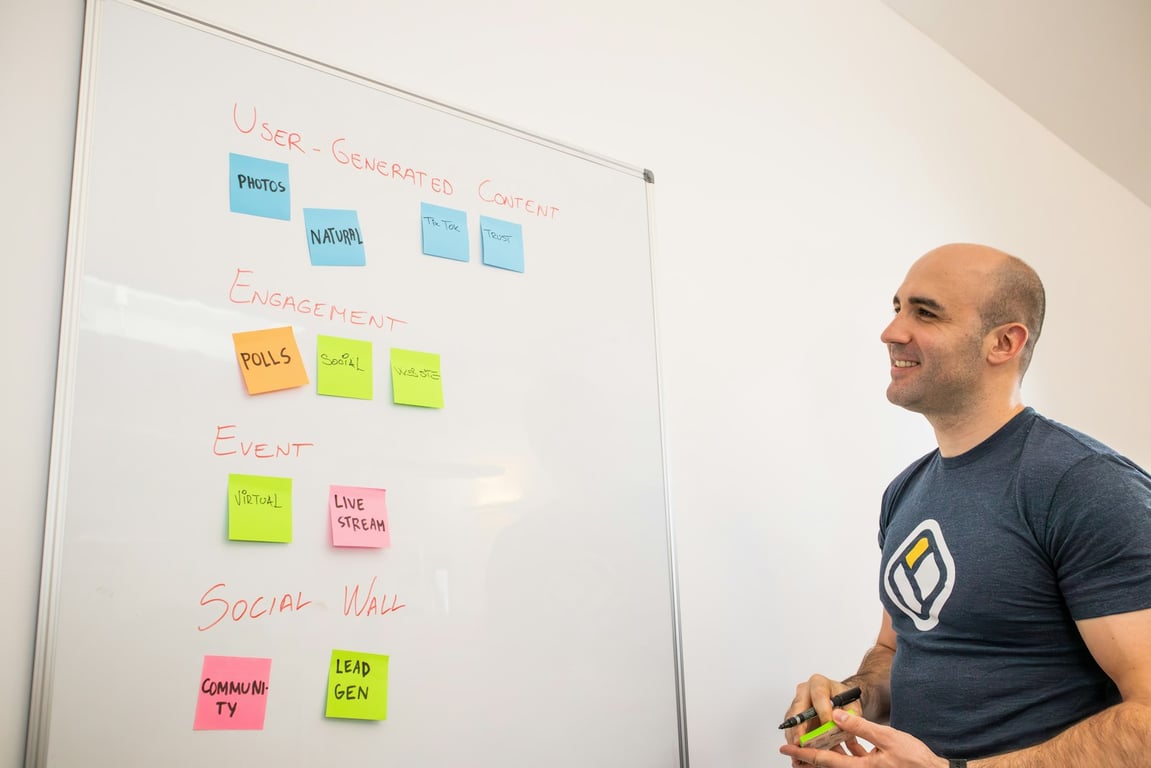
πŸ€–
AI Interview Agents for Process Documentation Playbook

🧩
Apollo outreach automation for B2B prospecting: Apollo vs Clay + HubSpot handoff

🧰
Fix a Broken Zapier to QuickBooks Integration Fast

🧹
Pipedrive CRM Cleanup Plan: Dedupe + Categorize at Scale

They Produced 24 Pieces of Content Per Cycle. Most of the Work Was Still Being Done by Hand.
πŸ—“οΈ
Move a Dental Clinic From Trello to a Notion Content Calendar

🧩
Notion + Asana integration: hub setup that actually works

πŸ“Š
How to build executive dashboards in Notion (charts + relations)

🧾
Fix duplicate QuickBooks invoices from Fulcrum via Zapier
πŸ€–
Slack-first AI agents with Notion as a knowledge hub

🧩
Bullet + Notion website setup troubleshooting checklist

🏒
Fix multi-unit rental application submission workflows

Four Tools, One Mess: Replacing Salesforce with Airtable CRM

πŸ“₯
Google Ads offline conversion uploads not showing

πŸ€–
How to add external users to Notion AI agents
🧭
Notion pointer page: blueprint for AI-ready company context
🧩
Migrate Make.com scenarios to n8n: audit + PRD checklist

🧾
Replace Excel with an offline Fillout quoting system

πŸ› οΈ
How to extract Quo call recordings to Airtable (without AI credit burn)

πŸ“§
Sage 200 to Mailchimp automation: training follow-up playbook

βœ…
Salesforce registration automation: validate US states and country

βš–οΈ
Legal clinic scheduling platform requirements (SOC 2 + VPAT)

⚑
Trigger tasks only when promo is ready in Zapier

πŸ› οΈ
Fix broken lead capture from Zapier email parsing

πŸ“§
Power Automate email trigger not firing: invoice workflow checklist
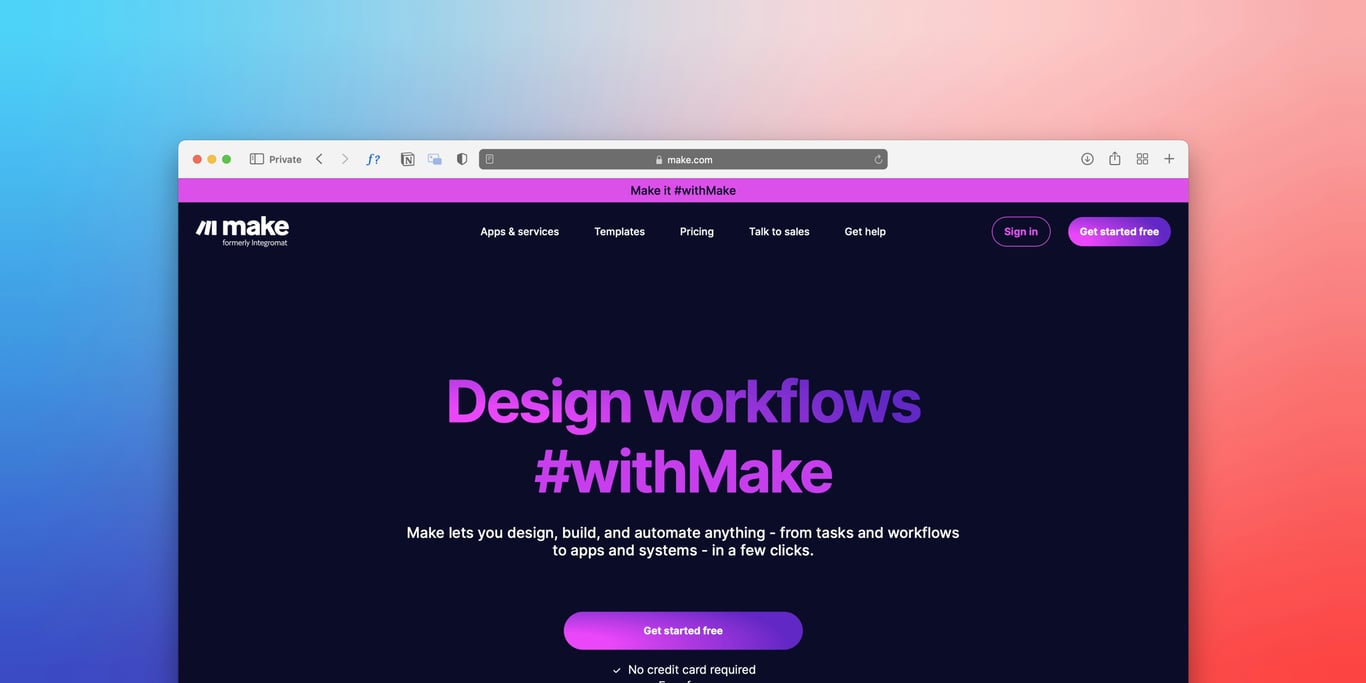
πŸ› οΈ
Why Uscreen webhooks trigger but Keap tags don’t apply

πŸ“‹
Notion client intake system for estate planning firms

🧩
Fix Zapier OR filters when negatives still pass

🧩
Notion database entries missing? Check filters first

🧾
Notion offboarding: prevent loss of private pages

πŸ”
Power Automate recurring reminders for long-term assignments
How to Find Your Notion Workspace ID

πŸ“
Automate Google Drive folder IDs from Airtable clients

🚦
Pabbly API Rate Limits: Buffer, Backoff, and Retry Patterns
πŸ“
How to Auto-File Meeting Transcripts into Client Drive Folders

How a Homeless Services Nonprofit Replaced a Broken Dashboard Stack with Real-Time Financial Reporting

Fix Notion Enterprise freezing in AI chat

πŸ§ͺ
How to Diagnose a Website Lead Drop Caused by Contact Form Friction (Checklist)

βš–οΈ
Notion legal dashboard: agreements + contract workflow for small teams

⭐
Automate Google review responses with AI (with an approval step)

πŸ€–
AI Receptionist for Medical Appointment Scheduling

πŸ’Έ
Cut OpenAI costs with the Responses API (migration + workflow triage checklist)

πŸ“§
How to Forward Gmail Attachments to Make for AI Processing (Privacy-First Setup)

πŸ’Έ
When Zapier breaks for A/R collections at scale: a safer blueprint

🧩
Eventbrite to Bloomerang Zapier Integration: Nonprofit Sync (Step-by-Step)

πŸŽ™οΈ
YouTube content marketing for consulting leads: a podcast-style repurposing engine
🧩
Quote-to-cash automation architecture: Salesforce + Jira + NetSuite

🧩
Nonprofit case intake automation checklist (with privacy-safe AI redaction)

🧩
Make.com subscription validation before Guesty API calls (pattern)

βœ…
Checklist: migrate Make.com scenarios for monday.com API (legacy β†’ v2)
πŸ“¬
Automate Outlook email orders into your CRM with AI (step-by-step)

πŸ›‘οΈ
Make AI Agents Governance: Audit Logs, Limits, and Access Control (Make Enterprise)

🀝
Zapier Solution Partners: When to Build a Private App (and What to Ask For)

🧩
Notion onboarding system for a small agency team (essential vs comprehensive)

πŸ€–
Normalize status labels before your customer service phone bot speaks

πŸ“²
SMS Job Scheduling for Field Service: Batch by Distance, Send Time Slots, Confirm by Text

🧭
UTM Tracking: Fix Multi-Platform Conversion Reporting in Looker Studio (Checklist)

🧩
Brex Moving Integrations In‑House: What Customers Should Do Next

🧩
HIPAA intake portal architecture for retreat centers

🧠
AI Training Boot Camp for Teams: 2-Day Workshop to Become AI Native

πŸ“
WordPress Forms to Pipedrive: Webhooks vs Email Parsing (4-Form Routing Guide)

🏠
Automated Real Estate Lead Nurturing with Twilio + CRM (Playbook)

πŸ”
Mighty Communities to Bloomerang integration (Zapier)
🧩
HubSpot + PandaDoc + QuickBooks + QuickBase: no sync loops

πŸŽ“
Airtable for Schools: Linked Tables for Accommodations

⚑
Zapier task usage reduction: cut tasks in real-time apps

🧩
TripWorks + Polaris waiver automation: stop manual checks

🧠
Tough Gigs: Launch Lessons for an AI Recruiting Platform (Without Losing Focus)
Founder story
πŸ””
Fix Checkout Bottlenecks With Webhooks and Unique Links

🧩
HubSpot-first contract-to-cash: PandaDoc, QuickBooks, Stripe

🏫
Airtable linked tables for schools: 950-student schema

🩺
HIPAA-compliant Clio workflows with Azure AI Foundry

🧾
How to Automate Staffing Agency Invoicing: From Payroll to QuickBooks + Excel

🧩
PracticePanther to Notion: Zapier sync for law firms

Theme
πŸ”
How to Grant Notion Integration Permissions Safely (Without Making Someone an Admin)
Mar 31, 2026
Newsroom explainer
βš–οΈ
Connecting Clio to Claude via Zapier MCP (Step-by-Step)

Mar 31, 2026
Newsroom explainer
πŸ“₯
How to Automate Gmail Lead Capture Into GoHighLevel with Zapier

Mar 23, 2026
πŸ—“οΈ
Notion Google Calendar integration: sync tasks, deadlines, and events
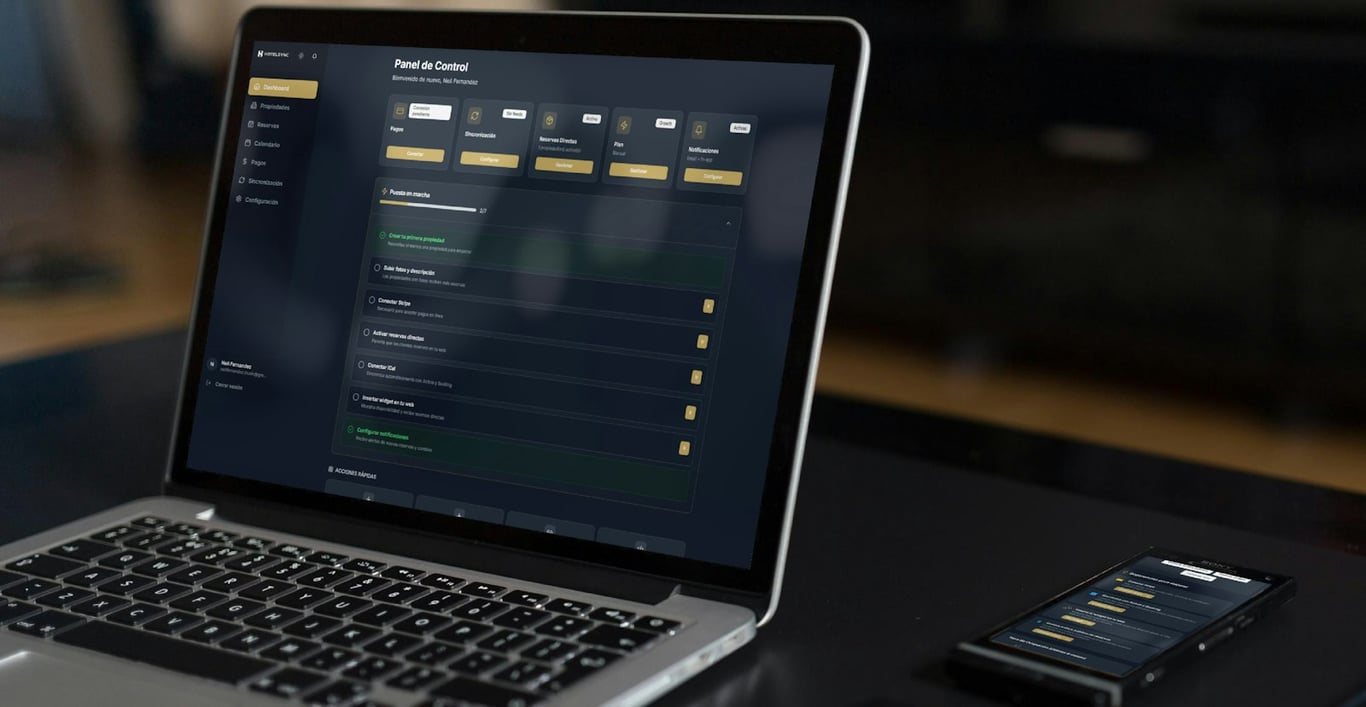
Mar 23, 2026
Newsroom explainer
πŸ€–
Notion Agents vs Zapier Agents: When to Use Each (2026 Guide)

Mar 23, 2026
Upbeat creator tutorial
🧩
Filevine to Ventoro via Zapier: How the Integration Works (and What to Build)
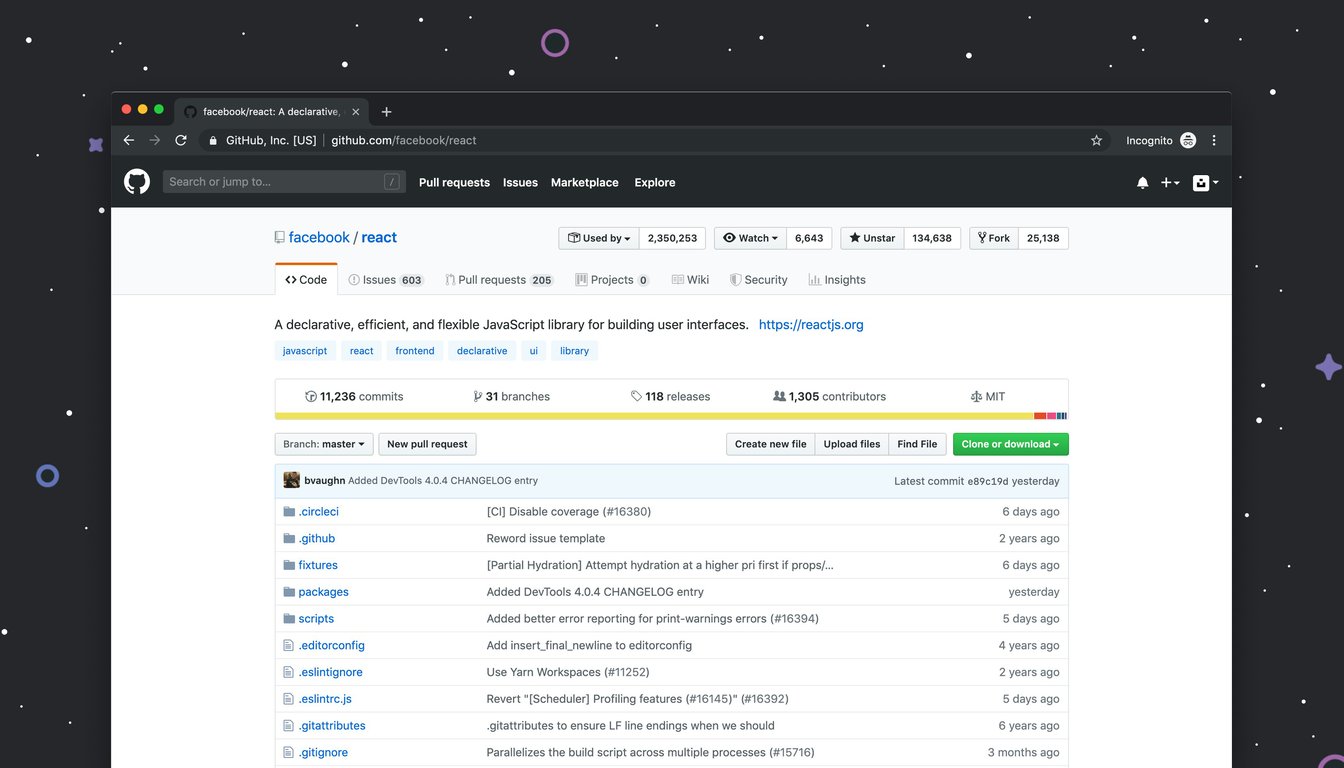
Mar 23, 2026
Upbeat creator tutorial
πŸ—ΊοΈ
Google Distance Matrix API in Zapier: Setup Guide + Key Restrictions
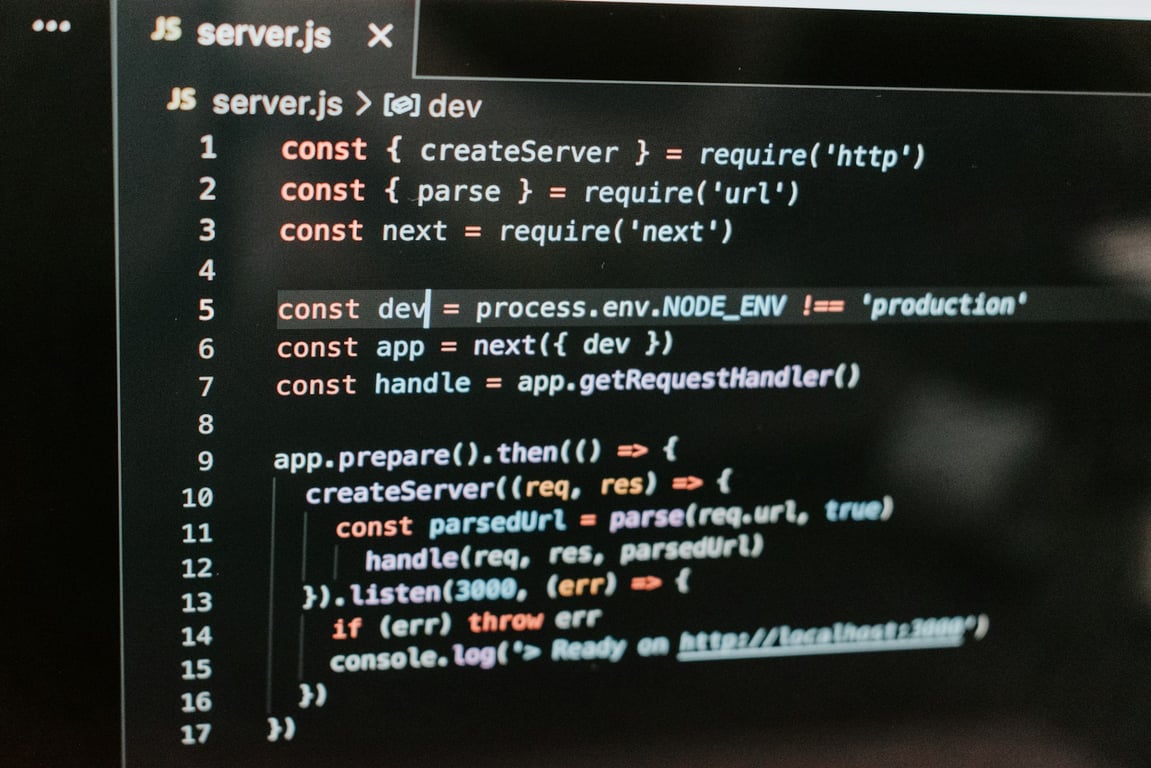
Mar 21, 2026
Upbeat creator tutorial
πŸ› οΈ
Bullhorn API tokens in Zapier: why refresh fails early
Mar 22, 2026
⚑
Notion linked database views at scale: the clean fix for slow dashboards
Mar 21, 2026
πŸ”§
How to Troubleshoot Common Zapier Errors: A Practical Guide
Mar 22, 2026
⏱️
How to Fix Zapier Timeout Errors: Complete Troubleshooting Guide

Mar 22, 2026
πŸ₯
Keragon Review: Is This HIPAA-Compliant Automation Platform Worth It?

Mar 20, 2026
πŸ“ž
How to Connect Shopify to Your Call Center with Zapier (Real-Time Caller Lookup)
Mar 20, 2026
Post Title
Created time
Unsplash Cover
KW AI GEN
Publish
Apps
Hubs
Tags db
LinkedIn Post Content
πŸ”‘ Keyword Goals
Keyword Goal Source
Link
Last edited time
Client
Sep 16, 2026 01:07 AM GMT+0
Unsplash Cover
Publish
Sep 16, 2026 01:13 AM GMT+0
Sep 16, 2026 01:07 AM GMT+0
Unsplash Cover
Publish
Sep 16, 2026 01:13 AM GMT+0
Sep 12, 2026 01:14 AM GMT+0
Unsplash Cover
Publish
Sep 12, 2026 01:20 AM GMT+0
Sep 11, 2026 01:05 AM GMT+0
Unsplash Cover
Publish
Sep 11, 2026 01:10 AM GMT+0
Sep 7, 2026 12:07 PM GMT+0
Unsplash Cover
Publish
Sep 8, 2026 10:02 AM GMT+0
Catch Hospitality Group (Canada)
Sep 2, 2026 01:15 AM GMT+0
Unsplash Cover
Publish
Sep 2, 2026 01:20 AM GMT+0
Sep 2, 2026 01:14 AM GMT+0
Unsplash Cover
Publish
Sep 15, 2026 01:02 PM GMT+0
Aug 27, 2026 01:14 AM GMT+0
Unsplash Cover
Publish
Aug 27, 2026 01:20 AM GMT+0
Aug 21, 2026 01:13 AM GMT+0
Unsplash Cover
Publish
Aug 21, 2026 01:19 AM GMT+0
Aug 18, 2026 01:16 AM GMT+0
Unsplash Cover
Publish
Aug 18, 2026 10:09 AM GMT+0
Jul 31, 2026 01:04 AM GMT+0
Unsplash Cover
Publish
Aug 15, 2026 10:09 AM GMT+0
Jul 28, 2026 01:06 AM GMT+0
Unsplash Cover
Publish
Aug 16, 2026 10:07 AM GMT+0
Jul 24, 2026 01:15 AM GMT+0
Unsplash Cover
Publish
Jul 27, 2026 05:57 PM GMT+0
Jul 22, 2026 01:18 AM GMT+0
Unsplash Cover
Estate operations platform Notion Microsoft 365 workflow
Publish
πŸš€ Excited to share our Phaseβ€―1 blueprint for building an estate operations platform with Notion + Microsoftβ€―365! In this post I break down why Notion should be your system of record for SOPs, work orders, and project tracking, while Microsoftβ€―365 handles documents, email, and reporting. We cover the minimum databases you need, flexible status flows, SOP verification, and a practical checklist to get β€œnothing drops.” Plus, a glimpse at future automation with Power Automate and QuickBooks integration.

Read the full guide here: https://connex.digital/blog/estate-ops-blueprint

#Notion #Microsoft365 #EstateOperations #WorkflowAutomation #SOPs #PowerAutomate #QuickBooks #Productivity #DigitalTransformation
Jul 27, 2026 05:55 PM GMT+0
Jul 22, 2026 01:18 AM GMT+0
Unsplash Cover
Publish
Jul 22, 2026 12:45 PM GMT+0
Jul 21, 2026 01:15 AM GMT+0
Unsplash Cover
Xero Zapier integration for Lesotho e‑invoicing compliance
Publish
Excited to share our latest guide on getting Lesotho’s Lukuka e‑invoicing up and running with Xero! πŸš€
If you’re using Xero and need a fast, compliant way to push invoices to Lukuka, the blog walks you through the practical β€œXero β†’ Zapier β†’ Lukuka API” pattern, key questions to ask the API docs, handling multiple client orgs, and a rollout plan that won’t leave you scrambling before the deadline.

Read the full post for step‑by‑step details and start automating compliance today: https://connex.digital/blog/xero-to-lukuka-integration

#eInvoicing #Lesotho #Xero #Zapier #APIIntegration #Automation #Compliance #ConnexInsights
Jul 27, 2026 05:56 PM GMT+0
Jul 17, 2026 01:17 AM GMT+0
Unsplash Cover
Publish
Jul 27, 2026 05:54 PM GMT+0
Jul 17, 2026 01:17 AM GMT+0
Unsplash Cover
Publish
Jul 27, 2026 05:41 PM GMT+0
Jul 15, 2026 01:12 AM GMT+0
Unsplash Cover
Publish
Jul 27, 2026 05:44 PM GMT+0
Jul 15, 2026 01:12 AM GMT+0
Unsplash Cover
Publish
Jul 15, 2026 01:17 AM GMT+0
Jul 1, 2026 01:18 AM GMT+0
Unsplash Cover
Publish
Jul 8, 2026 10:03 AM GMT+0
Jul 1, 2026 01:18 AM GMT+0
Unsplash Cover
Publish
Jul 8, 2026 10:03 AM GMT+0
Jun 27, 2026 01:14 AM GMT+0
Unsplash Cover
Publish
Jul 27, 2026 05:44 PM GMT+0
Jun 25, 2026 12:34 PM GMT+0
Unsplash Cover
Publish
Aug 16, 2026 10:07 AM GMT+0
Jun 3, 2026 12:06 AM GMT+0
Unsplash Cover
Publish
Aug 31, 2026 10:13 AM GMT+0
Apr 28, 2026 05:21 PM GMT+0
Unsplash Cover
Publish
Jul 15, 2026 01:05 PM GMT+0
Apr 19, 2026 01:21 AM GMT+0
Unsplash Cover
Salesforce contractor certification automation, PandaDoc, Zapier
Publish
πŸš€ Excited to share our latest blog post on automating contractor certification in Salesforce using PandaDoc and Zapier! If you're looking to streamline your certification process without sacrificing review quality, this guide breaks down a practical workflow from data capture to document generation.

Key highlights:
- Capture contractor data seamlessly.
- Implement a human approval gate.
- Automatically generate and send certification documents.

Transform your contractor certification process today! Read more here: Automate contractor certification in Salesforce (with PandaDoc + Zapier)

#Salesforce #Automation #PandaDoc #Zapier #ContractorCertification #Connex
Jul 27, 2026 05:54 PM GMT+0
Apr 17, 2026 06:06 PM GMT+0
Unsplash Cover
Notion, ClickUp, consulting operations, automation
Publish
πŸš€ Notion vs ClickUp for Consulting Ops Automation: Which is Right for You? πŸ€”

In the fast-paced world of consulting, choosing the right tool for project management can make all the difference. Our latest blog post dives deep into the battle of Notion vs ClickUpβ€”two powerful platforms that serve distinct needs for consulting teams.

If you're looking for an all-in-one knowledge hub that enhances collaboration and connects client context, SOPs, and meeting notes, Notion is often the better choice. However, if your focus is strictly on task execution and project management with less setup time, ClickUp might be your go-to!

Discover the key features, comparisons, and migration strategies to help you make the best decision for your consulting operations.

πŸ‘‰ Read more: Notion vs ClickUp for Consulting Ops Automation

#Consulting #ProjectManagement #Notion #ClickUp #Automation #SOPs #ConsultingOps
Jul 27, 2026 05:40 PM GMT+0
Apr 7, 2026 01:13 AM GMT+0
Unsplash Cover
purchase order, unit of measure, vendor pricing, BOM math
Publish
πŸš€ Exciting news for procurement professionals! If you’ve ever struggled with purchase order item entries due to unit of measure confusion or vendor pricing issues, our latest blog post has the solution.

We dive into how to streamline your purchase order process by treating vendor pricing as the single source of truth, ensuring visibility of unit measures, and calculating accurate costs for your BOM.

Say goodbye to workflow headaches and hello to smooth, efficient purchasing!

πŸ‘‰ Read more here: Fix purchase order item entry with unit-of-measure pricing (vendor pricing + BOM math)

#Procurement #SupplyChain #VendorManagement #BOM #Efficiency #Connex
Jul 21, 2026 01:50 PM GMT+0
Apr 1, 2026 01:41 PM GMT+0
Unsplash Cover
Agentic workflows, AI in service teams, automation, efficiency
Publish
πŸš€ Exciting times ahead for service teams! As AI agents become integral teammates, it's crucial to adapt workflows to harness their full potential. Our latest playbook outlines how to build agentic workflows that enhance service delivery by allowing AI to plan, act, and adapt in real-time while keeping humans in the loop.

By focusing on creating a solid knowledge base, standardizing inputs, and implementing clear governance, teams can leverage AI for triage, updates, and much moreβ€”freeing up time for critical human tasks.

Ready to transform your service approach? Read more about it here: Preparing Service Teams for Agentic Workflows (Playbook)

#AI #ServiceExcellence #AgenticWorkflows #Connex #Innovation
Jul 27, 2026 05:56 PM GMT+0
Mar 28, 2026 01:18 AM GMT+0
Unsplash Cover
BetterWorld, Zapier, registrations, donations, automation
Publish
πŸš€ Exciting news for organizations using BetterWorld and Zapier! Our latest blog post dives into how to effectively route registrations and donations, ensuring your workflows run smoothly.

Learn about the best triggers, troubleshooting tips, and practical workarounds to distinguish between transactions. Don't let integration issues slow you downβ€”maximize your automation!

Read more here: BetterWorld + Zapier: How to Route Registrations vs Donations Reliably

#Automation #Zapier #BetterWorld #Nonprofits #TechForGood
Aug 16, 2026 10:08 AM GMT+0
Mar 26, 2026 05:03 PM GMT+0
Unsplash Cover
Legacy CRM migration, API integration, checklist, software tools
Publish
πŸš€ Excited to share our latest blog post on migrating legacy CRM integrations to a new vendor API! If you're facing the challenges of adapting to a new API, this practical checklist covers everything from inventorying existing calls to deciding between direct integration and middleware solutions like Zapier.

Don't let a forced migration become a nightmare! Check out our guide to ensure a smooth transition and maintain your critical business processes.

πŸ‘‰ Read more here

#CRMintegration #APImigration #LegacySystems #Zapier #Connex #TechTransition
Jul 27, 2026 05:54 PM GMT+0
Mar 23, 2026 04:02 PM GMT+0
Unsplash Cover
Epic API invoice automation, PDF attachments, accounting workflow
Publish
πŸš€ Excited to share our latest blog post on automating vendor invoice intake in Epic with API attachments!

Are you tired of the manual process of downloading, renaming, and attaching invoices? Our new approach can streamline this workflow, saving your accounting team valuable time and reducing errors.

We break down the entire process from monitoring your AP inbox to creating activities in Epicβ€”all while ensuring accuracy and efficiency.

Ready to transform your invoice processing? Check out the full article for a step-by-step guide and best practices!

πŸ‘‰ Read more here

#EpicAPI #InvoiceAutomation #AccountsPayable #Efficiency #Connex
Jul 23, 2026 01:57 PM GMT+0
Zapier + Hunter.io lead enrichment automation (form + loops)
Mar 10, 2026 11:36 AM GMT+0
Unsplash Cover
Zapier, Hunter.io, lead enrichment, automation, Salesforce integration
Publish
πŸš€ Excited to share our latest blog post on automating lead enrichment using Zapier and Hunter.io! If you're spending hours researching companies and contacts, this guide will show you how to streamline that process into a simple form submission and automated flow.

Learn how to efficiently collect company names, enrich contacts, and synchronize approved leads to Salesforceβ€”all while saving time and reducing errors.

πŸ‘‰ Read more here: Zapier + Hunter.io lead enrichment automation

#Automation #LeadEnrichment #Zapier #HunterIO #Salesforce #Connex
Jul 27, 2026 05:58 PM GMT+0
Post Title
Publish
Slug
logo
Tags
Apps
Hubs
Date
Tags db
Status
πŸ€–
Make AI agents in
Make.com: structured prompting, tools, and multi-agent workflows
Publish
Jul 13, 2026
Published
🧩
Make.com subscription validation before Guesty API calls (pattern)
Publish
Jul 6, 2026
Published
βœ…
Checklist: migrate
Make.com scenarios for monday.com API (legacy β†’ v2)
Publish
Jul 3, 2026
Published
Jul 1, 2023 12:00 AM
Post Title
Publish
Slug
logo
Tags
Apps
Hubs
Language
Date
Tags db
Aug 1, 2023 12:00 AM
Post Title
Publish
Slug
logo
Tags
Apps
Hubs
Language
Date
Tags db
Sep 1, 2023 12:00 AM
Post Title
Publish
Slug
logo
Tags
Apps
Hubs
Language
Date
Tags db
May 1, 2024 12:00 AM
Post Title
Publish
Slug
logo
Tags
Apps
Hubs
Language
Date
Tags db
Jul 1, 2024 12:00 AM
Post Title
Publish
Slug
logo
Tags
Apps
Hubs
Language
Date
Tags db
Sep 1, 2024 12:00 AM
Post Title
Publish
Slug
logo
Tags
Apps
Hubs
Language
Date
Tags db
Oct 1, 2024 12:00 AM
Post Title
Publish
Slug
logo
Tags
Apps
Hubs
Language
Date
Tags db
Nov 1, 2024 12:00 AM
Post Title
Publish
Slug
logo
Tags
Apps
Hubs
Language
Date
Tags db
Mar 1, 2026 12:00 AM
Post Title
Publish
Slug
logo
Tags
Apps
Hubs
Language
Date
Tags db
May 1, 2026 12:00 AM
Post Title
Publish
Slug
logo
Tags
Apps
Hubs
Language
Date
Tags db
Jun 1, 2026 12:00 AM
Post Title
Publish
Slug
logo
Tags
Apps
Hubs
Language
Date
Tags db
Jul 1, 2026 12:00 AM
Post Title
Publish
Slug
logo
Tags
Apps
Hubs
Language
Date
Tags db
Post Title
Publish
Slug
logo
Tags
Apps
Hubs
Language
Date
Tags db
Post Title
Publish
Slug
logo
Tags
Apps
Hubs
Language
Date
Tags db
Needs Review
Post Title
Status
Created time
Last edited time
Needs Review
Jul 1, 2026 01:18 AM GMT+0
Jul 8, 2026 10:03 AM GMT+0
Needs Review
Jul 1, 2026 01:18 AM GMT+0
Jul 8, 2026 10:03 AM GMT+0
Needs Review
Jul 1, 2026 01:18 AM GMT+0
Jul 8, 2026 10:03 AM GMT+0
Needs Review
Jul 11, 2026 01:05 AM GMT+0
Jul 13, 2026 10:11 AM GMT+0
Needs Review
Jul 11, 2026 01:05 AM GMT+0
Jul 13, 2026 10:11 AM GMT+0
Needs Review
Jul 14, 2026 01:13 AM GMT+0
Jul 14, 2026 01:19 AM GMT+0
Needs Review
Apr 28, 2026 05:21 PM GMT+0
Jul 15, 2026 01:05 PM GMT+0
Needs Review
Jul 22, 2026 01:18 AM GMT+0
Jul 22, 2026 12:45 PM GMT+0
Needs Review
Jul 23, 2026 01:13 AM GMT+0
Jul 23, 2026 01:19 AM GMT+0
Needs Review
Jul 16, 2026 01:07 AM GMT+0
Jul 23, 2026 01:51 PM GMT+0
Needs Review
Mar 23, 2026 04:02 PM GMT+0
Jul 23, 2026 01:57 PM GMT+0
Needs Review
Jul 21, 2026 01:16 AM GMT+0
Jul 27, 2026 12:20 AM GMT+0
Needs Review
Apr 17, 2026 06:06 PM GMT+0
Jul 27, 2026 05:40 PM GMT+0
Needs Review
Feb 16, 2026 08:34 PM GMT+0
Jul 27, 2026 05:42 PM GMT+0
Needs Review
Apr 23, 2026 01:19 AM GMT+0
Jul 27, 2026 05:42 PM GMT+0
Needs Review
Jul 15, 2026 01:12 AM GMT+0
Jul 27, 2026 05:43 PM GMT+0
Needs Review
Jul 15, 2026 01:12 AM GMT+0
Jul 27, 2026 05:44 PM GMT+0
Needs Review
Mar 26, 2026 05:03 PM GMT+0
Jul 27, 2026 05:54 PM GMT+0
Needs Review
Jul 22, 2026 01:18 AM GMT+0
Jul 27, 2026 05:55 PM GMT+0
Needs Review
Apr 1, 2026 01:41 PM GMT+0
Jul 27, 2026 05:56 PM GMT+0
Needs Review
Jul 11, 2026 01:05 AM GMT+0
Jul 27, 2026 05:56 PM GMT+0
Needs Review
Jul 21, 2026 01:15 AM GMT+0
Jul 27, 2026 05:56 PM GMT+0
Needs Review
Jul 25, 2026 01:05 AM GMT+0
Jul 27, 2026 05:56 PM GMT+0
Needs Review
Jul 24, 2026 01:15 AM GMT+0
Jul 27, 2026 05:57 PM GMT+0
Needs Review
Jul 23, 2026 01:13 AM GMT+0
Jul 27, 2026 05:57 PM GMT+0
Needs Review
Jul 25, 2026 01:05 AM GMT+0
Jul 27, 2026 05:58 PM GMT+0
Needs Review
Jul 22, 2026 01:17 AM GMT+0
Jul 27, 2026 05:59 PM GMT+0
Needs Review
Aug 6, 2026 01:16 AM GMT+0
Aug 14, 2026 10:03 AM GMT+0
Needs Review
Aug 7, 2026 01:10 AM GMT+0
Aug 14, 2026 10:03 AM GMT+0
Needs Review
Aug 11, 2026 01:04 AM GMT+0
Aug 14, 2026 10:03 AM GMT+0
Needs Review
Aug 1, 2026 01:07 AM GMT+0
Aug 14, 2026 10:03 AM GMT+0
Needs Review
Jul 28, 2026 01:06 AM GMT+0
Aug 16, 2026 10:07 AM GMT+0
Needs Review
Mar 28, 2026 01:18 AM GMT+0
Aug 16, 2026 10:08 AM GMT+0
Needs Review
May 14, 2026 01:11 AM GMT+0
Aug 16, 2026 10:09 AM GMT+0
Needs Review
Aug 18, 2026 01:16 AM GMT+0
Aug 18, 2026 10:09 AM GMT+0
Needs Review
Aug 20, 2026 01:13 AM GMT+0
Aug 20, 2026 01:18 AM GMT+0
Needs Review
Aug 21, 2026 01:13 AM GMT+0
Aug 21, 2026 01:19 AM GMT+0
Needs Review
Aug 21, 2026 01:13 AM GMT+0
Aug 21, 2026 01:19 AM GMT+0
Needs Review
Aug 22, 2026 01:13 AM GMT+0
Aug 22, 2026 01:18 AM GMT+0
Needs Review
Aug 27, 2026 01:14 AM GMT+0
Aug 27, 2026 01:20 AM GMT+0
Needs Review
Aug 27, 2026 01:14 AM GMT+0
Aug 27, 2026 01:20 AM GMT+0
Needs Review
Jun 3, 2026 12:06 AM GMT+0
Aug 31, 2026 10:13 AM GMT+0
Needs Review
Sep 2, 2026 01:15 AM GMT+0
Sep 2, 2026 01:20 AM GMT+0
Needs Review
Sep 2, 2026 01:15 AM GMT+0
Sep 2, 2026 01:20 AM GMT+0
Needs Review
Sep 10, 2026 01:08 AM GMT+0
Sep 10, 2026 01:13 AM GMT+0
Needs Review
Sep 10, 2026 01:08 AM GMT+0
Sep 10, 2026 01:14 AM GMT+0
Needs Review
Sep 11, 2026 01:05 AM GMT+0
Sep 11, 2026 01:10 AM GMT+0
Needs Review
Aug 19, 2026 01:11 AM GMT+0
Sep 11, 2026 07:05 PM GMT+0
Needs Review
Sep 12, 2026 01:14 AM GMT+0
Sep 12, 2026 01:20 AM GMT+0
Needs Review
Sep 2, 2026 01:14 AM GMT+0
Sep 15, 2026 01:02 PM GMT+0
Post Title
Created time
Unsplash Cover
KW AI GEN
Publish
Apps
Hubs
Tags db
LinkedIn Post Content
πŸ”‘ Keyword Goals
Keyword Goal Source
Link
Last edited time
Client