If you are trying to run an eCommerce operation in Notion, start with one connected system: a Products database related to Suppliers and (optionally) Designs, plus rollups that calculate landed cost and margin. This gives you a true “dashboard” that scales beyond two people and is ready for outsourcing.
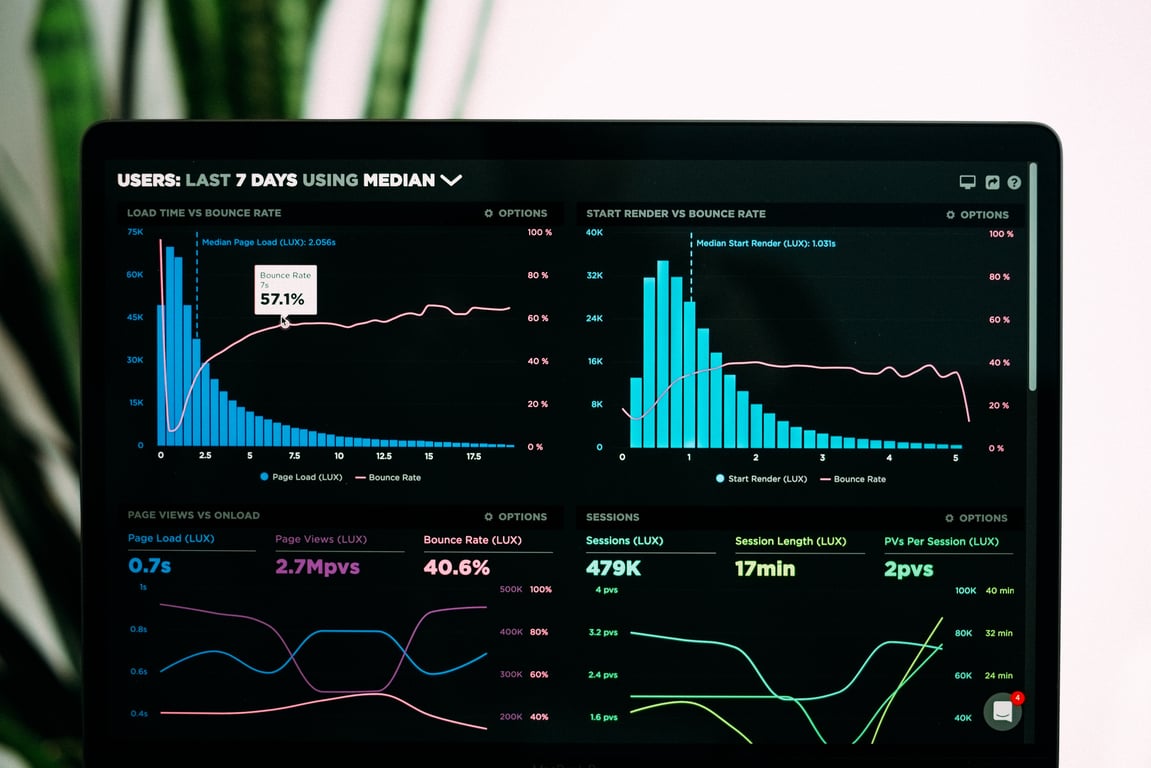
A Notion eCommerce dashboard connects products, suppliers, and costs in one system. Photo by Luke Chesser on Unsplash.
What you need to build (the simplest structure that scales)
1) Products database (the source of truth)
One row per SKU or product
Core properties to include:
Product name
Supplier (Relation)
Unit cost (Number)
Shipping cost (Number)
Duties or fees (Number)
Landed cost (Formula)
Target price (Number)
Margin (Formula)
Status (Select): In stock, Reorder soon, Out of stock
2) Suppliers database
One row per supplier
Useful properties:
Lead time
Minimum order quantity (MOQ)
Payment terms
Contact info
Notes
3) Optional: Designs database
If you have multiple designs per product, treat designs as their own database and relate them to Products.
How to calculate costings in Notion (without “Excel thinking”)
Notion formulas do not work exactly like Excel, but you can still build reliable costing logic.
Landed cost (example)
Create a formula property like:
Landed cost = Unit cost + Shipping cost + Duties or fees
Margin (example)
Margin = Target price - Landed cost
🤖
If you are not sure how to write the formula, use Notion AI in the formula editor and ask it to write the formula using your exact property names.
How to build a “Home Dashboard” page that stays clean
Instead of creating lots of separate pages with duplicated data, create one dashboard page with linked database views in Notion. This keeps your data in one source of truth without copying anything.
Recommended dashboard sections
Quick links to key pages
Today’s tasks (filtered view of your tasks)
Products to reorder (Products filtered where Status = Reorder soon)
High margin products (sorted view by Margin)
Supplier issues (filtered view where Lead time is high or notes contains delays)
Common mistake: duplicating databases instead of linking them
If you duplicate dashboards or databases, the data will drift and you will lose the “single source of truth.” Use linked views and filters instead.
Build Your Notion eCommerce System with Expert Help
If you want help designing a Notion system that handles products, suppliers, costings, and a clean dashboard your team will actually use, book a free consulting call and we’ll map out the exact structure for your operation.
Build a Notion meeting notes database that auto-summarizes and extracts next steps with AI autofill, then surface the right meetings anywhere using linked views.