Google Ads is Google’s paid advertising platform for reaching buyers across Search, Shopping, YouTube, Display, Maps, and partner placements. For many businesses, it is the fastest way to generate demand — but only when the account structure, conversion tracking, landing pages, and reporting model are aligned.
Connex Digital helps teams turn Google Ads from “paid traffic” into a measurable growth system connected to the rest of your operations.


Certified Automation Experts
We connect Google Ads with reporting dashboards, CRMs, booking systems, landing pages, and follow-up workflows using tools like Zapier, Make, and Looker Studio.
What Does Google Ads Do?
Google Ads lets businesses bid for visibility when people search, shop, browse, watch videos, or interact with Google’s advertising network. Campaigns can target keywords, audiences, devices, locations, products, and remarketing lists.
But Google Ads performance depends on more than ad spend. The platform can only optimize toward the signals you give it. If conversion tracking is incomplete, UTMs are inconsistent, landing pages do not match buyer intent, or campaigns are forced into the wrong bidding strategy, Google Ads can spend quickly without producing useful business outcomes.
That is where Connex focuses: tracking, attribution, workflow automation, and operational follow-through.
Why Google Ads Needs More Than Campaign Setup
A campaign can look “live” while still being operationally broken.
Common examples:
- Google Ads shows conversions, but Meta, Bing, and LinkedIn cannot be tied to lead-level outcomes
- UTMs disappear when visitors move into a booking widget or external checkout flow
- Smart Bidding optimizes for the wrong conversion action
- Campaigns are stuck on Maximize Conversions with limited control
- Mobile traffic dominates even though the purchase flow requires desktop file uploads
- Leads arrive, but no CRM record, Slack alert, or sales follow-up happens reliably
- Landing pages are too generic for the buyer’s specific intent
Google Ads is the acquisition layer. To make it profitable, the surrounding system needs to capture the right data, route leads correctly, and report on real outcomes.
Google Ads Integration Examples
Google Ads + Looker Studio
Build reporting that answers business questions, not just platform metrics.
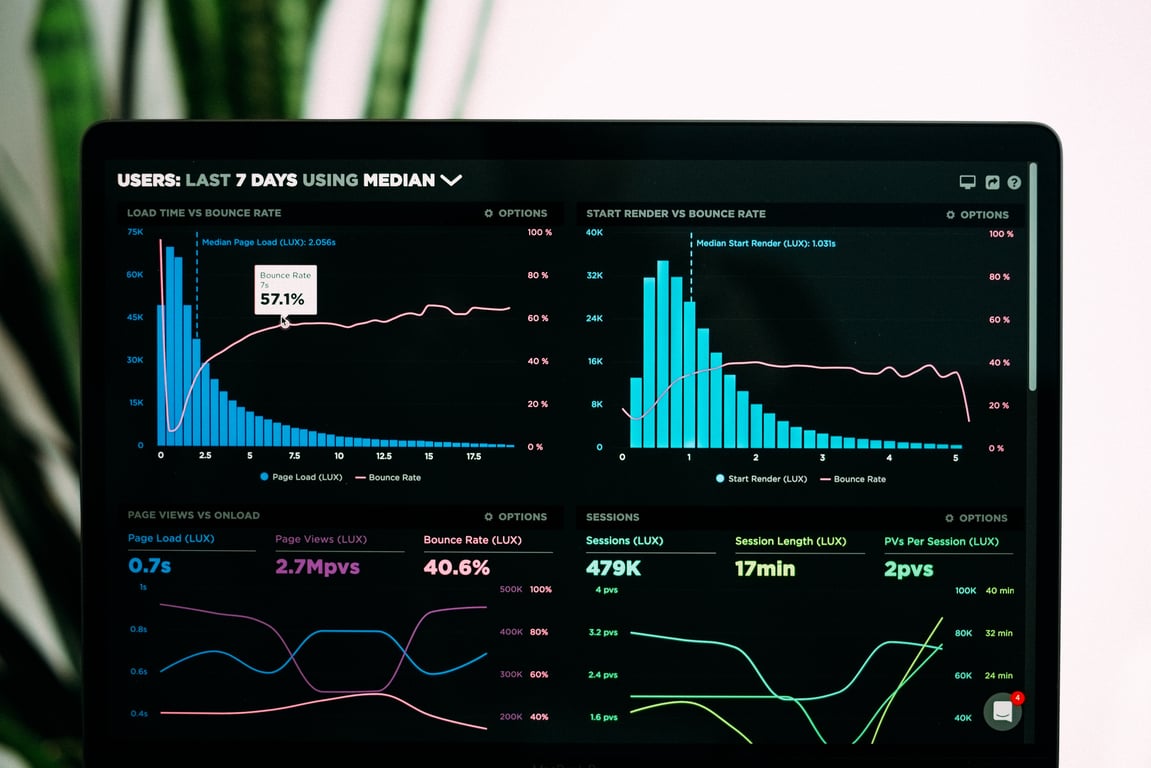
A useful dashboard should show which campaigns, sources, locations, and landing pages produce qualified leads or revenue — not just clicks and impressions. We help standardize UTMs, define conversion events, and build clean reporting models so Looker Studio reflects the full funnel.
Google Ads + Booking Systems
If a booking flow lives on another domain or inside an embedded widget, attribution can break. We help preserve UTMs through the booking process and store lead-level data so booked appointments can be tied back to the ad source, campaign, and keyword that created them.
Google Ads + CRMs
Ad-driven leads should move into the CRM with the right source data attached.
We can route Google Ads leads into tools like HubSpot, Pipedrive, Airtable, or another CRM — including UTMs, campaign details, landing page, location, and lead status fields.
Google Ads + Slack
High-intent leads often need fast follow-up. A Google Ads workflow can notify the right Slack channel when a qualified form submission, booked call, or file upload comes in. The alert can include the lead source, campaign, page, and next action so the team knows how to respond.
Google Ads + Zapier or Make
Zapier and Make are often the glue between Google Ads, landing pages, CRMs, spreadsheets, calendars, and notifications. They can enrich lead data, deduplicate submissions, create records, trigger follow-up, and keep reporting tables updated.
Google Ads + Landing Pages
Campaign performance often improves when landing pages match the exact buyer intent. For example, a business selling feather flags may need separate pages for open house flags, restaurant promo flags, and now leasing flags — not one generic “custom flags” page.
Google Ads + Device Strategy
Some offers convert better on desktop because the buyer needs to upload a file, complete a complex form, or compare options. In those cases, we help analyze device performance, adjust bidding, split campaigns, and align landing pages with the real buying behavior.
Who Benefits Most from Google Ads Systems Work?
- Sales teams — better lead routing, campaign-source visibility, and faster follow-up
- Marketing departments — trustworthy attribution, cleaner dashboards, and better campaign decisions
- Marketing agencies — repeatable reporting and lead handoff systems across client accounts
- Local service businesses — better location targeting, booking attribution, and call/form tracking
- Ecommerce and product businesses — cleaner Shopping/Search structures, conversion validation, and landing-page alignment
What We Build for Google Ads
Connex specializes in the systems around Google Ads that make paid acquisition measurable and actionable. We build:
- UTM and attribution systems that preserve campaign data through forms, booking tools, and CRMs
- Looker Studio dashboards that report on real conversions across multiple ad platforms
- Lead-routing workflows that notify sales, create CRM records, and trigger follow-up
- Conversion tracking audits to confirm which actions should drive bidding
- Campaign rebuild plans when Smart Bidding or Performance Max setups become hard to control
- Device-focused strategies for desktop-first or mobile-first conversion flows
- Landing-page workflows that connect niche pages, forms, orders, and follow-up automations
- Cross-platform reporting models for Google Ads, Meta, Bing, LinkedIn, and other paid channels
Need help improving Google Ads tracking or workflows? We can support you.
Latest posts for Google Ads

Blog posts

How a Mid-Sized Mortgage Lender Finally Closed the Attribution Loop — Connecting Velocify, Three Ad Platforms, and Zapier When No Native Integration Existed
Jul 22, 2026

Fix Google Ads bid strategy stuck on Max Conversions
Jul 22, 2026
UTM Tracking: Fix Multi-Platform Conversion Reporting in Looker Studio (Checklist)
Jun 30, 2026

Stock design landing pages to boost feather flag sales

Google Ads Desktop-Only Targeting for File Upload Offers
