UTM Tracking: Fix Multi-Platform Conversion Reporting in Looker Studio (Checklist)
Fix cross-channel conversion tracking in Looker Studio. Use this 3-phase UTM checklist to standardize events across Google Ads, Meta, Bing, and LinkedIn.
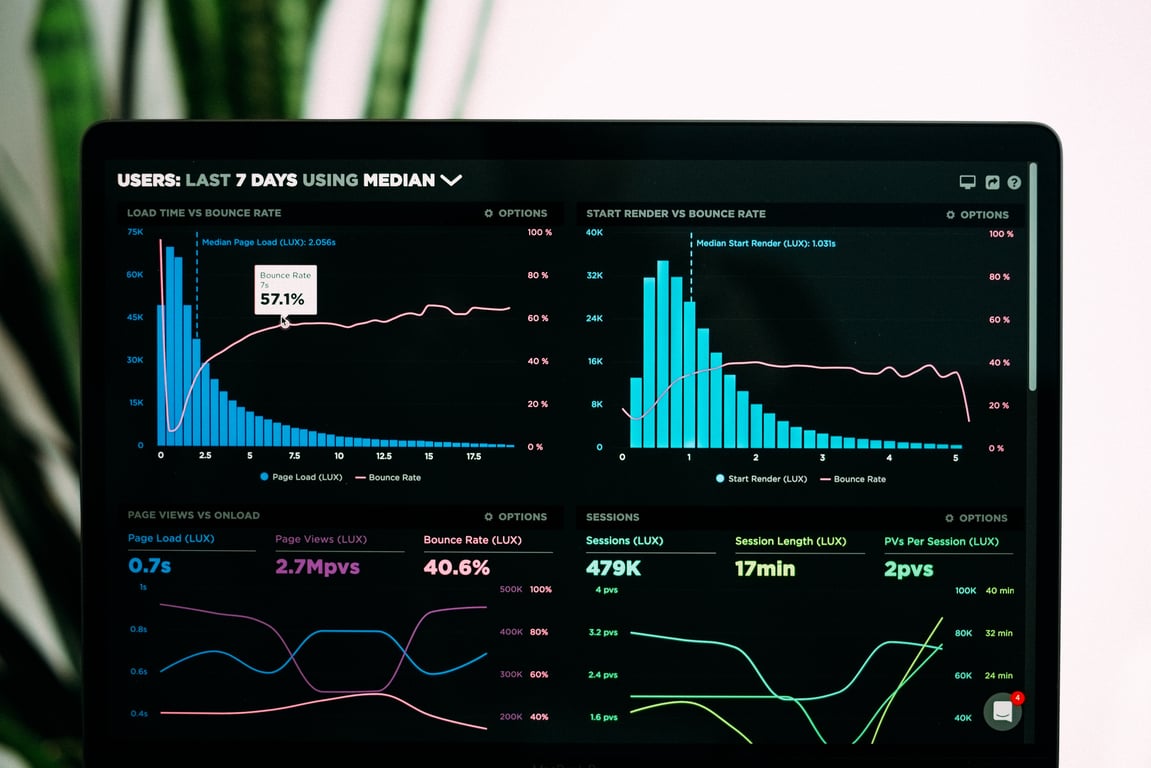
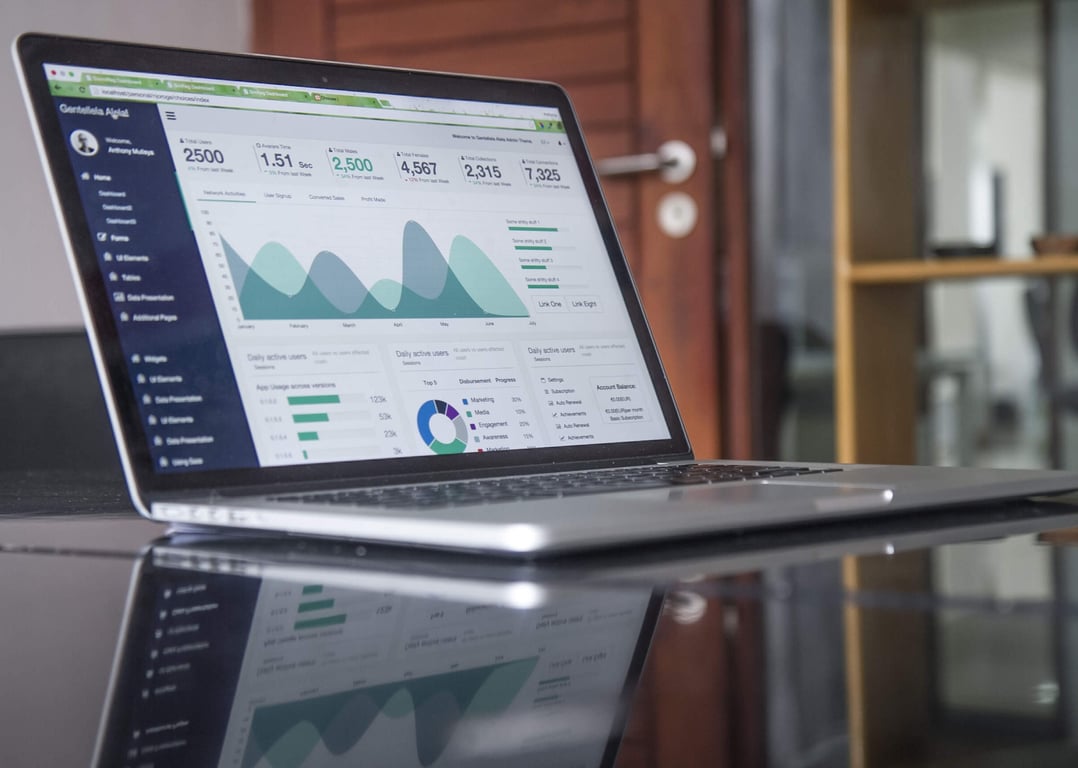
If your Looker Studio dashboard only reflects Google Ads, the problem usually is not the dashboard. It is that your conversion events and UTM fields are not being captured consistently across every ad platform and every step of the booking flow. The fix is a phased approach: confirm what is already working for Google Ads, add reliable tracking for the other networks, then unify everything into a single reporting model.
Photo by Carlos Muza on Unsplash
The real-world symptom (and why it happens)
A common setup looks like this:
Google Ads conversions show up.
Your booking system stores UTMs.
But Meta, Bing, and LinkedIn performance cannot be tied to lead-level conversions.
The dashboard becomes a “Google Ads report”, not a cross-channel conversion report.
This happens when each system uses different identifiers and attribution methods, and there is no agreed-upon source of truth for "a conversion".
Before you build anything: clarify what “success” means
You can save days of rework by agreeing on the output first.
Stakeholder questions (copy/paste)
What decisions is leadership unable to make today because reporting is incomplete?
Do you need a lead-level table (one row per booking), or only aggregated counts?
Which conversions matter most: booked appointments, qualified appointments, revenue, or something else?
Which dimensions must be available: channel, source, medium, campaign, ad set, ad, country, clinic location?
What is the required reporting cadence and latency: real-time, daily, weekly?
Who signs off on “done”, and is there a deadline?
Phase 1: Validate Google Ads conversion tracking (so your baseline is real)
Even if Google Ads conversions appear to work, validate the basics:
Phase 1 checklist
Confirm which event is counted as the conversion (booking confirmation, form submit, call, etc.).
Confirm exactly where the event fires (website, booking widget, external domain).
Confirm you can reconcile counts between:
the booking system
Google Ads
and the current Looker Studio report
Confirm whether you are relying on auto-tagging (GCLID) or UTMs, and why.
Phase 1 deliverable
A short "tracking map" showing conversion event name, trigger location, and where it is visible.
Phase 2: Add tracking for Meta, Bing, LinkedIn (so you stop losing conversions)
Once the baseline is stable, expand to other networks.
Phase 2 checklist
Decide which events each platform should optimize for.
Ensure every ad destination URL includes a consistent UTM scheme.
Ensure UTMs persist through your full booking flow.
Ensure you can deduplicate conversions if you are sending the same event via multiple methods.
Phase 2 deliverable
A cross-platform event plan (one page): events, parameters, and how you will validate each one.
Phase 3: Unify reporting in Looker Studio (so every channel rolls up the same way)
Looker Studio can only report what your data sources provide. Phase 3 is about building a clean data model.
Phase 3 options (pick one)
Simple: Connect each ad platform to Looker Studio and standardize naming.
Reliable: Use a single "conversion table" as the source of truth, then blend ad spend and clicks into it.
Scalable: Use a warehouse layer so you can maintain a consistent definition of conversions and UTMs over time.
Phase 3 deliverable
One dashboard view that answers the CEO question in one screen.
Example: booking system UTMs (what to capture every time)
If you are using a booking system such as Bookly, make sure you can capture and store:
utm_source
utm_medium
utm_campaign
utm_content
utm_term
landing page URL
timestamp
unique booking ID (or equivalent)
country and location fields (if multi-country)
Common pitfalls to watch for
UTMs are lost when users cross domains or move into embedded booking widgets.
Different teams use different UTM naming conventions.
You have conversions at the ad-platform level, but no lead-level traceability.
The dashboard blends data with mismatched date ranges and attribution windows.
Where Connex Digital fits
Connex Digital typically helps teams implement the tracking, integrations, and reporting workflows so the dashboard becomes trustworthy.
If you want to see how we work, our process is called ZoomFlow.
How an 8-person Canadian accounting firm used Airtable, Zapier, and Make to automate tax-season client intake for 400 clients — without adding admin staff.
Google Ads offline conversion uploads not showing? Use this checklist to verify customer ID, conversion action, windows, schedules, and where to validate results.