Encircle + Dash Integration: Automate Restoration Job Data
Learn how to sync Encircle and Dash to eliminate double entry on restoration jobs—automating job creation, documentation sync, and field-to-office data flow.
If you run restoration jobs in Dash and document claims in Encircle, the cleanest way to eliminate double entry is to sync job creation from Dash → Encircle and sync field documentation from Encircle → Dash (photos, floor plans, moisture readings, equipment logs, and report revisions). This can be done with an API-based workflow, often using Zapier plus Dash’s API, so the office and field teams stay in sync without relying on an intermediary app.
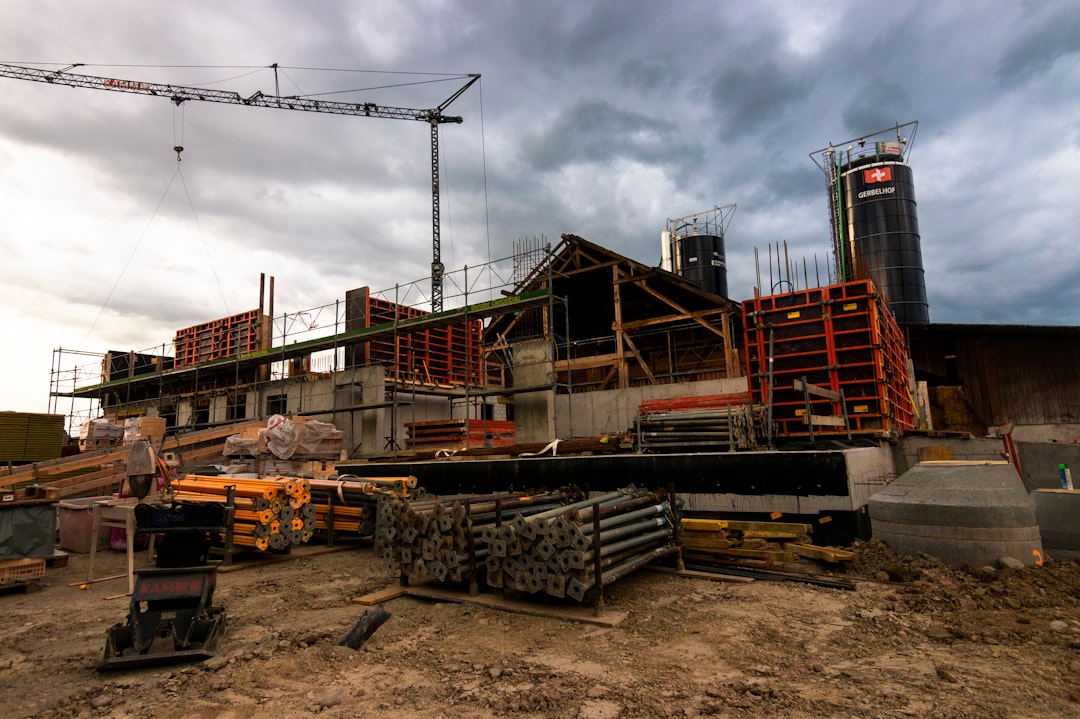
Encircle Dash integration for restoration job sites — Photo by Jan Huber on Unsplash
What to automate in an Encircle + Dash integration
1) Dash → Encircle: create the claim automatically
When a new job is created in Dash, automatically create a matching property claim in Encircle.
Map the minimum required fields first:
Job or claim ID
Property address
Customer contact info
Assigned team or owner
2) Encircle → Dash: push documentation back to the job file
Sync from Encircle back to Dash when:
A new claim is created, or
A report is revised.
Common data to sync:
Photos
Floor plans
Moisture readings
Equipment and drying logs
Report PDFs or structured report fields (when possible)
Higher risk of data being modified or lost in translation.
Often becomes a fragile dependency.
Workflow triggers that usually work best
Job created in Dash → create claim in Encircle.
New claim or report revision in Encircle → update Dash job.
Optional:
New photo batch in Encircle → attach to Dash.
Equipment status updated → update the job timeline.
What to validate before you build (to avoid rework)
Confirm the “source of truth” for each field
Example: customer phone number lives in Dash.
Example: moisture readings live in Encircle.
Confirm file format expectations
Photos and attachments can fail to sync if the receiving system expects a different format.
Confirm how you want to handle duplicates
Decide what happens if:
The same job is created twice.
A claim already exists.
Typical time and cost range
Many builds can start with a short paid discovery implementation block, then expand after you confirm feasibility and ROI. A common pattern is to validate assumptions in the first session, then proceed hour by hour.
ROI checklist (quick math)
Minutes saved per job by eliminating double entry
Jobs per week
Payoff period target (for example, break even in 30 to 90 days)
Hidden benefits:
Faster reporting
Fewer missed details
Cleaner handoffs between office and field
FAQ
Can this be done if Dash does not have a native Zapier connector?
Yes. If Dash has an API, you can still integrate by calling the API directly, or by using automation tooling that can make authenticated API requests.
What is the safest trigger to sync Encircle data back into Dash?
A new report revision or a claim update event is usually safer than syncing every tiny change, because it reduces noise and prevents partial updates.
Get Help Building Your Encircle + Dash Integration
If you’re building a connection between Encircle and Dash, the implementation details matter—API access, field mapping, and handling edge cases like duplicates. Our team has scoped and built integrations like this for restoration and construction companies. Book a free discovery call to talk through your workflow and what it would take to automate it.
Epic API invoice processing automation for Applied Epic: watch the AP inbox, attach vendor PDFs to the right record, and create activities. See the build plan.
Quo Zapier integration troubleshooting: fix API failures by checking endpoints, authentication, payloads, and mappings before rebuilding your workflow.