Google Ads Desktop-Only Targeting for File Upload Offers
Learn how to fix Google Ads device targeting for upload-based businesses. Adjust mobile vs desktop bids, split campaigns, and build landing pages that convert.
If your Google Ads clicks are mostly mobile—but your conversion requires a desktop-only step (like uploading a print file, filling out a complex form, or attaching artwork)—you can burn budget fast. The fix is to measure performance by device, then push spend toward desktop (or split campaigns by device) while you tighten up tracking and landing-page UX.
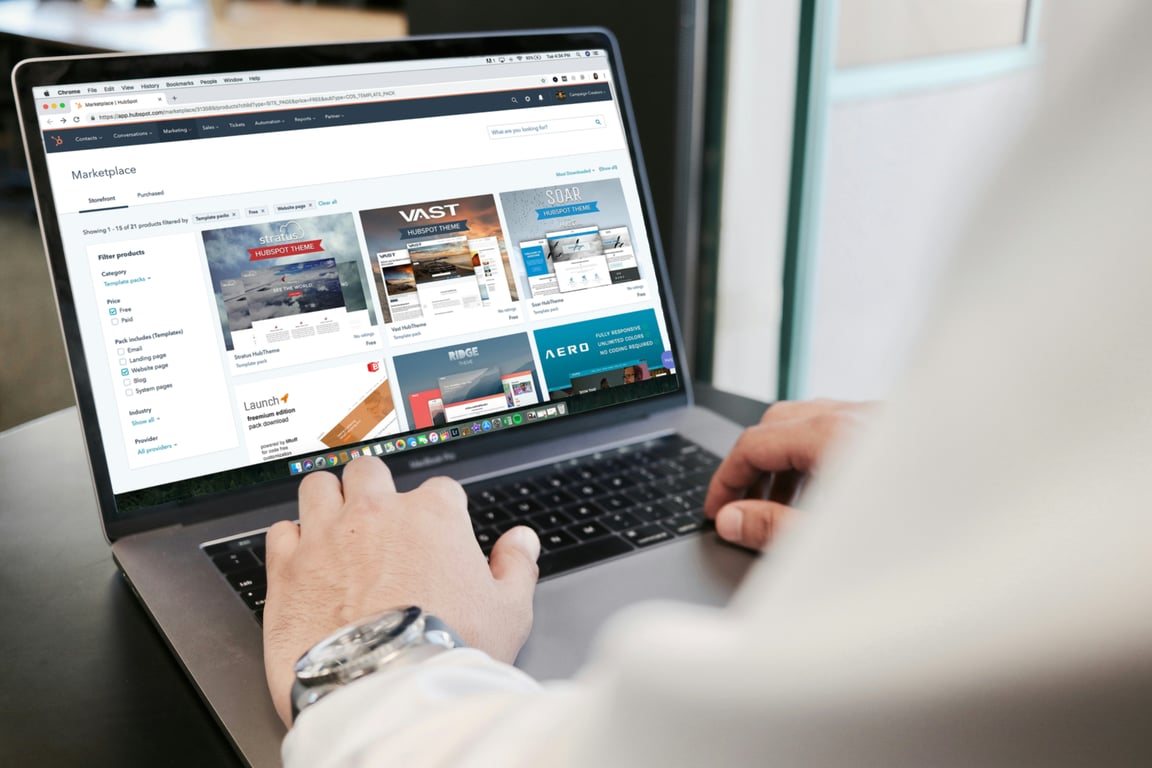
Google Ads desktop-only targeting for file upload businesses. Photo by Campaign Creators on Unsplash.
Why this happens (and why it hurts)
Mobile traffic often looks “cheap” and plentiful, but it can be the wrong traffic for offers that require:
Uploading a file that’s stored on a computer
Editing or exporting a design before uploading
Multi-step quote/build flows that are painful on a phone
In a recent client call, the advertiser noticed about 90% of traffic was mobile, but the business depends on customers uploading files from a computer—leading to spend with few true conversions.
Step 1: Confirm the problem in your device report
Before changing anything, verify:
Clicks by device (mobile vs desktop vs tablet)
Conversion rate by device (calls, emails, form submits, uploads)
Cost / conversion by device
If desktop has a meaningfully higher conversion rate (or mobile has lots of clicks with no completions), you have a device-intent mismatch.
Step 2: Decide your strategy (bid adjustments vs split campaigns)
You have two practical paths.
Option A: Use device bid adjustments (fastest)
In Google Ads Search campaigns, you can increase or decrease bids by device.
Typical starting moves when the offer is desktop-centric:
Reduce mobile bids sharply (e.g., -50% to -90%)
Increase desktop bids (e.g., +25% to +100% or more)
Leave tablet neutral initially (or reduce if it behaves like mobile)
In that same scenario, the advertiser applied a negative 80% mobile adjustment and a +100% desktop adjustment to shift spend toward computers.
When bid adjustments are enough:
Same keywords/ads/landing page work for all devices
You just need to nudge traffic mix
Option B: Split into separate campaigns (more control)
Create separate campaigns by device intent, for example:
Campaign 1: Desktop-focused (file upload)
Campaign 2: Mobile-focused (call or text lead)
This lets you:
Write different ads (desktop: “Upload your print file”; mobile: “Call for a fast quote”)
Use different landing pages (desktop: upload-first; mobile: click-to-call)
Allocate budget intentionally (so mobile doesn’t crowd out desktop)
Step 3: Align the landing page with desktop workflows
If your conversion requires desktop, the page should feel like a desktop workflow.
Minimum landing-page requirements for file-upload offers:
A short 3-step explanation (Choose product → Upload file → Approve proof)
Proof of legitimacy: address/service area, photos, turnaround times, and real-world examples
In that same scenario, landing-page/template issues and broken collection-page code created friction—exactly the kind of problem that can wipe out conversions even if targeting is correct.
Step 4: Fix tracking so “desktop-only” doesn’t mean “invisible”
If you only track purchases/uploads, you may miss the signals that tell you the campaign is working.
Track at least these conversion actions:
Phone calls (from ads + from site)
Email clicks or form submits
File uploads / quote requests (primary)
Then evaluate device performance using the same conversion definition.
Local vs nationwide: when each makes sense
If you’re trying to get local customers but the only leads are from out of state, you have a targeting/offer alignment issue—not just a device issue.
Use local targeting when:
You can fulfill quickly in a specific area
Pickup/installation matters
You have a strong local advantage (turnaround, service, reputation)
Consider nationwide targeting when:
The product is easy to ship
Your margins support shipping
Your best customers are event-driven (e.g., conventions) and not strictly local
In that same scenario, the advertiser received leads from out-of-state visitors coming for conventions and debated whether to go nationwide instead of local.
Troubleshooting: why spend may drop after device changes
If you apply aggressive device adjustments and suddenly stop spending, common causes include:
Your effective bids became too low on the remaining devices
Limited search volume on desktop for those keywords
Review search terms and exclude low-intent mobile queries
Re-check results after 7–14 days (or after enough conversions)
Get help fixing your Google Ads device targeting
If your Google Ads are spending but the leads aren’t converting—especially when the purchase flow depends on desktop actions—Connex can help you fix targeting, tracking, and landing-page UX. Book a free consulting call to get started.
Fix missing fields and duplicates when sending Facebook Lead Ads to Jobber via Zapier. Learn mapping, dedupe, and update flows to stop manual data entry.