How to build a break-fix AI ops agent to troubleshoot Zapier + Airtable failures (Zeke playbook)
Learn how to build a break-fix AI ops agent that monitors Zapier + Airtable failures, diagnoses root causes, and proposes safe fixes with human approval gates.
An internal “break-fix” AI ops agent (like Zeke) is a lightweight support system that watches your automation stack for failures, diagnoses the root cause (trigger, auth, mapping, rate limits, schema drift), proposes a safe fix, and only takes high-risk actions after a human approves. For small teams running critical workflows in tools like Zapier and Airtable, this approach reduces downtime without hiring a full-time ops manager.
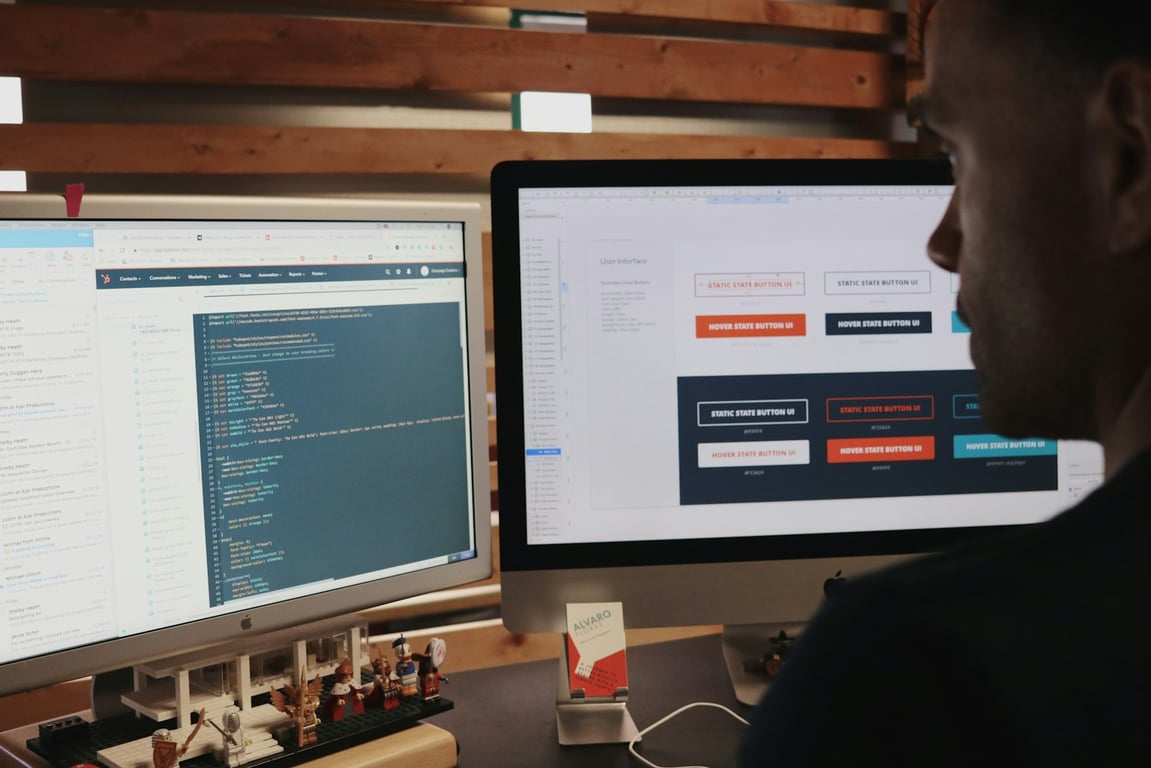
AI operations monitoring dashboard — photo by Luke Chesser on Unsplash
What “AI operations” means in a small-team automation stack
AI operations (AI ops) isn’t just “monitoring models.” In a services business or ops-heavy team, AI ops often means:
detecting breakages in automations (failed runs, missing data, auth errors)
triaging and prioritizing alerts (what’s actually urgent vs noise)
diagnosing common failure patterns (schema changes, API limits, permission changes)
A practical architecture for a break-fix AI ops agent has four stages:
1) Alert intake (capture failures in one queue)
Your agent needs a single place where “something broke” lands, with consistent fields. Common sources:
Zapier task failures and error emails
Make scenario run errors
Form and intake failures (ex: Fillout submissions that didn’t write to your database)
Database/API errors (ex: Airtable field mismatch, rate limits)
Minimum fields to capture
System: which platform (Zapier, Make, Fillout, Airtable)
Workflow name / scenario name / zap name
Error message (raw)
Timestamp + affected record ID(s)
Last successful run time (if available)
Link to the run log (if available)
Severity (customer-impacting vs internal)
2) Diagnosis (turn a messy log into a root cause hypothesis)
Teach the agent a structured diagnosis checklist:
Common failure categories
Authentication expired or permissions changed
Field name / schema drift (column renamed, type changed)
Rate limiting / quota exceeded
Null/empty data edge cases
Mapping errors (wrong field mapped, wrong ID)
App downtime / transient errors
Diagnosis output format (recommended)
What happened (1–2 sentences)
Root cause hypothesis (with confidence)
Evidence (the exact log lines or fields that support the guess)
Proposed fix
Risk assessment (what could go wrong if applied)
3) Safe actions (automate what’s reversible)
Make your agent useful fast by only automating low-risk moves at first:
retry a failed run
re-run with the same input
create a ticket/task with pre-filled context
draft a message for a human to send
propose mapping changes without applying them
generate a backfill plan (don’t execute yet)
As confidence grows, graduate to controlled changes:
update a mapping (behind approval)
re-auth a connection (behind approval)
deploy a versioned change set (with rollback notes)
4) Human escalation (approval gates + “no surprises” summaries)
A break-fix agent should escalate when:
the action changes data in a source of truth
the fix could affect billing, client comms, or deliverables
the diagnosis confidence is below your threshold
there’s any ambiguity (multiple plausible root causes)
Escalation packet
issue summary
diagnosis + confidence
recommended action and why
“if we do nothing” impact
quick questions (if needed) to resolve ambiguity
Tooling: what to evaluate (and what not to over-optimize early)
When evaluating orchestration tools, treat them as a “control panel,” not the core value. The core value is the agent’s diagnosis quality + guardrails.
Evaluation checklist
Can the agent read the right logs consistently?
Can it take scoped actions safely?
Can you enforce approval gates for risky actions?
Can you version prompts/instructions and roll back?
Can you observe costs, runs, failures, and outcomes?
Practical note on cost and guardrails
If your system is built on “a lot of small automations,” costs can spike when an error loops. Guardrails that usually matter more than model choice:
hard caps per incident (max attempts, max spend, max time)
deduping repeated alerts
cooldown windows (don’t “thrash”)
explicit stop conditions and escalation triggers
How to implement Zeke (step-by-step playbook)
Step 1: Document your “systems model”
Write down (briefly):
your core apps and where truth lives (often Airtable/Supabase)
what “good” looks like for each workflow
the top 20 failure modes you already see
Step 2: Build a failure taxonomy + runbook library
Create a short runbook for each common failure class:
“auth expired”
“field renamed”
“rate limit”
“missing required field”
“duplicate record created”
Each runbook should include: detection clues, fix steps, and when to escalate.
Trying to fully automate “fix everything” on day 1
Skipping approval gates for high-risk actions
Building without a consistent intake schema for errors
Letting alerts duplicate (noise overwhelms you)
Optimizing for orchestration tooling before you’ve validated diagnosis quality
Build a smarter AI ops support system
If you want help designing and implementing a safe AI ops break-fix agent for your automation stack, book a free discovery call. We'll walk through your current Zapier and Airtable workflows, identify your highest-risk failure points, and map out what a Zeke-style agent would look like for your stack.
Notion AI pricing explained: plan features, usage allowances, premium-model credits, Custom Agent limits, and the admin controls that keep AI spend predictable.
A restaurant-tech company built an AI SMS support agent that reads customer photos, answers from its Notion knowledge base, and hands unclear cases to humans.