How a Small Nonprofit Connected Fundraising Forms to Salesforce with Zapier
A small nonprofit connected fundraiser, school, and sponsor sign-up forms to Salesforce with Zapier, merged duplicate workflows, and added error alerts.
TL;DR: A small nonprofit running on Salesforce, a Squarespace website, and an online giving platform had every new fundraiser, school team, and corporate sponsor arriving as a form submission someone had to retype into the CRM. Over nine working sessions across 2025, a Connex consultant connected three intake forms to Salesforce with Zapier, consolidated two overlapping registration workflows into one, and added error alerts so a broken Zap gets noticed before a campaign does.
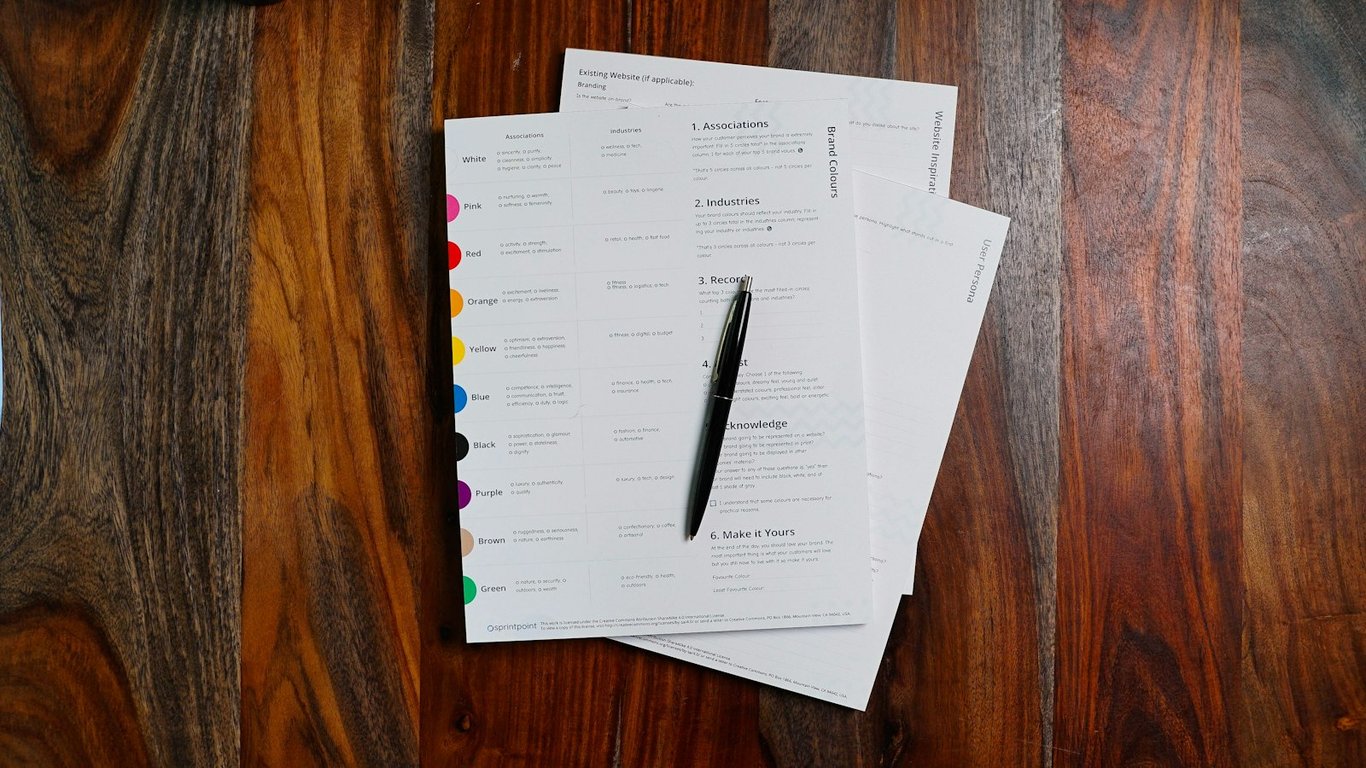
Nonprofit staff member working on a laptop, connecting fundraising forms to Salesforce with Zapier. Photo by Kaitlyn Baker on Unsplash
The situation
The client is a small international-development nonprofit with a handful of US-based staff. A big share of its fundraising runs peer-to-peer: individual supporters who run their own campaigns, schools that compete in an annual fundraising challenge, and companies that sign on as sponsors.
The stack: Salesforce (Nonprofit Success Pack) as a recently adopted CRM, a Squarespace website hosting the sign-up forms, an online giving platform for donation pages, and Zapier as the glue. The team was new to Zapier.
The problem: every sign-up was a manual handoff
Each new participant created a chain of manual work. Someone had to create the household account in Salesforce, add it to the right campaign, set up the fundraising page, email the supporter their links, and tell a colleague to connect the giving page to the campaign. The giving platform couldn't carry the custom fields the team needed, so the website form was the only place the full record existed.
Then the annual problem hit. The school challenge runs every year, and each year needs its own campaign, its own registration form, and its own confirmation emails. Rebuilding that every cycle by hand is where details slip. When the operations lead booked a session, the ask was two things: automate the peer-to-peer fundraiser registration, then copy the school challenge registration over for the next year.
What they'd already tried
The team had already moved onto Salesforce and had a first Zap running for school registrations. But each new program was bolted on as its own form and its own spreadsheet, so data ended up split across sheets that had to be merged by hand.
What we built: Salesforce intake with Zapier
A Connex consultant worked with the operations lead in live, screen-shared ZoomFlow sessions, building each workflow with the client watching so the team could maintain it afterward.
General peer-to-peer fundraiser intake. A website form submission now checks Salesforce for an existing account, creates a household account if none exists, fills in the registration and team-name fields, and adds it to the right campaign. The supporter gets a confirmation email with their campaign setup and portal links, and a staff member is notified to connect the giving page.
Corporate sponsor intake. A sponsorship form creates the company account and contact in Salesforce, links them, flags the account as a potential sponsor with a new checkbox field, and notifies the two staff members who handle partnerships.
Year-over-year campaign rollover. The school challenge got a clean annual structure: a campaign per year, a registration-year field on each account, and separate forms for alternating years so this year's sign-ups never land in last year's campaign.
One registration flow instead of two. The Title I school form was merged into the main registration form with a checkbox and a conditional fundraising-goal field. One Zap now does the work of two, and everything lands in one spreadsheet.
Goal tracking and error alerts. A new Salesforce field records which years each school hit its goal, a goal-reached email fires automatically, and Zapier error notifications are routed by workflow folder to three staff members.
One quieter fix mattered just as much: several Zaps had been silently held because they ran under a staff login that had gone inactive. They were reconnected to active accounts.
The results
Three intake forms (general fundraisers, school teams, corporate sponsors) now create and link Salesforce records automatically, with confirmations and staff notifications included.
Two registration Zaps consolidated into one, which ended the manual merging of two spreadsheets.
Annual setup is now a repeatable pattern. The next year's campaign and form follow the same structure instead of a rebuild.
Failures surface quickly. Error alerts go to three people, so a held or broken Zap gets seen by staff instead of discovered weeks later by a confused supporter.
There's no dollar figure here, and we won't invent one. The client didn't share registration volumes or time-per-record, so we can't honestly estimate the hours saved. What's verifiable is the scope: every recurring intake path now writes to Salesforce on its own, and the error alerts were set up specifically to cover a staff transition late in the year.
FAQ
Will this work if our giving platform doesn't integrate well with Salesforce? Usually, yes. When the giving platform can't carry your custom fields, collect them on your own website form and let that form create the Salesforce record. The giving platform still handles payments.
How do we stop rebuilding the same campaign every year? Give each year its own campaign and a year field on the account, then point the form at the current year. Rolling over becomes a few settings changes instead of a new build.
Why did our Zaps stop running with no obvious error? A common cause is a disconnected app connection, often one owned by someone who left or whose login was deactivated. Zapier holds those runs instead of failing them loudly. Check the Zap history for held runs, reconnect the app (or move the connection to an active owner), then replay the held runs. Route error alerts to more than one person so the next one gets caught. (Based on Zapier's help docs as of October 2026.)
Fundraising sign-ups still landing in a spreadsheet?
If every new fundraiser, team, or sponsor still means retyping into your CRM, we can usually map the fix on one call. Book a free call with the Connex team.
A cleaning company's Zapier automation for review requests stopped after a sender-address change. One call traced the fault upstream, and the Zap never changed.
How a small nonprofit fixed a Classy-to-Bloomerang Zapier sync that silently dropped gifts: ACH re-checks, retry handling, review queues, and event data.