How to Build a Secure Notion Client Portal (Multi-Tenant) Without Duplicate Databases
Learn how to build a secure Notion client portal using linked databases and filtered views. Give each client access to their own data — no duplicate databases.
If you need a Notion client portal where each client can view and update only their own data, the cleanest approach is to keep one “master” set of databases and give each client access through a portal page that only contains filtered views tied to that client record. This avoids duplicating databases while still supporting secure, multi-tenant-style access. For a deeper permissions walkthrough, see: Notion Page-Level Access: How to Lock Down Client Portals Without Exposing Your Database.
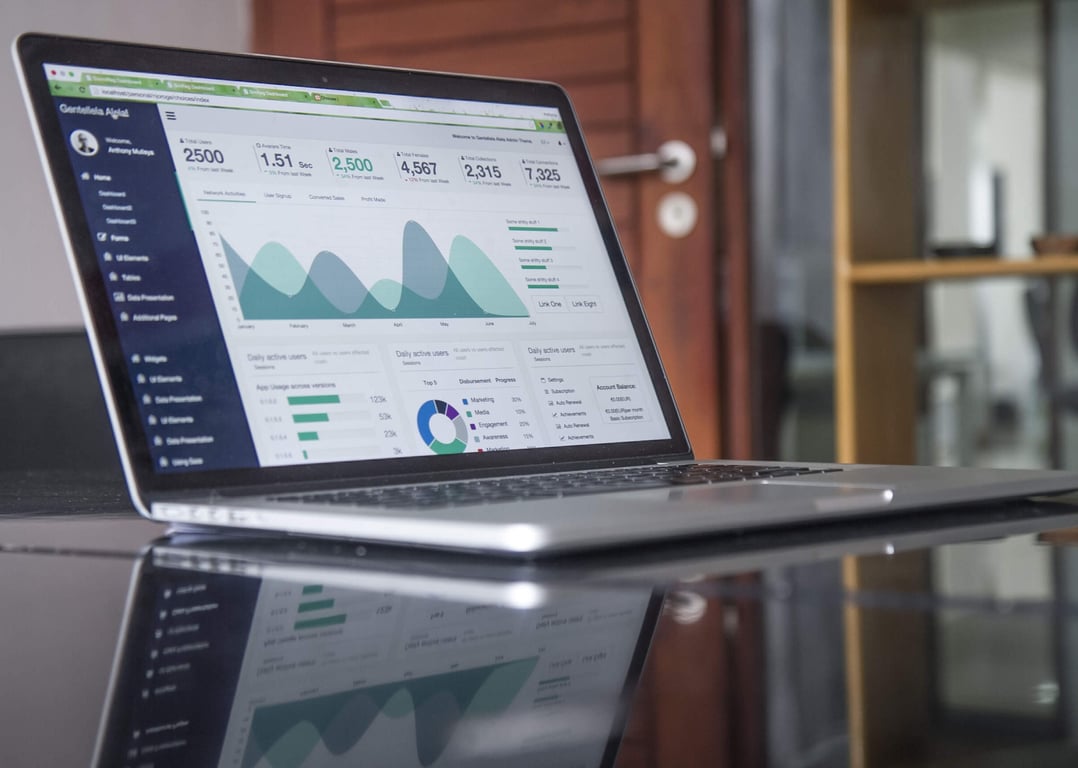
Photo by Annie Spratt on Unsplash
What a “multi-tenant” Notion client portal really means
A multi-tenant setup in Notion usually means:
One source of truth for all records.
Each client sees only records related to their client profile.
Editing is allowed only where it is safe.
Notion is not a traditional SaaS access-control system, so the goal is to combine page permissions with relational structure so access is “baked in” to what a client can open.
Recommended data model (simple and scalable)
For most portal builds, start with these databases:
Clients
Portfolios (related to Clients)
Holdings (related to Portfolios)
Reference / Universe (a shared reference list that clients can view if needed)
Key rule
Make the client relationship the “anchor”:
Every record a client should see must be related to that client, directly or indirectly.
Step-by-step: Build the portal page pattern
1) Create a portal page per client
Create a page named like:
“Client Portal — Client A”
Then invite the client as a guest only to that page (and any child pages you intentionally include).
2) Add linked database views (not the full database)
On the portal page, add linked views for:
Portfolios
Holdings
Apply filters such as:
Client contains “Client A”
Or, Portfolio → Client contains “Client A”
3) Allow the right edits
Decide what clients can change:
Add a holding
Update allocation percentages
Add a portfolio
If a client must edit records, ensure those records are only accessible through the portal and any necessary related pages.
Avoid the common mistake: creating a view per client
You typically do not want to create a permanent view for every client inside the master database.
Instead:
Use linked database views in each client portal page.
Filter that view to the client.
This keeps your master system clean, and the portal pages become the access surface.
Security and permissions: what to watch
If a client can open a related record page, they may be able to navigate to other relations unless permissions prevent it.
Be careful with shared reference databases.
Test the full experience using a separate test guest account.
FAQ
Can clients edit data in a Notion portal?
Yes, if you give edit permissions to the portal page and the relevant databases or pages. The key is making sure they cannot access the master workspace pages or unfiltered views.
Do I need separate workspaces for each client?
Usually no. Separate workspaces increase overhead and make it harder to maintain consistent structure.
What if I need more strict access control?
If you need strict, programmatic access control, consider pairing Notion with a client-facing layer (for example, a portal product) while still keeping Notion as the system of record.
Get help building this
Building a Notion client portal usually breaks at the permissions layer — a client opens a related record and suddenly sees data that wasn't theirs to see. If you've hit that wall, book a ZoomFlow session — one of our consultants can map out the right relational structure with you live and get the portal working in a single call.
Build a Notion meeting notes database that auto-summarizes and extracts next steps with AI autofill, then surface the right meetings anywhere using linked views.