If you run a consulting team and want to centralize email, calendars, client docs, CRM context, and project delivery, the real question in Notion vs ClickUp for consulting operations is which kind of system you want: a project-management-first tool (ClickUp) or an all-in-one knowledge and database system that can also run projects (Notion). For most consulting ops teams that live in client context, SOPs, meeting notes, and deliverables, Notion is the better long-term automation hub. There are a few situations where ClickUp wins, and we cover those below.
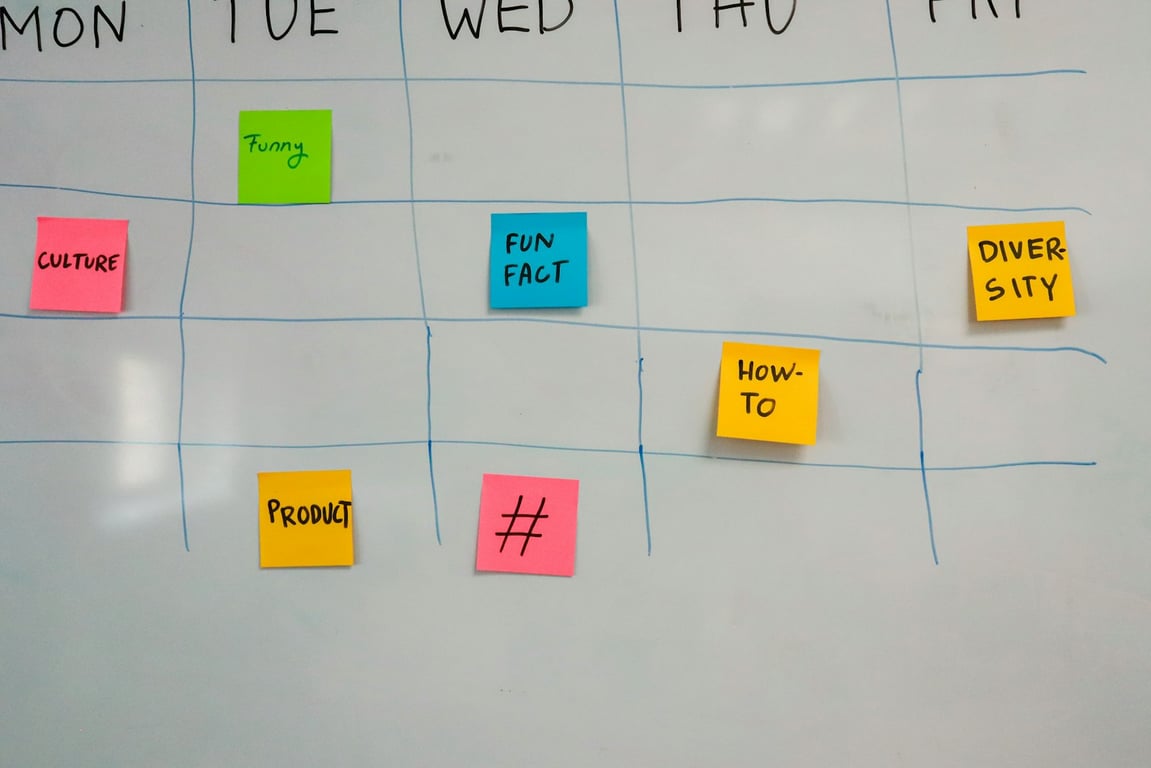
Consulting team planning operations on a sticky-note board, the kind of work Notion vs ClickUp for consulting operations has to support. Photo by Alvaro Reyes on Unsplash
Quick recommendation for a mid-sized consulting firm
Choose Notion if you want:
One workspace for SOPs, meeting notes, client context, and projects
A database-first “operating system” you can tailor per client
Faster knowledge retrieval and easier cross-linking between work
An AI-first workflow (notes → action items → structured pages)
Heavier focus on task execution vs documentation/knowledge
The core difference: docs + databases vs tasks + projects
Notion: consulting "ops OS"
Notion is best when your consulting business needs to connect:
Meeting notes → projects → deliverables
SOPs → checklists → templates
CRM context → account plans → internal handoffs
Email + calendar insights → weekly plans
This is where Notion’s linked databases and pages shine.
ClickUp: project execution engine
ClickUp is best when your primary goal is to track:
Tasks, assignments, deadlines, and statuses
Workload and reporting
Structured project plans with strong task controls
ClickUp can absolutely store docs, but most teams use it “task-first.”
Notion vs ClickUp for consulting operations: feature comparison
1) Building a client operating system (repeatable delivery)
Notion advantage: Client workspaces with reusable templates (client hub, onboarding checklist, SOP library, meeting notes, project tracker) that all connect.
ClickUp advantage: Faster to stand up a basic project space with tasks and views.
Verdict: If you plan to standardize and scale delivery with reusable structures, Notion wins.
2) Meeting notes → action items → project updates
A consulting team often needs meeting outcomes to automatically become:
Next steps
Tasks and owners
Updates inside the client project plan
Notion’s AI Meeting Notes can file each meeting into a meetings database, which makes this “notes-as-structured-data” approach easier to maintain. ClickUp can do this too with its AI Notetaker and ClickUp Brain, but the output tends to land inside tasks and projects rather than a broader knowledge system. (as of November 2026 — check current features)
Verdict: Notion is easier for “meeting intelligence” that feeds the whole business system.
If you’re using Pipedrive as your CRM, the question becomes: where should CRM insights live day-to-day?
Notion approach: Keep the client playbook, meeting notes, account plan, and delivery plan in one place, then sync/automate key fields from CRM.
ClickUp approach: Treat CRM context as supporting info while tasks and project plans remain primary.
Verdict: Notion is a better “client context home base.” ClickUp is fine if CRM context is secondary.
4) Email + calendar centralization (Microsoft + Google mix)
If your team is split across Microsoft 365 and Google Workspace, your system has to handle:
Email monitoring and daily reporting
Calendar summaries and prep
Client context injection before calls
This is where a “central system” matters. Notion’s strength is aggregating and presenting context (briefings, dashboards, client pages). ClickUp’s strength is pushing execution (tasks, statuses).
Verdict: For “central context + briefing” workflows, Notion wins.
5) AI-first workflow support
Notion is leaning hard into AI across pages and databases (summaries, structured outputs, agents). ClickUp Brain is strong too, especially when tied directly into tasks and execution. (as of November 2026 — check current features)
Verdict: Tie. Choose based on where you want AI outputs to land: knowledge system (Notion) vs task system (ClickUp).
If you’re considering moving from Microsoft 365 + ClickUp into Notion, plan for:
Information architecture: deciding what becomes databases vs pages
Document migration: OneDrive/SharePoint docs may need restructuring
Permissions and client access: define what clients can see and edit
Automation strategy: build deterministic workflows first, then add AI
A practical approach:
Start with one “client HQ” template in Notion
Add an engagement tracker (projects + deliverables)
Add meeting notes + next steps database
Integrate CRM context (Pipedrive) into client pages
Add email + calendar reporting automations
When ClickUp is the better choice
ClickUp can be the right call if:
Your delivery is primarily task-based with strict PM reporting
You need complex task dependencies and project controls out of the box
Your team won’t maintain a flexible system without strong defaults
Bottom line
For consulting ops automation, where the hard part is connecting client context, SOPs, meeting notes, and delivery, Notion is the stronger foundation. If your team mainly needs a task execution engine with minimal setup, ClickUp is the better fit.
Not sure which fits your team?
Tool comparisons only get you so far. The right choice depends on how your team already runs client delivery and where the friction lives today: scattered meeting notes, CRM context nobody sees before calls, or a ClickUp setup that never caught on. Book a ZoomFlow session and we’ll walk through your current stack with you and tell you which one fits.
A checklist for moving a legacy CRM integration to a new vendor API like FileLogix Expert Pro: inventory calls, map endpoints, test in parallel, then cut over.