Workspace Readiness Sprint: playbook, signals, and outreach
A workspace readiness sprint helps Notion consultants score and reach the right workspaces in 1–2 weeks. Get the signals, outreach templates, and incentive model.
If you’re a Notion consultant (or a team running customer success for workspaces), a workspace readiness sprint is a short, time-boxed push (usually 1–2 weeks) where you:
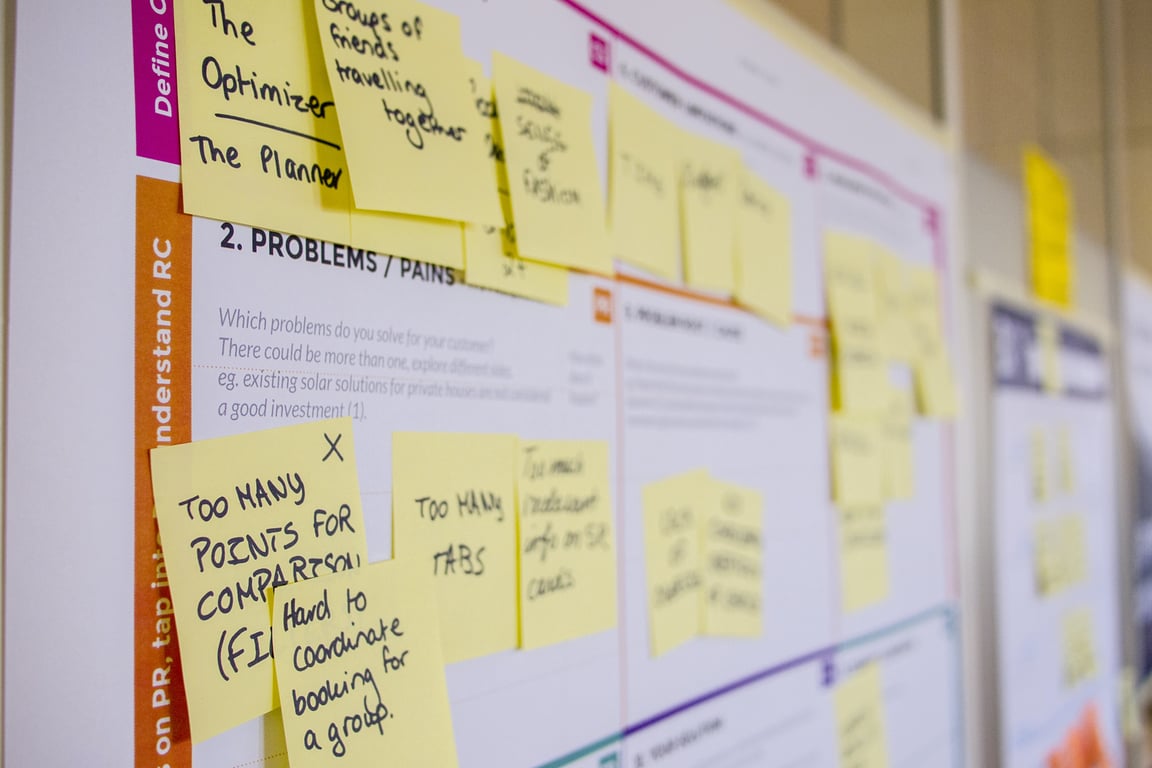
Photo by Daria Nepriakhina on Unsplash
identify which workspaces are most likely to benefit from (and say yes to) an upgrade,
generate next-best-action recommendations using real usage signals,
and run tailored outreach that feels helpful—not generic.
Below is a practical playbook to operationalize readiness using measurable signals, plus an incentive model to align consultants and platforms.
What a “workspace readiness sprint” is (and isn’t)
A workspace readiness sprint is not “blast everyone with an upgrade pitch.” It’s a structured process to:
triage accounts (who is valid, who is active, who is expandable),
Dormant relationships (you previously worked together, but there’s no active engagement)
Missing workspaces (accounts you are working with that aren’t represented in the dashboard/list)
Minimal taxonomy to use in your list
Add one simple status field so your sprint pipeline stays sane:
Valid — active relationship
Valid — no active relationship
Invalid / duplicate
Internal / employee
Ignore (never upgrading / not a fit)
Step 2: Define readiness signals (use raw data, not vibes)
The fastest way to make outreach feel “canned” is to give recommendations without showing the why. Readiness improves when you base recommendations on visible signals.
A simple readiness scorecard (3 buckets)
Use three categories so you can generate actions that map to real problems:
1) Plan/Expansion signals (are they hitting constraints?)
Examples of signals to track:
rapidly increasing member count
permission complexity (more guests, more permission groups)
usage patterns that correlate with a higher-tier need (e.g., more cross-team databases)
Upgrade posture: “They’re growing or getting complex—an upgrade enables governance and scale.”
2) Block & database activity signals (are they building?)
Examples of signals to track:
number of databases and database properties
growth rate in pages/blocks
creation velocity (new pages per week)
Upgrade posture: “They’re building real systems—help them make it durable and scalable.”
3) Adoption / health signals (are they sticking?)
Examples of signals to track:
“hasn’t created a block in X days” (churn risk)
usage drop-offs after onboarding
uneven adoption (one heavy user, everyone else inactive)
Upgrade posture: “They’re at risk of churn—help them get value and build a habit.”
Step 3: Turn signals into “next-best-action” recommendations
The purpose of a readiness sprint is to turn signals into actions that are:
specific,
time-bound,
and directly tied to observed behavior.
Example next-best-action patterns
Pick one per workspace to keep outreach focused.
Pattern A: Churn-risk rescue
Signal: No meaningful creation activity for 30+ days.
Next best action: Offer a 30-minute reset session + a single workflow rebuild.
Why it works: It’s a tangible rescue, not a plan pitch.
Pattern B: Complexity upgrade (governance)
Signal: Rapid team growth + complex databases.
Next best action: Propose a permissions + structure audit, then a governance plan.
Why it works: Governance is a concrete pain once usage scales.
Pattern C: Adoption expansion (team enablement)
Signal: Lots of content exists, but only one editor.
Next best action: Run a “role-based adoption” workshop (3 roles, 3 dashboards).
Why it works: It turns the workspace into a multi-player system.
Step 4: Write outreach that doesn’t feel canned
A readiness sprint wins when each message feels like:
“I looked at your workspace and noticed X. Here’s a quick fix you can do this week. If you want, I can help implement it.”
Outreach template (consultant-friendly)
Subject: Quick idea based on your workspace usage
Hi there — I noticed a pattern in your workspace that usually shows up right before teams get stuck:
What I’m seeing: [insert 1–2 signals]
What this often means: [1 sentence]
A quick win this week: [one actionable recommendation]
If you want, I can help you implement the quick win and map what an upgraded setup would look like (only if it’s actually worth it).
Step 5: Incentives & rev-share design (make the sprint sustainable)
If you want consultants to consistently drive upgrades, the incentive model has to:
reward quality outcomes (not spammy outreach),
be transparent (consultants understand what triggers eligibility),
and stay evergreen (not just a one-off sprint).
A practical incentive model
Eligibility: Only “Valid — active relationship” workspaces count.
Quality guardrails: Require evidence of a delivered action (audit, workshop, implementation).
Rev-share trigger: Upgrade within a defined attribution window after delivered action.
Running a readiness sprint without clean signals usually means outreach that goes nowhere. If you’ve got the list but not the playbook, book a ZoomFlow session — we’ll map the signals, build the scoring model, and design outreach templates with you in a single call.
Learn how to use Claude to design a practical scheduling assistant for a service business: data model, daily updates, dispatch workflow, and rollout steps.
Plan a Confluence to Notion migration without breaking permissions or governance. Use this enterprise checklist for discovery, pilots, rollout, and cleanup.