Airtable acquisition: how to plan a migration (without panic)
Worried about an Airtable acquisition price hike? Use this migration checklist to assess risk, pick a target stack, and migrate in phases without downtime.
If you’re worried an Airtable acquisition could lead to a major renewal increase, don’t panic-migrate. Build a simple plan: separate “must-keep” bases from nice-to-haves, map integrations, pick a target platform, then migrate in phases over 8–12 months so you’re not forced into a rushed (and expensive) rebuild. If you want to keep day-to-day work familiar while you evaluate options, start by documenting how your team uses Airtable today—and whether an interface layer like Softr could help during a transition.
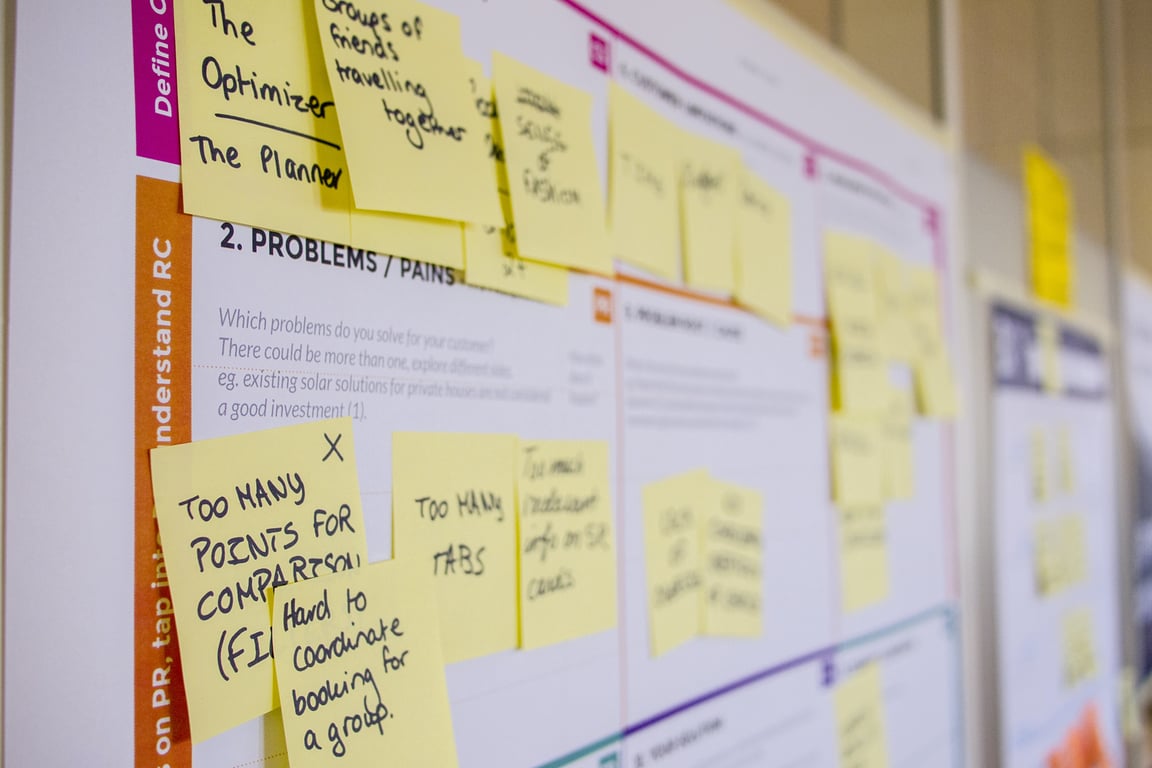
Photo by Jakub Zerdzicki on Unsplash
Why acquisitions can change your Airtable risk profile
Acquisitions often bring some combination of:
Pricing and packaging changes (especially at renewal)
Product focus shifts (features you don’t need, slower iteration on what you do)
Support changes (new tiers, fewer humans, different SLAs)
None of that guarantees your costs will triple—but it does change the cost of waiting. If Airtable is business-critical, the safest move is to create optionality.
Step 0: Decide what you’re actually trying to protect
Before you touch data exports, be clear on the outcome:
Cost control: avoid getting trapped into a renewal you can’t stomach.
Reliability: reduce single-vendor risk for core workflows.
Flexibility: make future changes (new pipelines, new products) easier.
If your goal is purely cost, you might not need a full rebuild—you might need a clean inventory and a negotiation plan.
Migration planning checklist (the part most teams skip)
1) Inventory your bases and label them by criticality
What must keep working (views, forms, interfaces, permissions)
What systems feed it (APIs, CSV imports, tools)
What systems it feeds (Slack alerts, customer emails, dashboards)
If you’re using integrations like Zapier or Make, list every automation that touches Airtable. A migration is usually an integration migration plus a data migration.
3) Decide whether each use case should be migrated or replaced
Airtable often ends up doing jobs that a purpose-built tool handles better.
Examples:
“Rough CRM” → real CRM (instead of rebuilding tables)
Ticketing / finance requests → a ticketing tool or accounting workflow
Internal request intake → forms + workflow tool
Migrating 1:1 is sometimes the right move—but it’s not automatically the best move.
4) Pick a target platform based on your real constraints
Airtable replacements tend to fall into three buckets:
Airtable-like + more structure (database + API)
Good when you need a backend you can grow into, plus integrations.
Interface-first portals
Good when most users interact through a front-end, not the base.
Code-first stack
Powerful, but you’ll trade “spreadsheet-like” flexibility for engineering overhead.
If your team values a grid UI and quick iteration, avoid choosing a target that forces everything into SQL + code on day one.
A practical 8–12 month timeline (what to do now vs later)
Now (weeks 1–4): create options
Do the base inventory + integration map
Export a snapshot of Tier 1 bases (so you can test migrations safely)
Choose a “north star” target stack and a fallback option
Next (months 2–4): pilot one workflow end-to-end
Pick one workflow with real usage and migrate it completely:
Data model
Permissions
Integrations
User training
Your goal is to prove you can ship a migration without breaking operations.
Later (months 5–12): migrate the rest in phases
Migrate Tier 1 bases first
Move Tier 2 only if it’s clearly worth it
Retire Tier 3 instead of migrating it, when possible
What a “good” migration looks like
A successful migration usually has these traits:
Users can find records as fast as before (or faster)
The integration surface area is smaller than it was in Airtable
There’s a clean rollback path during the transition
You can add new workflows without rebuilding everything
Common mistakes that make migrations drag on
Treating migration as “export/import” instead of “system redesign + integrations”
Migrating every base instead of only what matters
Choosing a target based on hype instead of constraints
Waiting until renewal pressure forces a rushed decision
When to bring in help
If Airtable sits in the center of revenue, fulfillment, finance, or compliance workflows, the best ROI is usually an upfront architecture session to map:
The minimum viable target system
The lowest-risk migration sequence
The integrations you should simplify before you migrate
If you've hit that wall, book a ZoomFlow session — one of our consultants can map the minimum viable target system and the migration sequence with you in a single session.
ViaCSV is a free, AI-assisted CSV importer for apps like Pipedrive and Attio. Here's what it fixes, what it can't, and what to sort out before you import.
Fix Smokeball Outlook contact sync deduplication with fallback matching (email, then name, then phone) so updates hit existing contacts instead of duplicates.