How a 4-Person Service Company Turned AI-Answered Calls into a Technician Dispatch Board
How a 3-tech equipment service business turned AI-answered calls into a technician dispatch board in Airtable that sorts calls, routes them, and closes jobs.
In one working session, a small field-service business went from a Zapier workflow that pulled the wrong names and burned through its task allowance in under two weeks to a technician dispatch board in Airtable: a single call queue that sorts every call by type, routes it to the right technician, and closes it out when the job is done.
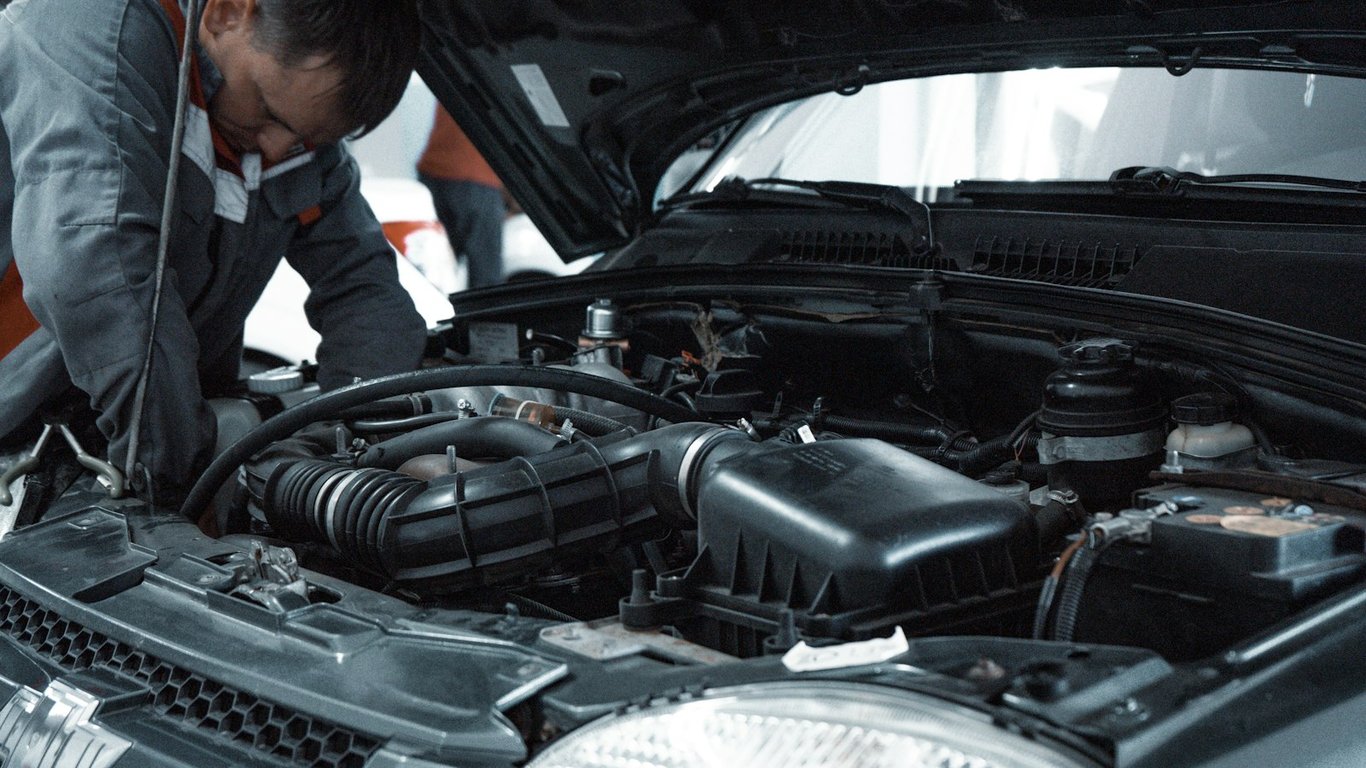
Technician dispatch board for an automotive equipment service team. Photo by Kate Ibragimova on Unsplash
The situation
The company is an owner-operated equipment service business with three field technicians. Its customers are automotive dealerships and repair shops, and the phone is the front door: somewhere between 5 and 20 calls a day, a mix of service requests, parts orders, and "call me back" messages.
Calls ran through Quo (formerly OpenPhone), with an AI answering service picking up when the team couldn't. The owner had built a basic Zapier workflow that sent each call into Airtable, which he was using as a simple CRM.
The problem
In the owner's own words, from his booking note: "I'm not consistently extracting the information I want. I'm also quite often extracting information I don't want."
In practice that meant:
Wrong names. The automation grabbed the caller's personal name instead of the shop name, which is the thing a technician actually needs.
Missing phone numbers and inconsistent fields, so records needed cleanup before anyone could act on them.
Task burn. The workflow used Zapier's built-in AI step and went through a 750-task monthly allowance in under half a month.
No dispatch. Airtable had an "assigned tech" dropdown, but picking a name did nothing. Nothing showed up on the technician's side, so the owner stopped assigning calls at all.
What he'd already tried
He wasn't starting from zero. He had built the Zap himself, split service calls and parts orders into separate Airtable tables with separate Zap paths, and started running end-of-day extractions by hand through Claude. He found Claude's output better, but doing it manually at the end of the day meant calls weren't in the system when they came in. He got most of the way there and then hit the limits of what he could hold together himself.
What we built: a technician dispatch board in Airtable
A Connex consultant worked through it with him live in one 60-minute ZoomFlow session:
Claude in place of the built-in AI step. The Zap now calls Claude through the owner's own Anthropic API key, with a more detailed extraction prompt. It pulls just the fields the team uses: problem, city, customer phone, shop name, and model number. We cover the prompt and validation side in how to extract Quo call recordings to Airtable.
One call table instead of one table per call type. Service and parts calls were merged into a single table with a call-type field. The prompt picks the type from a fixed list (service, parts, or general follow-up). The follow-up type was added in the session so calls that need a callback don't get lost. Adding a new call type later means adding it to the list in the prompt, not building a new table, new columns, and a new Zap path.
Assignment that actually dispatches. When a call moves from unassigned to assigned, an Airtable automation creates a linked record in that technician's own table. Each technician has one table they can open on a phone. Lookup fields show the full call details from the main table instead of copying them, so if the main record changes, the technician sees the change.
Completion that closes the loop. When a technician checks "completed," a second automation writes the completion date back to the main call record. Every working view filters out completed calls, so the queue only shows open work.
A fix for a quiet bug. The original Zap was filling in a completion date the moment a call arrived, so new calls looked finished and dropped out of any view built around open work. That value now goes into a created-date field instead.
Guardrails. The internal record-ID fields that link the tables were labeled do-not-delete. Before adding more steps, the consultant had him run the new setup as-is first to see actual task usage.
The results
Before, calls landed in two tables with unreliable fields, and assigning one did nothing. After, every answered or AI-handled call becomes one categorized record in a single queue. Assigning it puts it on the technician's own list, and finishing it clears it from the board and timestamps it.
What changed, based on the session record:
One queue, three call types, sorted automatically, with general follow-ups no longer falling through.
Technician dispatch works for the first time. The owner can track each tech's open calls without asking.
AI cost moved off Zapier's AI step and onto a per-call Claude API charge on the owner's own key, with Zapier handling the routing.
Room to grow. A new call type is a one-line prompt change.
We haven't put a dollar figure on this. There was no time-per-call baseline to work from, so we've left the results as what was built and verified in the session.
The next item on his list was merging repeat calls from the same shop into one open record, matched on phone number, instead of creating duplicates. It's deliberately held until a few weeks of real usage data show what the extra Zap steps would cost.
Client voice
After the test calls went through the new single-table setup, the owner said: "A lot simpler. Nice." About a month later he asked about booking follow-up sessions to keep building on it.
FAQ
Will this work with an AI answering service I already use? Usually, yes. In this build the Zap triggers on the call record and transcript in Quo, so it runs the same way whether a person or the AI service answered. If your answering service logs calls somewhere Zapier can read, the same pattern applies.
Do I need a separate Claude subscription? API use is billed separately from a Claude chat plan, so you prepay API credits. Whether that beats an AI step billed in automation tasks depends on your call volume, so run it for a few weeks and compare.
Can technicians use this from their phones? Yes. Each technician gets one table that shows only their assigned, open calls, and Airtable's mobile app handles the rest.
How long did this take? The restructure, the routing, and both automations were built in one 60-minute working session.
Stuck on a similar setup?
If your calls, forms, or orders land somewhere but never turn into assigned work, book a call with Connex and we'll look at it with you. We build this kind of routing live, with you on screen, so you leave the session with a working queue instead of a to-do list.
A small nonprofit connected fundraiser, school, and sponsor sign-up forms to Salesforce with Zapier, merged duplicate workflows, and added error alerts.
A cleaning company's Zapier automation for review requests stopped after a sender-address change. One call traced the fault upstream, and the Zap never changed.
A restaurant-tech company built an AI SMS support agent that reads customer photos, answers from its Notion knowledge base, and hands unclear cases to humans.