How to Handle Expired PDF URLs in Zapier Workflows
Fix expired PDF URLs in Zapier and avoid replay failures. Upload generated PDFs to permanent storage (Drive/S3), build regeneration workflows, and keep audit-ready records.
PDF generation services return temporary URLs that expire in 7–30 days. If your Zapier workflow stores those URLs instead of uploading the file to permanent storage, you’ll lose the document when the URL goes dead. The fix: upload to Google Drive, Dropbox, or S3 immediately after generation.
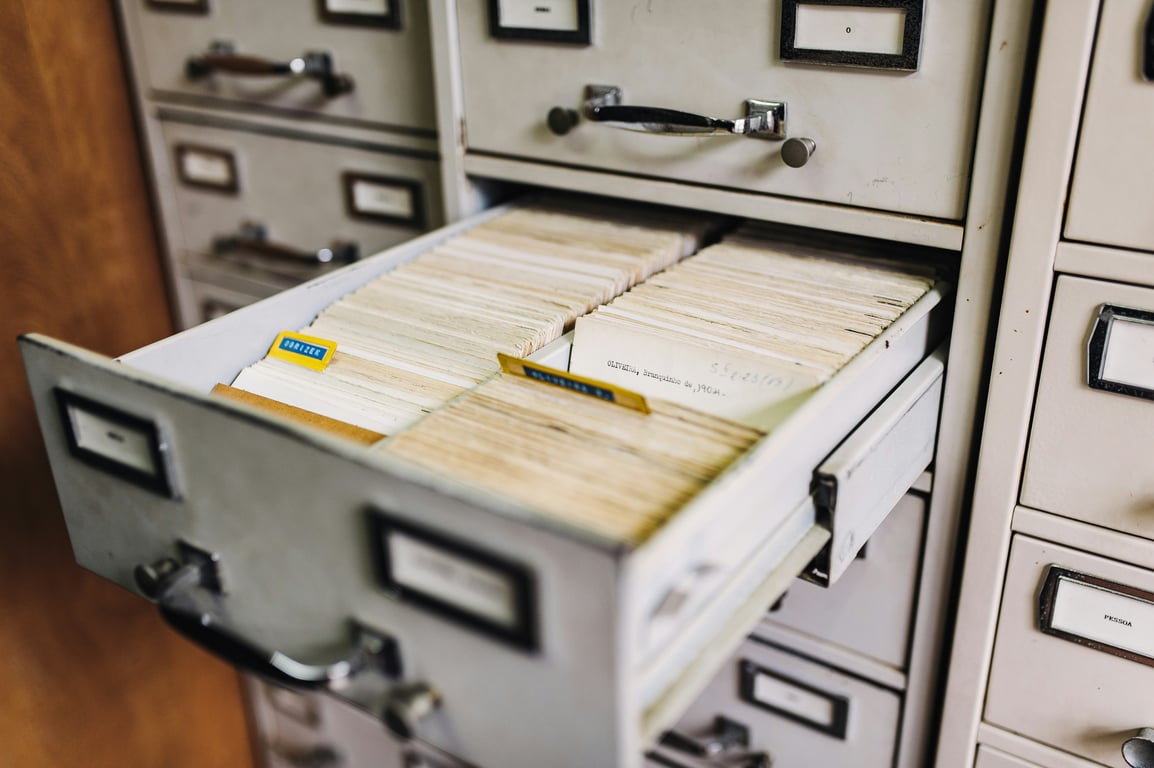
Photo by Maarten van den Heuvel on Unsplash
Why PDF URLs Expire
PDF generation services like Craft My PDF, DocuMint, and PDFMonkey generate documents on-demand and host them temporarily to minimize storage costs. This is efficient for the service provider but creates challenges for long-term document retention.
Typical expiration periods:
Craft My PDF: 10 days
DocuMint: 7-14 days (varies by plan)
PDFMonkey: 30 days
Once a URL expires, the file is permanently deleted from the generation service's servers. You cannot recover it by replaying the Zap—you must regenerate the PDF from scratch.
The Problem with Expired URLs
Replay Failures
When a Zap run fails and you attempt to replay it days later, you may encounter:
"Request has expired" errors: The PDF URL that Zapier received is no longer valid.
File not found errors: The generation service returns a 404 when Zapier tries to download the PDF.
Silent failures: The workflow completes without error, but the file is empty or missing.
User Request Challenges
When users request replacement certificates, receipts, or reports:
You can't simply resend the original file
Manual regeneration is time-consuming
There's no audit trail of the original document
Solution 1: Immediate Permanent Storage
The most effective solution is to upload PDFs to permanent cloud storage immediately after generation, before the temporary URL expires.
Implementation Steps
Step 1: After your PDF generation step, add an Upload File action for your chosen storage service:
A 30-person nonprofit moved its lead-safe home repair grant program off spreadsheets and email into one Airtable, DocuSign and Zapier pipeline. Here's how.
A Czech smart-metering operation used Smartsheet, Pipedream and Adobe document generation to auto-build 100–200 photo-rich apartment handover PDFs a month.
Automate certificate generation with Zapier and PDF tools: triggers, PDF templates, permanent storage, email delivery, compliance tracking, and troubleshooting.