How to Automatically Find Broken Links and Missing Images
Build an automated crawler that finds broken links and missing images, logs each issue to Notion, and routes fixes to an owner, so you skip the manual audits.

Build an automated crawler that finds broken links and missing images, logs each issue to Notion, and routes fixes to an owner, so you skip the manual audits.

Build a scheduling form that creates Google Calendar events, Trello cards, and QuickBooks customers automatically, capturing customer info once, not 3 times.
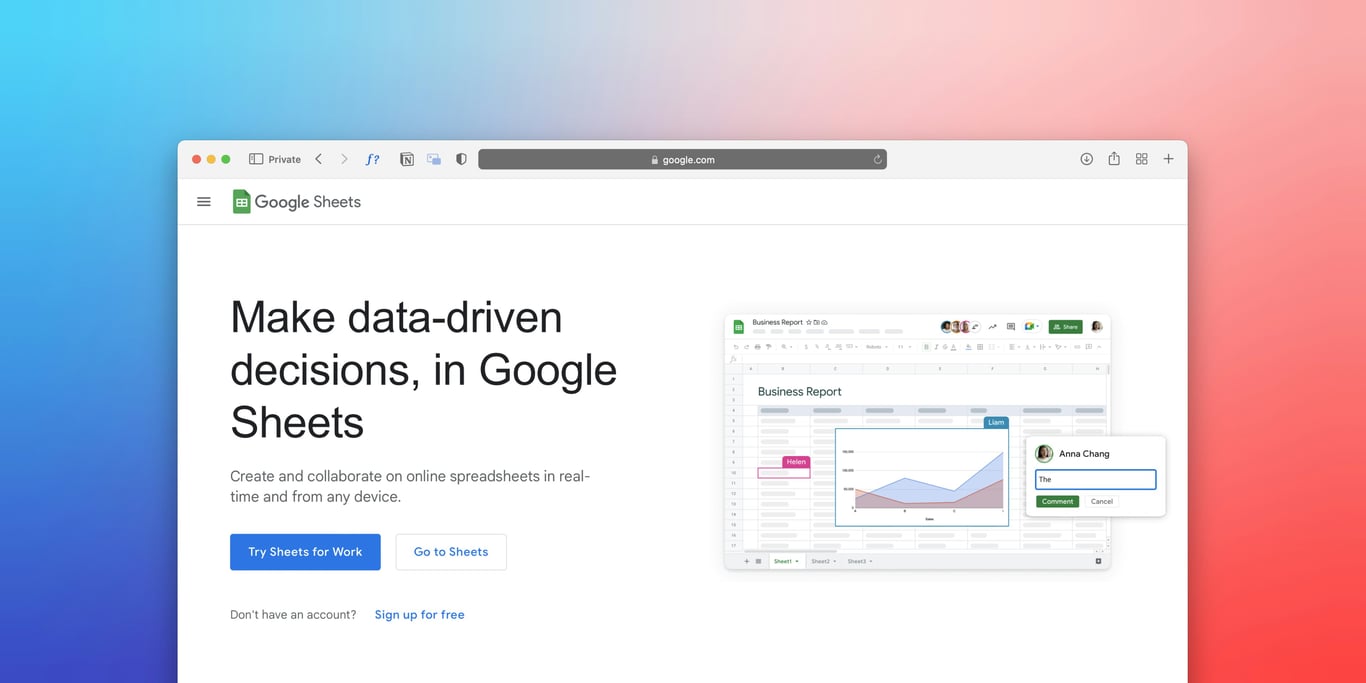
Clean up a dispatch dashboard in Google Sheets: stop duplicate rows, standardize formatting, show live wait time, and build a simple ETA model.

Zapier Zap cleanup checklist to simplify complex automations safely. Reduce noisy triggers, remove redundant steps, add logging, and prevent throttling.

Fix QuickBooks duplicate customer email domain issues with Zapier Formatter and API-based lookup. Reduce duplicate records, failed receipts, and manual cleanup.
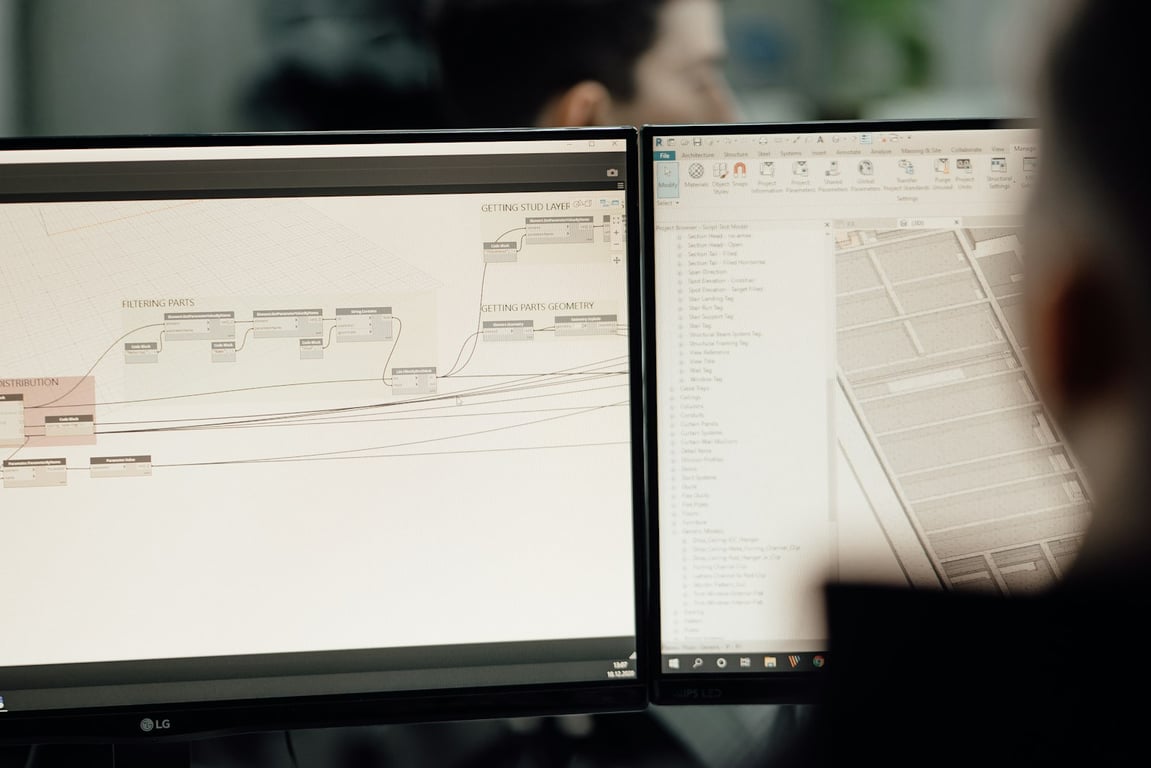
See how a ~80-person UK signage manufacturer used Quickbase and SharePoint to launch rollout programmes from a template and track every site in one dashboard.

Embed a Notion view in Google Slides for auto-updating decks: build a filtered view, then link it, screenshot it, add a live frame, or rebuild it with Zapier.
Outlook rules that move emails into subfolders make Zapier miss them. Trigger on the right folder, add a Zapier Email Parser backup, and backfill misses safely.
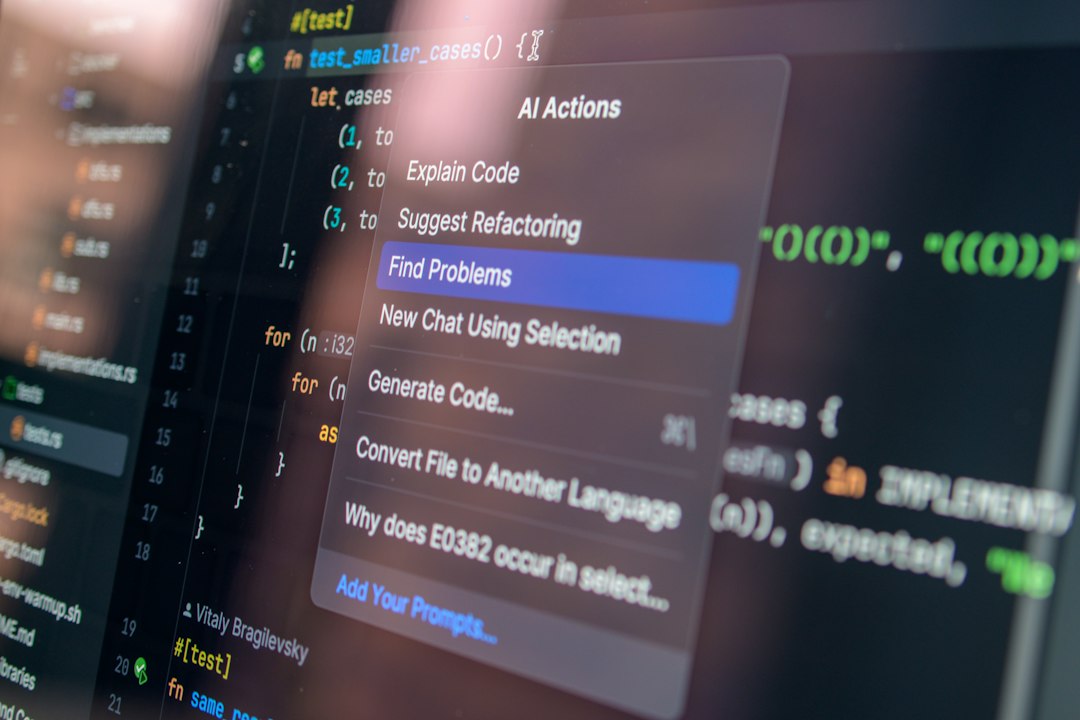
Learn when to keep Zapier/Make and when to build a custom MCP server (e.g., Pipedrive) to cut automation costs, reduce failures, and improve control.

Bullet + Notion website setup checklist for domains, logins, Weglot, access control, nav, and Mailchimp newsletter embeds—fix issues fast.

Automate multi-unit rental application workflows: prevent wrong units, enforce unit selection, validate submissions, and reduce manual review with clean data.
A Notion pointer page is a single, high-signal index that tells humans and AI agents where your databases, SOPs, and dashboards live—without bloating context.

