OpenTable automation stack for multi-location restaurant retention (checklist)
OpenTable integration for multi-location restaurants — connect guest data to email, CRM, and reviews to automate welcomes, birthdays, and lapsed-guest reactivation.

OpenTable integration for multi-location restaurants — connect guest data to email, CRM, and reviews to automate welcomes, birthdays, and lapsed-guest reactivation.

No Squarespace access? Forward form emails to a Make mailhook, parse fields, dedupe by email, then upsert contacts and log activities in JobNimbus.

Make AI agents let your automation workflows decide which tools to use—no hard-coded branching. Learn structured prompting, guardrails, and multi-agent patterns.

Learn how to automate Full Enrich to Pipedrive contact enrichment using Zapier, Make, or n8n. Get the field map, safeguards, and step-by-step workflow.

Learn zapier solution partner program (benefits + requirements), and how to decide between a public Zapier integration, a private app, or a partner-built connector.

How to normalize upstream status labels so your customer service phone bot gives clear, consistent scheduling updates instead of confusing internal labels.

Learn how to automate product categorization at scale in your Wix store using Zapier and a mapping table. Covers taxonomy, rules, AI classification, and QA.
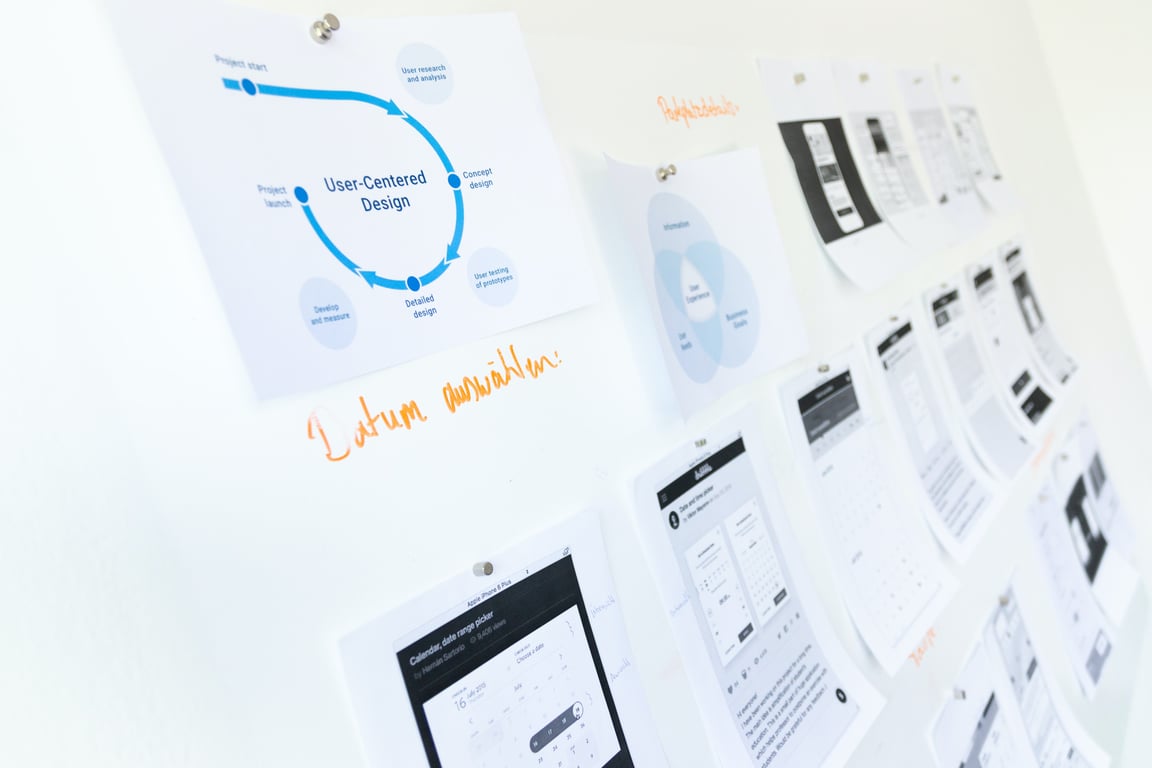
Step-by-step playbook for pipedream cost reduction: move high-volume workflows to Pabbly Connect while keeping Pipedream for what it does best.
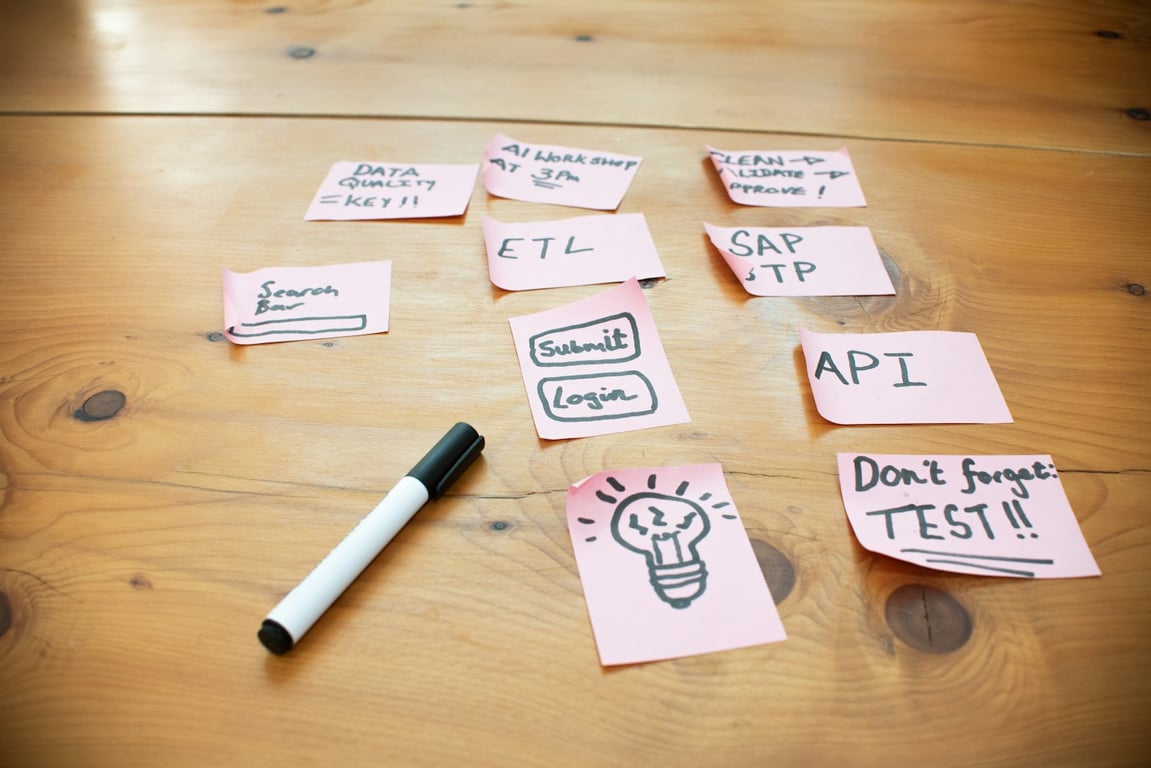
Stop duplicate records in Zapier by normalizing strings, searching by stable IDs first, adding fallback searches by name, and monitoring before reducing delays.

Automate school attendance tracking with Sawyer + Notion. A crawl-walk-run rollout that works even without an attendance API. Get the full plan.
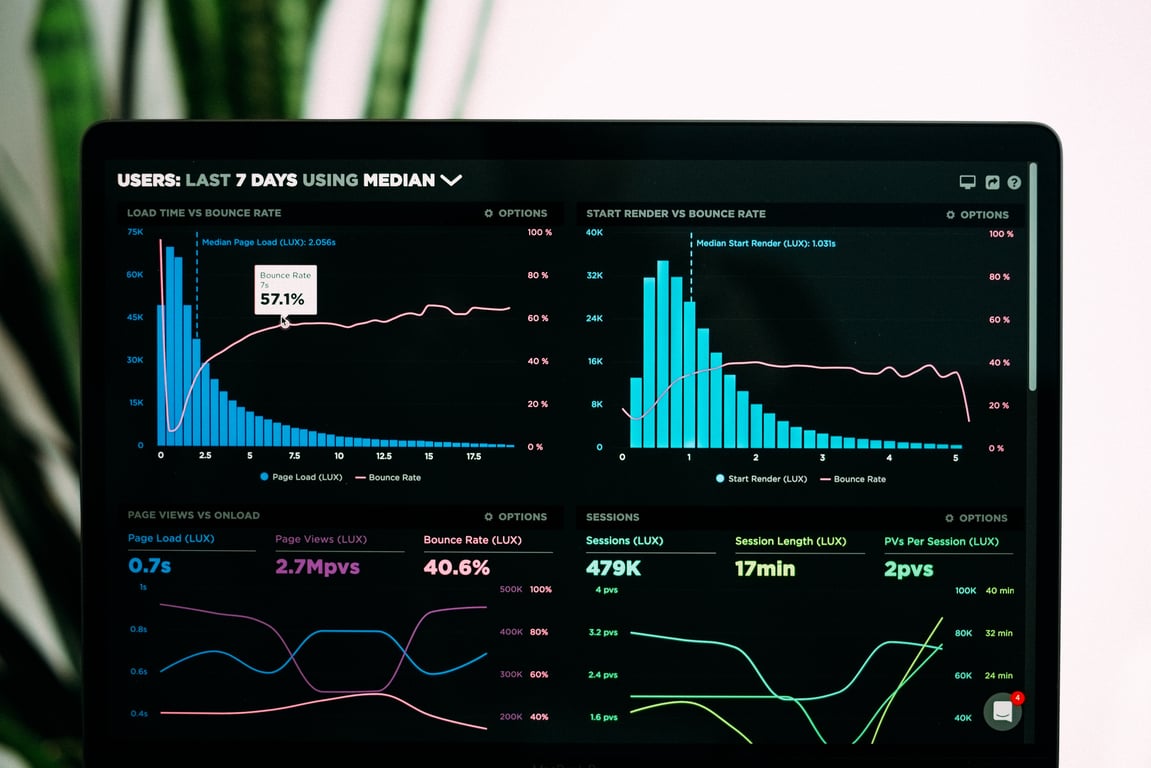
Lost paid-search attribution in your Velocify–Encompass handoff? This playbook shows how to recover GCLID and fire offline conversions with Zapier or Make.
Brex moving integrations in-house could disrupt your workflows. Here’s the practical checklist to audit dependencies, build fallbacks, and stay operational.


