Building Smart AI Chatbot Delay Logic: How to Wait Before Responding
Implement intelligent delay and interrupt logic in your AI chatbot so it waits for human responses before replying. Step-by-step Make automation guide.
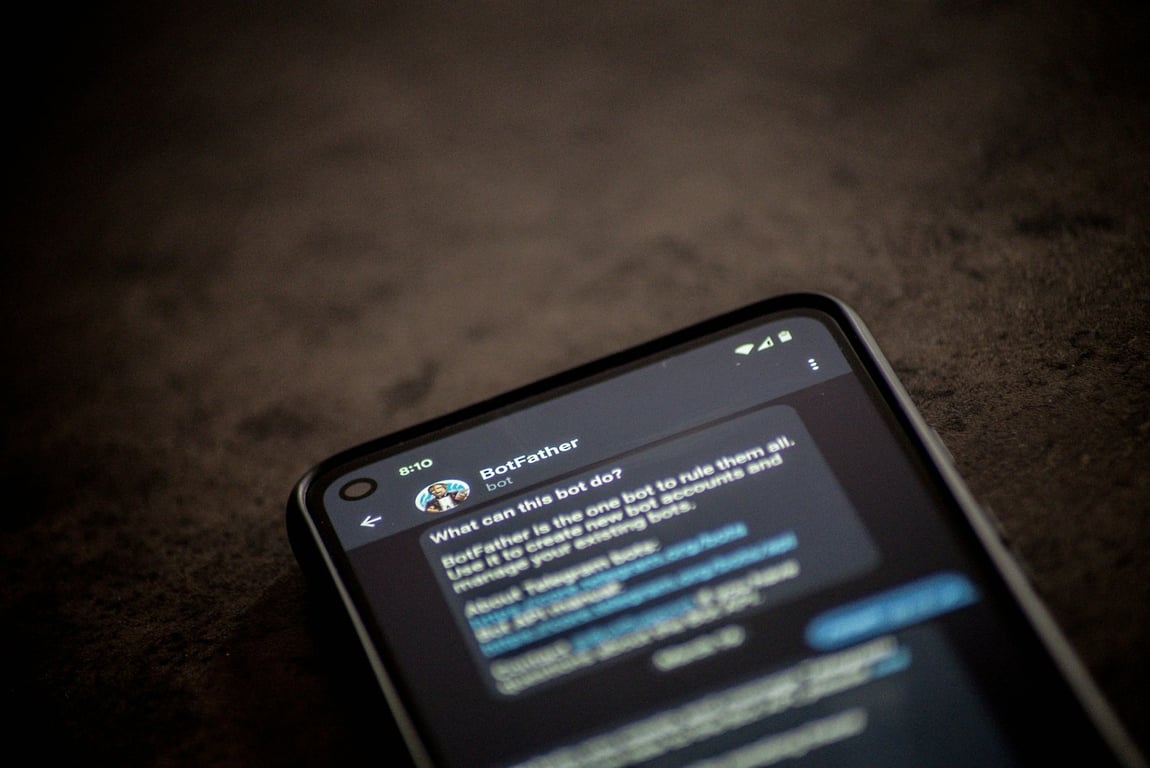
Implement intelligent delay and interrupt logic in your AI chatbot so it waits for human responses before replying. Step-by-step Make automation guide.

Learn how to build a candidate tracking system in Notion: database relations, automations, task dependencies, and pipeline views for solo recruiters.

Master Notion database relations to build connected recruiting workflows. Learn two-way relations, rollups, and automation with real recruiting examples.
Zapier's chatbot automates tasks in Slack, but it can't add custom apps to your navigation bar. Here's why — and three practical workarounds.

Learn how to configure your AI chatbot to only respond to specific customers based on CRM properties like product type, subscription tier, or custom fields.

Learn why consolidating business tools into one platform improves automation, reduces costs, and unlocks AI capabilities you can't access with scattered data.

Learn how to route phone calls and text messages to the HubSpot company activity feed using Make automation, so all communication appears in one place.

Learn how a Make.com consultant automates Lofty real estate workflows: deal folders, document intake, and AI-assisted contract review using Make and Drive.

Clone a website with Cursor + Cloudflare in a repeatable workflow: scrape, store, and deploy via GitHub for migration, testing, or content analysis.
Workiz workflow automation with stacked conditions requires knowing how AND/OR logic works in the trigger builder. Get the validation checklist and build steps.
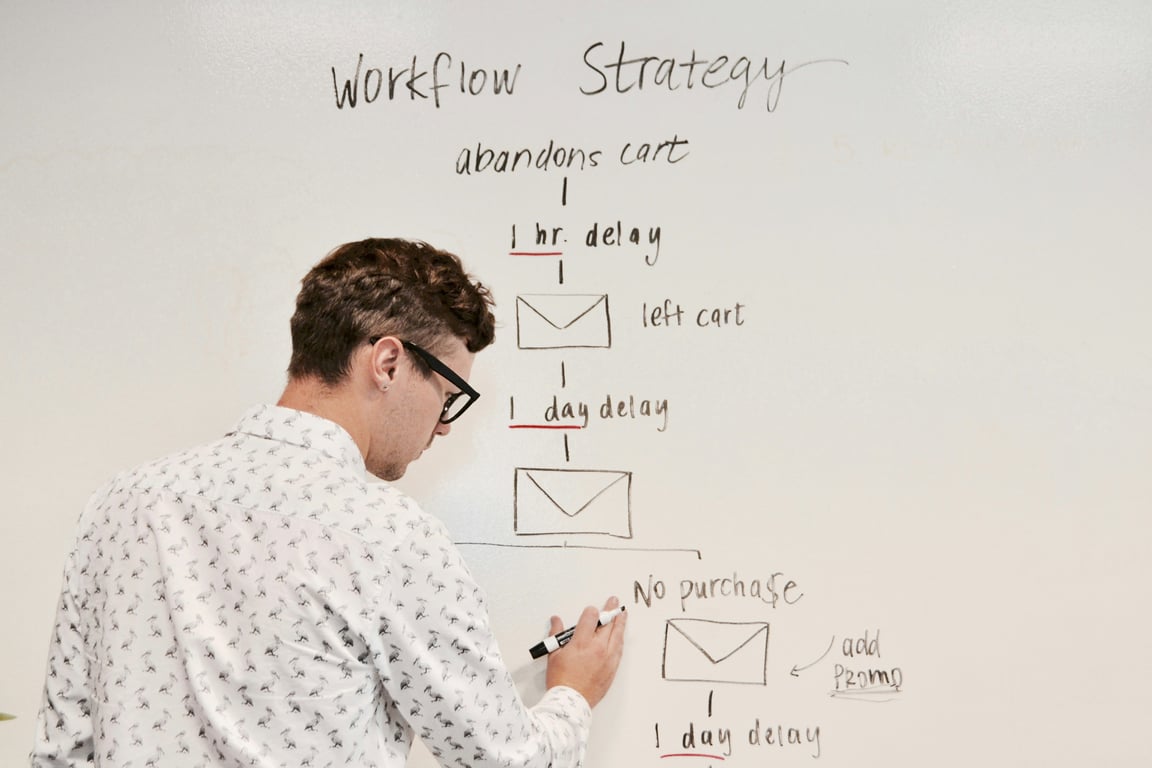
Learn how to use Zapier Tables to centralize recruiting leads, track attribution, and auto-assign each new lead to the right recruiter.

Learn when to use native Notion database automations versus third-party tools like Zapier and Make for your workflow automation needs.


