Metricool approval workflow for restaurant social media
Set up a Metricool approval workflow for your restaurant group — roles, brand access, and a 4-week rollout plan that keeps content moving. Get the setup guide.
In a hurry? Here’s the simplest way to run a restaurant social media approval process in Metricool: create a separate Brand for each restaurant (or concept), invite staff with the right role permissions, and require manager approval for any post before it publishes.
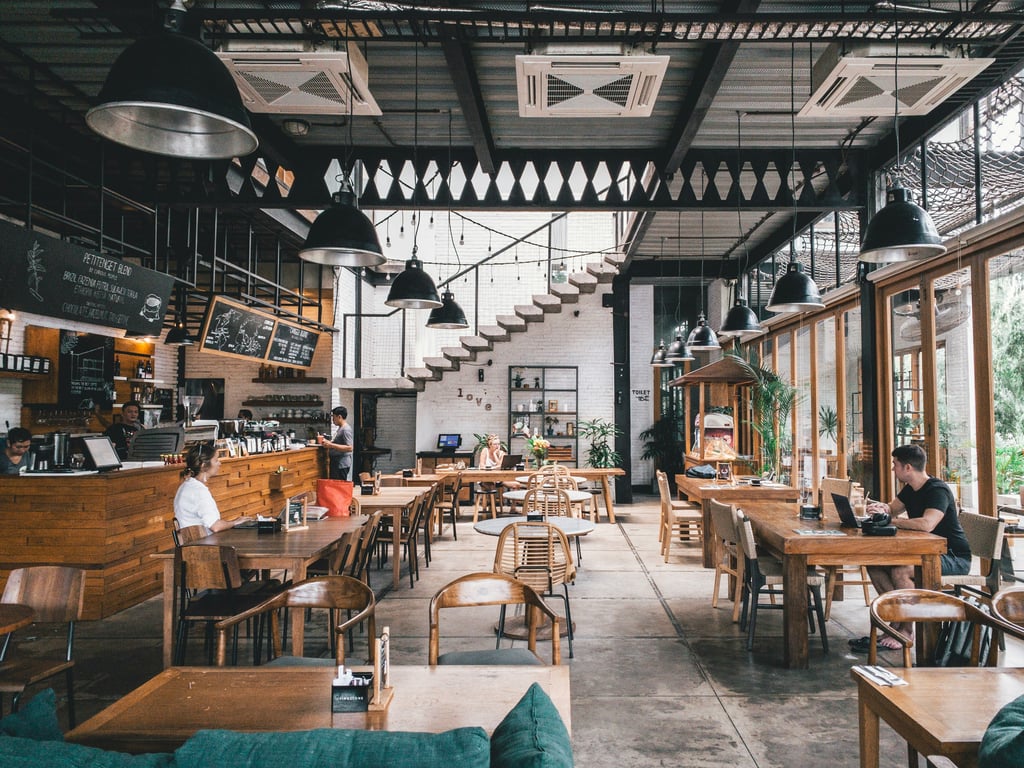
Photo by Marvin Meyer on Unsplash
What Metricool is (and why restaurants like it)
Metricool is a social media management platform that helps you plan, schedule, publish, and measure performance across multiple social channels in one place. For multi-location or multi-concept restaurant groups, it's especially useful because it lets you:
location managers who know what’s happening day-to-day
a senior approver (owner/GM/marketing lead/creative director)
Metricool supports this by letting you invite each person with a specific role (so they can create content without being able to publish it).
Step 1: Decide how you’ll structure Brands (one per restaurant concept)
Metricool uses “Brands” to organize everything for a single business identity (social profiles + analytics + planner).
Recommended setup for restaurant groups:
Create one Metricool Brand per restaurant concept (e.g., Kuchi, Plank Resto Bar, Ducky’s Dairy Bar)
Connect that brand’s Instagram and Facebook profiles
Add TikTok once accounts exist (recommended if you’re expanding)
If one restaurant has two locations but shares a single social presence, you can keep it under one Brand.
Step 2: Add users and restrict access to only the brands they manage
In Metricool, go to your Brand → User management (or equivalent user/permission area).
For each person you invite:
Select the brand(s) they should access (usually only their location/concept)
Assign the correct role
Send the invite
Best practice: When someone leaves your organization, remove their Metricool access immediately—no need to rotate social passwords across the whole team.
Step 3: Pick roles that match your approval chain
A simple restaurant-friendly permission model looks like this:
Content Creator (contributor)
Use this for staff or contractors who:
draft posts and upload media
write captions and add hashtags
schedule posts for review
cannot publish until a manager approves
Manager (location manager)
Use this for managers who:
review posts submitted by content creators
approve/reject or request edits
publish approved posts
Senior manager / owner / creative director (final approver)
If you want an extra layer of control, set up a rule internally that:
managers review first
owner/creative director does a final approval pass (daily or 2–3x/week)
(Exact role names and capabilities can vary by plan, but the goal is always the same: contributors draft → managers approve → posts publish.)
Step 4: Build an approval workflow that doesn’t slow you down
A practical approval workflow for busy restaurant teams:
Content creator uploads a draft post (photo/video + caption + hashtags)
The post is marked as pending review
The manager reviews and either:
approves (post is scheduled/published)
rejects (adds feedback, requests edits)
If you need final oversight, the manager routes “approved” posts to a senior approver before publishing
Tip: Create a simple internal SLA:
managers review within 24 hours
senior approver reviews within 48 hours
Step 5: Use “best time to post” analytics per channel
Metricool can show best posting times based on engagement patterns per channel (e.g., Instagram may perform best in the evening for your brand).
How to operationalize this:
review best-time heatmaps monthly
keep a default posting schedule per restaurant (e.g., Tue/Thu/Sun)
let managers override when a time-sensitive event needs same-day posting
Step 6: Roll it out across multiple locations without chaos
Use a phased rollout so you don’t overwhelm the team:
Week 1: Foundations
finalize brand structure
connect social profiles
add senior approvers + location managers
Week 2: Add content creators
invite content creators by location
train them on drafting posts + submitting for review
Week 3: Standardize
create caption/hashtag guidelines per brand
define what must be approved (all posts vs only promos)
Week 4: Expand
add TikTok (and YouTube if relevant)
decide who monitors comments/DMs and how quickly they must respond
Optional: Put all inbox messages in one place (and add AI replies)
Metricool can centralize inbox messages for connected profiles. If you want faster response times, you can layer in automation to:
draft replies for common questions (hours, menu, reservations)
escalate unusual questions to a manager
Common pitfalls (and how to avoid them)
Too many people can publish: Keep publishing permission limited.
No brand guidelines: Create a simple “voice + visual” checklist per concept.
Approval bottlenecks: Set expectations on review turnaround time.
One shared login for everything: Use Metricool invites instead of sharing passwords.
Get help setting up your Metricool approval workflow
If you want help setting up Metricool roles, permissions, and a restaurant-friendly approval workflow (without slowing content down), book a free consulting call — one of our consultants can walk through your brand structure and approval chain with you live.
Build a podcast marketing kit database for automated posting assignments: owner, channel, due date, and ready-to-post copy, plus Slack and email reminders.