Notion Governance for Teams: A Simple Project + Task System That Stays Clean
Notion governance keeps team work organized with clear rules for projects and tasks. One Projects database, one Tasks database, and simple cleanup habits.
If Notion starts to feel messy, the problem is usually not “too many pages.” The problem is missing governance: clear rules for where work lives, how projects and tasks connect, and who maintains the system. If you are building this in Notion, our Zapier + Notion webinar shows practical ways to automate the upkeep so the system stays clean.
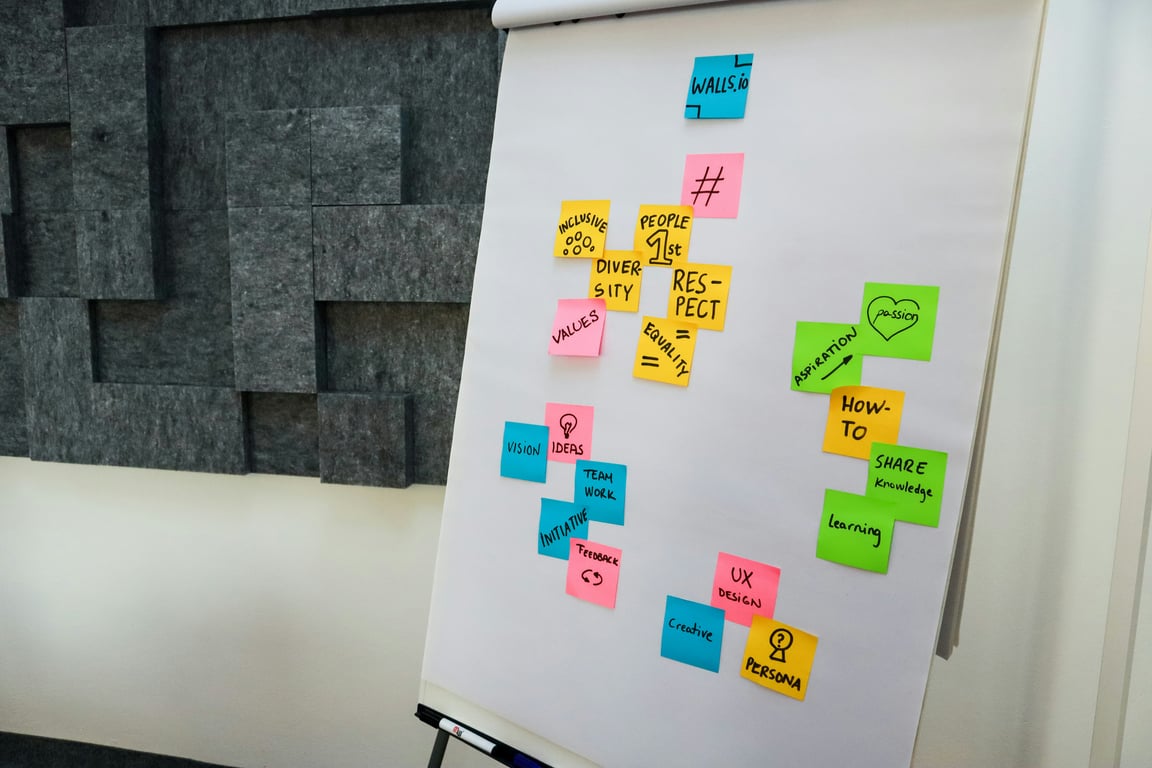
Photo by Alvaro Reyes on Unsplash
The simple answer
A clean Notion setup for a team usually comes from:
One Projects database (the source of truth for what you are doing)
One Tasks database with native subtasks (the source of truth for what needs doing)
A few standardized views for different roles
Lightweight governance rules that prevent “graveyard pages” and duplicate structures
What goes wrong in real teams
Here are the patterns that create chaos fast:
Separate “Tasks” and “Subtasks” databases (built before native subtasks existed)
Everyone creating their own project dashboard from scratch
No agreed place for “official” project status
No weekly cleanup habit, so old pages pile up
A reliable Projects + Tasks structure
1) Projects database (high-level)
Each project should have:
Status (Not started, In progress, Needs review, Done)
Owner
Target date or time window
A linked view of tasks filtered to that project
2) Tasks database (execution)
Each task should have:
Status
Assignee
Due date (optional)
Project relation
Subtasks (use native subtasks rather than a separate subtask database)
The “private sandbox” pattern (so you do not break the team system)
If you want to experiment with views without changing what the team sees:
Create a page in Private.
Insert a linked view of database.
Add your personal filters, groupings, and sorts there.
This lets you explore new layouts and dashboards safely while keeping the shared system consistent.
What about “private fields” on team tasks?
Notion does not let you hide a property from some people while keeping the same shared database editable for everyone.
A practical workaround:
Create a small private database for your notes (Risk, Notes, Flags)
Add a relation to the shared Tasks database
Keep sensitive flags in your private database, not the shared one
One source of truth per concept: Projects live in Projects, tasks live in Tasks.
No new databases without a reason: new views are fine, new databases are expensive.
Monthly cleanup: archive stale projects and delete unused views.
One person owns the system: someone should review structure and enforce standards.
Ready to Clean Up Your Notion Setup?
If your team has outgrown an early Notion setup, we can help you simplify your project system, migrate off legacy “subtasks databases,” and set clear governance rules your team will actually follow.
AI isn't replacing writers at content agencies — it's compressing grunt work so humans do more of what matters. Here's how forward-thinking agencies make it work.
Learn how to set up a shared task database in Notion for teams—personal views, manager dashboards, permissions, and cross-functional workflows that scale.
Learn how construction companies use Notion to manage projects, track budgets, coordinate field teams, and streamline financial reporting — all in one place.