If you want a repeatable Riverside podcast recording workflow, run it like an assembly line: create the episode in your production portal first (so your team knows what’s being recorded and when), paste the outline into Riverside before you hit Record, run the session with a host + guest (and a producer in Producer Mode when needed), then hand off a clear “recording is done” signal so your production team can immediately retrieve the assets and start post-production.
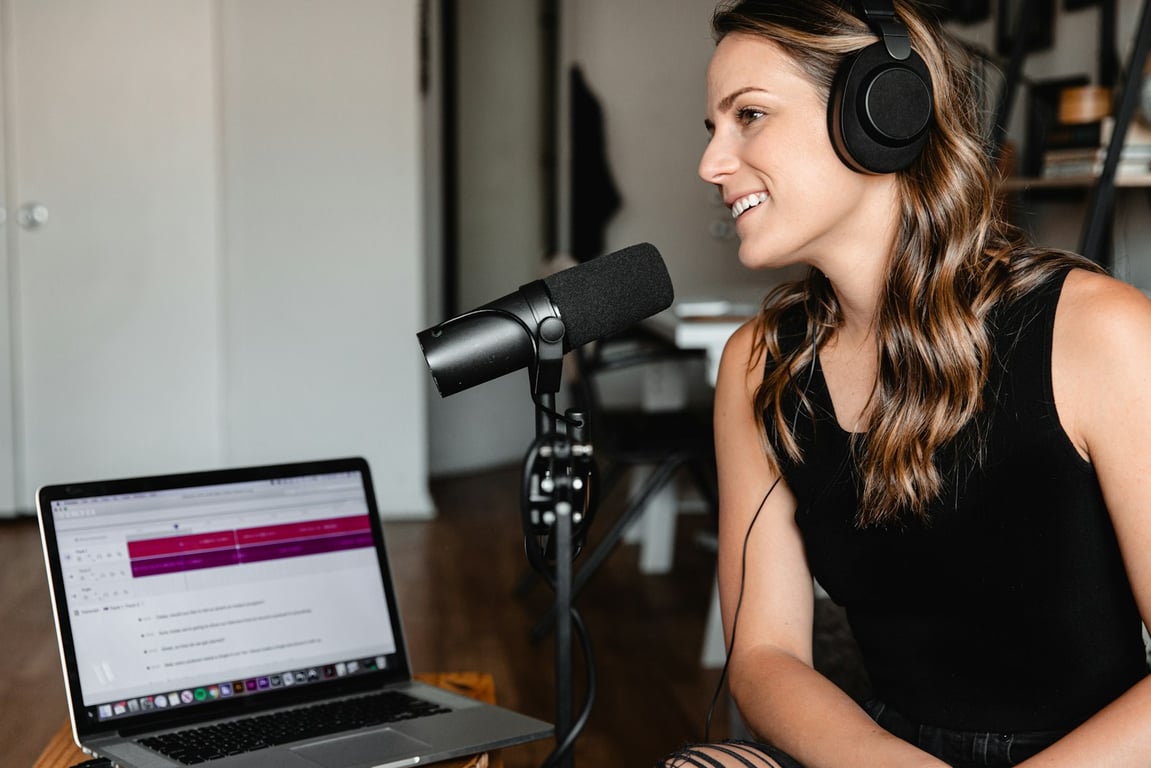
Photo by Will Francis on Unsplash
Riverside recording workflow + episode production portal checklist
1) Pre-work: set up your show “studios”
Create one Studio per show/series (not per episode)
Standardize naming (e.g., “Show Name — Main”) so guests can’t join the wrong place
Confirm who has Host vs Producer access
Store the studio link where your team can find it (bookmarks / SOP)
2) Create the episode in your production portal (the “single source of truth”)
Create a new episode entry
Fill in:
Topic / episode name
Episode type (solo/host, interview, live, trailer)
Record date
Guest name + email (if interview)
Verify the episode appears correctly in your calendar view
Confirm the portal entry is what your production team uses to know when to retrieve the recording
3) Prep the outline (so the recording runs clean)
Convert your outline into concise bullet points (not a full script)
Include:
Cold open hook
Who this episode is for (ICP)
3–7 key talking points
A clear CTA you can read verbatim
Keep it short enough that it’s easy to scan while recording
4) Start the Riverside session (host workflow)
Use Chrome (or another Chromium-based browser)
Open the correct Studio
Create/select the correct recording session/project for the episode
Paste your outline bullets into Riverside so they’re visible during the session
Invite the guest (if needed) and confirm they can see/hear you
Update your production portal entry status (e.g., “Recorded — ready for retrieval”)
Notify the production team that the episode is ready to retrieve (include episode name + record date)
If you recorded a trailer or special asset, call it out explicitly so it doesn’t get missed
Common pitfalls (and how to avoid them)
Studio/episode organization drift
Keep studios for shows, not individual episodes
Standardize naming conventions and ownership
Guest recordings that feel awkward
Put a producer in Producer Mode for the first few guest episodes
Encourage re-takes; it’s normal and makes the final cut better
Missing handoff to production
The portal entry must be updated every time; treat it as the “handoff contract”
Get help building this
Building a repeatable Riverside recording workflow usually breaks at the handoff — when the production team doesn’t know the episode is ready or can’t find the assets. If you’ve hit that wall, book a ZoomFlow session — one of our consultants can build the portal, the automations, and the handoff workflow with you live in a single call.
Build a podcast marketing kit database for automated posting assignments: owner, channel, due date, and ready-to-post copy, plus Slack and email reminders.
Podcast production workflow checklist: prep guests, fix audio/lighting, record fast, and hand off cleanly so you publish consistent episodes every time.