Automate a CXO content production workflow end-to-end (blueprint + naming conventions)

End-to-end blueprint for content production workflow automation: phases, triggers, naming conventions, and tool handoffs from intake to publishing and reporting

Jul 29, 2026
Automate a CXO content production workflow end-to-end (blueprint + naming conventions)
If your CXO content process feels like a chain of “tiny manual handoffs,” you can automate most of it by turning the workflow into a single system with clear stages, standardized naming, and event-based triggers (intake submitted, recording uploaded, transcript ready, review approved, post scheduled, report generated).
Photo by Kelly Sikkema on Unsplash
Below is an end-to-end blueprint you can adapt, with specific automation handoffs and a practical naming convention that keeps assets, tasks, and approvals aligned.

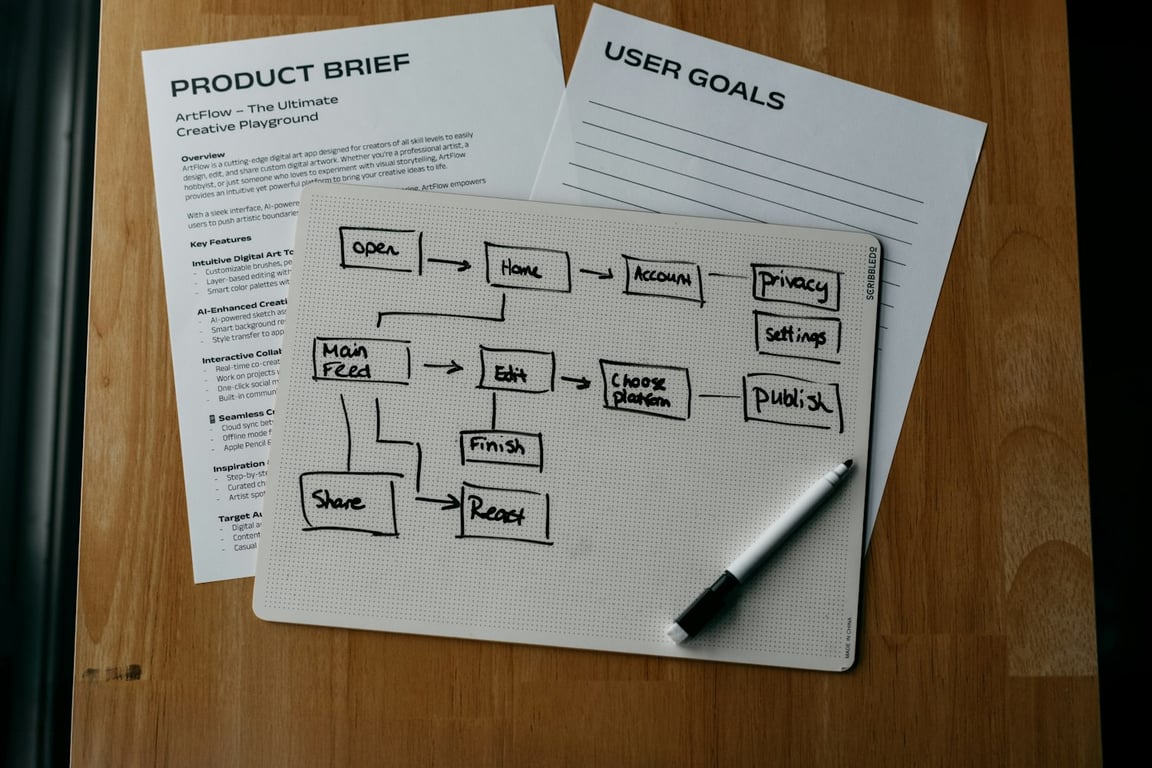
The end-to-end CXO content production workflow (automation map)

Think in phases. Each phase has:
  • an input (what enters the phase)
  • a system of record (where truth lives)
  • an output (what should exist when the phase is “done”)
  • one or more triggers (events that kick off automations)

Phase 1: Client intake → create the project skeleton

Input: signed SOW + intake form
System of record: your intake database (commonly Airtable or a form tool that writes to Airtable)
Automation goals:
  • create a consistent project container across tools
  • create storage + permissions
  • create the first task set (kickoff + creative direction + recording)
Recommended automation (Make scenario):
  1. Trigger: intake form submitted
  2. Create a client/project record (or update existing)
  3. Create a folder structure in Google Drive (client root + subfolders)
  4. Create a ClickUp list or folder (or tasks in an existing list)
  5. Generate “setup” tasks (kickoff call, creative direction call, collect brand assets)
  6. Post a summary to the ClickUp task description (intake answers, links, owner, due dates)
Standardized project naming (use everywhere):
  • CLIENTCODE = short unique identifier (e.g., ACME, RIVERA, FINCO)
  • ENGAGEMENT = CXO Content (or another service line)
  • YYYY-MM = month of onboarding or batch start
Example:
  • Project name: ACME — CXO Content — 2026-05

Phase 2: Asset naming + storage (Drive) → ready for production

Input: brand guide, previous content, LinkedIn profile assets, kickoff call outputs
System of record: Google Drive
Automation goals:
  • keep every file findable without opening it
  • make it easy for humans and automations to route files
Folder structure (example):
  • 01_Intake
  • 02_Reference (Brand + LinkedIn + Past Content)
  • 03_Recordings
  • 04_Transcripts
  • 05_Production (Drafts + Exports)
  • 06_Client Delivery
  • 07_Reporting
File naming convention (simple, scalable):
Use a consistent pattern with sortable components:
CLIENTCODE__YYYY-MM-DD__ASSETTYPE__TOPIC__V##
Examples:
  • ACME__2026-05-21__KICKOFF_CALL__POSITIONING__V01.mp4
  • ACME__2026-05-21__TRANSCRIPT__KICKOFF_CALL__V01.docx
  • ACME__2026-05-28__LINKEDIN_PROFILE__JONATHAN_OCONNOR__V01.pdf
Key handoff automation:
  • When a file is added to 03_Recordings, automatically:
    • copy it to a “backup” location if needed
    • create/update a production task
    • notify the producer/editor in ClickUp

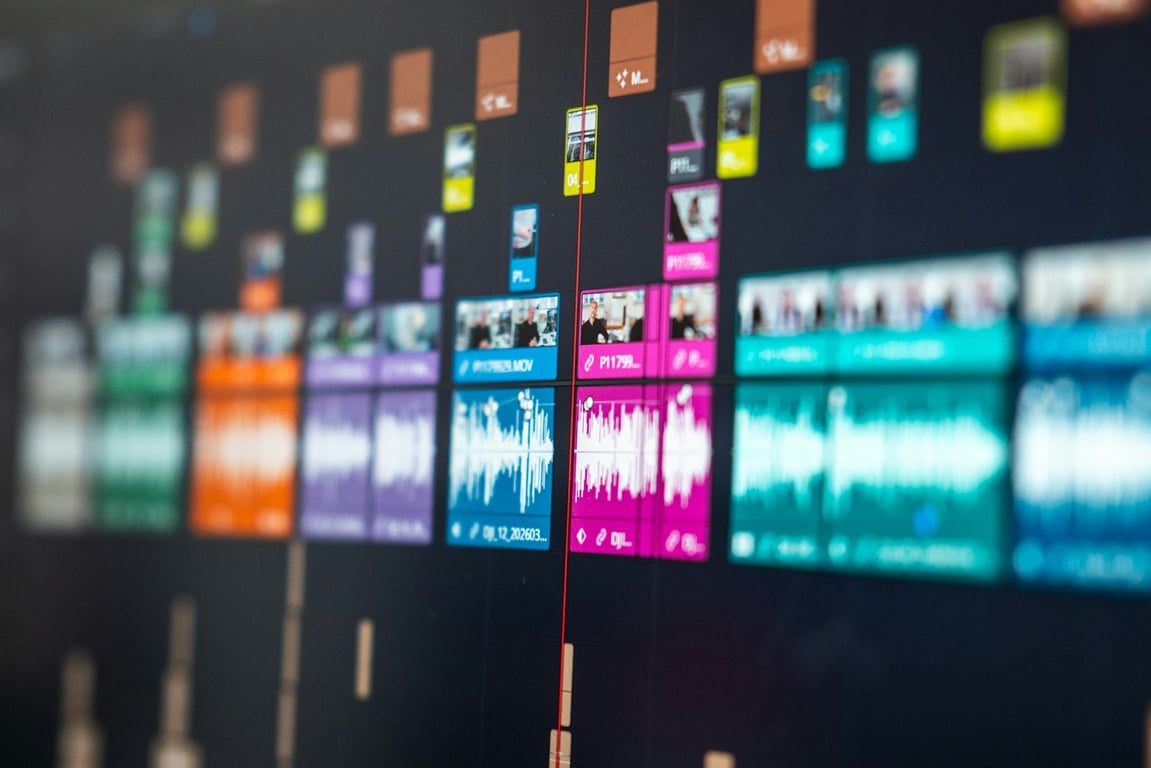
Phase 3: Recording uploaded → transcript + editing pipeline (Descript)

Input: recording files in Drive
System of record: Descript (editing) + Drive (archive)
Automation goals:
  • eliminate manual importing
  • ensure consistent metadata (client, date, speaker)
Automation handoff points:
  • Trigger: new file in Drive 03_Recordings
  • Actions:
    • create a ClickUp task “Transcribe + rough cut”
    • attach the Drive link
    • (optional) automatically import to Descript if your setup supports it
    • when transcript is ready, move/duplicate output to 04_Transcripts

Phase 4: Transcript ready → AI analysis + content kit generation

Input: transcript (and other reference assets)
System of record: a “content kit” document + ClickUp tasks that reference it
What to generate (high leverage):
  • suggested video clip cut points (timecodes)
  • 1 long-form article outline
  • a batch of LinkedIn posts
  • visual/graphic prompts
  • “why this matters” positioning notes
Automation handoff points:
  • Trigger: transcript file added to 04_Transcripts
  • Actions:
    • create a “Content Kit” doc (or duplicate a template)
    • populate sections with transcript link + metadata
    • create ClickUp tasks for each asset type (pilot first)

Phase 5: Pilot content tasks → QA → client review

Input: initial batch of pilot assets (ex: 1 social copy, 1 article, 2 clips, 3 graphics)
System of record: ClickUp statuses + a single delivery doc
Automation goals:
  • produce a clean review package
  • reduce back-and-forth
Automation handoff points:
  • When a pilot task moves to “Ready for QA” → notify QA owner
  • When QA approves → move to “Ready for Client Review”
  • When all pilot subtasks are approved → auto-generate the client delivery doc with:
    • Descript links
    • captions
    • file links
    • “approve / request changes” instructions

Phase 6: Approval → full production batch

Trigger: pilot approved
Automation goals:
  • generate the full batch task set automatically
  • create due dates and workload assignments
Recommended approach:
  • Use one ClickUp task per asset type (video clips, graphics, written posts)
  • Put quantity + requirements in custom fields (so automations can read them)

Phase 7: Scheduling → publishing (Metricool)

Input: approved assets + schedule plan
System of record: scheduling platform (Metricool)
Automation opportunities:
  • generate a publish calendar based on frequency and content mix
  • prevent “topic clustering” by enforcing simple rules (ex: do not post two similar topics back-to-back)
  • push approved posts into Metricool automatically (via Make + Metricool modules)
Handoff point:
  • When an asset is marked “Approved” in ClickUp, send it to a queue for scheduling.

Phase 8: Reporting loop → decide record vs repurpose

Input: published posts + analytics metrics
System of record: reporting dashboard (could be a database or a recurring report doc)
Automation goals:
  • pull weekly/monthly metrics automatically
  • connect performance to the next content plan
Handoff point:
  • Weekly automation: pull metrics → compile report → assign a “strategy checkpoint” task.

A practical automation architecture (what connects to what)

A stable setup usually looks like:
  • Airtable (intake + structured fields)
  • Make (integration + orchestration)
  • Google Drive (asset storage + permissions)
  • ClickUp (tasks + statuses + accountability)
  • Descript (editing + transcript)
  • Metricool (scheduling + performance)
If you already have these tools, the unlock is not “more software”—it’s clear event triggers + naming conventions so automations can reliably route work.

Checklist: what to define before you automate

What is the system of record for client/project metadata?
What is your canonical naming convention for projects, folders, and files?
What are your workflow stages (and which status changes should trigger automation)?
Who owns QA, and what is the acceptance criteria?
What is the client review mechanism (doc, portal, form), and how is approval recorded?
What metrics matter, and how often do you generate a performance report?

Common failure points (and how to avoid them)

1) No consistent naming, so automations break

Fix: define CLIENTCODE, ASSETTYPE, versioning, and date formats. Enforce them in templates.

2) Too many tools, no “source of truth”

Fix: pick one system of record for each category (intake, tasks, assets, scheduling).

3) Automating before you have a clean pilot loop

Fix: start with pilot automation (intake → folders → pilot tasks → delivery doc). Then scale.

Get help automating your content production workflow

If you want an automation blueprint tailored to your team's exact workflow — tools, roles, review gates, and all — book a free consulting call. We'll map your phases, identify the highest-leverage trigger points, and show you what a working build looks like for your team.