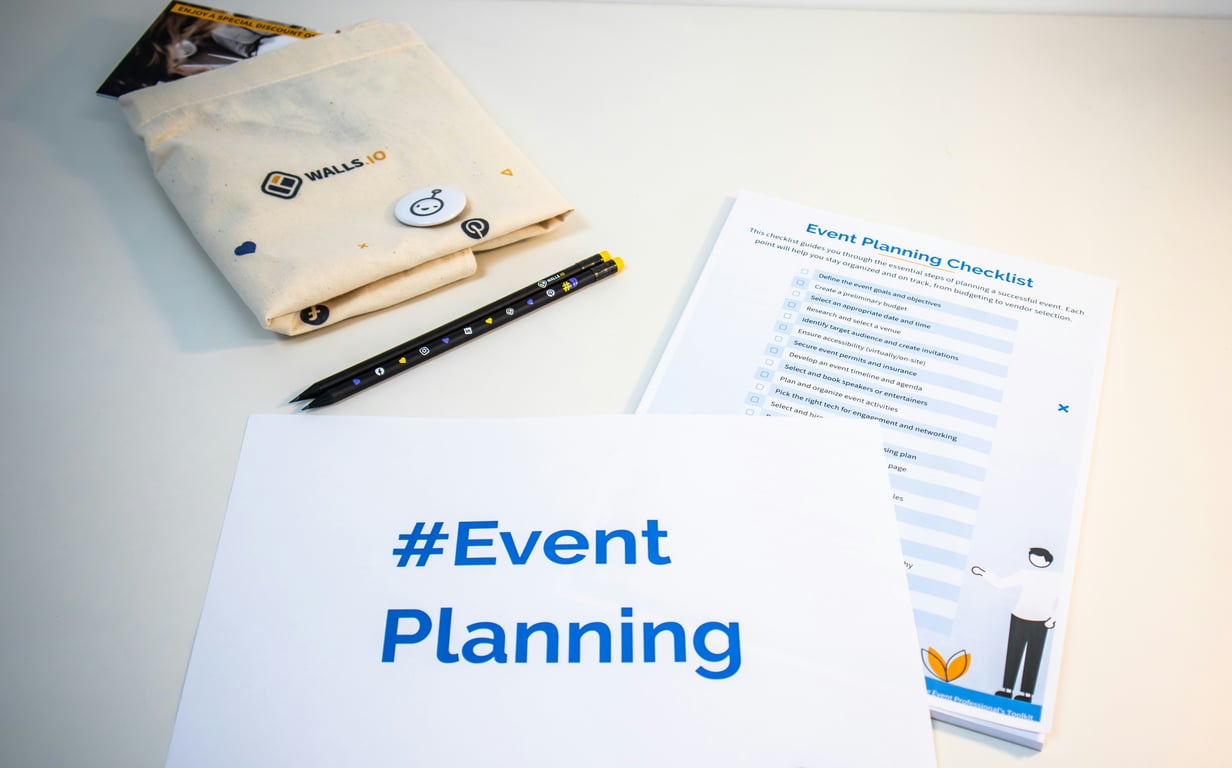
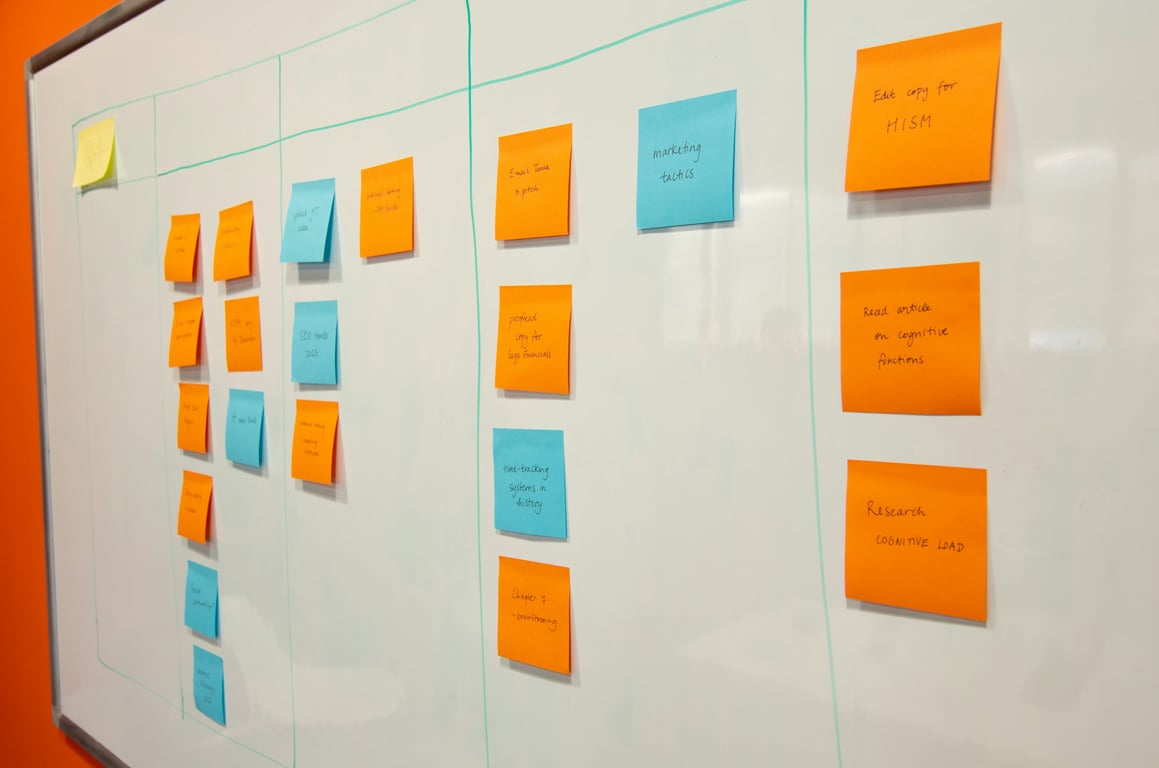
If you’re running wedding fairs, expos, or other recurring events, you need a CRM that can handle 1,500+ contacts, track activities, manage tasks, and auto-generate event checklists. This guide covers a practical Notion CRM structure designed for event businesses—with four linked databases and a template workflow that removes the “rebuild the checklist” problem every time you launch a new fair.
Photo by Walls.io on Unsplash
This guide walks through a practical structure (4 core databases) plus the event-template workflow that makes Notion especially useful for wedding fair operators.
Why event businesses outgrow Trello + spreadsheets fast
If you’re updating Trello, spreadsheets, email tools, and notes after every sales call, you’re not running a workflow—you’re running a game of whack-a-mole.
Common symptoms in event businesses:
Every call creates follow-ups in multiple places (easy to miss, hard to delegate).
Each new event requires recreating the same tasks and dates (manual, slow, inconsistent).
A large contact list gets “stale” because history is scattered across tools.
A Notion CRM works best here because it’s one source of truth with flexible views for daily execution.
The 4 core databases for a Notion CRM for event businesses
Build these four databases first. Everything else (views, dashboards, automation) becomes easier once these are solid.
1) Contacts
Purpose: store every exhibitor/vendor/sponsor lead in one place.
Recommended properties:
Name (title)
Company
Email + phone
Status (Lead / Prospect / Booked / Past exhibitor / Partner)
Assigned to (person)
Last activity (rollup)
Next follow-up date (formula or rollup)
Related events (relation)
2) Activities (aka touchpoints)
Purpose: track every interaction—calls, emails, DMs, voicemails, meetings.
Recommended properties:
Type (Call / Email / Text / DM / Meeting)
Date
Notes
Outcome
Related contact (relation)
Follow-up needed? (checkbox)
Follow-up date (date)
Follow-up task created? (checkbox or relation)
Why this matters: when a salesperson gets on a call, they should be able to open a contact and instantly see the full timeline.
3) Tasks
Purpose: the single task list for you + your assistant, across all events.
Purpose: each event becomes the container for its timeline, offers, prizes, exhibitor list, and all related work.
Recommended properties:
Event name (title)
Event date
Venue
Status (Planning / Selling / In production / Complete)
Related tasks (relation)
Related contacts (relation)
The key: event templates that auto-generate tasks and due dates
The biggest unlock for event operators is avoiding “rebuild the checklist” every time.
Step 1: create a “template event” record
In the Events database, create an event called something like:
TEMPLATE — Wedding Fair (Standard)
Inside it, relate a full set of standard tasks (sales, ops, marketing, post-event follow-ups). These tasks should have:
A “Days from event” number (e.g., -60, -45, -14, +7)
A formula that calculates an actual due date using the real event date
Step 2: duplicate the template, then set the new event date
When you create the next fair, duplicate the template event and set the new event date.
Step 3: generate tasks tied to the new event
There are a few ways to do this:
Manual duplication (fast for small teams)
A button-driven workflow (create tasks, relate them to the new event)
Automation via Make or Zapier if you want a more guided “fill a form → generate everything” flow
The goal: your team lead shouldn’t be manually creating tasks and dates for every fair. Notion should generate the baseline, and your team edits the exceptions.
Follow-ups: turn “Activities” into scheduled next steps
A CRM fails when follow-ups live in someone’s head.
A simple pattern that works well in Notion:
Log the call in Activities.
Check “follow-up needed” and set a follow-up date.
A workflow creates a task (assigned to the right person) with that due date.
This reduces missed follow-ups and makes delegation (to a PA or salesperson) straightforward.
Email + marketing tools: what to integrate (and what not to)
Gmail / inbox workflows
If your team lives in Gmail, it’s usually better to treat Notion as the system of record, and email as the communication layer.
Practical approach:
Store email templates in Notion (as snippets).
Send from Gmail.
Log the outcome as an Activity.
Flowdesk (email marketing)
Flowdesk is great for campaigns/newsletters, but most event businesses still need true 1:1 follow-up and pipeline management separately.
Recommendation: keep Flowdesk for broadcast marketing; use Notion + Gmail for personalized outreach.
If your social scheduler doesn’t integrate cleanly, you can still plan content in Notion and schedule manually. If you want automation, use a scheduler with stronger integration support.
When to use Make vs Zapier
Use Zapier for quick, linear automations (e.g., form submission → create contact).
Use Make for more complex event workflows (branching logic, batching, more control).
Example setup for wedding fair operators (a simple first build)
If you want a clear starting point:
Build the 4 databases.
Create 5–10 standard tasks that every event needs.
Create 2–3 views your team will use daily.
Add the template event record.
Test creating a “new event” from the template and see if your tasks/dates behave correctly.
FAQs
Can Notion replace a traditional CRM for an event business?
Yes—especially when your sales cycle is tightly tied to recurring events, logistics, and repeatable checklists. The more your CRM needs to include operations, timelines, and templated execution, the more Notion shines.
Can I eliminate Trello and spreadsheets?
Often, yes. The key is making Tasks the one place work lives, and linking tasks to Events and Contacts so nothing floats around without context.
Ready to build your Notion CRM for event businesses?
Want help building a Notion CRM that can handle your contact database, follow-ups, and repeatable wedding fair event templates? Book a free consulting call — we’ll map out the database structure and automation workflow for your specific event setup.
Build a practical Cognito to Notion CRM integration with Zapier, CSV migration, Gmail filtering, and views that keep quotes, owners, and follow-ups organized.
A small nonprofit connected fundraiser, school, and sponsor sign-up forms to Salesforce with Zapier, merged duplicate workflows, and added error alerts.
Lucid Process Accelerator process documentation helps teams centralize approved workflows, govern every change, and give builders automation-ready context.