How Notion AI Meeting Notes Transforms Consulting Workflows
Notion AI meeting notes for consulting teams provides live transcription, instant summaries, and clear action items—so you can send accurate client recaps in minutes.
Notion AI meeting notes helps consulting teams capture a live transcript, generate a clean summary, and pull out action items automatically—so client follow-ups go out in minutes, not hours.
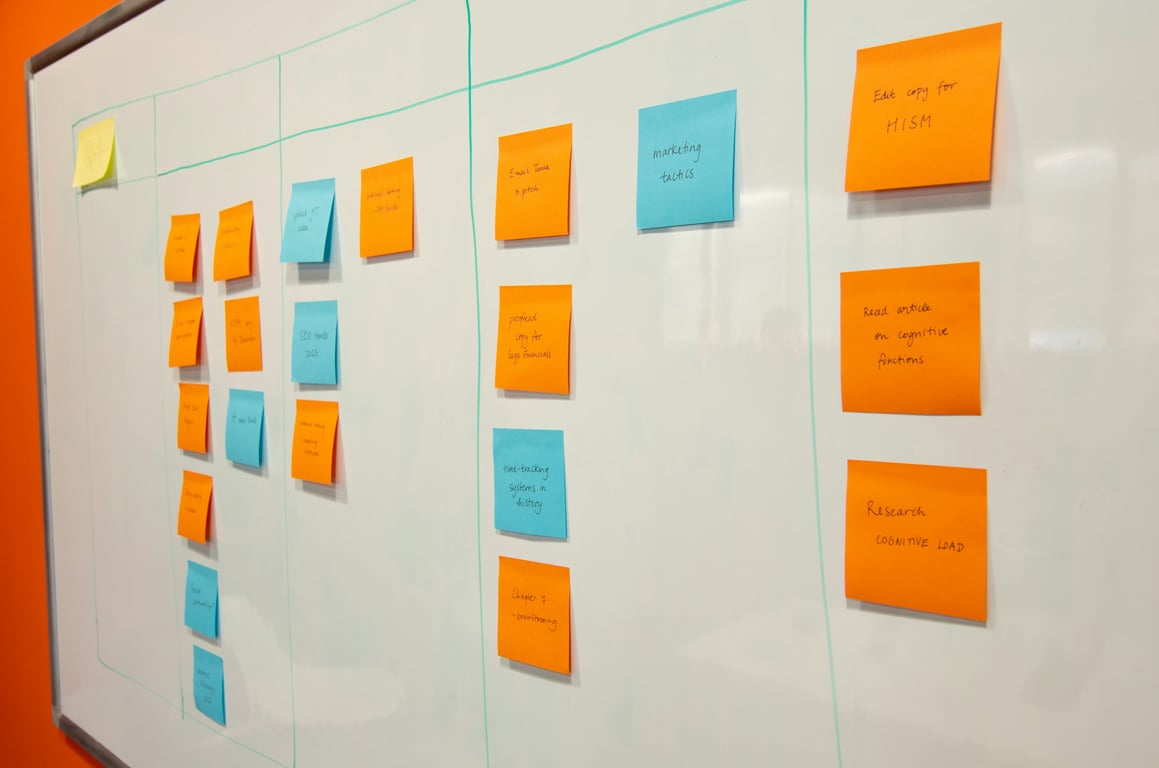
notion ai meeting notes — capturing consulting sessions in real time. Photo by Domenico Loia on Unsplash.
Notion AI meeting notes solves this by handling transcription, note-taking, and follow-up automation—all within the workspace you already use for client projects.
The Consulting Transcription Challenge
Traditional consulting workflows create friction at every turn. You finish a client call, wait an hour for Zoom to process the transcript, manually copy notes into your system, then spend another 30 minutes crafting a follow-up email with session recordings and action items.
For teams running multiple consulting sessions daily, this administrative overhead compounds quickly. What if the transcription happened live, the notes auto-generated, and follow-up emails sent within two minutes of ending the call?
How Notion AI Meeting Notes Works for Consulting
Live Transcription During Calls
Notion AI transcribes your conversation in near real-time. This is valuable when clients mention unfamiliar software names, API endpoints, or technical specifications. Instead of interrupting to ask for spelling, you can glance at the live transcript and keep the conversation flowing.
The transcription runs in the background whether you're screensharing, building workflows, or training clients. No call bots joining your meeting—just ambient AI working quietly.
Adding Context During Sessions
While Notion AI handles the transcription, you can still add your own notes directly into the document. These manual notes get incorporated into the AI-generated summary, ensuring important context or decisions you flag in the moment don't get lost.
If Notion transcription has performance issues during a particular call, you can paste your Zoom transcript into the Notes section as a backup. The AI will still process it and generate summaries.
Automated Post-Call Workflows
When transcription completes, custom agents can trigger automatically to:
Generate pre-populated feedback form links using formulas
Create follow-up email drafts with session-specific details
Route recordings to the appropriate client database
Extract action items and assign them to team members
We've found this eliminates the delay between call completion and client communication. Follow-ups that previously took an hour now go out in under two minutes.
Real Implementation: ZoomFlow Consulting Sessions
Consulting teams running live Zoom sessions with clients can integrate Notion AI meeting notes directly into their delivery workflow via ZoomFlow. Here’s how it works in practice:
Before the call: Set your default database for meeting recordings in Notion Settings > Notion AI. This prevents recordings from cluttering your private workspace.
During the call: The consultant shares their screen and builds solutions while Notion transcribes in the background. Clients can attend or not—the methodology works either way.
After the call: A custom agent triggers when transcription completes, generating a pre-populated feedback form URL using concatenated properties. The form includes AI-extracted summaries, action items, and session recordings.
Follow-up: Clients receive their session recap, recording link, and feedback form within minutes, while the team maintains a searchable archive of every call.
Current Limitations and Workarounds
Notion AI meeting notes doesn't yet identify individual speakers—it only mentions names that are spoken aloud during the call. For consulting teams, this means the transcript attributes everything to the meeting rather than distinguishing between consultant and client voices.
Workaround: Use clear verbal cues during calls ("As I mentioned..." or "You said earlier...") to help with context when reviewing transcripts. For teams needing speaker identification, integrating Zoom transcripts alongside Notion transcripts provides both speed and attribution.
Integrating with Existing Systems
Many consulting teams already use separate databases for different purposes—one for Zoom transcripts, another for meeting notes, and a third for client projects. Notion AI meeting notes can bridge these systems:
Relation properties connect meeting notes to client records, project databases, and feedback forms
Rollup properties aggregate total session time, feedback scores, and action items across engagements
Formula properties generate custom URLs, booking links, and client-facing resources
Agents move data between databases based on triggers, keeping everything synchronized
The goal: integrate all client communication data into Notion with faster turnaround and less manual data entry.
Setup Checklist for Consulting Teams
To implement Notion AI meeting notes for your consulting workflow:
Configure your default database (Notion Settings > Notion AI > default database for transcriptions)
Create a meeting notes database with properties for client name, session number, action items, and feedback
Build a custom agent to trigger on transcription completion (optional but recommended for automation)
Design your feedback form with pre-populated fields from meeting properties
Test the workflow with an internal practice session before rolling out to clients
Train your team on where to find transcripts, how to add manual notes, and when to use the backup Zoom transcript option
Why This Matters for Client Experience
Clients don't care about your internal systems—they care about responsiveness and clarity. When you send session recaps within minutes instead of hours, you signal professionalism and efficiency.
Searchable transcripts also protect both parties. If a client questions what was discussed in a previous session, you can pull up the exact conversation instantly. When technical details matter (API keys, configuration settings, integration steps), having a written record prevents costly miscommunication.
Skip the trial-and-error
Notion AI meeting notes is available on Business and Enterprise plans (as of May 2026 — verify current plan availability). The feature works in both the desktop app (recommended for best audio capture) and browser (suitable for in-person conversations).
Setting this up takes most consulting teams a few hours to get right — configuring the default database, building the agent trigger, and connecting feedback forms. If you’d rather skip the trial-and-error, book a ZoomFlow session. One of our consultants will build it with you in real time on a single call — and you’ll own the workflow when we’re done.
✏️
Eddie's edit summary: • Opening rewrite: lead with the problem (voice) • Dropped “particularly” (voice) • “The real power emerges” → direct statement (voice) • “service-delivery model” → “We’ve found” (voice) • “only a few seconds of delay” → “near real-time” (factual generalization) • Plan-tier disclaimer added to Business/Enterprise claim (factual) • In-body hero image inserted after first paragraph (image gate) • Second internal link added inline — ZoomFlow → /hub/zoomflow (SEO) • CTA replaced: removed “free”, fixed URL book/automate → book/website, removed question ending (brand risk + CTA gate) • Criteria version: v0.1
AI isn't replacing writers at content agencies — it's compressing grunt work so humans do more of what matters. Here's how forward-thinking agencies make it work.
Learn how small teams use Notion for workflow automation—building a custom CRM, task tracker, and knowledge base in one workspace without extra software.