Notion Governance for Teams: A Simple Project and Task System That Stays Clean
Notion governance keeps team work organized with clear rules for projects and tasks. One Projects database, one Tasks database, and simple cleanup habits.
Explore business process automation insights, expert tips, and real-world case studies. Learn how to automate workflows, integrate apps, and boost efficiency.

Notion governance keeps team work organized with clear rules for projects and tasks. One Projects database, one Tasks database, and simple cleanup habits.
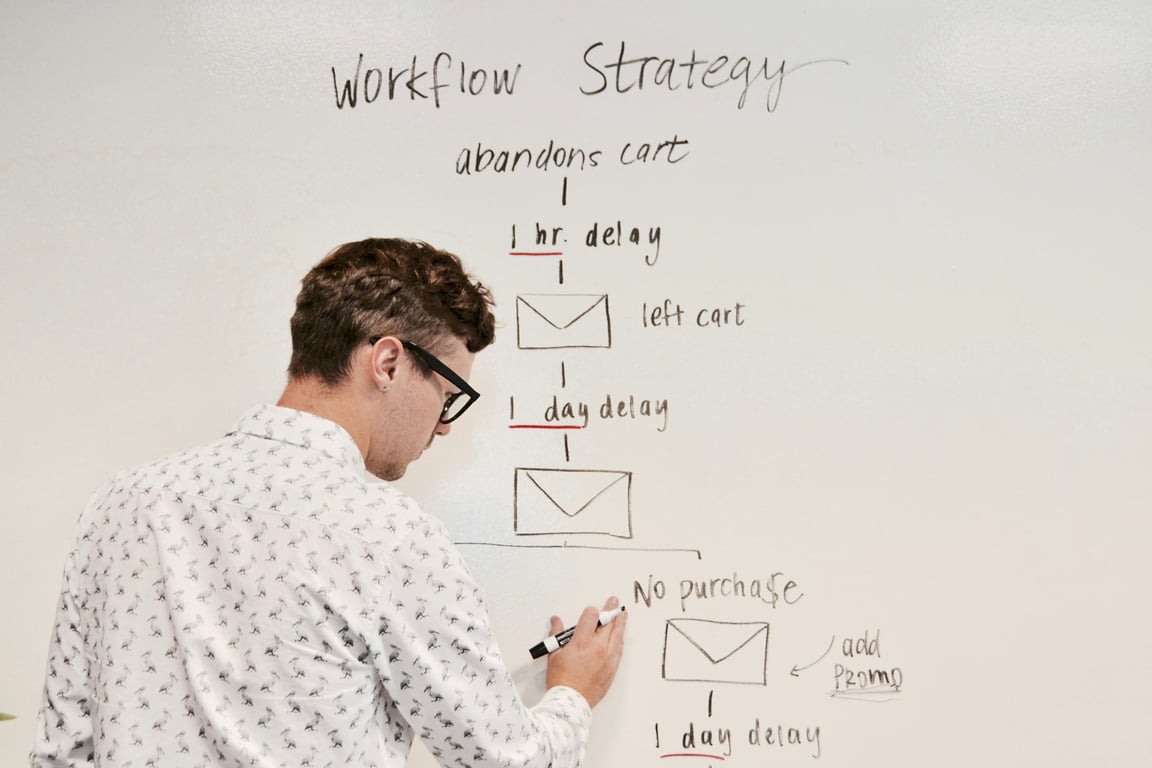
Learn how to use Zapier Tables to centralize recruiting leads, track attribution, and auto-assign each new lead to the right recruiter.

Learn how to move Notion pages to another workspace without losing data. Includes safe duplication steps, verification checks, and common pitfalls to avoid.
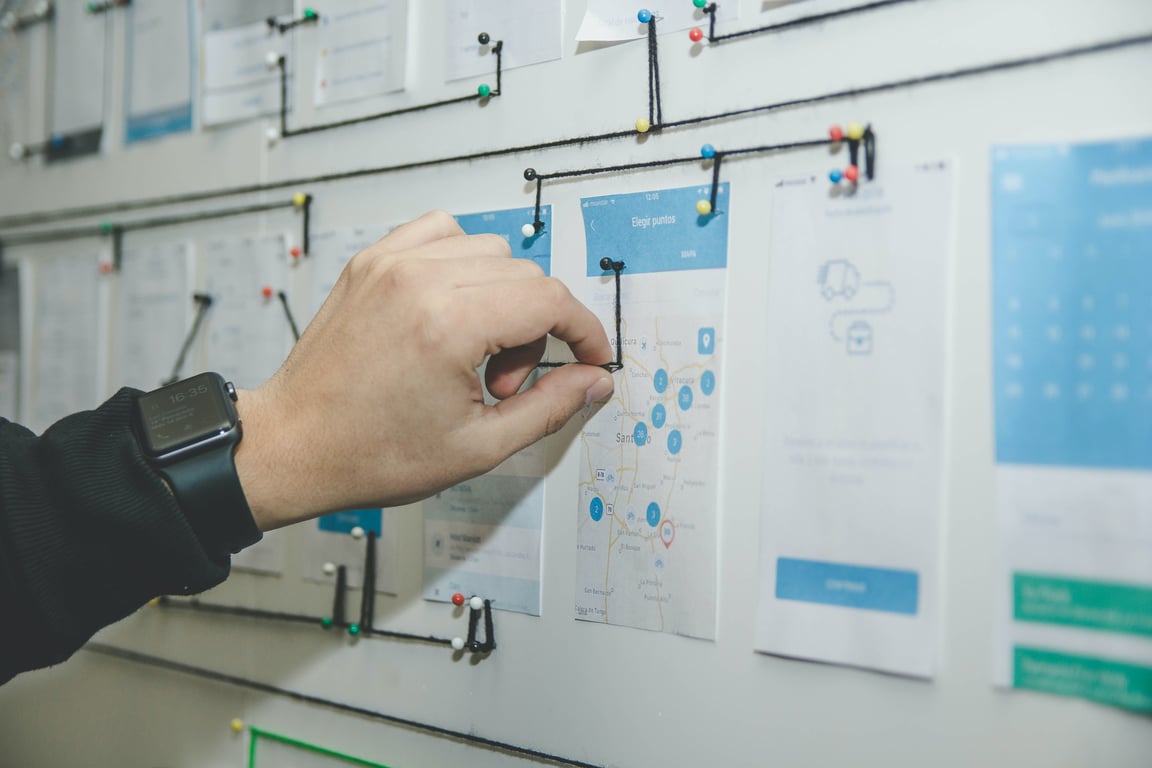
Learn when to use native Notion database automations versus third-party tools like Zapier and Make for your workflow automation needs.

See practical Notion automation examples for dev teams: a Tasks database, an Incidents tracker, and lightweight runbooks, plus alerts for blocked work.

Learn how to track task progress in Notion using relations, rollups, and progress bars — then build a simple company dashboard with charts and rings.
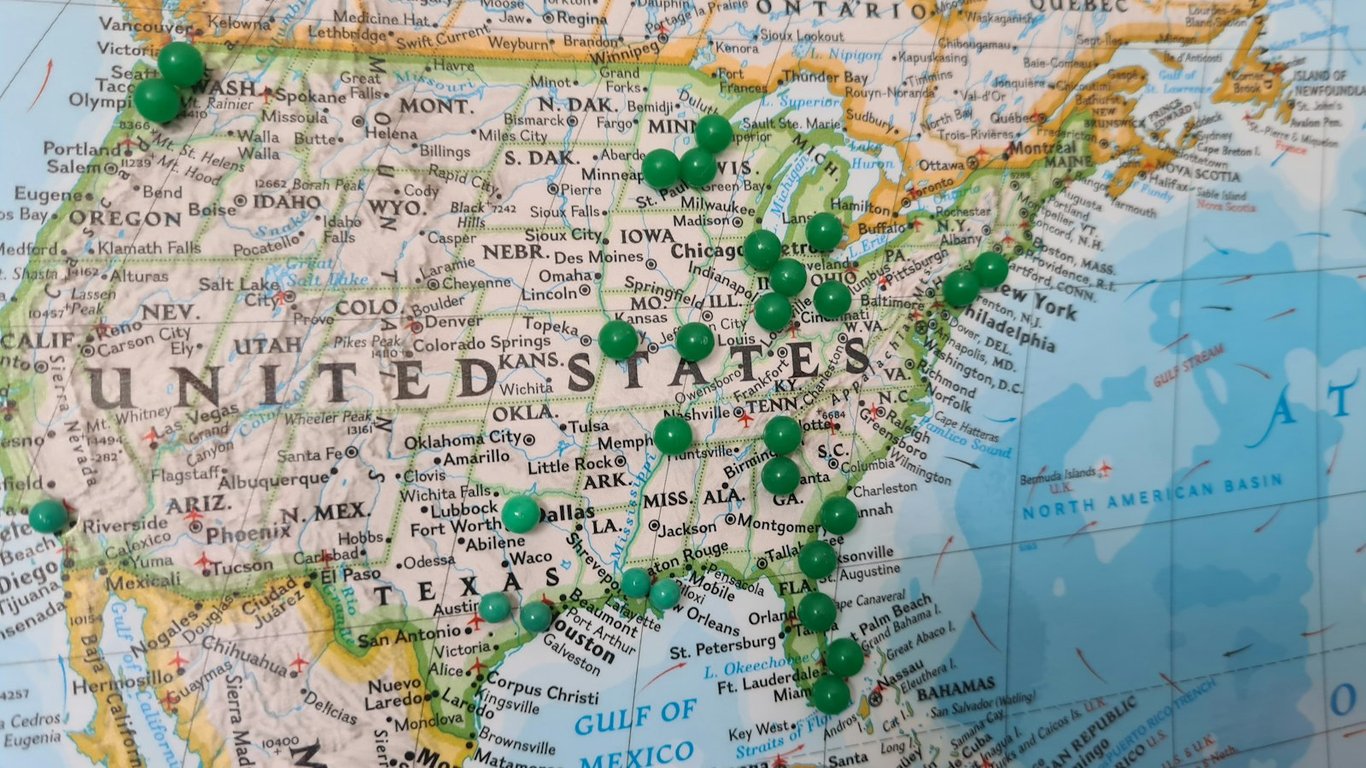
Learn how to automate Jobber scheduling with Zapier: batch unscheduled jobs, group by distance, text customers to confirm, and update jobs via the Jobber API.
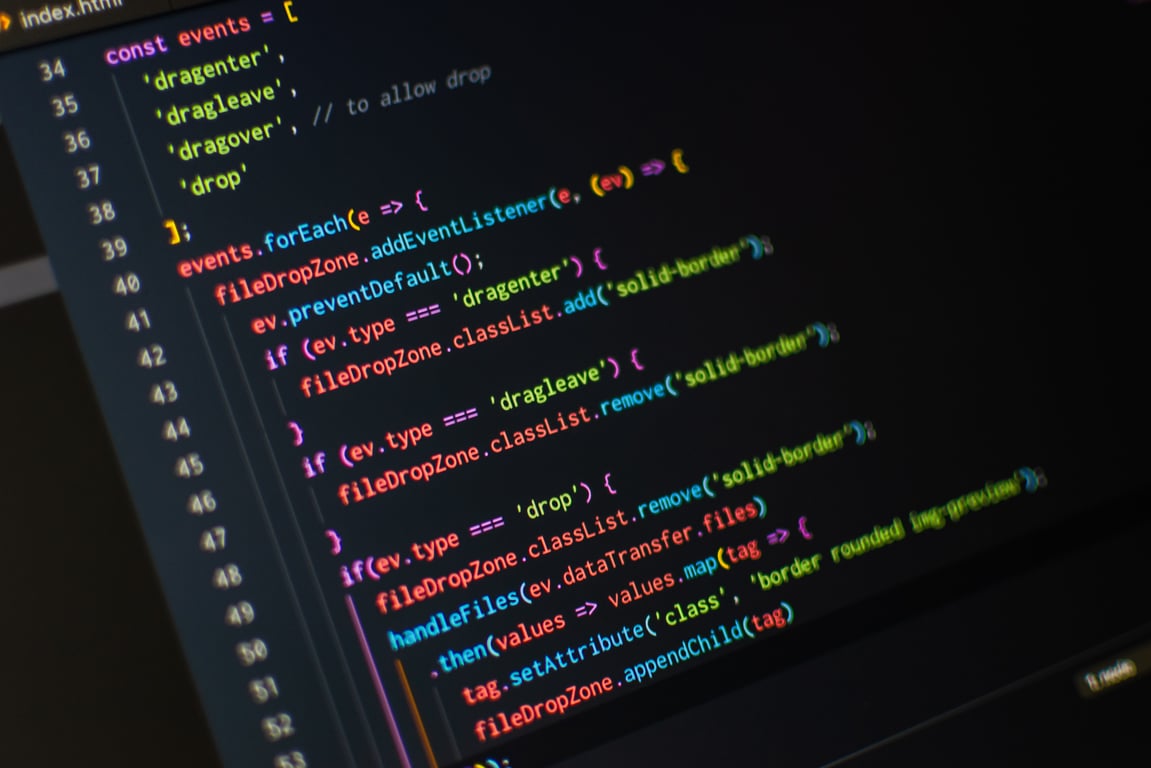
Learn how to troubleshoot Motivosity API 403 errors and design a workflow that sends suggestion data to Monday.com before approval using Zapier.
Learn how to export a Notion proposal to a clean, client-ready PDF—including how to hide properties, reduce layout issues, and improve formatting.

Learn a simple system to pull tasks and messages from client tools like Asana and Slack into one Notion to-do list, so you can work from a single dashboard.

Learn when and how to transition from page-based organization to database-based workflows in Notion for better automation and collaboration.

Learn how to build a secure Notion client portal using linked databases and filtered views. Give each client access to their own data — no duplicate databases.


