


AI automation consulting for practical business outcomes
Connex Digital helps businesses use AI to remove manual work, improve data quality, and create faster, more consistent operations. We focus on practical automation systems: the workflows your team repeats every week, the handoffs that slow projects down, and the data entry that keeps people from doing higher-value work.
AI is most valuable when it is connected to the systems your business already uses. That may include your CRM, project management workspace, email platform, scheduling tools, internal databases, spreadsheets, forms, billing tools, or customer support systems. Instead of treating AI as a standalone chatbot, we design it as part of a complete operational workflow.
What AI can automate
AI automation can support many recurring business processes, including:
- Lead intake and qualification — summarize inquiries, enrich contact data, route prospects, and trigger follow-up tasks.
- CRM cleanup and updates — standardize records, identify missing information, summarize calls, and reduce manual data entry.
- Client onboarding — collect information, create workspace templates, assign internal tasks, and notify the right team members.
- Document processing — extract key details from PDFs, emails, forms, contracts, invoices, proposals, and operational documents.
- Internal knowledge management — turn meetings, transcripts, and notes into organized summaries, tasks, and searchable reference material.
- Marketing operations — repurpose long-form content, draft follow-up emails, organize campaign assets, and keep publishing workflows moving.
- Reporting and dashboards — consolidate data from multiple tools so leaders can make decisions with less manual spreadsheet work.
- Customer communication — draft responses, summarize conversation history, and surface the next best action for the team.
Our approach
We do not start with the tool. We start with the workflow.
1. Map the current process
We identify how work currently moves through your business: who receives information, where it is stored, what decisions need to be made, and where delays or errors happen.
2. Find the highest-leverage automation points
Not every task should be automated. We prioritize workflows where AI can reduce repetitive effort, improve consistency, save time, or create better visibility for leadership.
3. Design the system around your existing tools
Most businesses already have useful software in place. We connect AI into your current stack whenever possible instead of forcing a complete rebuild.
4. Build with human review where needed
Some workflows should run automatically. Others need approval steps, exception handling, or human review. We design the right level of control for the risk and value of the process.
5. Document and improve the workflow
An AI automation system should be understandable, maintainable, and measurable. We document how it works and refine it as your business changes.
Common AI automation tools and platforms
Depending on the workflow, AI systems may include tools such as:
- Notion
- Zapier
- Make
- Airtable
- Google Workspace
- Microsoft 365
- Slack
- Pipedrive
- HubSpot
- OpenAI
- Claude
- Gemini
- Webhooks and APIs
- Custom databases and internal dashboards
The best solution is usually not one app. It is the right combination of apps, automation logic, data structure, and human process.
Example AI automation use cases
Sales follow-up system
Automatically summarize discovery calls, update CRM records, draft follow-up emails, create proposal tasks, and remind the sales team when a prospect needs attention.
Meeting-to-task workflow
Turn meeting transcripts into structured notes, action items, deadlines, owners, and project updates without requiring someone to manually rewrite the meeting.
Operations dashboard
Pull information from several business tools into one internal dashboard so leadership can see active projects, stuck items, upcoming deadlines, and revenue-impacting work.
Client intake automation
Collect form submissions, evaluate the request, create the right internal workflow, notify the team, and prepare the client-facing next step.
Content repurposing workflow
Transform a video, transcript, or long-form article into blog drafts, email newsletters, social posts, internal summaries, and publishing tasks.
When AI automation is a good fit
AI automation is especially useful when your business has:
- Repetitive manual data entry
- Information spread across multiple systems
- Missed follow-ups or unclear ownership
- Meeting notes that do not turn into action
- CRM records that are incomplete or inconsistent
- Staff spending too much time copying information between tools
- Leaders relying on manual reports to understand what is happening
- Internal knowledge that is difficult to find or reuse
Why work with Connex Digital
Connex Digital combines AI strategy, automation architecture, and real-world business process design. We help businesses move beyond AI experiments and build systems that support daily operations.
Our goal is not to add complexity. Our goal is to make your business easier to run.
We can help you identify the best automation opportunities, design the workflow, connect your tools, build the system, and improve it over time.
Start with one workflow
The best place to begin is usually one specific workflow that is repetitive, valuable, and painful enough to justify improvement. A focused project creates momentum, proves the value of AI automation, and gives your team a practical model for future improvements.
Latest AI and Automation Articles
Gallery view

Lucid Process Accelerator for AI-Ready Documentation

Build Zapier Next-Gen Zaps with Claude and MCP

How a Restaurant-Tech Company Built a Photo-Reading AI SMS Support Agent with n8n

Notion AI unified chat: pricing, credits, security controls

Make Maia, AI agents, and governance: what to adopt (Oct 2026)

How to build a Claude scheduling assistant for service businesses

How Solo Founders Run Companies With AI Agents

No Business Is Too Unique for Automation

Notion Workers: what they are + how to build and deploy one

Notion Plus vs Business plan: pricing and features for 90 users

Embed Notion Views in Google Slides (Auto-Updating Decks)

Cut OpenAI API credit usage in automation workflows
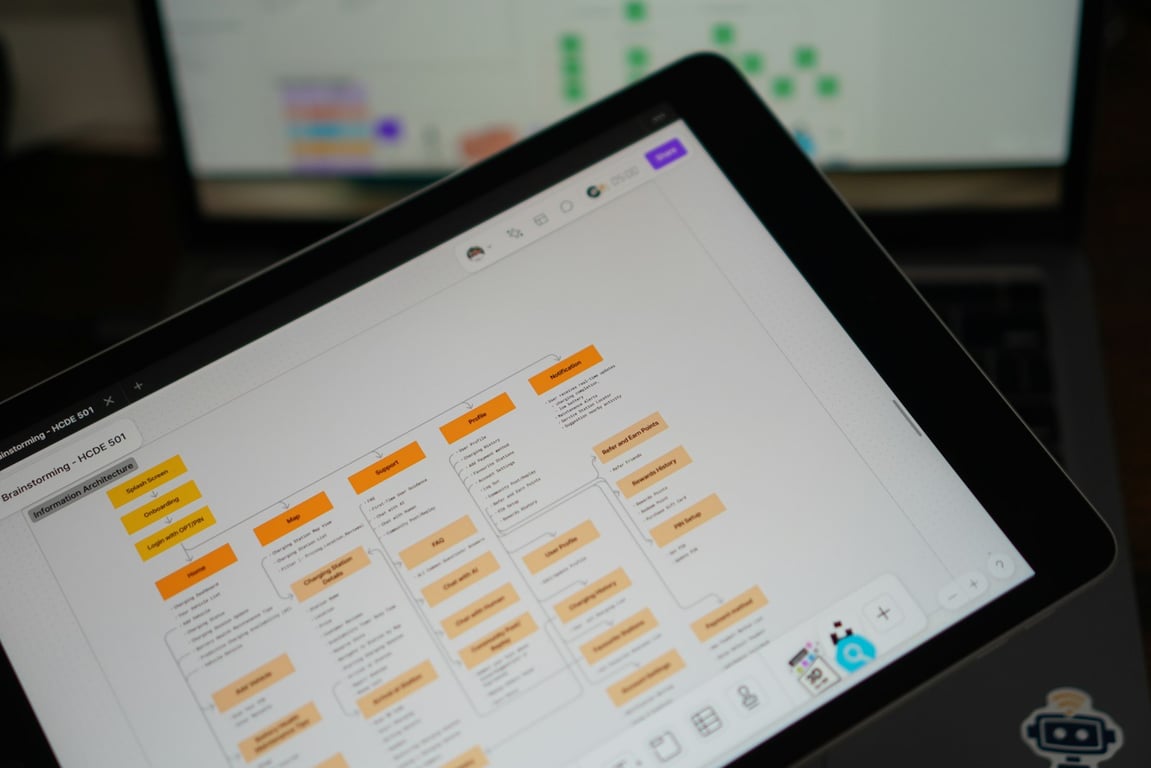
AI-first Zap builder: prevent silent failures + repair playbook

AllMoxi ↔ Sibelink API Integration Blueprint (Catalog + Orders Sync)
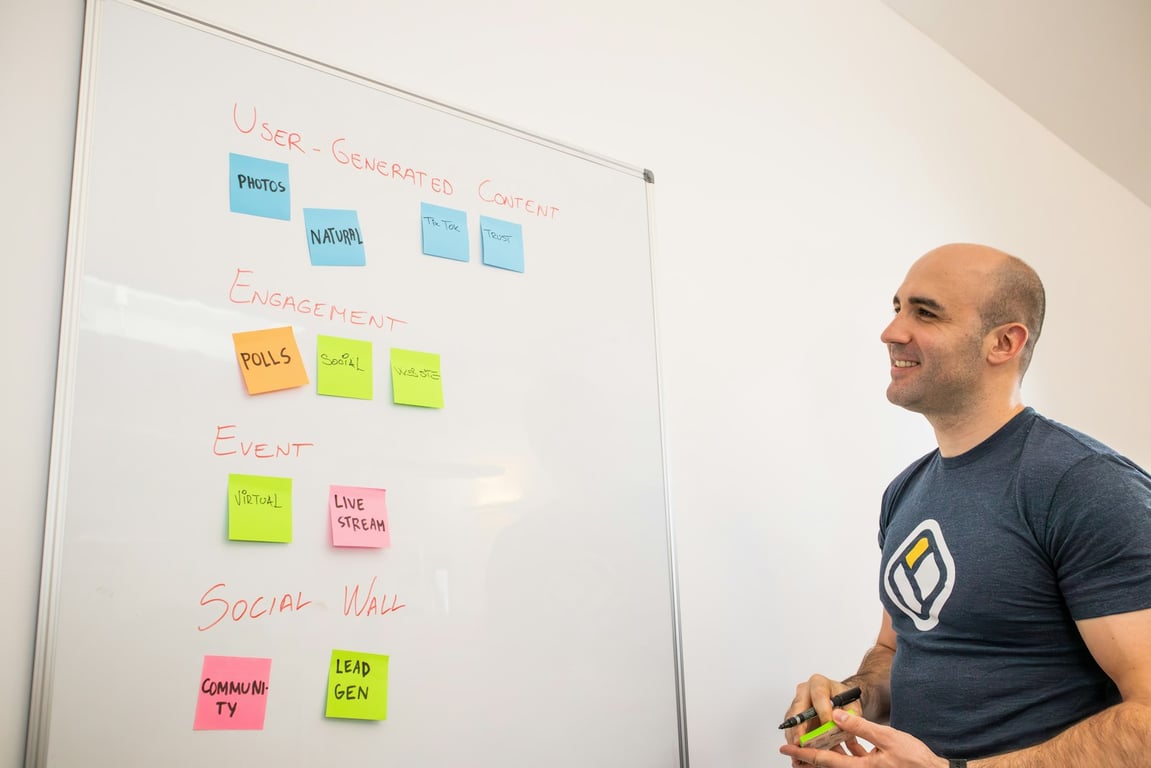
AI Interview Agents for Process Documentation Playbook
Slack-first AI agents with Notion as a knowledge hub

How to add external users to Notion AI agents
Notion pointer page: blueprint for AI-ready company context

Fix Zapier OR filters when negatives still pass

Claude Cowork Setup: Chrome Extension + Auth Workflow

How an AI Voice Agent Replaced 90+ Weekly Confirmation Calls

Automate comment replies + inbox triage in Notion

Zapier MCP connection management: prevent broken workflows from hidden connections
How to build a break-fix AI ops agent to troubleshoot Zapier + Airtable failures (Zeke playbook)
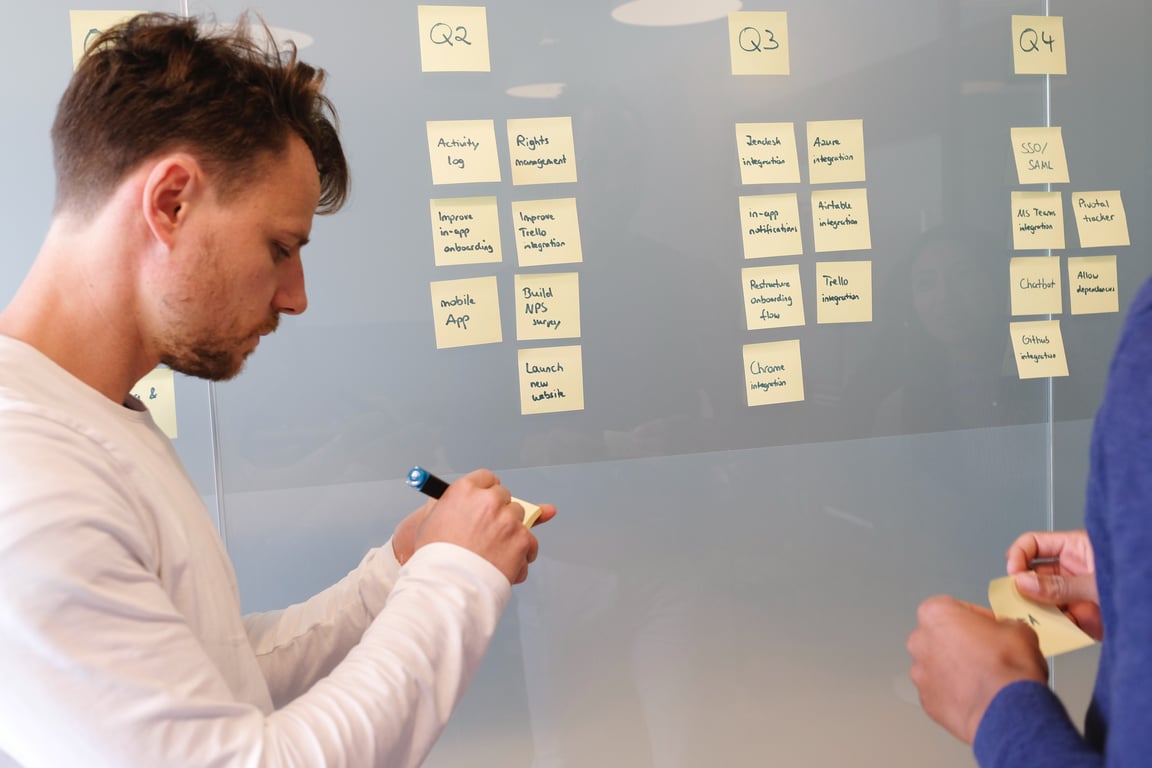
Hiring AI-savvy ops help to unblock growth (ops vs AI ops vs agency)

AI document organization for real estate transactions (Claude + Make guide)

Best-in-class automation tools stack (AI automation framework + example)

Fathom vs Notion meeting recorder: workflow + consent guide

Hermes AI memory layer: cut token costs for inbox triage agents

How a US-Based VA Marketplace Launched After a Year Stuck at 80% — With Airtable, Zapier, and a Scoring Algorithm That Actually Works

How a Mid-Sized Countertop Manufacturer Replaced Their Status-Inquiry Phone Queue with an AI Voice Agent

How a Multi-Location Restaurant Group Automated Guest Engagement Across 9 Locations with AI + Zapier

How consulting agencies can transition to agentic workflows (without breaking delivery)

AI coworkers: a practical playbook for role-based agents in Notion

Bullhorn MCP Server: Safely Connect Claude/ChatGPT to Bullhorn Data

Notion AI agents: task extraction + daily email digests (2 examples)
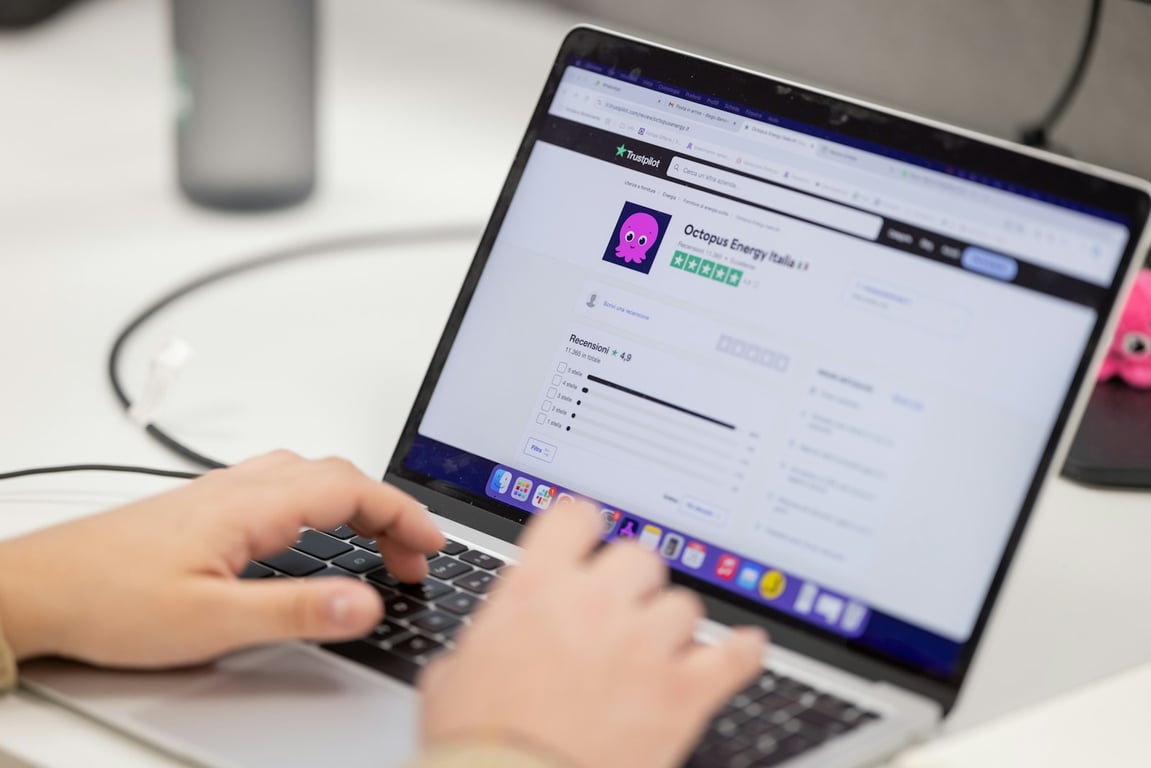
How to automate Google review responses with AI (with human approval)

Fix Failed AI: an audit & rescue playbook for broken agents

How to automate 24-hour appointment confirmation phone calls with AI

Make AI agents in Make.com: structured prompting, tools, and multi-agent workflows

Executive mastermind hot-seat model for AI leaders (6–8 person AI peer group)

The Future of SaaS Subscriptions vs Custom-Built Stacks (Claude Code)

Automate Google review responses with AI (with an approval step)

AI Receptionist for Medical Appointment Scheduling

Cut OpenAI costs with the Responses API (migration + workflow triage checklist)

How to Forward Gmail Attachments to Make for AI Processing (Privacy-First Setup)

Nonprofit case intake automation checklist (with privacy-safe AI redaction)

Automate Outlook email orders into your CRM with AI (step-by-step)

Make AI Agents Governance: Audit Logs, Limits, and Access Control (Make Enterprise)

Extract tasks from Notion AI meeting transcripts (no dupes)

How a Mid-Sized Travel Call Center Cut Manual Call Review from 8 Hours a Day to Under 1 with AI + Zoho CRM

Make AI Agents Webinar Playbook (with Make MDF co-marketing)

AI Training Boot Camp for Teams: 2-Day Workshop to Become AI Native

How Content Agencies Are Using AI to Scale Without Replacing Human Writers

Tough Gigs: Launch Lessons for an AI Recruiting Platform (Without Losing Focus)

HIPAA-compliant Clio workflows with Azure AI Foundry

Automate Zoom Transcript Processing with Make

How to Automate Zoho Desk Support Tickets with AI and Make

AI Tools for Business Growth: Automate Outbound + Support

Building Smart AI Chatbot Delay Logic: How to Wait Before Responding

How to Build Conditional AI Chatbot Responses Based on CRM Properties

How to Clone a Website Using Cursor + Cloudflare (Repeatable Workflow)

How to Handle Tour Traveler Flight Changes in Airtable Without Breaking Your Automations

OpenAI API Cost Optimization: Smart File Handling for Automation
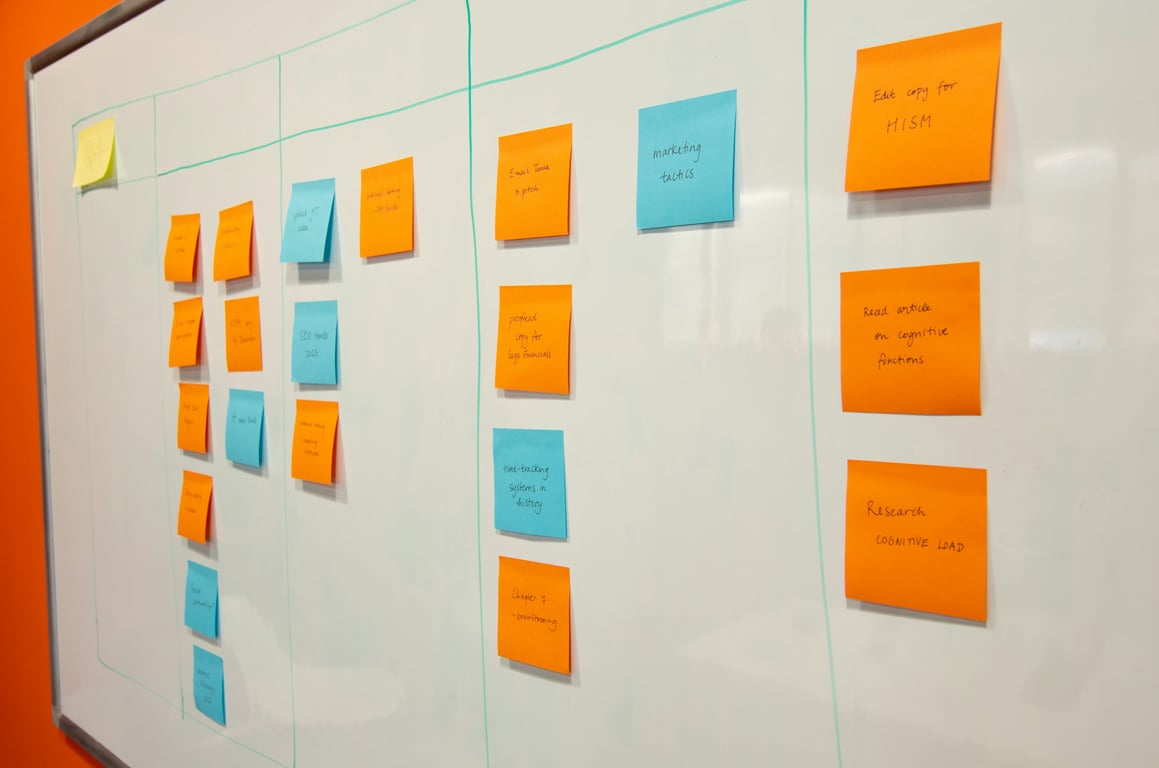
How Notion AI Meeting Notes Transforms Consulting Workflows

Notion Agents vs Zapier Agents: When to Use Each (2026 Guide)

MindStudio vs Zapier: When to Use an AI Agent Builder (and When Not To)

How to Build a Notion Custom Agent for Daily Team Briefings

Notion Custom Agent Credits: How to Cut Costs Before the Paid Era Begins
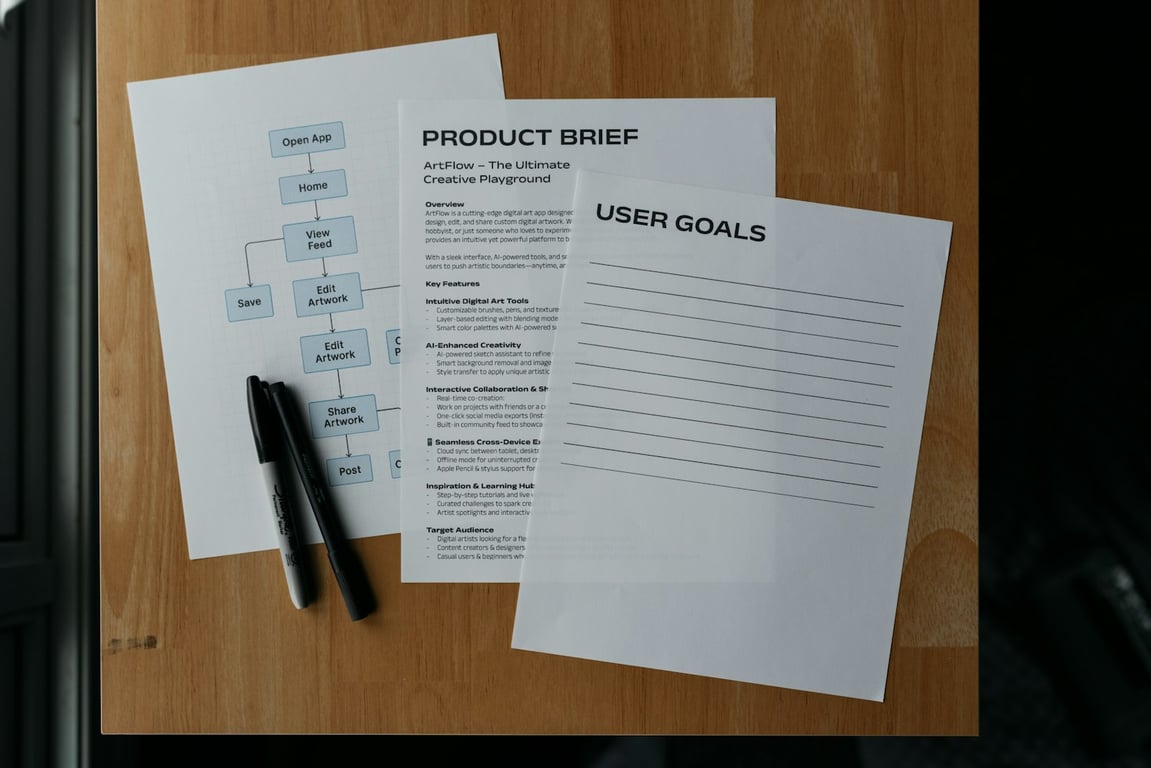
How to Set Up Multiple Notion Agents to Process Every Sales Call Automatically

What Is AI Orchestration? A Plain-English Guide for Business Owners

How to Use Notion Custom Agents to Match CRM Data Automatically
How to Sync Close CRM to Notion (With AI-Powered Deal Matching)
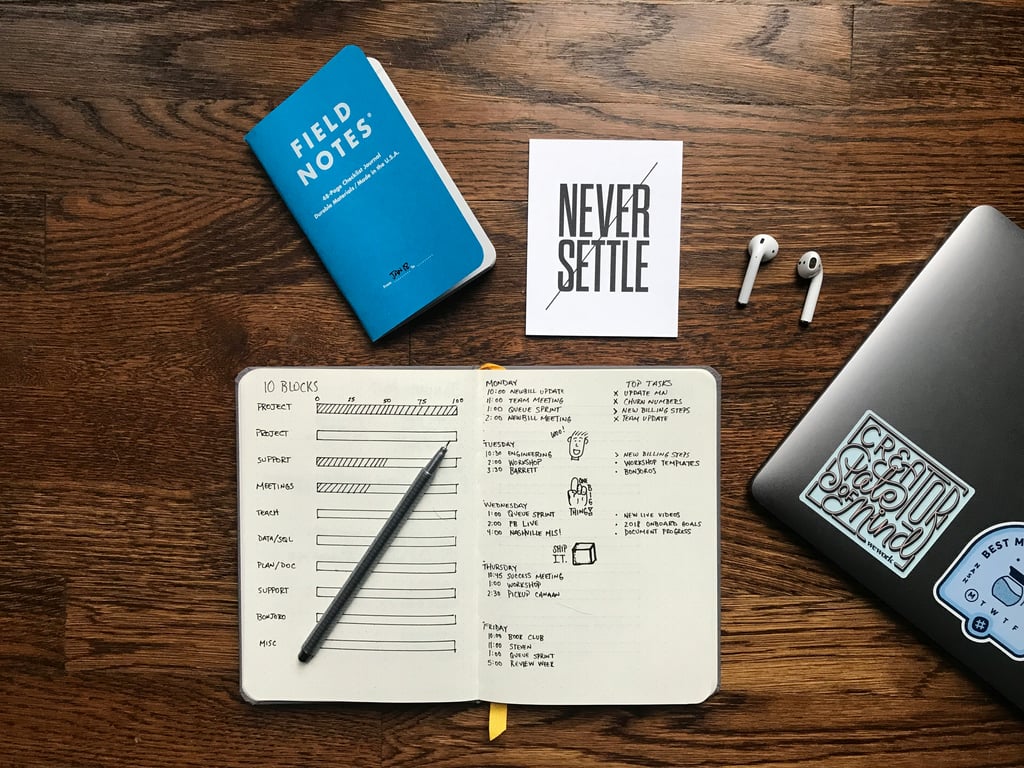
How AI Agents Turn Meeting Notes Into Published Content Automatically
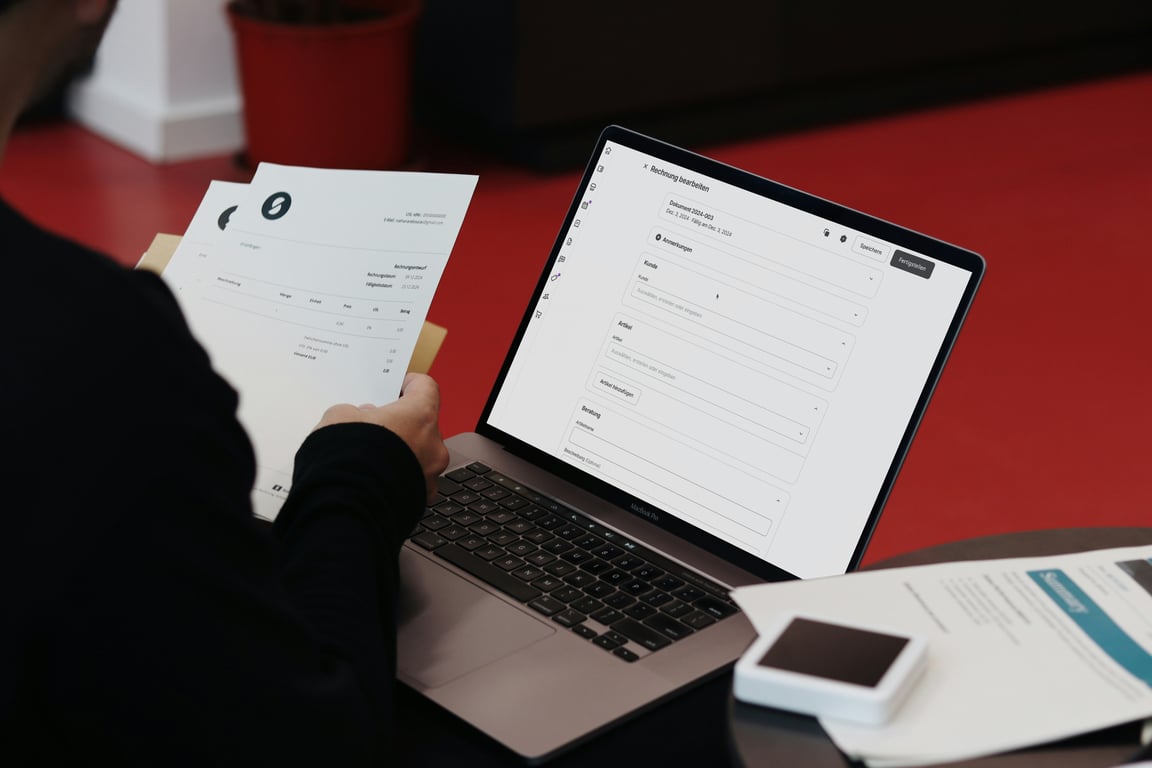
How AI by Zapier Cracked the Email Invoice Problem Without OCR
How to Build an AI Email Auto-Responder Using Zapier: A Step-by-Step Guide
Scaling SEO Operations: How Automation Helped an Agency 10x Their Output
Let AI Write Your Shopify Product Listings (Yes, Really!)

Supercharging Product Management: How AI is Creating a 'Second Brain' for Senior Product Managers

Saving $32,000 / year to a Travel Agency Using AI

Respond simple business inquires with ChatGPT

Automate Tweets posting with AI

Simple AI-powered CMS for Translation and Marketing Agencies
How to use AI at your Law firm?

Automate Email responses for local business with ChatGPT and Zapier

Unlocking the Power of Chatbots with Slack and Zapier Tables
